Free AI One-Pager Generator
Drop in the document you already have. Get it back as one designed One-Pager: the point first, the numbers as charts, and the next step.
Drop your report here
PDF, Word or PowerPoint · up to 10 pages free
- Turn a long report into one short One-Pager.
- Charts drawn from the numbers in your file.
- Your first One-Pager is free, up to 10 pages.
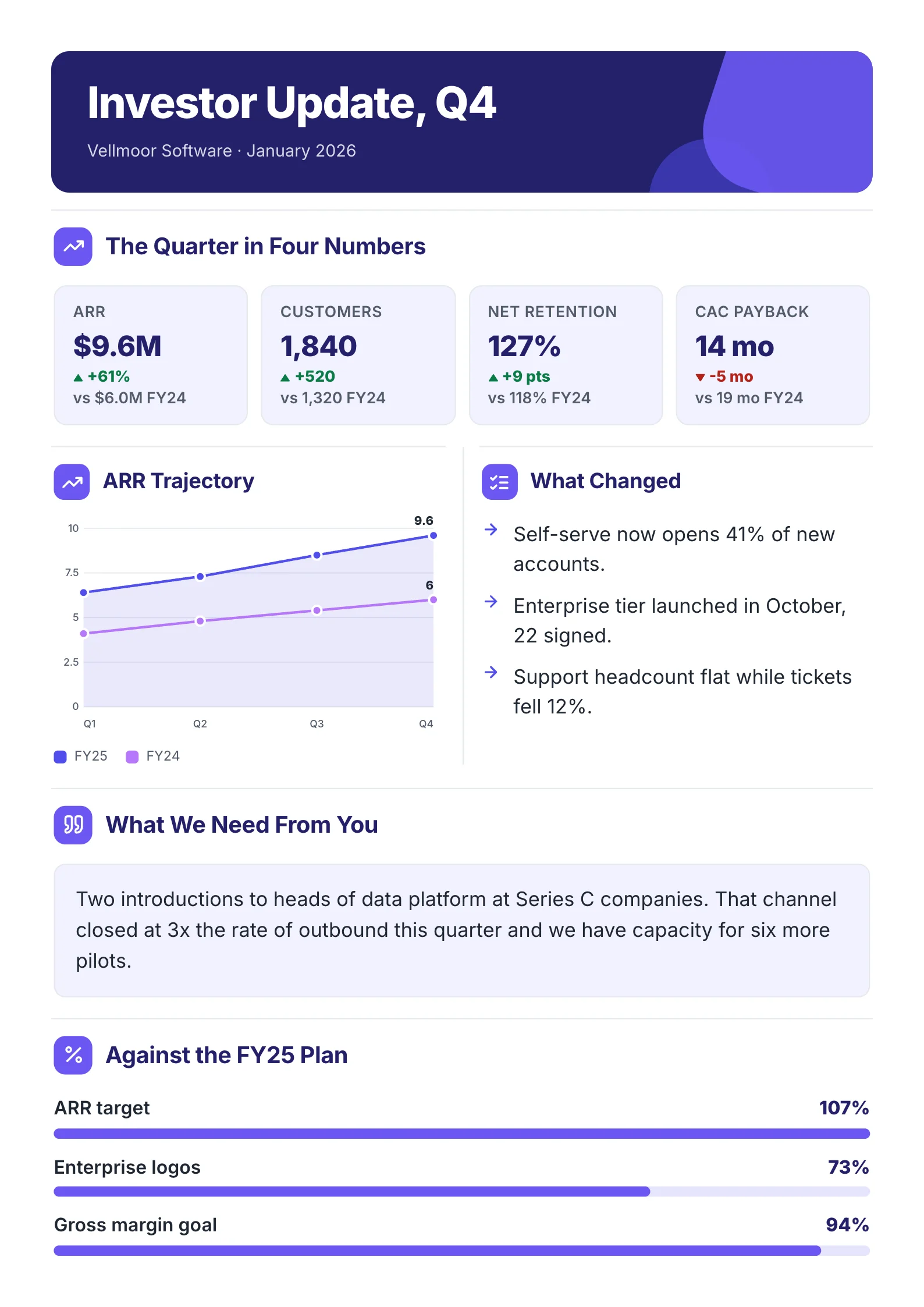
What You Get
Each one fits on one sheet, with charts from its own numbers.
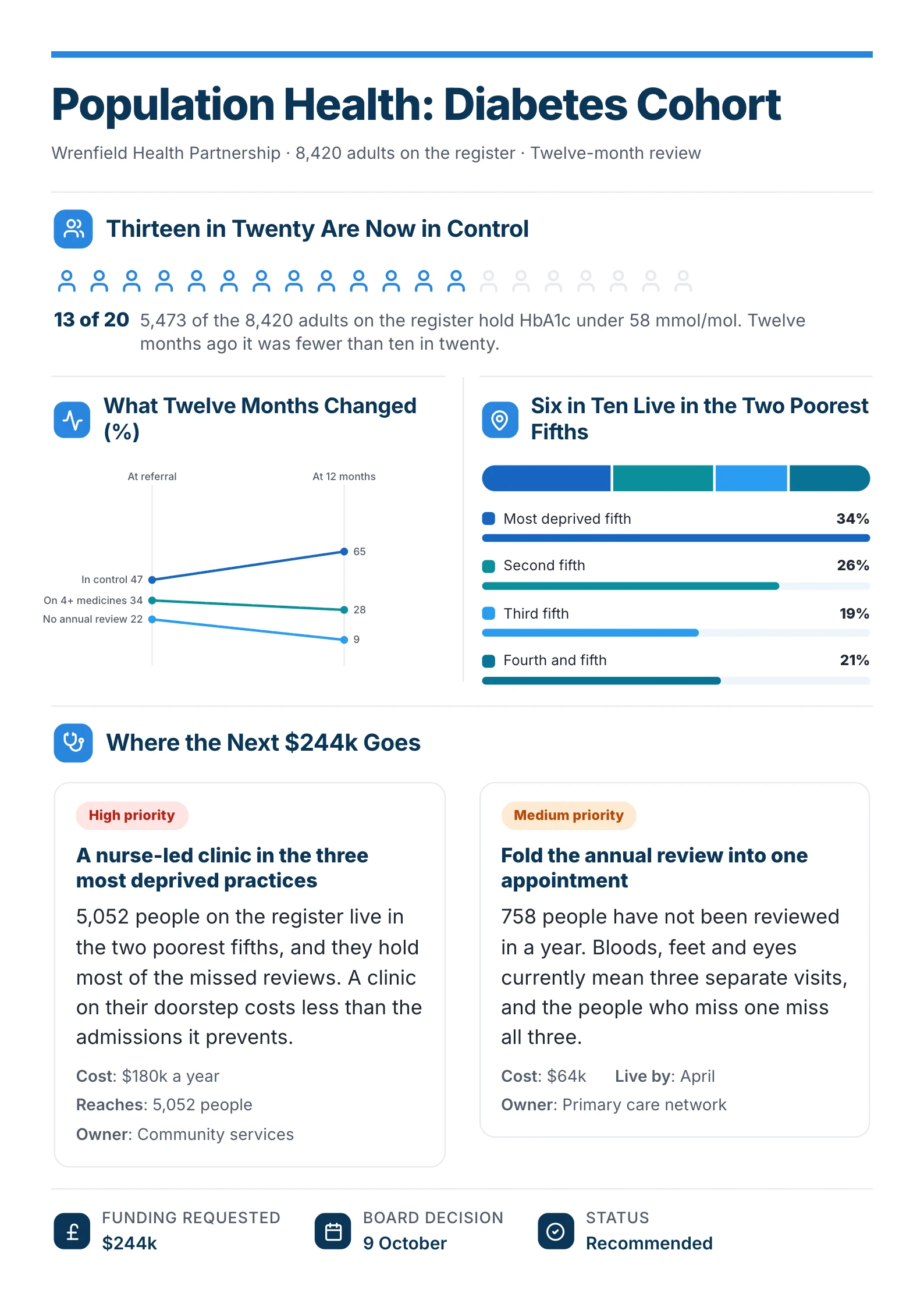
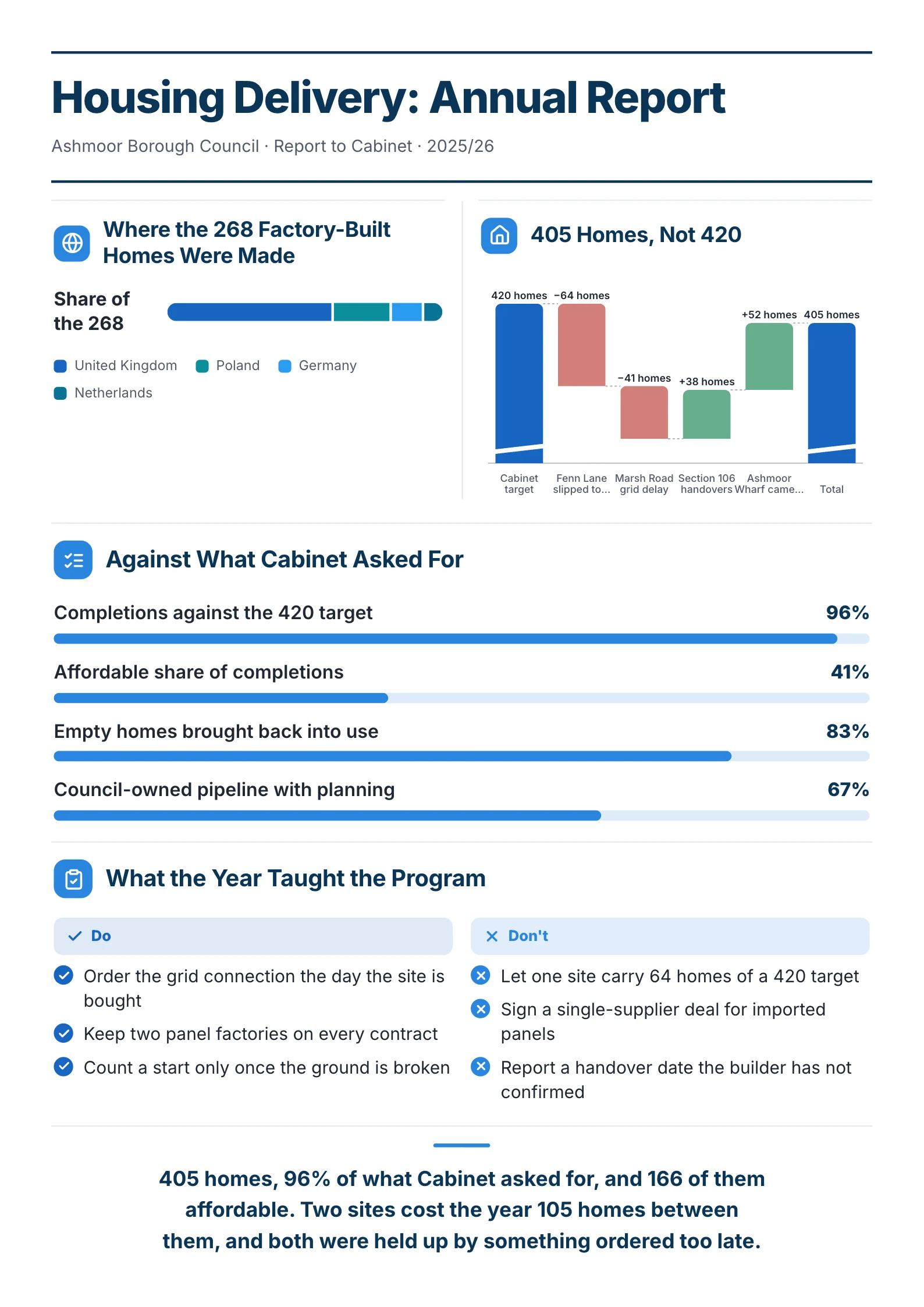
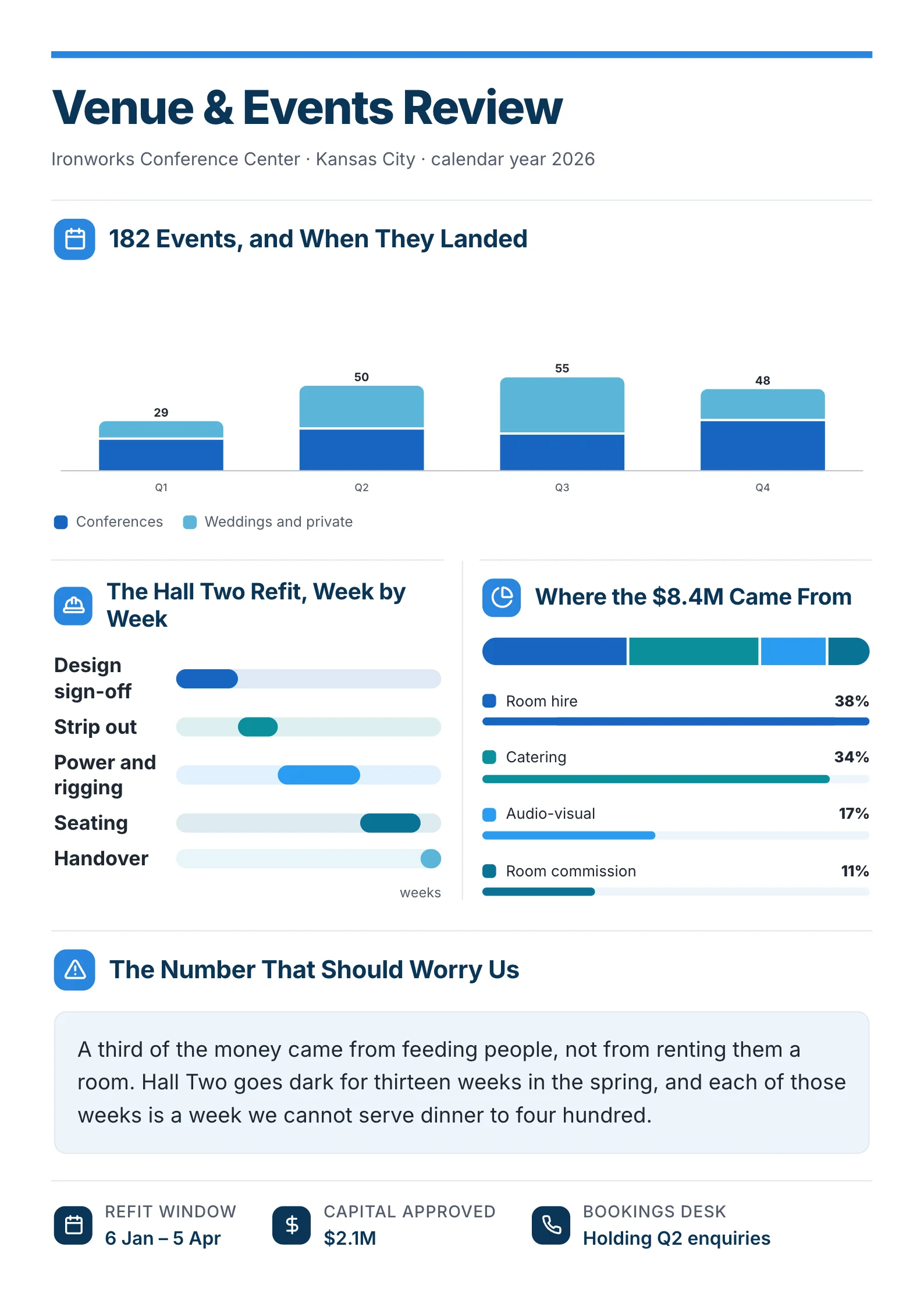
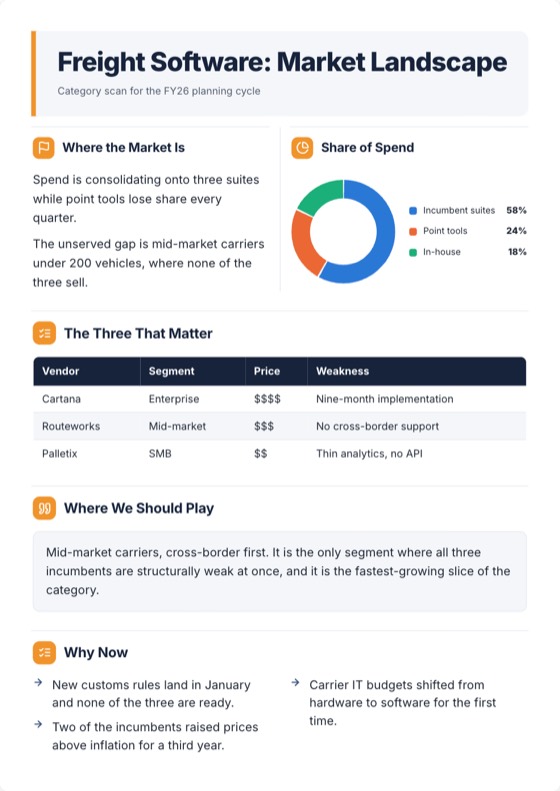
Sample One-Pagers. Companies and figures are made up.
One-Pagers Made With MakeOnepagers
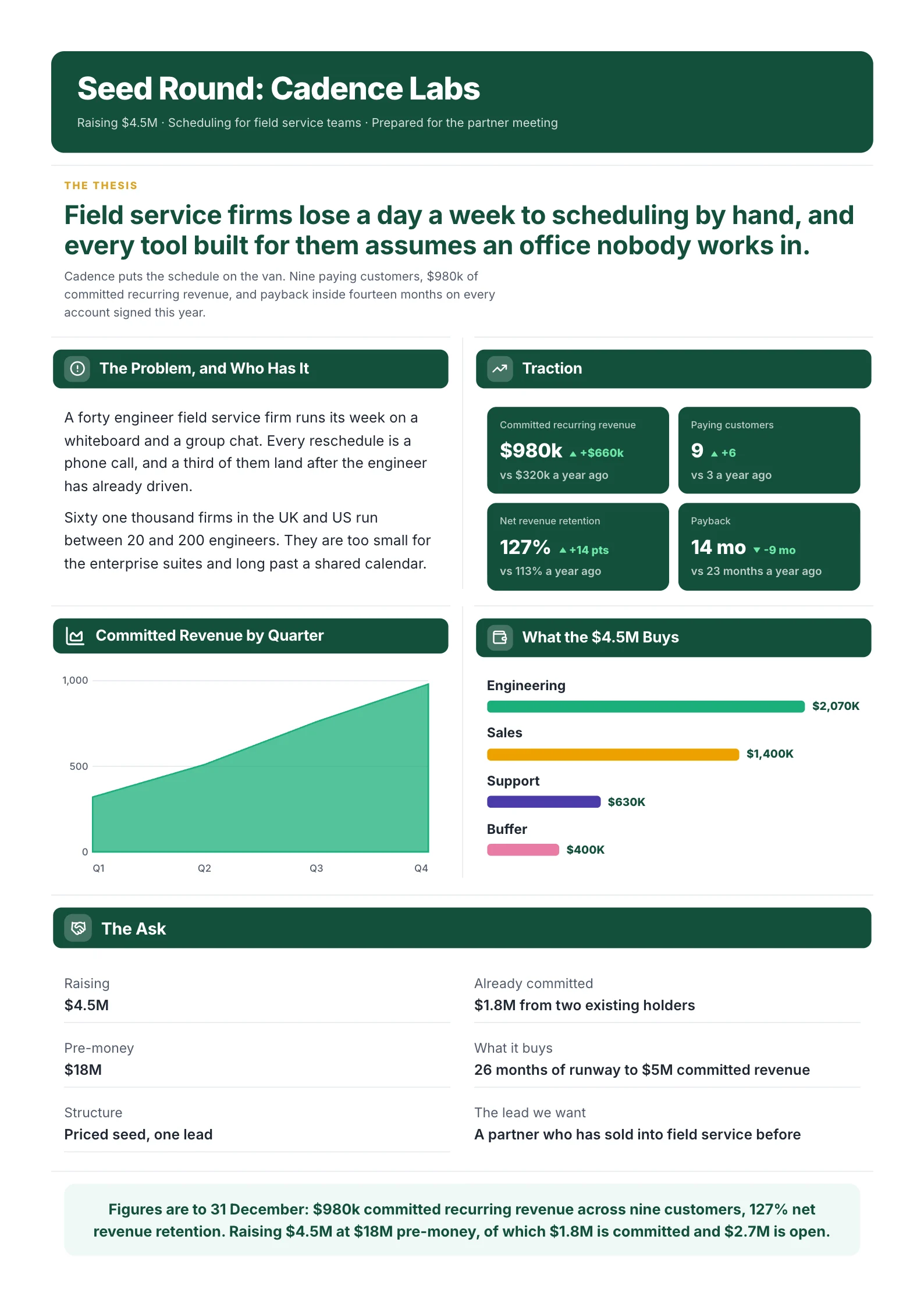
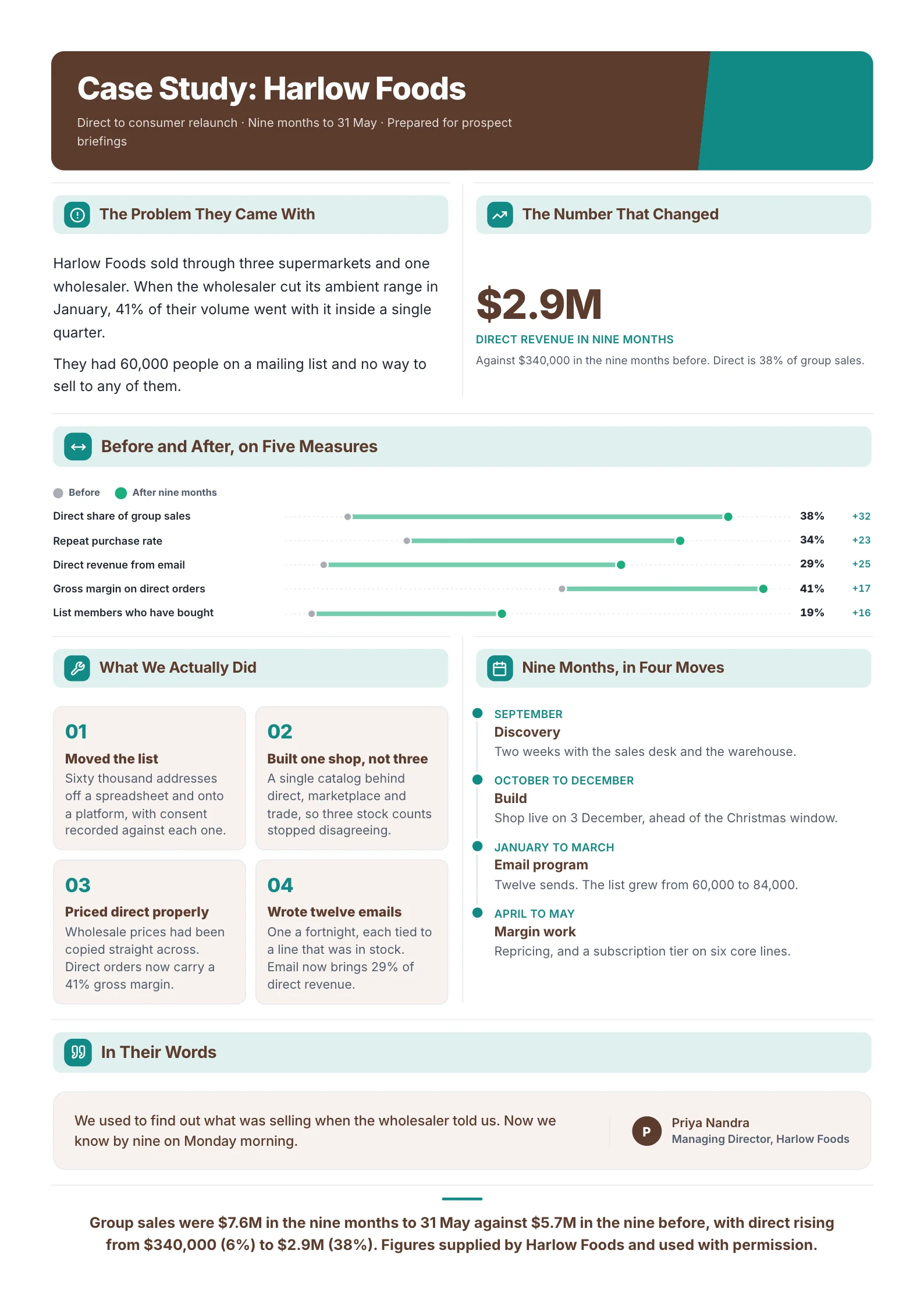
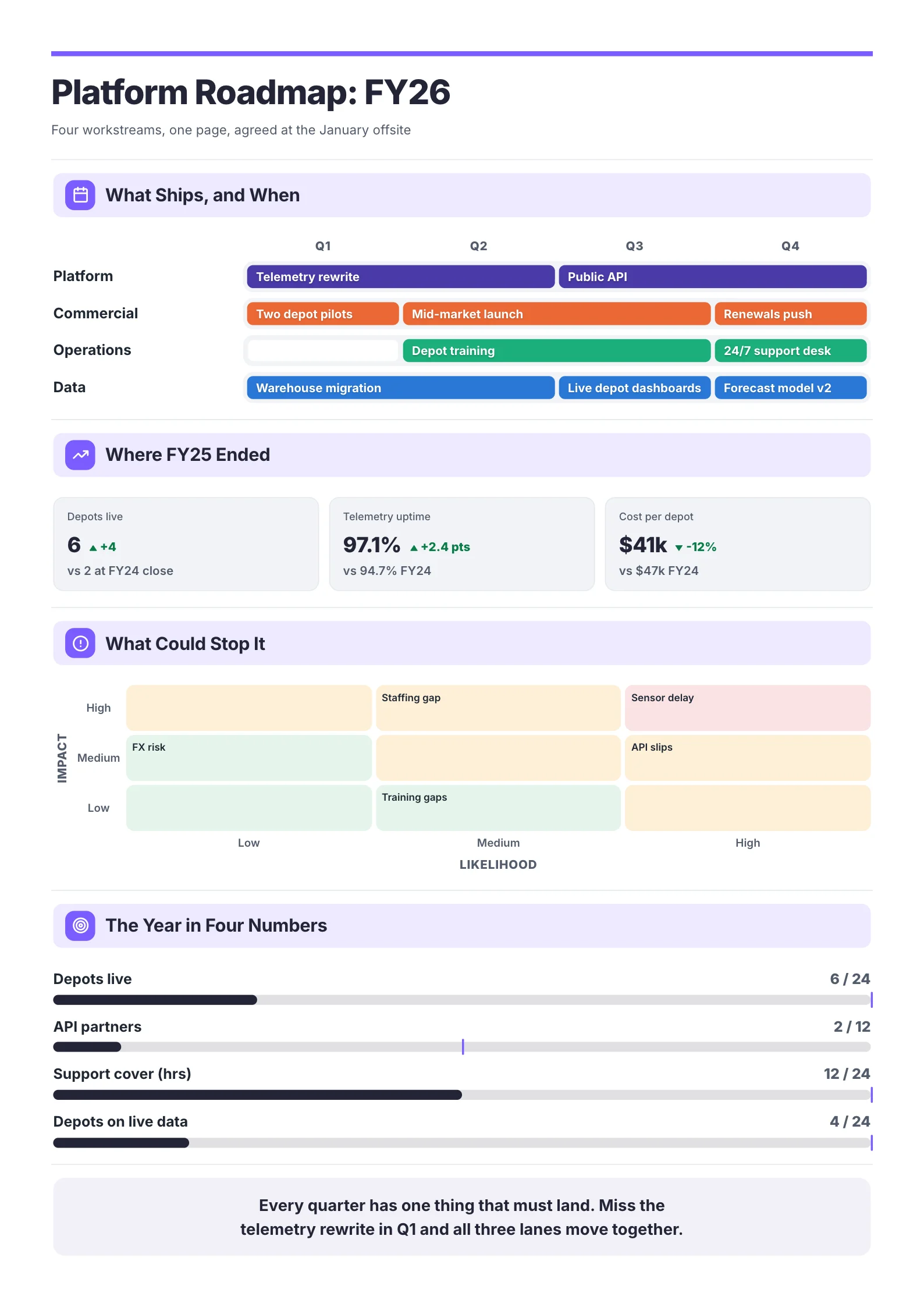
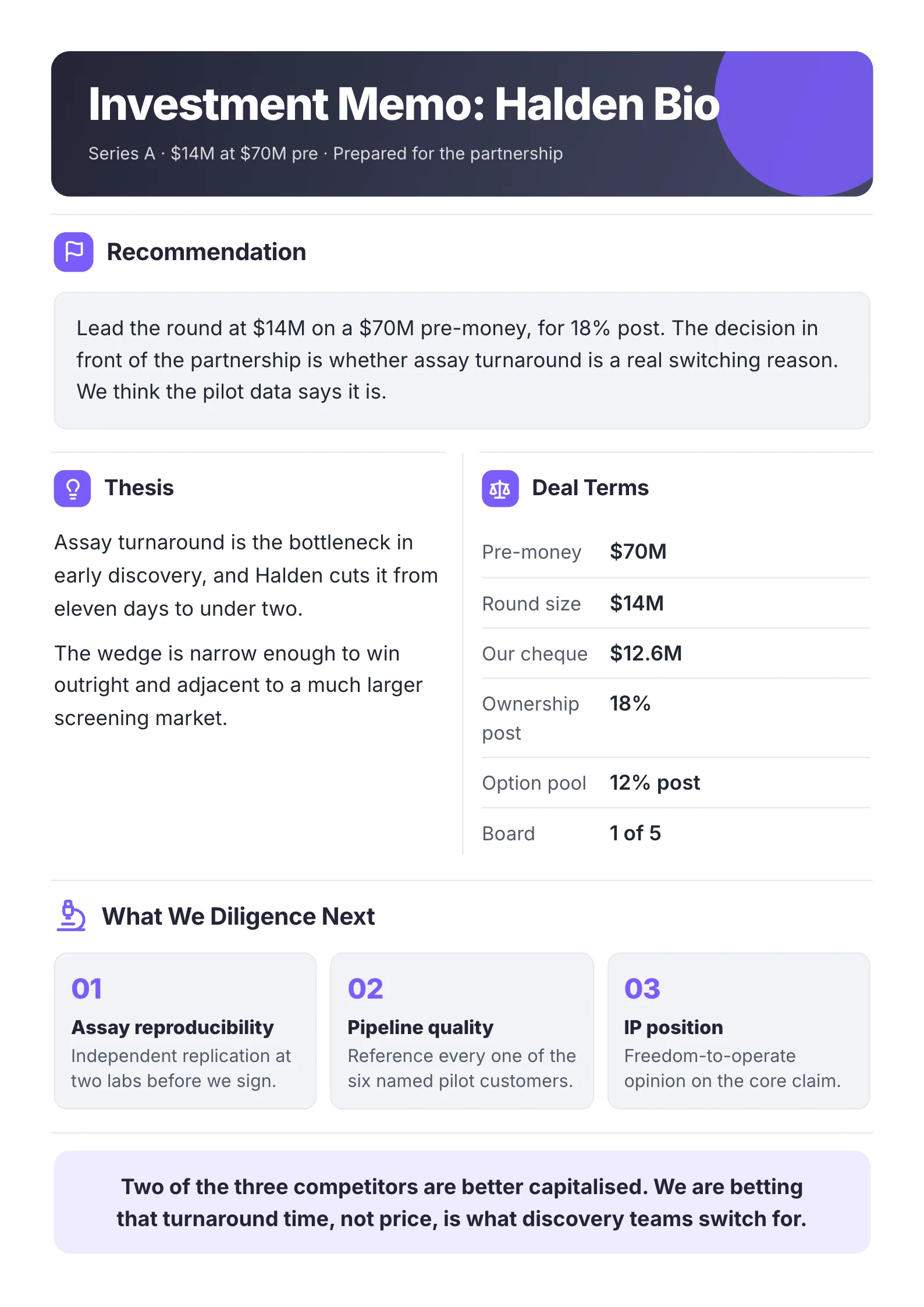
Samples with made-up companies. Yours is built from your own file.
See more One-Pager examplesHow to Make a One-Pager with AI
Step 1: Choose your file. A PDF, Word file or PowerPoint deck, up to 10 pages. No account needed.
Step 2: Watch it build. It reads every page, picks what matters and designs the One-Pager, in a minute or two.
Step 3: Edit and download. Change any line, then make a free account and download the PDF.
Why Start From Your Own Document
Most AI one-pager tools start from a prompt and a blank design, so you write the content twice: once in the report, once in the prompt. This one starts from the report.
It reads the whole file.
Every page of the PDF, Word file or deck, including tables and charts, not just the first few paragraphs.
It keeps your numbers.
Figures come from your document, never invented. If a number is not in your file, it is not on your One-Pager.
It leads with the point.
The main finding goes at the top, the three to five numbers that back it come next, and the ask goes last.
It turns tables into charts.
A trend in a table comes back as a chart you can read in a glance.
You stay in control.
Change any line, swap a chart, or redo a section before you share it.
What to Give the AI for a Better One-Pager
The better the input, the better the One-Pager.
Tip 1: Give it the real document.
A finished report, a board deck or a project plan beats a few lines of notes, because the numbers are already in it.
Tip 2: Say who it is for.
Before you share, check the top line answers what that reader cares about: an investor wants traction, a client wants results, a manager wants status.
Tip 3: Keep one message per One-Pager.
If your file covers two decisions, make two One-Pagers. One page carries one point well.
AI One-Pagers for Every Team
Founders and Investors
Drop in the pitch deck or the monthly update. You get the problem, the traction and the raise on one sheet an investor reads in a minute.
Startup one-pager guideSales Teams
Drop in the product deck or a case study. You get a leave-behind with the problem you solve, the proof and the next step.
Sales one-pager guideProject and Product Leads
Drop in the status report or the roadmap. You get status up top, milestones against plan, the risks and the decision you need.
Project one-pager guideConsultants and Analysts
Drop in the final report. The answer goes first, then the findings that back it, in a form a client forwards.
Executive summary tool
AI One-Pager Generator vs Design Tools
| Compared on | MakeOnepagers | Design toolsCanva, Visme, Venngage |
|---|---|---|
| Starts from | Your document | A prompt or a blank design |
| Numbers | Taken from your file | Typed in by you |
| Charts | Made from your tables | Built by hand |
| Time to a first draft | A minute or two | Usually longer, since you write the content yourself |
| Best for | Turning a long document into one sheet | Designing from scratch |
Want the full comparison? Read our guide to the best one-pager makers.
AI One-Pager Generator FAQs
What is an AI one-pager generator?
A tool that reads your content and lays it out as a single designed page. This one reads your PDF, Word file or deck and builds the One-Pager from it.
Is this AI one-pager generator free?
Yes. Your first One-Pager is free to make, up to 10 pages, with no account. To download it, make a free account. That's free too, with 3 downloads a month.
What files can I use?
PDF, Word and PowerPoint. Scanned pages work too.
Will the AI make up numbers?
No. Every figure comes from your file. If a number is not in your document, it is not on your One-Pager.
Can I edit the One-Pager after the AI makes it?
Yes. Change any line, chart or color before you download or share it.
What should a one-pager include?
The main point, three to five numbers that prove it, and the next step or decision you need.
What is the difference between a one-pager and a pitch deck?
A pitch deck tells the story over ten to twenty slides. A one-pager puts the same case on one sheet, for a reader who gives you a minute.
How long can my file be?
Up to 10 pages free. Longer file? Start your free trial. A long file uses more of its 3 One-Pagers.
Is my file used to train AI?
No. Your file is never used to train AI.
Make Your First One-Pager with AI
Free to make. Ready in a minute or two.