Guide
How to Write a One-Page Executive Summary (Template and Example)
Write a one-page executive summary that gets read: lead with the recommendation, back it with 3 to 5 facts, end on the ask. Template inside.
Updated · 5 min read
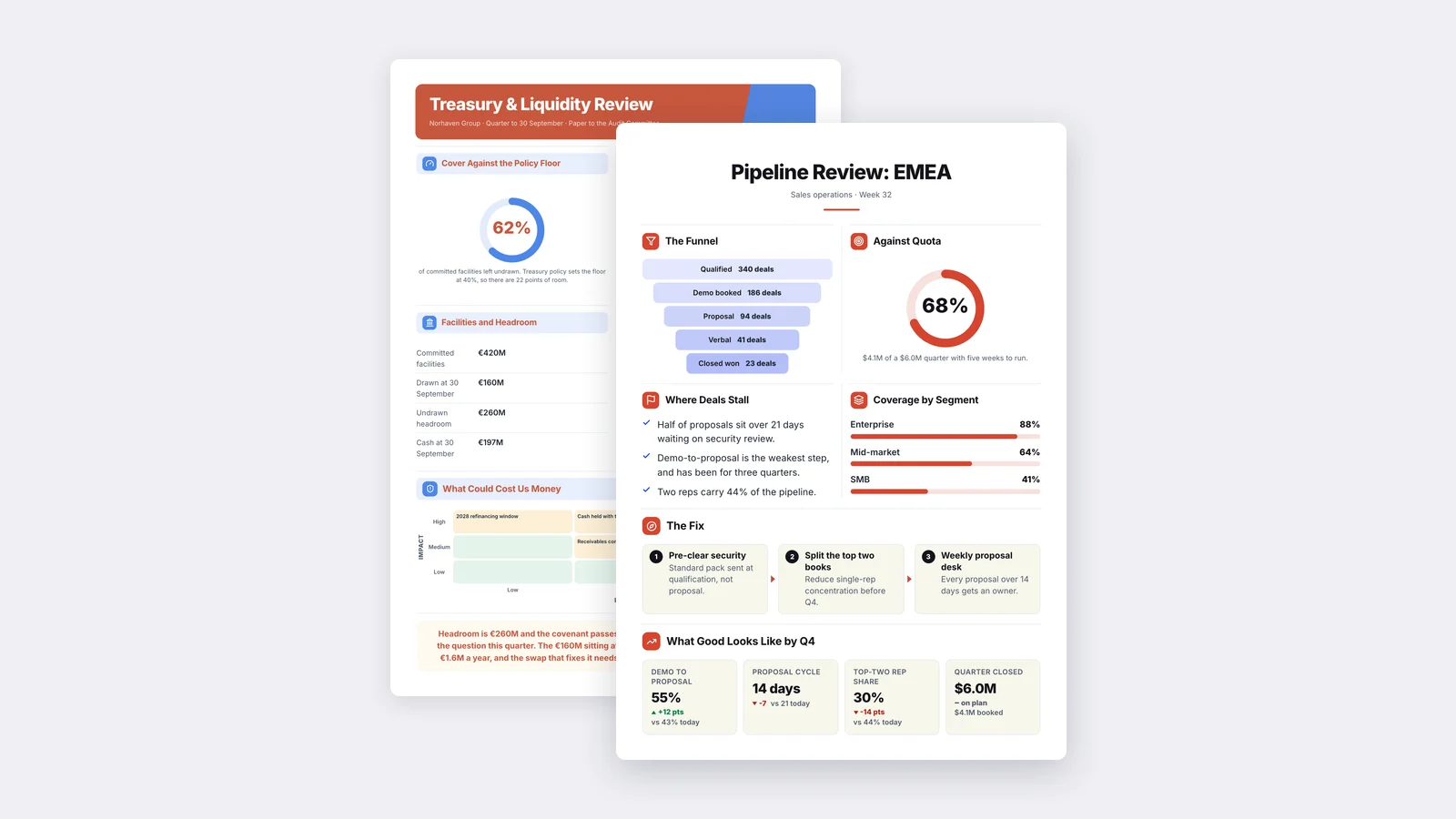
A one-page executive summary gives a decision-maker the conclusion of a longer document, the evidence behind it, and the decision you need from them, all on a single page. Write it by leading with the recommendation, supporting it with three to five facts that each carry a number and its comparison, and closing with the specific ask and deadline.
Below is a fill-in template, a worked example, and the mistakes that most often get an executive summary skimmed and ignored.
What an executive summary is for
An executive summary exists so that a busy reader can make the right decision without reading the full document. That is the whole test. If your reader finishes the summary and still has to open the 40-page report to know what you want, the summary did not do its job.
This shapes everything about how you write it:
- It is not an introduction. An introduction sets up the document. A summary replaces it for the reader who will not read further.
- It is not a table of contents. "Section 3 covers costs" tells the reader where to look. "Costs come in 12% under budget" tells them what they need.
- It is written last. You cannot summarize conclusions you have not reached yet.
The structure that works
Most effective one-page executive summaries follow the same order. It mirrors how a decision-maker reads: what do you want, why should I agree, what will it cost, what happens next.
1. The headline: your recommendation
One sentence at the top that states the conclusion or recommendation. Not "Q3 Vendor Review" but "Switch to Vendor B by January; it saves money and removes our largest outage risk."
2. The context: why this is on their desk
Two or three sentences. What problem or opportunity prompted the work, and why now. Keep it short; the reader usually knows the background.
3. The key findings: three to five facts
The evidence, as short bullets. Each one carries a number and its comparison: against last year, the budget, the target, or the alternative. A figure without a comparison does not tell the reader whether it is good or bad.
4. The options, if there are any
If the decision is a choice, show the options side by side in a small table with the trade-off of each. Mark the one you recommend.
5. Cost, risk and timing
What it costs, what could go wrong, and when it happens. Name the biggest risk plainly; a reader who finds it on their own will trust the rest of the page less.
6. The ask
The exact decision you need, from whom, and by when. "Approve the contract by 15 November so migration finishes before the busy season."
A fill-in template
Copy this and replace each line:
[Recommendation in one sentence.]
Context: [What prompted this and why it matters now, in two or three sentences.]
Key findings:
- [Fact 1, with number and comparison]
- [Fact 2, with number and comparison]
- [Fact 3, with number and comparison]
Options: [Option A: trade-off] / [Option B: trade-off] / Recommended: [X]
Cost and timing: [Total cost, when it is spent, when results show up.]
Main risk: [The biggest risk and how it is handled.]
Decision needed: [What, from whom, by when.]
A worked example
Here is the template filled in for an illustrative case. The company and figures are invented to show the format, not real results.
Move customer support to a single help desk tool by March; it pays for itself within the year.
Context: Support runs on three separate tools today. Agents copy tickets between them, and customers repeat themselves when they are passed between teams.
Key findings:
- Average first reply time is 9 hours, against a target of 4.
- About a fifth of tickets are touched in two or more tools.
- Licence costs for the three tools total more than the single replacement.
Options: Keep three tools: no migration effort, problem stays / Consolidate: one-time migration effort, lower running cost / Recommended: consolidate
Cost and timing: One-time setup in Q1; savings start in Q2.
Main risk: Ticket history lost in migration. Mitigation: a full export is kept read-only for 12 months.
Decision needed: Approval from the COO by 30 November to start setup in January.
Notice what is missing: the vendor comparison spreadsheet, the survey method, the full ticket analysis. All of it lives in the main report, linked at the bottom.
Common mistakes
Burying the recommendation. If the conclusion appears in the last paragraph, many readers never reach it. Put it first.
Summarizing the document instead of the decision. Walking through each section in order produces a shorter version of the report, not a summary of what it means.
Numbers with no comparison. "Revenue was $2.1M" leaves the reader asking whether that is good. "Revenue was $2.1M, up from $1.8M" answers it.
Hedging the ask. "We may want to consider" invites a "let's discuss later." State the decision you need and the date.
Running onto a second page. The one-page limit forces you to choose. If it does not fit, the problem is usually that two messages are competing for one page.
Turning a long report into a one-page summary faster
The slowest part of an executive summary is reading the source and pulling out the figures that matter. If you already have the long document, MakeOnepagers' executive summary generator reads the PDF, Word file or deck, extracts the key numbers and conclusions, and lays them out as a designed One-Pager with your brand applied. Every claim stays tied to the source, so you can check it before you send, and you can edit any part of it.
For more layouts, browse One-Pager templates such as board papers and quarterly business reviews, or read our step-by-step guide on how to make a One-Pager.
One‑Pager examples
Six real One-Pagers made with MakeOnepagers. Open any one to edit it as your own.
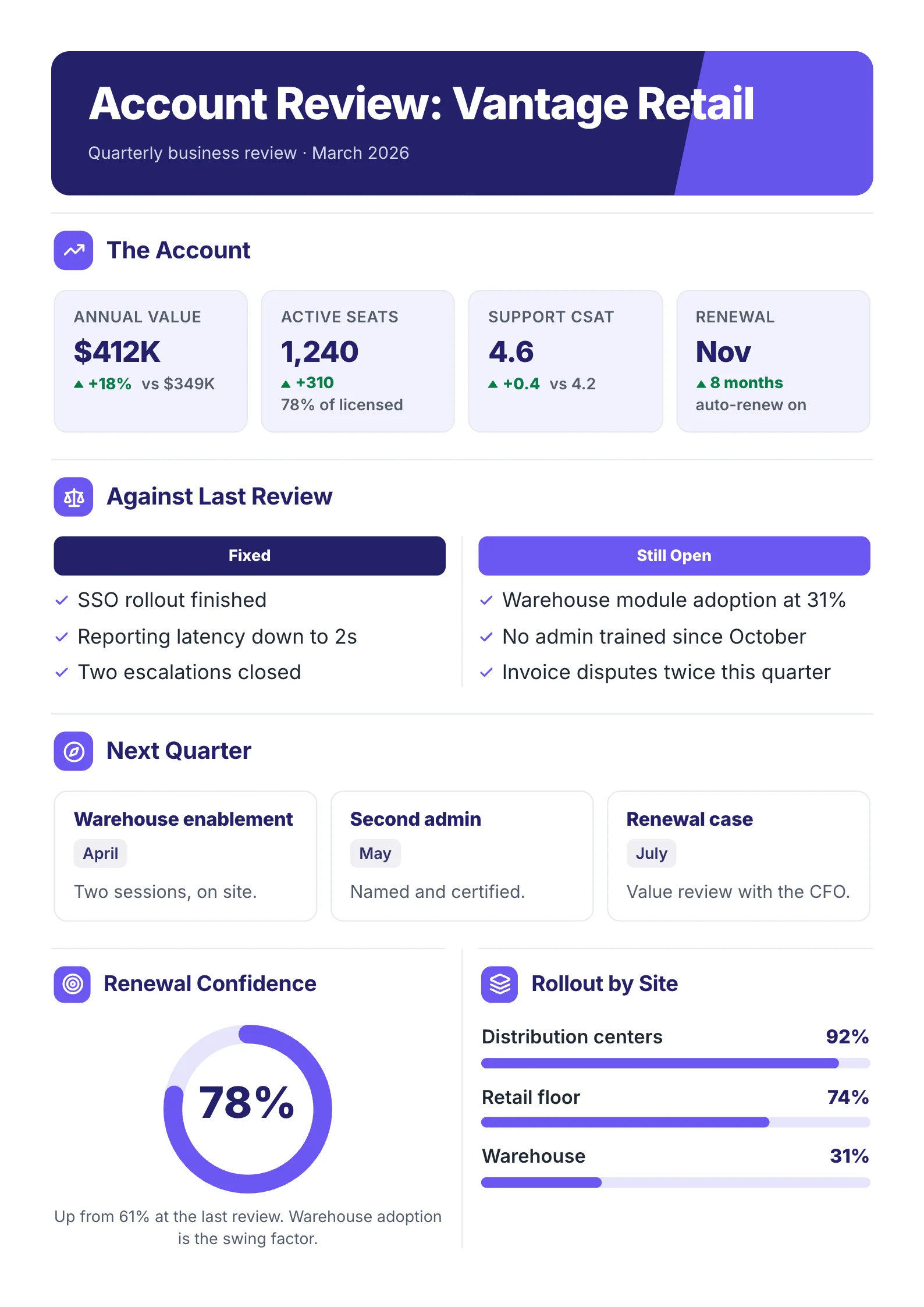 Quarterly business reviewOpen the template (opens in a new tab)
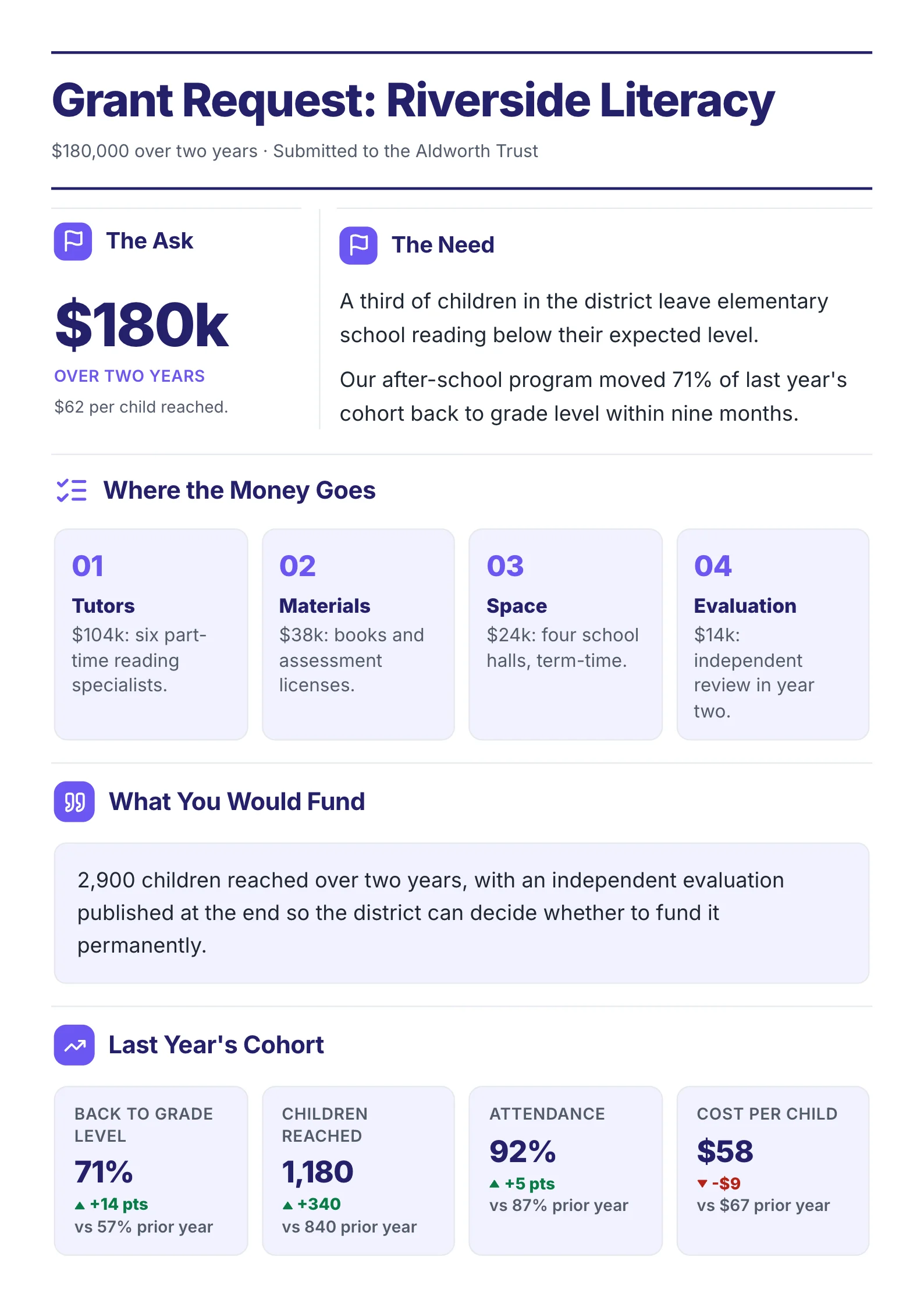 Grant requestOpen the template (opens in a new tab)
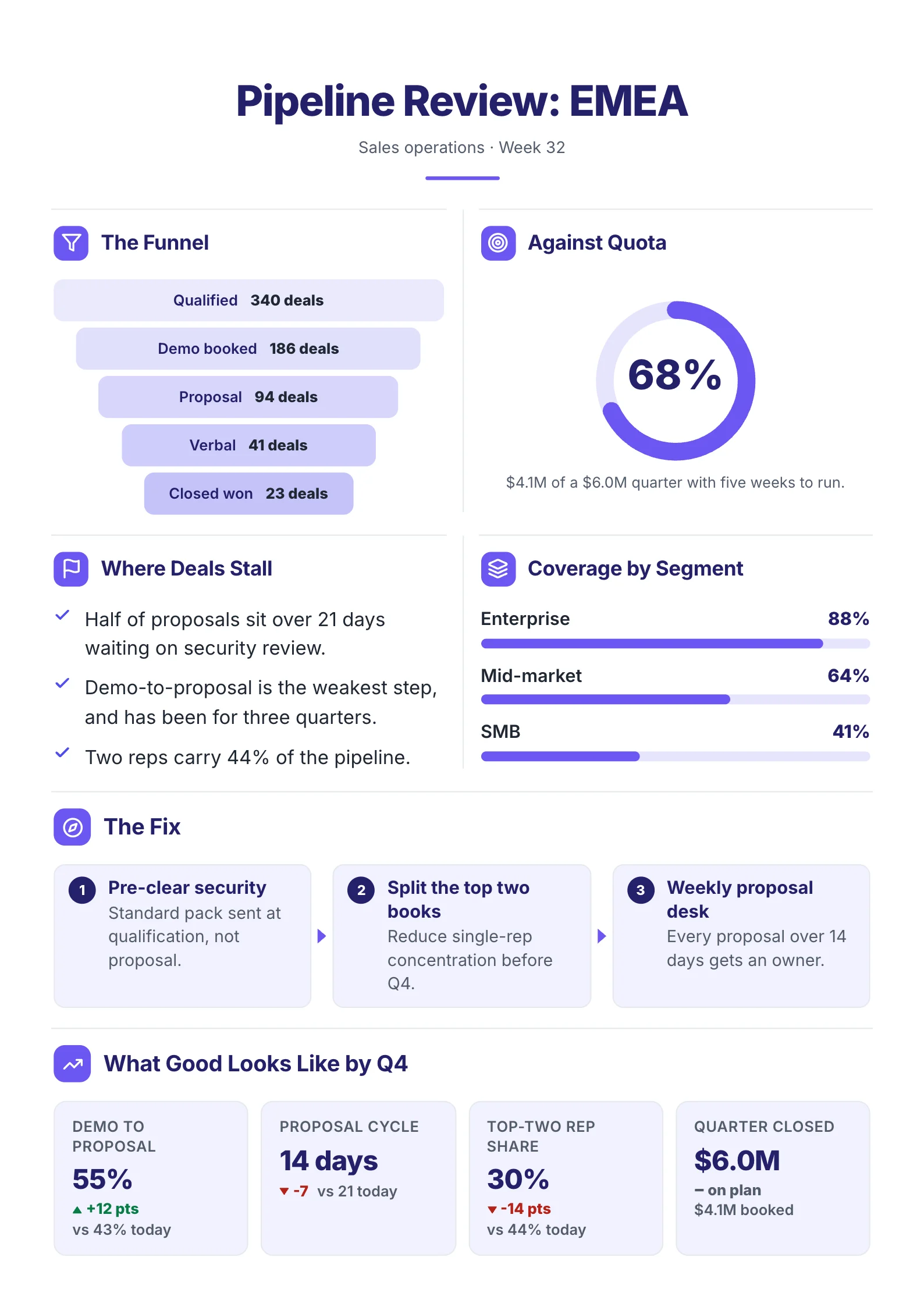 Sales pipelineOpen the template (opens in a new tab)
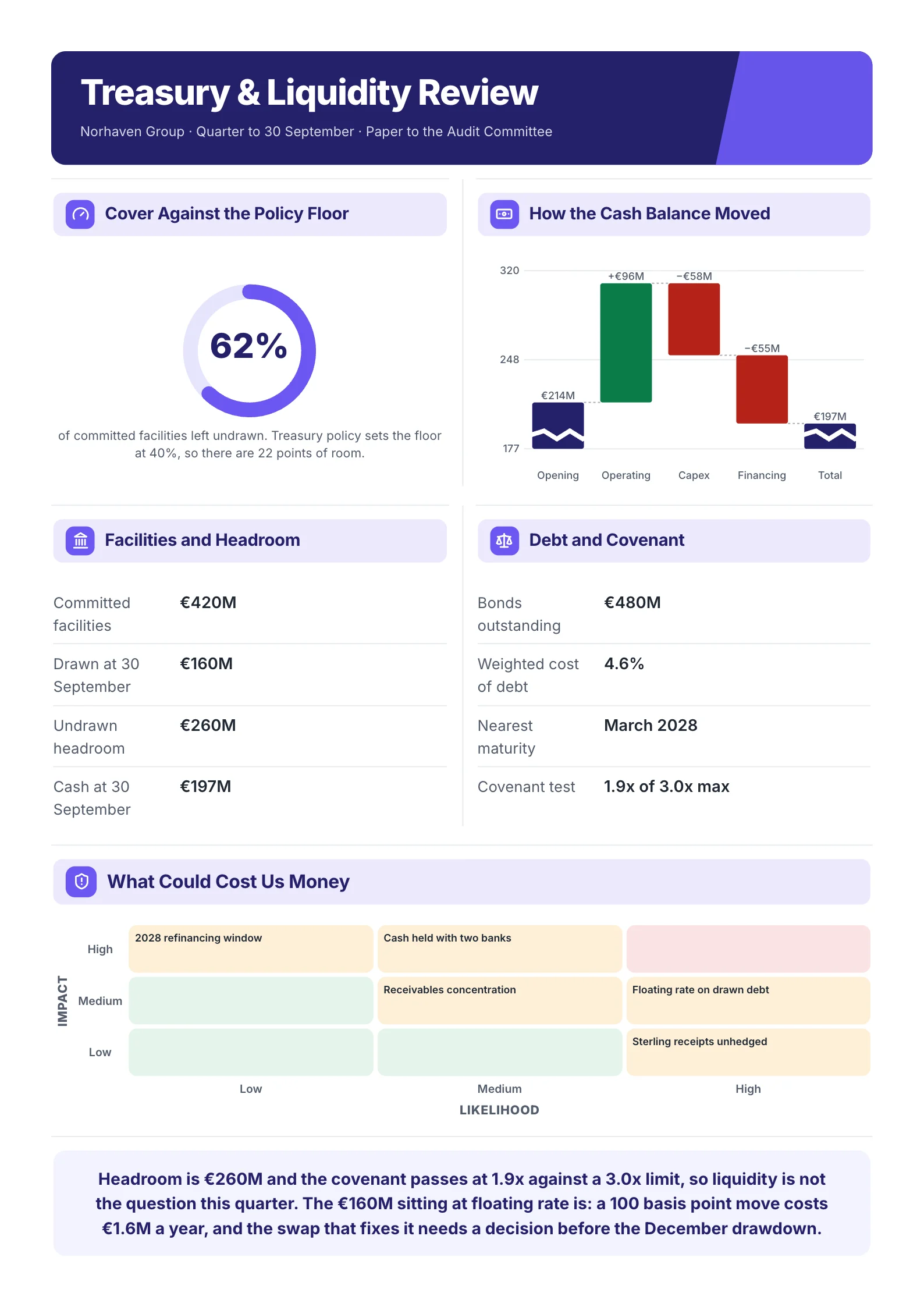 Treasury reviewOpen the template (opens in a new tab)
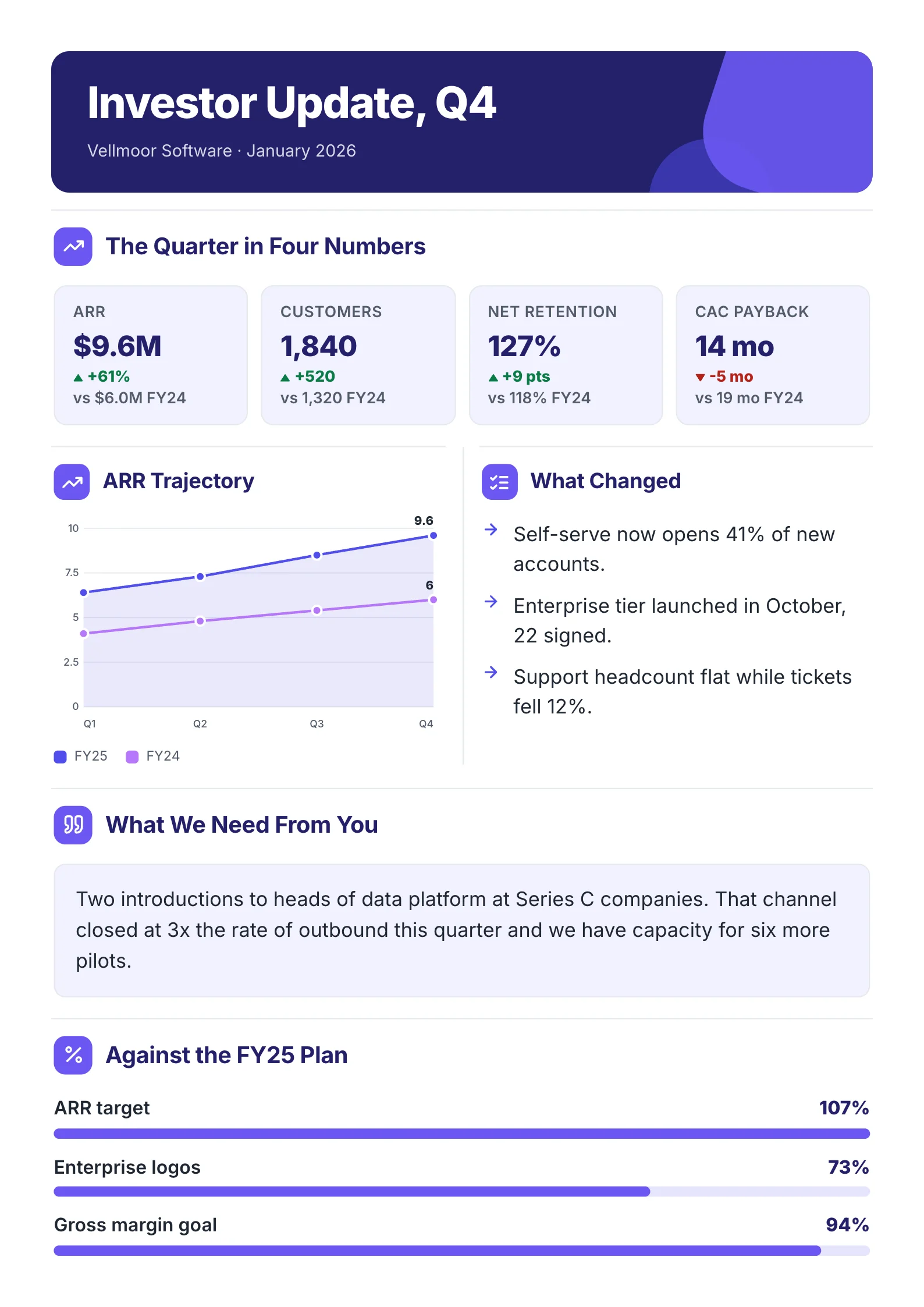 Board updateOpen the template (opens in a new tab)
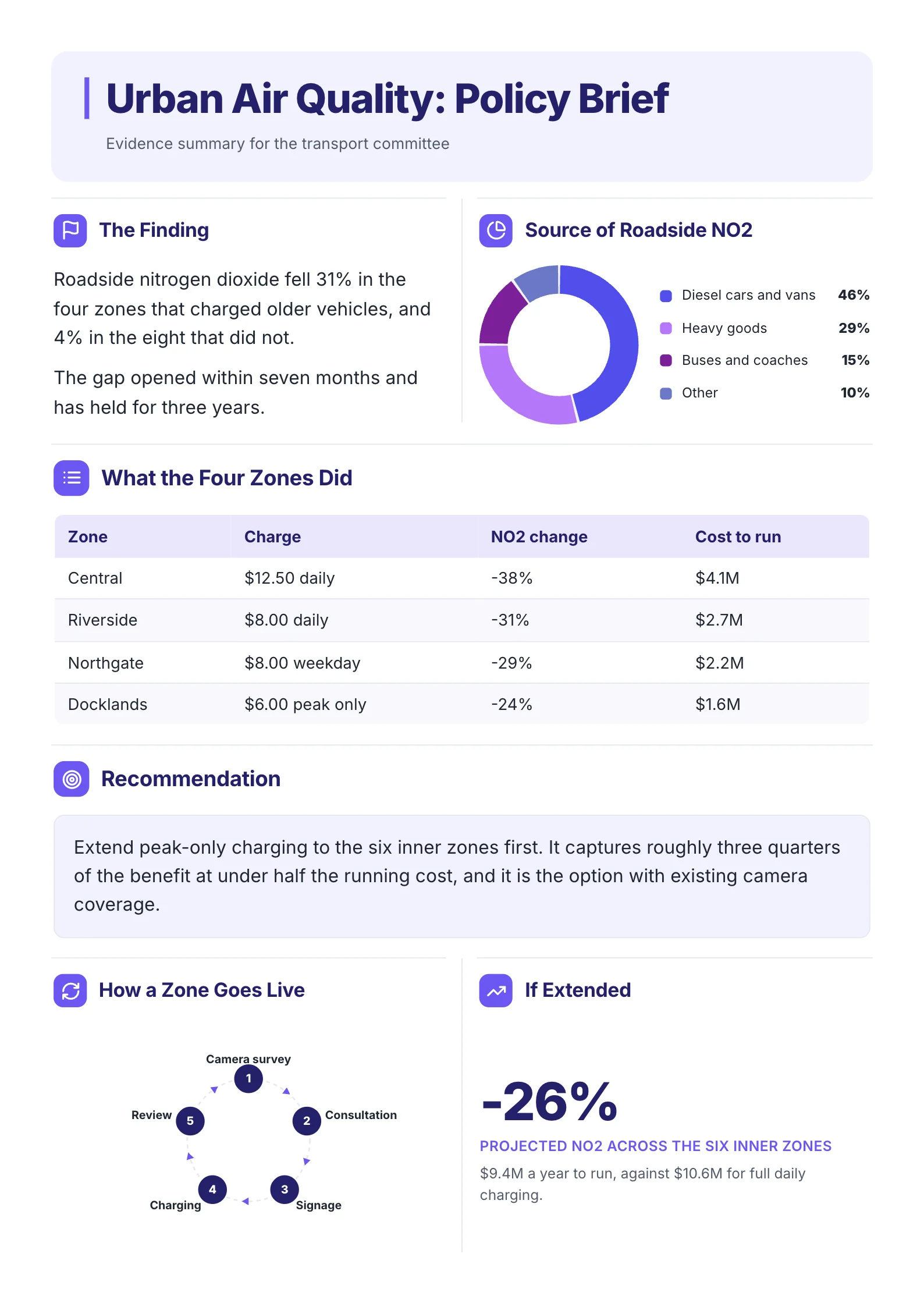 Policy briefOpen the template (opens in a new tab)
Frequently asked questions
How long should an executive summary be?
For most internal reports and proposals, one page. Very long documents, such as large funding applications, sometimes allow two, but a reader who has to turn the page is more likely to skim.
Should an executive summary include numbers?
Yes. Numbers are usually the most useful part. Give each one a comparison so the reader knows what it means: against the target, last period, or the alternative.
What is the difference between an executive summary and an abstract?
An abstract, common in academic and research writing, describes what a paper covers and found, usually in one paragraph. An executive summary is written for a decision-maker and ends with a recommendation or an ask.
Do I write the executive summary first or last?
Last. You can only summarize conclusions once the analysis is done. Many writers draft a working headline first to keep the document focused, then rewrite the summary at the end.
Can I use a template for an executive summary?
Yes, and it helps. A fixed structure (recommendation, context, findings, options, cost and risk, ask) makes sure nothing important is left out and lets regular readers find what they need in the same place every time.