Guide
Project One‑Pager: What to Include, With a Template
A project one-pager puts a project's goal, scope, timeline, budget and risks on one sheet. What to include, a template, and how to keep it current.
Updated · 5 min read
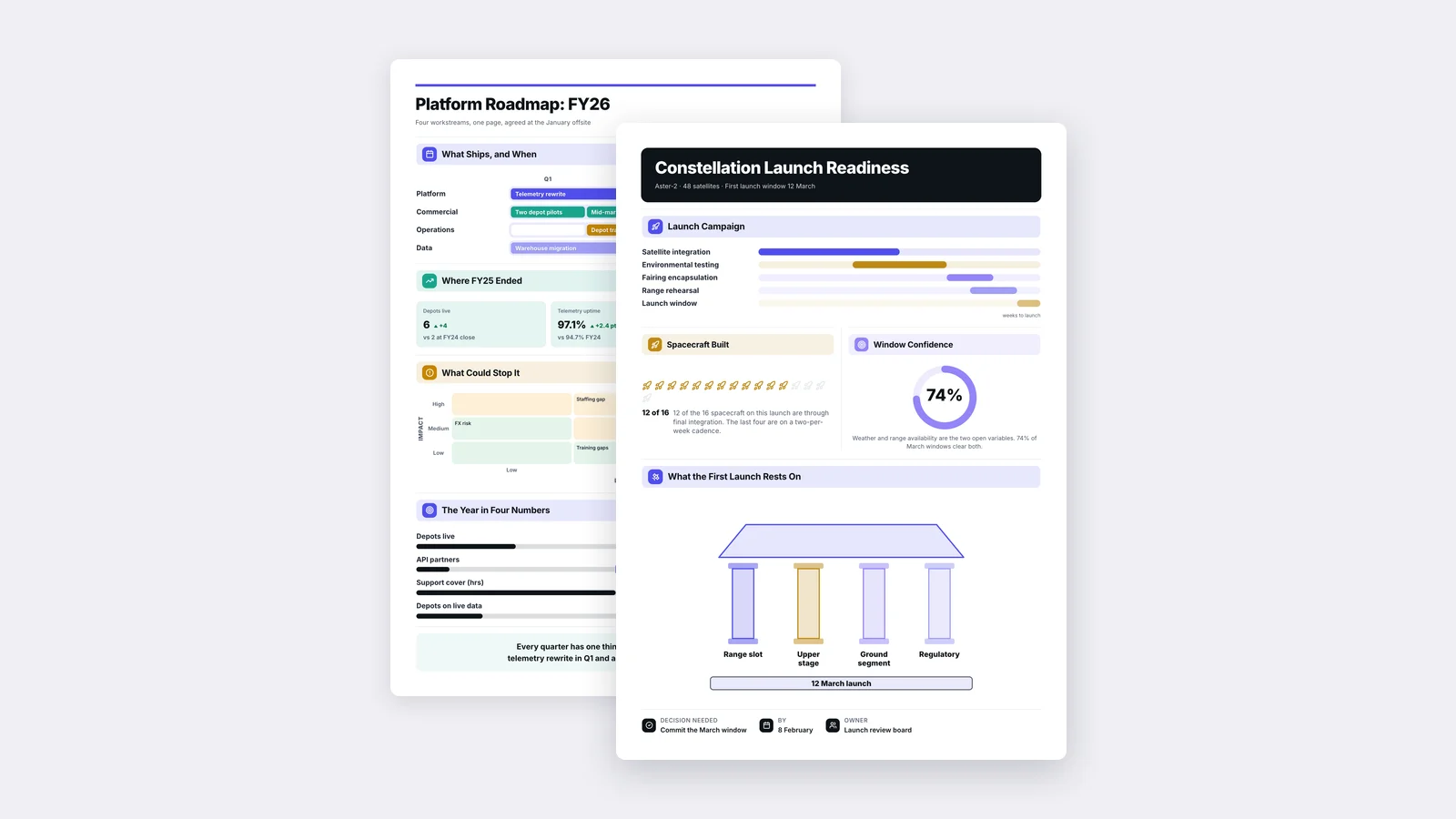
A project one-pager is a single sheet that tells stakeholders what a project is for, what it includes, when it will be done, what it costs, and what could go wrong. Teams use it twice: before the project starts, to get it approved, and while it runs, as a status update anyone can read in two minutes.
This guide covers both versions, the sections each needs, a template you can copy, and how to keep a status One-Pager honest week after week.
Why projects need a One-Pager
A project plan, a ticket board and a long requirements document are built for the people doing the work. Sponsors, executives and neighbouring teams need something else: the answer to "what is this, and is it on track?" without opening five tools.
A project One-Pager gives everyone the same short version. It also forces the project lead to be clear. If you cannot state the goal in one sentence or name the top three risks, the project is not ready, and the One-Pager makes that visible early.
The proposal One-Pager: getting a project approved
Use this before work starts, when you are asking for people, budget or time.
Goal
One sentence on what the project achieves and for whom, ideally with a measure: "Cut customer onboarding from 14 days to 5 by Q2."
Why now
The problem or opportunity, and what it costs to wait. Use the numbers you have and say where they come from.
Scope
What is in, and just as important, what is out. A short "not included" list prevents most later arguments.
Approach and milestones
Three to five milestones with dates. Not a full plan, just the points where the sponsor can check progress.
Team and owner
Who leads the project, who is on it, and which other teams you need time from.
Budget and resources
What it costs in money and in people's time.
Risks
The top three things that could delay or derail the project, each with what you will do about it.
The decision you need
State it plainly: "Approve $80k and two engineers for 12 weeks."
The status One-Pager: keeping everyone informed
Use this weekly or monthly while the project runs. It answers one question first: are we on track?
Overall status
Green, amber or red, with one sentence explaining why. Be honest. An amber flagged early is a conversation; a red discovered late is a crisis.
Progress since last update
What was finished, against the milestones in the proposal.
Next milestones
What is due next and the dates.
Key numbers
Budget spent against plan, schedule against plan, and the project's own success measure if it is already moving.
Risks and issues
New or changed risks, and anything that needs a decision.
Help needed
The specific ask from the sponsor or other teams, with a date. If you need nothing, say so.
A project One-Pager template
| Section | Proposal version | Status version |
|---|---|---|
| Header | Project name, owner, date | Project name, owner, reporting period |
| Top line | The goal in one sentence | Overall status and why |
| Context | Why now, cost of waiting | Progress since last update |
| Plan | Scope in and out, 3 to 5 milestones | Next milestones and dates |
| Numbers | Budget and people needed | Budget and schedule against plan |
| Risks | Top 3 risks and responses | New or changed risks, open issues |
| Ask | The decision you need | Help needed, with a date |
Prefer a designed layout? Start from our roadmap One-Pager template or the launch readiness template.
How to keep a status One-Pager honest
A status update is only useful if people trust it. A few habits help:
- Keep the same layout every time, so readers know where to look and spot changes instantly.
- Always compare against the plan. "Spent $42k" means nothing. "Spent $42k of $80k at the halfway point" means a lot.
- Change the status colour when the facts change, not when it is politically comfortable.
- Keep risks on the sheet until they are closed. A risk that silently disappears is a warning sign for readers.
- Write the top line last, after the numbers, so the summary matches the evidence.
Making project One-Pagers faster
The slow part is not the layout. It is pulling the right facts out of a long plan, a status deck or a spreadsheet every week. With MakeOnepagers you can upload the project plan, a status deck or a report, and get a One-Pager back that keeps the source's numbers and dates, then edit any line. Keep the same brand and layout each time so every update looks familiar. It is free for 7 days with 3 One-Pagers included.
For the general method, see our step-by-step guide on how to make a One-Pager.
One‑Pager examples
Six real One-Pagers made with MakeOnepagers. Open any one to edit it as your own.
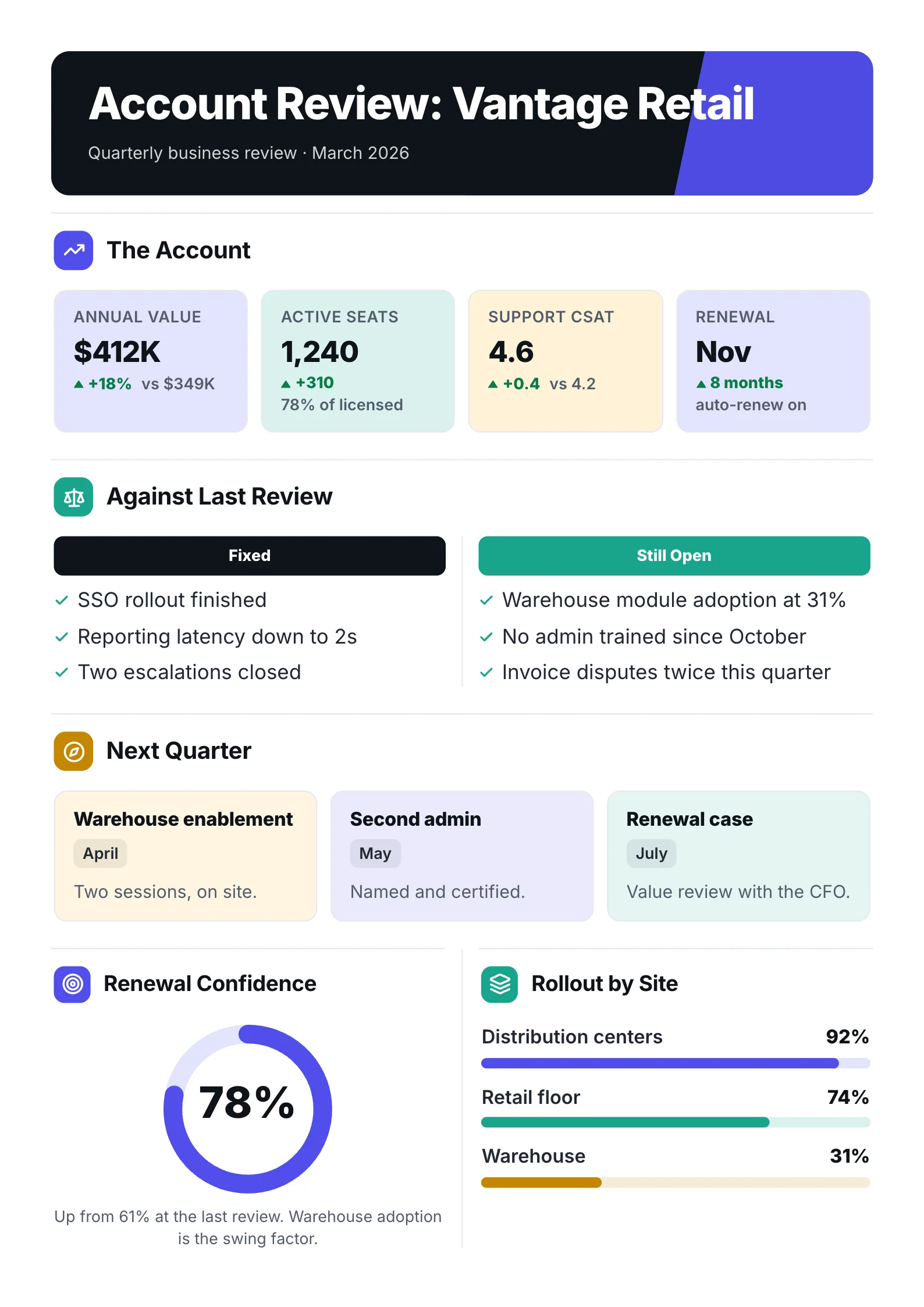 Quarterly business reviewOpen the template (opens in a new tab)
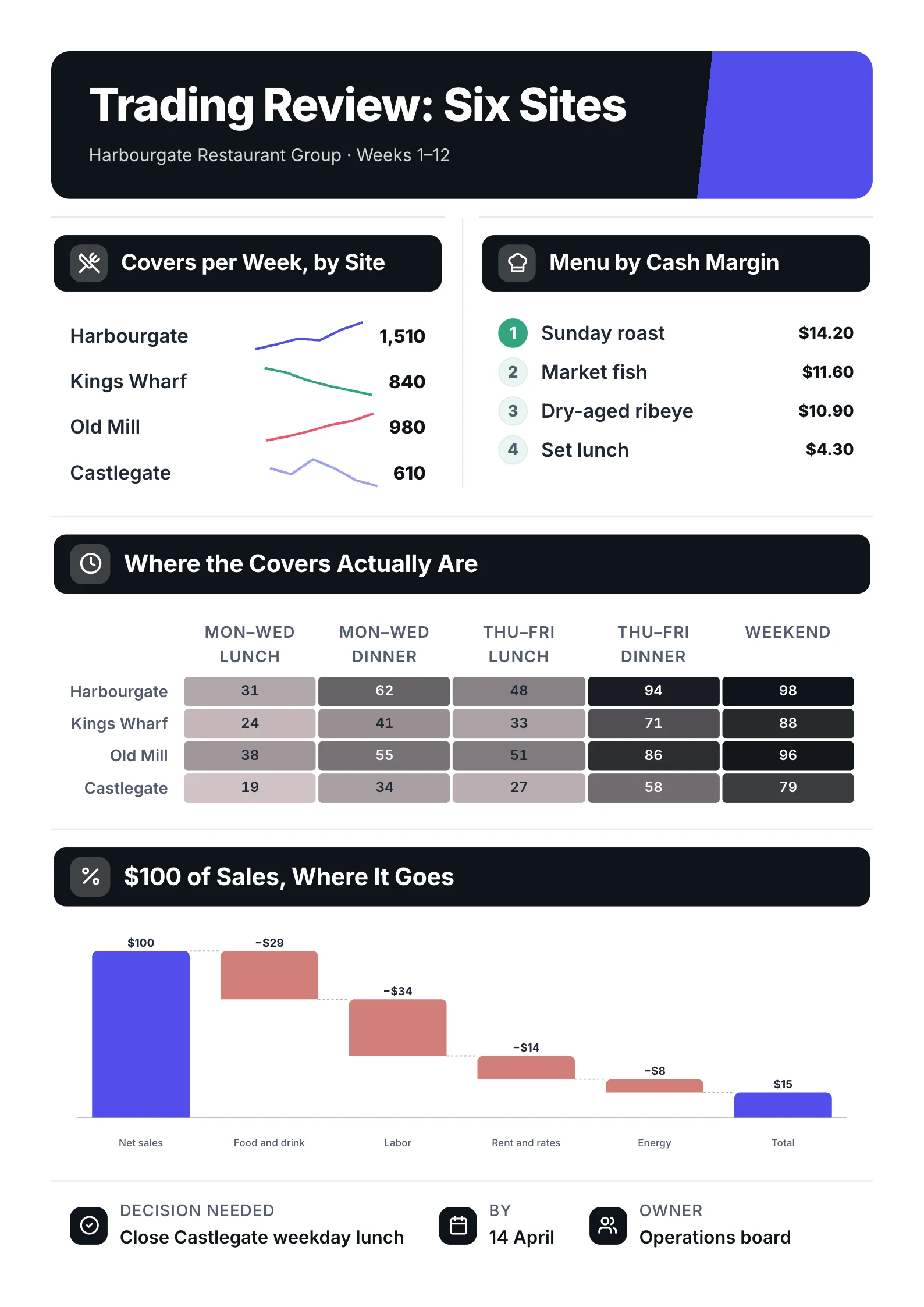 Trading reviewOpen the template (opens in a new tab)
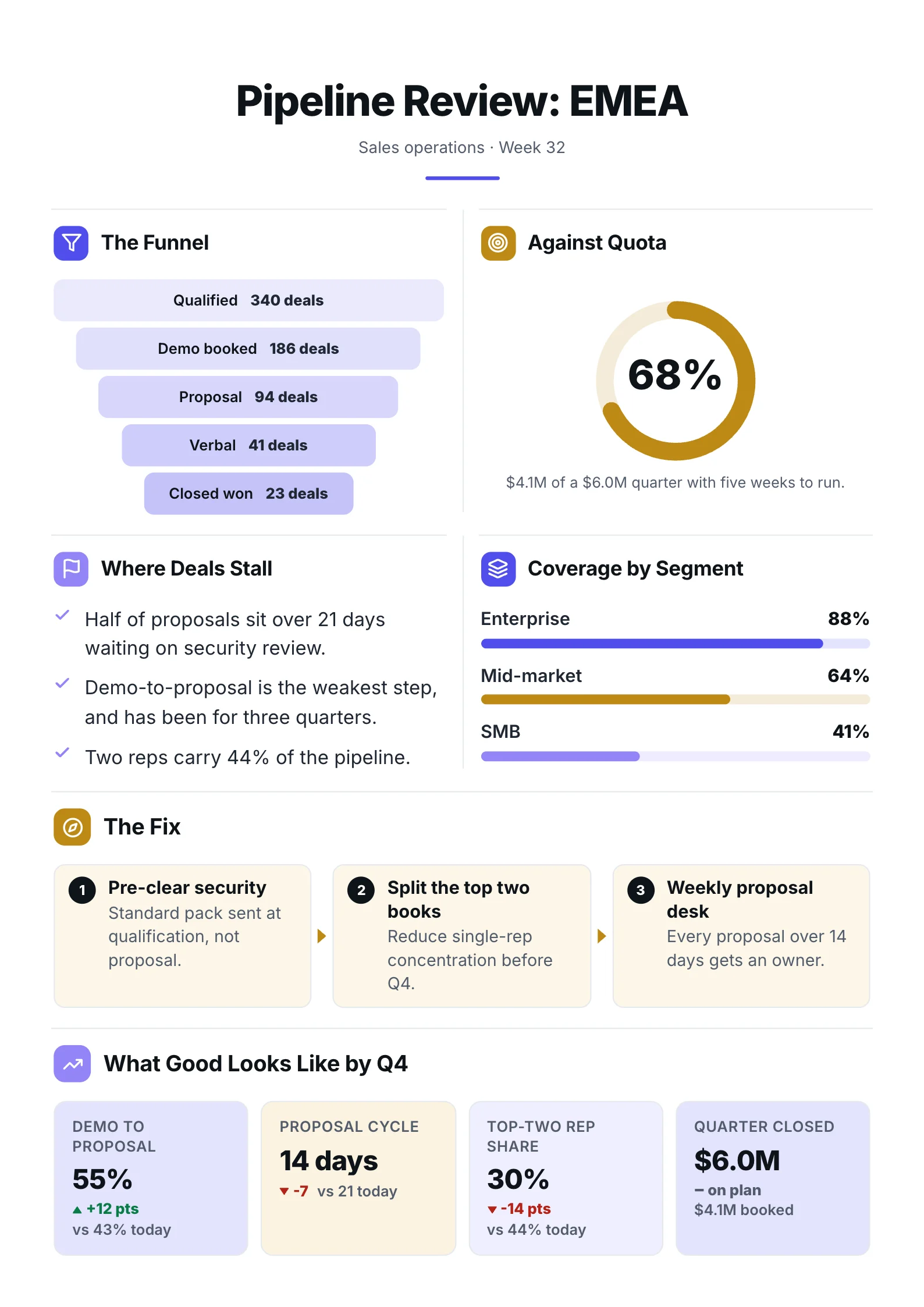 Sales pipelineOpen the template (opens in a new tab)
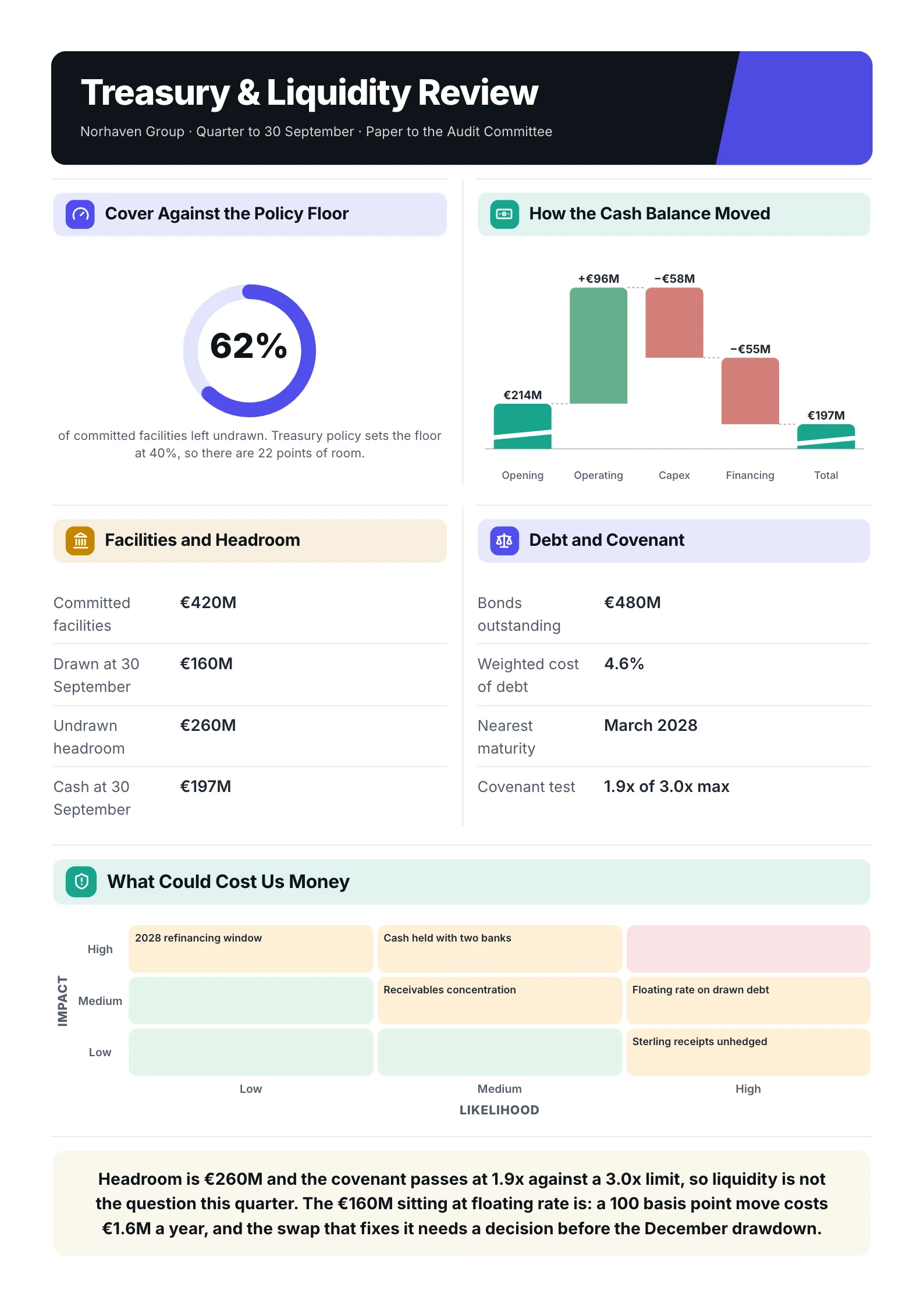 Treasury reviewOpen the template (opens in a new tab)
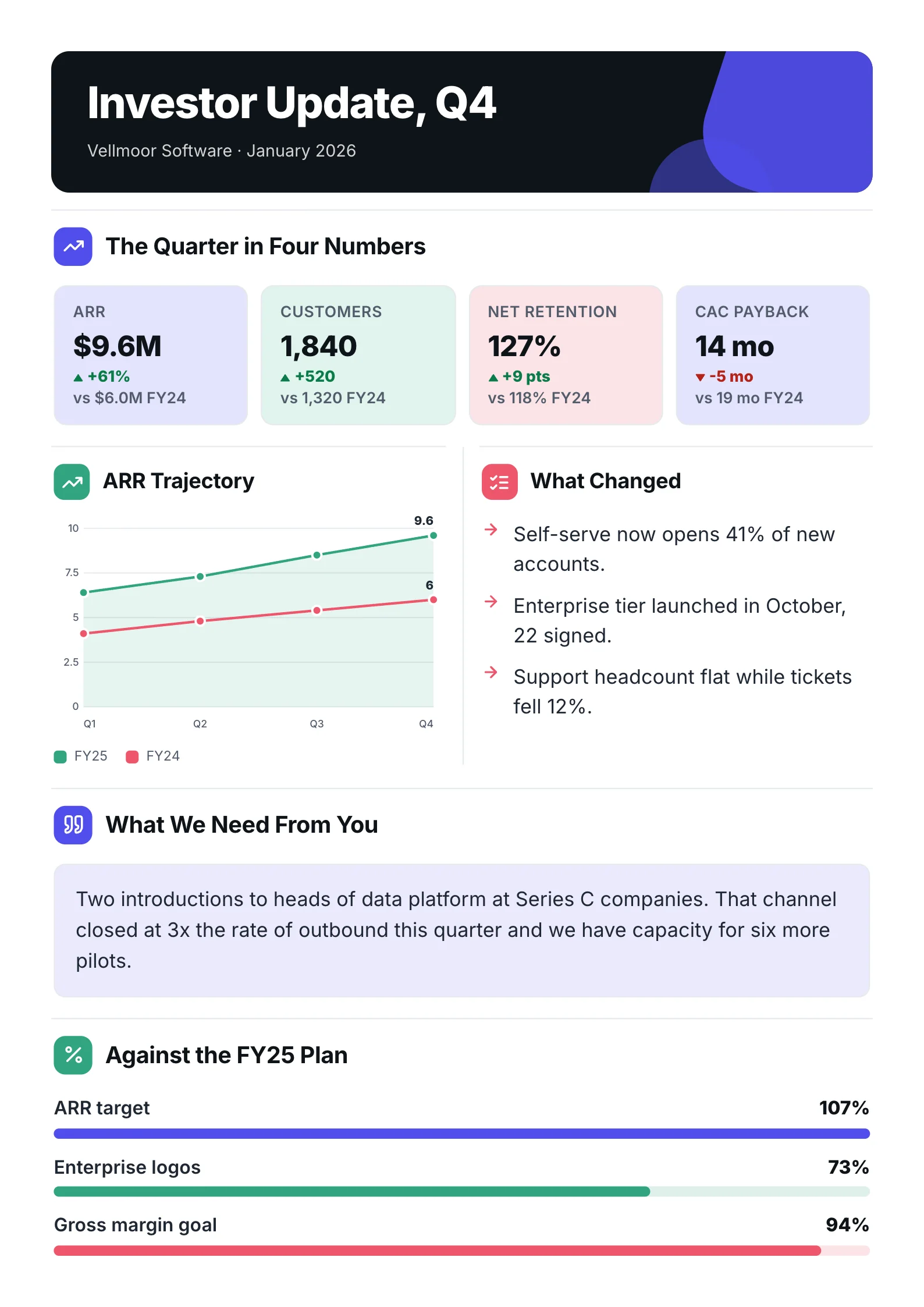 Board updateOpen the template (opens in a new tab)
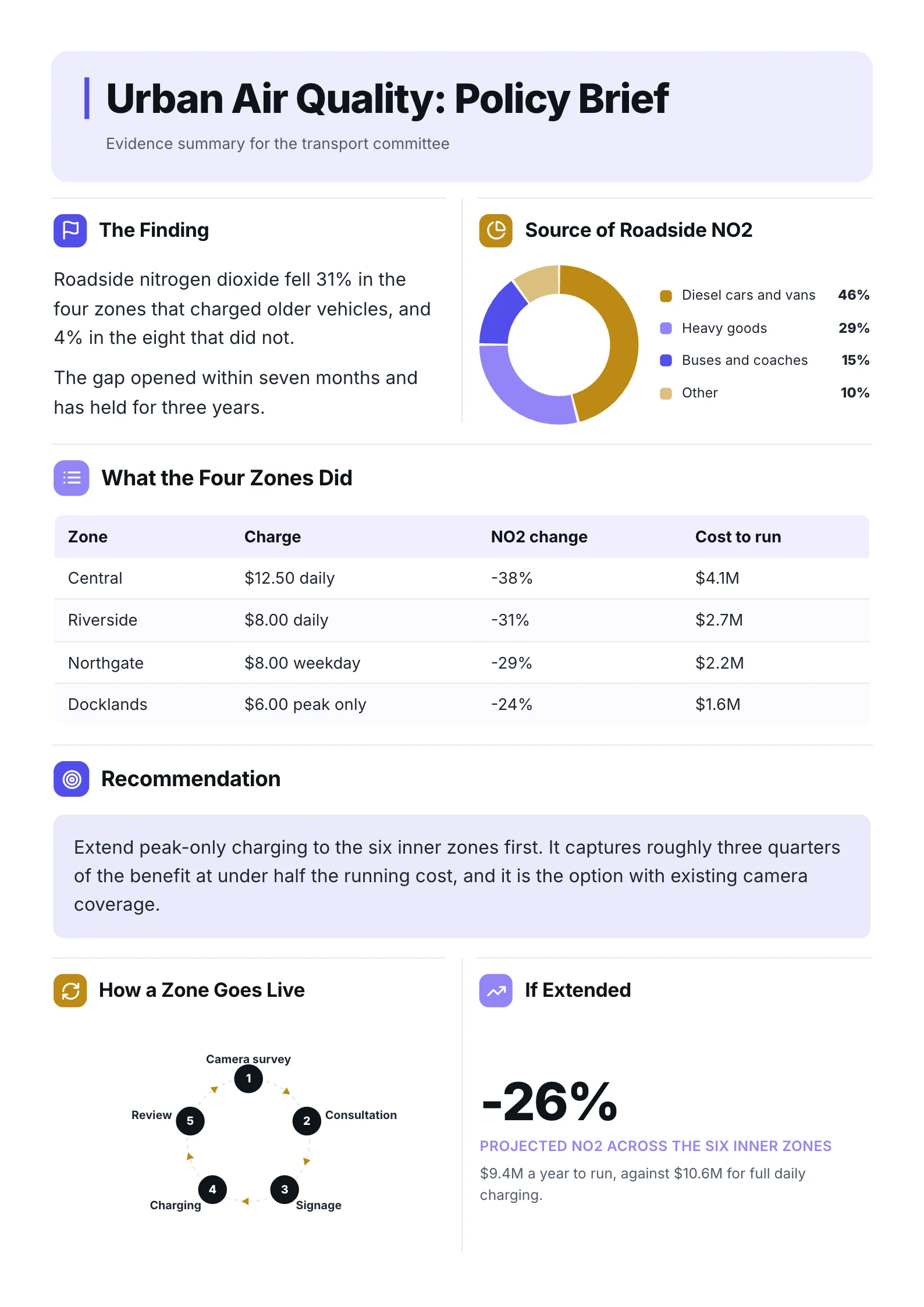 Policy briefOpen the template (opens in a new tab)
Frequently asked questions
What should a project one-pager include?
For a proposal: the goal, why now, scope in and out, milestones, team, budget, top risks and the decision you need. For a status update: overall status, progress, next milestones, budget and schedule against plan, risks, and the help you need.
Is a project one-pager the same as a project charter?
They overlap. A project charter is usually a formal document that authorises the project and can run several pages. A project One-Pager is the short version stakeholders actually read, and it is often used alongside the charter.
How often should I update a project status one-pager?
Match the project's rhythm: weekly for fast projects, every two weeks or monthly for longer ones. Pick a cadence and keep it, so stakeholders know when to expect it.
What is the difference between a project one-pager and a one-page project plan?
A one-page project plan focuses on tasks and timeline for the team. A project One-Pager is written for stakeholders and focuses on the goal, status, risks and decisions.
Can I use a project one-pager for a grant or funding request?
Yes, with the proposal version. Funders want the same things: the goal, why it matters, what it costs and what they get. See our grant One-Pager template for a starting layout.