BlogGuide
One Page Newsletter Template: Free, Plus How to Fill It
A free one page newsletter template for staff, customers, schools and clubs, the 6 parts every issue needs, and how to write one in 30 minutes.

By MakeOnepagers Team
Updated · 6 min read
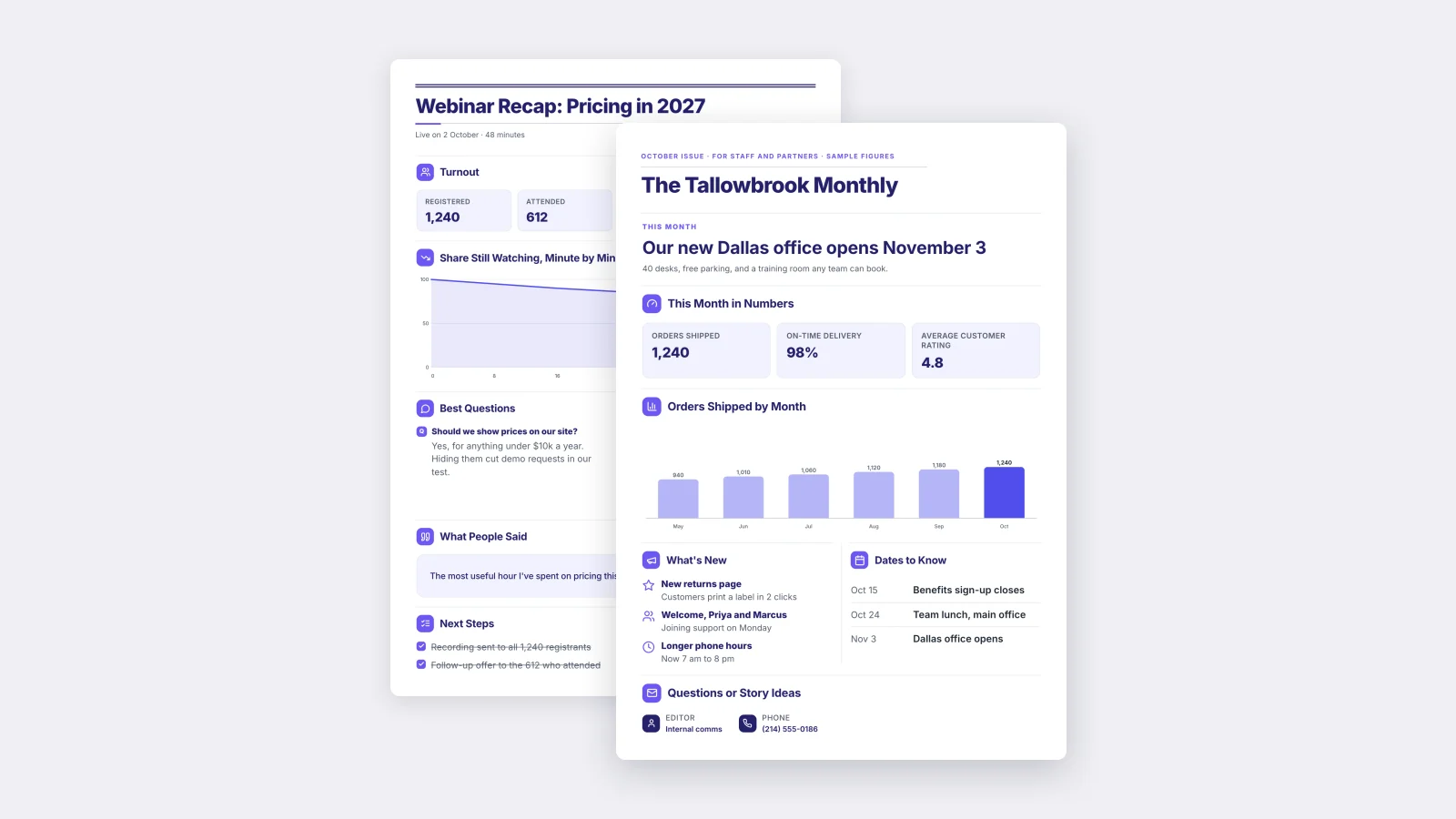
A one page newsletter template gives each issue a fixed shape: one lead story, the month in numbers, what's new, the dates to know and who to contact. Because everything fits on a single sheet, people read it to the end, on a phone, as a PDF in an email or pinned to a wall. Below is a free template you can edit, the six parts every issue needs, and how to fill one in about 30 minutes.
One‑Pager examples
Real One-Pagers made with MakeOnepagers. Open any one to edit it as your own.
 NewsletterEdit for free(opens in a new tab)
 Webinar RecapEdit for free(opens in a new tab)
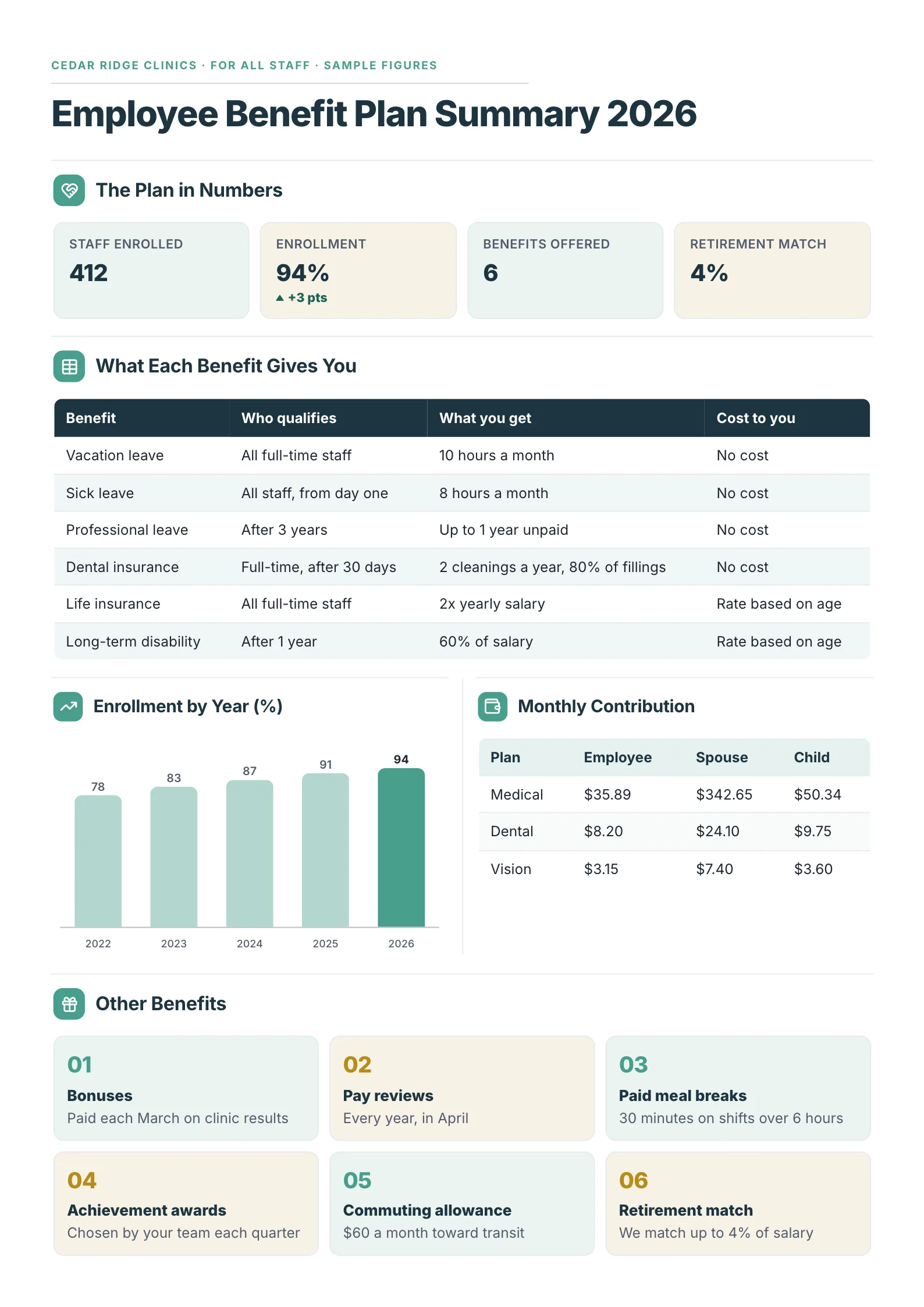 Employee Benefit Plan SummaryEdit for free(opens in a new tab)
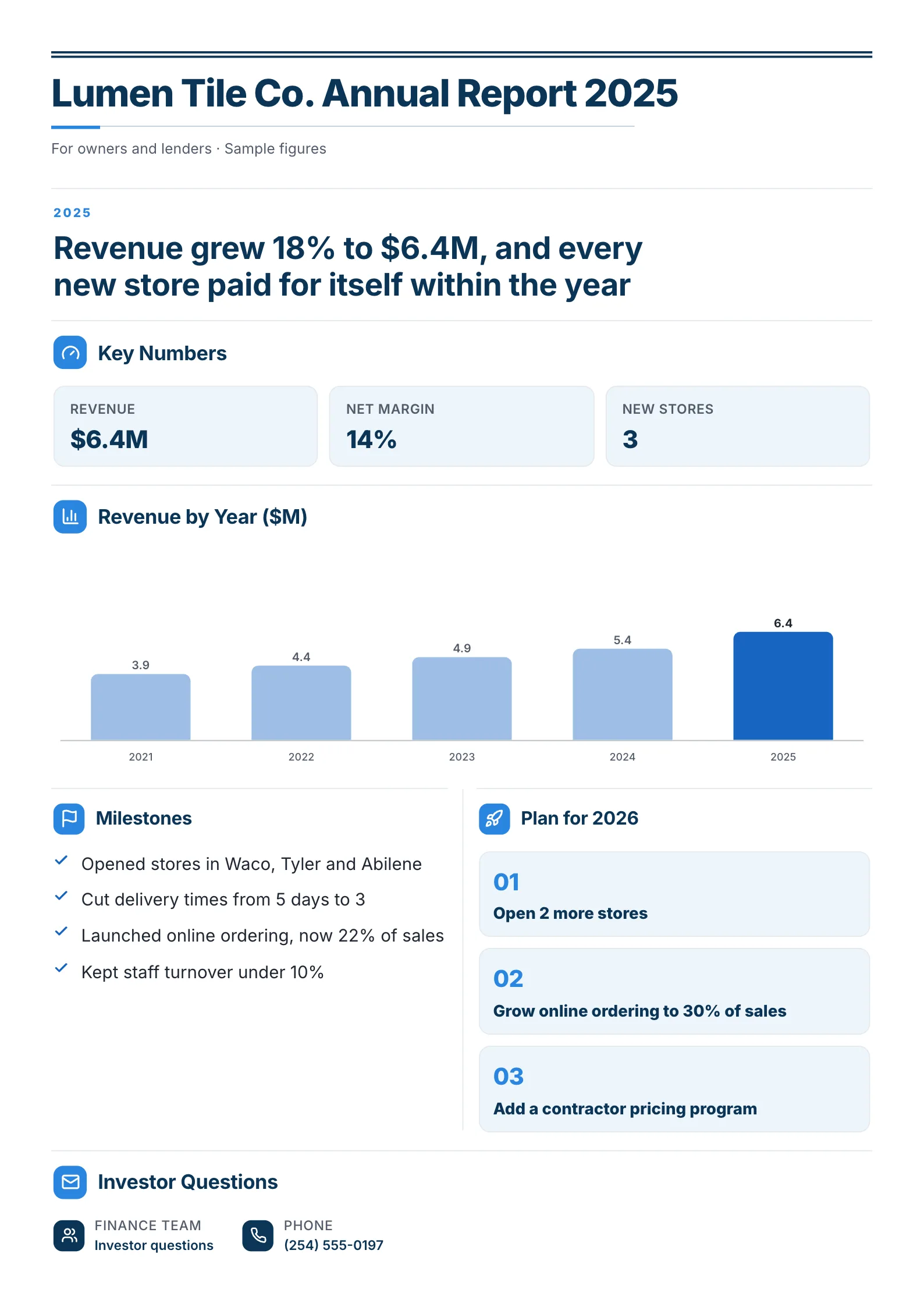 Annual Report One-PagerEdit for free(opens in a new tab)
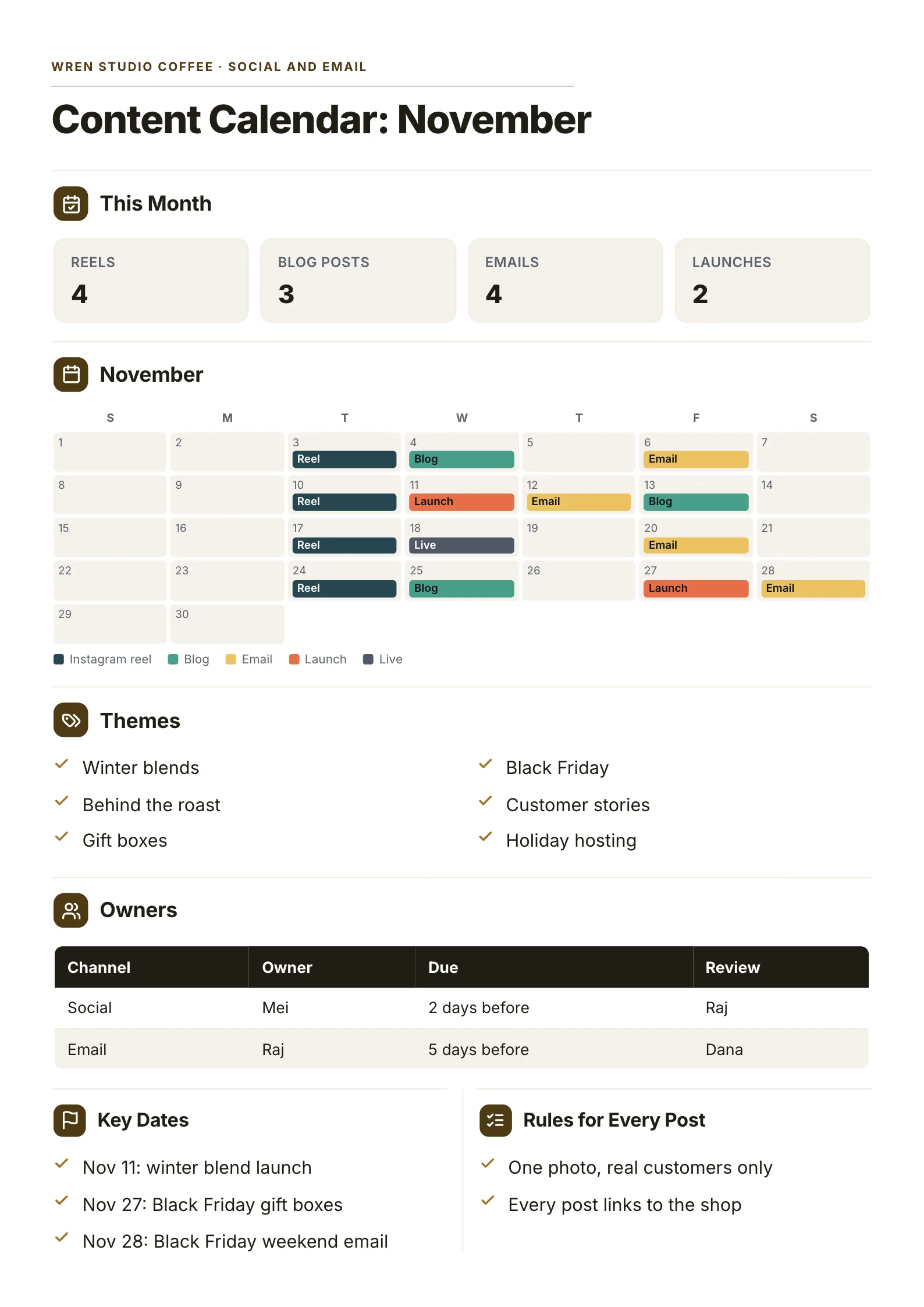 Content CalendarEdit for free(opens in a new tab)
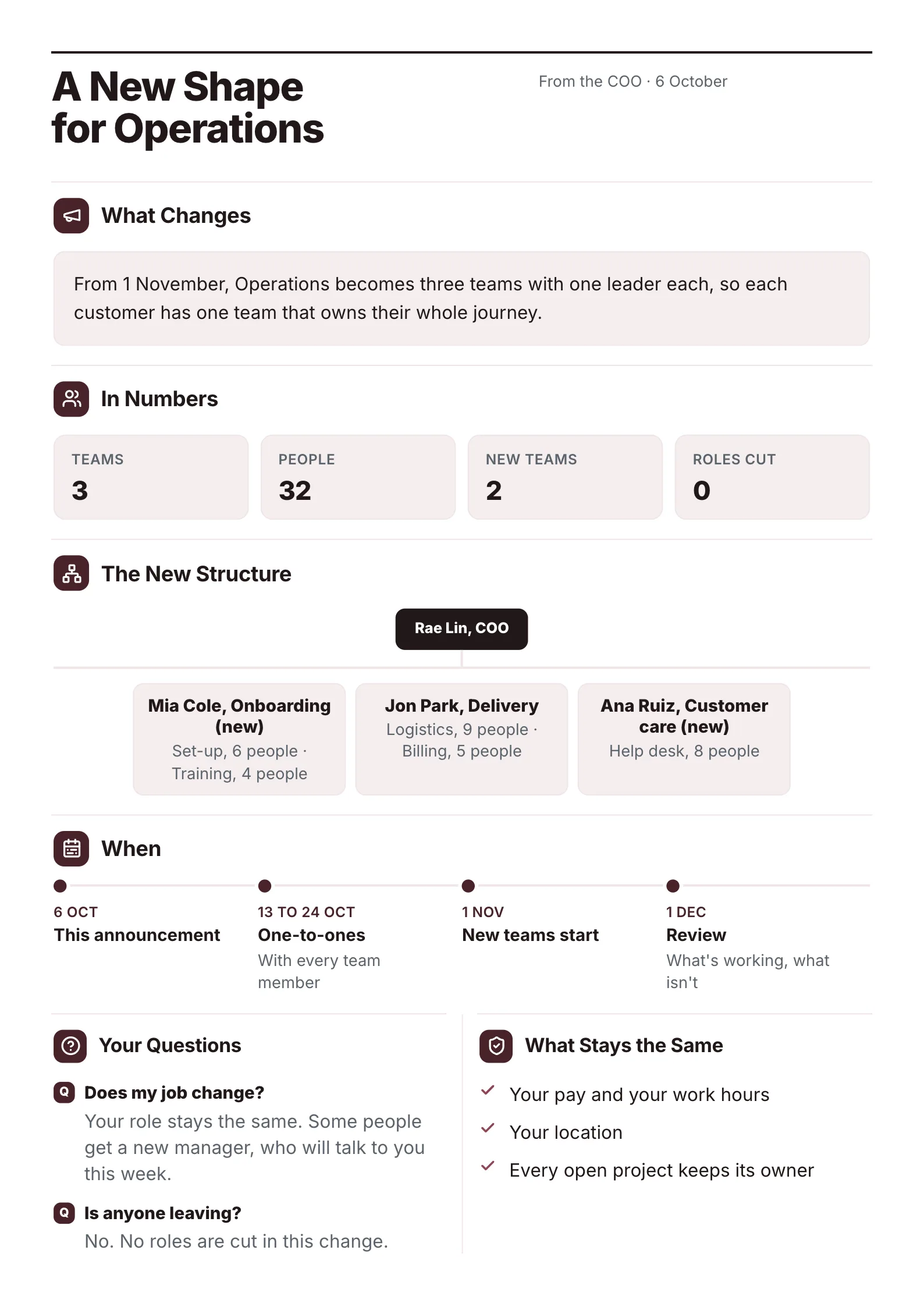 Org Change AnnouncementEdit for free(opens in a new tab)
The example below was made with MakeOnepagers. The company and figures are samples, and it opens as a template you can edit for free.
The free one page newsletter template
 Edit this template
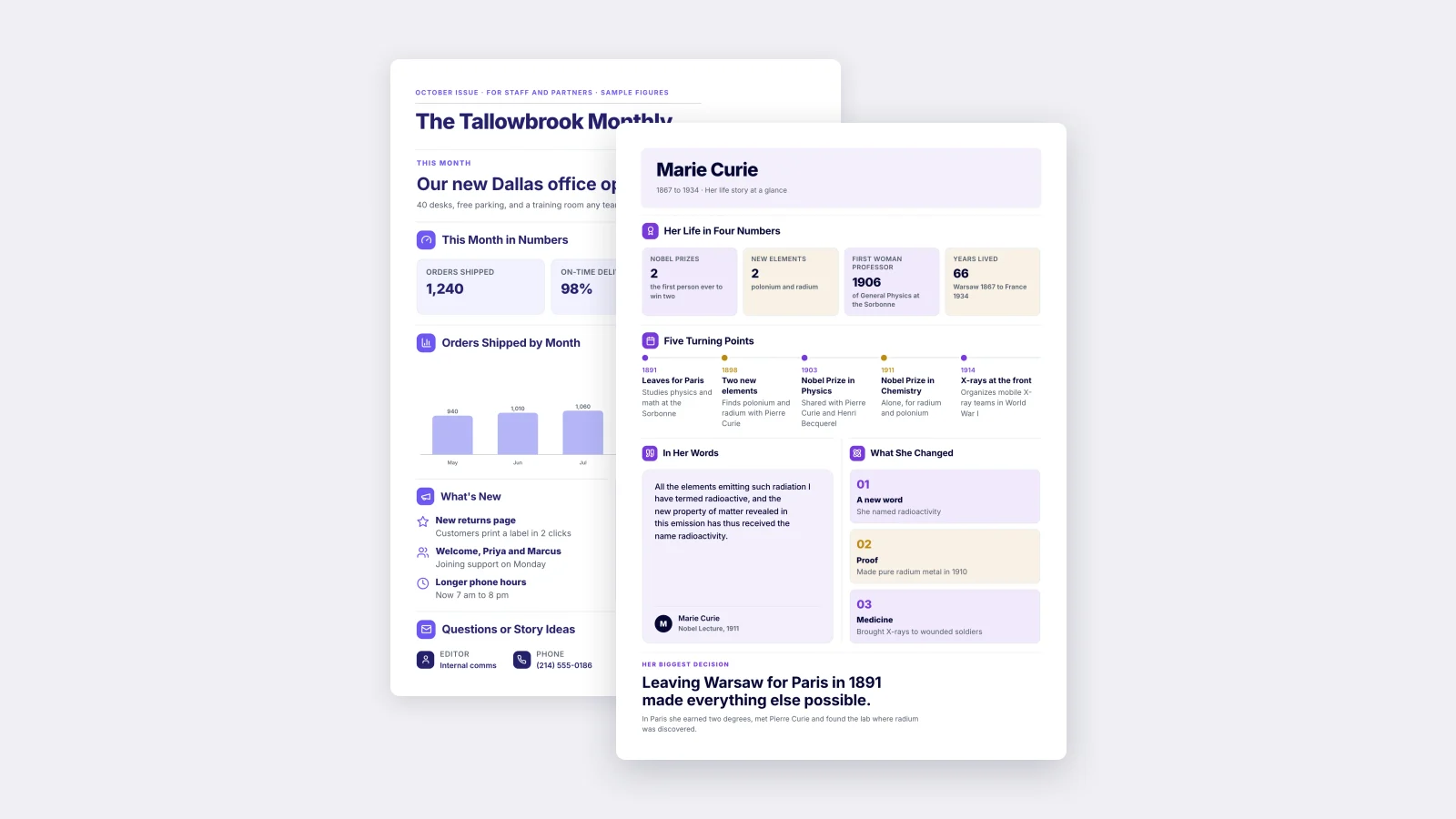
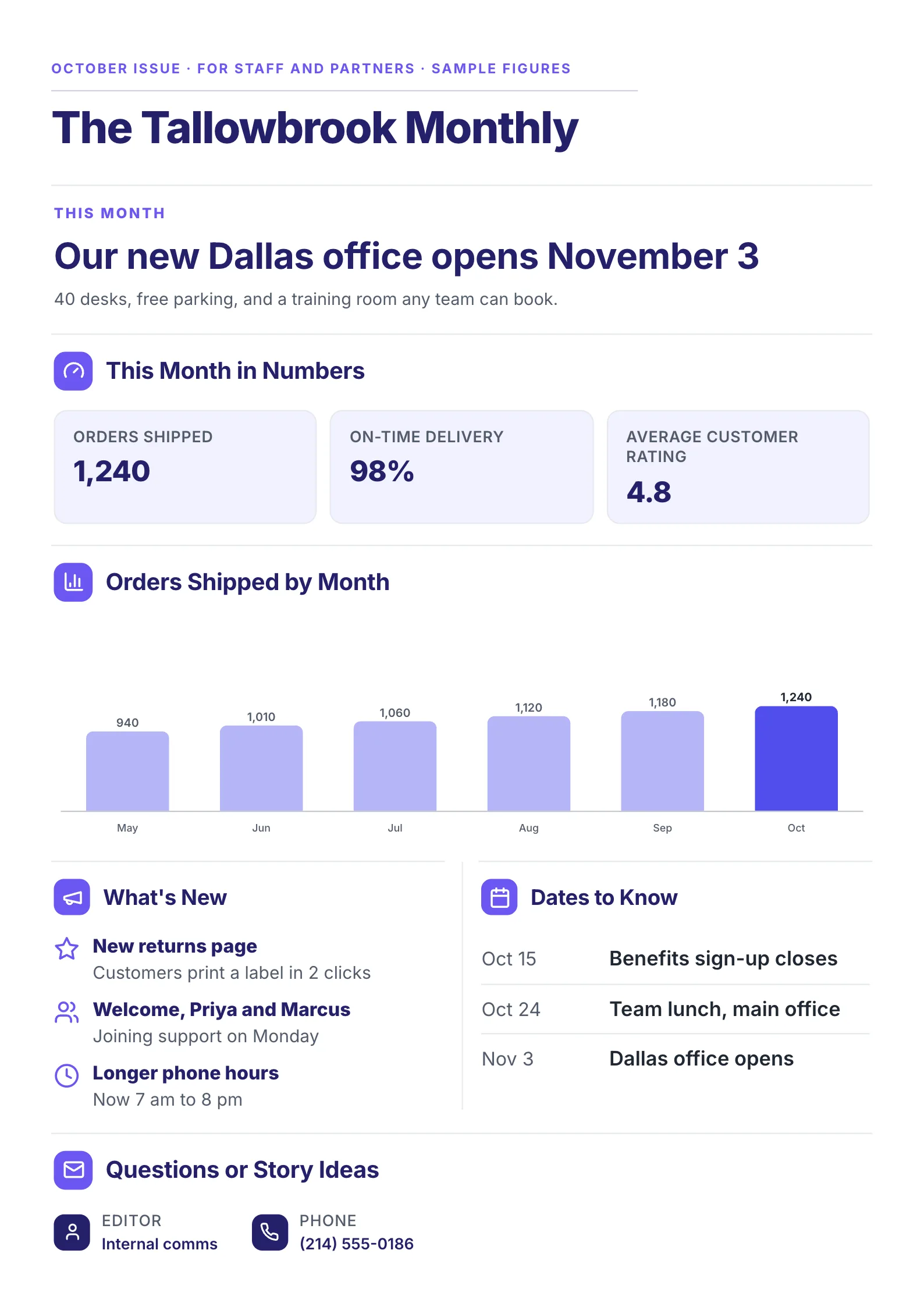
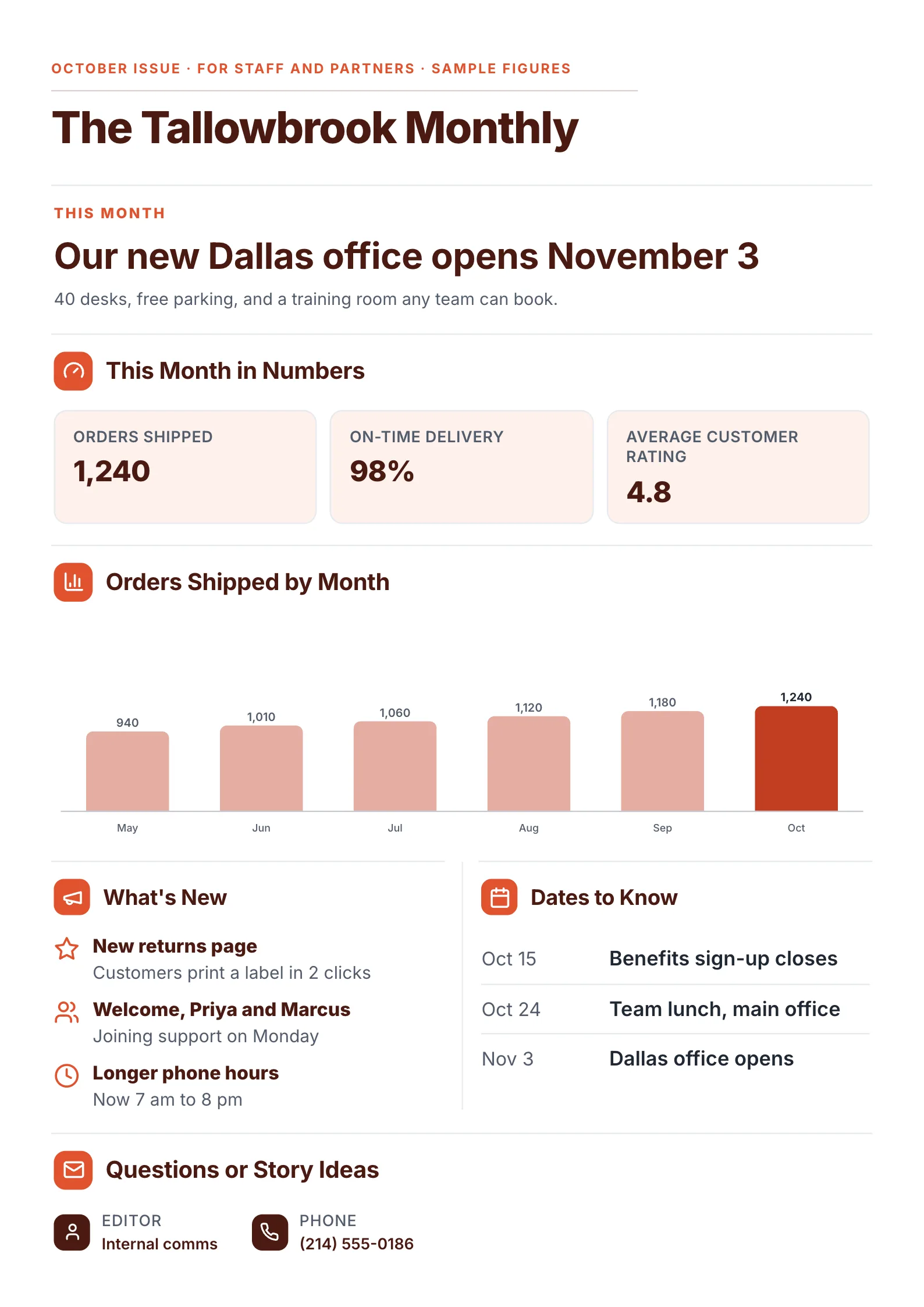
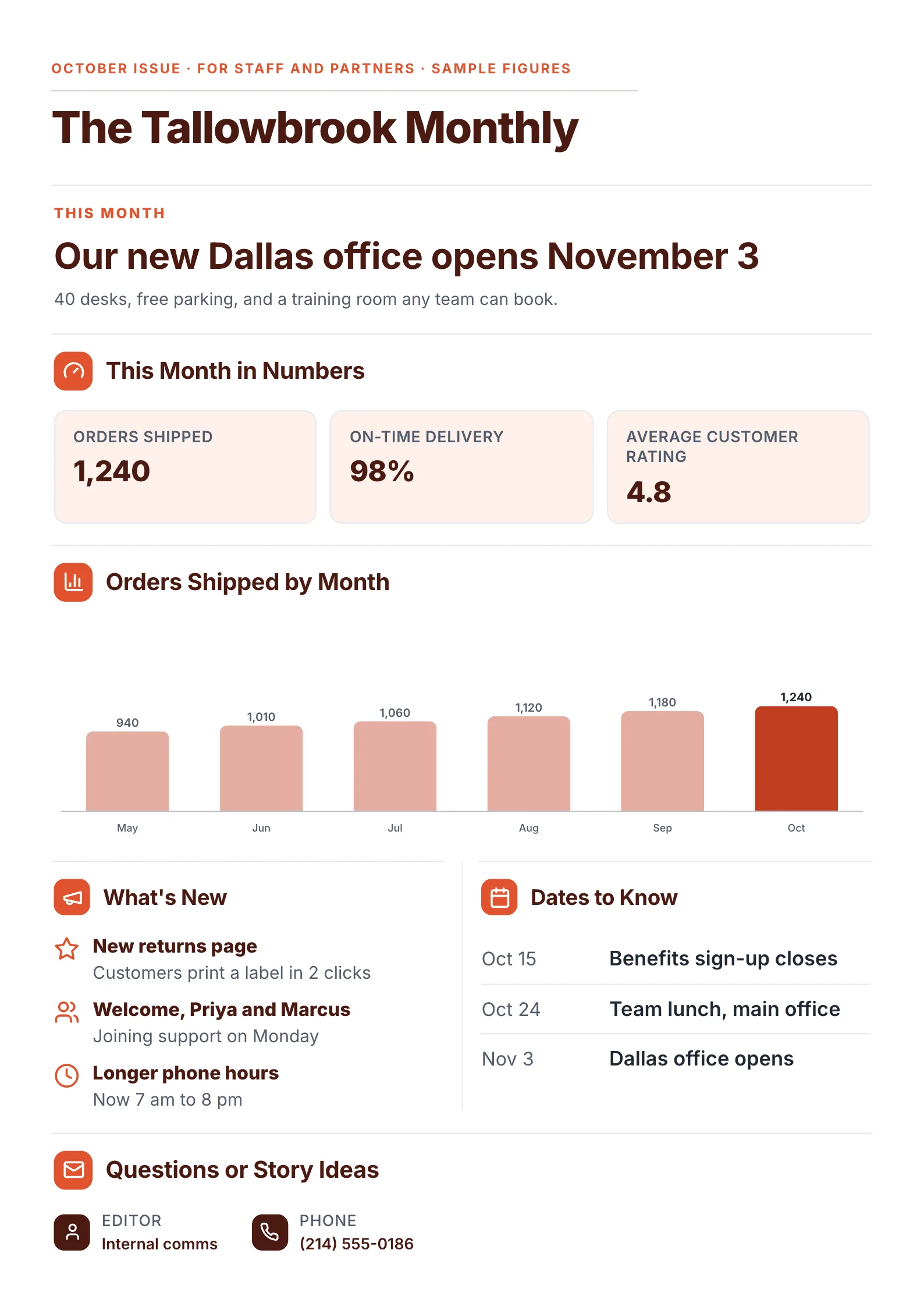
A monthly newsletter for staff and partners: one story, three numbers, a short trend, news and dates.
What to copy:
- A lead story with a date in the headline. "Our new Dallas office opens November 3" tells the reader what changes and when, before they read anything else.
- Three numbers everyone in the company affects: orders shipped, on-time delivery and the customer rating.
- Six months in one bar chart, with this month in a darker color.
- "What's new" as three short items, each with a one-line detail: a new returns page, two people joining, longer phone hours.
- Dates to know as a two-column list, so nobody hunts through paragraphs for a deadline.
Open it: one page newsletter template.
 Edit this template
The 6 parts of a one page newsletter
- A name and an issue line. "The Tallowbrook Monthly, October issue, for staff and partners." The name builds the habit; the issue line says it is current.
- One lead story. The news your reader will repeat in the kitchen or at the school gate. One headline and one sentence of detail.
- The month in numbers. Two to four figures. For a company, sales or service results. For a school, attendance or an event's turnout. For a club, members and money raised.
- What's new. Three items at most, each a short title and one line.
- Dates to know. Date on the left, what happens on the right.
- Who to contact, for questions or story ideas next month.
If a story needs more than a paragraph, it belongs in its own message. The newsletter can point to it.
A fill-in template you can copy
| Part | What to write, with an example |
|---|---|
| Name and issue | The Tallowbrook Monthly, October issue, for staff and partners |
| Lead story | One headline, one sentence. Our new Dallas office opens November 3. 40 desks, free parking and a training room any team can book |
| Numbers | 2 to 4 figures. 1,240 orders shipped, 98% on time, 4.8 average rating |
| A trend | Optional: one small chart. Orders by month, May to October |
| What's new | 3 items. New returns page: customers print a label in 2 clicks |
| Dates to know | Date and event. Oct 15: benefits sign-up closes |
| Contact | Who edits it and how to reach them |
One template, four kinds of newsletter
The same six parts work for almost any reader. Change what goes in each.
| Newsletter for | Lead story | Numbers | Dates to know |
|---|---|---|---|
| Staff | A new office, a launch, a policy change | Sales, deliveries, customer rating | Deadlines, team events |
| Customers | A new product or service | Orders, reviews, time saved | Sales, events, holiday hours |
| School families | A trip, a play, a new teacher | Attendance, books read, money raised | Holidays, parent evenings, picture day |
| Club or nonprofit members | An event or a win | Members, funds raised, hours given | Meetings, events, dues |
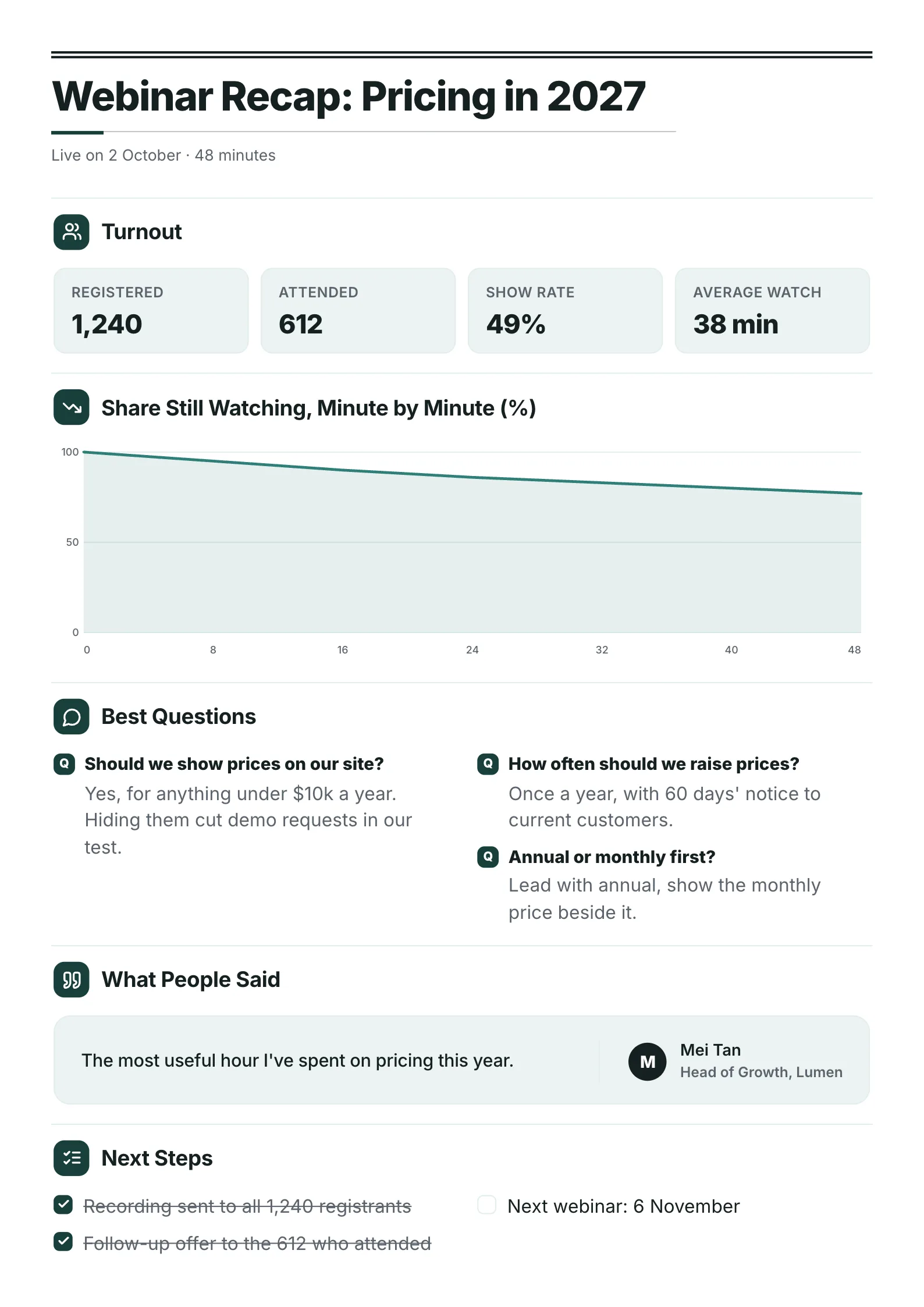
For an internal newsletter that also has to explain benefits, the benefits summary layout puts the plan, key dates and who to ask on one sheet. For a newsletter about a single event, a webinar recap shows turnout, best questions and next steps. And once a year, the annual report One-Pager sums up the twelve issues in one.
How to write a one page newsletter in 30 minutes
- Keep a note open all month. Every time something happens that people should hear about, add one line. Writing day becomes choosing, not remembering.
- Pick the lead story first: the one with the biggest effect on the reader.
- Pull the same numbers every month, so readers can compare issues.
- Choose three "what's new" items and cut the rest.
- Add the dates for the next four to six weeks.
- Read it on your phone before sending. If you have to zoom, cut words.
Have a page of notes already? Drop them into the free AI One-Pager generator and get them back as a designed One-Pager in a minute.
Where else to find a newsletter template
We make MakeOnepagers, so its template is shown above. Here is what the other popular places offered when we read them on 9 October 2026.
| Source | Best for | Format |
|---|---|---|
| MakeOnepagers | A one-page newsletter edited online and sent as a PDF or printed | Online editor, PDF download |
| Microsoft Create | A Word file, for printed or digital newsletters | Word |
| Venngage | Visual designs for a campus, company or community | Online editor |
| Smore | Teachers and schools writing to families | Online newsletters for educators |
Pick by how people will read it. A newsletter sent as an email body suits an email tool. A newsletter that gets printed, pinned up, attached as a PDF or read on a phone suits a one-page design.
Newsletter mistakes that lose readers
- Opening with "Welcome to our October newsletter". That line is the first one people skip. Open with the news.
- Every item the same size. If everything is a headline, nothing is.
- Numbers that change every month. Track the same three, so the trend means something.
- No dates. Dates are the part people screenshot and keep.
Make your one page newsletter
Open the free one page newsletter template and replace the story, numbers and dates with yours, or drop this month's notes into the free AI One-Pager generator and get a finished issue back.
Frequently asked questions
How do you make a one page newsletter?
Pick one lead story, add two to four numbers, list three things that are new and the dates for the next month, and finish with who to contact. Open a one page newsletter template, replace the words and numbers, and download it as a PDF.
Is there a free one page newsletter template for Word or Google Docs?
The template on MakeOnepagers is free to edit online and downloads as a PDF you can attach, print or post, with a free account. If you need a Word file, Microsoft offers free Word newsletter templates on Microsoft Create.
What should be in a monthly newsletter?
The main news of the month, a few numbers readers care about, what's new, upcoming dates and a contact. Keep it to what fits on one page so people read all of it.
How long should a newsletter be?
For a staff, school or club newsletter, one page is enough for a monthly issue. Longer stories can get their own message, with a line in the newsletter pointing to them.
How often should you send a newsletter?
Monthly suits most companies, schools and clubs. Weekly works when there is real news every week, such as a school term or a busy project. Whatever you pick, keep the same day.