Free AI Executive Summary Generator
Drop in a long report. Get the executive summary back as one designed One-Pager. The point, the numbers as charts, and the next step
Drop your report here
PDF, Word or PowerPoint · up to 10 pages
- Turn a long report into one short One-Pager.
- Charts drawn from the numbers in your file.
- Free to make once you sign up.
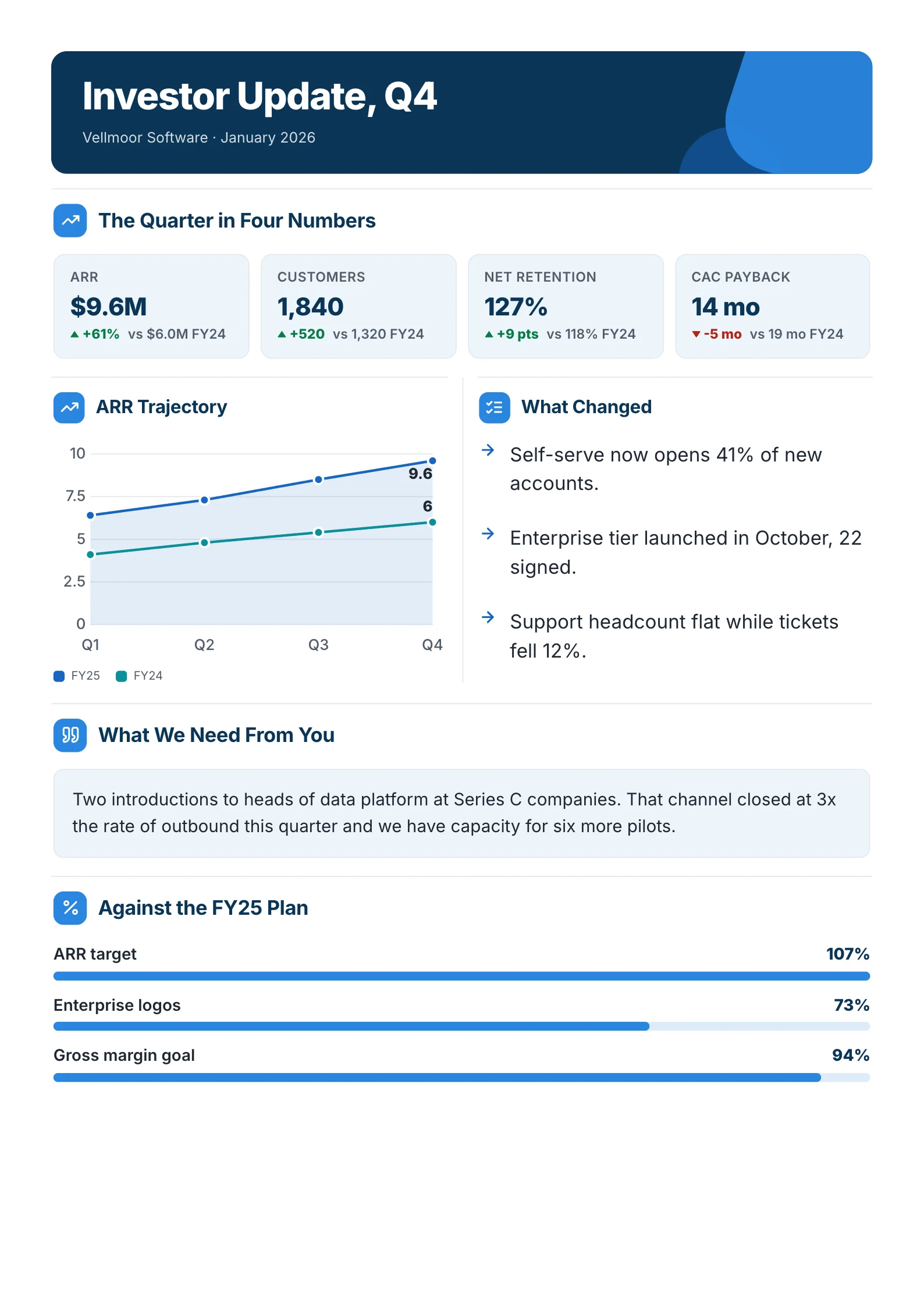
What You Get
Each one fits on one sheet, with charts from its own numbers.
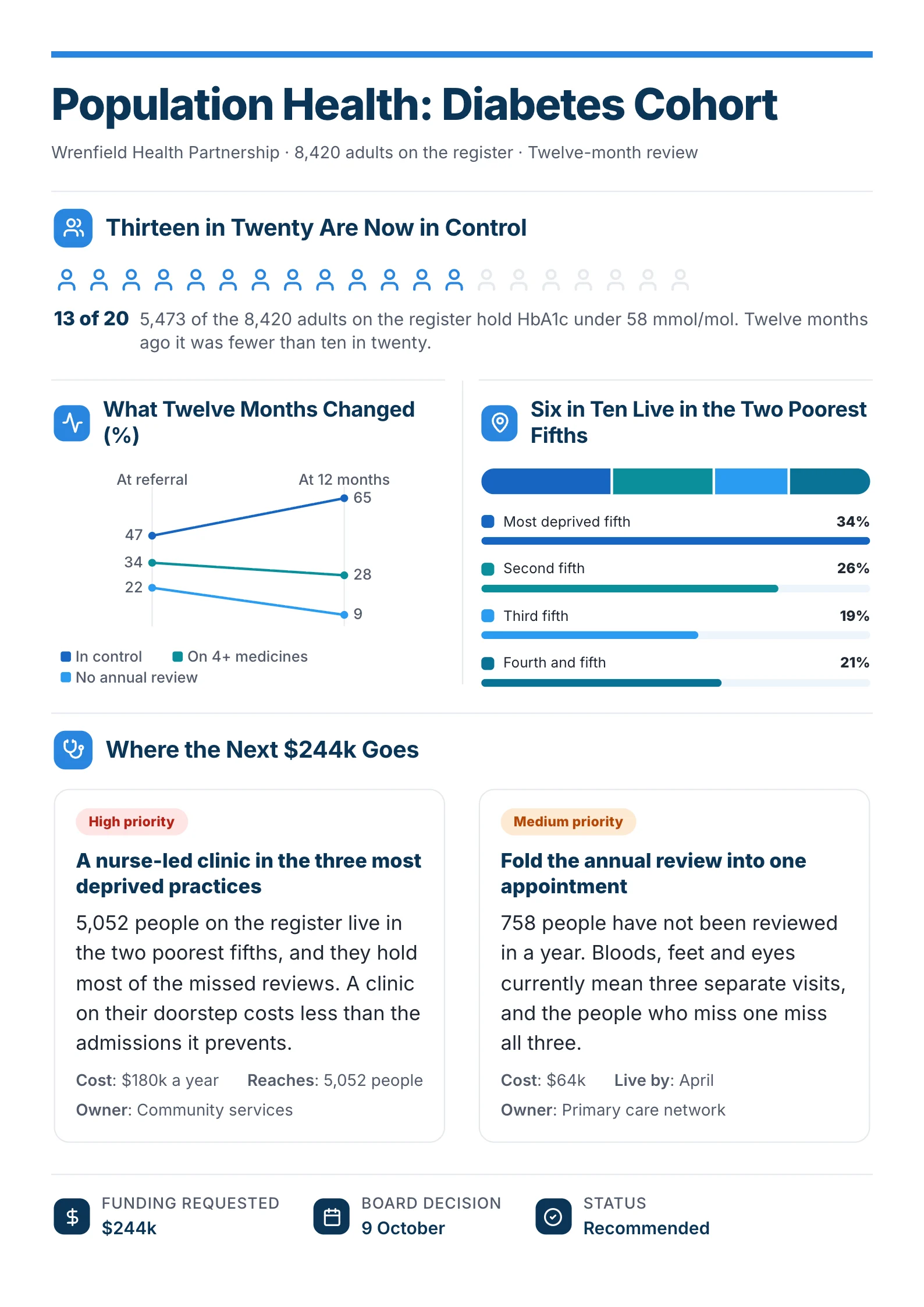
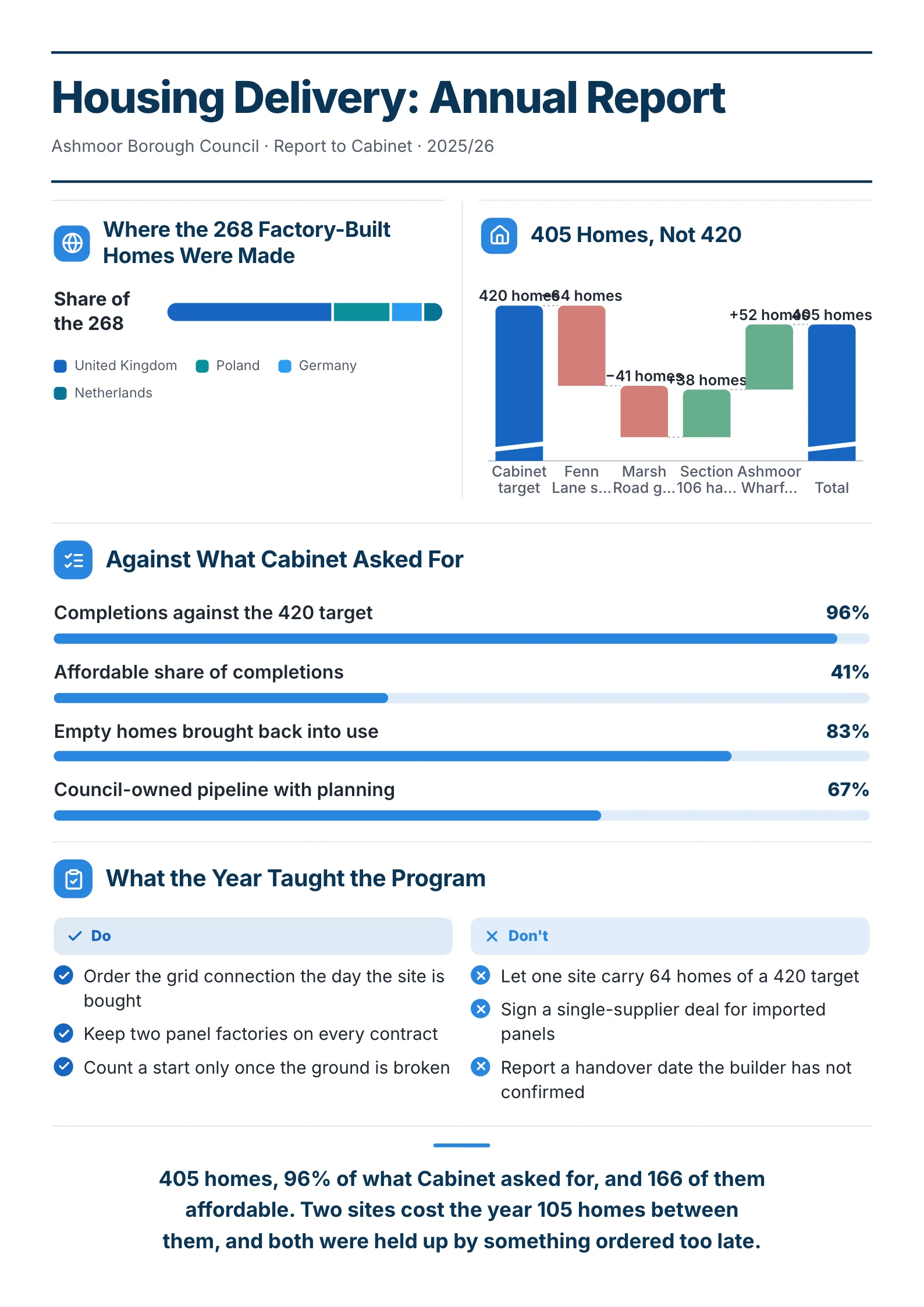
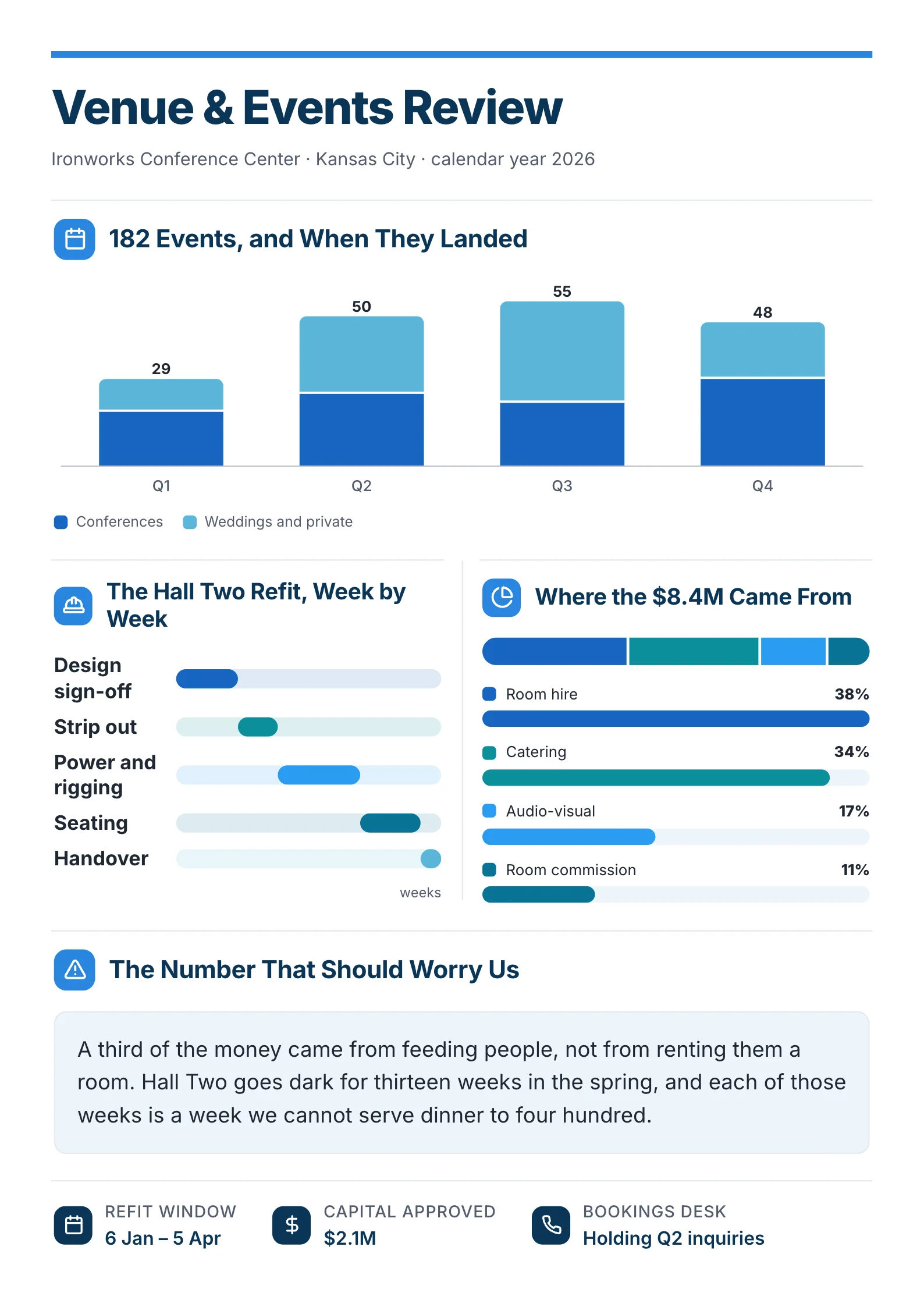
Edit every word, chart and color
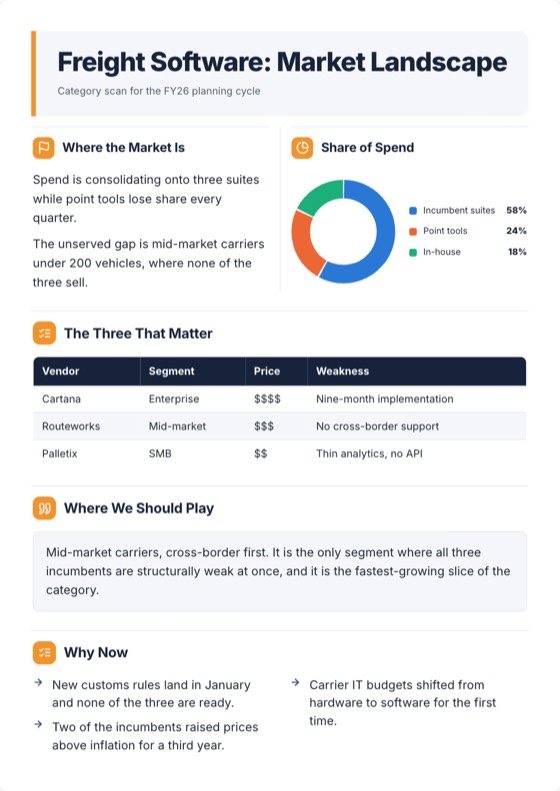
Executive Summary Examples
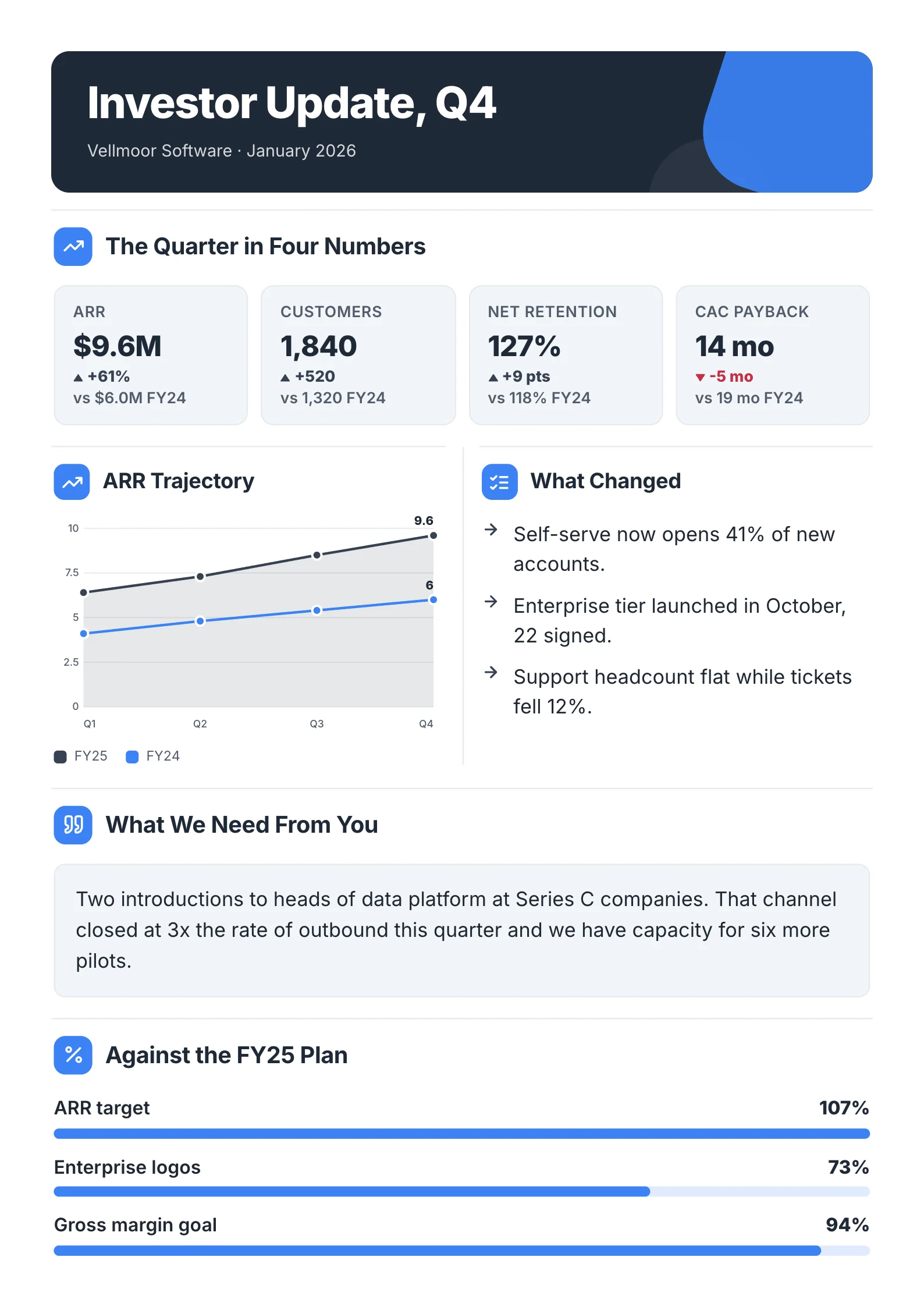
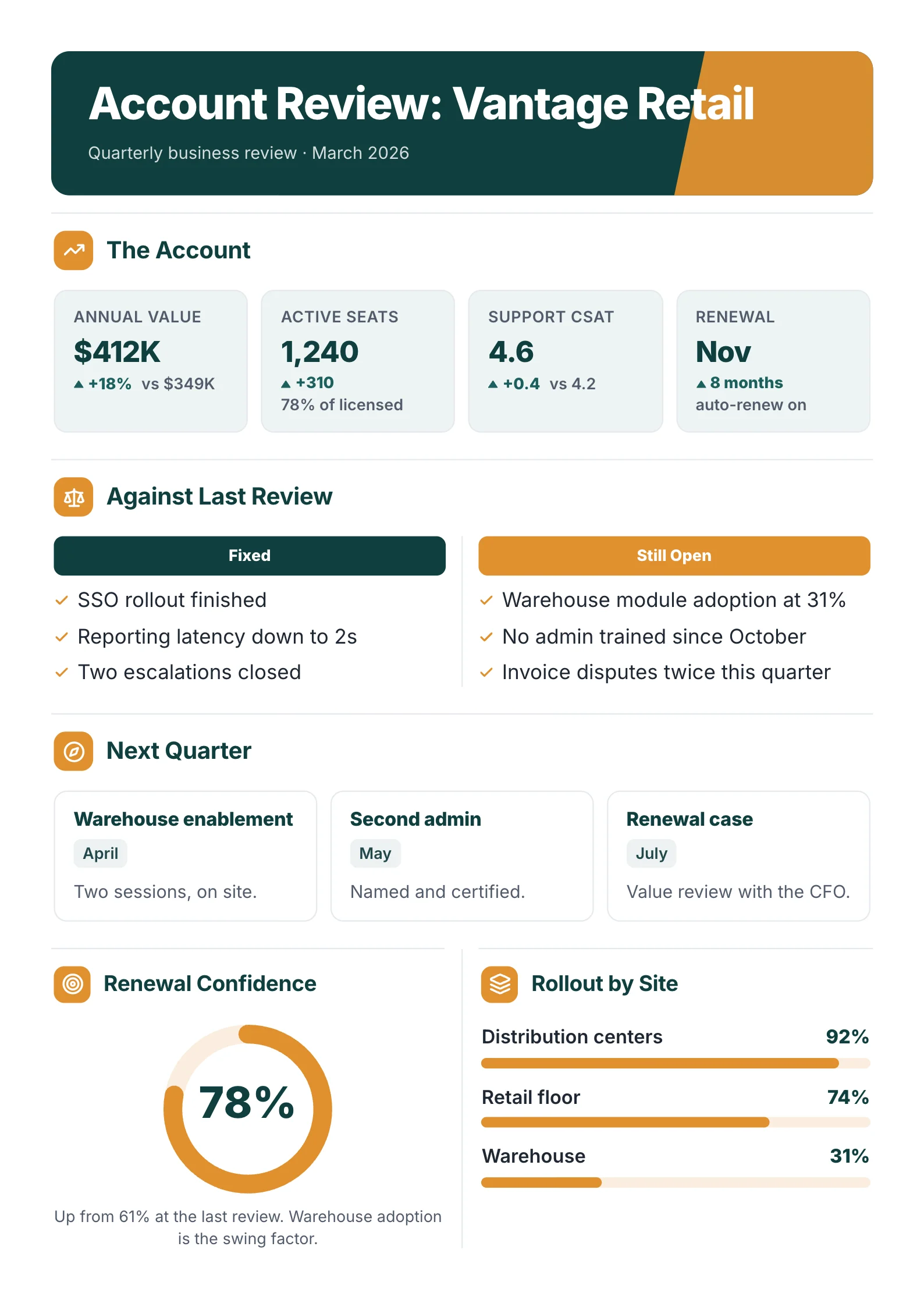
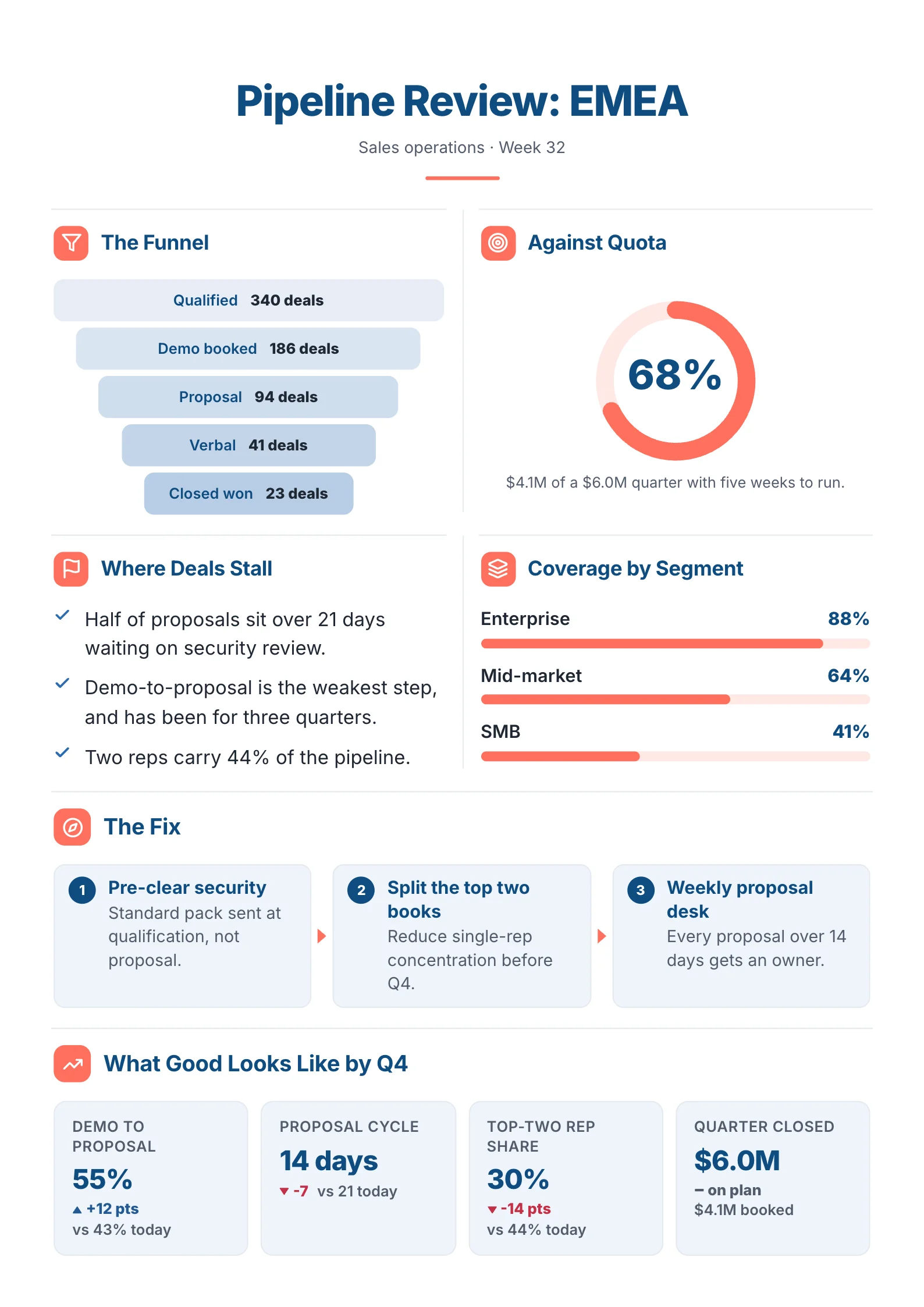
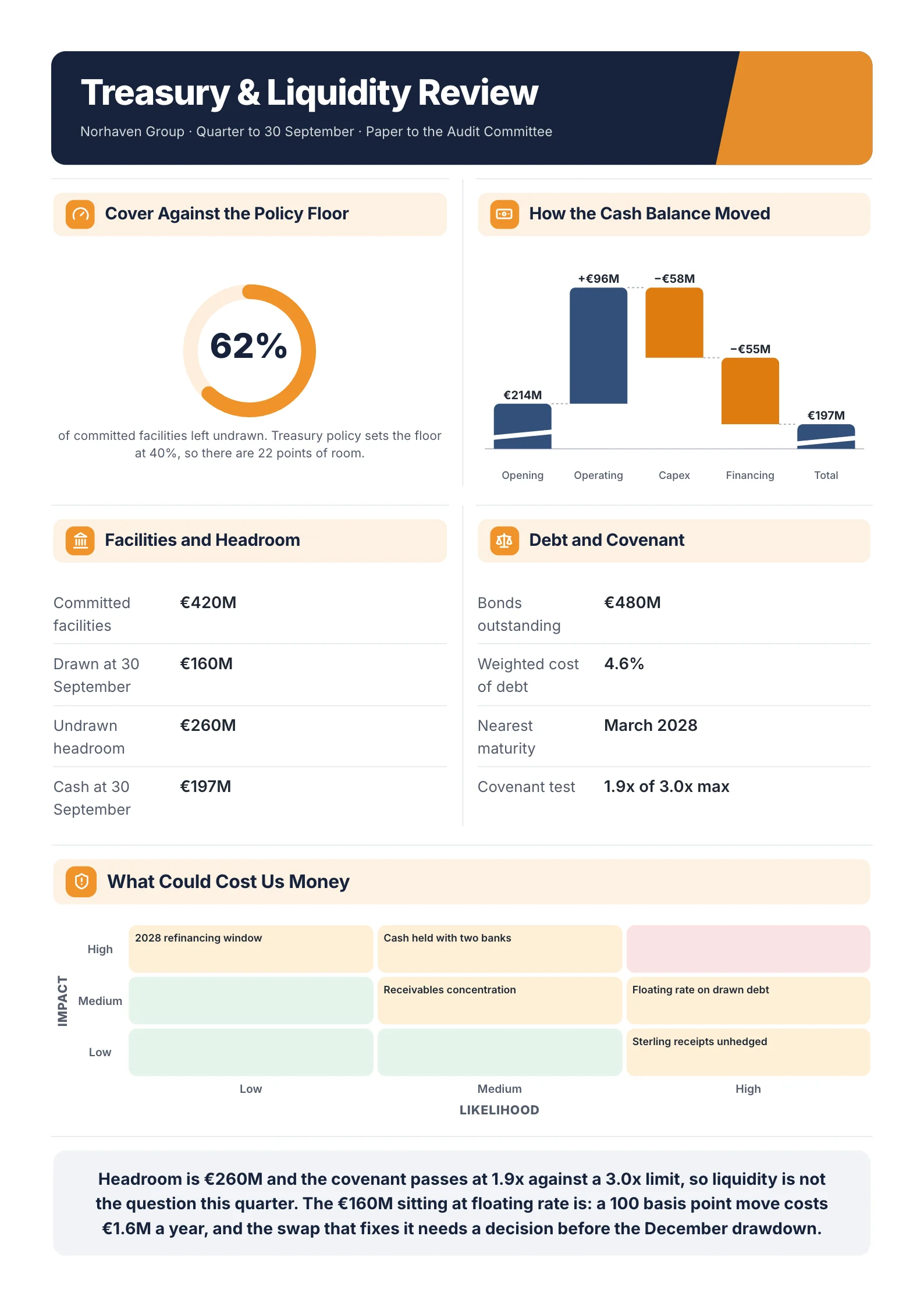
Yours is built from your own file, ready to edit.
See all One-Pager templatesHow to Make an Executive Summary from a PDF
Step 1: Drop your report in the box, or pick it from your files.
Step 2: It pulls out the point, the key numbers and the next step.
Step 3: Send a link, or download the PDF free.
More Than a Summary
A text summary hands you words. This hands you a One-Pager to send.
Charts, Not Paragraphs
Numbers in your file become charts a reader gets at a glance.
The Point Up Top
Each one opens with the one thing the reader must know.
Ready to Send
Share a link that opens on any phone. Or download the PDF free.
Any File You Have
PDF, Word or PowerPoint. It reads the file you already have.
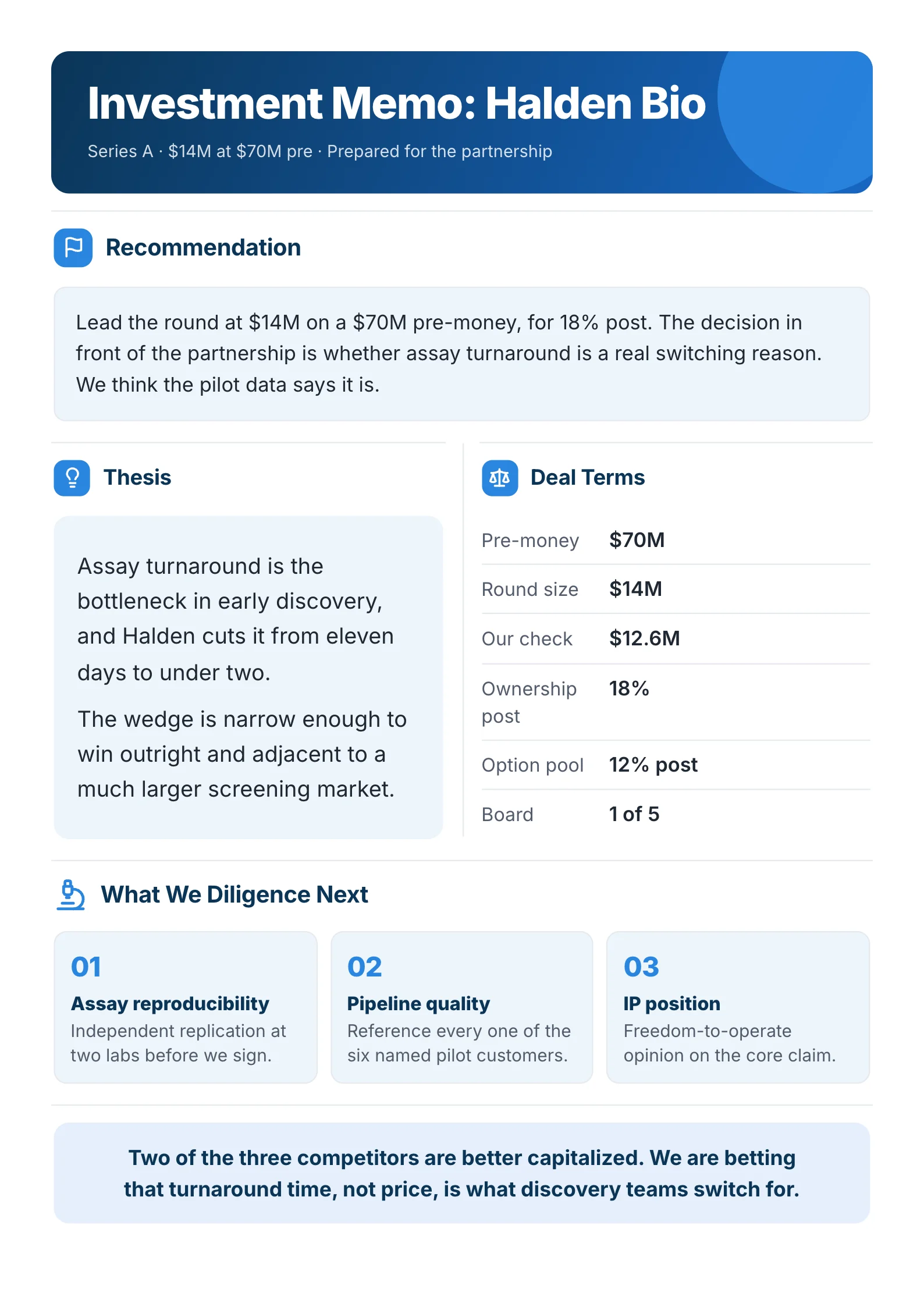
Board and Investor Updates
The quarter in four numbers and one clear ask, before the meeting.
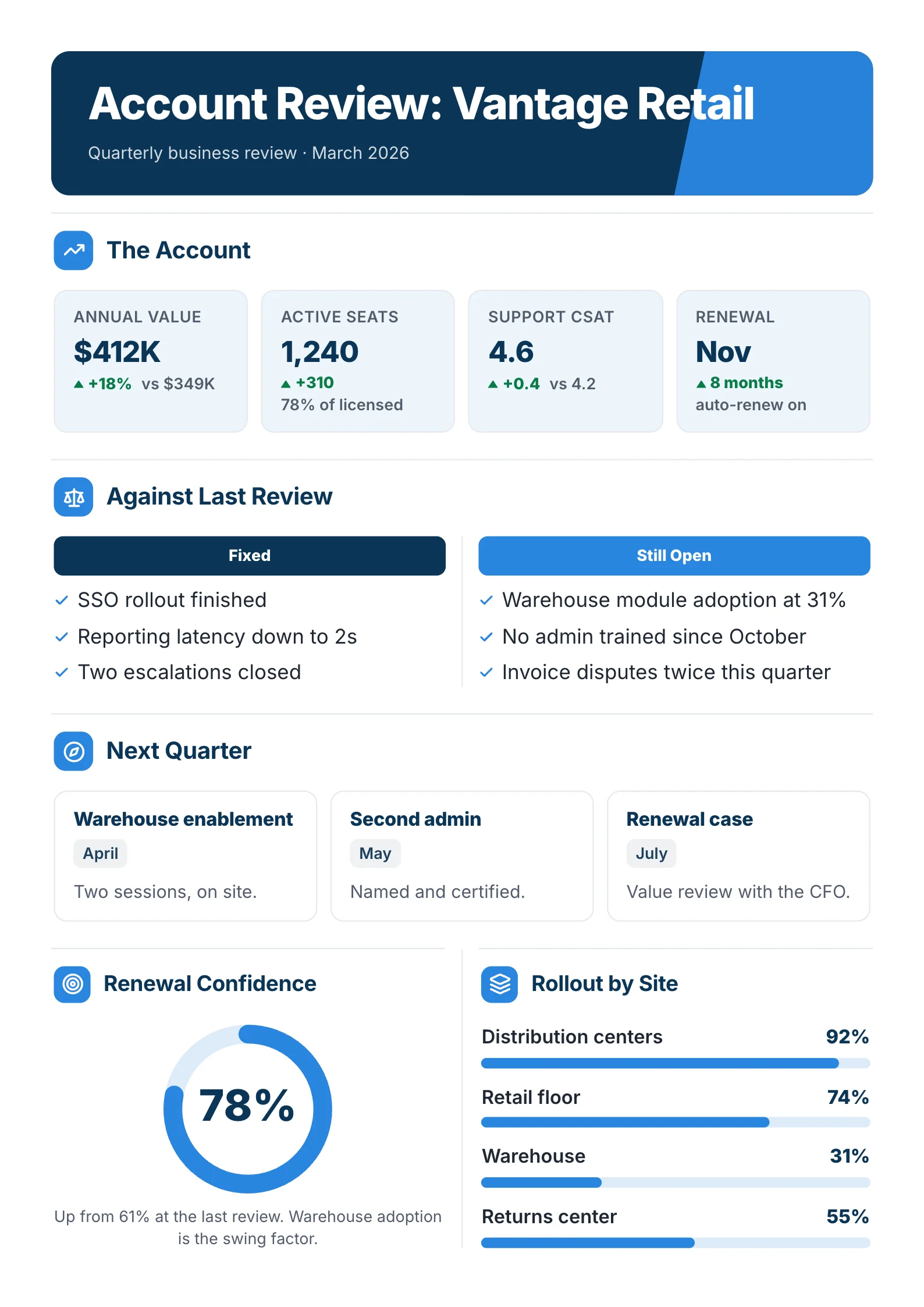
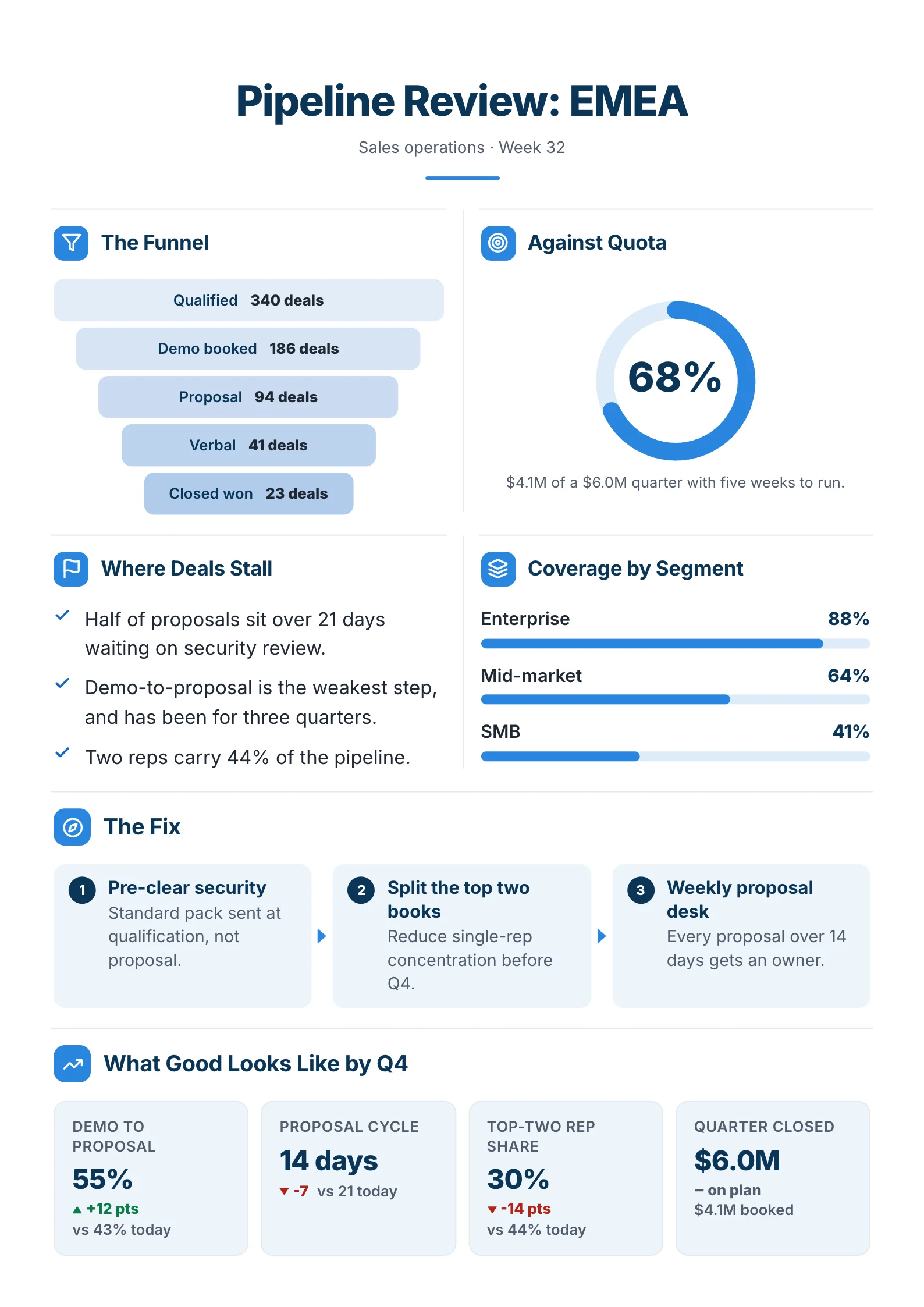
Sales and Pipeline Reviews
Where every deal stands and what closes this month, on one sheet.
Grants and Nonprofits
The need, the plan and the cost, in the shape a funder reads.
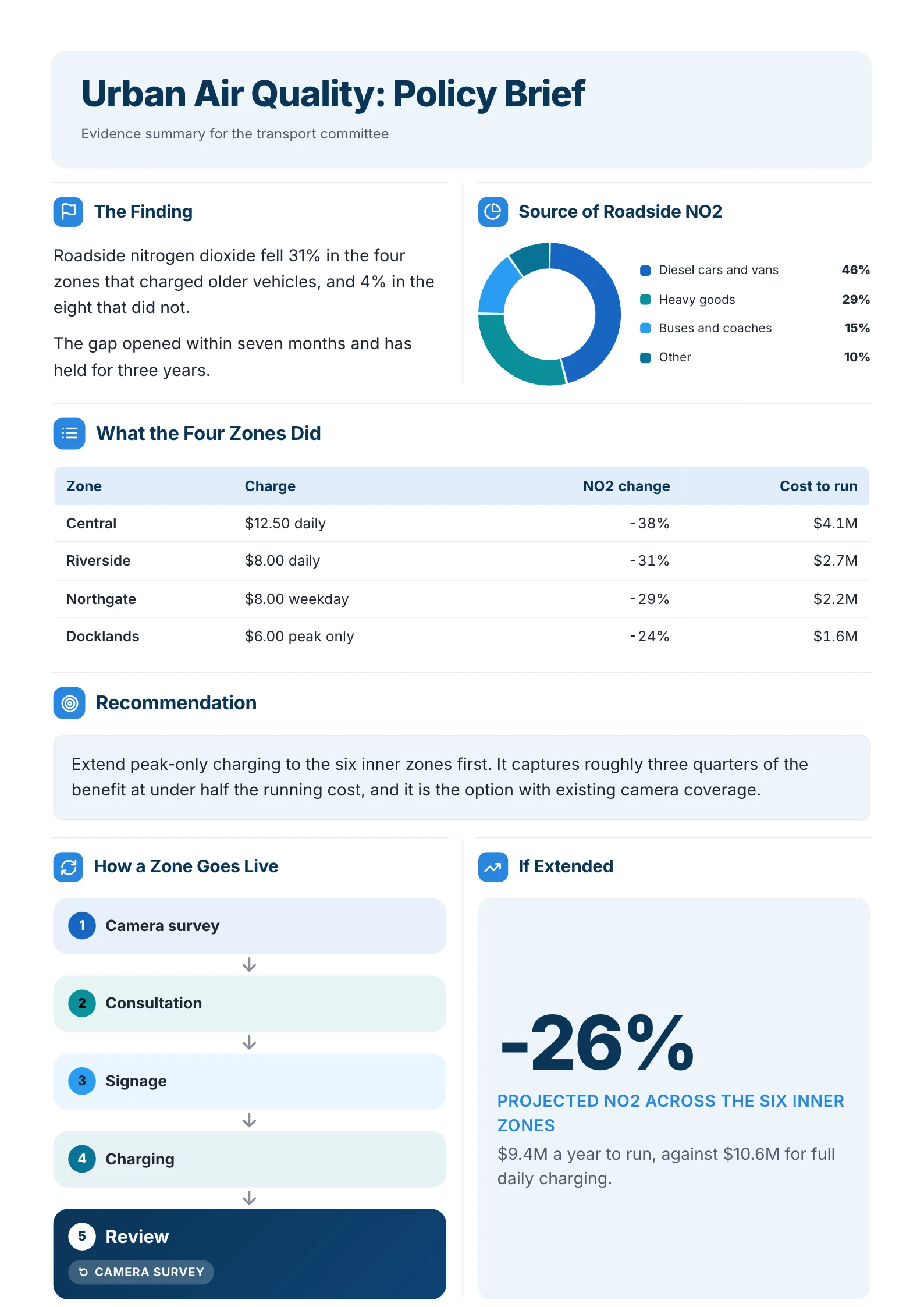
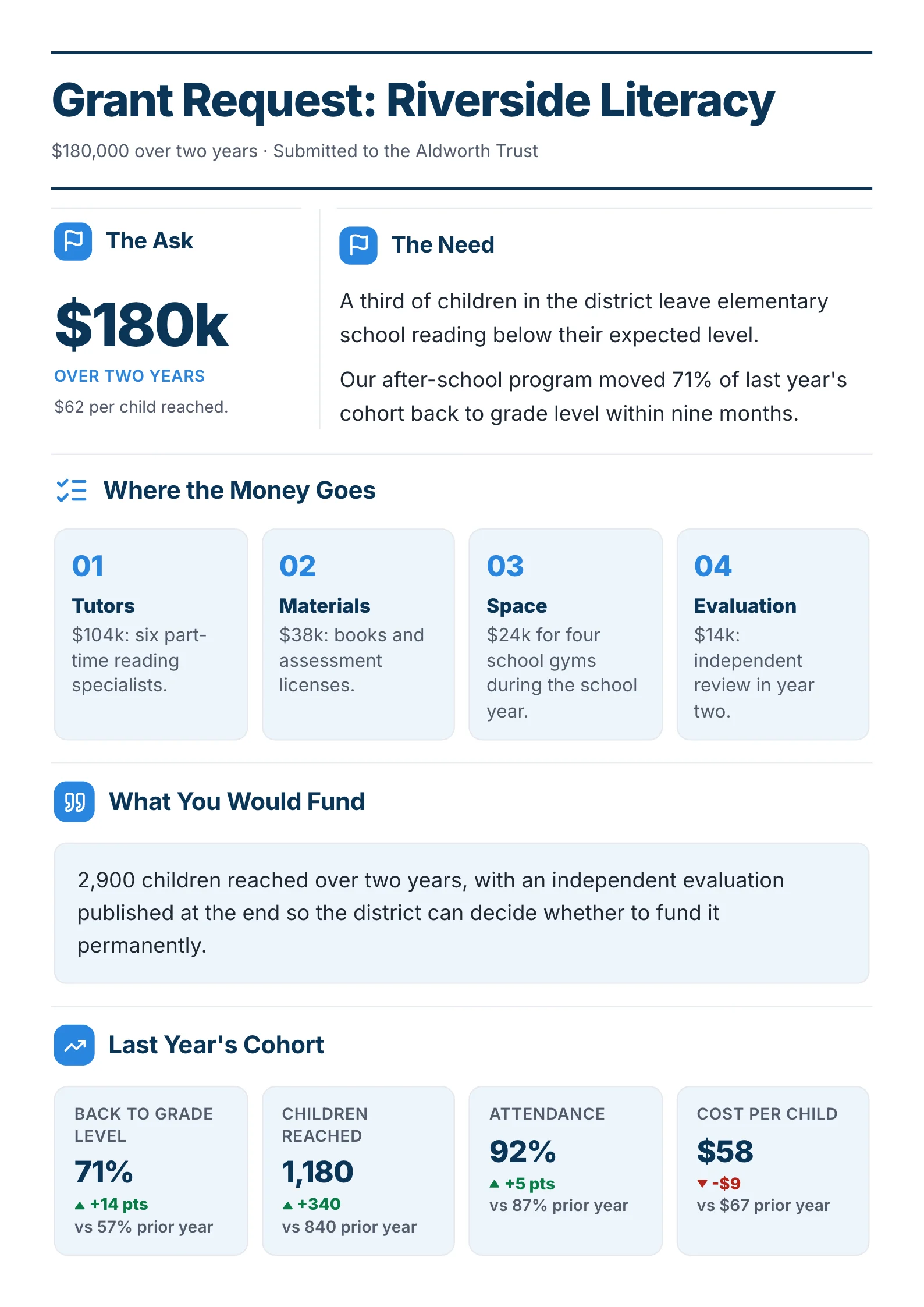
Project Status Reports
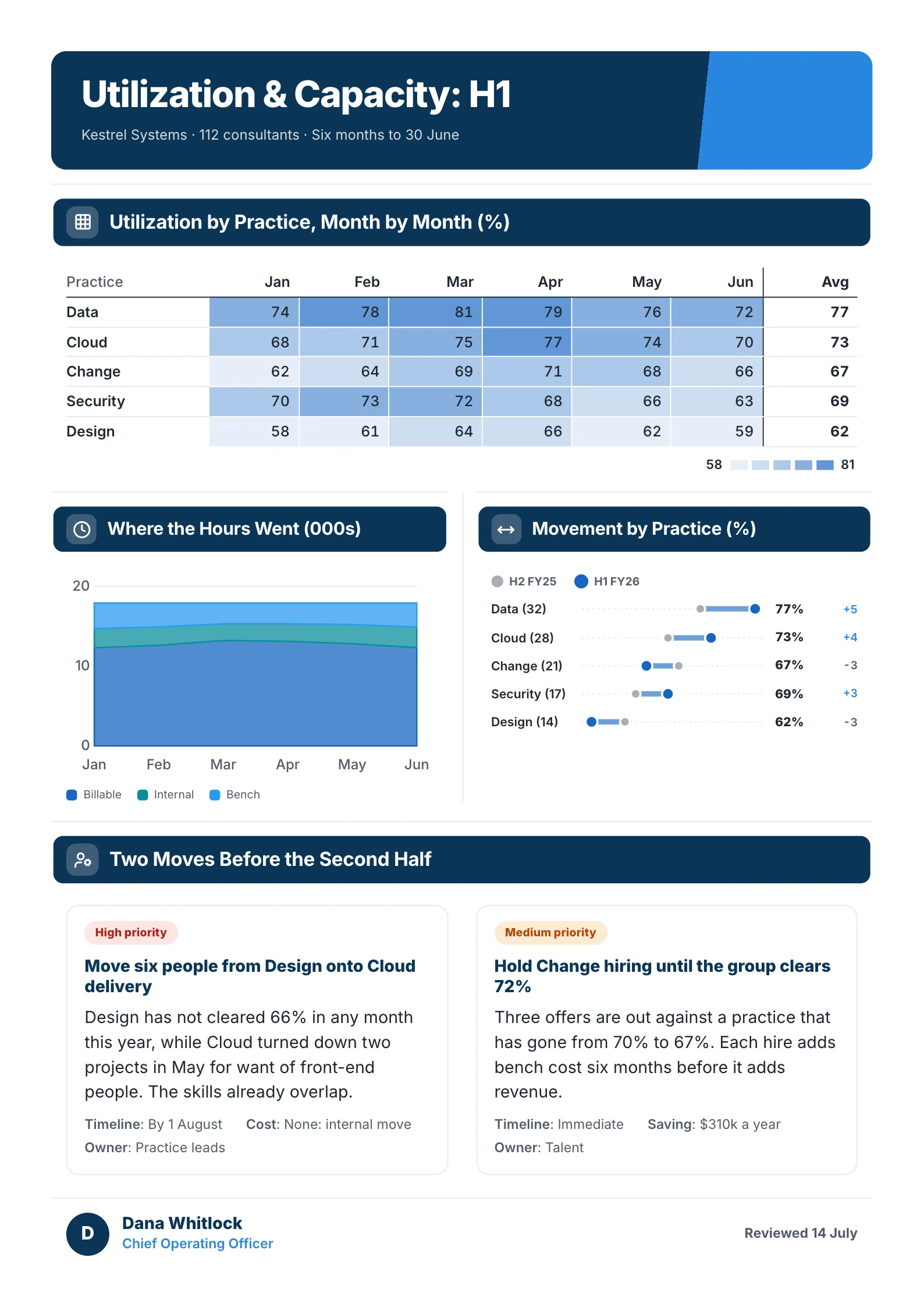
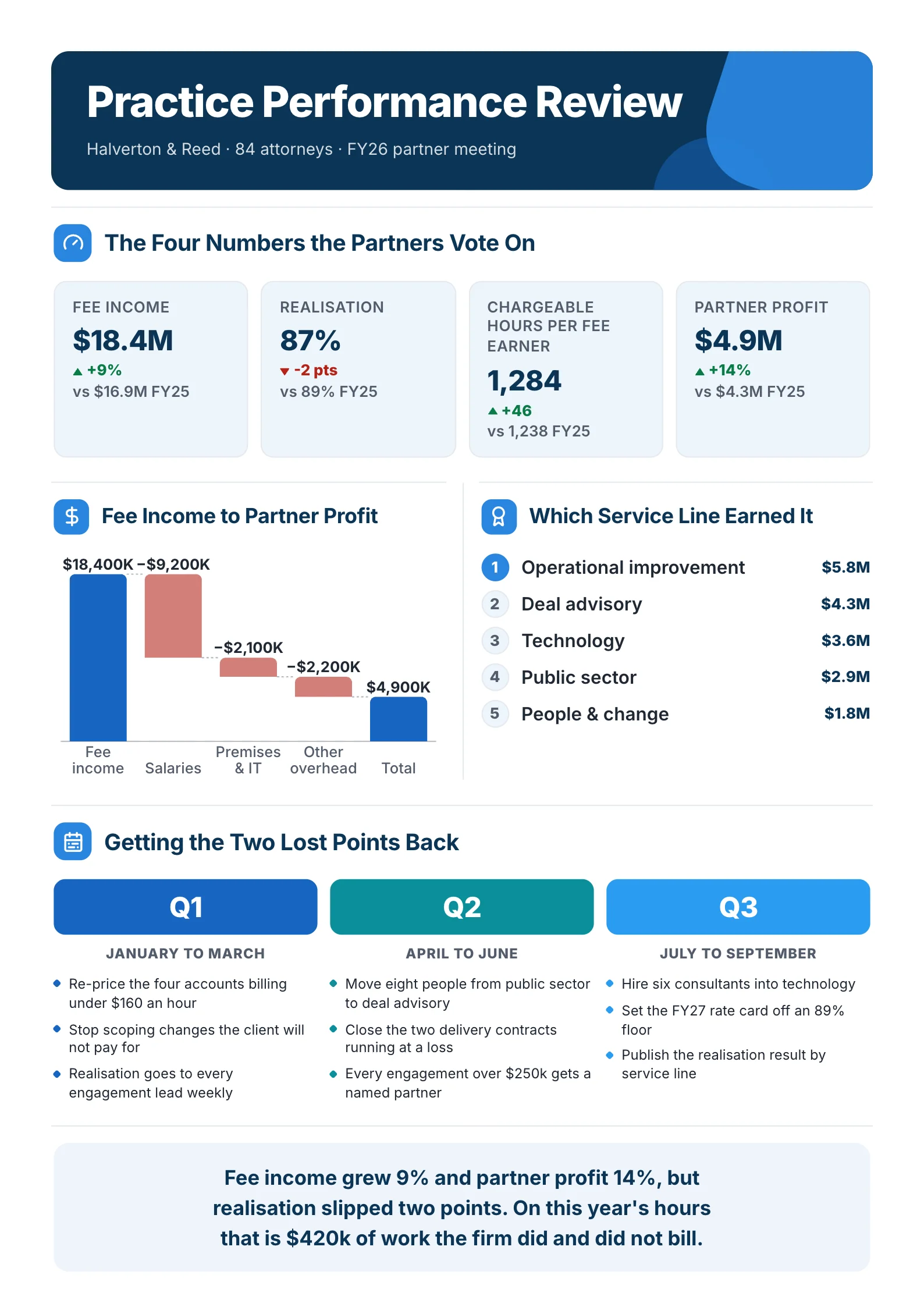
Drop in the status report or the steering deck. You get one sheet with the status up top, milestones against plan, budget used, the top risks and the decision you need.
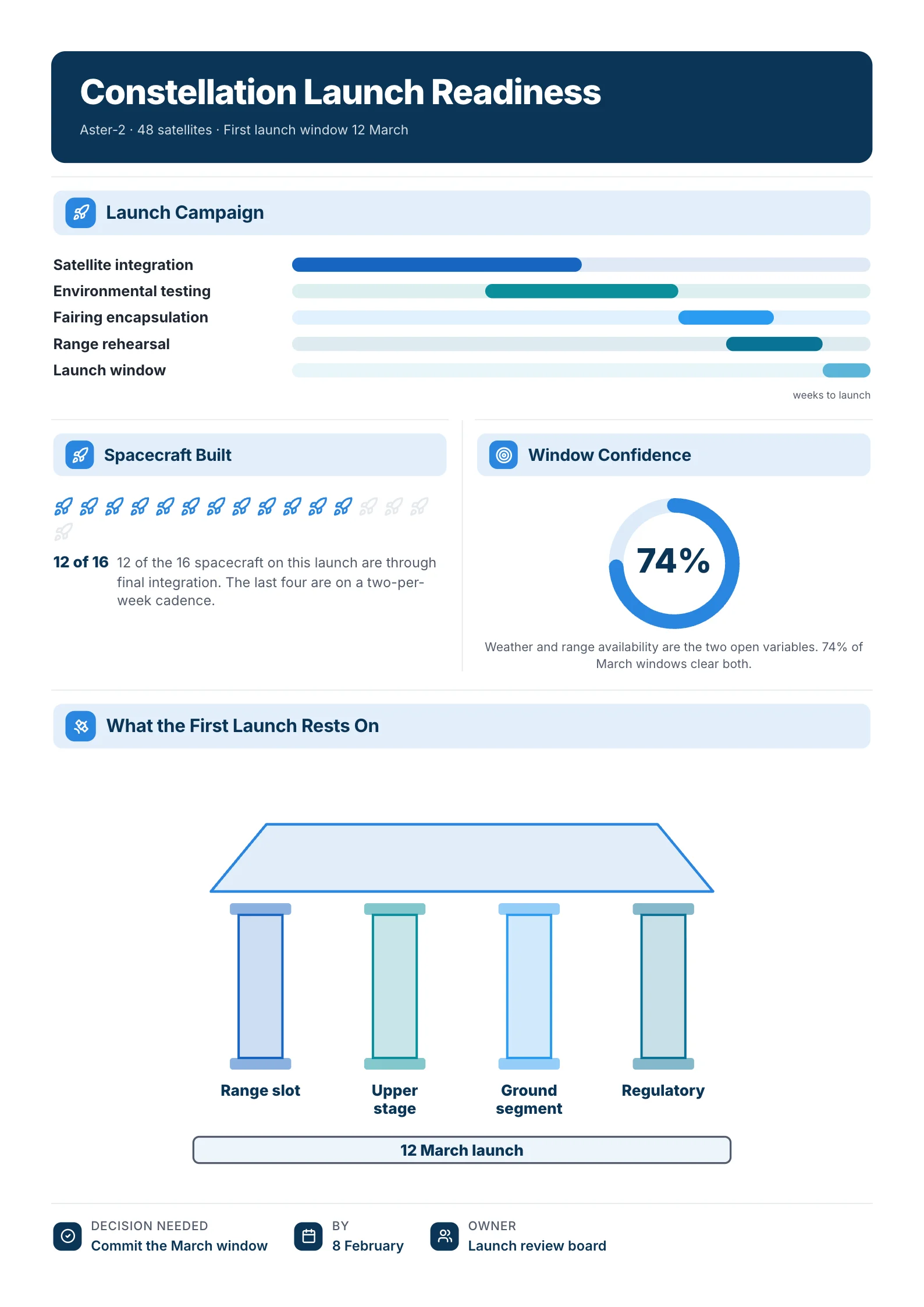
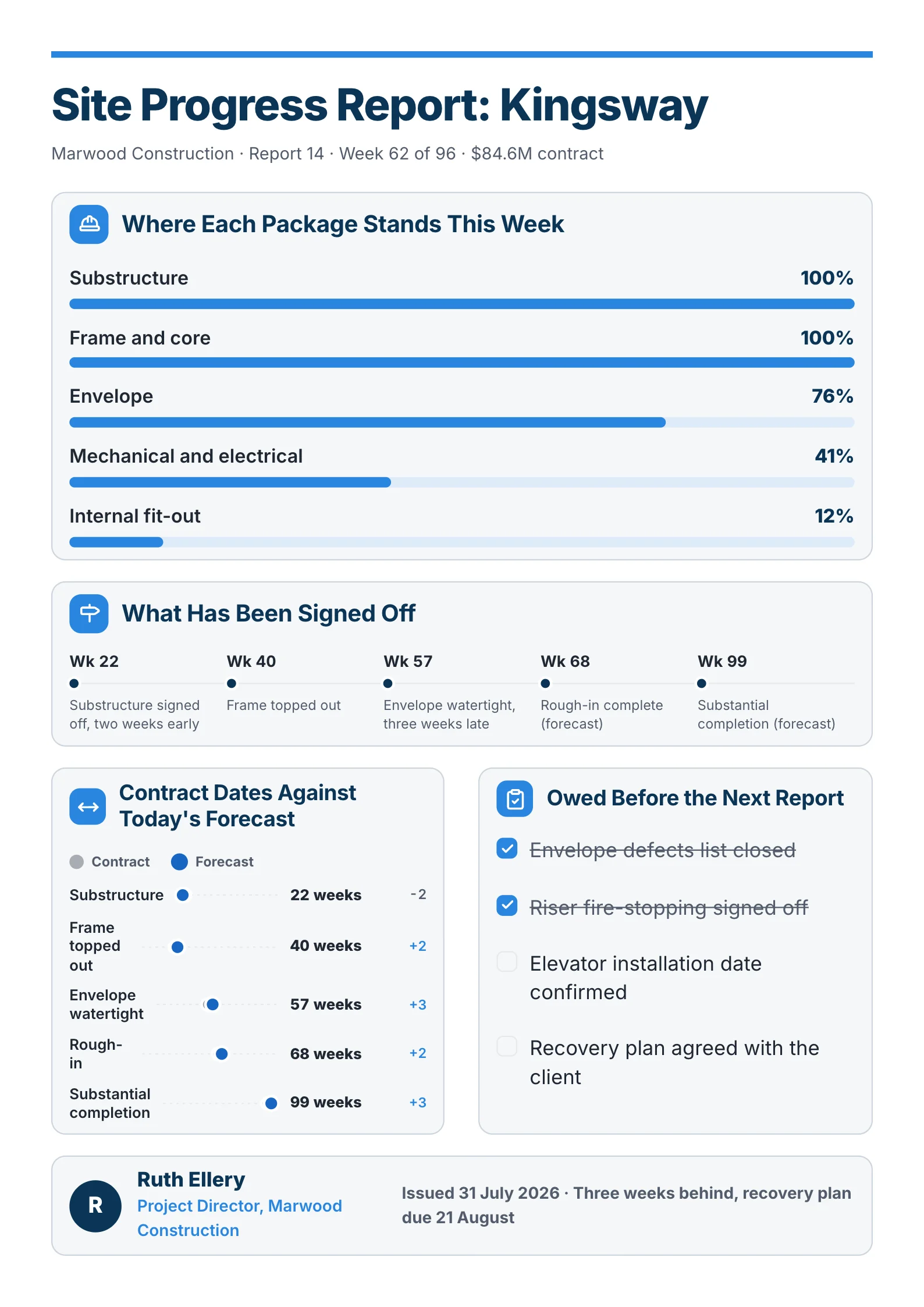
Consulting Reports
Drop in the final deck. The answer goes first, with the three or four findings that back it and the next steps, in your client's colors.
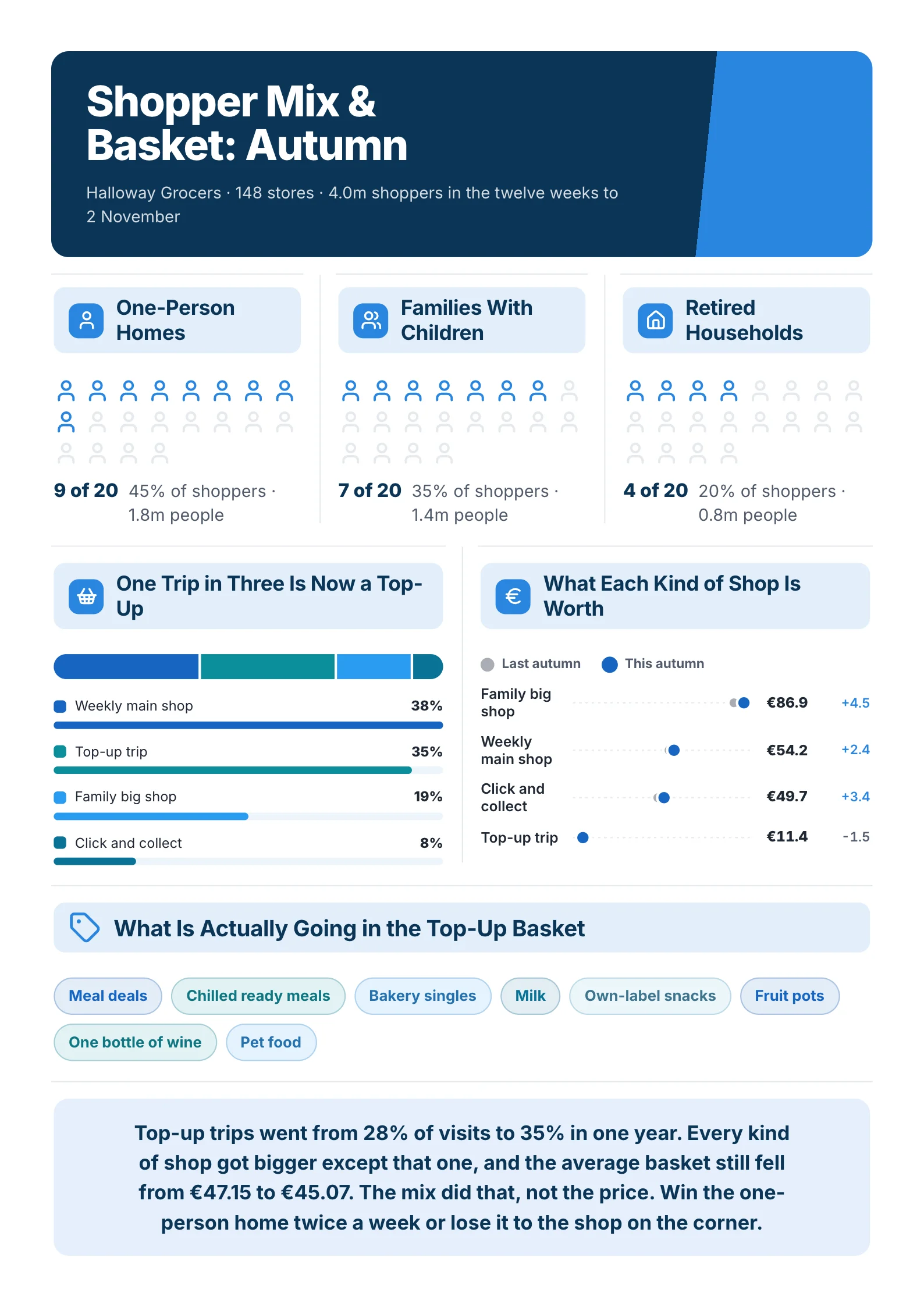
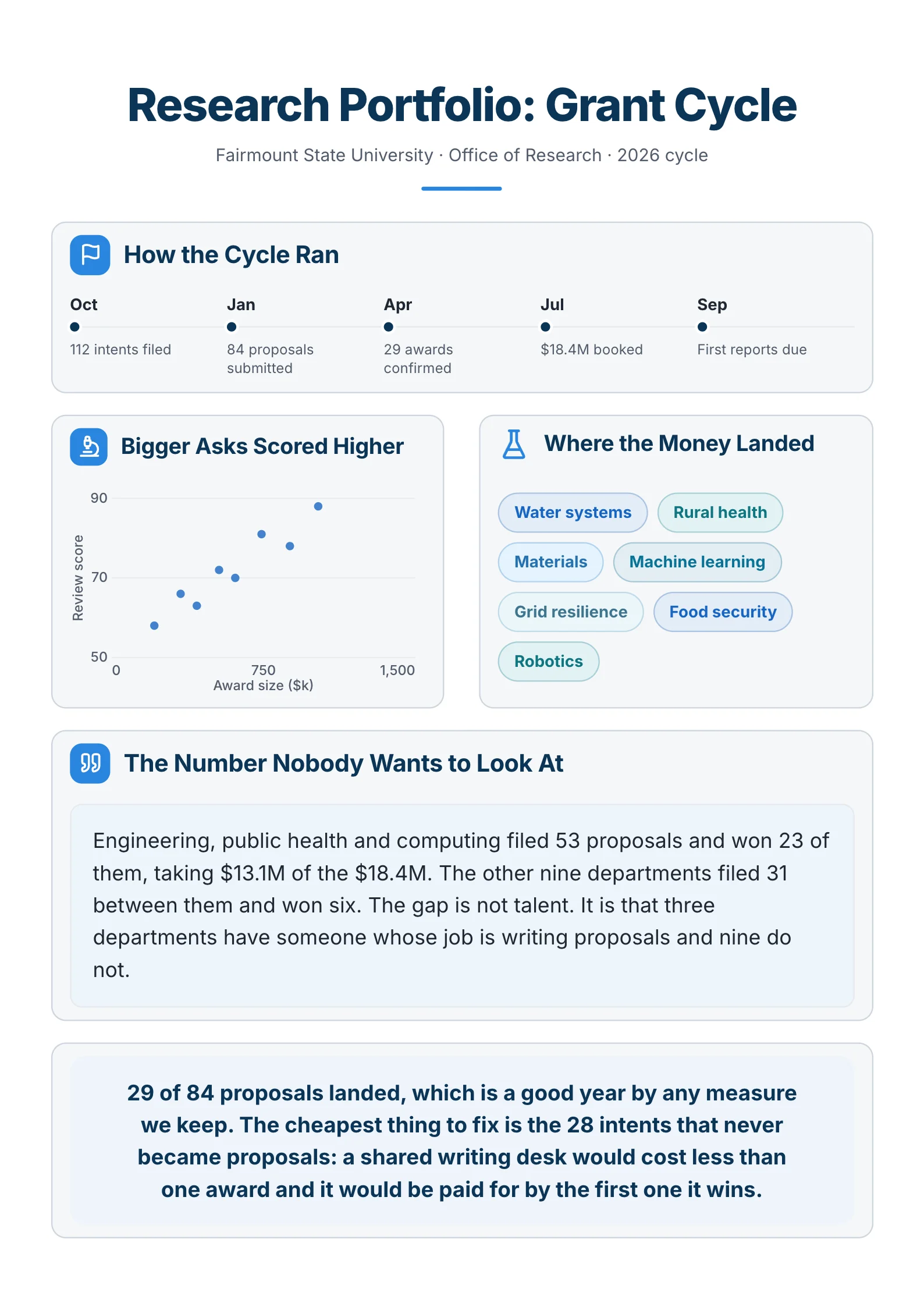
Research and Analyst Reports
Drop in the paper or the analyst report. The finding goes first, then the evidence and what it means, with the caveats kept.
Executive Summary Generator FAQs
How do I write an executive summary from a PDF?
To summarize a PDF, drop it in above. The executive summary comes back as a One-Pager in a minute or two.
How long should an executive summary be?
Short enough to read in a minute. For most reports, that's one sheet. The point, the key numbers and the ask.
What should an executive summary include?
The main point, three to five key numbers and what they mean. End with the next step or the decision you need. Here is how to write an executive summary one-pager by hand.
Is this executive summary generator free?
Yes. Make your One-Pager free once you sign up, and download it free too.
Can it make a one page summary of a PDF?
Yes. PDF to one-pager in a minute or two. Word and PowerPoint files work too.
How long can my file be?
The free tool reads up to 10 pages. Your free trial reads files up to 100 pages.
Can I edit the executive summary?
Yes. Press Edit and change any line, free. Rewriting with AI is on paid plans.
Is it safe to upload my report?
We read it, make the One-Pager and don't store the file. It's never used to train AI.
What is an executive summary?
A short summary at the front of a longer document. It gives a busy reader the conclusion, the facts behind it and the decision needed, so they can act without reading the rest.
What is the difference between an executive summary and a summary?
A summary covers what a document says. An executive summary is written for a decision-maker, so it leads with the recommendation and ends with the ask.
Make Your First Executive Summary
Free to make. Ready in a minute or two.