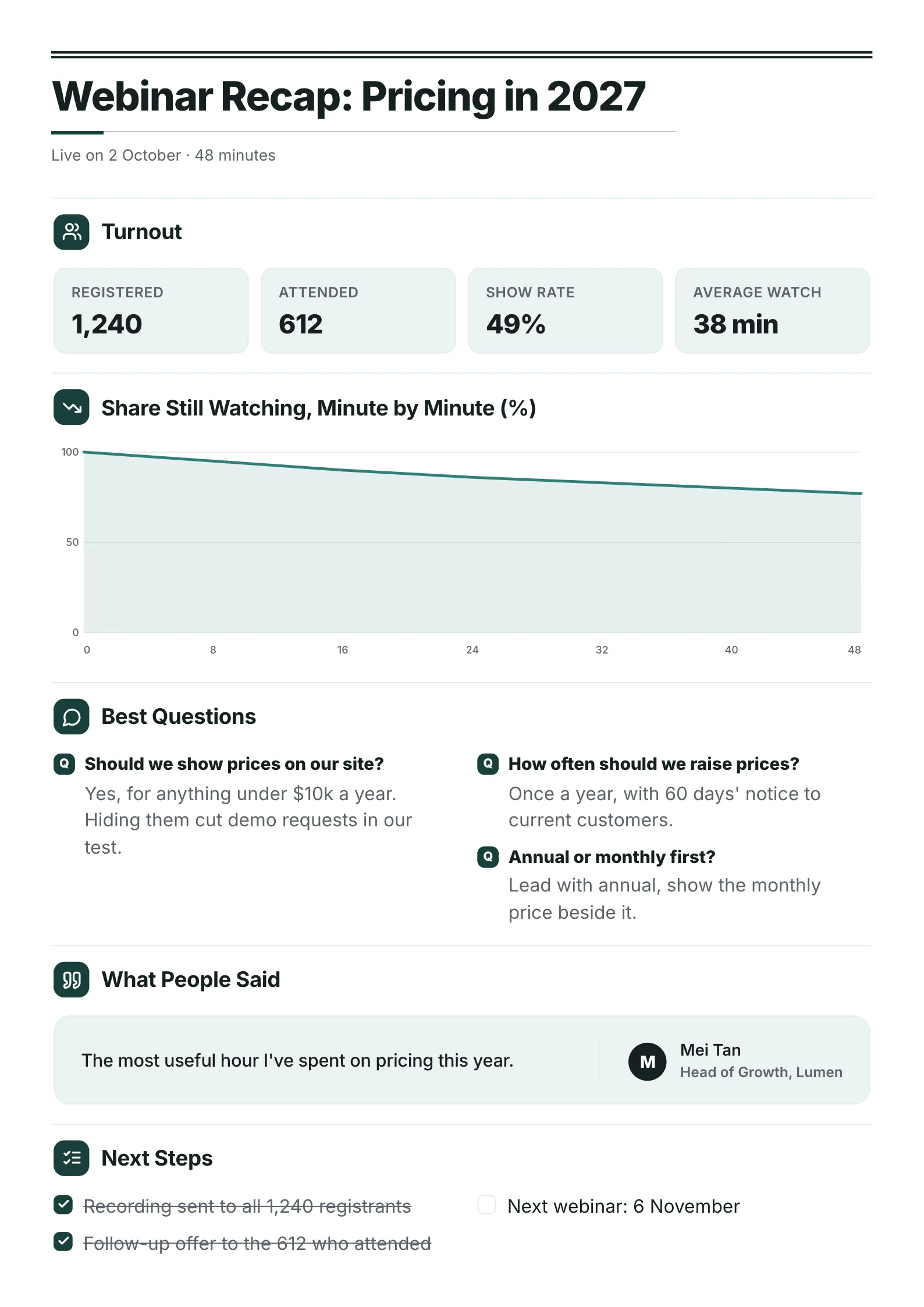
Showing Whole page
Webinar Recap Template
Follow up a webinar with who came, what they asked and next steps
Your PDF, Word or PowerPoint becomes one page you can edit and download free.
- Download free
- Change every word, number and color
- Download as PDF or PNG
See more details
Your PDF, Word or PowerPoint becomes one page you can edit and download free.
Follow up a webinar with who came, what they asked and next steps
- Download free
- Change every word, number and color
- Download as PDF or PNG
What’s on it
- Headline numbersTurnout
- Area chart of a trendShare Still Watching, Minute by Minute (%)
- Questions and answersBest Questions
- Pull quoteWhat People Said
- Checklist of next stepsNext Steps
Edit every word, chart and color
About this Webinar Recap one pager template
Follow up after a webinar with this webinar recap one pager template. One webinar can feed a month of follow-ups. It shows turnout, charts viewers still watching minute by minute to find where interest peaked, collects the best questions, quotes what people said and gives one next step. Marketing teams, educators and SaaS companies send it within a day to attendees and to people who missed it, who get a reason to watch the replay. The questions become your next email or post. Turnout is shown against registrations, so you know how well your reminder emails worked.
More in Sales & marketing
See allEach one opens its own page
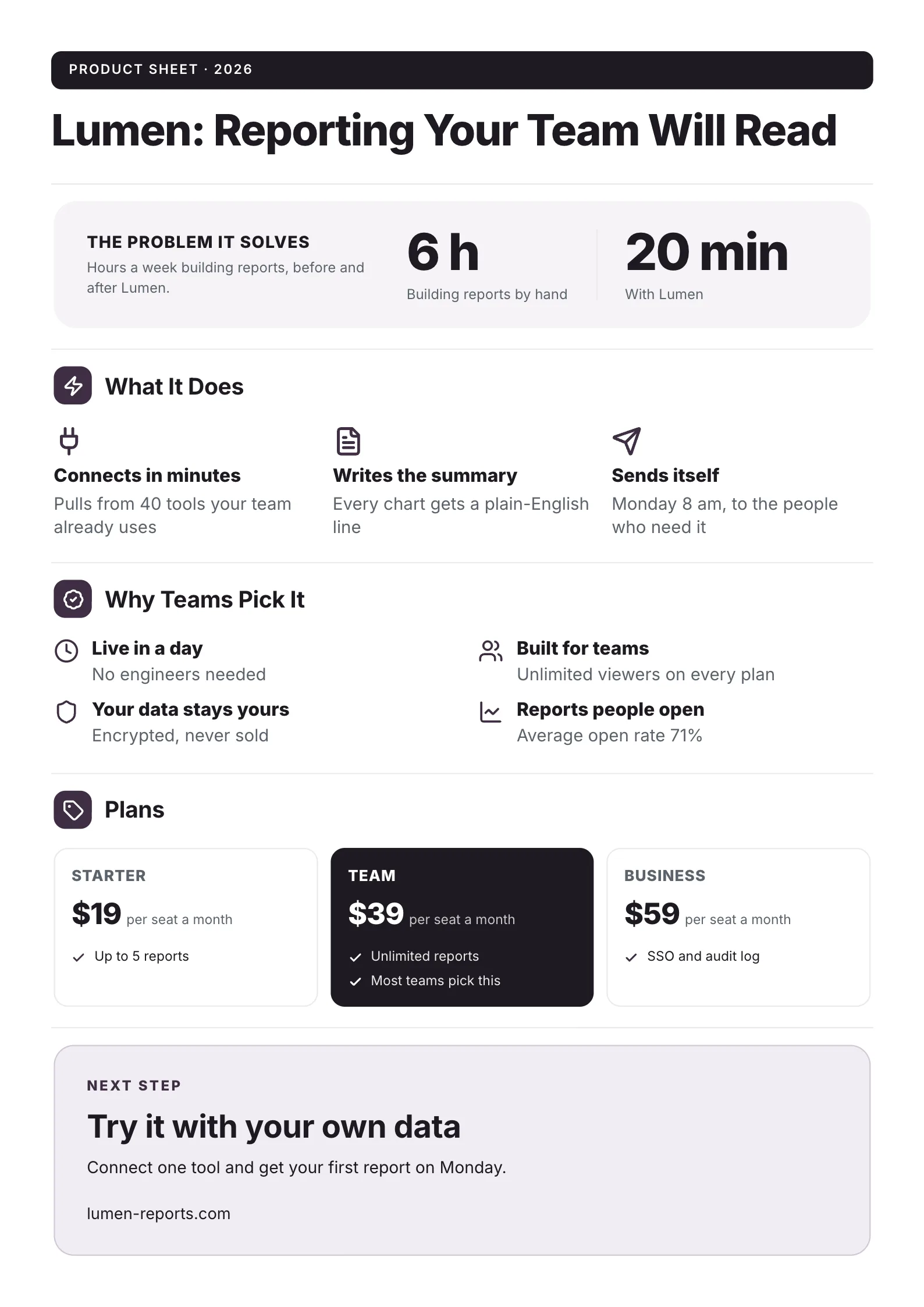 SaaS Product One-Pager Template
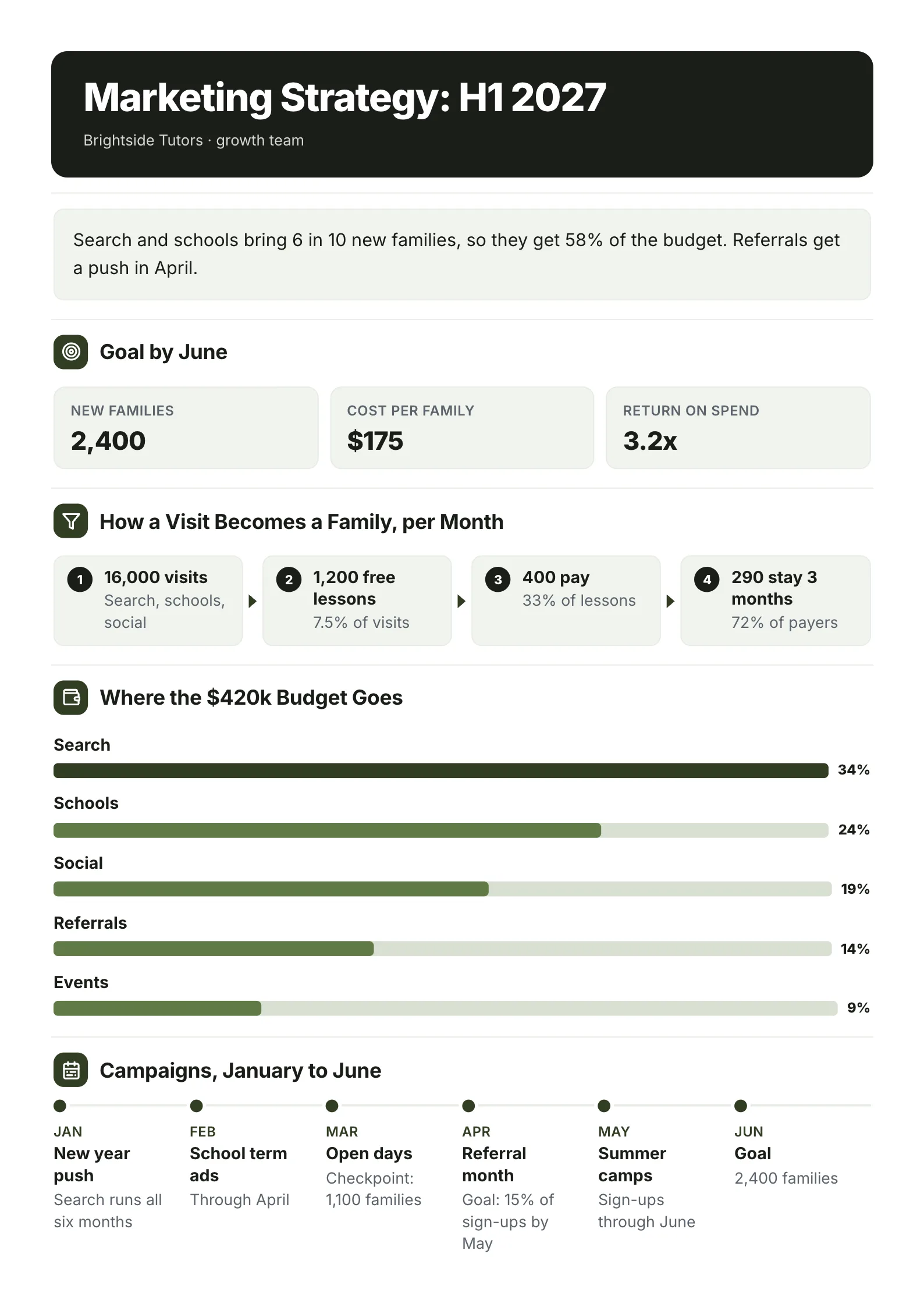 Marketing Strategy Template
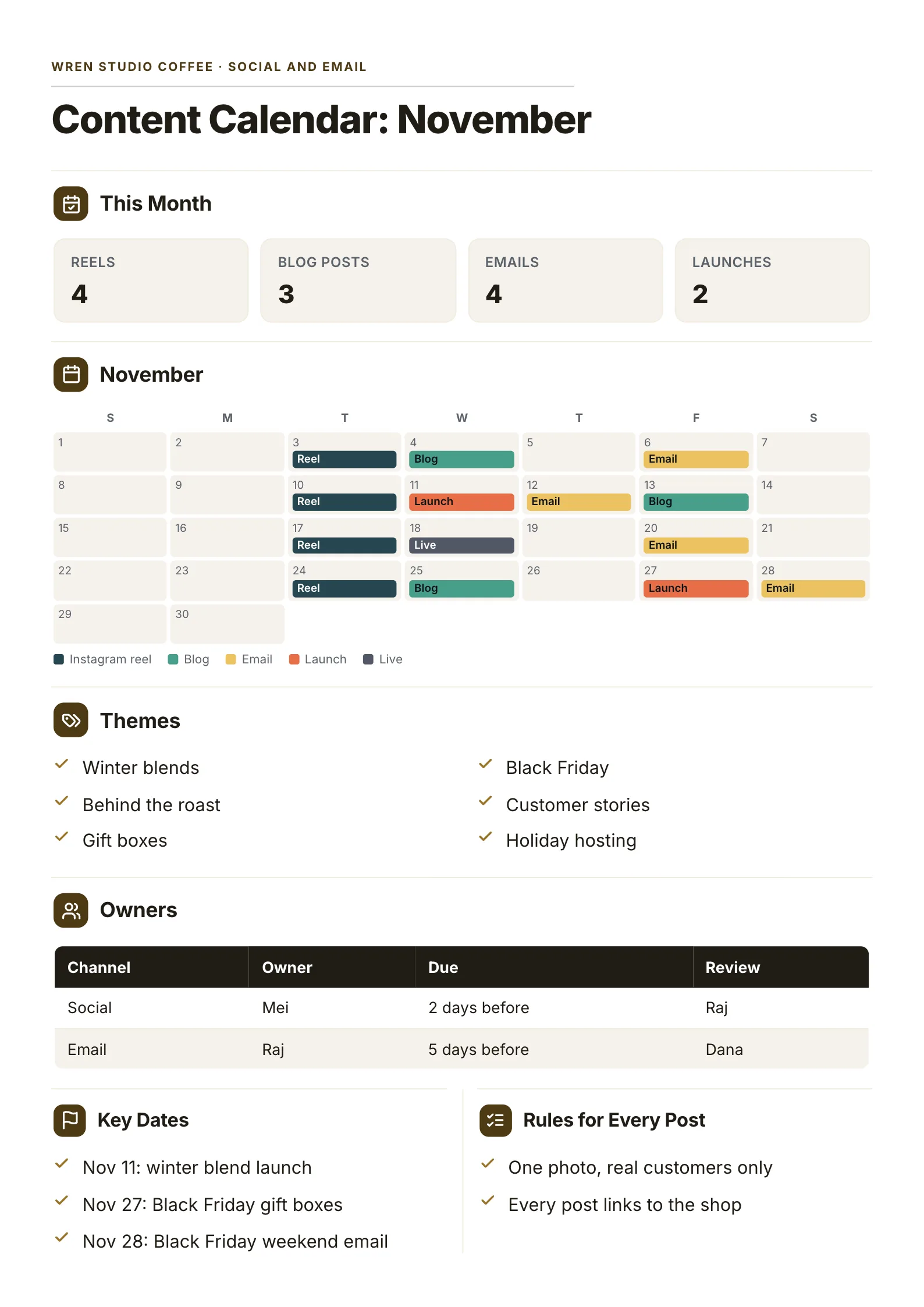 Content Calendar Template
 Event One-Pager Template
 Customer Onboarding Plan Template
 Partnership Proposal Template
 Pricing Change Brief Template
 Media Kit Template
 Event Post-Mortem Template
 Marketing Agency Profile Template
 Annual Sales Fact Sheet Template
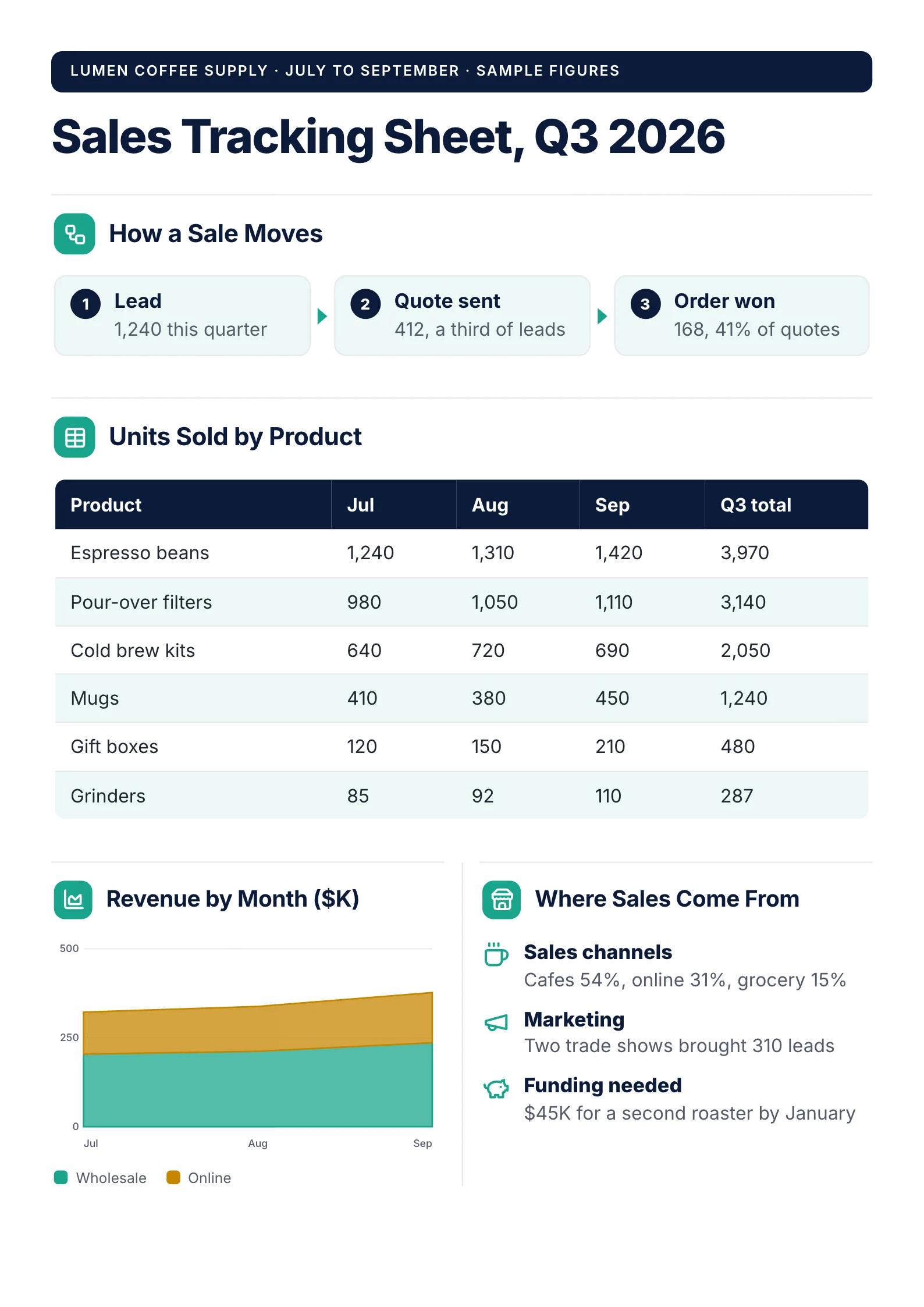 Sales Tracking Sheet Template
Let AI fill this Webinar Recap One-Pager for you
Skip the blank page. Get unlimited access to every template. Each one is fully customizable and easy to edit. Or drop in a PDF, Word file or slides and AI builds yours. Your first 3 are free
Start your 7-day free trialNothing to pay today