Guide
Product One‑Pager: What to Include, With a Template and Example
Write a product one-pager that wins support: the problem, who it is for, how you will measure success, and the ask. Template and real example inside.
Updated · 6 min read
A product one-pager is a single page that makes the case for a product or feature: the problem it solves, who it is for, what you plan to build and how you will know it worked. Product managers write one before a project starts to win support, and marketing teams write a different kind to explain a finished product to buyers.
One‑Pager examples
Six real One-Pagers made with MakeOnepagers. Open any one to edit it as your own.
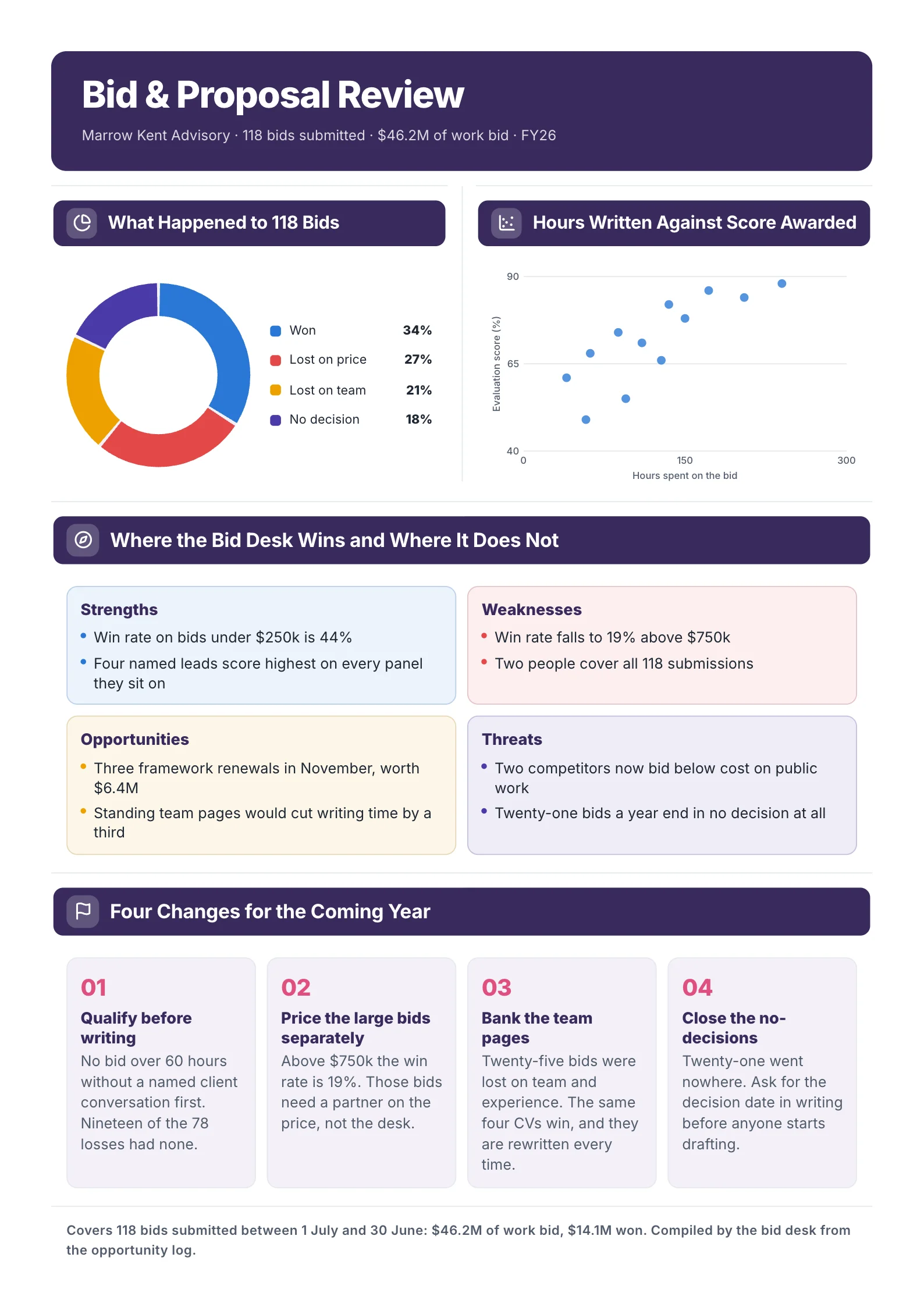
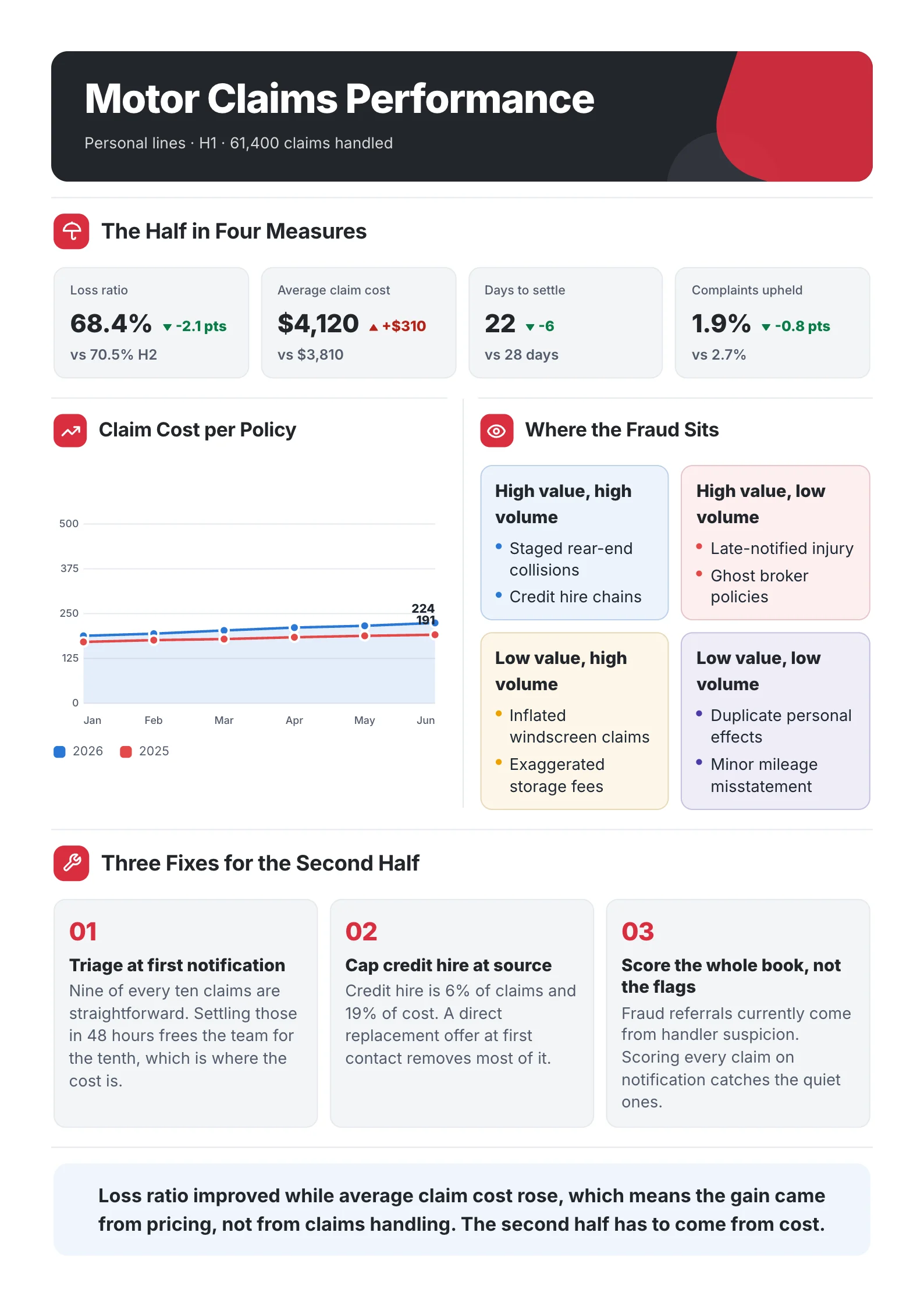
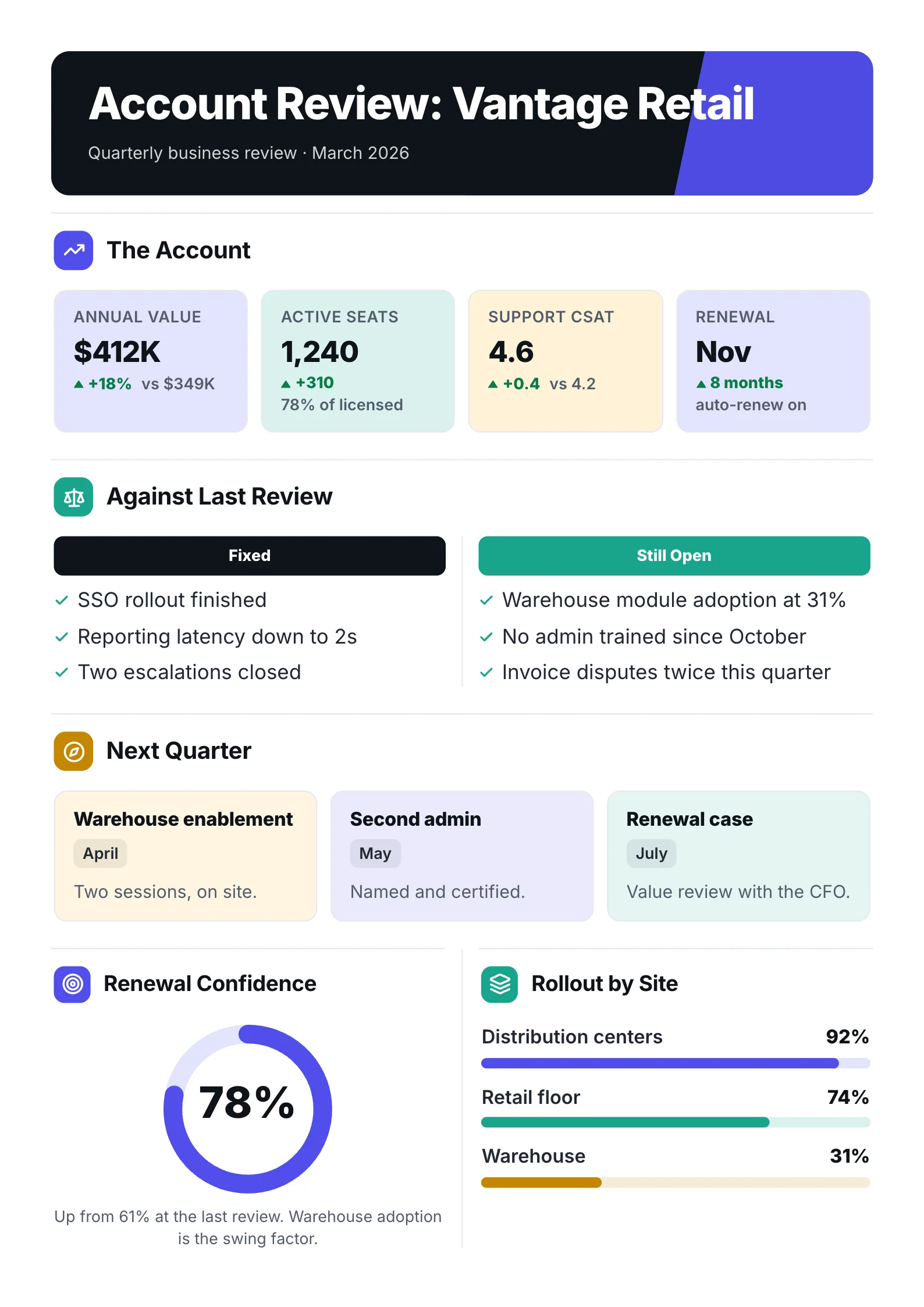 Quarterly business reviewOpen the template (opens in a new tab)
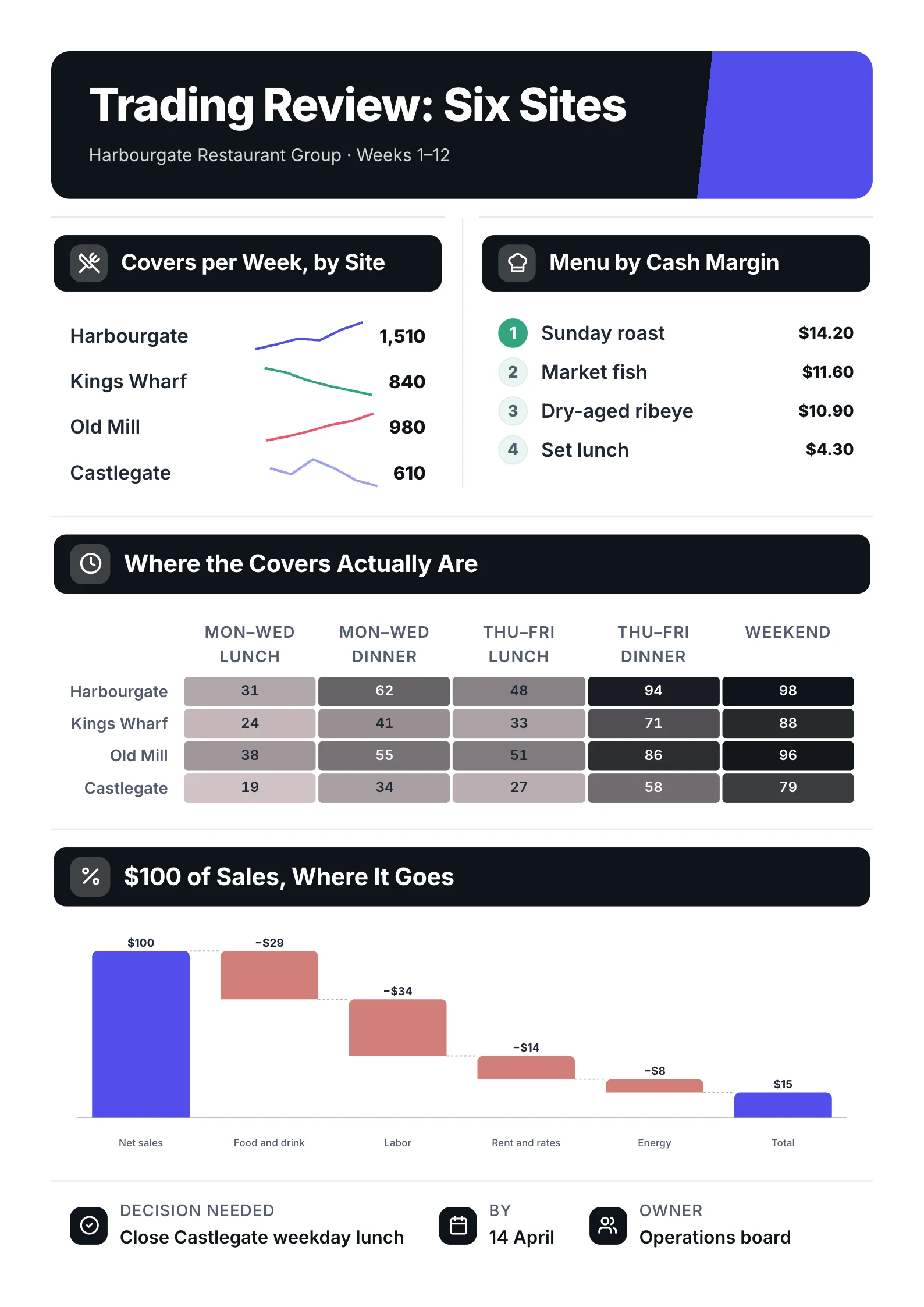 Trading reviewOpen the template (opens in a new tab)
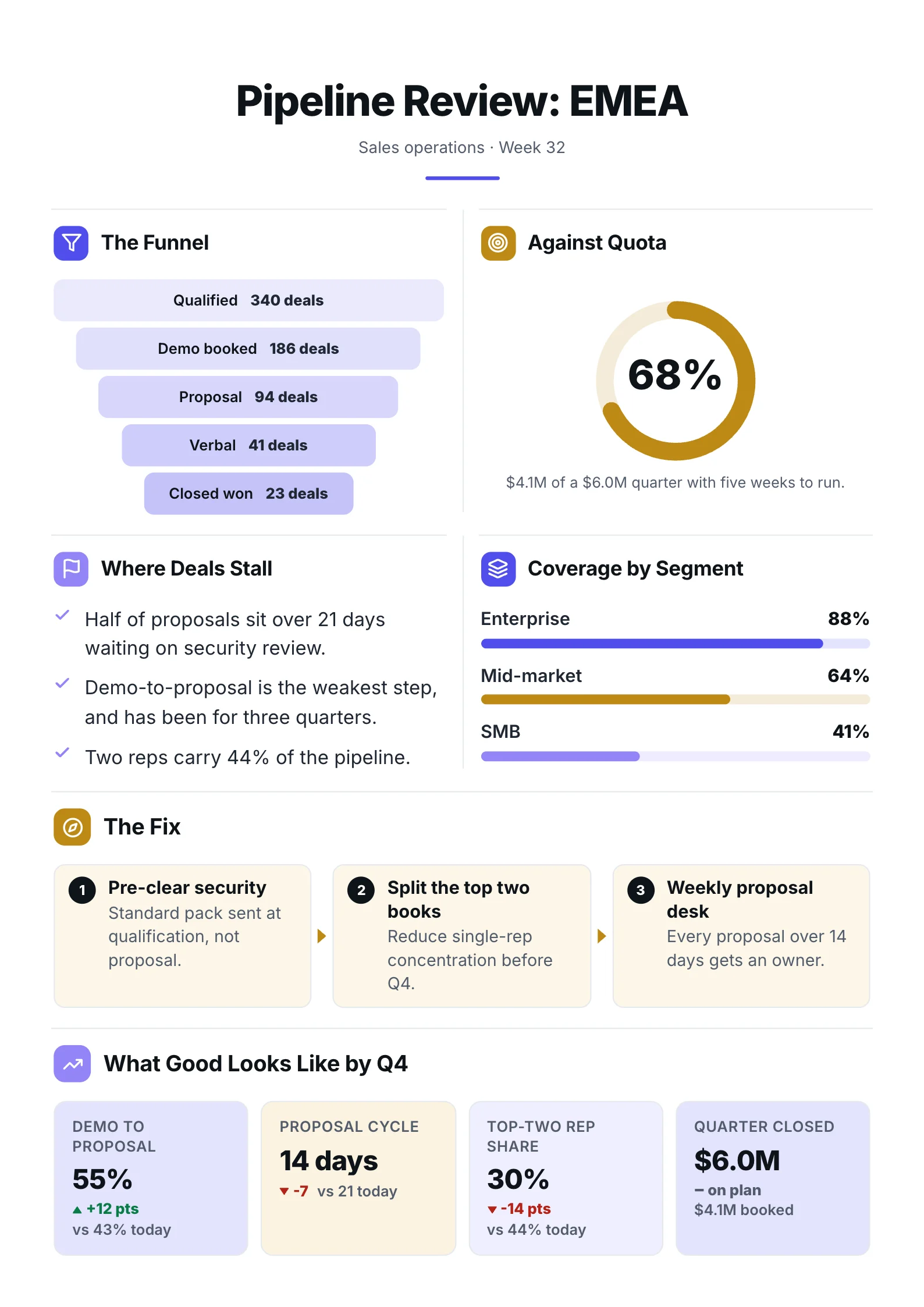 Sales pipelineOpen the template (opens in a new tab)
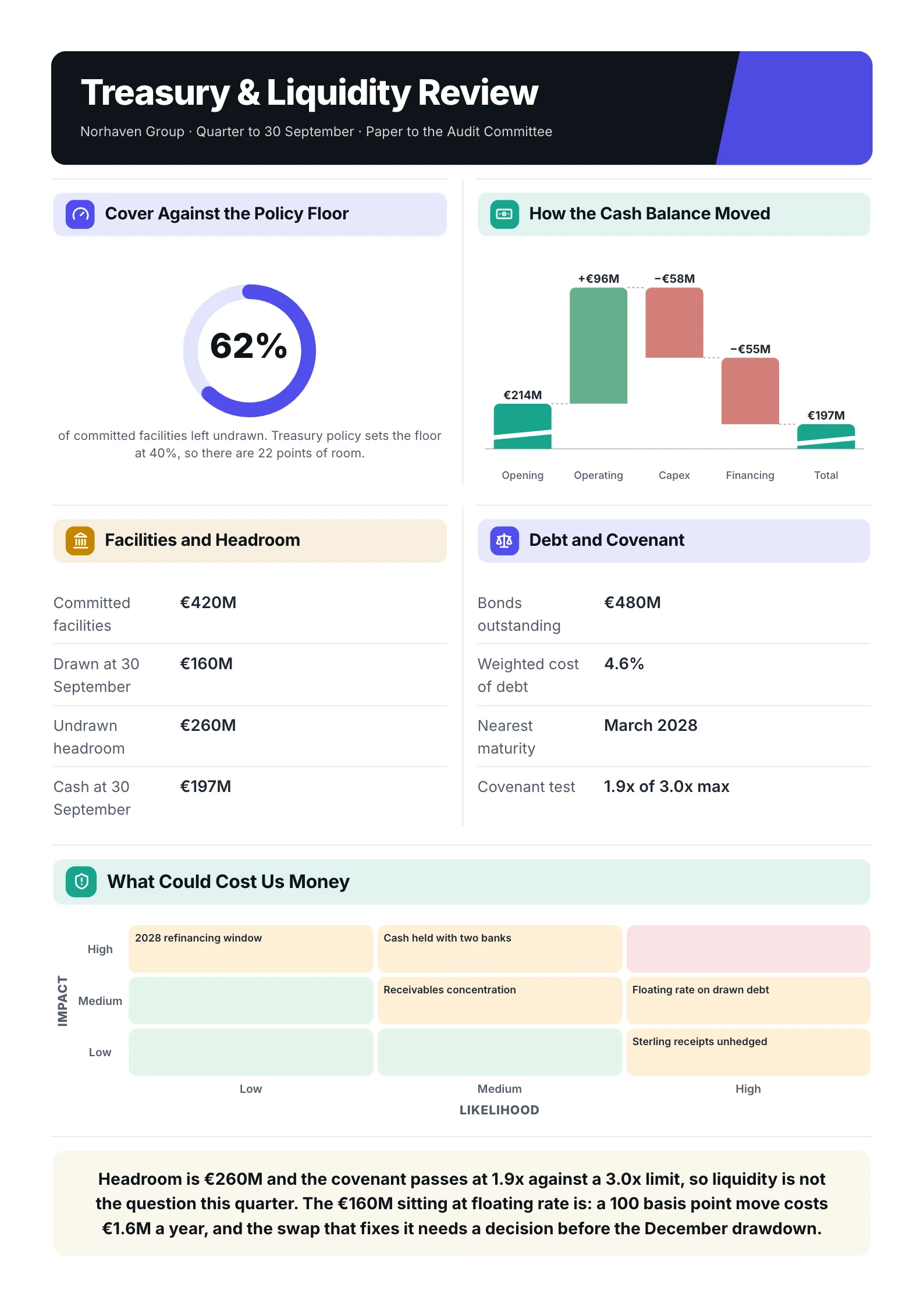 Treasury reviewOpen the template (opens in a new tab)
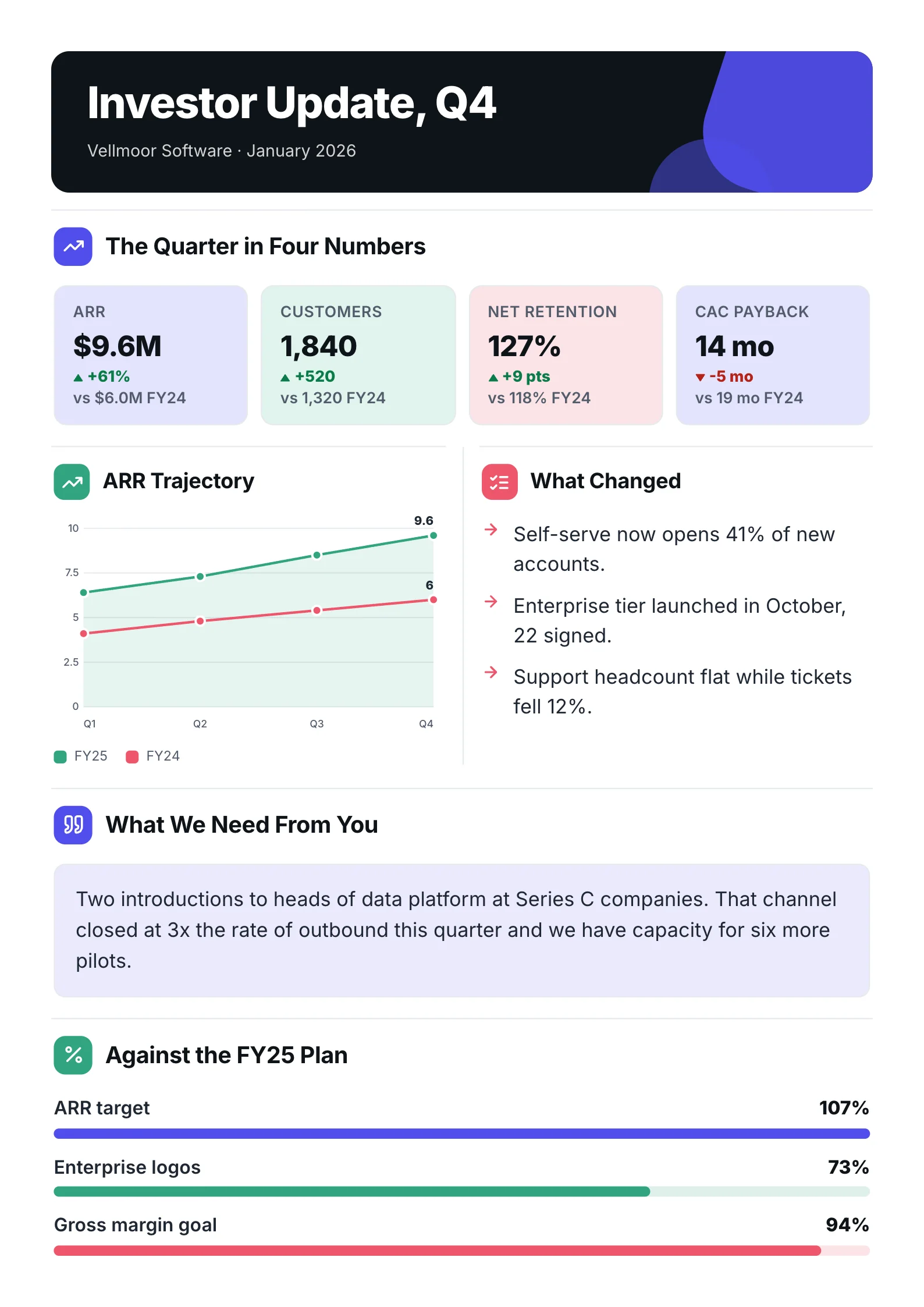 Board updateOpen the template (opens in a new tab)
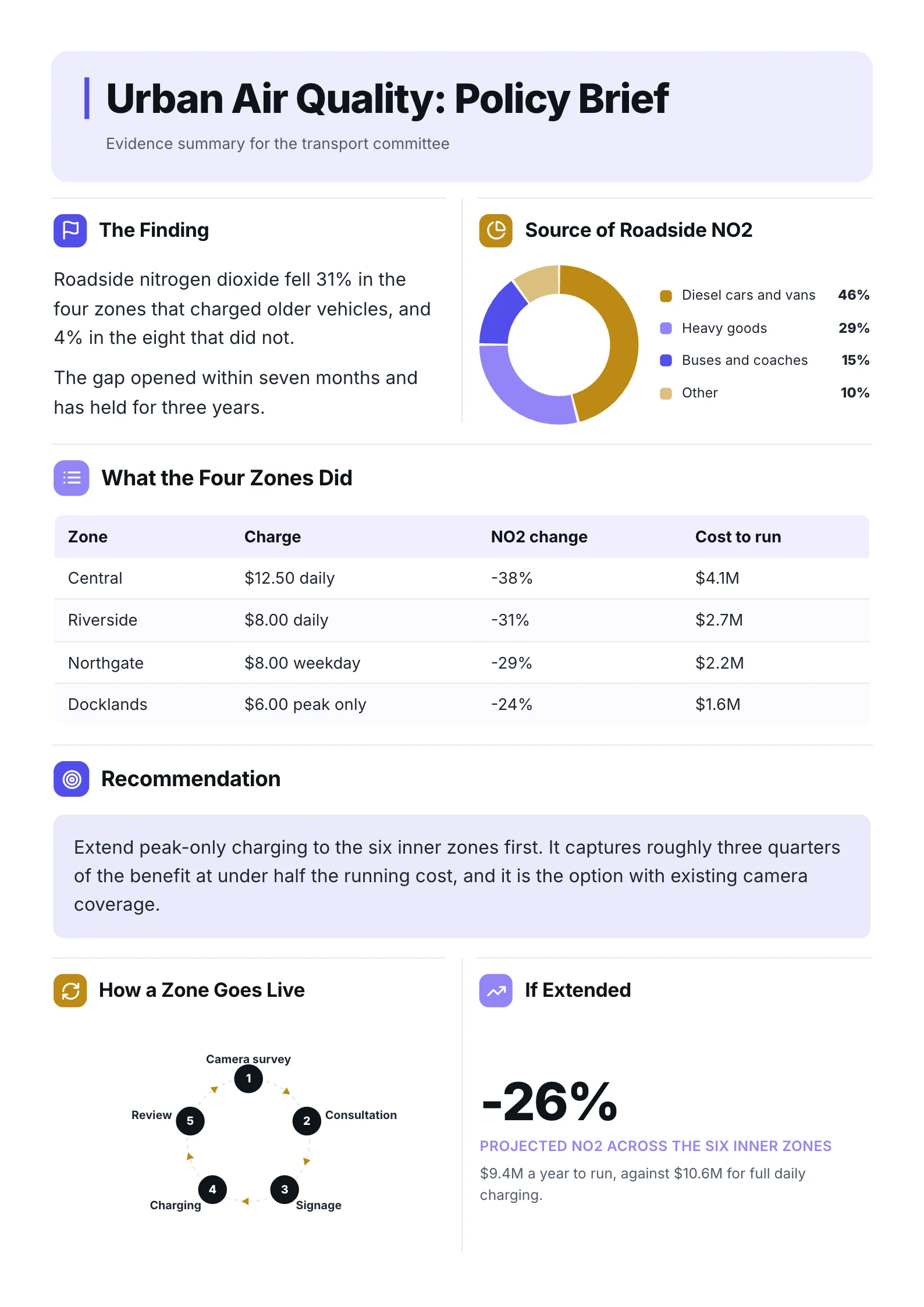 Policy briefOpen the template (opens in a new tab)
This guide covers both, with a fill-in template, a real example taken apart section by section, and the mistakes that get a product one-pager ignored.
The two kinds of product one-pager
The phrase means two different documents, and mixing them up is the most common reason one falls flat.
| Internal product one-pager | Customer-facing product one-pager | |
|---|---|---|
| Reader | Leadership, engineering, design, sales | Buyers and prospects |
| Job | Win support and agree scope before you build | Explain what the product does and why to buy |
| Leads with | The problem and why it is worth solving | The outcome the customer gets |
| Ends with | The decision or resources you need | The next step: a demo, a trial, a call |
| Also called | 1-pager, initiative brief, mini PRD | Product sheet, sell sheet, data sheet |
Most of this guide is about the internal kind, because that is what most people searching for it need. If you are selling to buyers, the sales One-Pager guide covers that version in depth.
What to include in a product one-pager
Every section should answer one question a stakeholder will ask. If a section answers nothing, cut it.
1. The problem
State the problem in one or two sentences, from the user's side. "Teams lose work when two people edit the same file" is a problem. "We need real-time sync" is a solution wearing a problem's clothes.
2. Why it is worth solving
Give the evidence: how many users hit it, what it costs them or you, what customers have said. ProductPlan calls this a "well-researched case": the page has little room, so every claim should point to something real behind it.
3. Who it is for
Name the user or segment. A one-pager written for "everyone" gives the team nothing to design against.
4. What you will build, roughly
Describe the solution at the level of what the user will be able to do, not a spec. Two or three lines, or a short list of capabilities. Detailed requirements belong in the PRD that comes later.
5. What it is not
List what is out of scope. This is the section that saves the most arguments later, and it is one many templates leave out.
6. How you will know it worked
Pick two or three measurable signals and a target for each: adoption, retention, revenue, support tickets. If you cannot name one, the project is not ready to start.
7. Timing, risks and the ask
When it ships and the main milestones, the one or two things most likely to stop it, and exactly what you need from the reader: approval, people, budget or a decision.
A real product one-pager, section by section
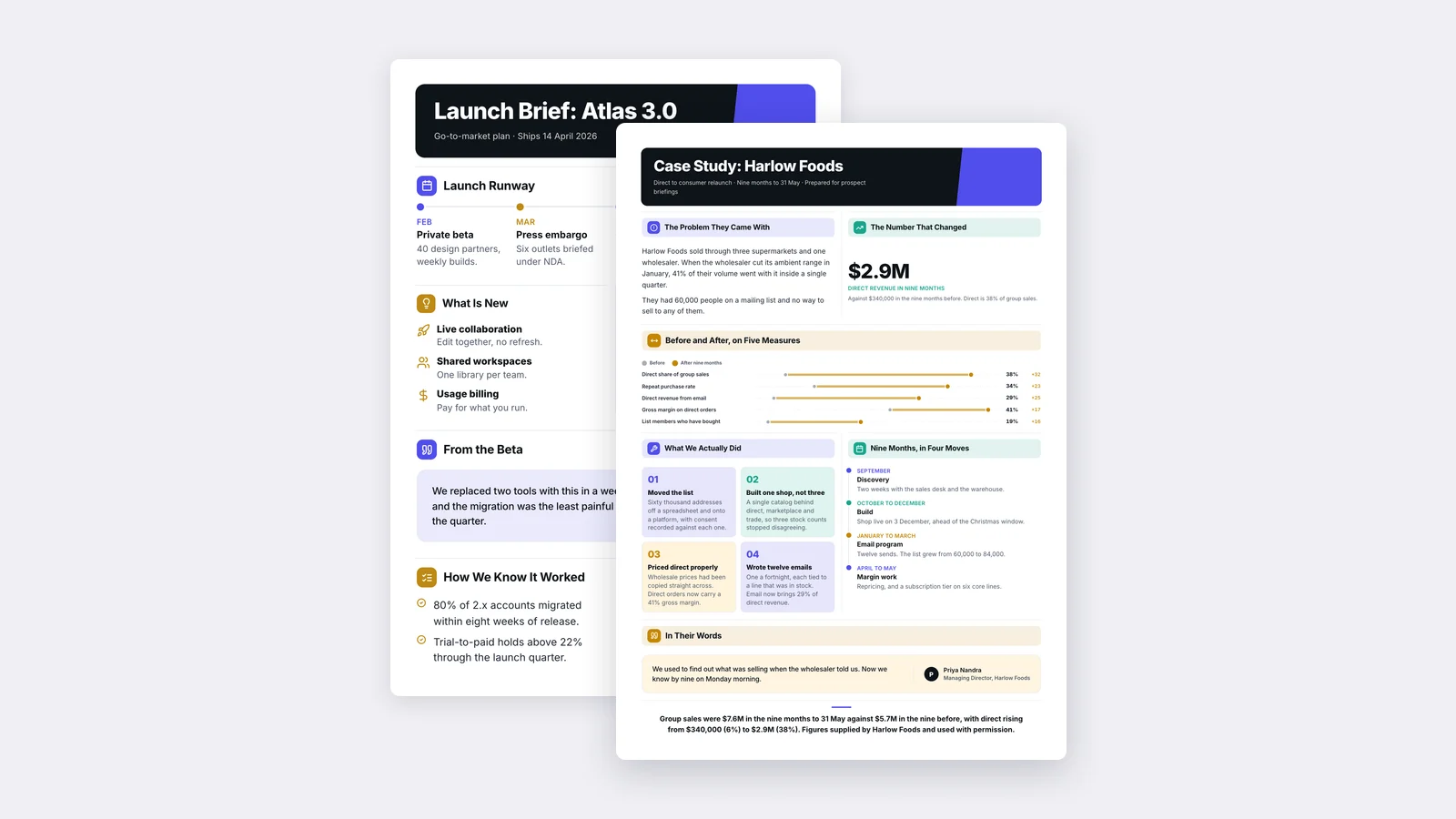
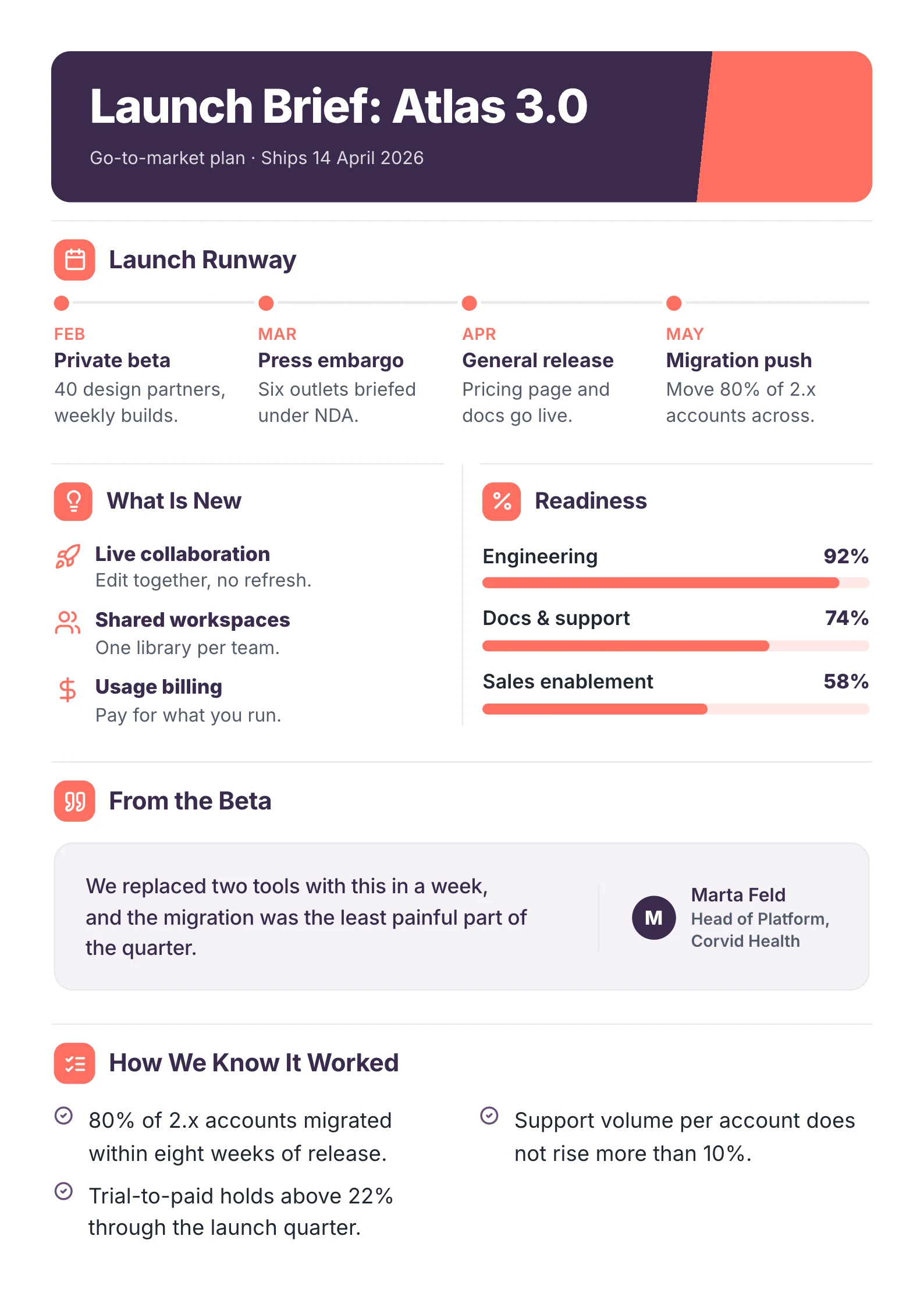
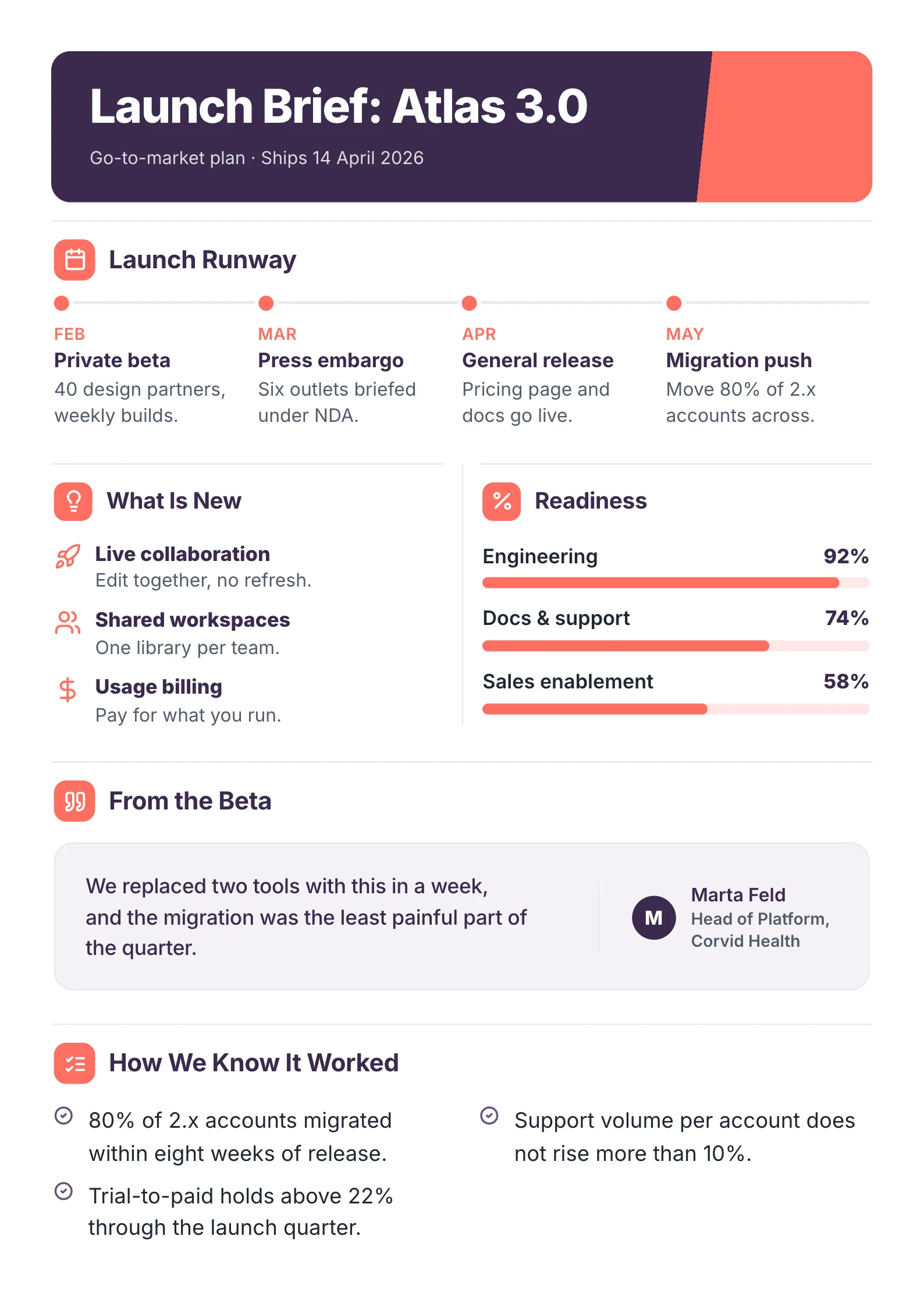 A sample launch brief made with MakeOnepagers. The company is invented; look at how each section answers one question.
Here is how this sample maps to the sections above:
- The title and subtitle say what it is and when: "Go-to-market plan, Ships 14 April 2026". A reader knows the subject and the deadline before reading a word of the body.
- Launch Runway is the timing section: four milestones from February to May, each with one line on what happens.
- What Is New is the "what you will build" section, written as three things the user can do (edit together, share a library, pay for what you run), not as features in engineering terms.
- Readiness shows risk honestly: sales enablement at 58% tells leadership where help is needed.
- How We Know It Worked is the success section, with three measurable targets, such as 80% of old accounts migrated within eight weeks.
Notice what is missing: the requirements, the design files and the pricing model. They exist elsewhere and would only bury the decision.
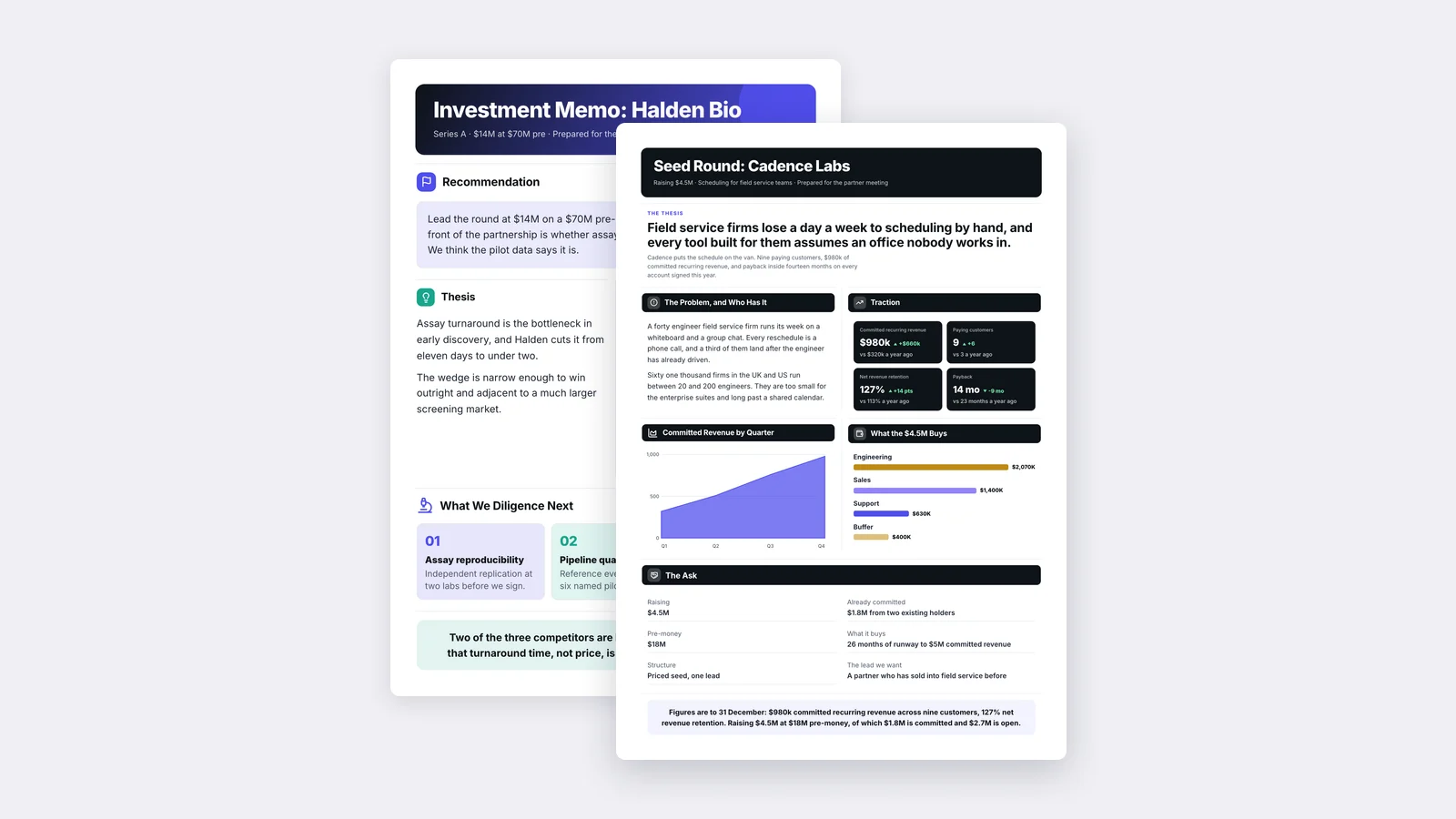
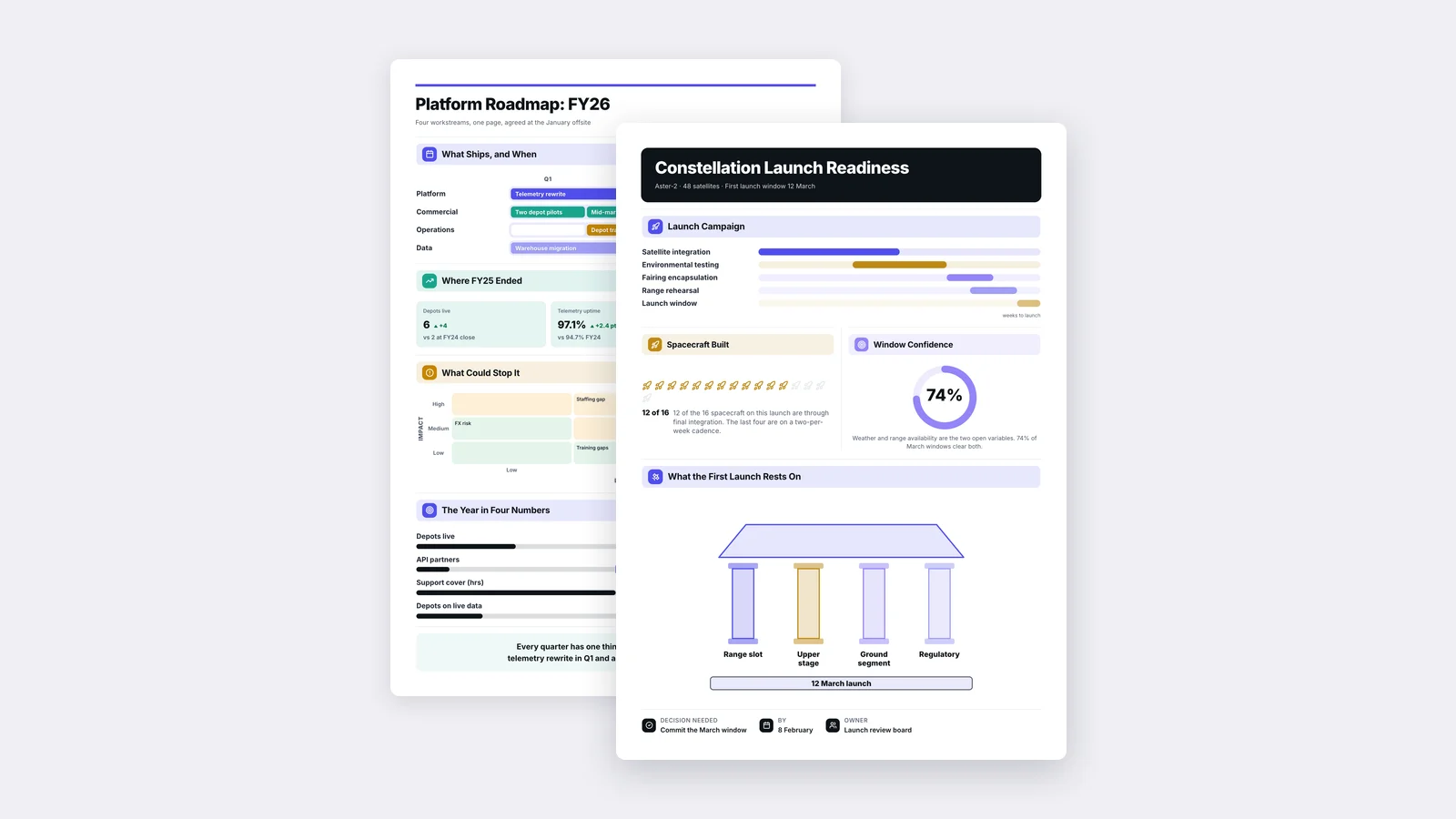
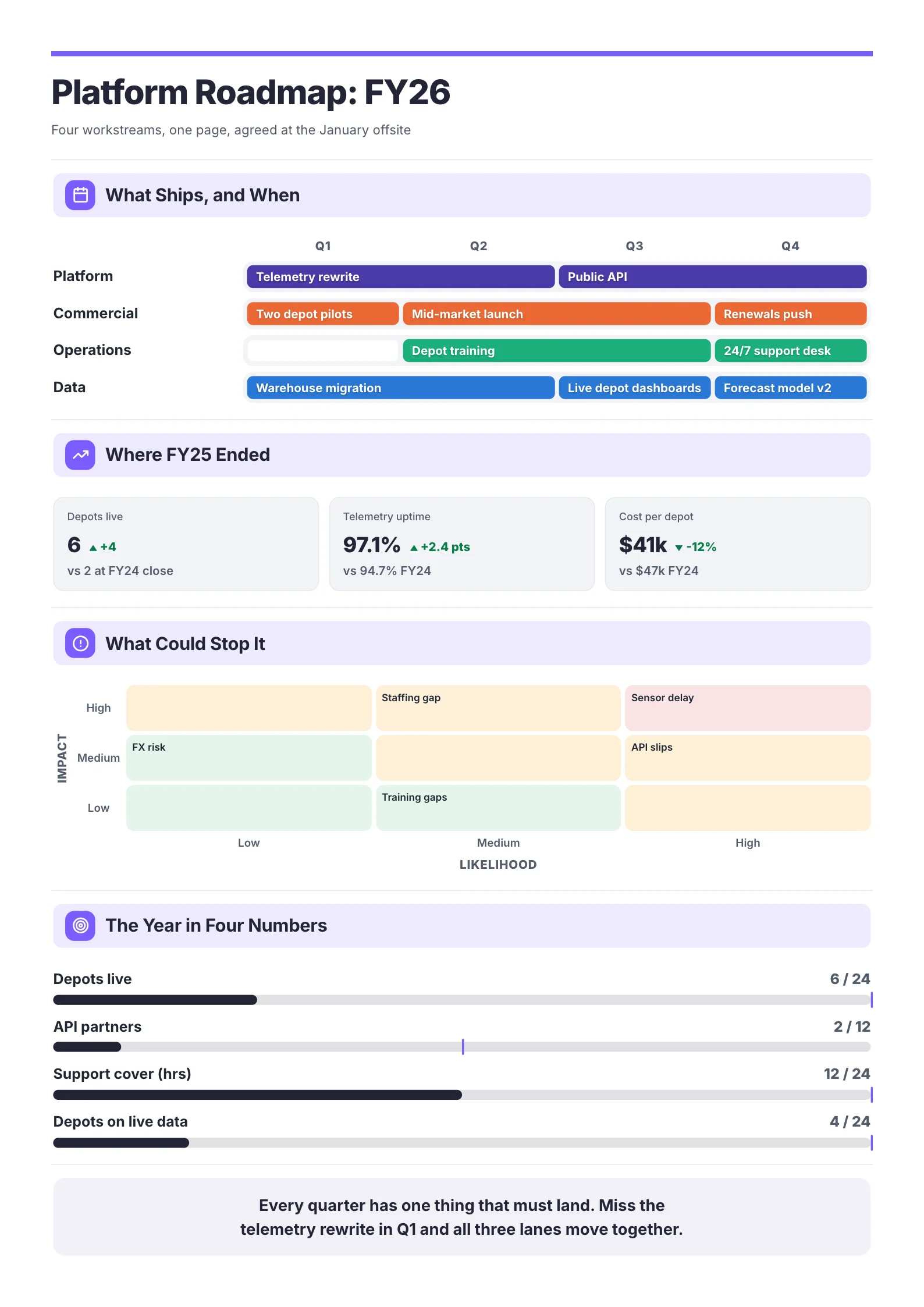 A sample roadmap One-Pager. When the product spans several teams, a timeline by workstream and a risk grid carry more than paragraphs can.
A product one-pager template
Copy this and fill in each line. If a line takes more than two sentences, you are writing a PRD.
[Product or feature name]: [one-line description]
Owner: [name] · Status: [proposal / approved / in build] · Target: [date]

Problem: [the user's problem, in one or two sentences]
Evidence: [the data, quotes or numbers that prove it matters]
Who it is for: [the user or segment]
What we will build: [two or three lines on what the user will be able to do]
Not in scope: [what this will not do]
Success: [metric 1 + target] · [metric 2 + target]
Milestones: [date] [step] · [date] [step] · [date] [step]
Risks: [the one or two things most likely to stop it]
The ask: [the decision, people or budget you need, and by when]
Labels against answers: the headline makes or breaks it
Section titles that only label the content make the reader do the work. Titles that state the answer let a busy reader get the point by skimming.
| Label (weak) | Answer (strong) |
|---|---|
| Problem | Teams lose edits when two people work on one file |
| Metrics | Success means 80% of accounts move within eight weeks |
| Timeline | Ships 14 April, press briefed in March |
| Risks | Sales is the gap: 58% ready, needs two more weeks |
Mistakes that get a product one-pager ignored
| Mistake | Fix |
|---|---|
| Starting with the solution | Open with the problem and the evidence that it is real |
| Writing a spec | Keep requirements for the PRD; describe what the user can do |
| No success measure | Name two or three metrics with targets before asking for approval |
| No out-of-scope list | Add a "not in scope" line; it prevents scope creep later |
| No clear ask | End with the exact decision or resource you need, and the date |
| Running onto a second page | Two messages are competing; split it or cut one |
Making a product one-pager faster
If you already have the material (a PRD, a strategy deck, research notes or a launch plan), you do not have to start from a blank page. MakeOnepagers reads your PDF, Word file or deck and builds a designed One-Pager from it, keeping the numbers from your source, with your brand colours and logo. You can edit every line before you share it as a link or a PDF. It is free for 7 days with 3 One-Pagers included.
For other layouts, browse the launch readiness One-Pager template and the rest of the One-Pager templates, or read the step-by-step guide on how to make a One-Pager.
Frequently asked questions
What is a product one-pager?
A single page that makes the case for a product or feature: the problem, who it is for, what will be built and how success will be measured. Internally it wins support before building starts; externally, a product sheet explains a finished product to buyers.
What is the difference between a product one-pager and a PRD?
A one-pager comes first and argues why the work is worth doing. A product requirements document (PRD) comes after approval and describes in detail what to build. Many teams turn an approved one-pager into the opening section of the PRD.
How long should a product one-pager be?
One page. If it will not fit, the usual cause is that the requirements have crept in or two different proposals are sharing one document.
Who writes the product one-pager?
Usually the product manager who owns the initiative, with input from engineering and design before it goes to leadership. For a customer-facing product sheet, product marketing usually writes it.
Should a product one-pager include pricing?
The internal kind usually does not, unless pricing is part of the decision. A customer-facing product sheet can include pricing when it is simple and public; otherwise end with a call to book a demo.