Guide
Best One‑Pager Makers in 2026: 7 Tools Compared, Prices Checked
The best one-pager maker depends on your starting point. 7 tools compared on price, free plans and what each does best, with honest picks.
Updated · 7 min read
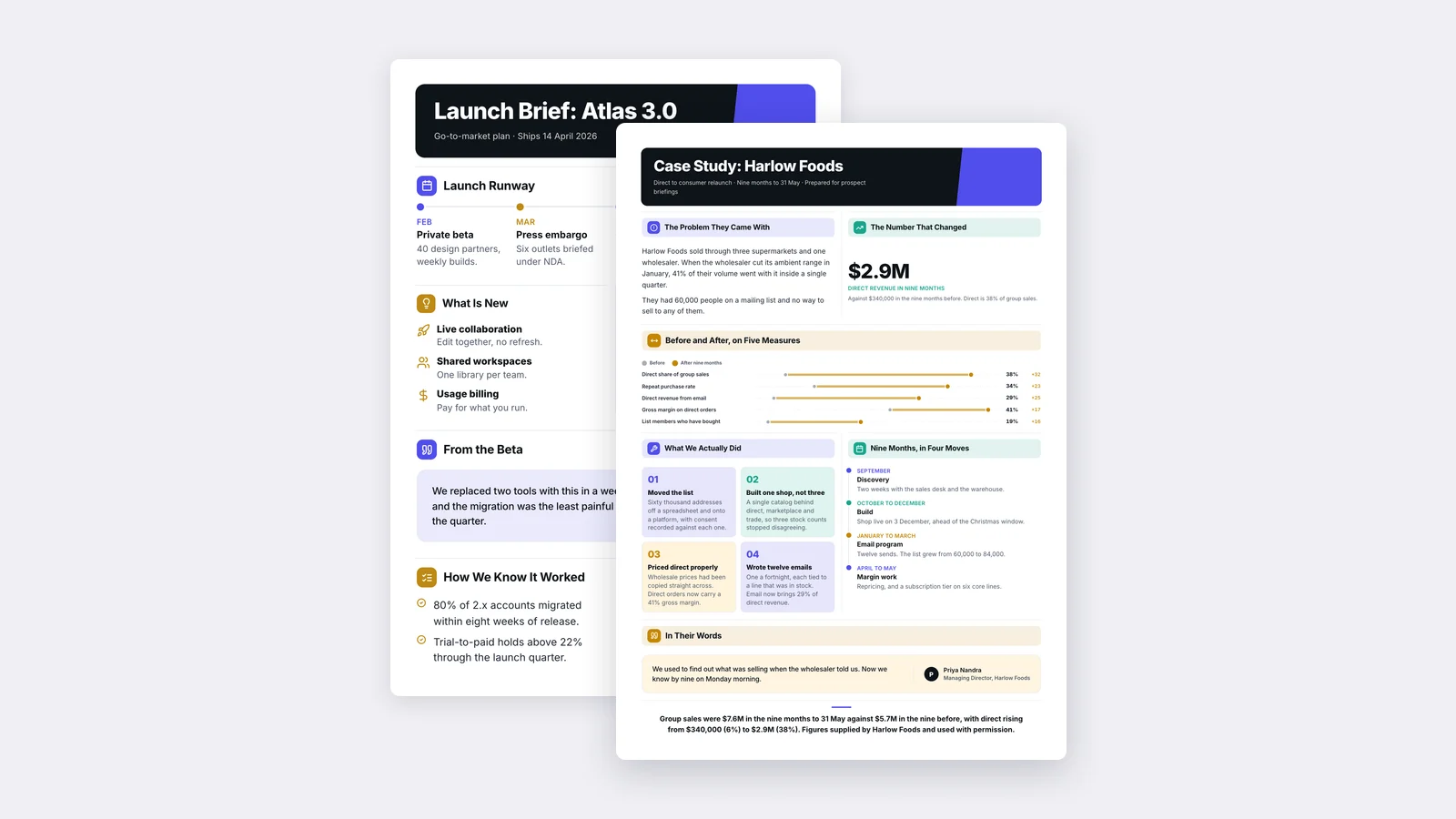
The best one-pager maker depends on where you start. If you already have a report, deck or PDF, pick a tool that reads it and writes the One-Pager for you, like MakeOnepagers. If you are designing from a blank canvas, pick a design tool with good templates, like Canva or Visme. If the One-Pager is a sales asset sent as a link, pick an interactive tool like Storydoc.
Full disclosure: we make MakeOnepagers, so it is listed first. Every other tool below is described from its own website, and every price was read off the company's own pricing page on 1 October 2026. Where another tool is the better choice, we say so.
The picks at a glance
| Tool | Best for | Free start | Paid from |
|---|---|---|---|
| MakeOnepagers (ours) | Turning a long document into a finished One-Pager | 7-day trial, 3 One-Pagers | $15/mo for 5 One-Pagers |
| Canva | Designing almost anything, One-Pagers included | Free plan | Pro US$144/yr |
| Venngage | Infographic-style One-Pagers from templates or a prompt | Free, 5 designs | Premium $10/mo billed yearly |
| Visme | Presentations and documents with interactive parts | Free Basic plan | Starter $12.25/mo billed yearly |
| Storydoc | Interactive sales One-Pagers with reader analytics | Start free | Starter $19.80/mo billed yearly |
| Xtensio | Simple, low-cost One-Pagers for client work | Free, 10 deliverables | Plus $10/person/mo billed yearly |
| Word or Google Docs | Text-heavy One-Pagers at no cost | Free | Free |
Prices change. Check each company's page before you buy.
How we judged them
A One-Pager has two jobs: deciding what goes on it, and making it easy to read in two minutes. Most tools only help with the second job. So we looked at four things:
- Where you can start: a blank canvas, a template, a prompt, or your own file.
- Who does the summarising: you, or the tool.
- What you get back: a design to finish, or a One-Pager ready to send.
- What it costs for someone who makes a few One-Pagers a month.
1. MakeOnepagers: best if you already have the document
You drop in a PDF, Word doc, PowerPoint deck, a link, a block of text, or just a topic. MakeOnepagers reads the whole source (up to 50 pages counts as one One-Pager), pulls out the numbers and conclusions your reader needs, and designs the One-Pager. You can then change any line, rewrite a section shorter or longer, print it, export a PDF, or send a link.
The part it saves is the slow part: reading a long file and deciding what matters. Editing, restyling and exporting after that are unlimited.
- Price: Starter $15 a month for 5 One-Pagers, Regular $29 for 12, Team $19 a seat with a shared pool. Unused One-Pagers roll over.
- Free start: 7-day trial with 3 One-Pagers included.
- Skip it if: you need social posts, slides or posters as well. MakeOnepagers makes One-Pagers and nothing else.
2. Canva: best all-round design tool
Canva has templates for almost every format, and its AI can generate designs from a prompt. If One-Pagers are one of many things you design, and you are happy to write the content yourself, Canva is hard to beat.
- Price: free plan; Pro US$144 a year for one person; Business US$250 a year per person.
- Skip it if: your real problem is turning a 30-page report into one page of conclusions. Canva gives you the canvas; the summarising is still yours.
Weighing the two? Here is our full MakeOnepagers vs Canva comparison.
3. Venngage: best for infographic-style One-Pagers
Venngage is a template library with a strong infographic style, plus an AI One-Pager generator that works from a prompt, pasted text, a URL or an uploaded file.
- Price: free with 5 designs; Premium $10 a month billed yearly or $19 monthly; Business $24 a month billed yearly or $49 monthly, per user.
- Skip it if: you want the summary written from a long document and checked against it.
See MakeOnepagers vs Venngage, or our list of Venngage alternatives.
4. Visme: best for presentations and interactive documents
Visme is a broad visual platform: presentations, documents, infographics, and interactive content. Its AI Document Generator drafts from a prompt, and you can add links and files as source content.
- Price: free Basic plan; Starter $12.25 a month billed $147 a year; Pro $24.75 a month billed $297 a year, per person.
- Skip it if: One-Pagers are the only thing you make. You would be paying for a whole platform.
Full comparison: MakeOnepagers vs Visme.
5. Storydoc: best for interactive sales One-Pagers
Storydoc turns content into scrolling web pages with tabs, animation and "read more" sections, and shows you who read them and for how long. For a sales team that sends One-Pagers as links and wants to know who opened them, that tracking is the reason to buy.
- Price: Starter $19.80 a month billed yearly ($237.60), 5 active documents; Pro $36 a month billed yearly ($432), 30 active documents.
- Skip it if: the One-Pager has to print cleanly or sit inside a board pack. Storydoc pages are built to be read online.
Full comparison: MakeOnepagers vs Storydoc.
6. Xtensio: best low-cost option for client work
Xtensio makes simple One-Pagers, fact sheets and proposals with your branding, on one straightforward paid plan.
- Price: free with 10 deliverables; Plus $10 per person a month billed yearly, or $12 monthly, up to 5 people per workspace.
- Skip it if: you want AI to read and summarise your source material.
7. Word or Google Docs: best free option
If your One-Pager is mostly text and you already know what it should say, a document editor does the job at no cost. Set narrow margins, use a two-column table for side-by-side sections, and use heading styles for hierarchy.
- Price: free with a Google account; Word comes with Microsoft 365.
- Skip it if: you want charts, a designed layout, or a brand applied without fiddling. Placing things exactly where you want them is slow in a word processor.
Our guide on how to make a One-Pager covers the build in each of these tools step by step.
How to choose in 30 seconds
| Your situation | Pick |
|---|---|
| I have a long report, deck or PDF and need the one-page version | MakeOnepagers |
| I design lots of formats and write my own content | Canva |
| I want an infographic look | Venngage |
| I also make presentations and interactive documents | Visme |
| I send sales One-Pagers as links and want to see who read them | Storydoc |
| I want the cheapest paid plan for simple client One-Pagers | Xtensio |
| I need it free and it is mostly text | Google Docs or Word |
What to look for in any one-pager maker
Whichever tool you try, test it with a real document you need to summarise, not a sample. Then check:
- Does it keep the numbers right? Compare every figure on the One-Pager with the source.
- Does it fit on one sheet at a readable size? Print it or view it at 100%.
- Can you change one line without breaking the layout?
- Can the reader open it without an account? A share link or a PDF should just work.
- Can you apply your brand once and reuse it?
One‑Pager examples
Six real One-Pagers made with MakeOnepagers. Open any one to edit it as your own.
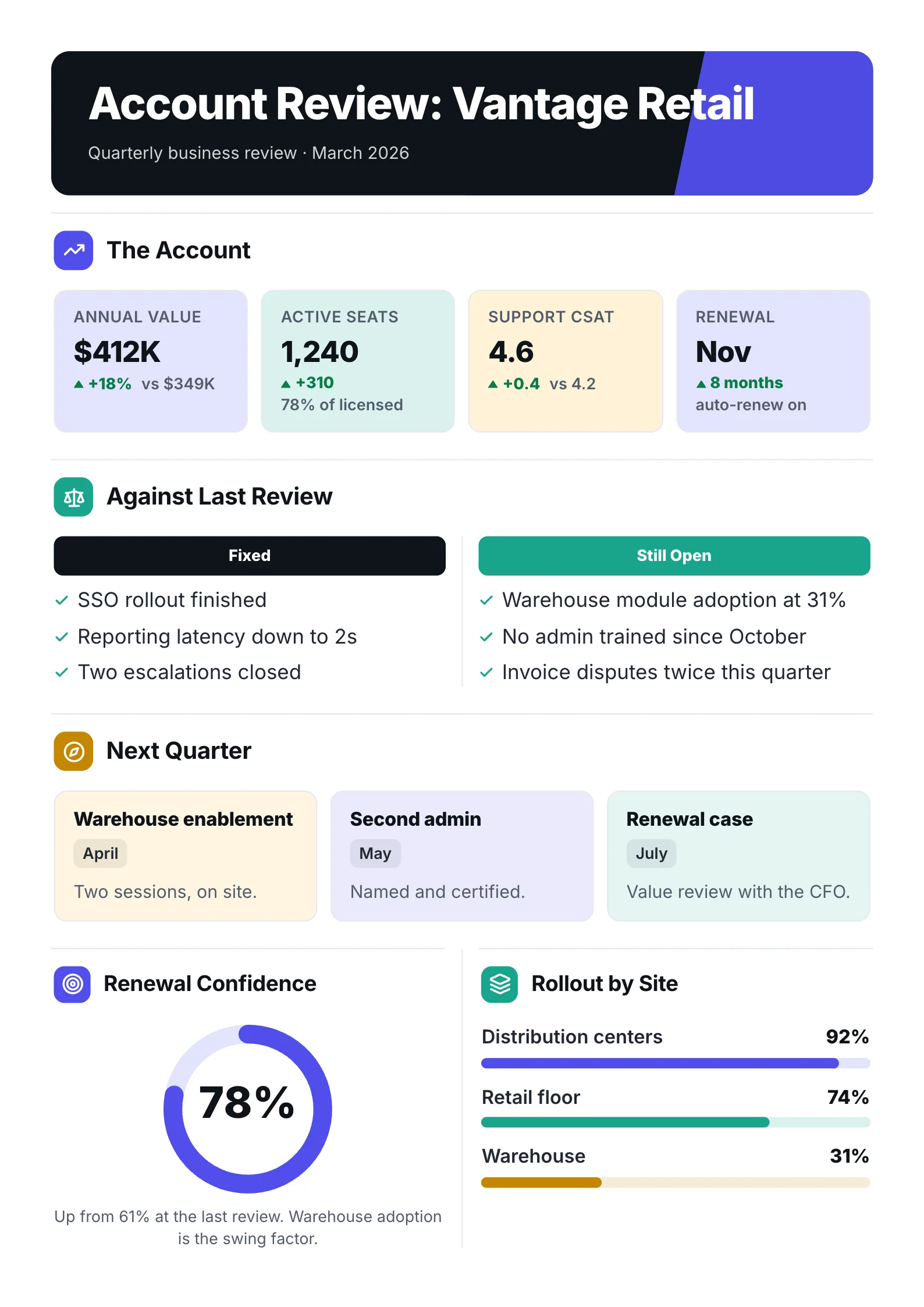 Quarterly business reviewOpen the template (opens in a new tab)
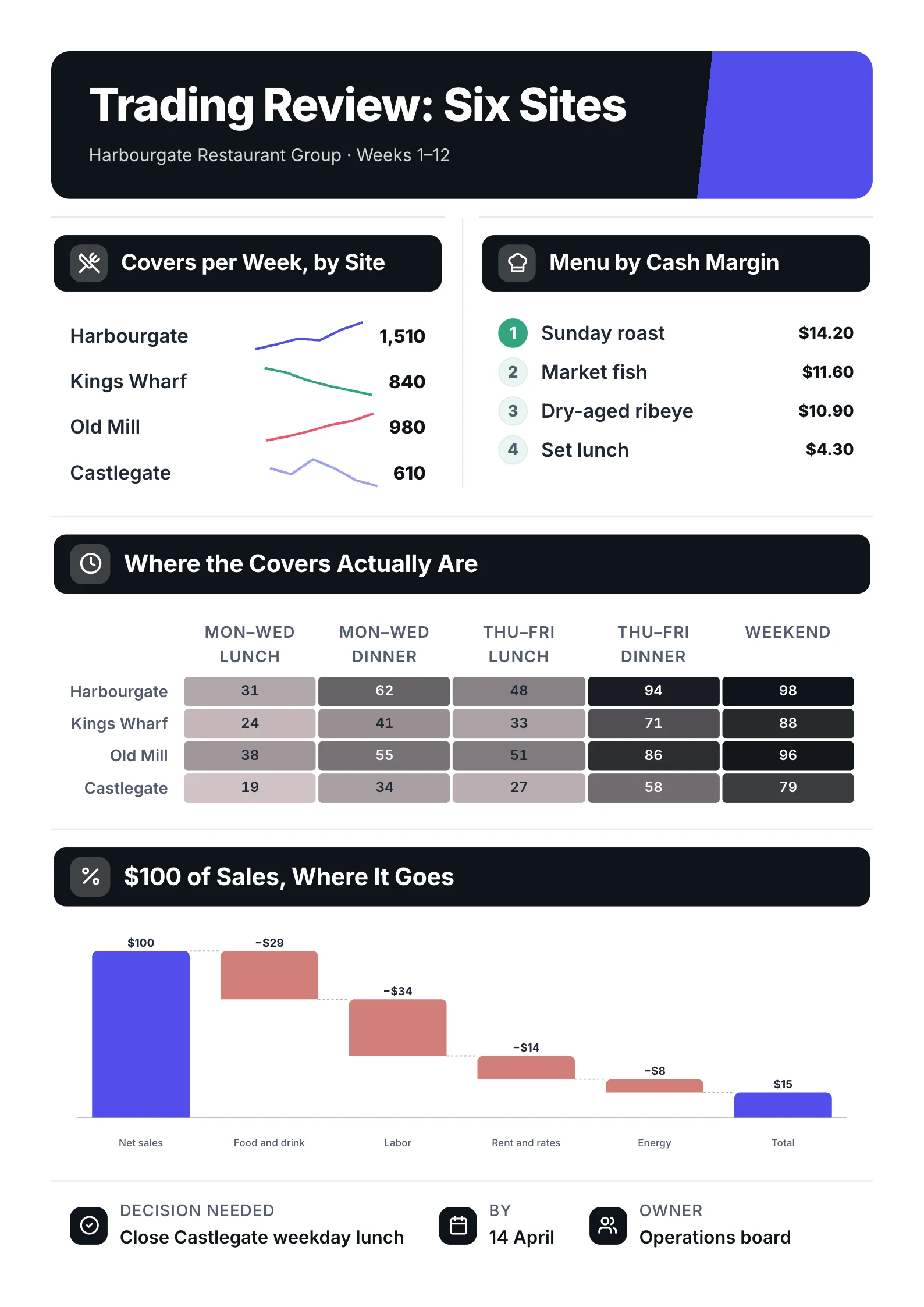 Trading reviewOpen the template (opens in a new tab)
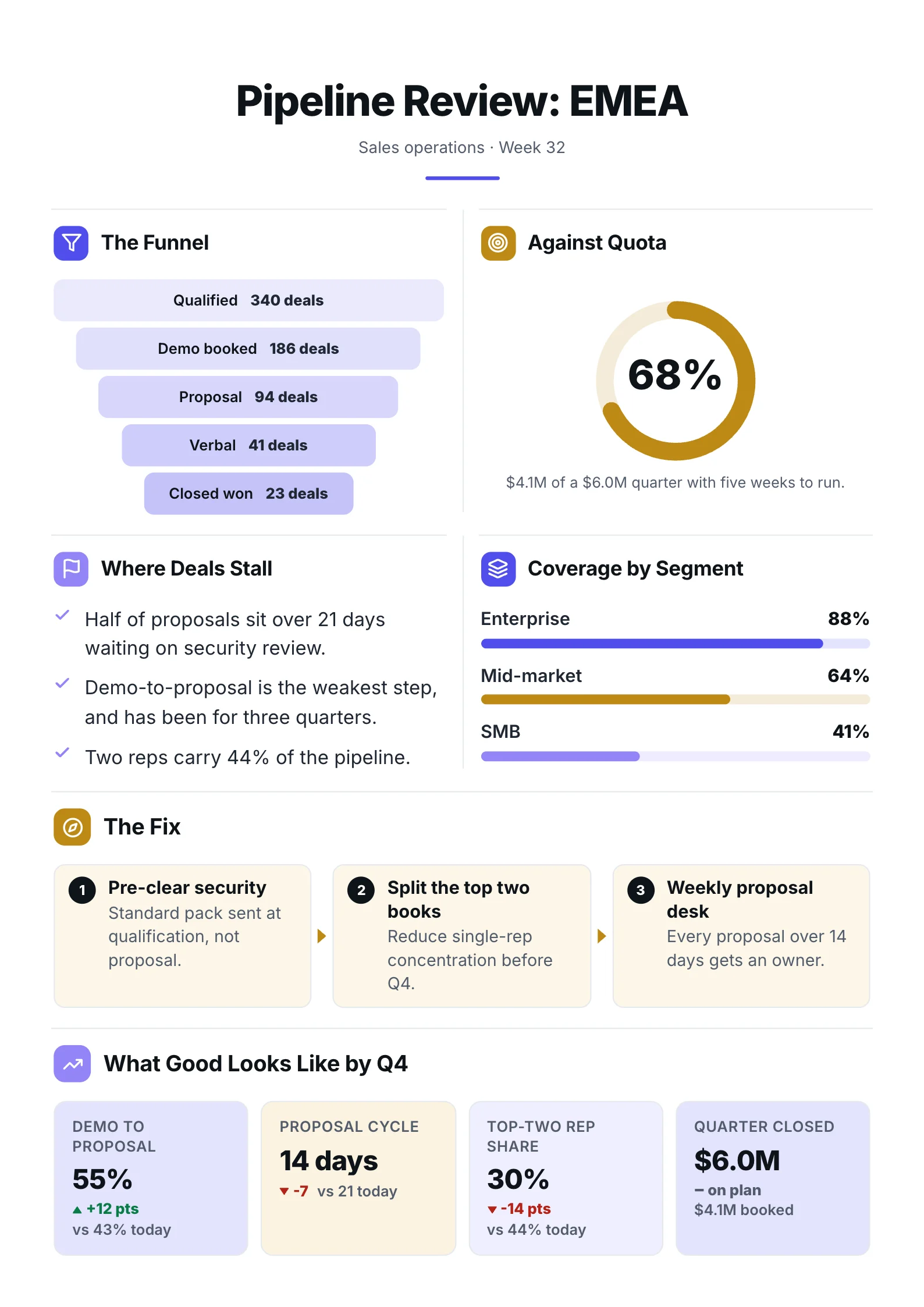 Sales pipelineOpen the template (opens in a new tab)
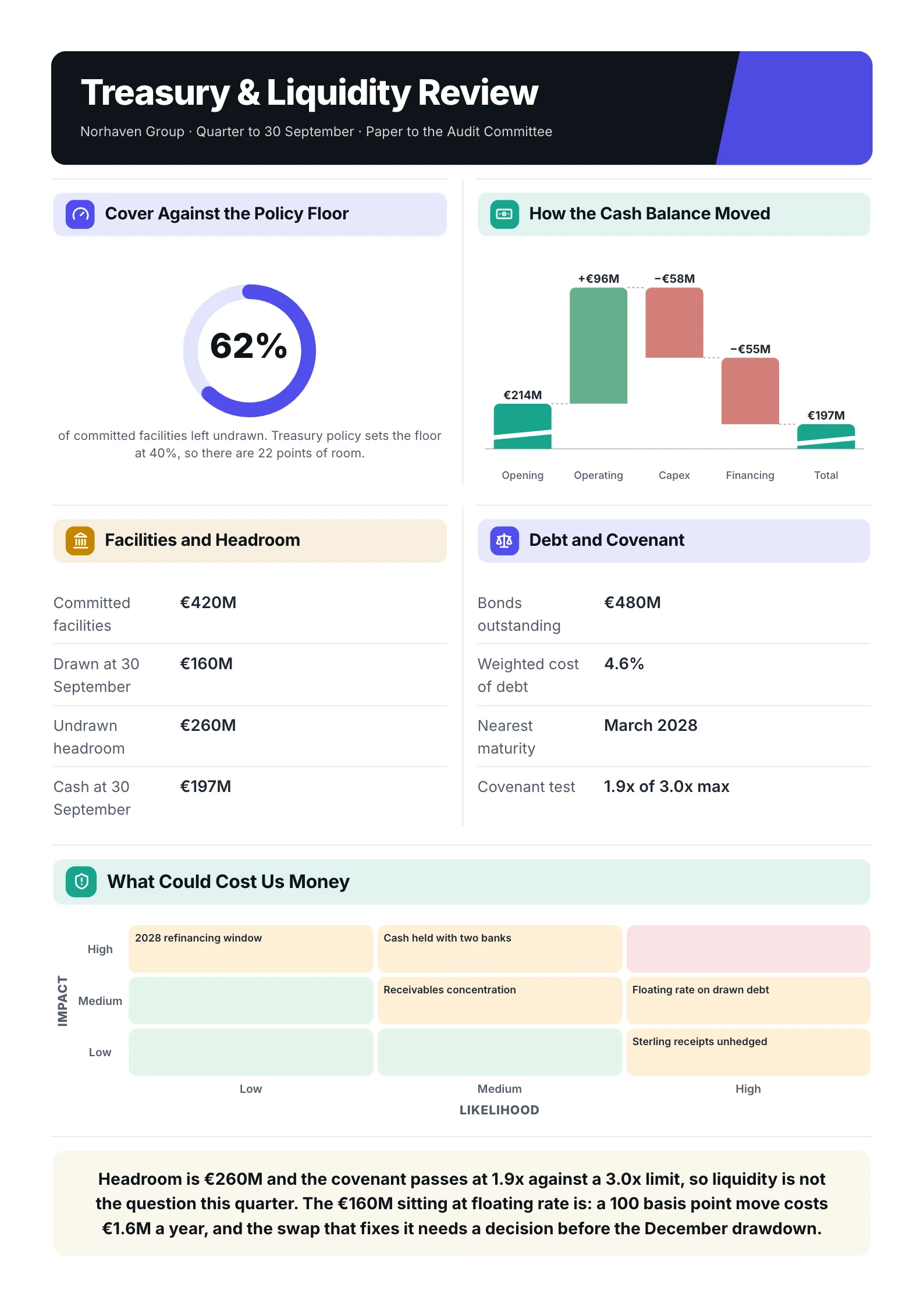 Treasury reviewOpen the template (opens in a new tab)
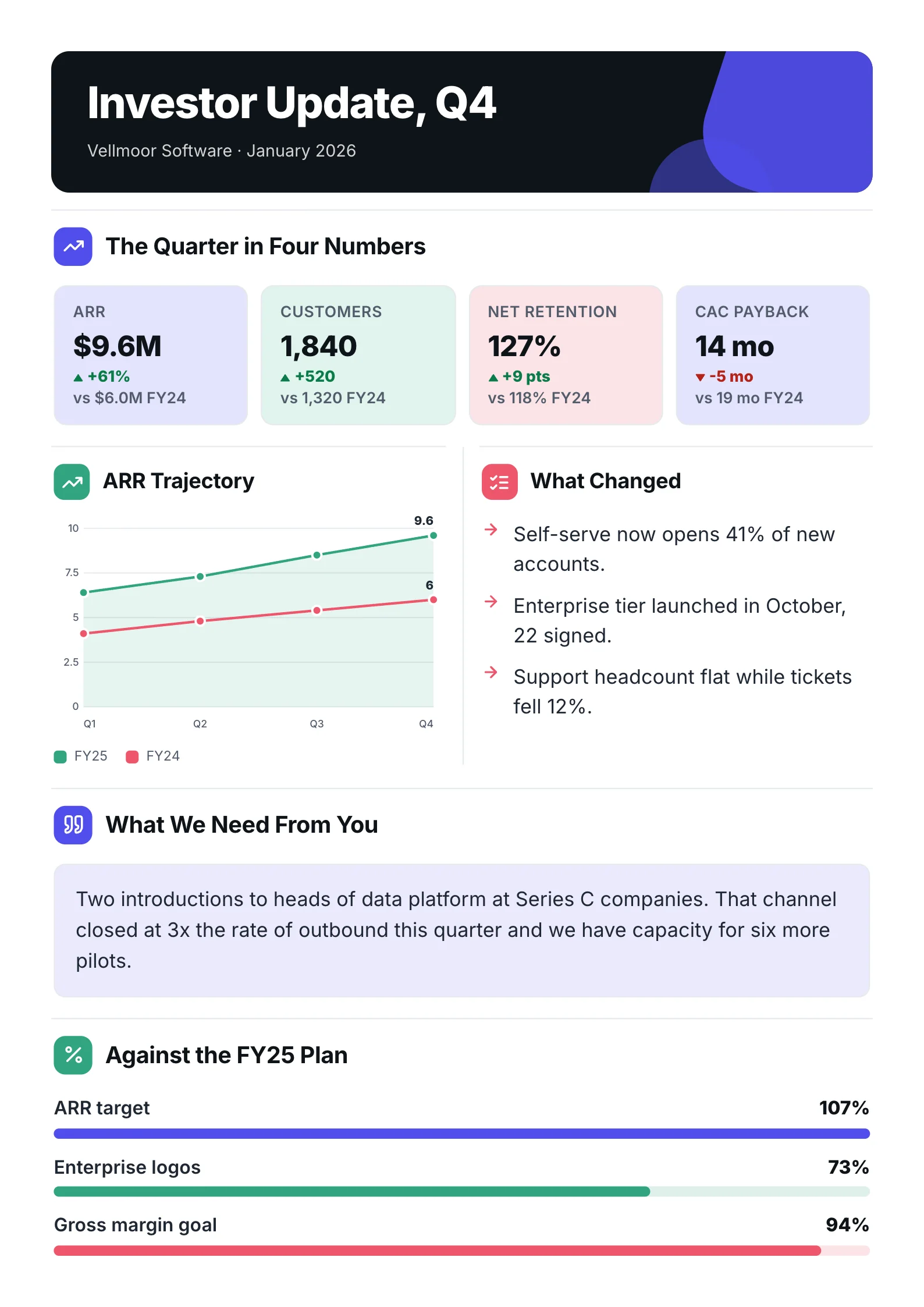 Board updateOpen the template (opens in a new tab)
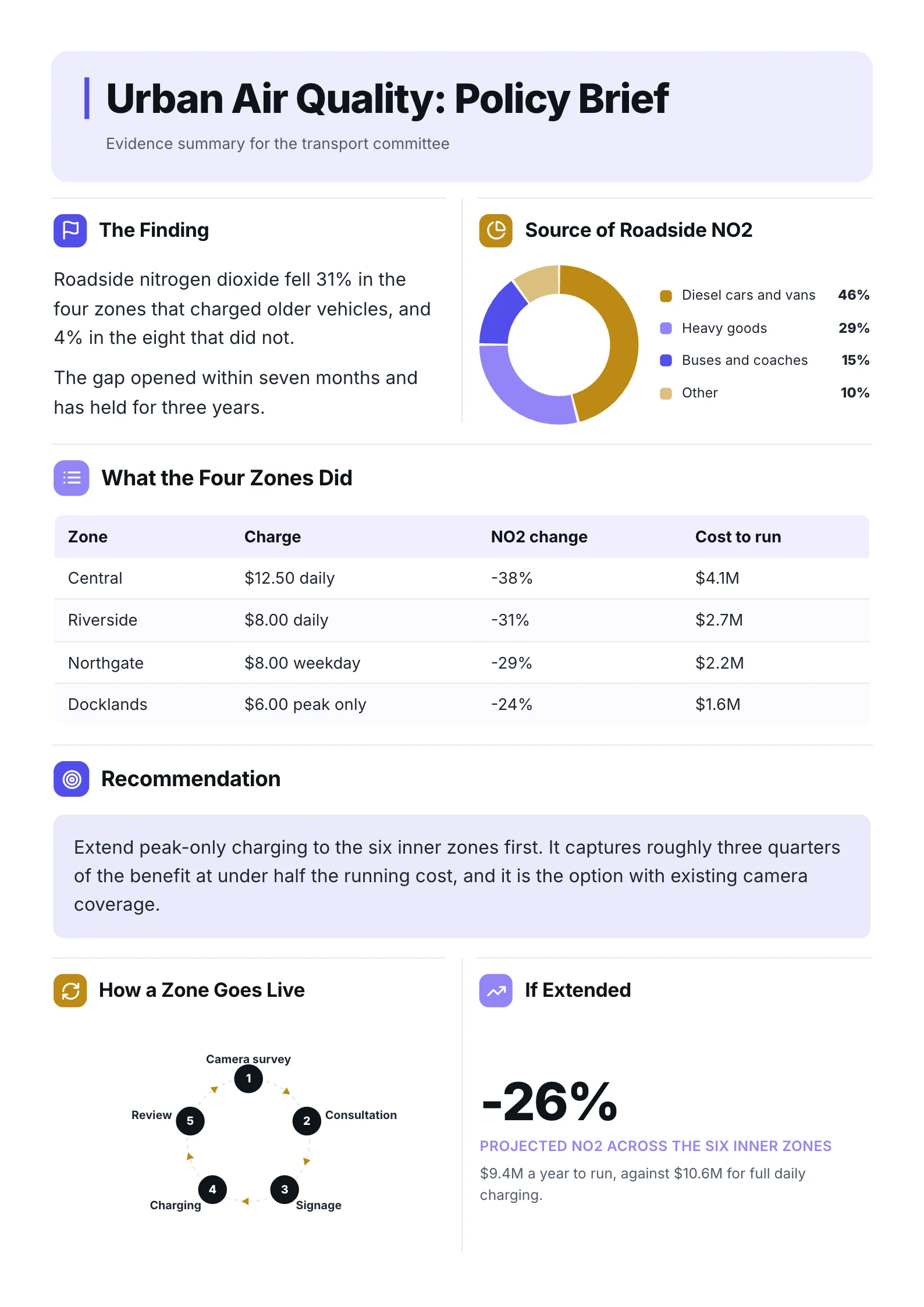 Policy briefOpen the template (opens in a new tab)
Frequently asked questions
What is the best free one-pager maker?
For design from scratch, Canva's free plan is the most generous, and Xtensio's free plan includes 10 deliverables. For text-only One-Pagers, Google Docs is free and good enough. MakeOnepagers has a 7-day trial with 3 One-Pagers rather than a free plan.
Is there an AI one-pager maker that works from a PDF?
Yes. MakeOnepagers, Venngage, Visme and Storydoc all accept a file or text as a starting point, according to their own sites. The difference is what comes back. MakeOnepagers is built to read the whole document and write the One-Pager from it, with each figure tied to the source.
Which one-pager maker is best for startups?
If you are sending a One-Pager to investors, start from your pitch deck or plan and let a tool that reads documents draft it, then edit hard. Our guide to the startup One-Pager covers what investors expect to see on it.
Which one-pager maker is best for sales teams?
Storydoc if you want reader analytics on every link you send. MakeOnepagers if you want a One-Pager that prints and shares as a clean PDF, built from your existing product docs. See our guide to the sales One-Pager.
Are these prices current?
Every price was read off each company's own pricing page on 1 October 2026. Prices change, so check before you buy.