BlogComparison
Canva Alternatives for One‑Pagers: 5 Tools Compared (2026)
5 Canva alternatives for one-pagers compared: which writes the content, which is free, and when Canva is still better. Prices checked Oct 2026.

By MakeOnepagers Team
Updated · 5 min read
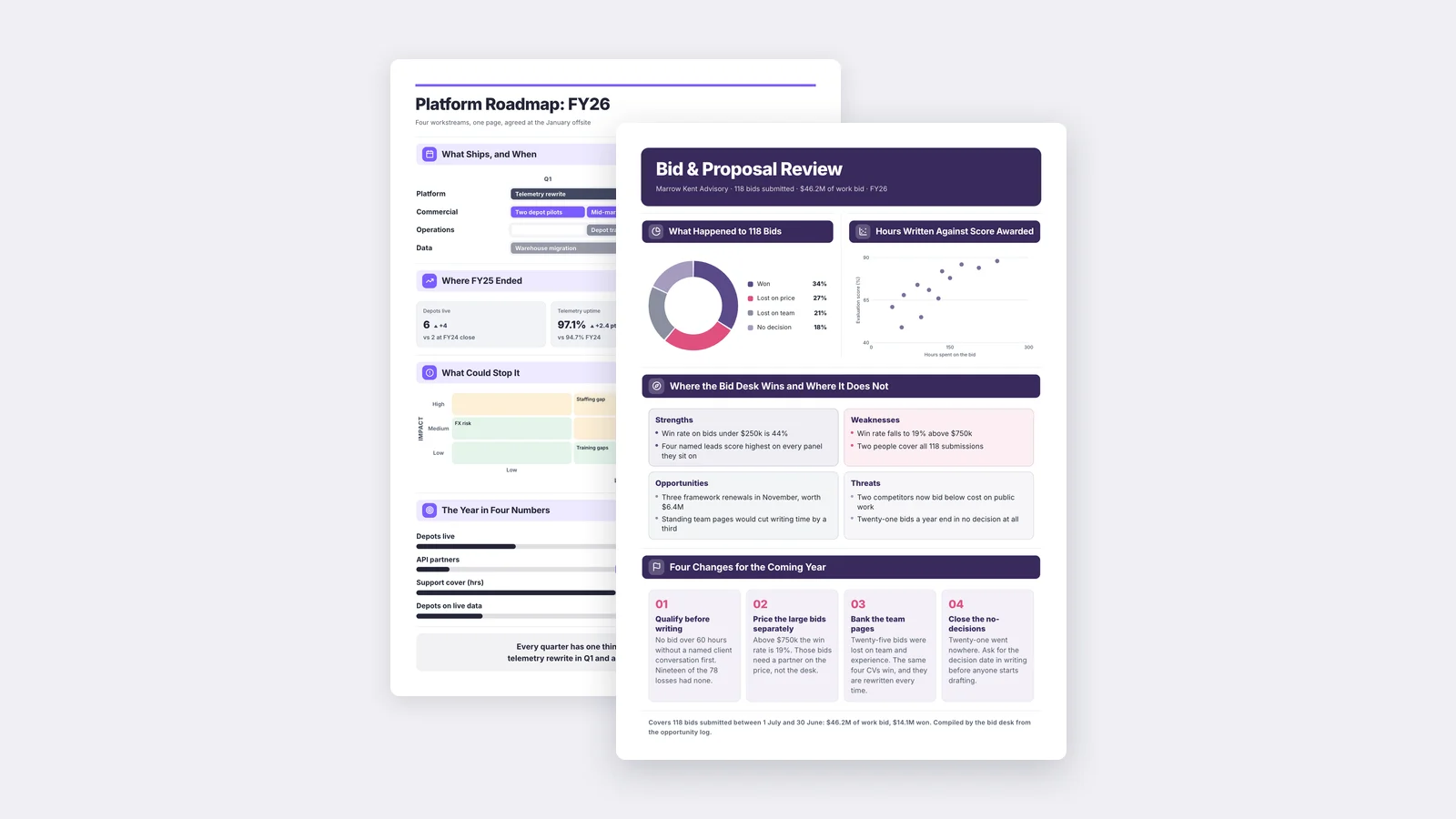
The best Canva alternative for one-pagers is the one that does the part Canva leaves to you: deciding what goes on the page. Canva gives you a beautiful template, and you still have to read your report, pick the numbers and write every line. If you already have the document, MakeOnepagers reads it and writes the One-Pager. If you want another template tool, Venngage and Xtensio are the closest swaps, both with free plans.
One‑Pager examples
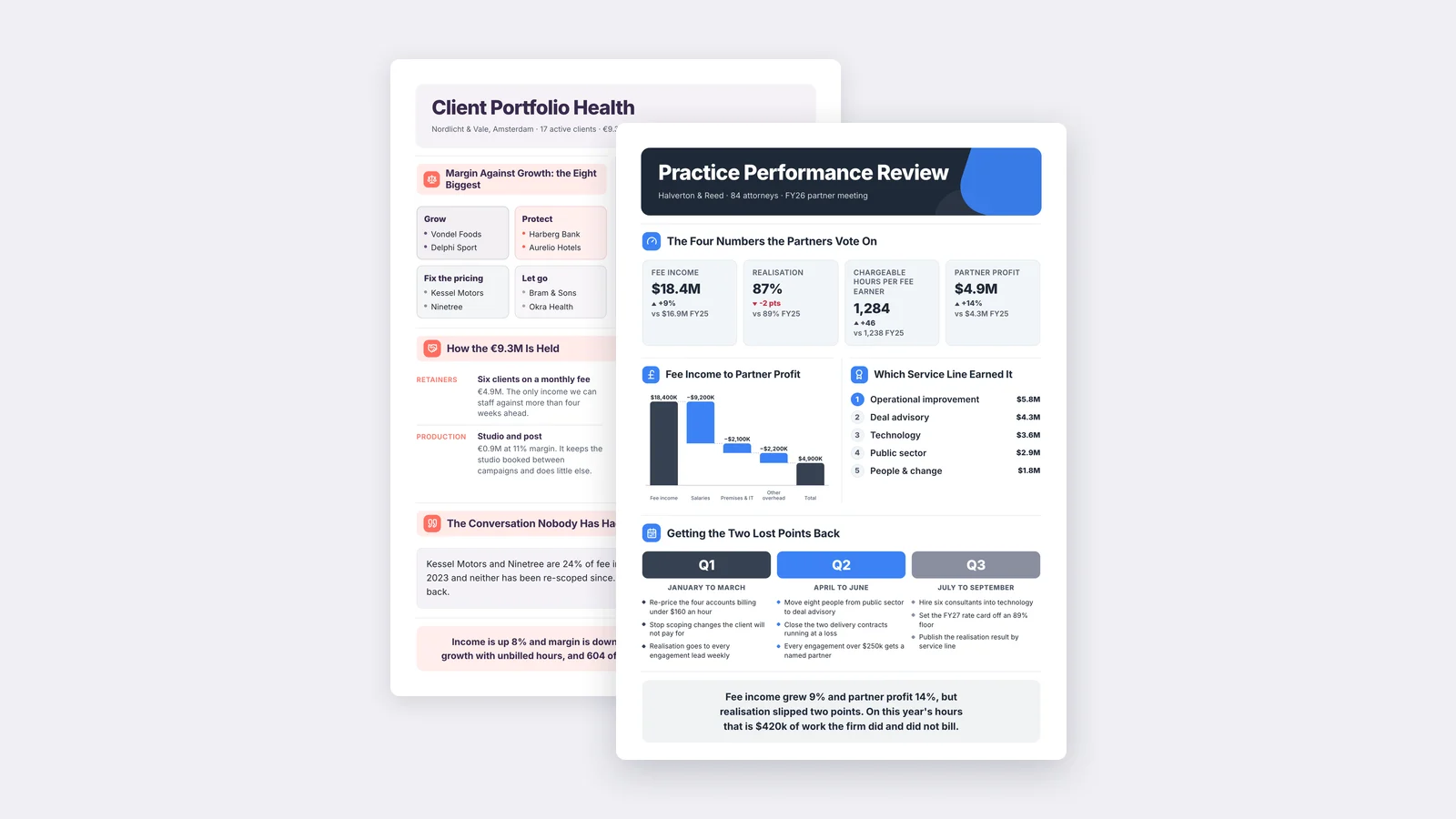
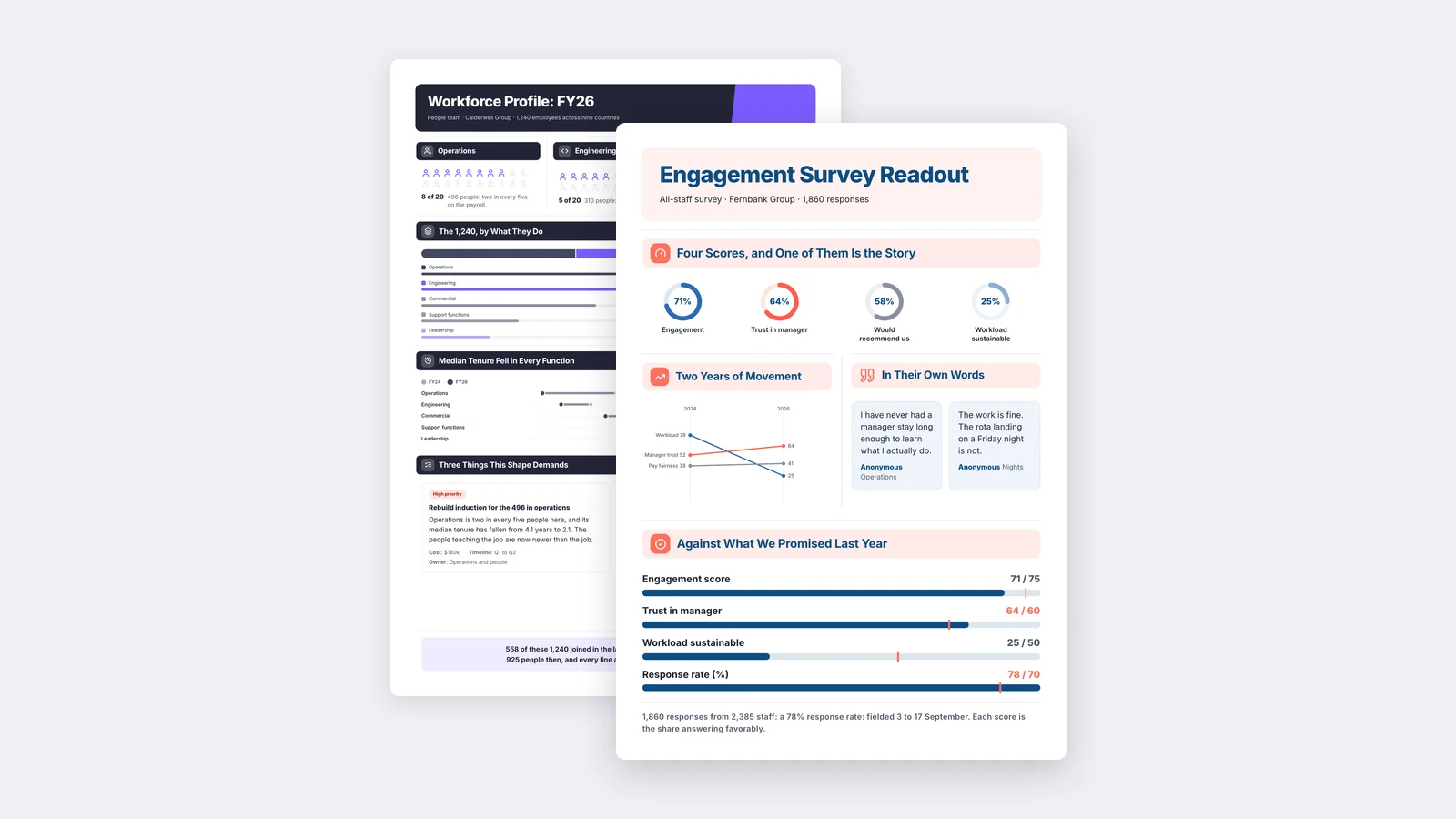
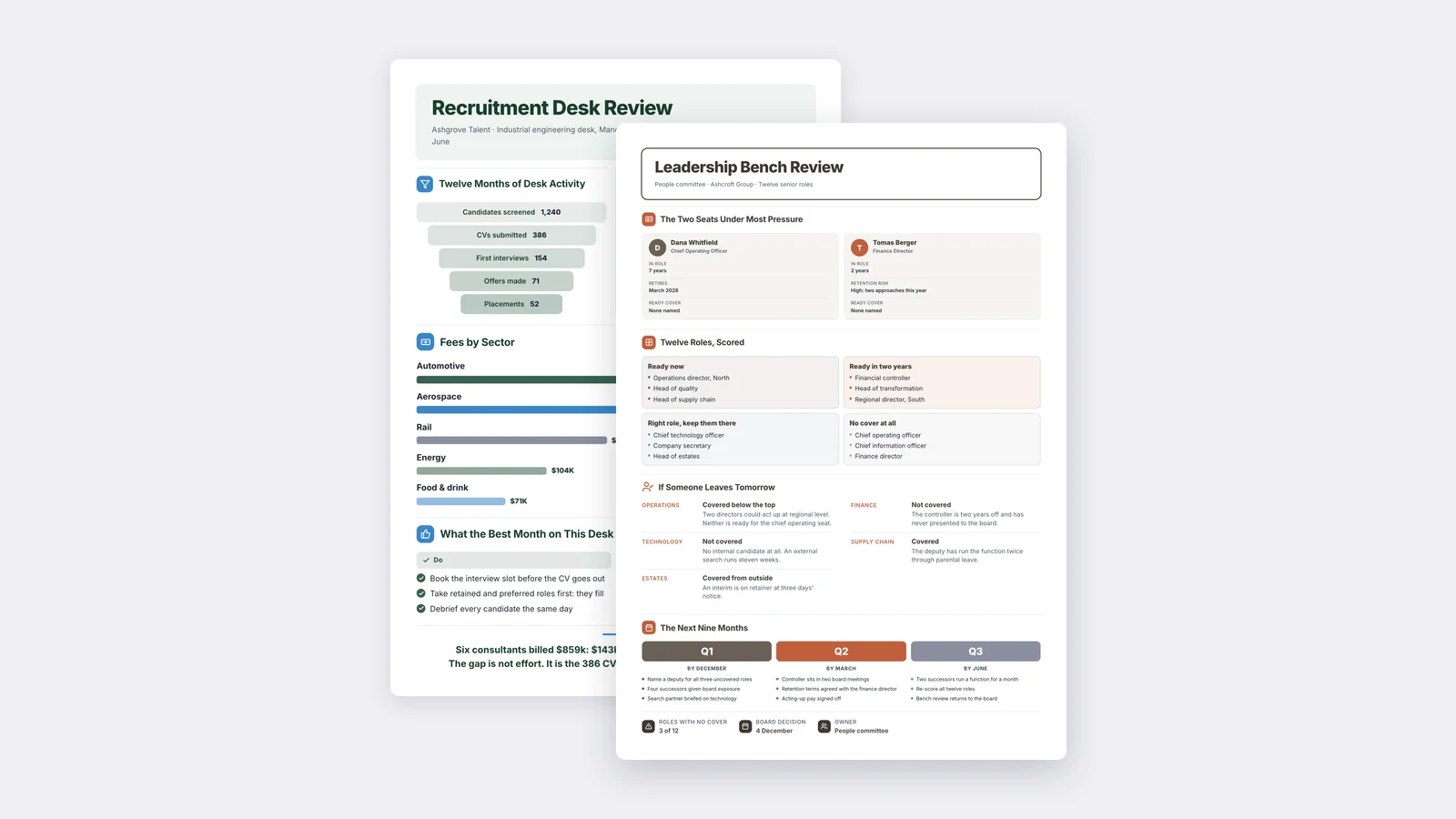
Six real One-Pagers made with MakeOnepagers. Open any one to edit it as your own.
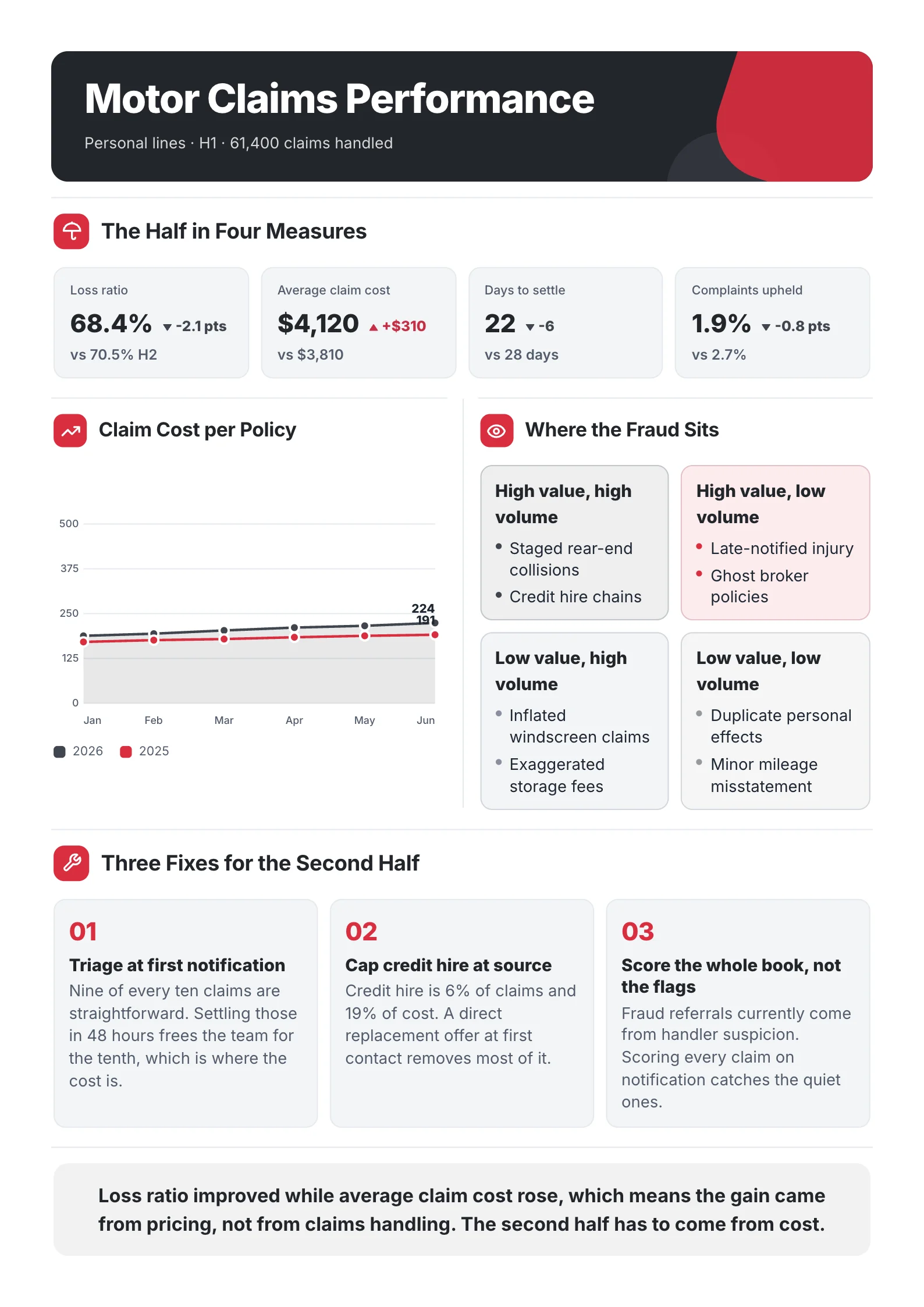
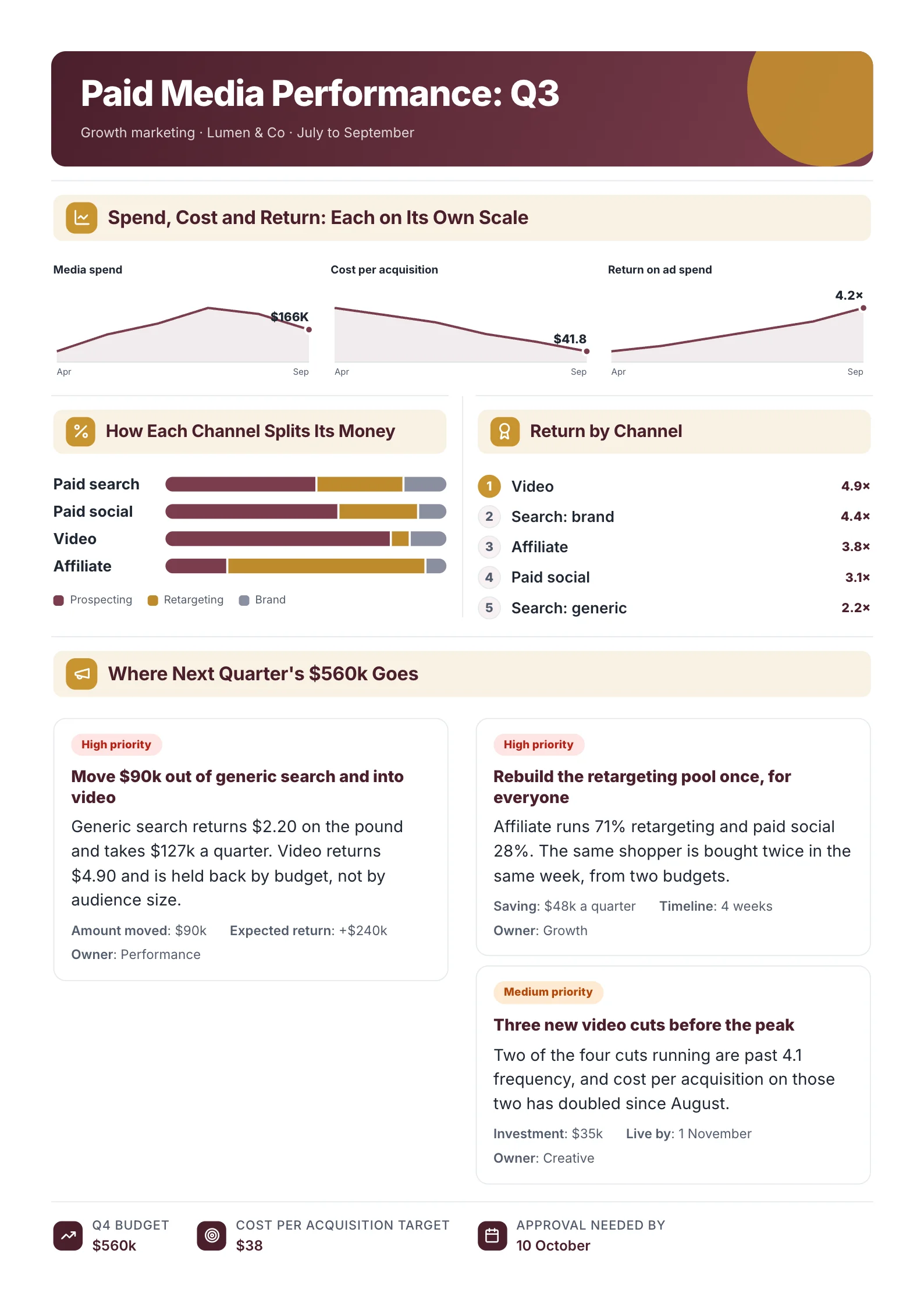 Marketing Campaign ReportOpen this One-Pager (opens in a new tab)
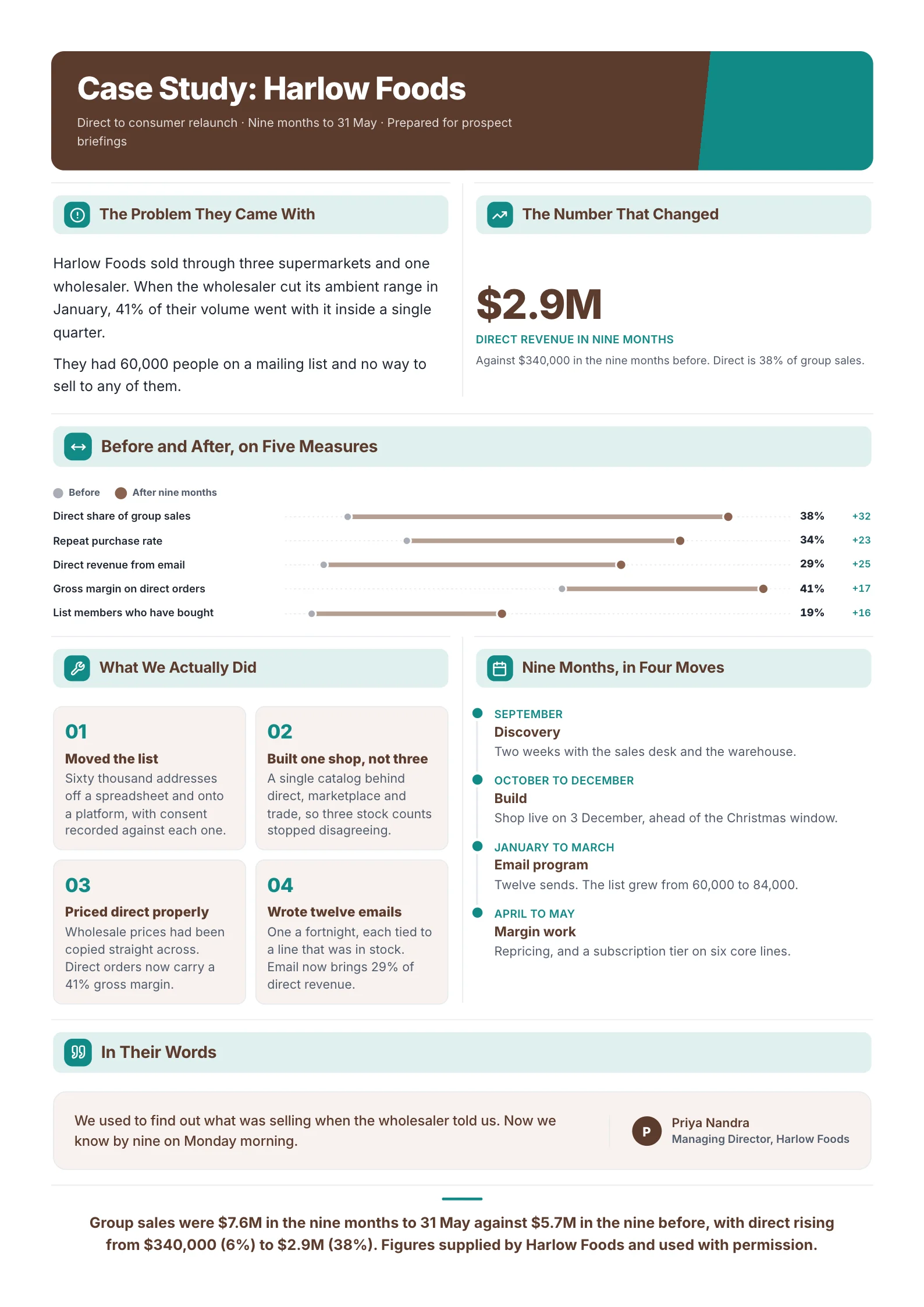 Case StudyOpen this One-Pager (opens in a new tab)
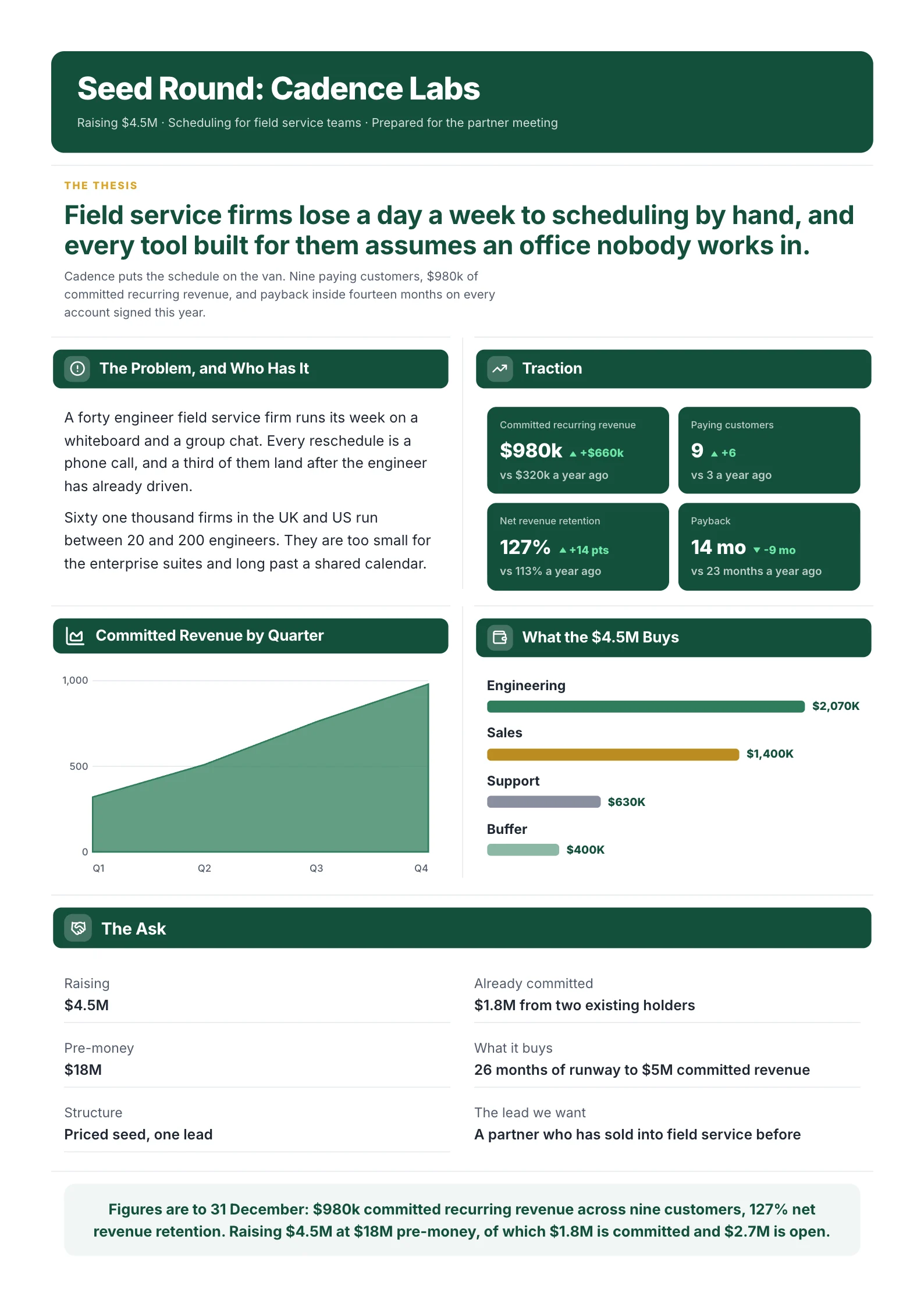 Startup PitchOpen this One-Pager (opens in a new tab)
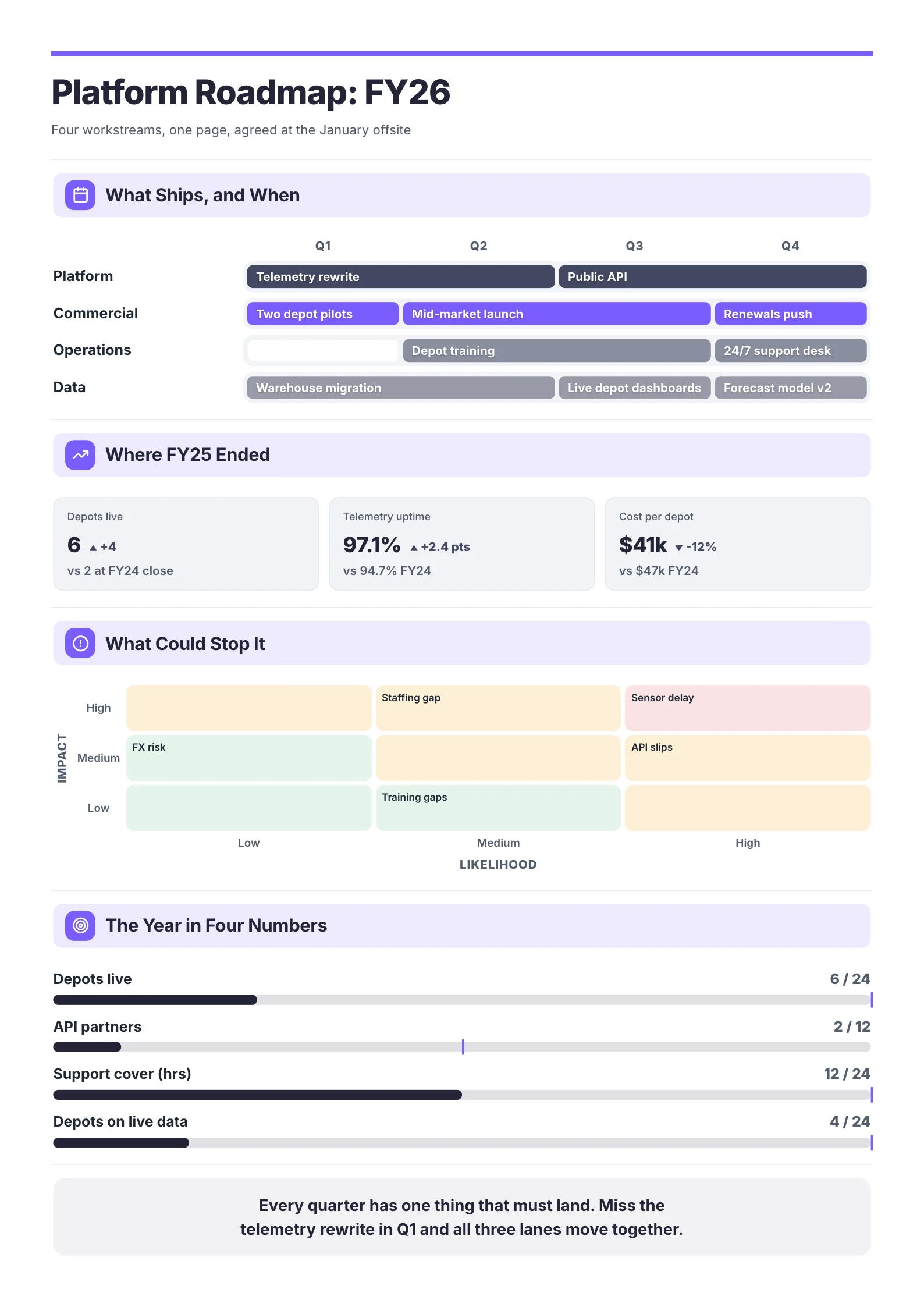 Product RoadmapOpen this One-Pager (opens in a new tab)
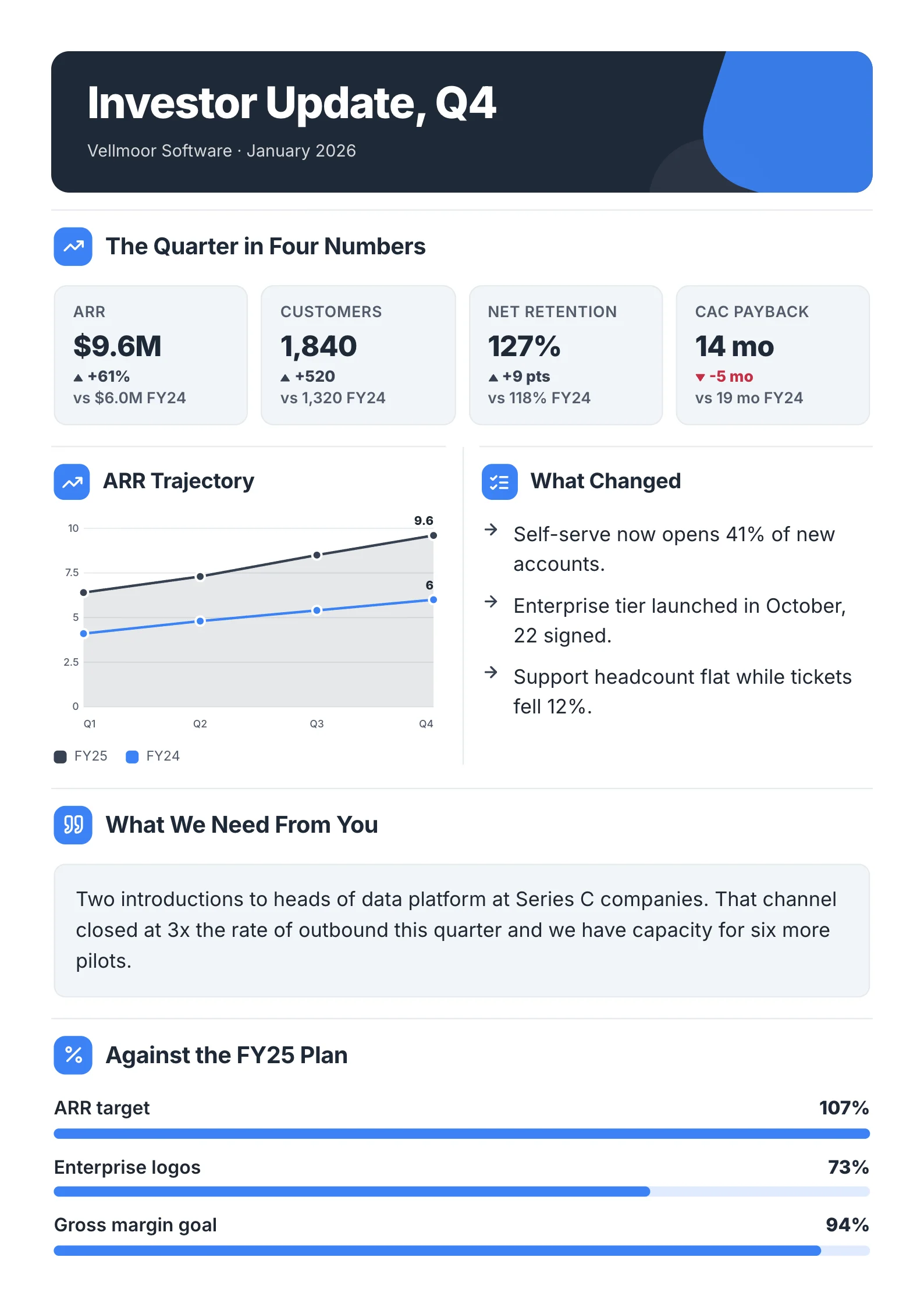 Investor UpdateOpen this One-Pager (opens in a new tab)
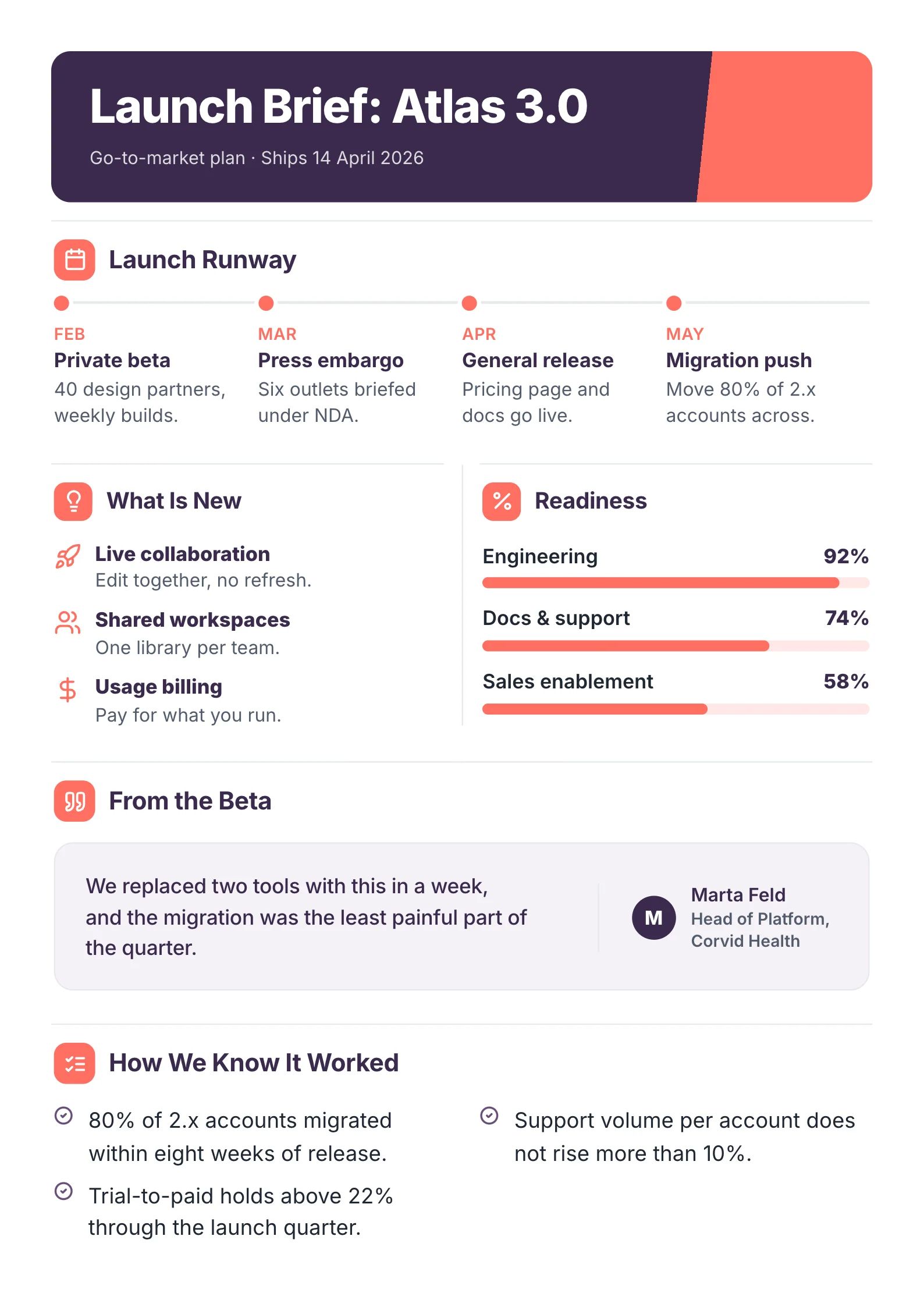 Product Launch BriefOpen this One-Pager (opens in a new tab)
Full disclosure: we make MakeOnepagers. Every other tool is described from its own website, and every price was read off each company's own pricing page on 1 October 2026.
When Canva is still the right tool
Canva is one of the best design tools in the world, and for many people it is the right answer. Stay with Canva if:
- You design many kinds of things, such as social posts, slides and flyers, and the one-pager is just one of them.
- You enjoy designing and already know what the page should say.
- Your team has its brand kit set up there, and the free plan or Pro (US$144 a year) covers you.
The rest of this guide is for people whose real problem is the writing, the time, or the price of a full design suite for one kind of document.
The 5 alternatives at a glance
| Tool | Who writes the content | Free start | Paid from |
|---|---|---|---|
| MakeOnepagers | It reads your file and writes it; you edit | 7-day trial, 3 One-Pagers | $15/mo for 5 One-Pagers |
| Venngage | You, or its AI from a prompt, text, URL or file | Free, 5 designs | Premium $10/mo billed yearly |
| Visme | You, or its AI from a prompt and your sources | Free Basic plan | Starter $12.25/mo billed yearly |
| Xtensio | You, in a structured template | Free, 10 deliverables | Plus $10/person/mo billed yearly |
| Word or Google Docs | You | Free | Free |
Prices read off each company's own pricing page on 1 Oct 2026. Prices change; check their page before you buy.
1. MakeOnepagers: skip the blank template
A one-pager almost always summarises something longer: a report, a pitch deck, a research paper, a plan. MakeOnepagers starts from that document. Upload a PDF, Word file, PowerPoint deck, CSV or text file, or paste a link, and it reads the whole thing (up to 50 pages counts as one One-Pager). It picks out the figures and conclusions a reader needs and lays them out as a designed One-Pager.
Anything it can't tie back to your source is left out rather than guessed. Then you click any line to change it, ask for a section to be shorter or longer, swap a chart, or apply your brand kit.
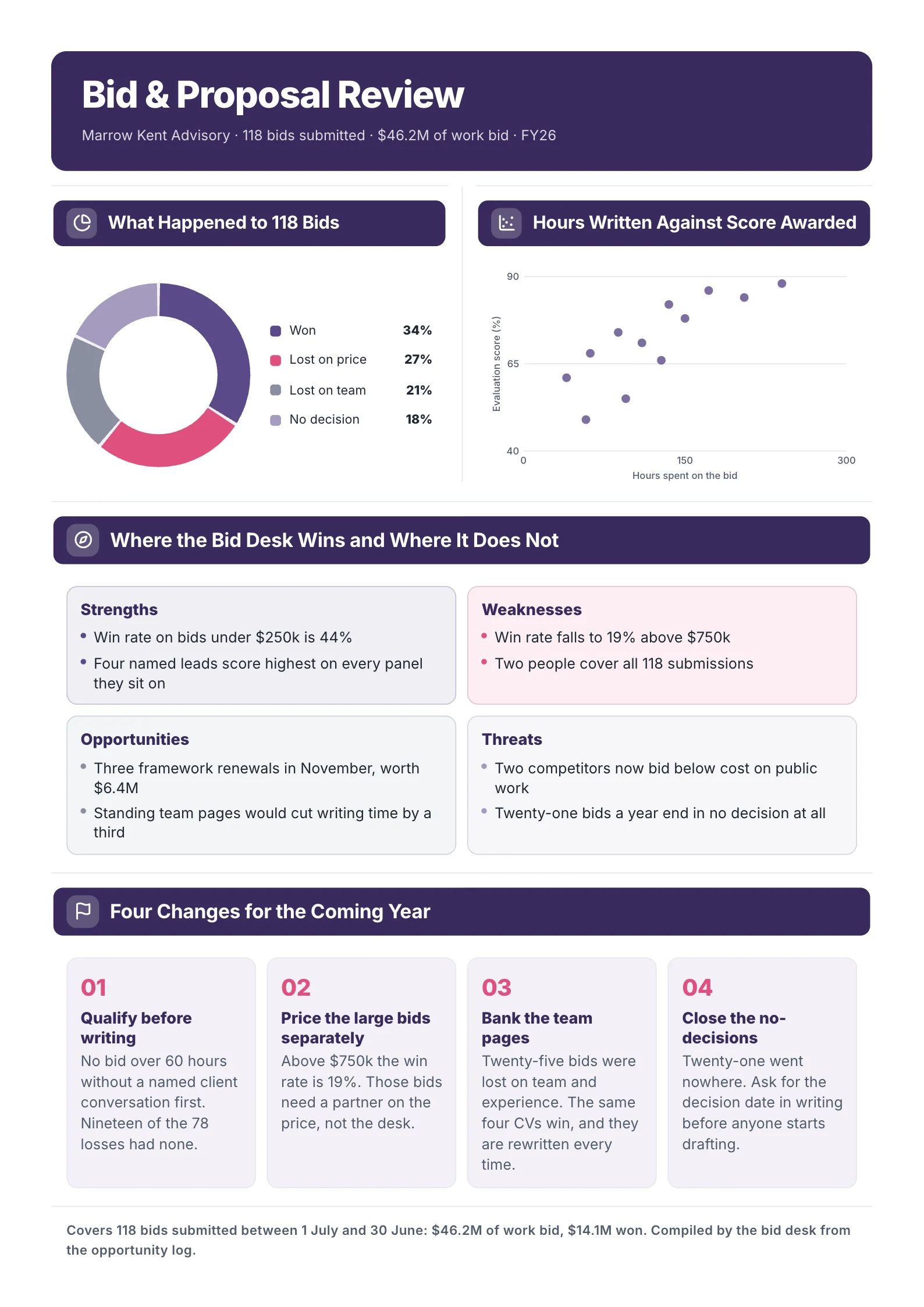 A sample proposal One-Pager. The headline is the answer, not a label.
- Price: Starter $15 a month for 5 One-Pagers, Regular $29 for 12. Unused One-Pagers roll over.
- Skip it if: you need posters, social posts or slides too. It only makes One-Pagers.
Full comparison: MakeOnepagers vs Canva. Or start from the sales proposal One-Pager template shown above.
2. Venngage: the closest template-first swap
Venngage feels the most like Canva for one-pagers, with a big infographic and report library. Its AI One-Pager Generator takes a prompt, pasted text, a URL or an uploaded file. The free plan includes 5 designs; Premium is $10 a month billed yearly or $19 monthly.
- Better than Canva for: infographic-style one-pagers, with a library built for them.
- Skip it if: you want one tool for every kind of design. Canva covers more formats.
3. Visme: for interactive documents
Visme makes documents, presentations and interactive content. Its AI Document Generator works from a prompt, with links and documents as sources. Starter is $12.25 a month billed yearly; Pro is $24.75, per person.
- Better than Canva for: interactive elements inside a document.
- Skip it if: you need a print-ready page on a small budget.
See our list of Visme alternatives.
4. Xtensio: simple and cheap
Xtensio is a focused tool for one-pagers, fact sheets and client proposals. The free plan includes 10 deliverables, and Plus is $10 a person a month billed yearly.
- Better than Canva for: less to learn, for simple business one-pagers.
- Skip it if: you want a large template library or rich charts.
5. Word or Google Docs: free and good enough for text
For a text-heavy one-pager, such as a policy brief, a self-introduction or an internal memo, a document editor is free and fast. Use a two-column table and one headline figure, and it will read well.
- Better than Canva for: cost and speed when the page is mostly words.
- Skip it if: the page needs charts or has to look designed.
How to choose in 30 seconds
| Your situation | Pick |
|---|---|
| I already have the report, deck or PDF | MakeOnepagers |
| I want templates and a free plan | Venngage or Xtensio |
| I want interactive content | Visme |
| The page is mostly text and the budget is zero | Word or Google Docs |
| I design many things, not just one-pagers | Stay with Canva |
Start from your document, not a blank page
If your one-pagers start from a document you already have, try MakeOnepagers free for 7 days with 3 One-Pagers included. Browse the One-Pager templates or real One-Pager examples first, or make your first One-Pager.
Frequently asked questions
What is the best free Canva alternative for one-pagers?
Xtensio's free plan includes 10 deliverables, and Venngage's free plan includes 5 designs. For text-only one-pagers, Google Docs is free. MakeOnepagers offers a 7-day trial with 3 One-Pagers rather than a free plan.
Can Canva make a one-pager from a PDF?
Canva's AI generates designs from a prompt, and you can import files into a design. Turning a long report into a faithful one-page summary is not what it is built around, so check every number if you try it. MakeOnepagers is built for exactly that job.
Is there a Canva alternative for presentations as well?
Yes. Visme covers presentations and documents in one tool. MakeOnepagers only makes One-Pagers, so keep a presentation tool for slides.
Which Canva alternative is best for business one-pagers?
If the one-pager summarises a business document, such as a report, a plan or a pitch deck, MakeOnepagers writes it for you from that document. If you'd rather write it yourself in a template, Xtensio and Venngage are built for business one-pagers.