Compare: MakeOnepagers vs Venngage
MakeOnepagers vs Venngage for one-pagers
Pick Venngage if
you want a big template library for infographics, reports and one-pagers, and you like to start from a design and shape the words with its AI.
Pick MakeOnepagers if
you have a long document and want it turned into a One-Pager with the figures pulled out of it for you.
Designer templates, ready to edit in minutes
The difference
Venngage starts from a template or a prompt. MakeOnepagers reads your file and writes the One-Pager for you.
What's the real difference?
Venngage is a design tool with an AI generator on top. Its One Pager Generator asks you to describe what you need, paste text or drop in a URL, and it produces a designed page you then edit. It's strong when you know what you want to say.
MakeOnepagers starts from the opposite end: the document already exists, and the hard part is reading it. It reads the file, finds the numbers and conclusions a reader needs, and lays them out. The editor shows the source passage it found for a section, so you can check it before you send.
Watch a file become a One-Pager
Starts from your file
Drop in 50 pages. Get one back.
PDF, Word, PowerPoint, a link or pasted text. It reads the file and shows you how long it is before it writes.
- About 50 pages counts as one One-Pager
- Board packs, research reports, sales decks
- Or start from a topic, no file needed
See where it came from
Built on the figures in your file.
It works from the revenue, headcount and dates in your document. Where it finds a source passage, the editor shows it beside the section.
- Edit any line or figure
- Ask for a change in plain words
- Charts laid out for you
Yours to change
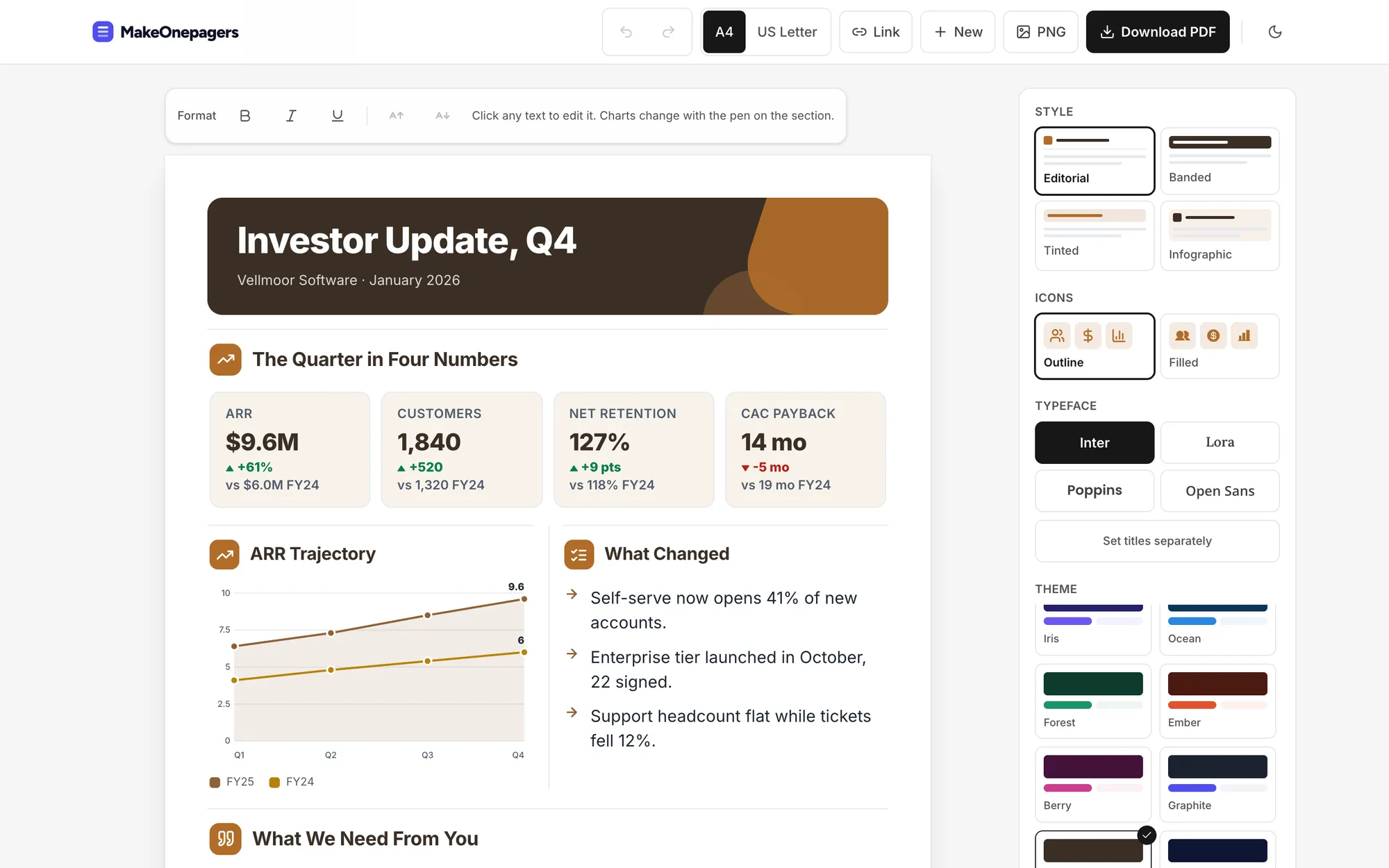
Click any line to edit it.
Change a word, or ask for a shorter or longer version of one section. Then send a link, or a PDF that fits on one sheet.
- A share link anyone can open, no account
- A PDF that prints on one sheet, A4 or US Letter
- Your brand kit on every One-Pager, on every plan
Side by side
The short version
Prices read off each company's own pricing page in October 2026. Prices change; check their page before you buy.
What you get
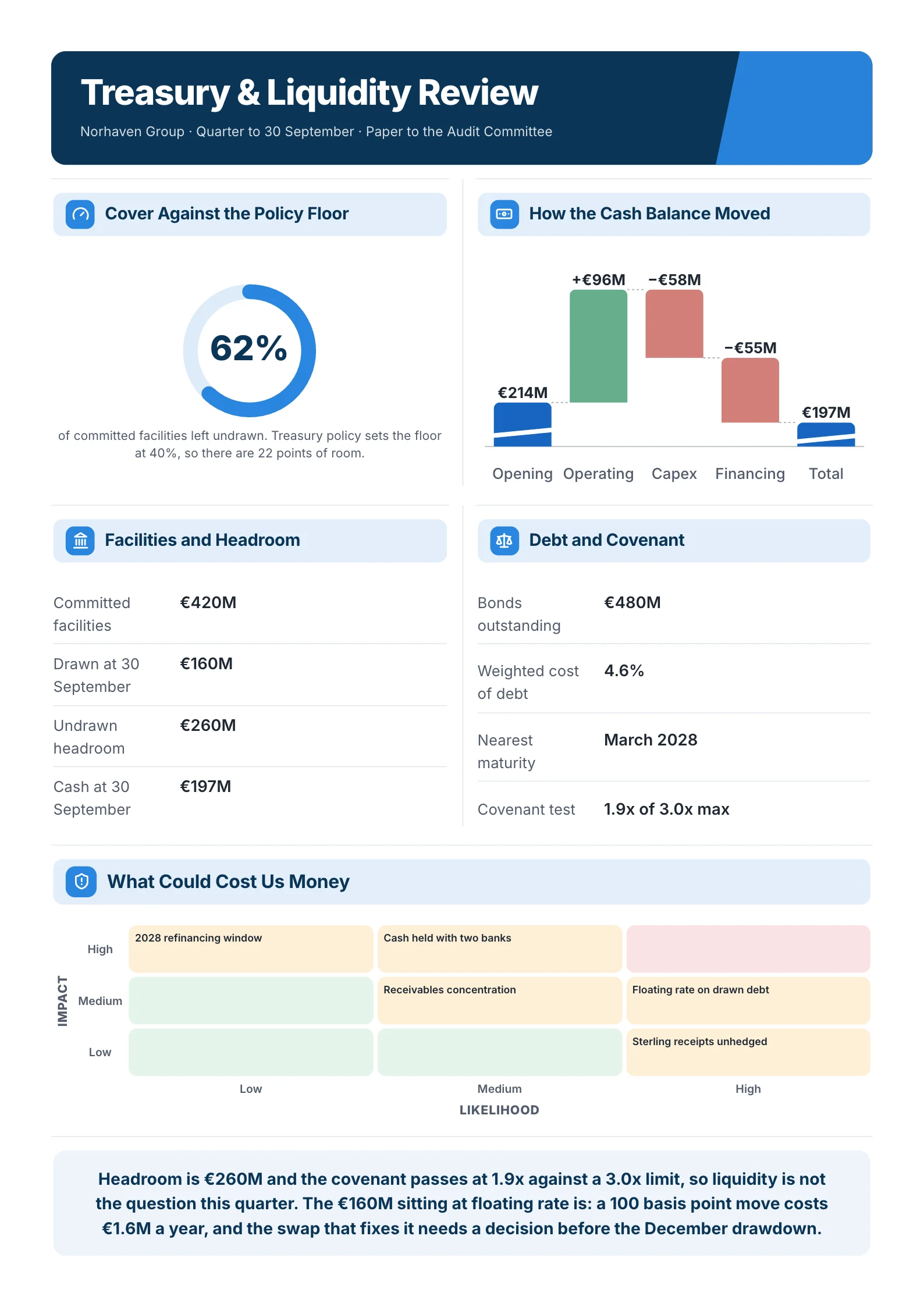
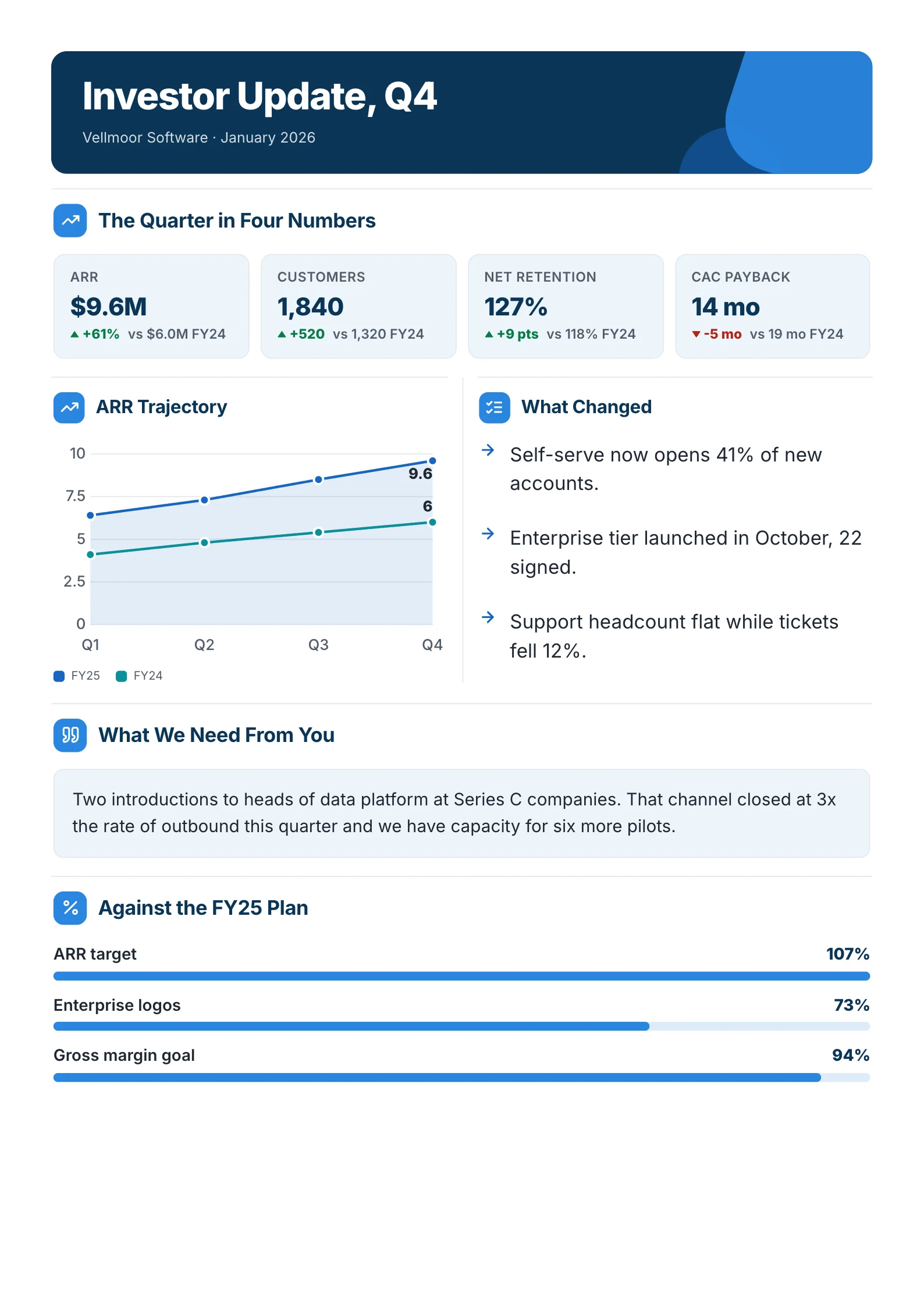
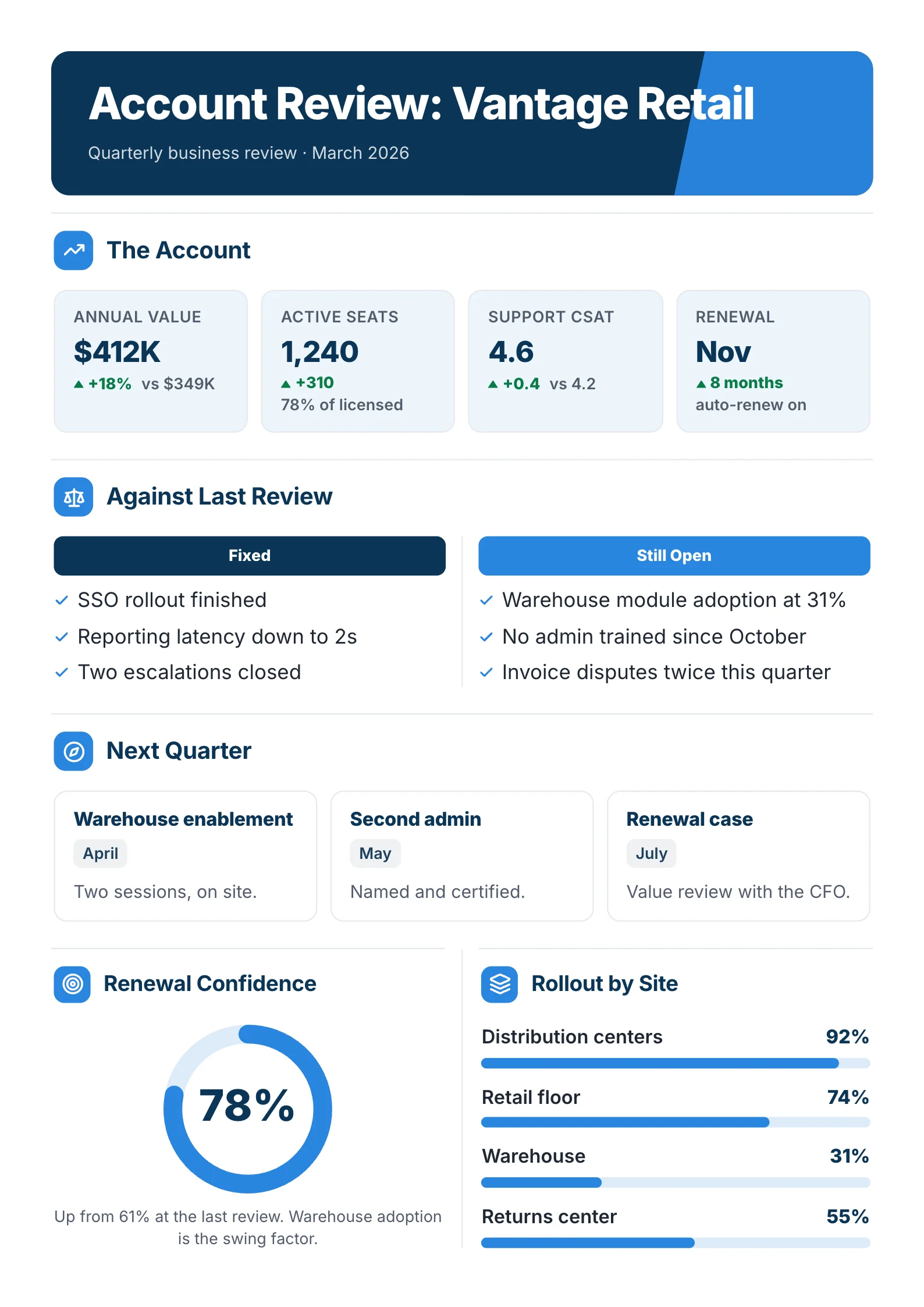
What a finished One-Pager looks like
Quarterly account review
Sample
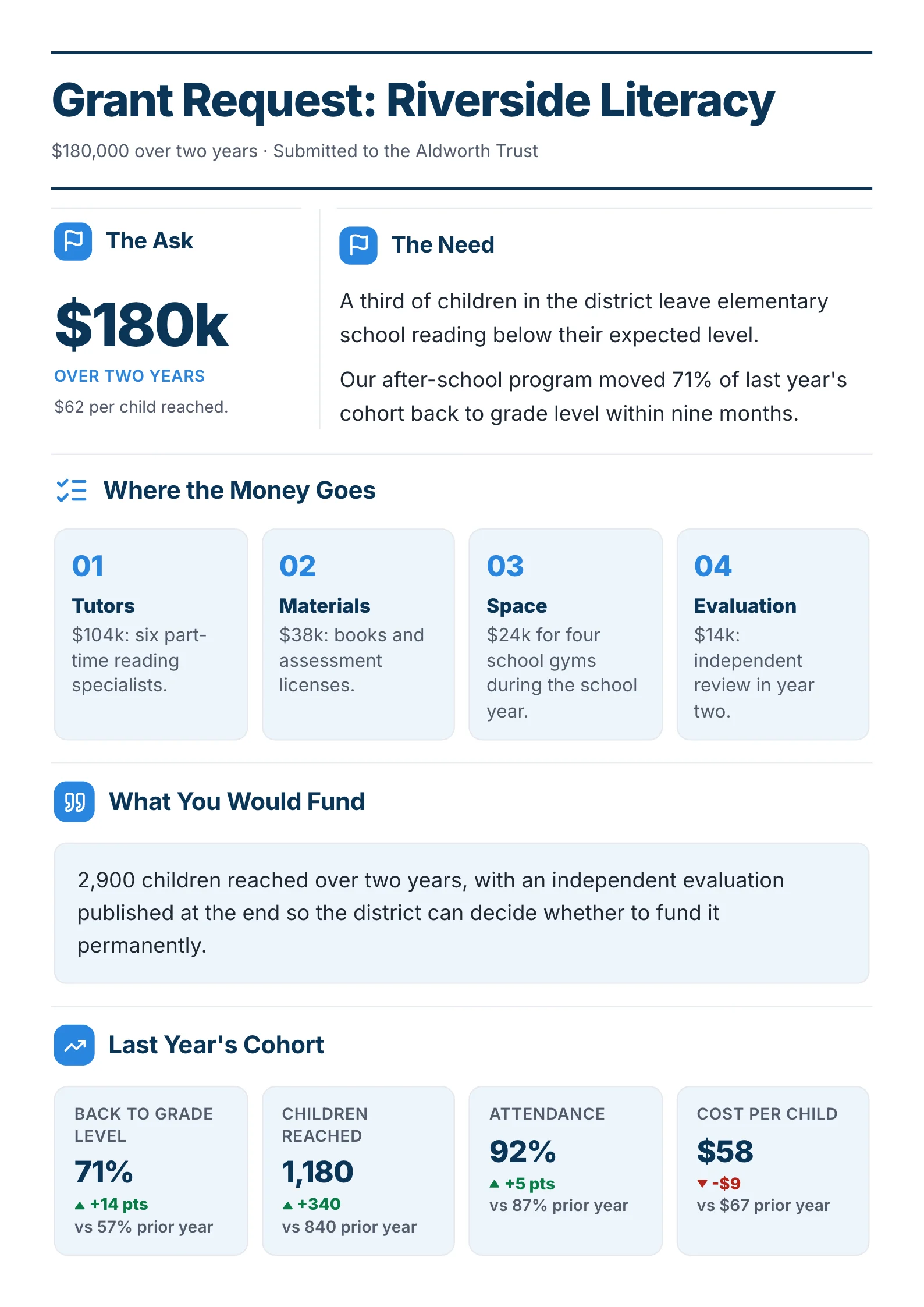
Grant summary
Sample
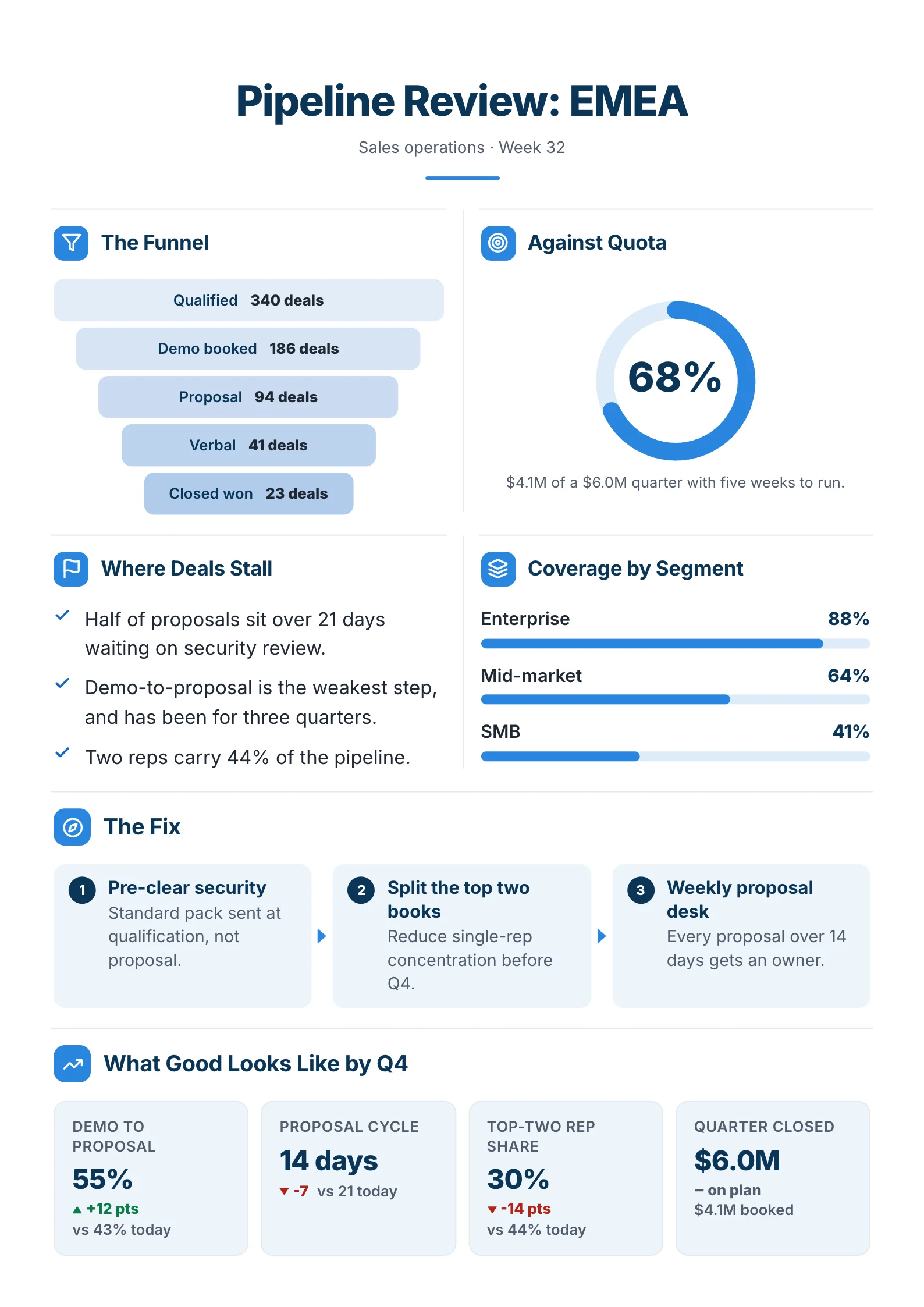
Pipeline update
Sample
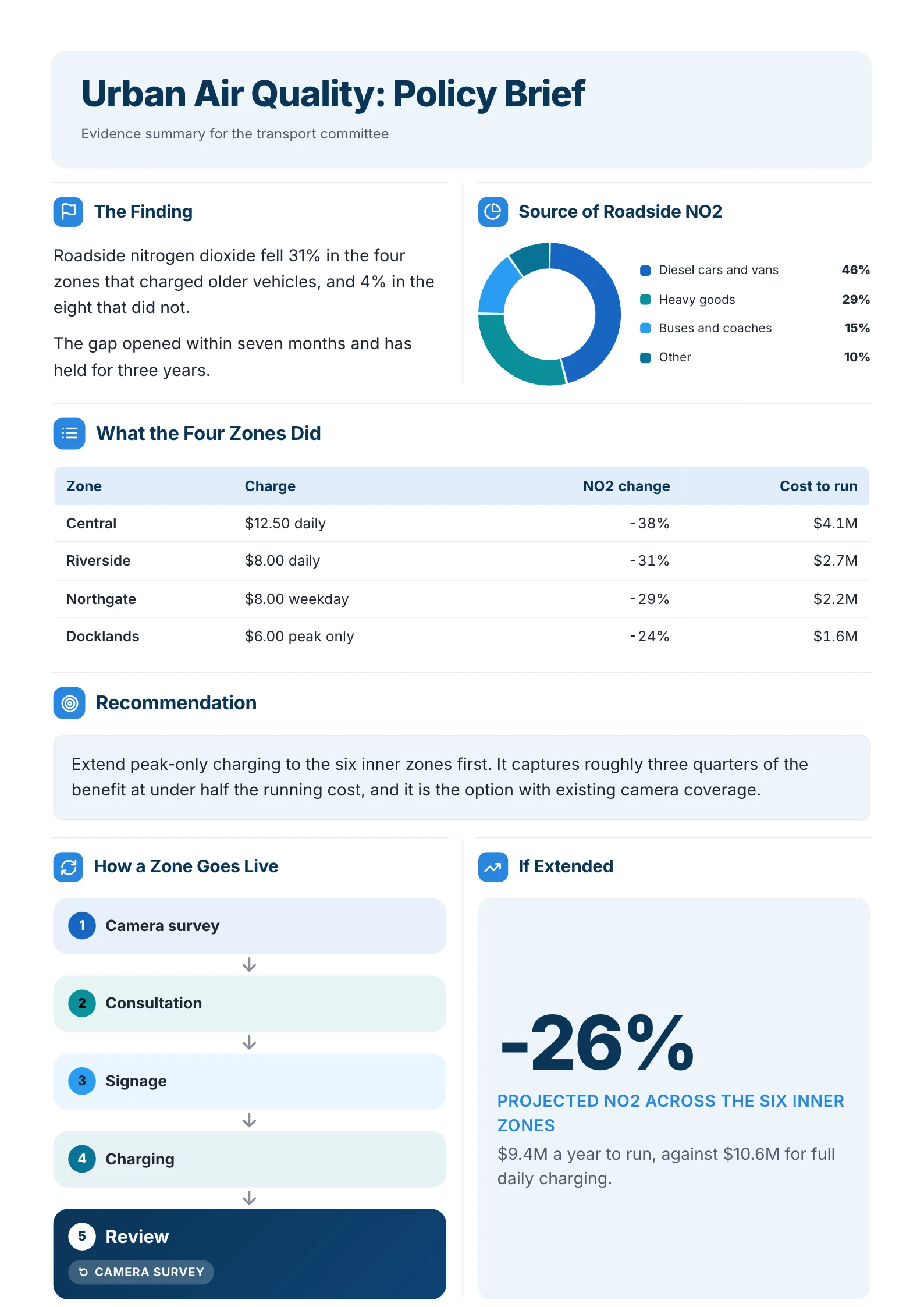
Policy brief
Sample
Every one opens ready to edit: words, charts and colors
Honest answer
Which one fits your job
Where Venngage is the better choice
- You make infographics, timelines and reports as well as one-pagers.
- You want to browse templates and pick a look first.
- You need nonprofit pricing or an enterprise plan with many seats.
- Your content is short and already written.
Where MakeOnepagers is the better choice
- Your source is a 20, 40 or 50-page file.
- The page has to start from a report you already have.
- You'd rather approve a finished One-Pager than build one.
- You want to pay per One-Pager, with unused ones rolling over.
How it works
From file to One-Pager in five steps
- Drop in a PDF, Word file or PowerPoint deck, paste a link or text, or type a topic.
- MakeOnepagers reads the file and shows you how long it is.
- It writes the summary, pulls the figures, and designs the One-Pager with headings, charts and pull quotes.
- You click any line to change it, or ask for a shorter or longer version of one section.
- Send a link, print it, or export a PDF that fits on one sheet.
Price
What each one costs
$15 a month for 5 One-Pagers
Regular is $29 a month for 12. Teams pay $19 a seat with 8 each, pooled. Unused One-Pagers roll into next month.
Start your 7-day free trialVenngage
$10 a month, Premium billed yearly
$19 month to month. Business is $24 a month per user billed yearly, or $49 monthly. The free plan has 5 designs.
Venngage Premium is $10 a month billed yearly or $19 month to month; Business is $24 a month per user billed yearly or $49 monthly. MakeOnepagers Starter is $15 a month for 5 One-Pagers and Regular is $29 a month for 12, with annual plans giving two months free. A team of five on MakeOnepagers costs $95 a month for 40 shared One-Pagers.
Prices read off each company's own pricing page in October 2026. Prices change; check their page before you buy.
Questions
Questions people ask
Is MakeOnepagers a good Venngage alternative?
If most of what you make in Venngage is one-pagers built from existing documents, yes. If you rely on its infographic and template library, keep Venngage.
Can Venngage summarize a PDF?
Venngage's generator takes an uploaded file, pasted text or a URL as content. MakeOnepagers is built around reading your document and writing the summary from it.
Which one is free?
MakeOnepagers lets you edit any template and download it free, and builds from a file of up to 10 pages free. Sign up and download it free. Venngage has a free plan with 5 designs.
Can I edit the One-Pager after it's made?
Yes. Click any line to rewrite it, ask for a shorter or longer version of one section, swap a chart or drop in an image.
Does it work for an executive summary?
Yes. That's one of the most common uses: a board pack or report in, an executive summary One-Pager out.
Can I print it?
Yes. Print it or export a PDF that fits on one sheet.
Does it use my brand?
On every plan, your fonts, colors and logo go on every One-Pager.
What file types work?
PDF, Word, PowerPoint, CSV, Markdown and plain text, plus links, pasted text, or just a topic.
Due Friday? Skip the three hours of formatting
You know what it will sayMake it look professional without the hours
Start your 7-day free trialDesigner templates, ready to edit in minutes