Compare: MakeOnepagers vs Storydoc
MakeOnepagers vs Storydoc for one-pagers
Pick Storydoc if
you're sending sales material online and want interactive pages with tabs, animation and reading analytics.
Pick MakeOnepagers if
you need a real One-Pager of a long document, the kind you can print, attach or hand to a board.
Designer templates, ready to edit in minutes
The difference
Storydoc makes interactive web pages for sales. MakeOnepagers turns your file into a One-Pager you can print, attach or send.
Different jobs
Storydoc's pitch is that static PDFs don't get read, so it turns your content into a scrolling, clickable page with tabs and "read more" sections, and tells you who opened it and for how long. That's powerful for sales teams chasing a deal.
MakeOnepagers makes the opposite trade. It compresses a long document into a One-Pager a person can take in at a glance, and it stays a document: it prints, it attaches to an email, it works in a board pack.
Watch a file become a One-Pager
Starts from your file
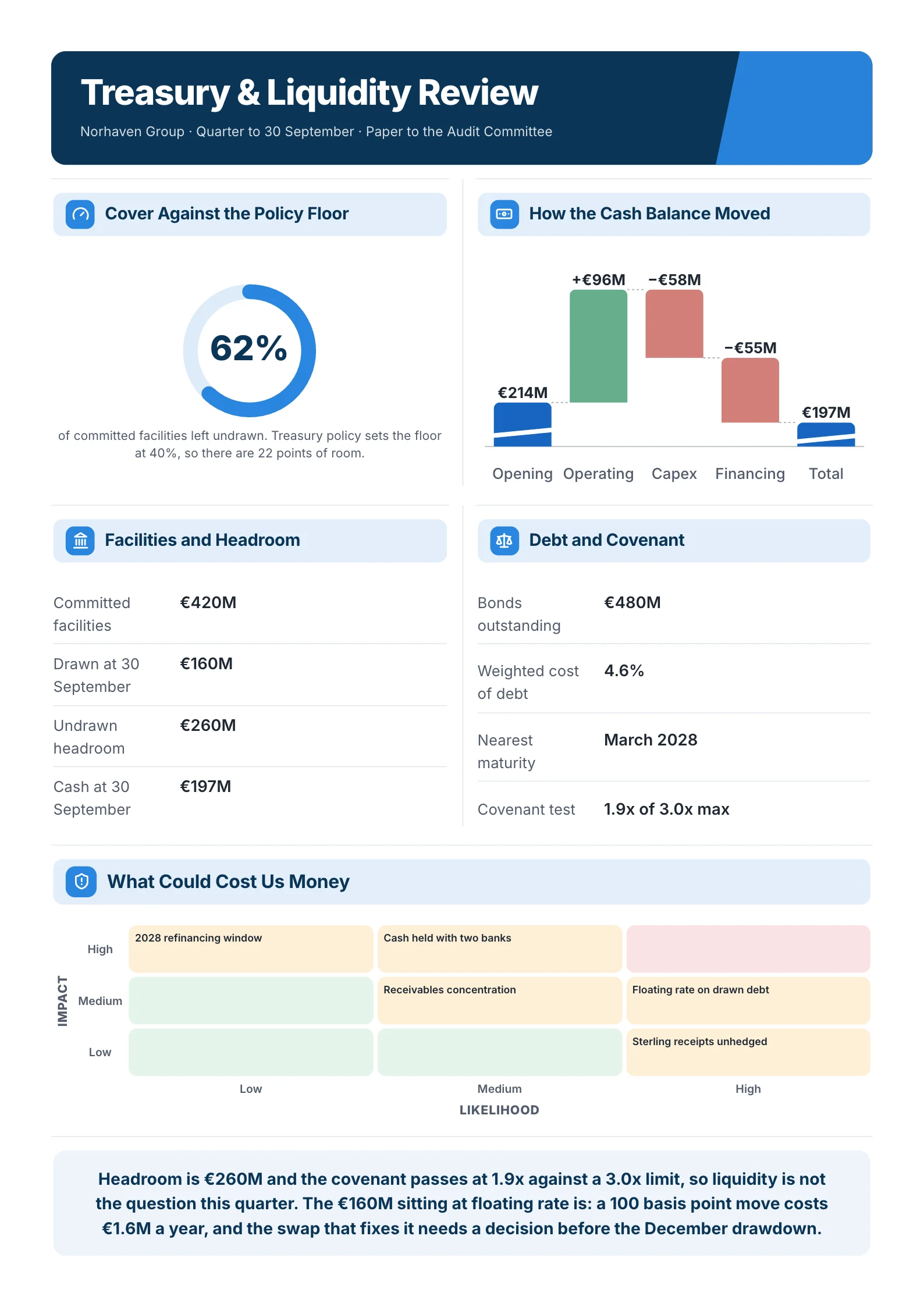
Drop in 50 pages. Get one back.
PDF, Word, PowerPoint, a link or pasted text. It reads the file and shows you how long it is before it writes.
- About 50 pages counts as one One-Pager
- Board packs, research reports, sales decks
- Or start from a topic, no file needed
See where it came from
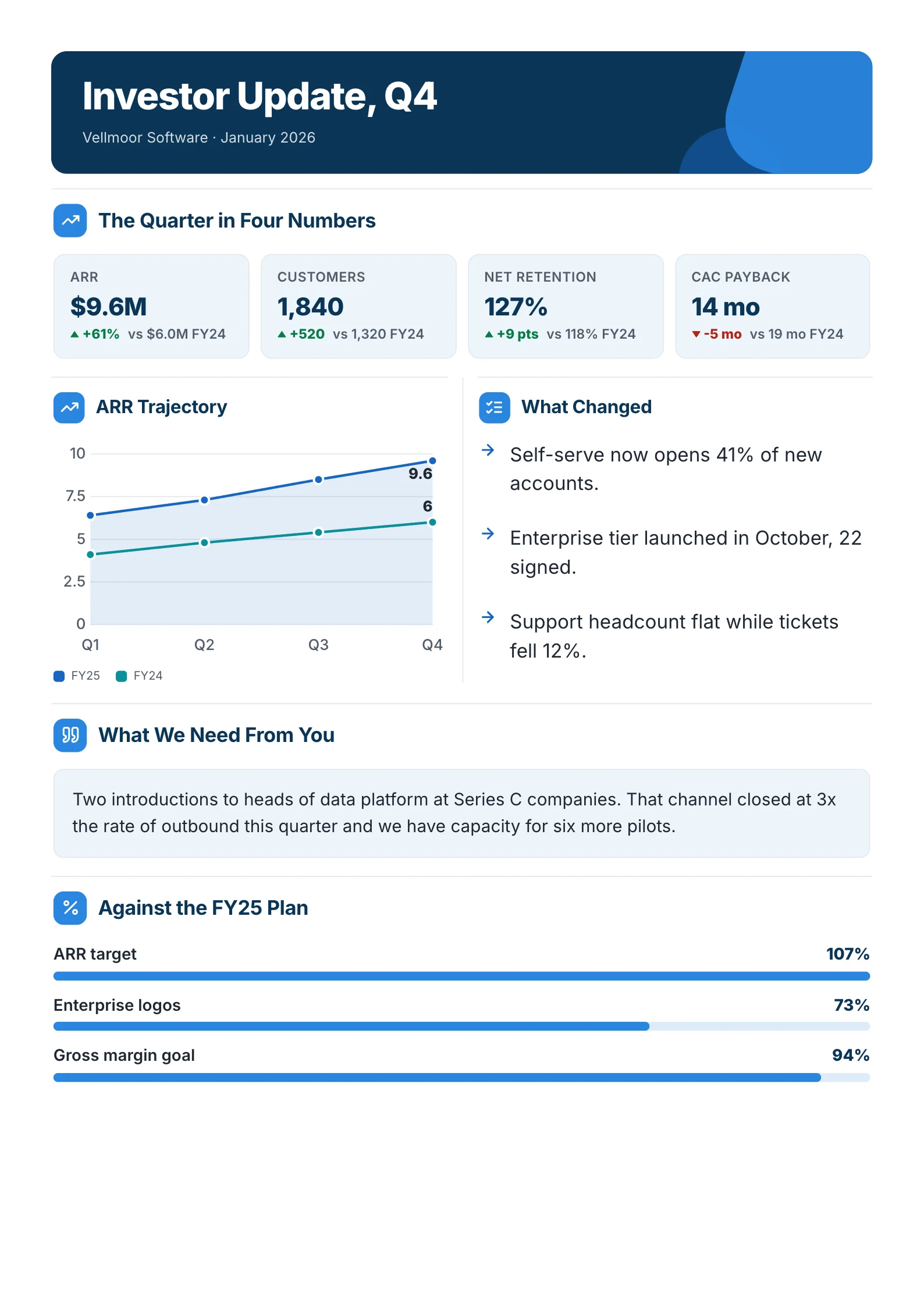
Built on the figures in your file.
It works from the revenue, headcount and dates in your document. Where it finds a source passage, the editor shows it beside the section.
- Edit any line or figure
- Ask for a change in plain words
- Charts laid out for you
Yours to change
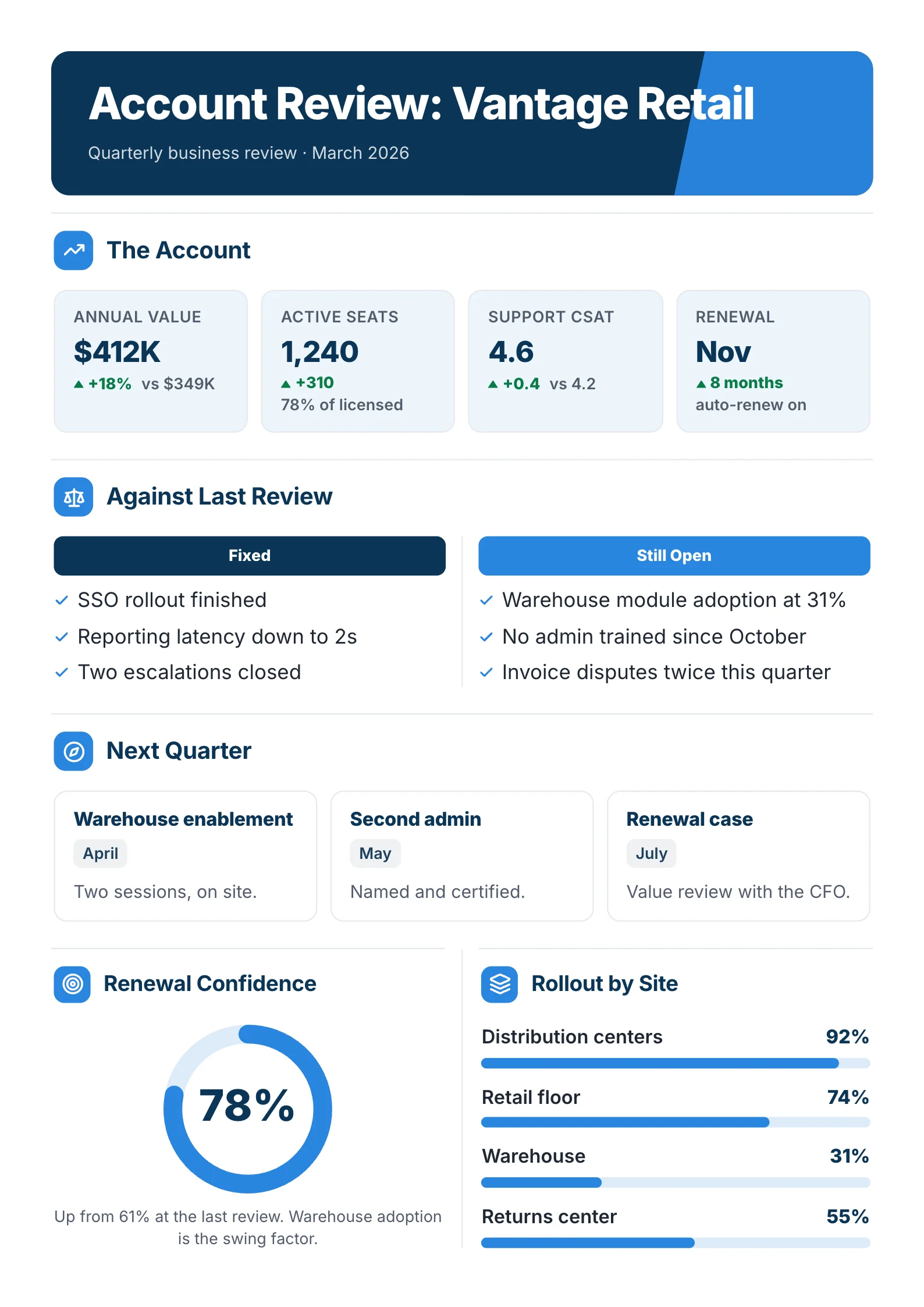
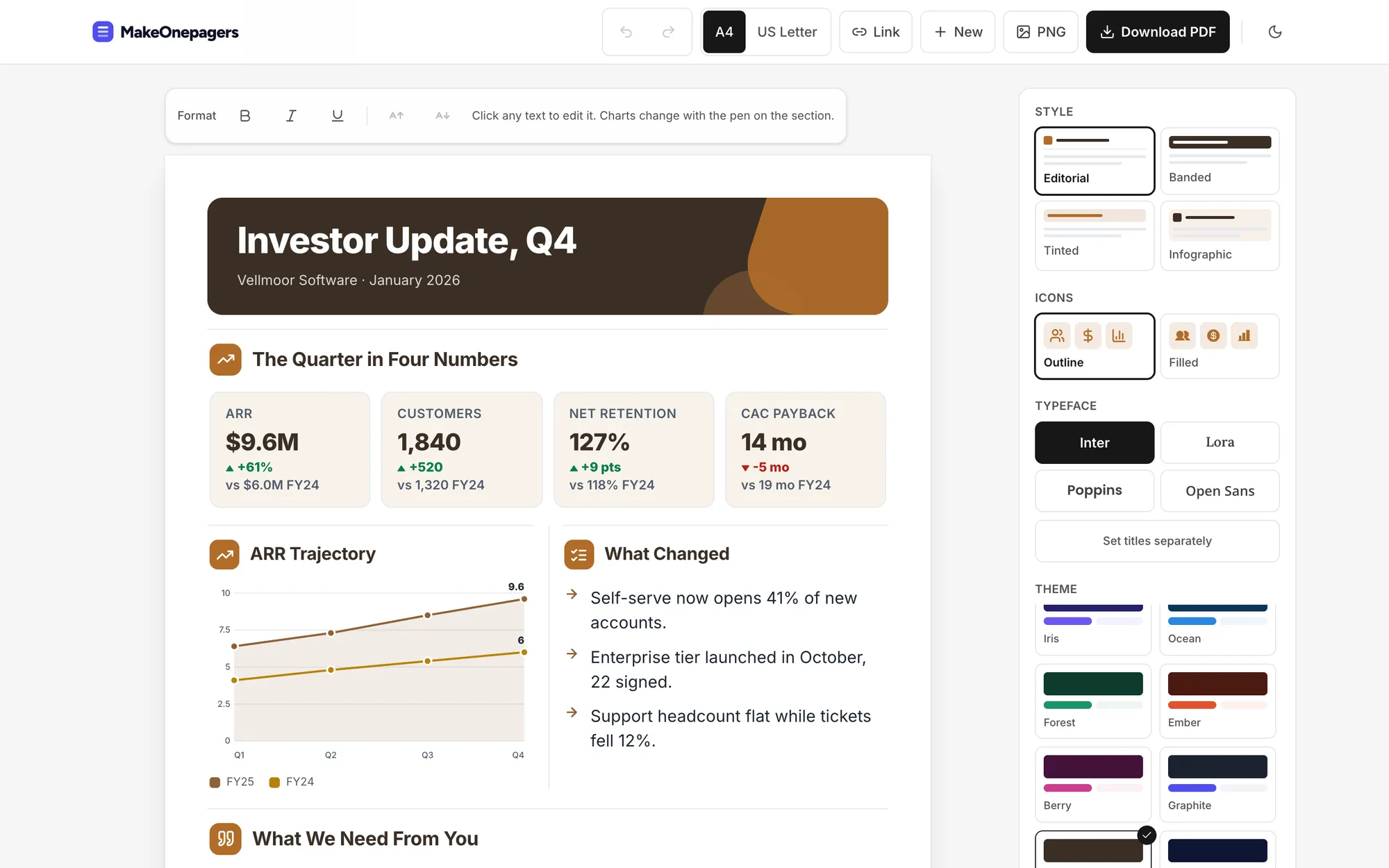
Click any line to edit it.
Change a word, or ask for a shorter or longer version of one section. Then send a link, or a PDF that fits on one sheet.
- A share link anyone can open, no account
- A PDF that prints on one sheet, A4 or US Letter
- Your brand kit on every One-Pager, on every plan
Side by side
The short version
Prices read off each company's own pricing page in October 2026. Prices change; check their page before you buy.
What you get
What a finished One-Pager looks like
Quarterly account review
Sample
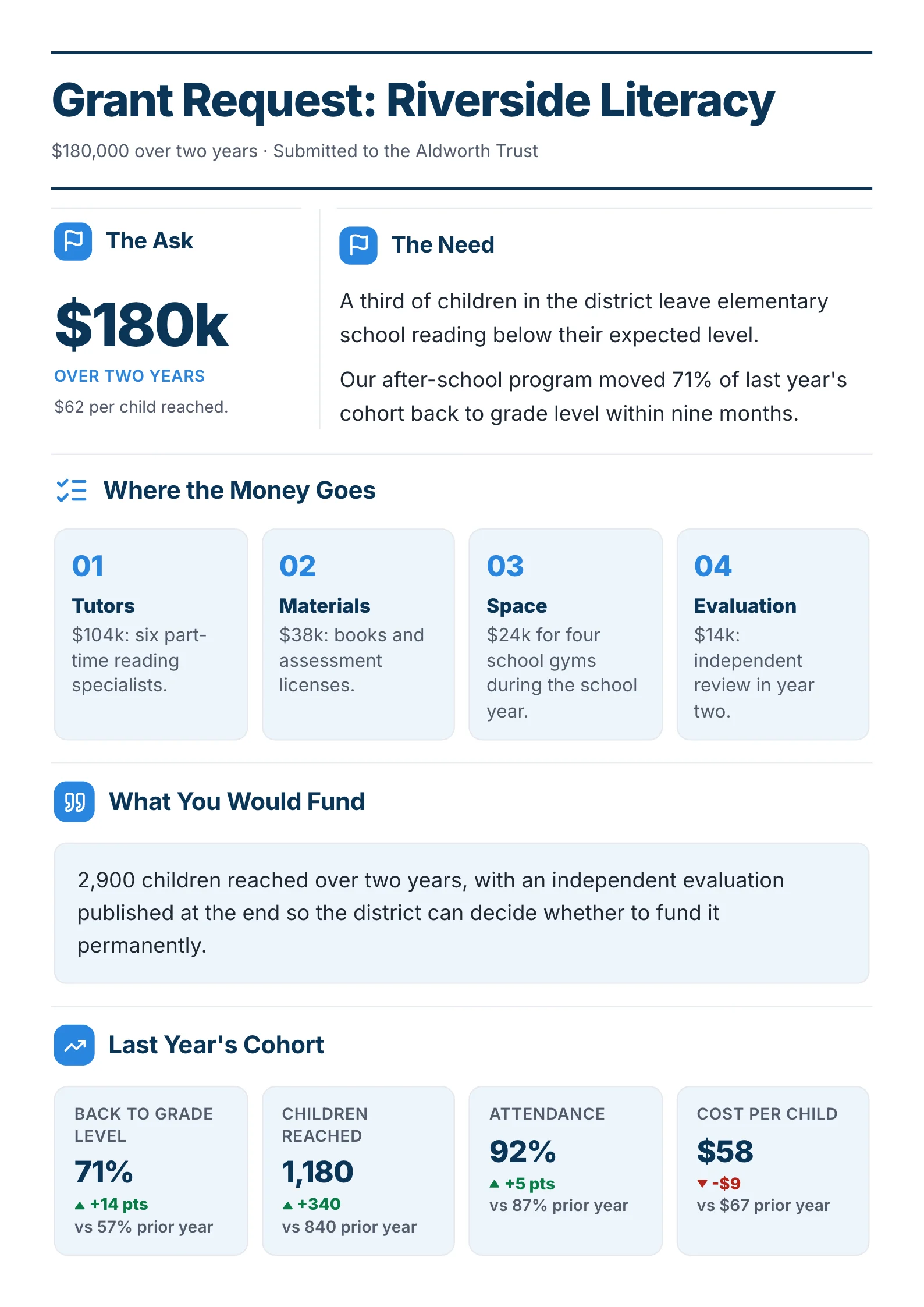
Grant summary
Sample
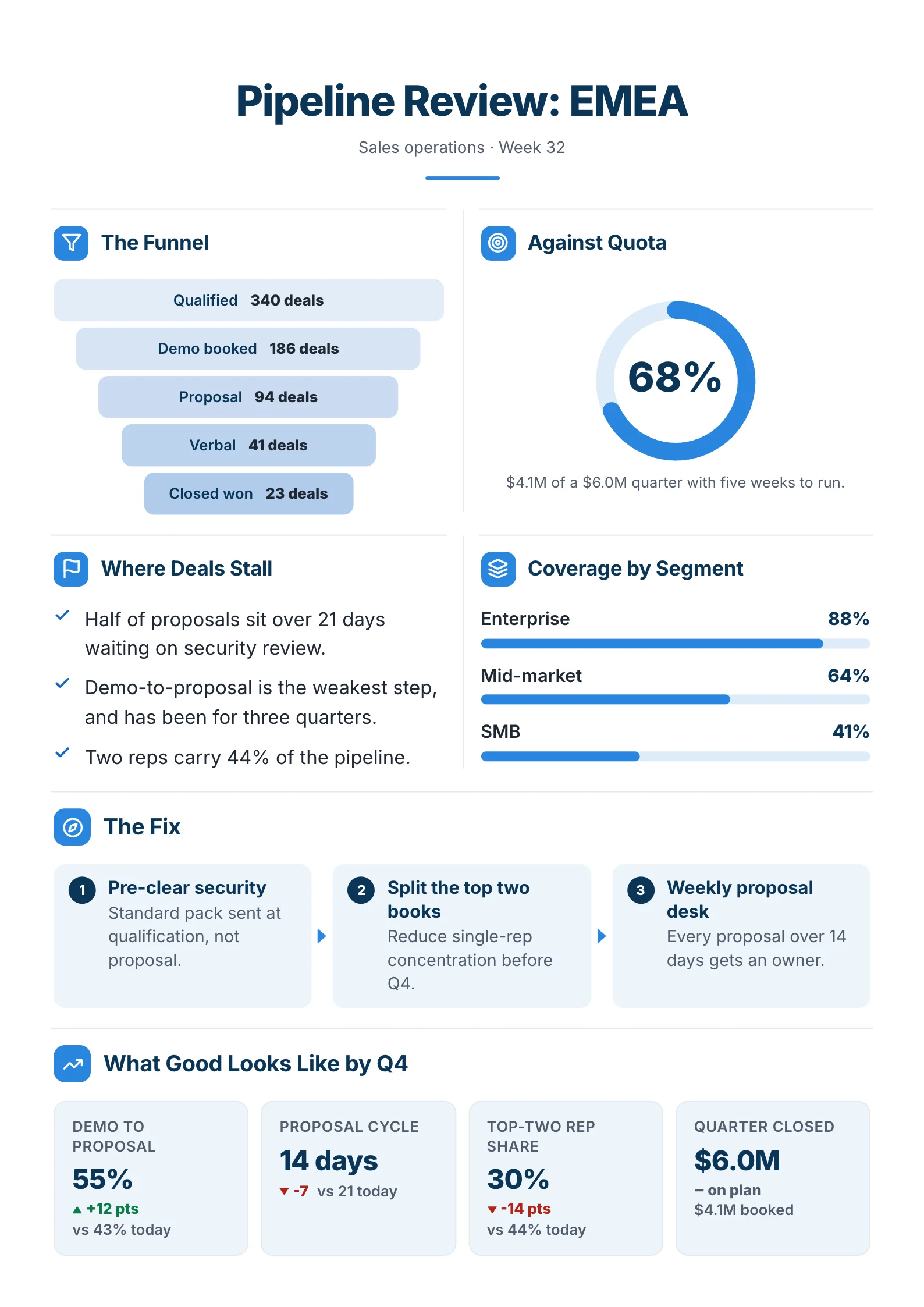
Pipeline update
Sample
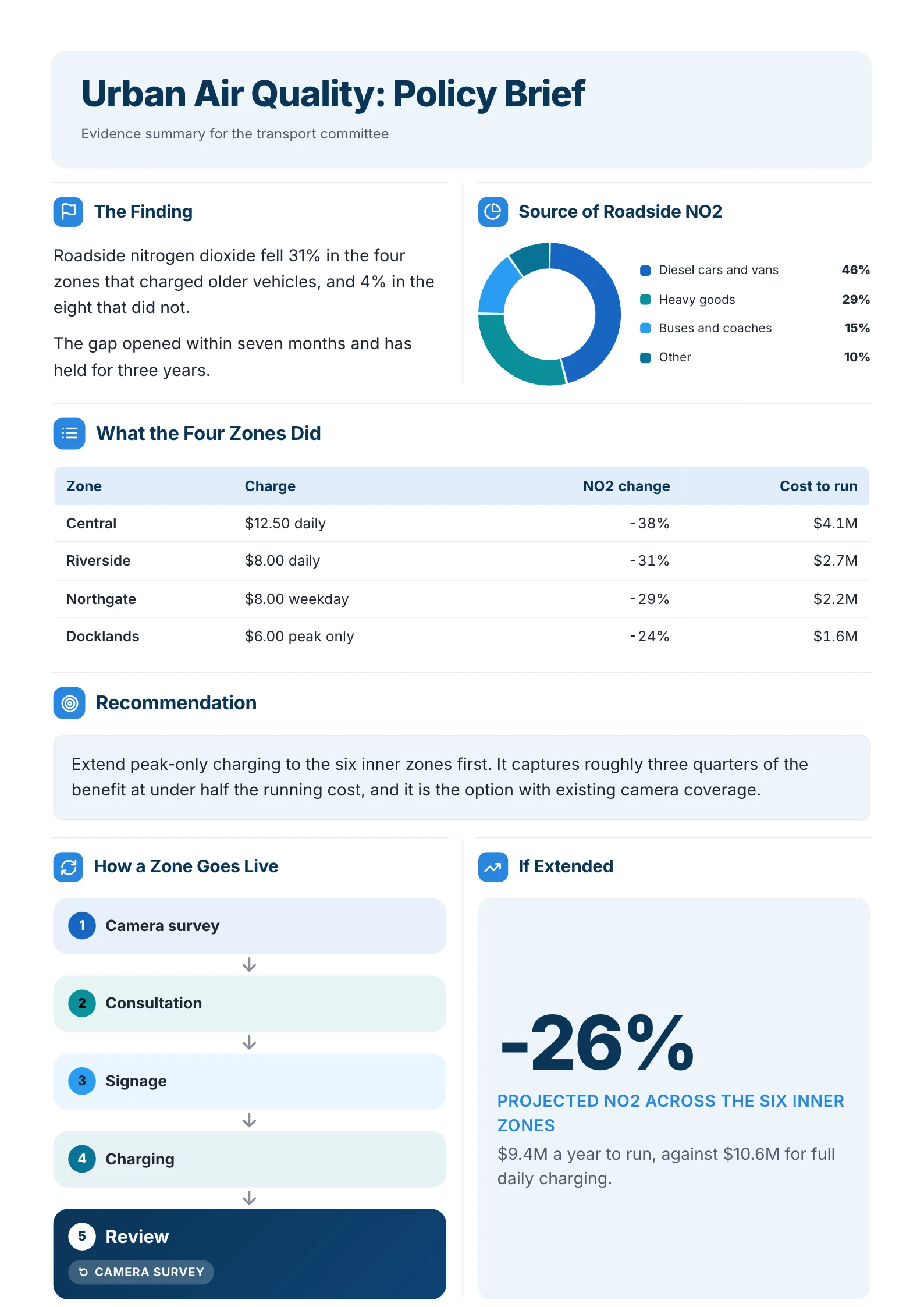
Policy brief
Sample
Every one opens ready to edit: words, charts and colors
Honest answer
Which one fits your job
Where Storydoc is the better choice
- You're sending sales decks or proposals and want to know who read them.
- You want interactive elements: tabs, animation, embedded video.
- Your team builds many live documents for prospects.
Where MakeOnepagers is the better choice
- You need a summary of a document, not a redesigned version of it.
- The One-Pager will be printed, attached or filed.
- You want to pay $15 a month rather than $19.80 or more.
How it works
From file to One-Pager in five steps
- Drop in a PDF, Word file or PowerPoint deck, paste a link or text, or type a topic.
- MakeOnepagers reads the file and shows you how long it is.
- It writes the summary, pulls the figures, and designs the One-Pager with headings, charts and pull quotes.
- You click any line to change it, or ask for a shorter or longer version of one section.
- Send a link, print it, or export a PDF that fits on one sheet.
Price
What each one costs
$15 a month for 5 One-Pagers
Regular is $29 a month for 12. Teams pay $19 a seat with 8 each, pooled. Unused One-Pagers roll into next month.
Start your 7-day free trialStorydoc
$19.80 a month, Starter billed annually
That's $237.60 a year for 5 active documents. Pro is $36 a month billed annually ($432) for 30.
Storydoc Starter is $19.80 a month billed annually ($237.60 a year) for 5 active documents; Pro is $36 a month billed annually ($432). MakeOnepagers Starter is $15 a month for 5 new One-Pagers every month, and unused ones roll into next month.
Prices read off each company's own pricing page in October 2026. Prices change; check their page before you buy.
Questions
Questions people ask
Is MakeOnepagers a Storydoc alternative?
For One-Pagers of long documents, yes. For interactive sales decks with reader tracking, no.
Can Storydoc make a printable one-pager?
Storydoc offers PDF export, but its pages are designed to be read online. MakeOnepagers is designed to fit one printed sheet from the start.
Does MakeOnepagers track who opens my One-Pager?
Partly. The share menu shows how many times a link was opened and by how many people, with no names or time per page.
Which is better for an investor one-pager?
If you'll send it as a link and want to see who opened it, Storydoc. If you're summarizing your deck or plan into a One-Pager investors can print or forward, MakeOnepagers.
Can I start from my existing deck?
Yes, both can. MakeOnepagers reads a PowerPoint deck or PDF, and about 50 pages counts as one One-Pager.
Can I edit after it's built?
Yes. Click any line, ask for a section to be shorter or longer, or change a chart.
Is there a free trial?
MakeOnepagers: yes, a 7-day free trial, and every template downloads free. Storydoc lets you start free; check its site for what that includes.
Does it keep my branding?
Yes, on every MakeOnepagers plan.
Due Friday? Skip the three hours of formatting
You know what it will sayMake it look professional without the hours
Start your 7-day free trialDesigner templates, ready to edit in minutes