BlogGuide
One‑Pager for School: What It Is, What to Include, and 10 Ideas
What a school one-pager is, the 7 parts teachers look for, 10 ideas for books, science and history, and how to make one for a research topic.

By MakeOnepagers Team
Updated · 5 min read
A one-pager for school is a single sheet where you show what you learned from a book, a chapter or a topic, using a mix of quotes, images, key ideas and your own thinking. Teachers use one-pagers instead of, or alongside, a written summary, because putting a whole topic on one page forces you to decide what matters most.
One‑Pager examples
Six real One-Pagers made with MakeOnepagers. Open any one to edit it as your own.
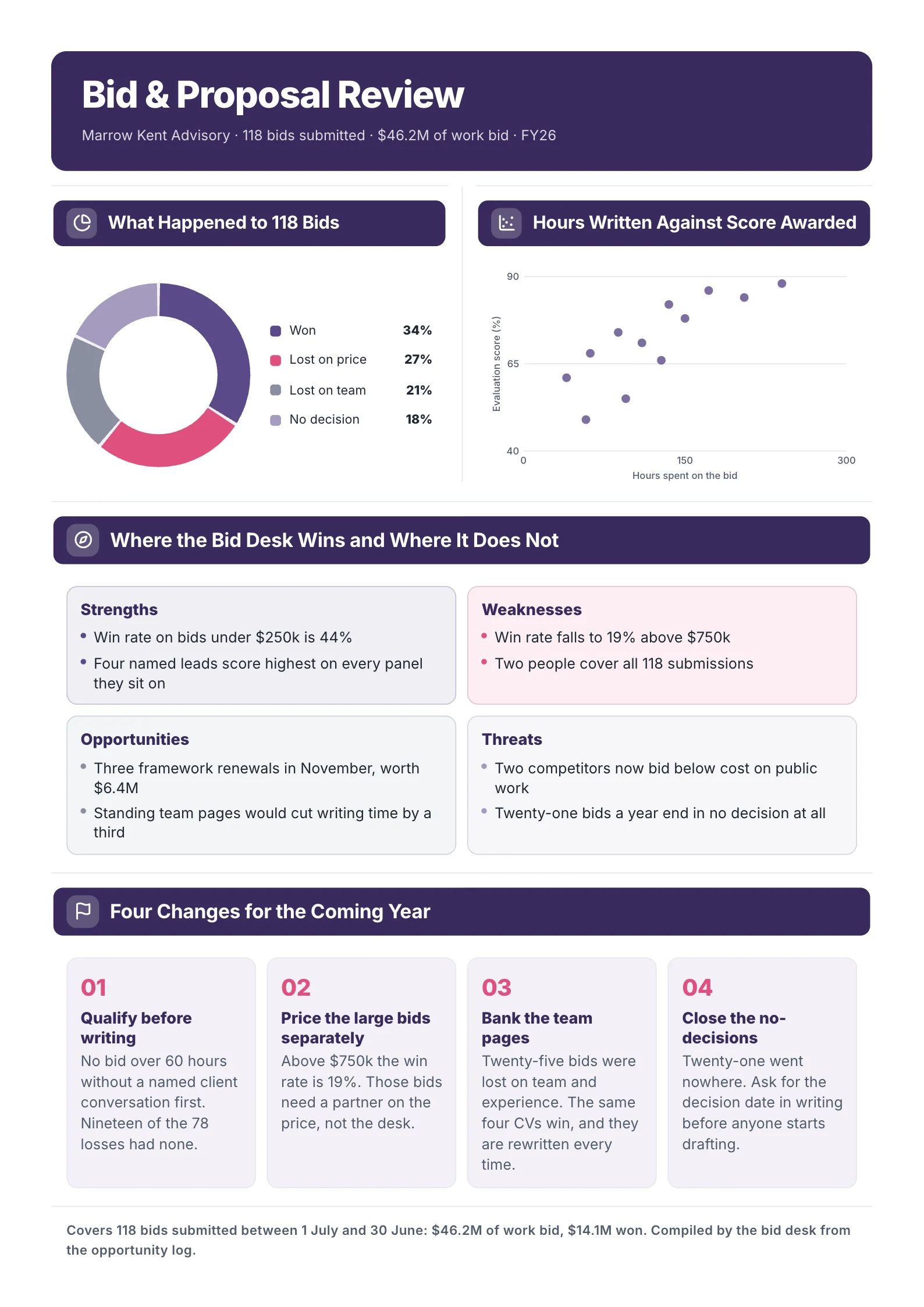
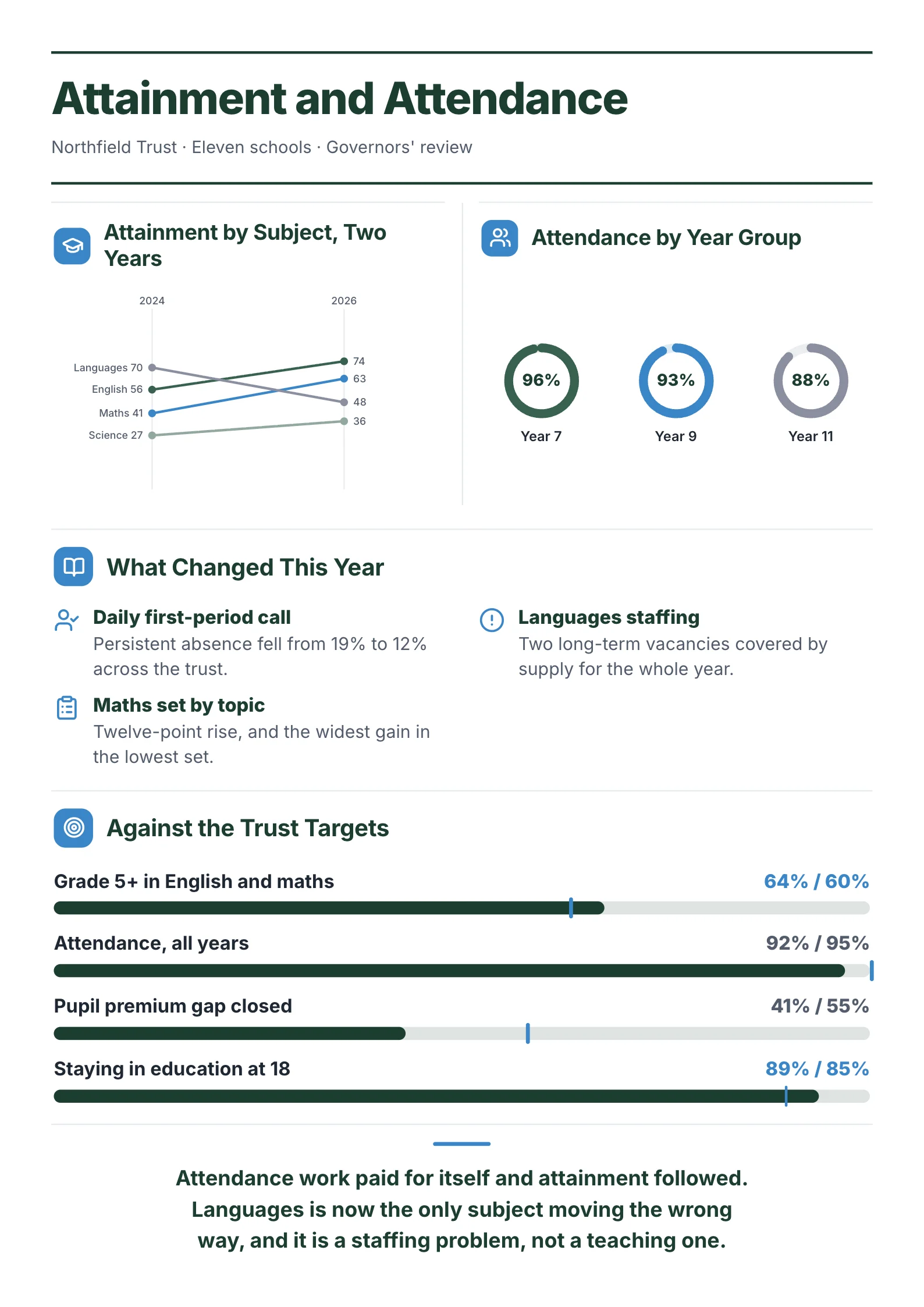 School Performance ReportOpen this One-Pager (opens in a new tab)
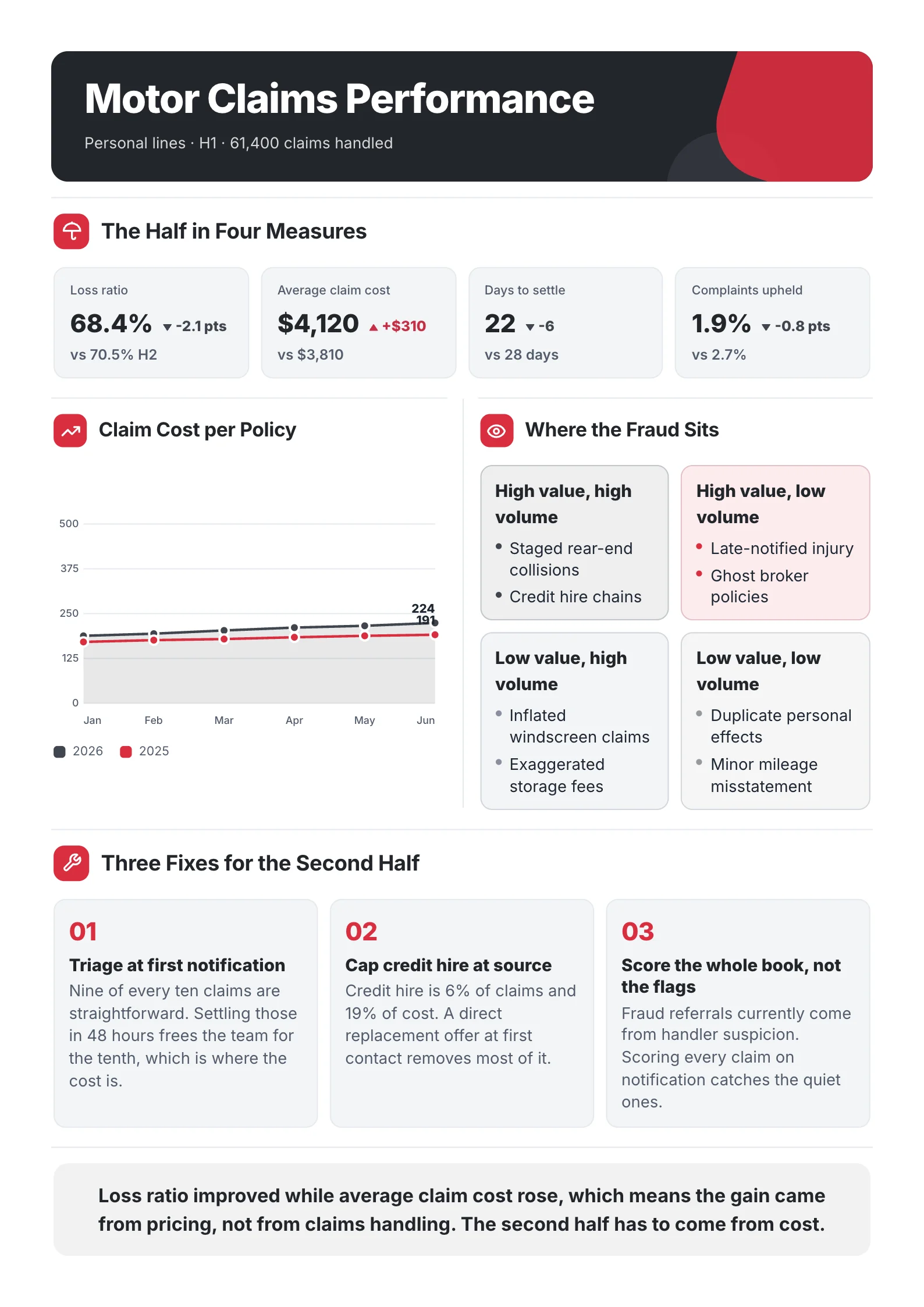
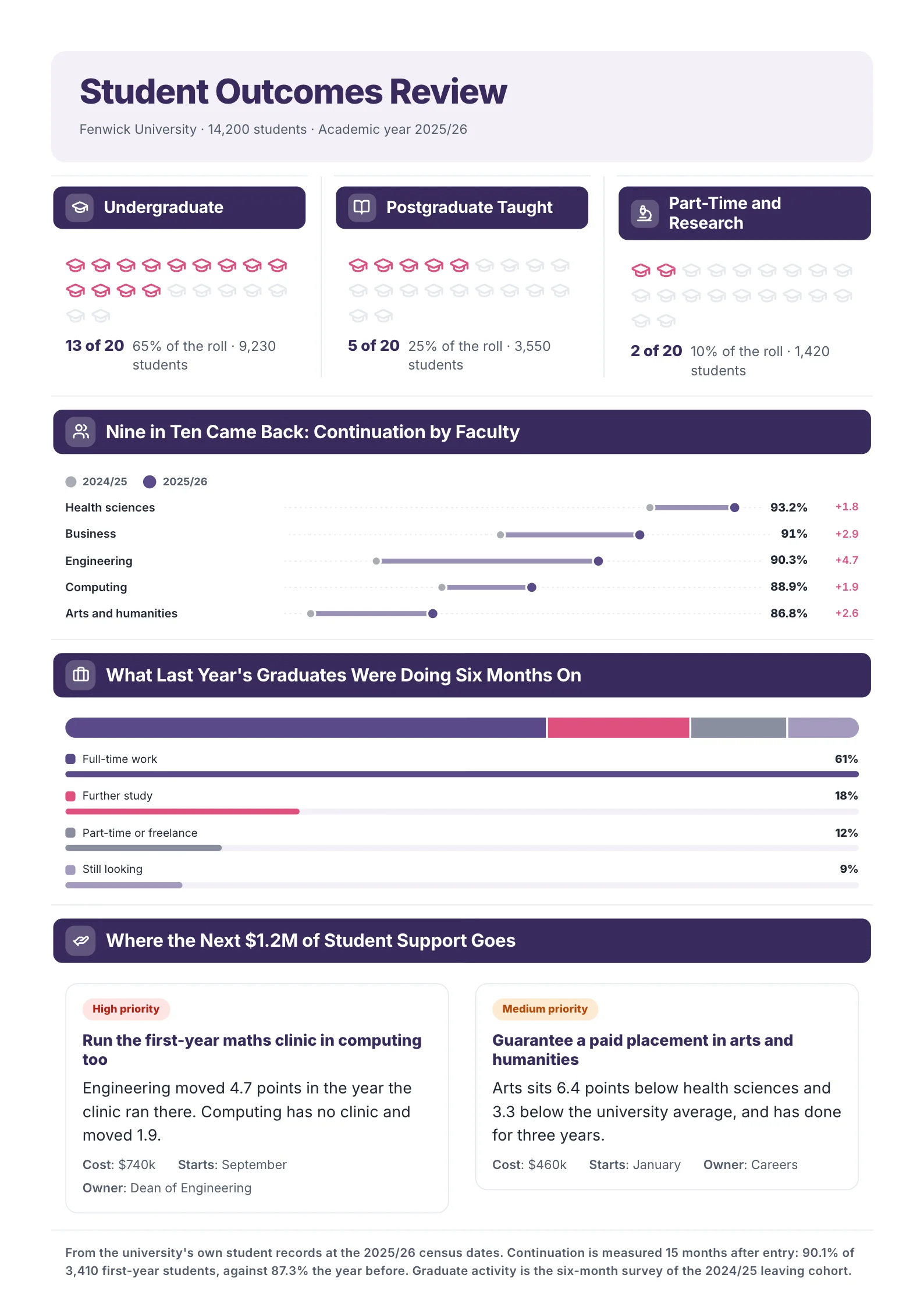 Student Outcomes ReportOpen this One-Pager (opens in a new tab)
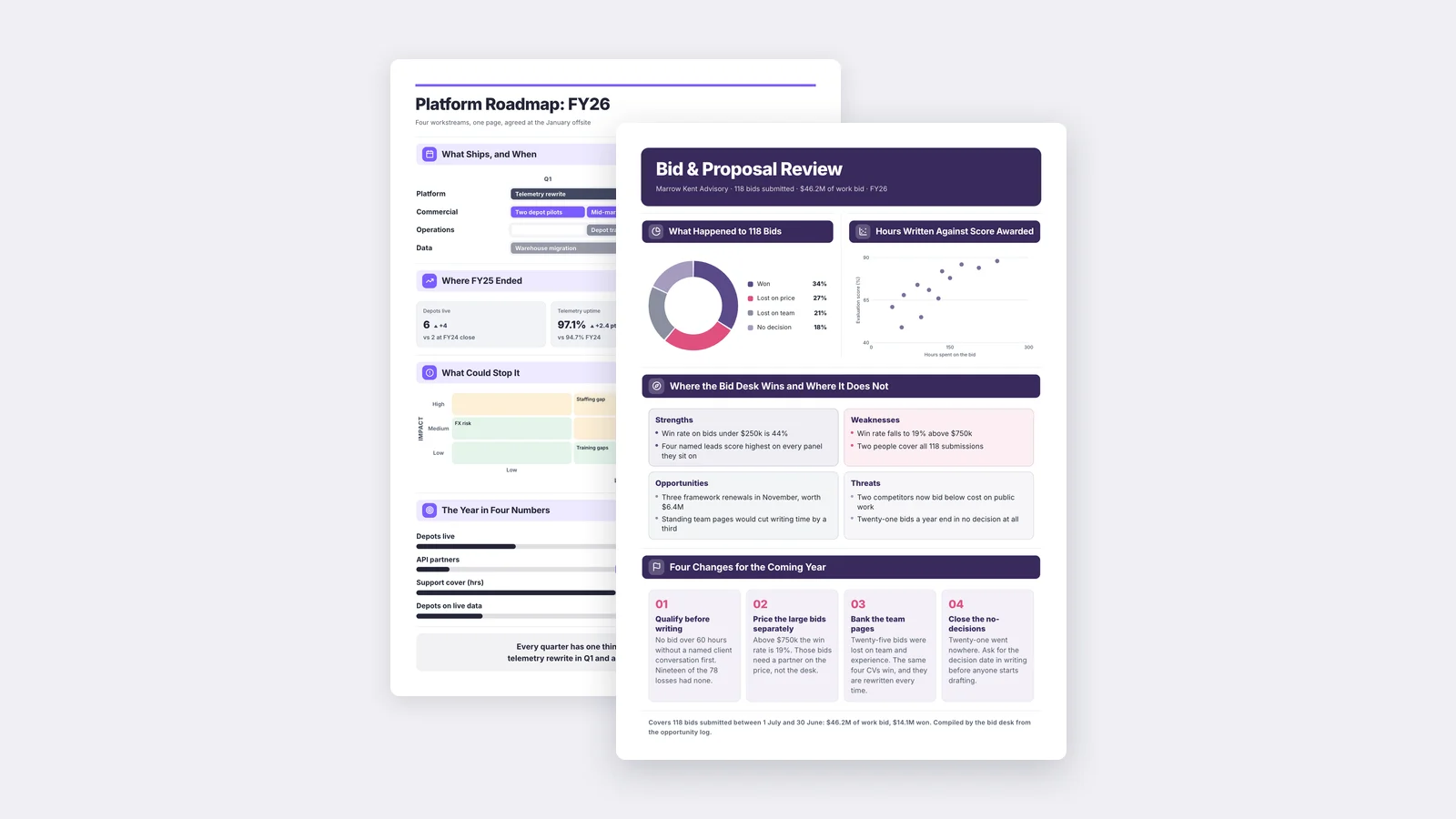
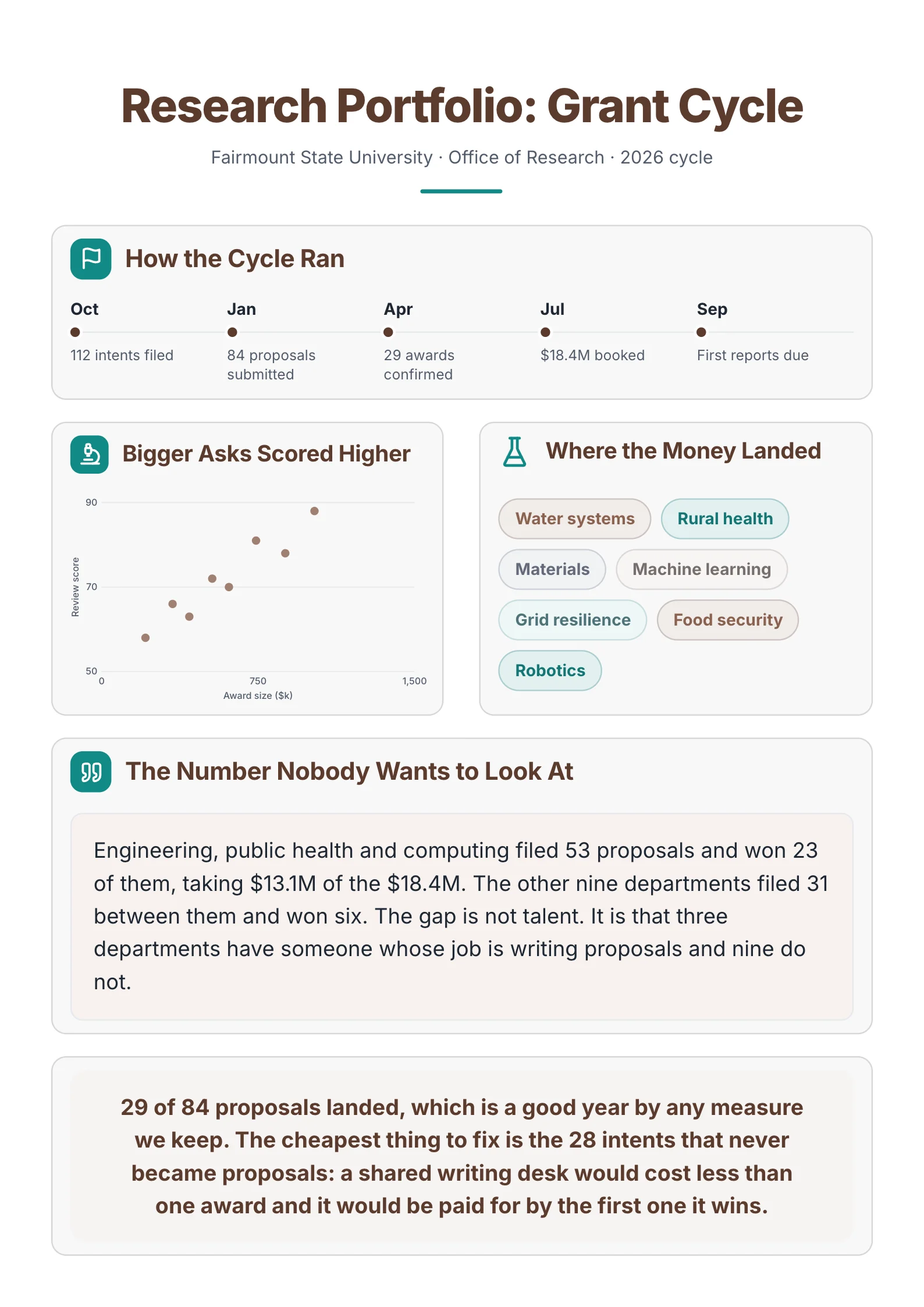 Research Funding ReviewOpen this One-Pager (opens in a new tab)
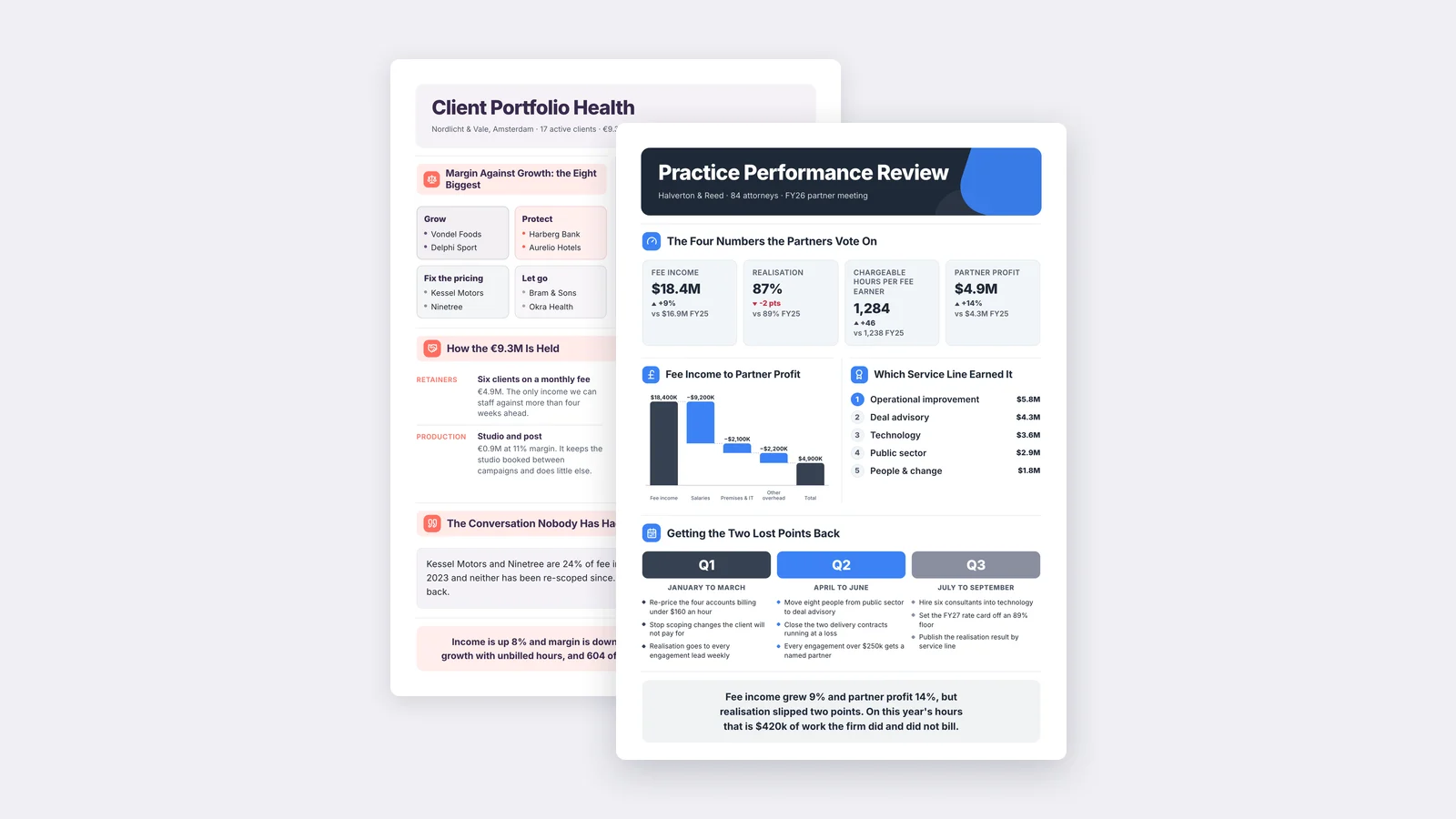
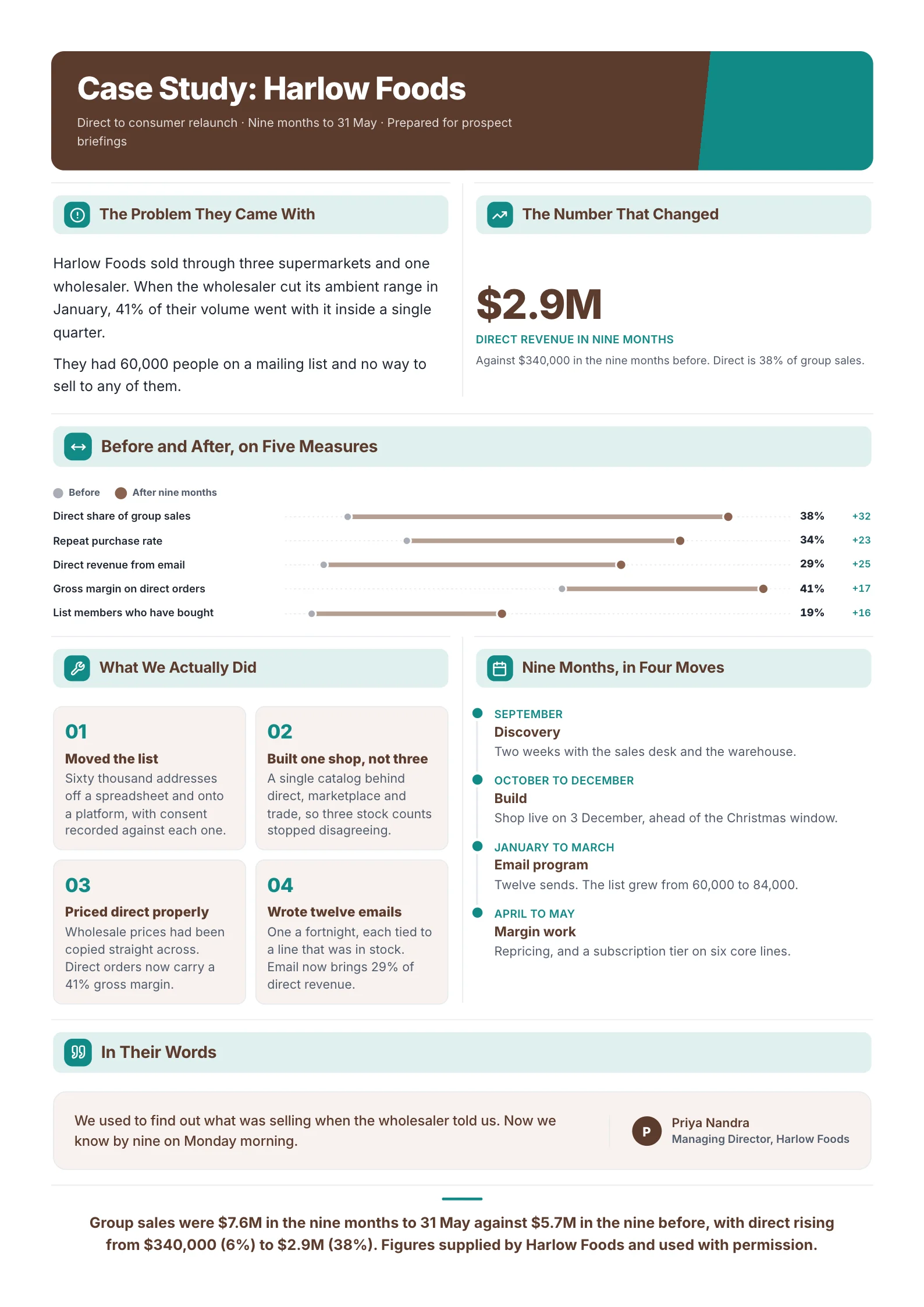 Case StudyOpen this One-Pager (opens in a new tab)
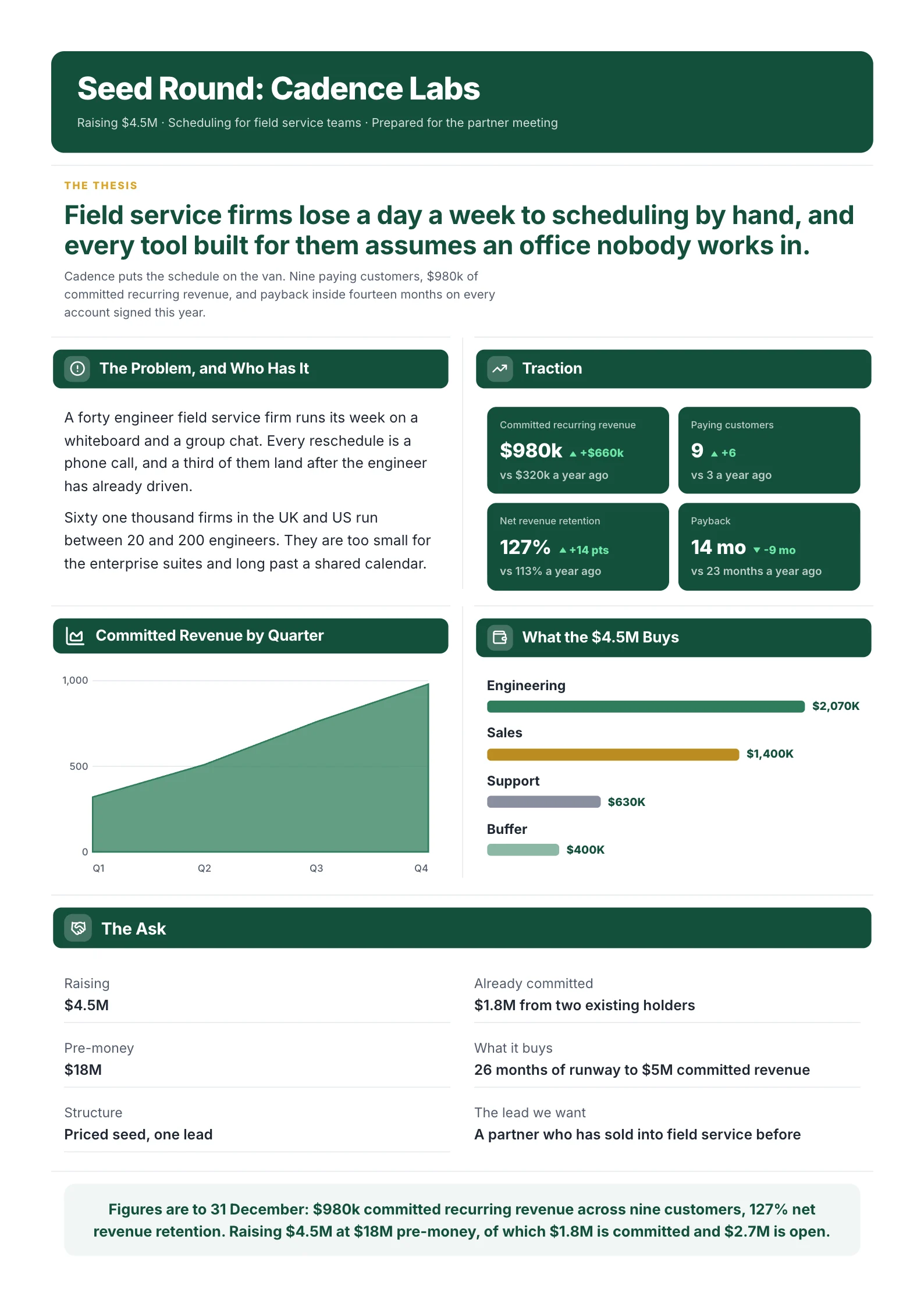 Startup PitchOpen this One-Pager (opens in a new tab)
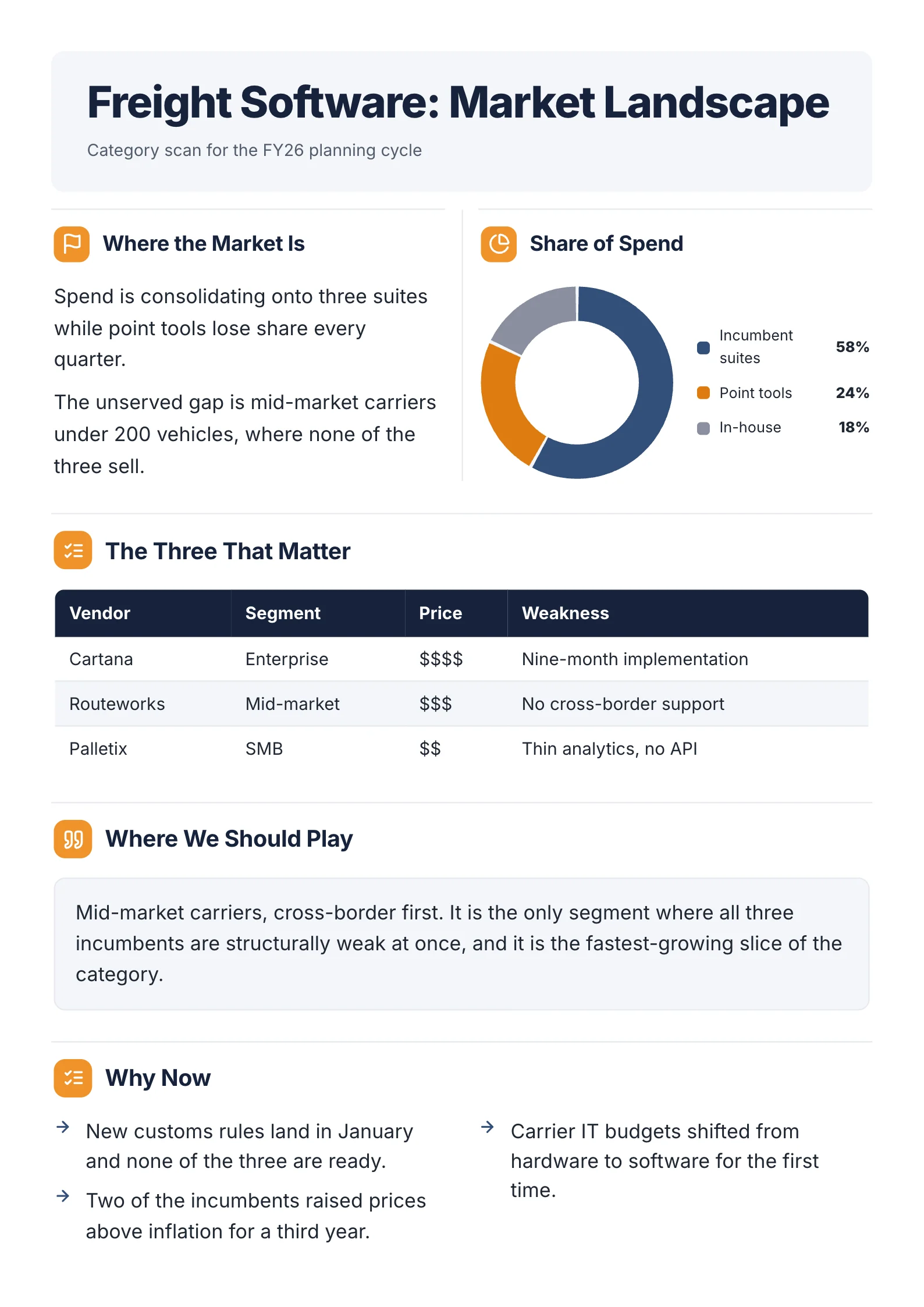 Market LandscapeOpen this One-Pager (opens in a new tab)
This guide covers the parts most teachers look for, 10 ideas for different subjects, the mistakes that cost marks, and how to make a digital one-pager when the topic is research rather than a novel.
What goes on a school one-pager
Most classroom one-pagers, especially in English and history, include these seven parts. Your teacher's rubric always wins, so check it first.
- Title and author or source. The name of the book, chapter or topic, and who wrote it.
- A central image. A symbol or picture that captures the main idea, usually in the middle of the page.
- Two or three key quotes. Short and exact, with page numbers if your teacher asks for them.
- Themes or big ideas. The lessons or arguments the text makes, in your own words.
- Characters, people or key terms. Who or what matters most, with one line each.
- Your own insight. A connection, a question, or what you think, which is usually where the top marks are.
- A border that means something. Many teachers ask for a border made of a repeated quote, a symbol or a pattern linked to the theme.
10 one-pager ideas by subject
| Subject | One-pager idea |
|---|---|
| English | A novel: theme in the centre, one quote per main character around it |
| English | A poem: the poem's key image in the middle, techniques labelled around it |
| History | An event: causes on the left, consequences on the right, a timeline along the bottom |
| History | A historical figure: their key decision in the centre, three quotes, one "what if" |
| Science | A biology topic, such as the cell: a labelled diagram in the centre, functions around it |
| Science | An experiment: question, method, result as a chart, and what it means |
| Geography | A country: a map, three key facts with numbers, one current issue |
| Social studies | A policy debate: the issue, the evidence for and against, and your recommendation |
| Any subject | Back-to-school "about me": interests, goals, a quote you like |
| Any subject | A chapter review: the five most important ideas, ranked, with why |
A digital one-pager for a research topic
For science, economics or social studies, a one-pager often needs real data: a finding, a chart, a recommendation. A drawing doesn't show data well, so a digital one-pager works better.
Here is a sample policy brief One-Pager made with MakeOnepagers. It's built from a longer report, and the same structure works for a research assignment.
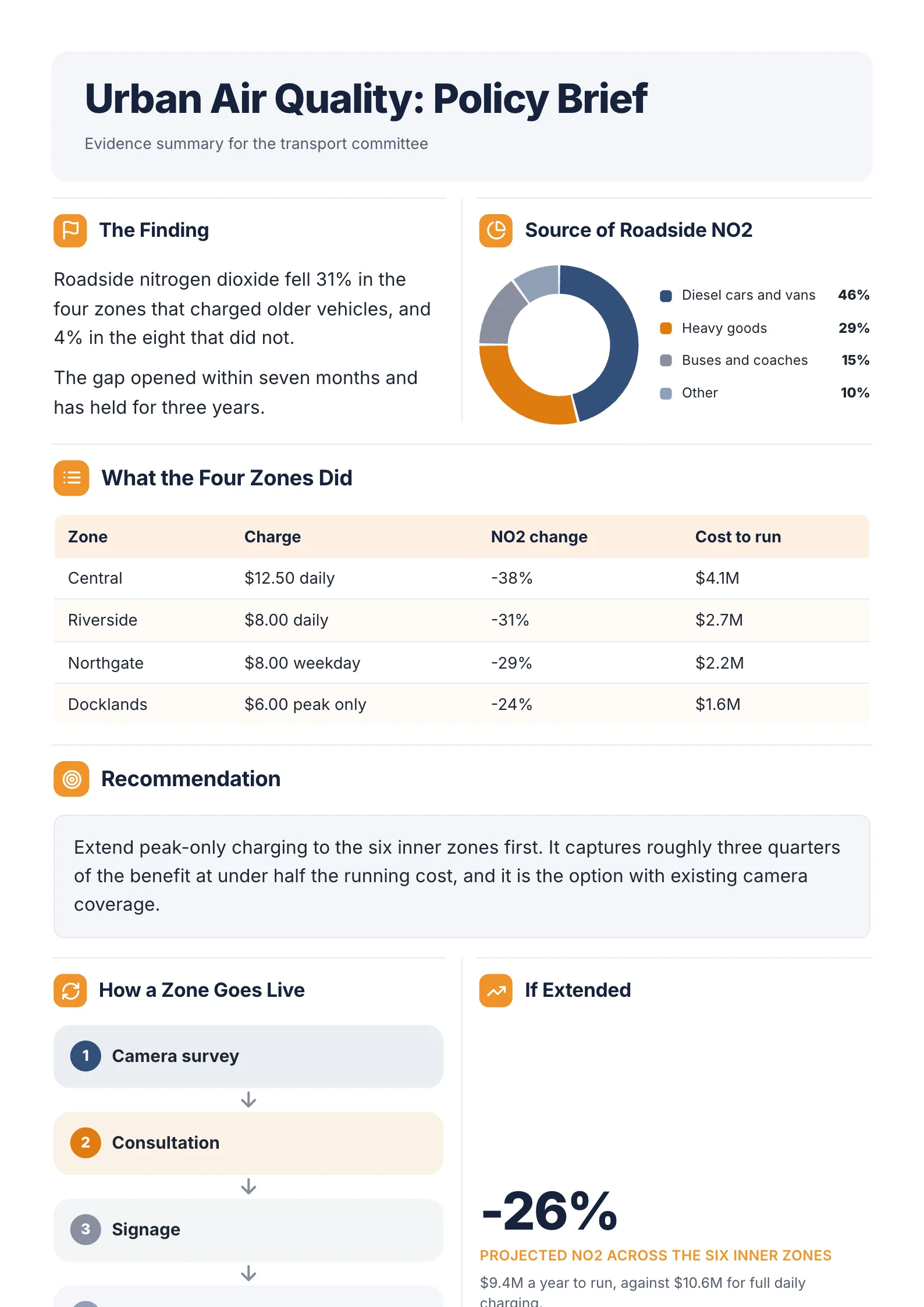 A sample research one-pager: the finding comes first, the chart and table back it up, and the recommendation ends it.
- The finding comes first: roadside nitrogen dioxide fell 31% in the four zones that charged older vehicles, and 4% in the eight that did not.
- A chart shows where the pollution comes from: diesel cars and vans 46%, heavy goods 29%, buses and coaches 15%.
- A table compares the four zones on the charge, the change and the cost.
- The recommendation is one paragraph, and it follows from the numbers above it.
The same layout is available as a policy brief One-Pager template.
That order, finding then evidence then conclusion, is what a teacher marking a research one-pager looks for.
Mistakes that cost marks
| Mistake | Fix |
|---|---|
| Copying a summary from the internet | Use your own words; quotes go in quotation marks |
| Too many quotes, no explanation | Two or three quotes, each with a line on why it matters |
| A decorative border with no meaning | Make the border a quote or symbol linked to the theme |
| Empty space or a cramped page | Plan the layout in pencil before you start |
| No personal insight | Add one connection, question or opinion of your own |
| Numbers with no source (research topics) | Write where each figure came from |
How to make a one-pager
On paper: sketch the layout first, with the central image, the boxes for quotes and themes, and the border. Then fill it in with colour.
Digitally: Google Docs, Google Slides and Canva all work for a classroom one-pager. Set the page to one side, add a central image, and use text boxes for each part.
From a long source: if you're summarising a research paper or a long report for an older class or a university course, you can upload it to MakeOnepagers. It reads the whole document and lays out the key findings and figures as a designed One-Pager, which you then edit and put in your own words. Always check your school's rules on using tools, and make sure the insight is yours.
See how it handles research papers and course material.
Summarise a long paper in minutes
If you need a one-pager from a long research paper or report, upload it and get a designed draft back, then make it your own. MakeOnepagers is free for 7 days with 3 One-Pagers included. See more One-Pager examples, or make your first One-Pager.
Frequently asked questions
What is a one-pager in school?
A one-pager is a single page where a student shows their understanding of a text or topic, using a mix of images, quotes, key ideas and their own analysis. It's common in English, history and science classes.
What should a one-pager include?
Usually a title, a central image, two or three key quotes, the main themes or ideas, important characters or terms, your own insight, and often a meaningful border. Check your teacher's rubric for the exact list.
How do you make a one-pager look good?
Plan the layout before you start, use one main colour plus one accent, keep the central image large, and leave a little white space around each part. Neat and clear beats crowded.
Can I make a one-pager online?
Yes. Google Slides, Google Docs and Canva are free and work well for classroom one-pagers. For summarising a long research paper or report, MakeOnepagers can produce a designed first draft that you then edit.
How long does a one-pager take?
For a book or chapter you know well, plan for one to two hours: twenty minutes to plan, the rest to fill it in. A research one-pager takes longer, because you need to find and check the numbers.