BlogGuide
One‑Pager Dimensions: Size in Inches, Millimeters and Pixels
A One-Pager is 8.5 x 11 in (Letter) or 210 x 297 mm (A4). Pixel sizes for screen and print, measured margins, and the safe area for both papers.

By MakeOnepagers Team
Updated · 4 min read
One-Pager dimensions are the size of one sheet of paper: 8.5 x 11 inches (US Letter) for readers in the US and Canada, or 210 x 297 mm (A4) for almost everyone else. In pixels, that is 2550 x 3300 for Letter and 2480 x 3508 for A4 at 300 dpi, the resolution for sharp printing, or 816 x 1056 and 794 x 1123 at screen size.
One‑Pager examples
Real One-Pagers made with MakeOnepagers. Open any one to edit it as your own.
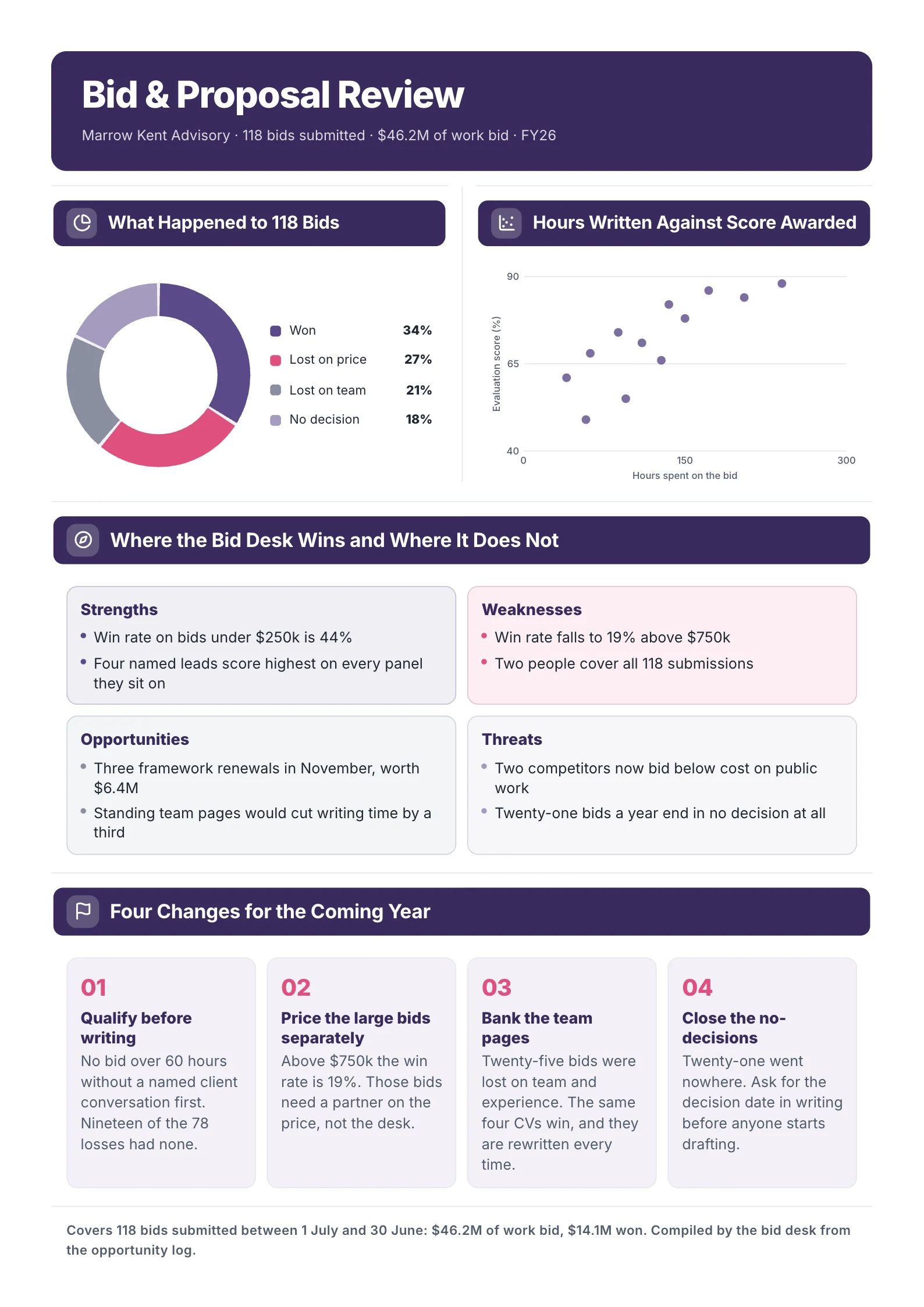
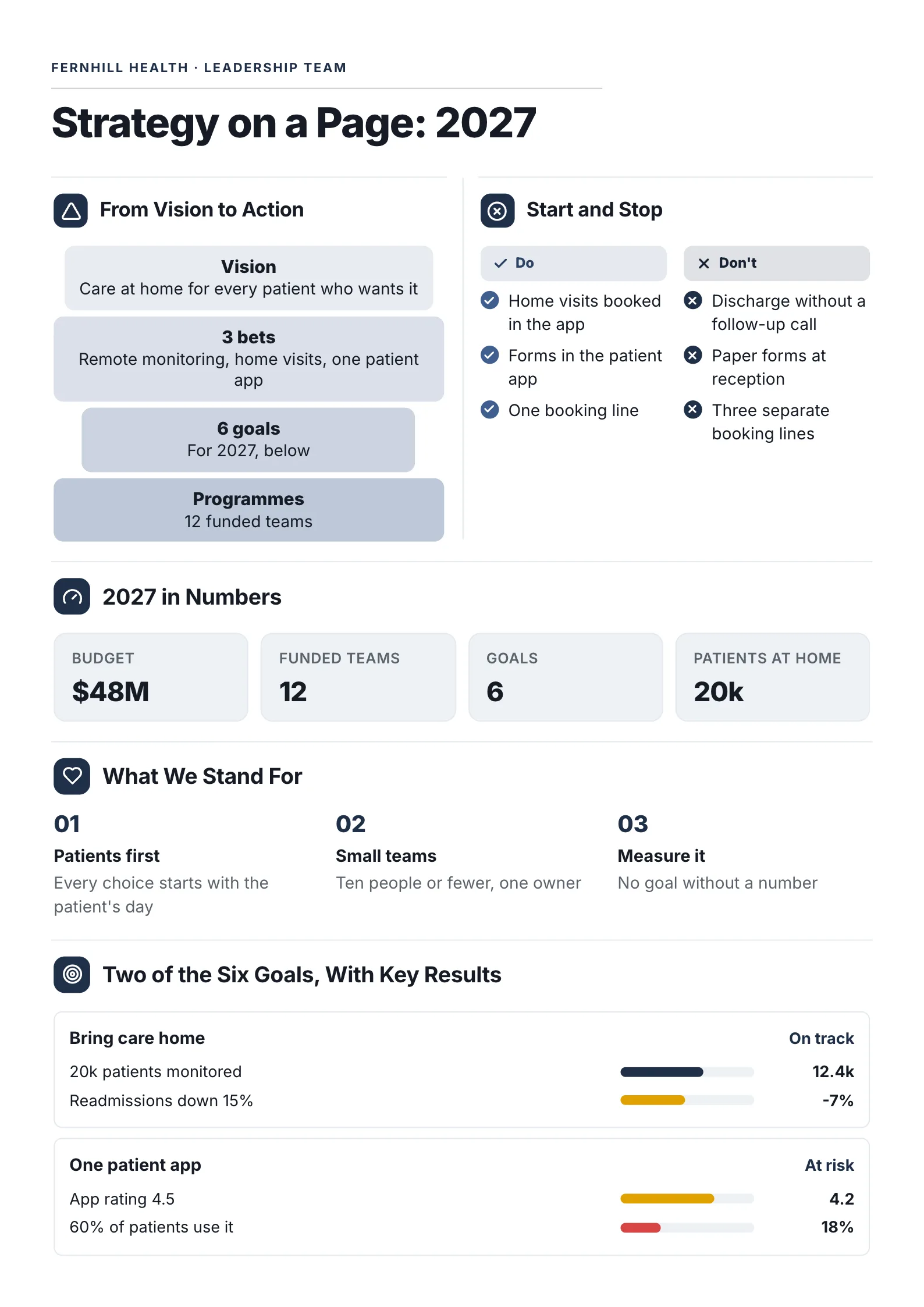 Strategy on a PageEdit for free(opens in a new tab)
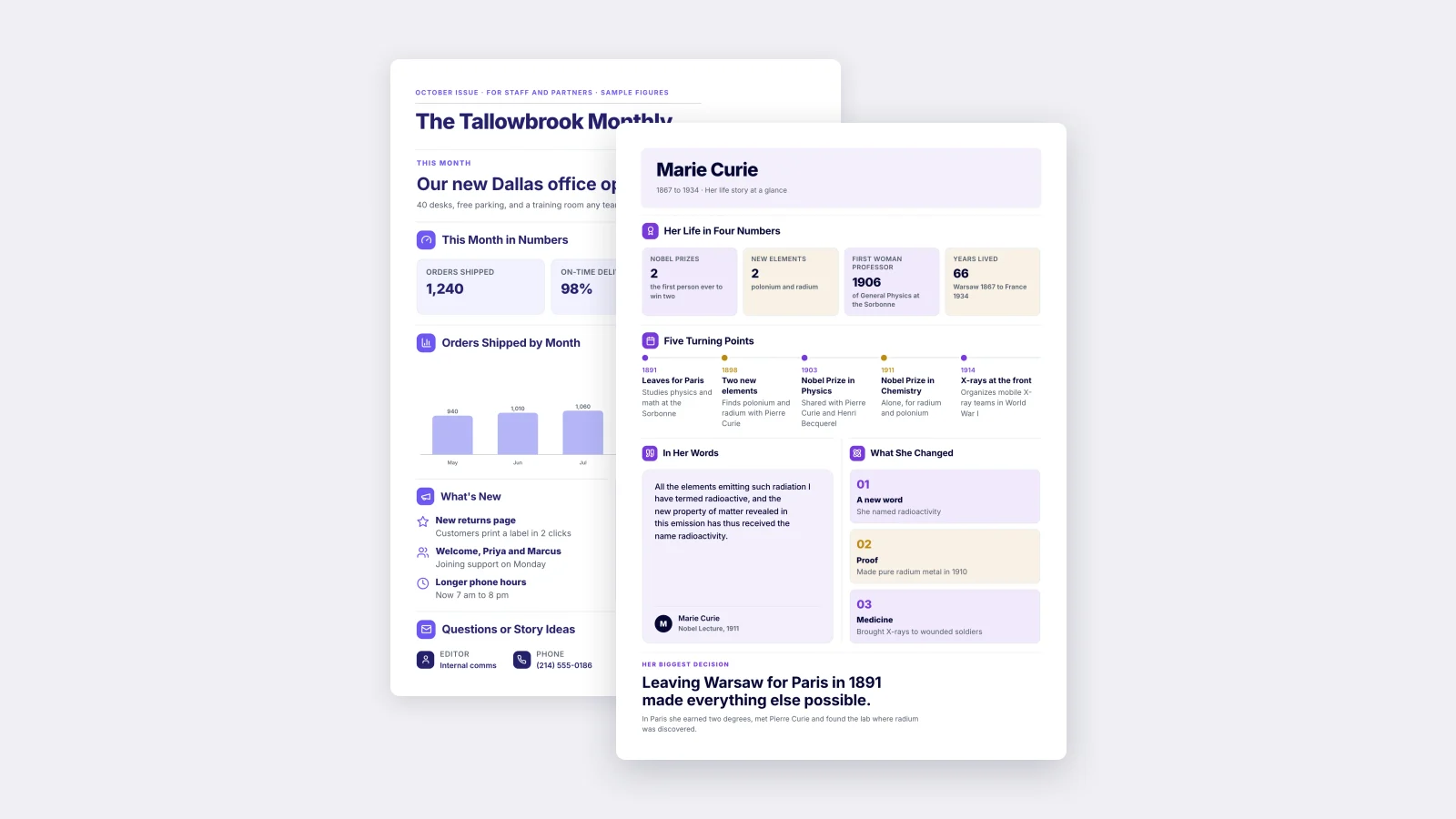
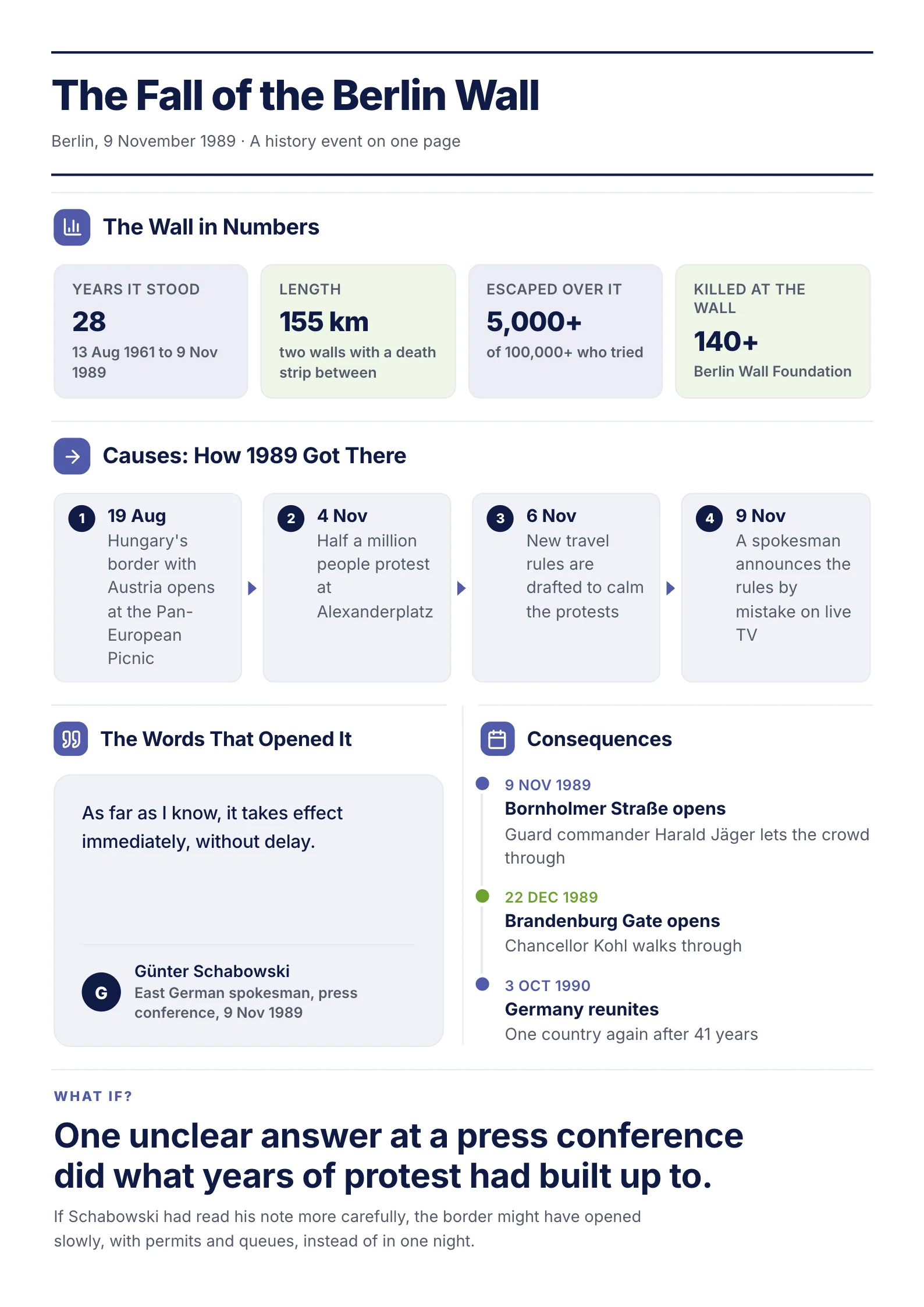 History EventEdit for free(opens in a new tab)
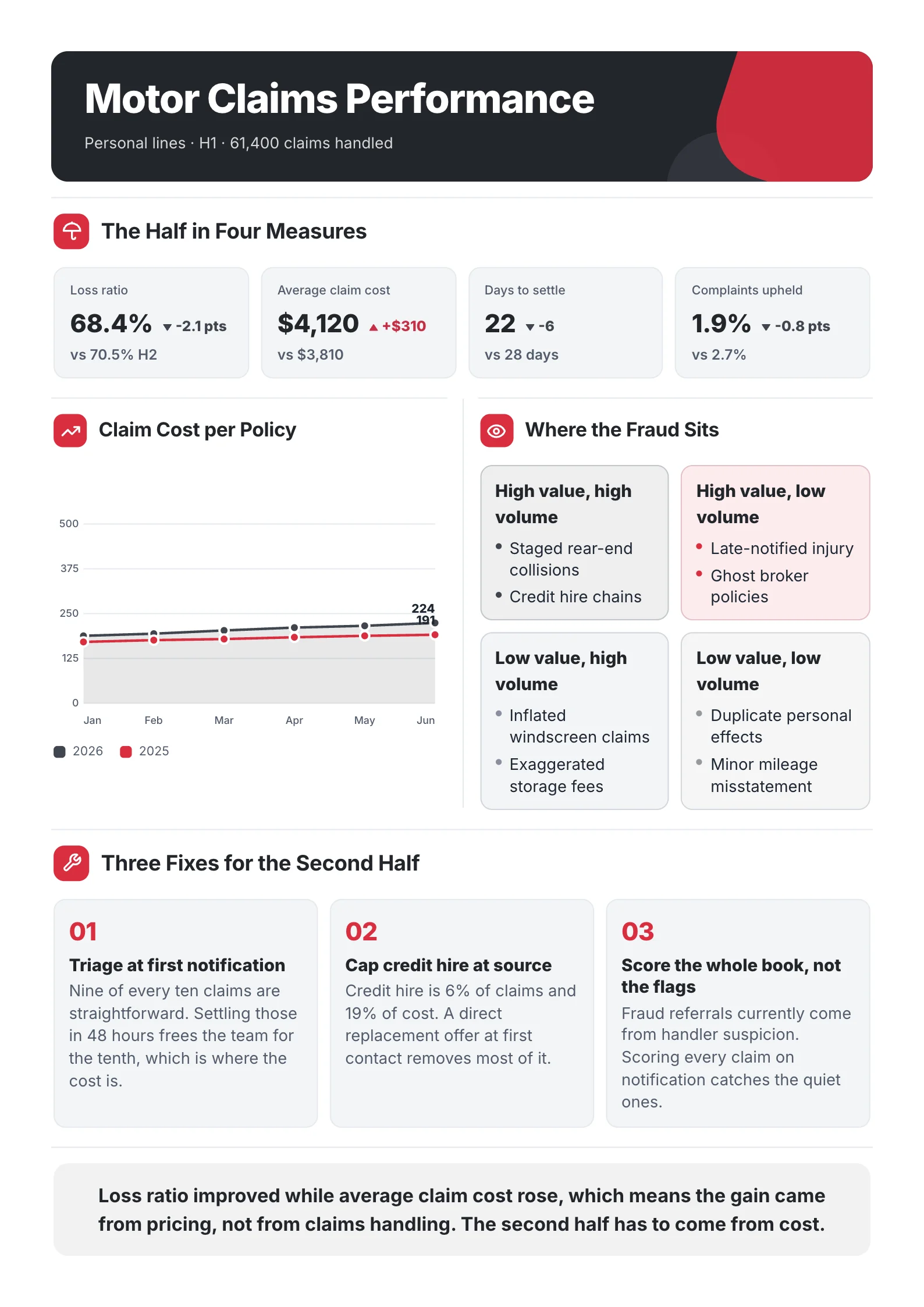
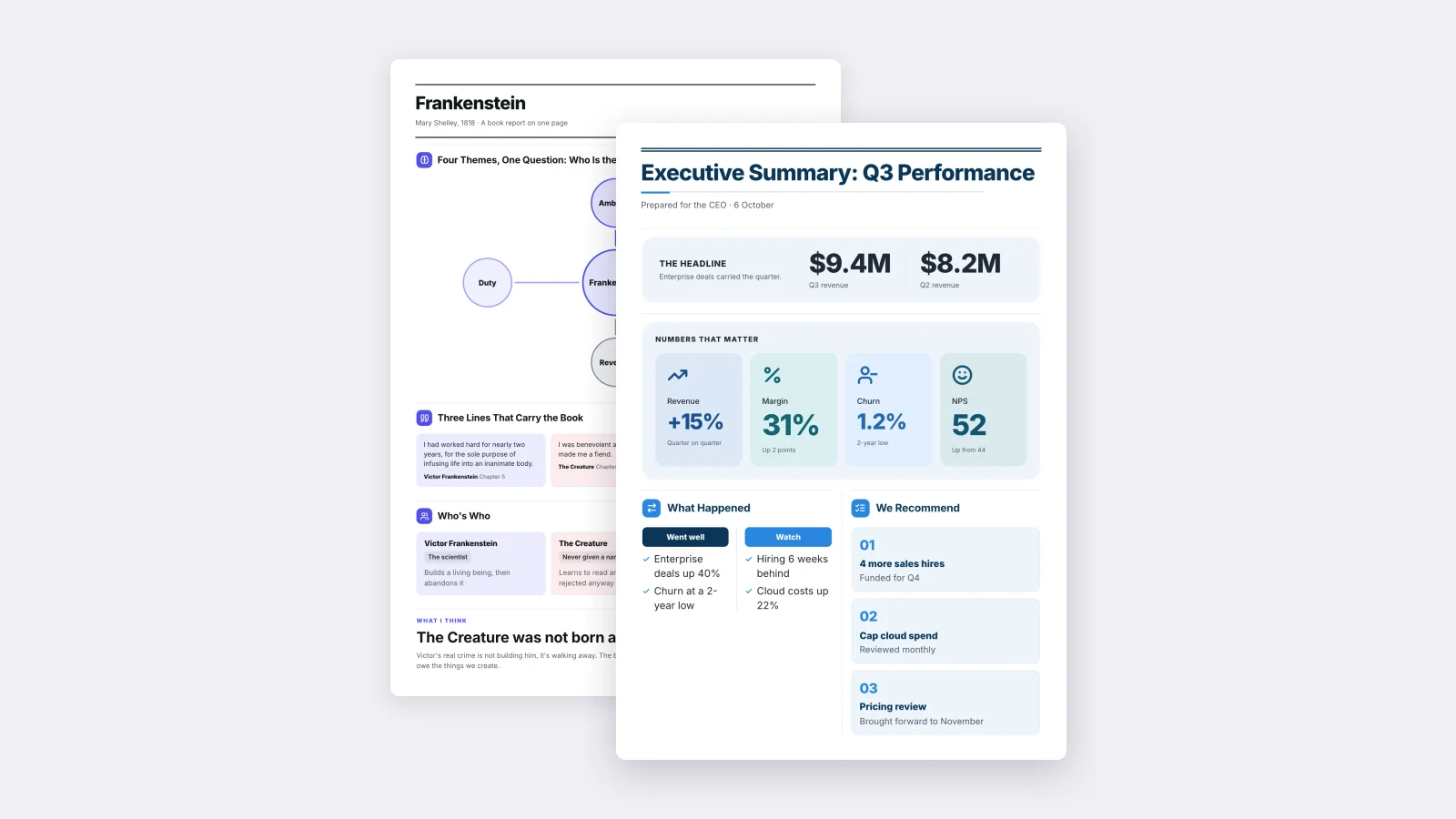
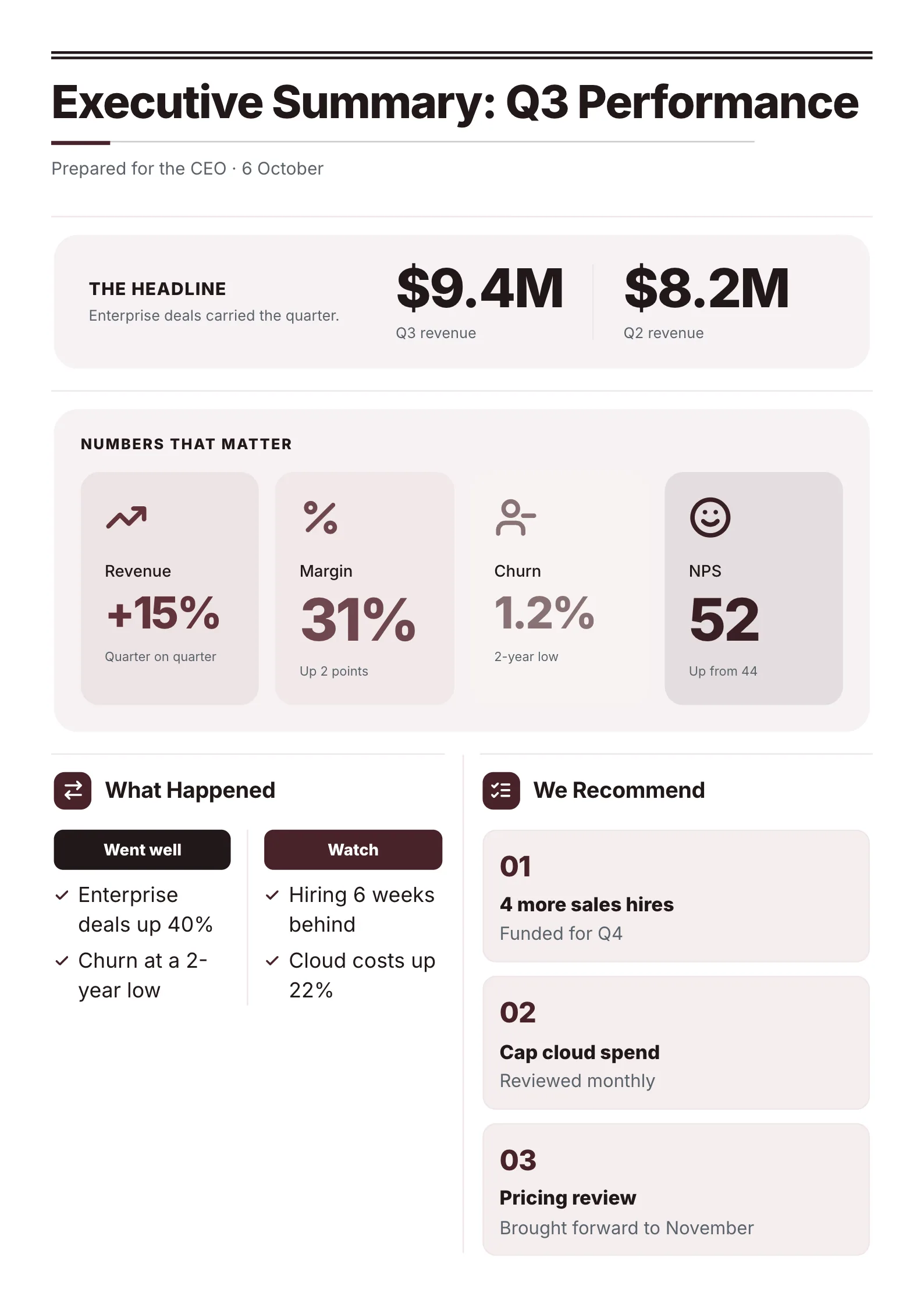 Executive SummaryEdit for free(opens in a new tab)
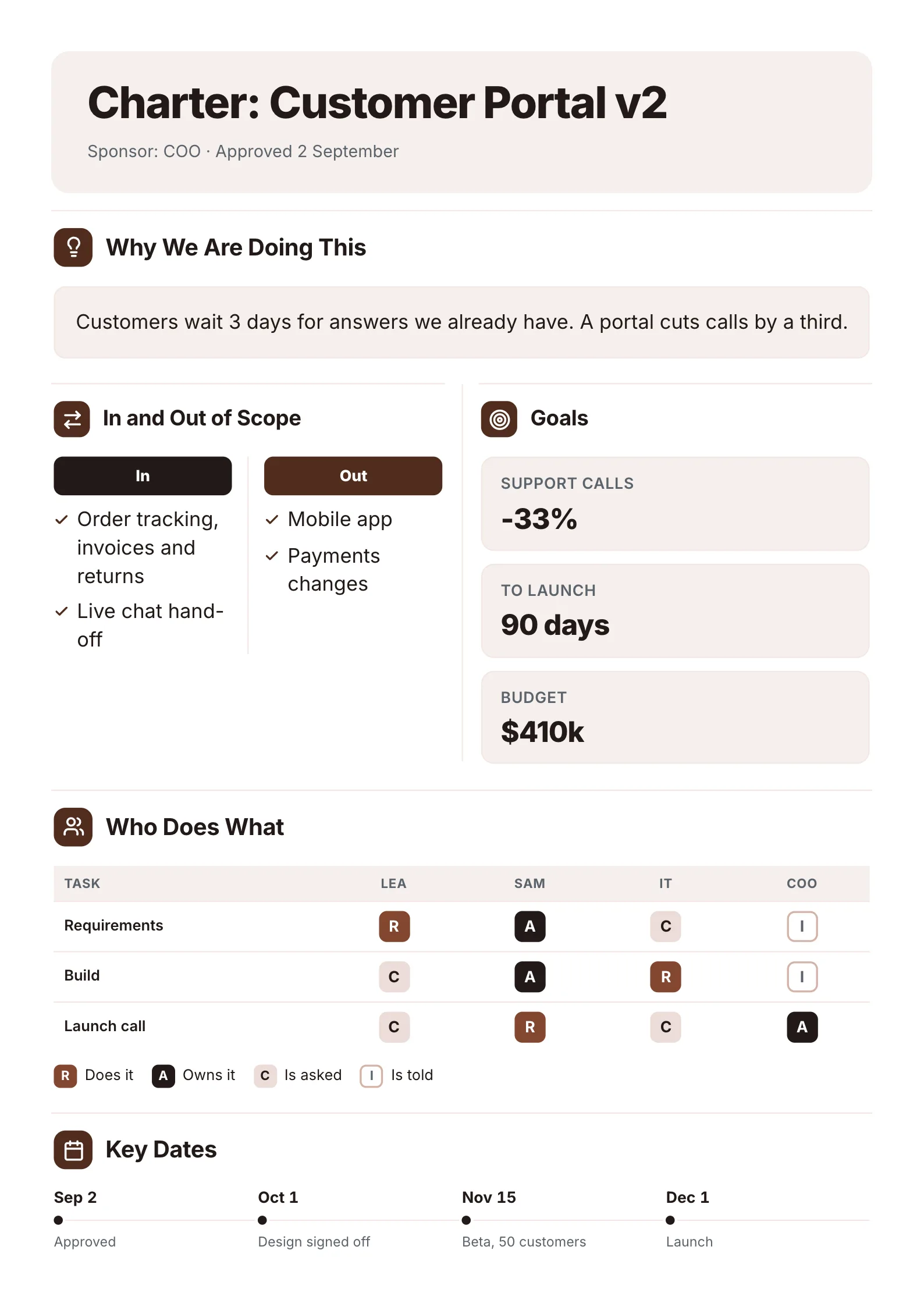 Project CharterEdit for free(opens in a new tab)
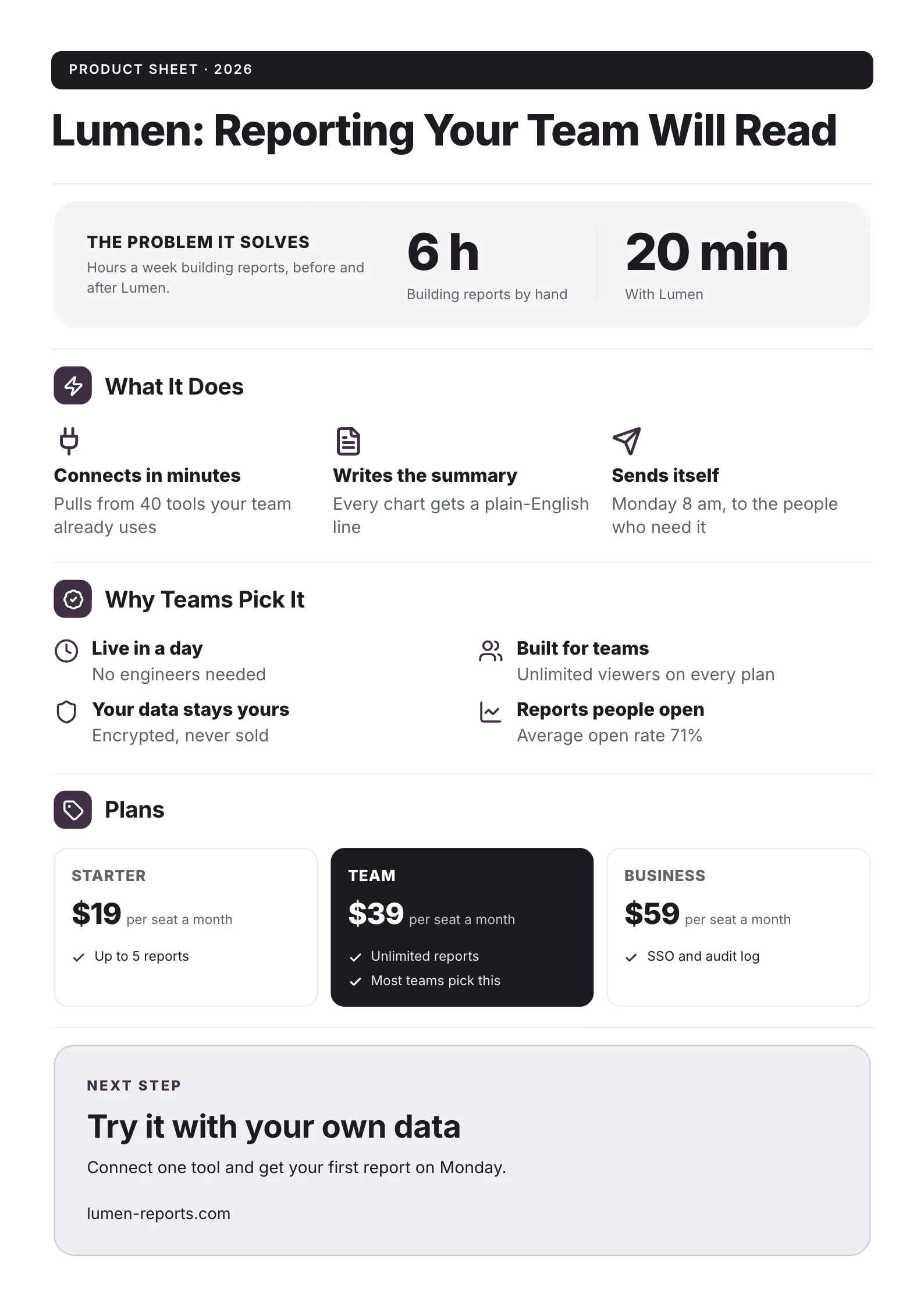 SaaS Product One-PagerEdit for free(opens in a new tab)
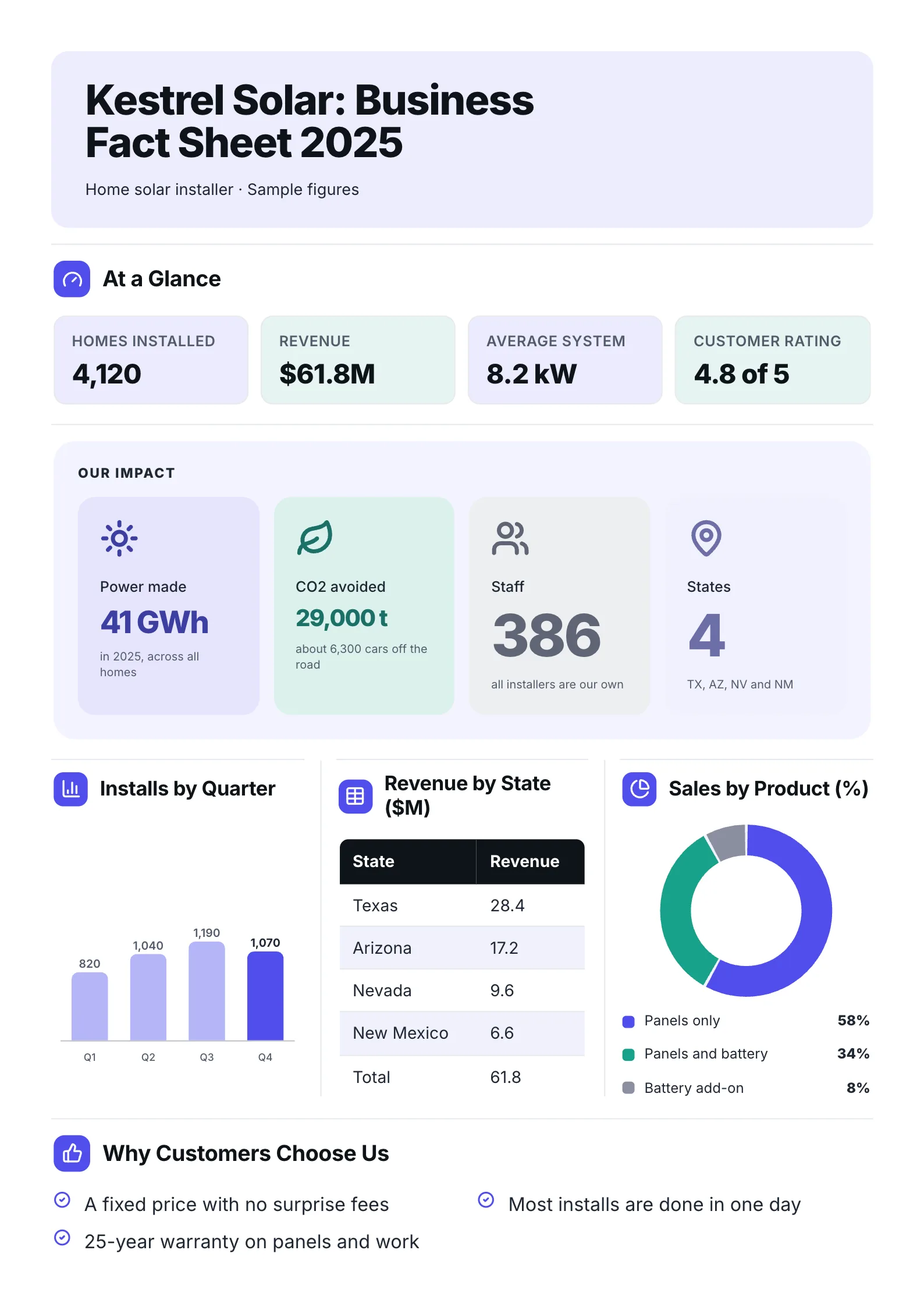 Business Fact SheetEdit for free(opens in a new tab)
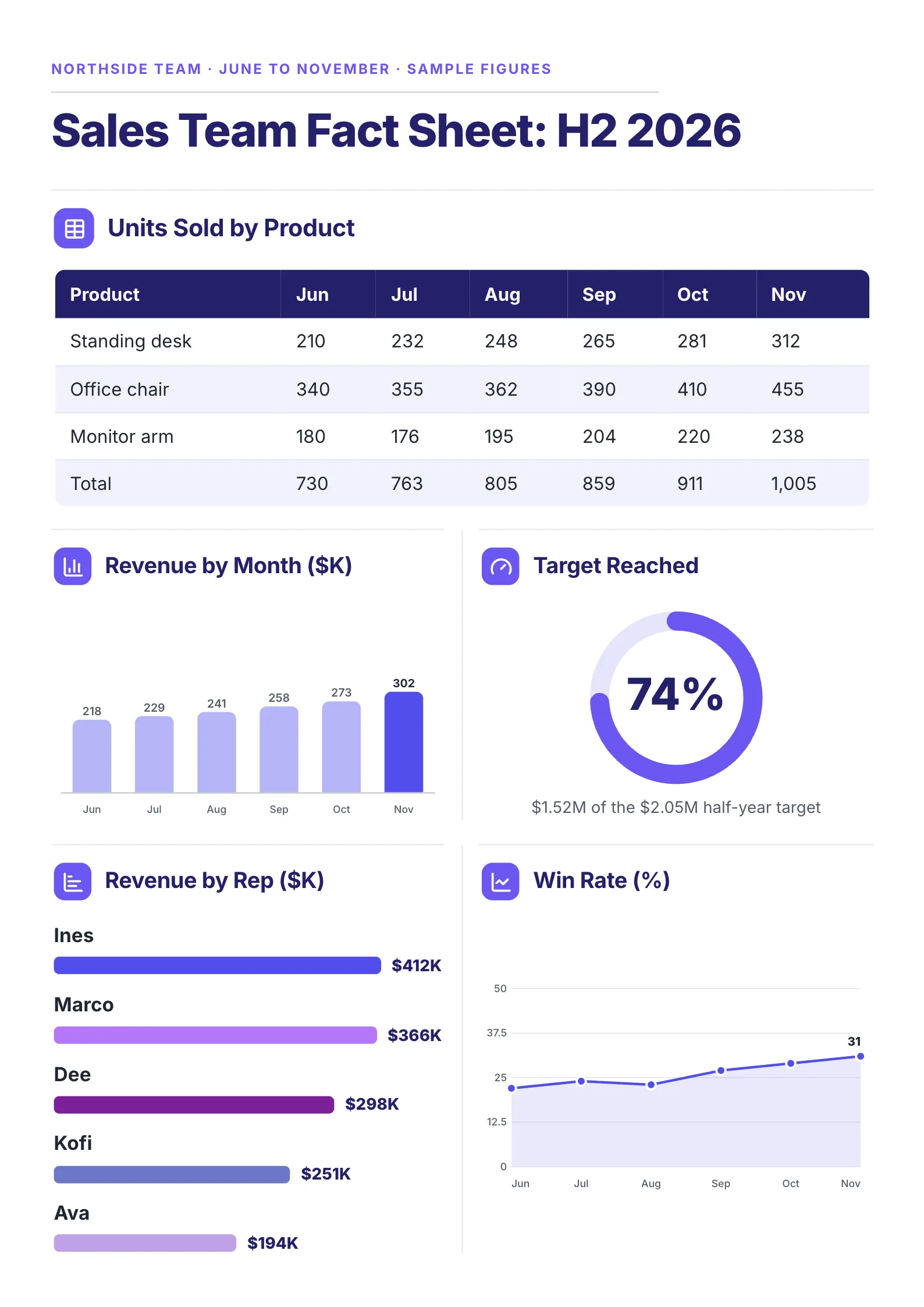 Sales Team Fact SheetEdit for free(opens in a new tab)
Below are the exact sizes in every unit, the margins we measured, and the safe area that prints on both papers.
One-Pager size in every unit
| Unit | US Letter | A4 |
|---|---|---|
| Inches | 8.5 x 11 | 8.27 x 11.69 |
| Millimeters | 215.9 x 279.4 | 210 x 297 |
| Points (72 per inch, used in PDFs) | 612 x 792 | 595 x 842 |
| Pixels at 96 dpi (screen) | 816 x 1056 | 794 x 1123 |
| Pixels at 150 dpi (good print) | 1275 x 1650 | 1240 x 1754 |
| Pixels at 300 dpi (sharp print) | 2550 x 3300 | 2480 x 3508 |
| Shape (width : height) | 1 : 1.29 | 1 : 1.41 |
We checked the point sizes by printing both papers to PDF in Google Chrome on 11 Oct 2026: Letter came out at 612 x 792 points and A4 at 596 x 842 (Chrome rounds A4 to whole screen pixels). The pixel sizes are the inches multiplied by the dpi.
Our own One-Pager pictures, like the ones on this blog, are 1588 x 2246 pixels: A4's shape at about 190 dpi, sharp on any phone or laptop screen.
Which pixel size to use
- Designing in an image tool: 2550 x 3300 (Letter) or 2480 x 3508 (A4), so the PDF prints sharp.
- A picture for a website, email or social post: 1275 x 1650 or 1240 x 1754 is plenty, and keeps the file small.
- A slide or screen preview: 816 x 1056 or 794 x 1123.
If you will only ever share it as a PDF, design at the paper size in inches or millimeters and export as PDF. Text in a PDF stays sharp at any zoom, whatever the pixel size.
Margins: what they cost you
Bigger margins look calmer but hold less. We set the same text in 11 pt Arial on US Letter and counted the words that fit at four margin widths:
| Margin on every side | Words that fit (Letter) | Words that fit (A4) |
|---|---|---|
| 0.5 inch | 1,034 | 1,065 |
| 0.75 inch | 910 | 947 |
| 1 inch | 811 | 819 |
| 1.25 inch | 709 | 737 |
Going from 1 inch to half an inch fits about 27% more words. For a designed One-Pager, 0.5 to 0.75 inch (12 to 19 mm) is a good margin: it keeps text clear of the paper's edge and leaves room for the headings, numbers and charts that make a One-Pager quick to read. More on word counts in how many words fit on one page.
The safe area for both papers
If your One-Pager will be printed on Letter and A4, keep everything inside the area the two share: 8.27 x 11 inches (210 x 279.4 mm). Then add your margin inside that. A4 is 0.23 inch narrower than Letter, and Letter is 0.69 inch shorter than A4, so those are the strips that get cut. The full comparison is in Letter vs A4.
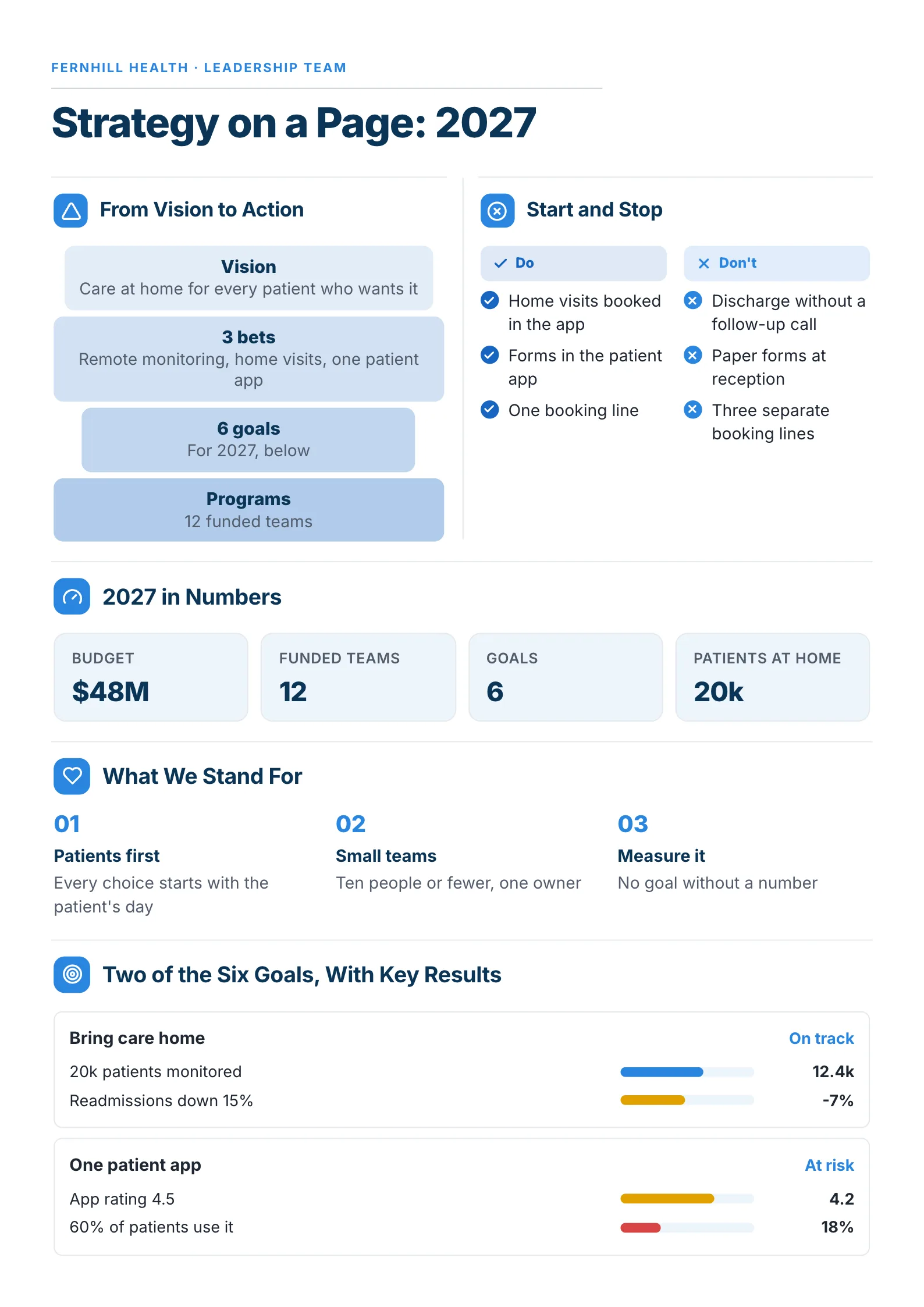 Edit this template
Every section sits well inside the edge, so nothing is lost on either paper.
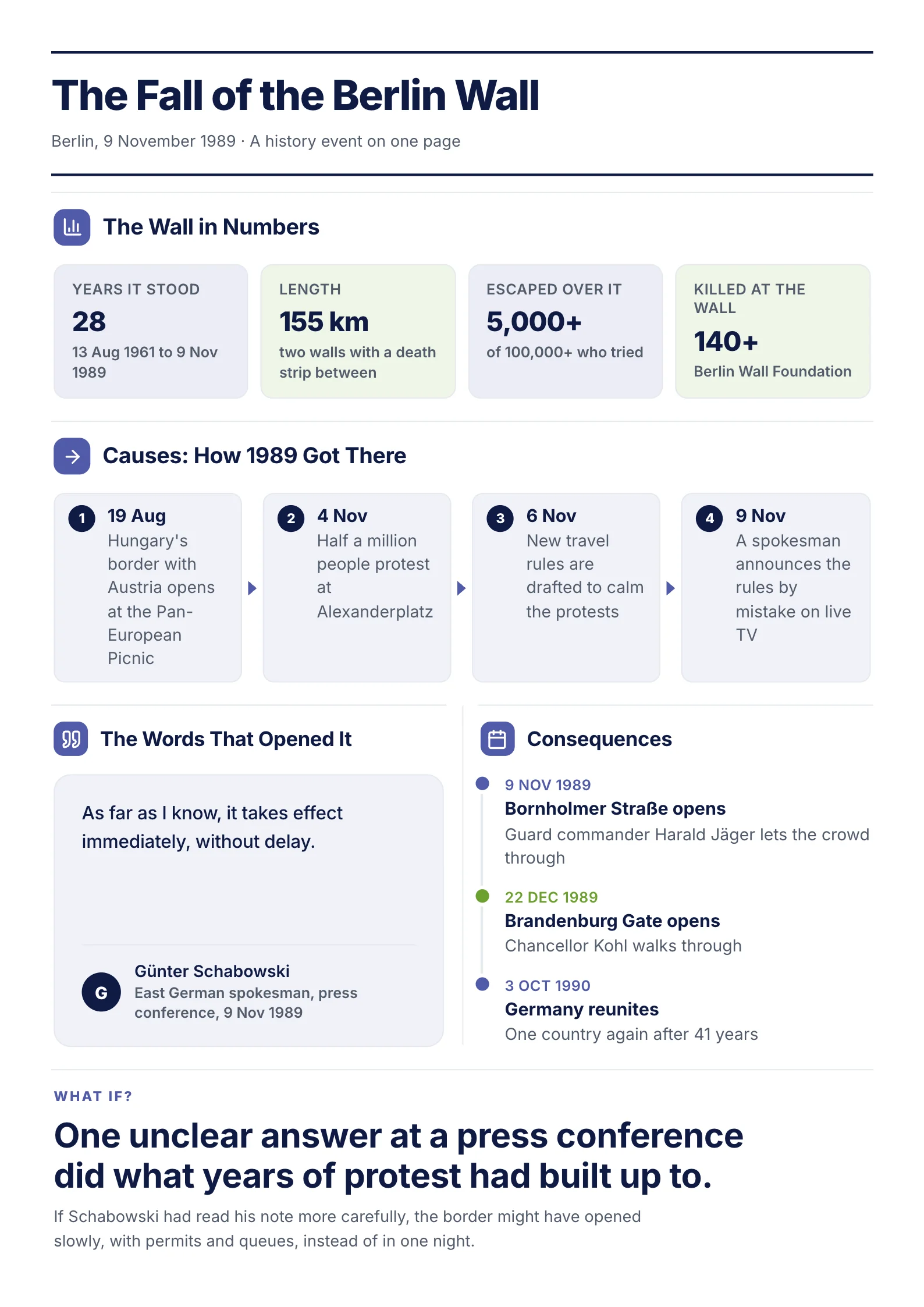 Edit this template
A full One-Pager at A4's shape: a title band, four rows of sections and a closing line.
Portrait or landscape?
Portrait, almost always. One-Pagers are printed, read on phones and attached to emails, and all three suit a tall page. Landscape works for a single wide timeline or a roadmap with many columns; if you use it, the sizes above swap (11 x 8.5 inches, 297 x 210 mm).
Skip the setup
Every MakeOnepagers template is already set to the right size and margins, and switches between Letter and A4 before you download. Or drop your notes into the free AI One-Pager generator to get a sized, finished One-Pager back. Your first One-Pager is free with the AI One-Pager Generator, no account needed.
Frequently asked questions
What size is a one-pager?
One sheet of paper: 8.5 x 11 inches (US Letter) in the US and Canada, or 210 x 297 mm (A4) elsewhere.
What are the dimensions of a one-pager in pixels?
2550 x 3300 pixels for Letter and 2480 x 3508 for A4 at 300 dpi for print. For screens, 816 x 1056 and 794 x 1123.
What margins should a one-pager have?
0.5 to 0.75 inch (12 to 19 mm) on every side. In our measurement, half-inch margins fit about 27% more words than 1 inch margins.
Should a one-pager be portrait or landscape?
Portrait for most One-Pagers, because they are printed, read on phones and sent as attachments. Landscape suits a wide timeline or roadmap.
What is the safe size to print on both Letter and A4?
Keep the content inside 8.27 x 11 inches (210 x 279.4 mm), the area both papers share, plus your margin.