Progress Report vs Status Report: Two Government Rulebooks
Progress report vs status report, read from two real rulebooks: NIH's 160-page progress report guide and California's color-coded status reports on 34 state IT projects.

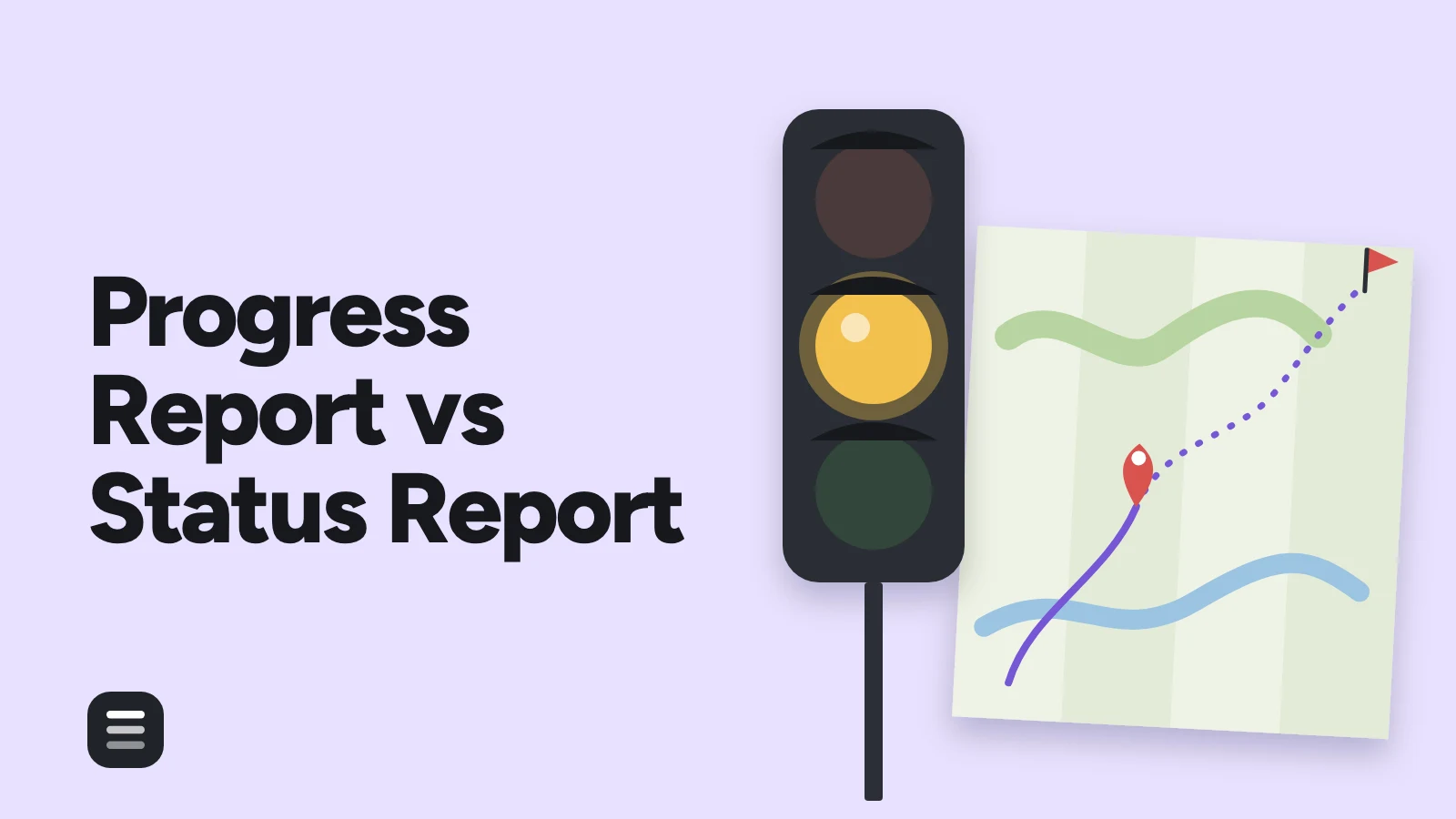
People use the terms progress report vs status report loosely, often for the same document. When the two are kept apart, the split is simple. A status report tells your reader where things stand right now, often with one word or color: on track, at risk, in trouble. A progress report tells them what got done over a period, how that compares with the plan and what you'll do next. Start from a free one pager template.
One‑Pager examples
Real One-Pagers made with MakeOnepagers. Open any one to edit it as your own.
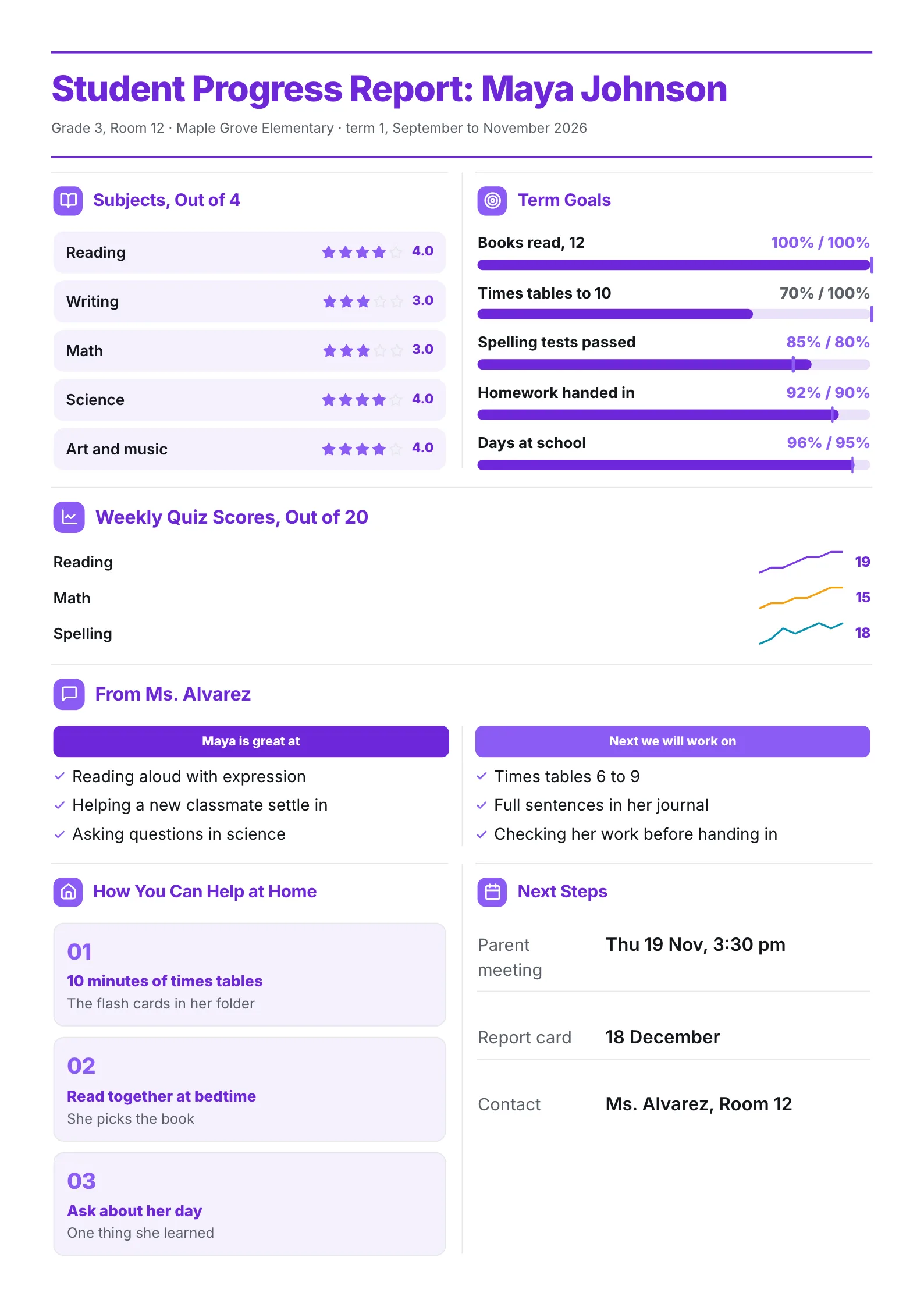 Progress Report: Student TermEdit for free(opens in a new tab)
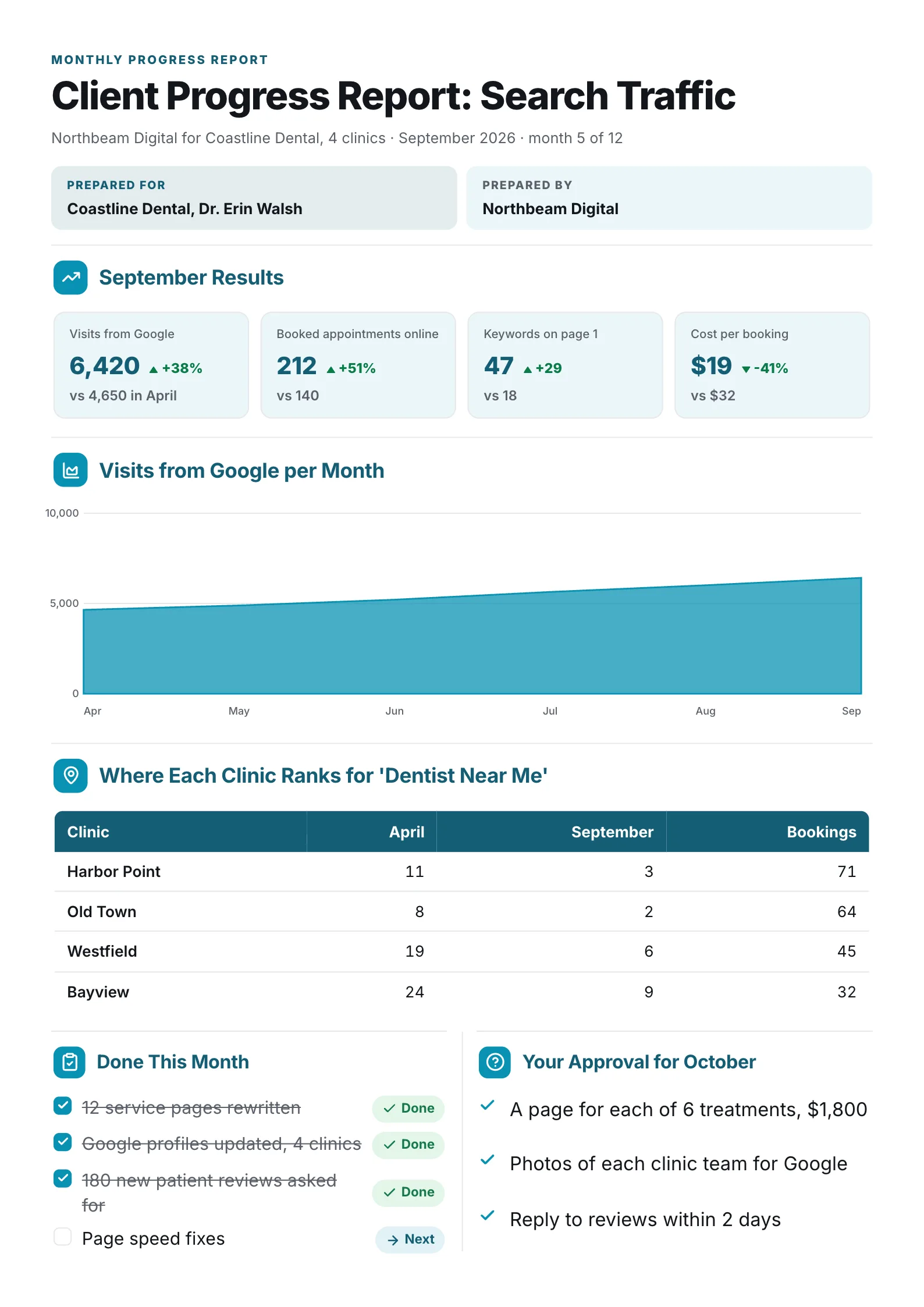 Progress Report: Monthly ClientEdit for free(opens in a new tab)
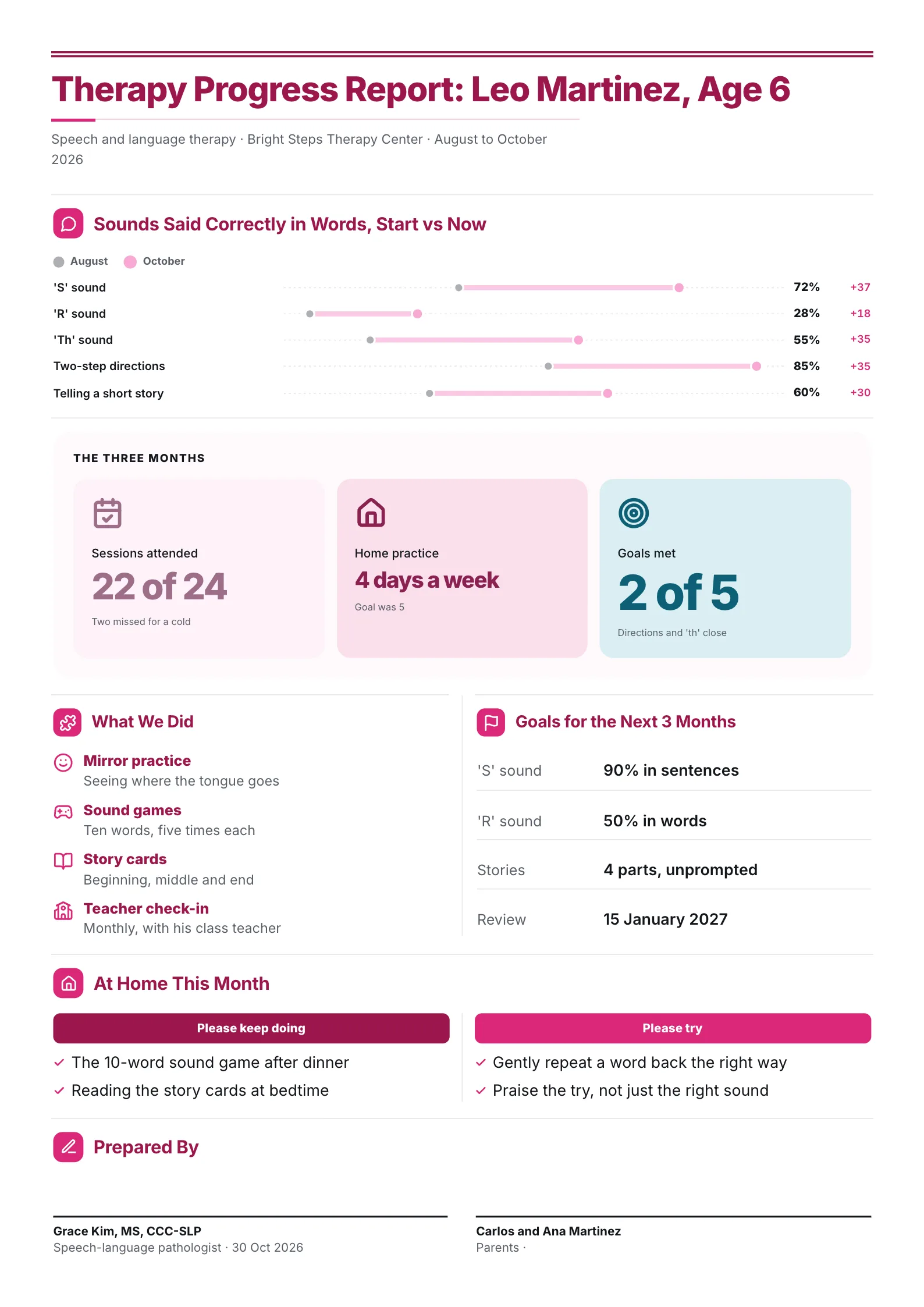 Progress Report: TherapyEdit for free(opens in a new tab)
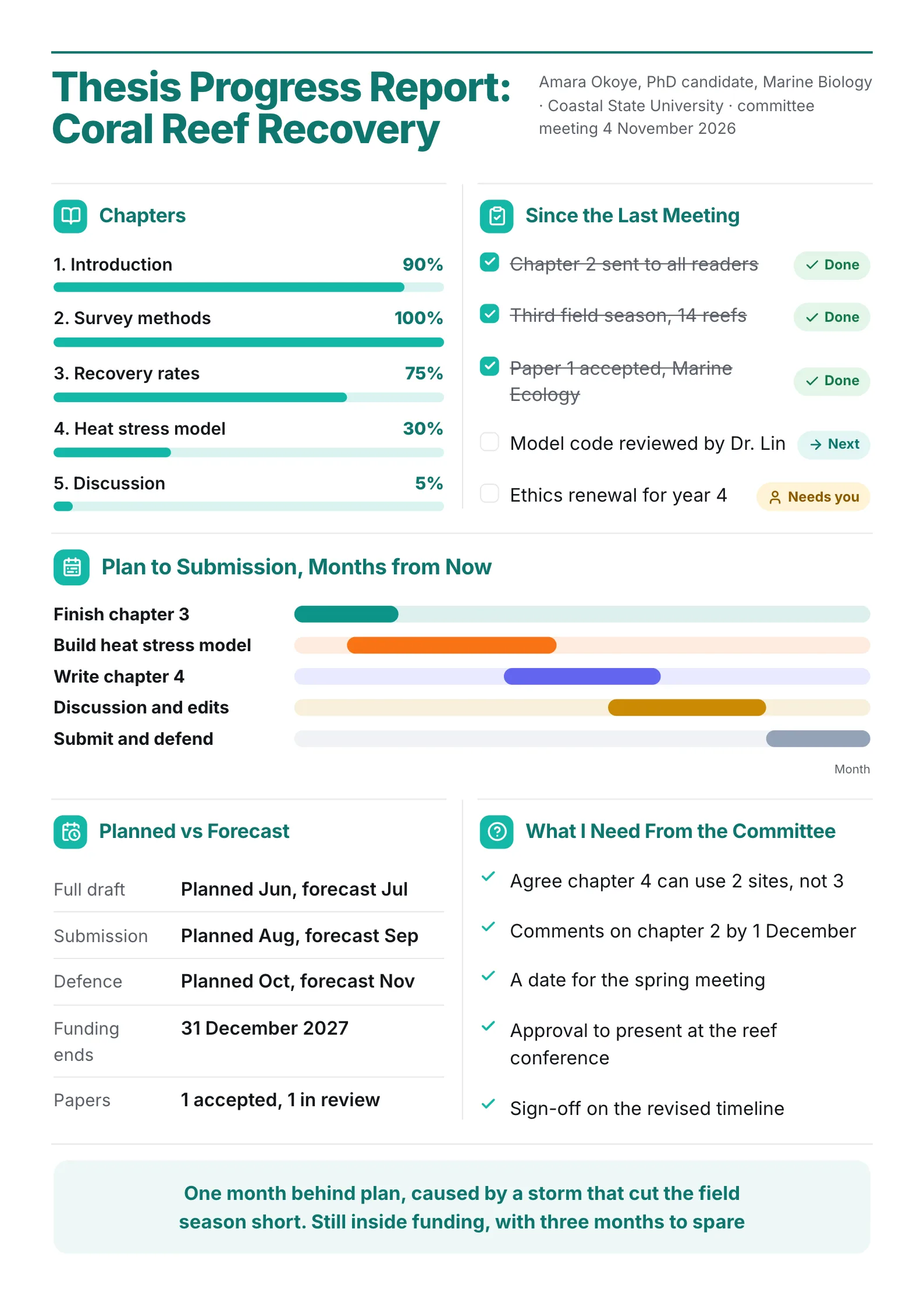 Progress Report: ThesisEdit for free(opens in a new tab)
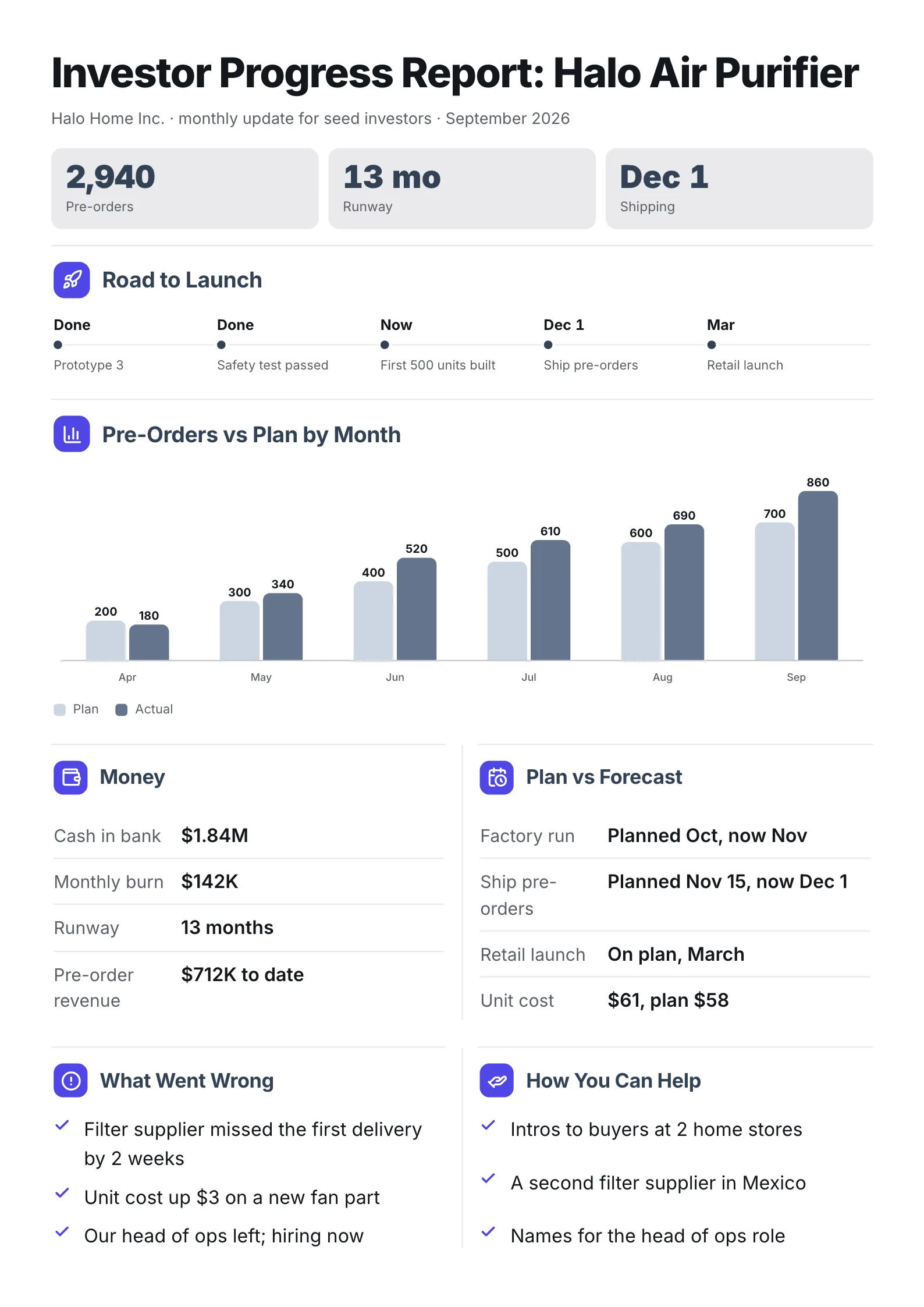 Progress Report: Investor UpdateEdit for free(opens in a new tab)
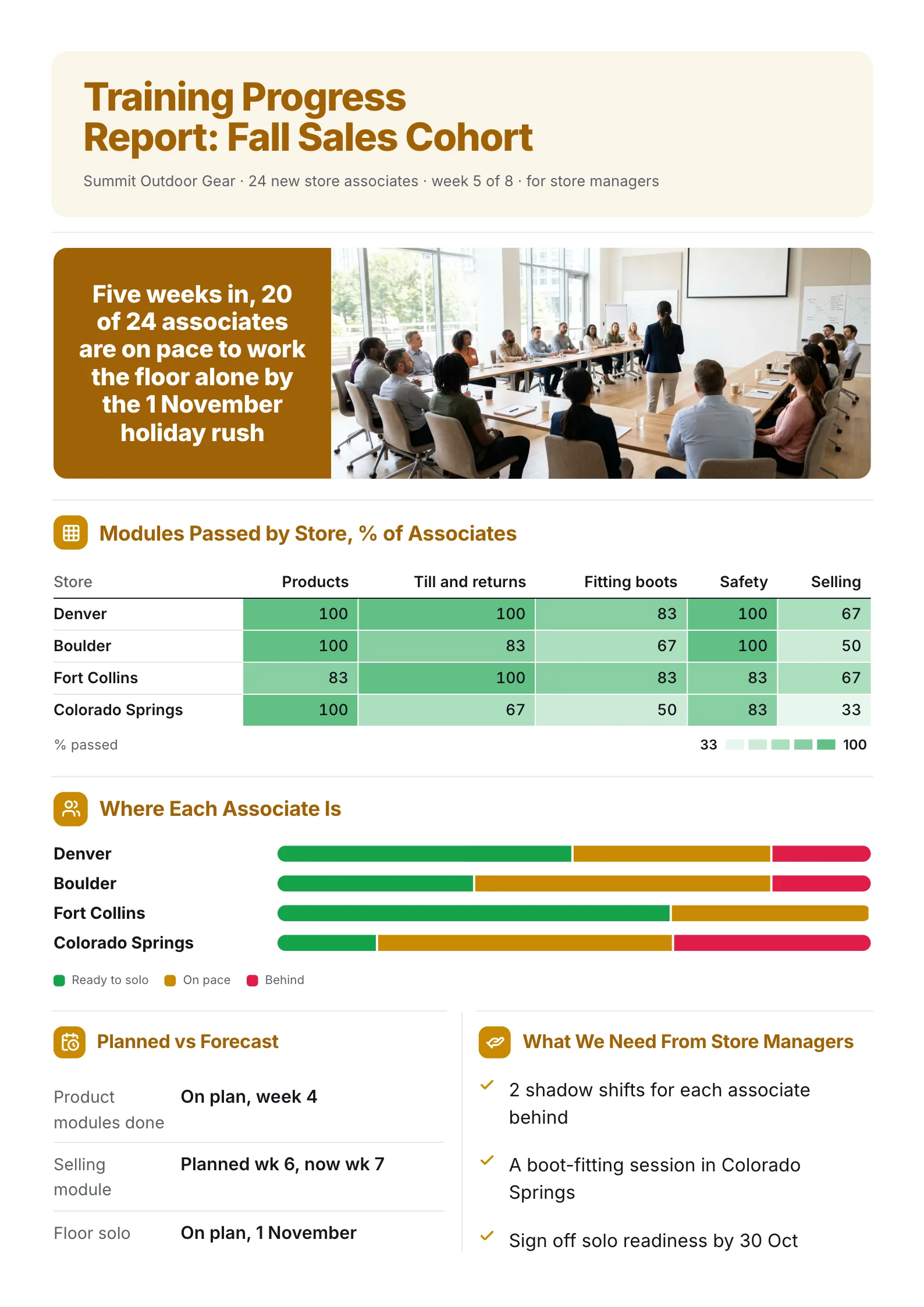 Progress Report: Training CohortEdit for free(opens in a new tab)
Think of it as a traffic light and a diary. The status report is the light: one color, right now. The progress report is the diary entry for the month or the year, with the goals you hit and the ones you missed.
| Status report | Progress report | |
|---|---|---|
| Covers | One date | A period, like a month or a budget year |
| Its question | Are we OK right now? | What did we get done, and what's next? |
| Leads with | A rating or color | Accomplishments against goals |
| Usual length | One page or a dashboard row | Several pages for big grants, one page for most teams |
| Who reads it | Leaders scanning many projects | Funders, sponsors and clients following one |
| What it asks for next | A decision, if the rating is bad | Plans for the next period |
A progress report: what NIH asks for
The National Institutes of Health asks every grant holder for a Research Performance Progress Report. NIH's RPPR page states the purpose in one line: "Progress reports document recipient accomplishments and compliance with terms of award." For many awards it's due about 45 or 60 days before the next budget period starts. A final one is due within 120 days of the end of the project.
The instruction guide is dated January 2026 and runs 160 pages. It sorts the report into 9 sections, A to I:
| Section | What it covers |
|---|---|
| A. Cover Page | Who and which award |
| B. Accomplishments | Goals, what was done, plans for next period |
| C. Products | Papers, websites, tools, patents |
| D. Participants | Who worked on it |
| E. Impact | What difference it made |
| F. Changes | Problems, delays and fixes |
| G. Special Reporting Requirements | Anything the award adds |
| H. Budget | Some awards only |
| I. Outcomes | Final and interim reports only |
Section B is the heart, and three of its lines tell you a lot about what a progress report is. For each milestone, you show "actual completion dates or the percentage of completion." You "include a discussion of stated goals not met." And as the years go on, your emphasis "should shift from reporting activities to reporting accomplishments." For most awards, NIH says that answer "should not exceed 2 pages."
None of that is a rating. It's your record of movement over a year, judged against the goals you started with.
A status report: California's color ratings
The California Department of Technology publishes a status report on each large state IT project it oversees. It calls them Independent Project Oversight Reports, and its rules page says each one "is a point in time assessment" of a project "as of a particular date." That's the definition of a status report.
Each project gets one overall rating, in one of five colors:
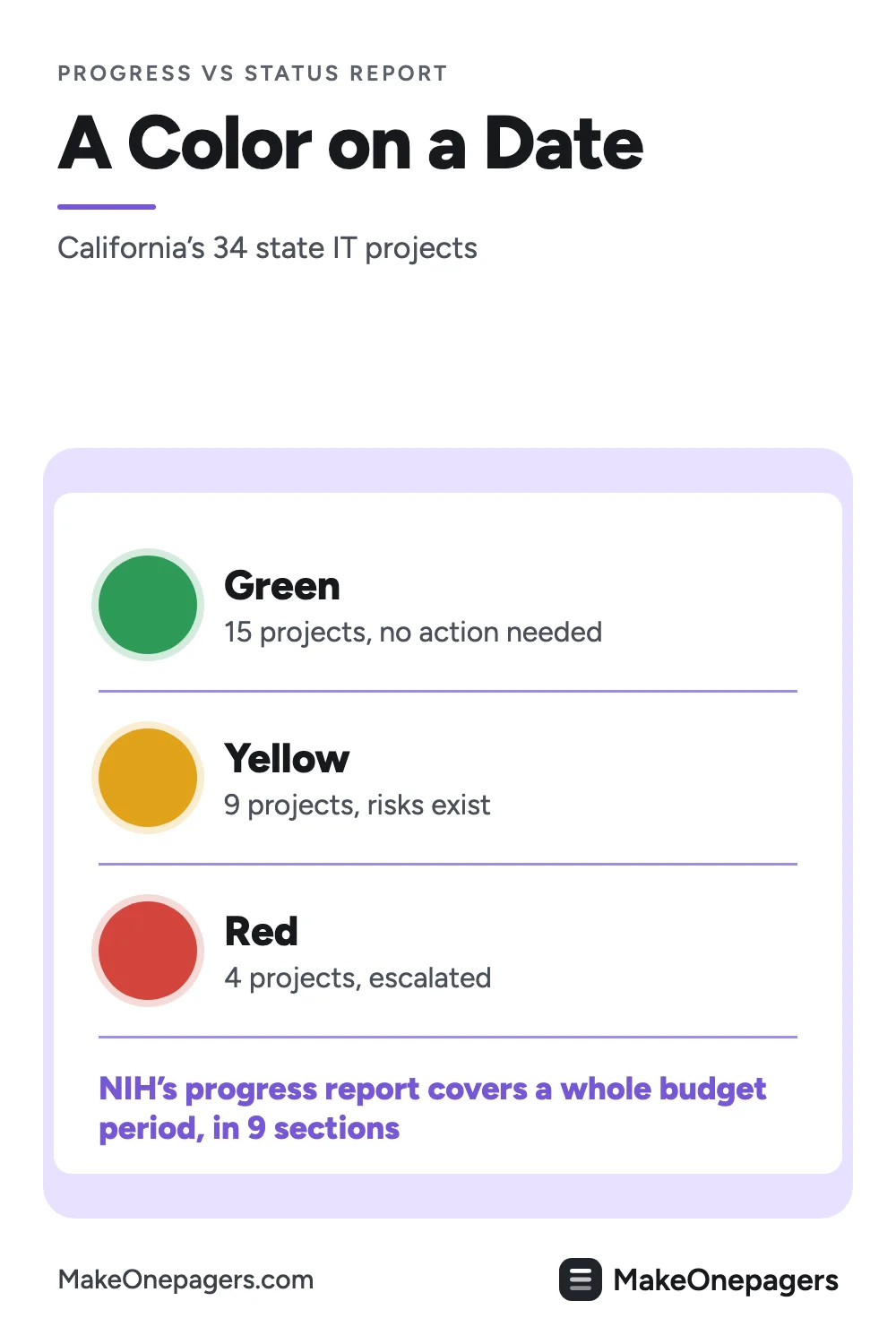
- Green: "Satisfactory, no corrective action necessary."
- Yellow: "Caution, risks/issues exist."
- Red: "Escalated for immediate corrective action."
- Blue: not enough data to decide.
- No Report Available: nothing published for the period.
The public dashboard gives you every project in one table with 6 columns, ending with that rating. We counted 34 projects: 15 Green, 9 Yellow, 4 Red and 6 with no report. A legislator can scan it in a minute and see which 4 need attention. That's what a status report is for.
One report, read in full
We opened the report for EDDNext, a $817.6 million project at the state's Employment Development Department. It covers September 2026, and the overall rating is Yellow. It asks 3 key questions:
| Key question | Answer |
|---|---|
| On track to meet the business goals? | Yes |
| On track to finish on time? | Uncertain |
| On track to finish within budget? | Yes |
Then it rates 10 focus areas you'd recognize from your own projects, such as governance, cost, scope and quality. We counted 6 Yellow, 3 Green and 1 Blue. Each comes with short comment bullets.
Here's where the line blurs. The comments carry progress numbers. "Cost burndown is 12% versus 28% schedule completion." The backlog of stories ready for work rose from 10 to 117. So even your status report needs a few progress facts to back up its color. The difference is what leads. Here the color comes first, and the numbers explain it.
The same project, both ways
Picture one month on a project you run, written twice.
- As a status report: "Yellow. On budget, schedule at risk. Requirements are 8.5% done. Decision needed on adding a second team." One screen, read in a minute.
- As a progress report: what you finished this month against the plan, what you didn't and why, the money spent so far and what you'll finish next month. A page or two, read properly.
Leaders scanning many projects want the first one. Your sponsor or funder wants the second one. You can send both.
Five progress reports, and the status line inside each
These MakeOnepagers progress reports are filled with made-up projects and figures. Each one also carries a quick status signal, so you can see how the two fit on one page.
A grant report like NIH's, at one page
 Edit this template
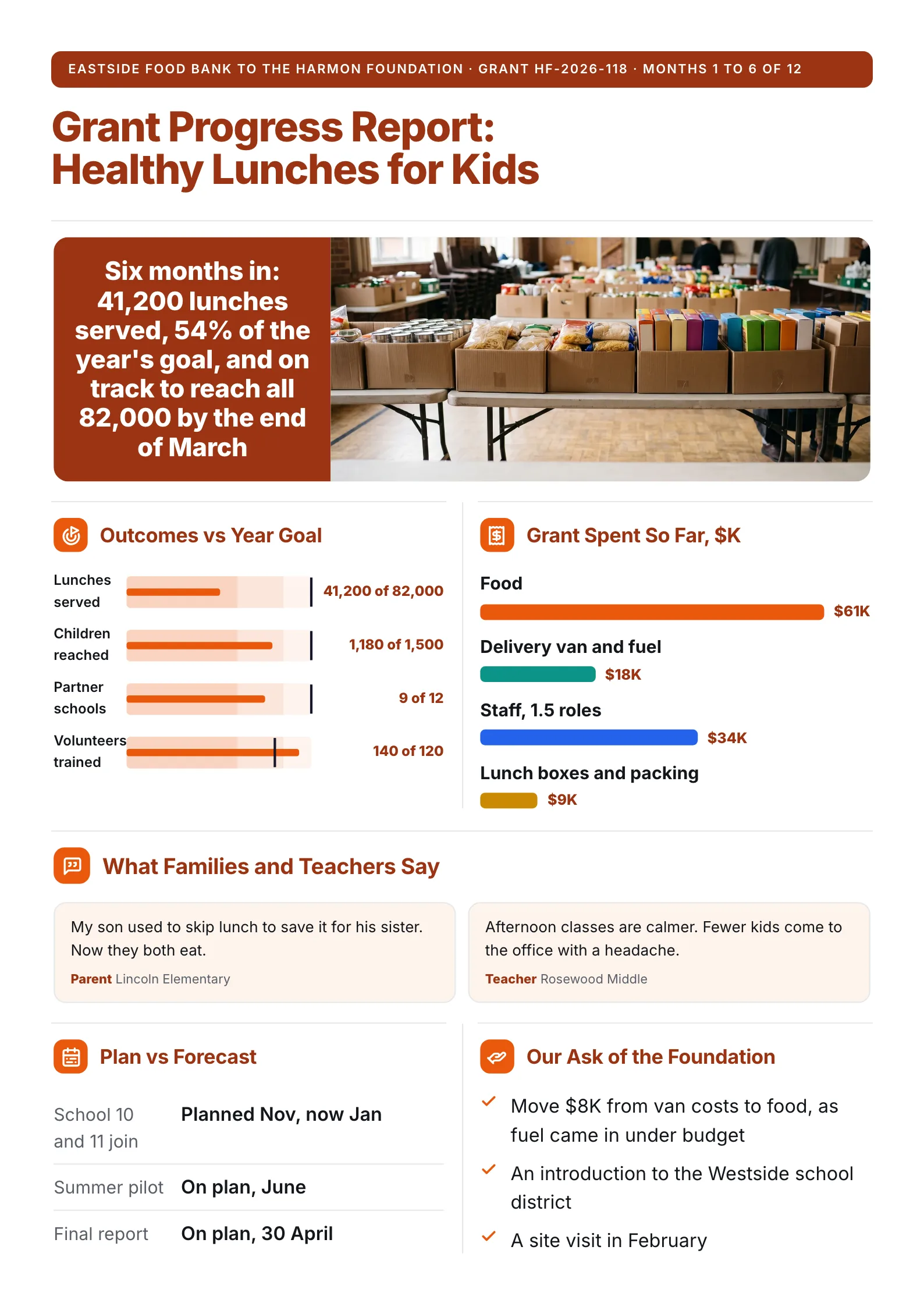
This grant progress report covers months 1 to 6 of 12, with 41,200 lunches served against a goal of 82,000. Its status line is the headline: "on track to reach all 82,000 by the end of March." Below it, outcomes sit against goals, the way NIH's section B asks. One goal is already beaten, with 140 volunteers trained against 120.
A weekly report with a decision box
 Edit this template
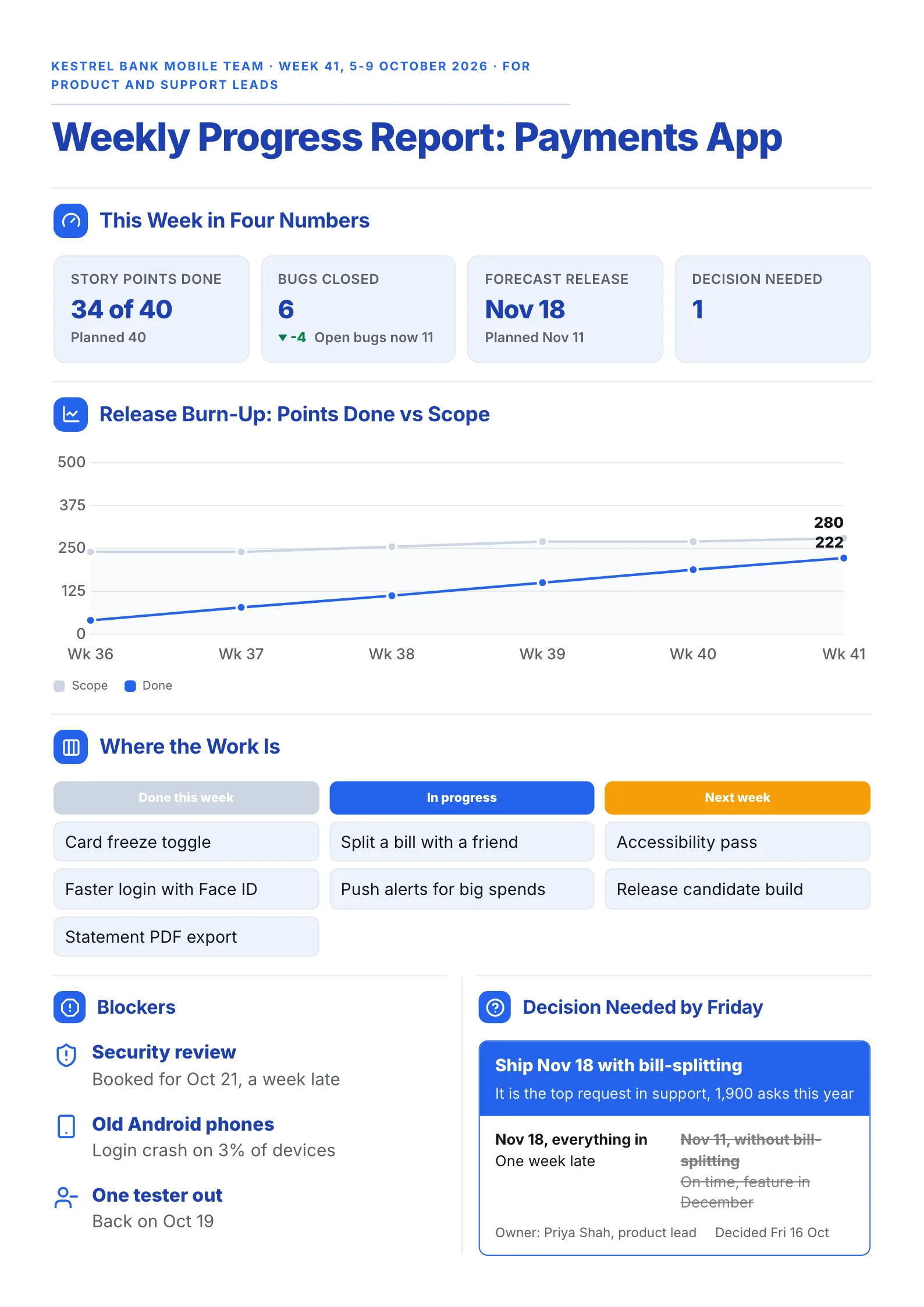
The weekly team progress report sits closest to a status report. It leads with four numbers, including 34 of 40 story points done and a forecast release of November 18 against a plan of November 11. Then it flags "Decision needed." A burn-up chart and a done, in progress and next board turn the snapshot into progress.
A board report with colored goals
 Edit this template
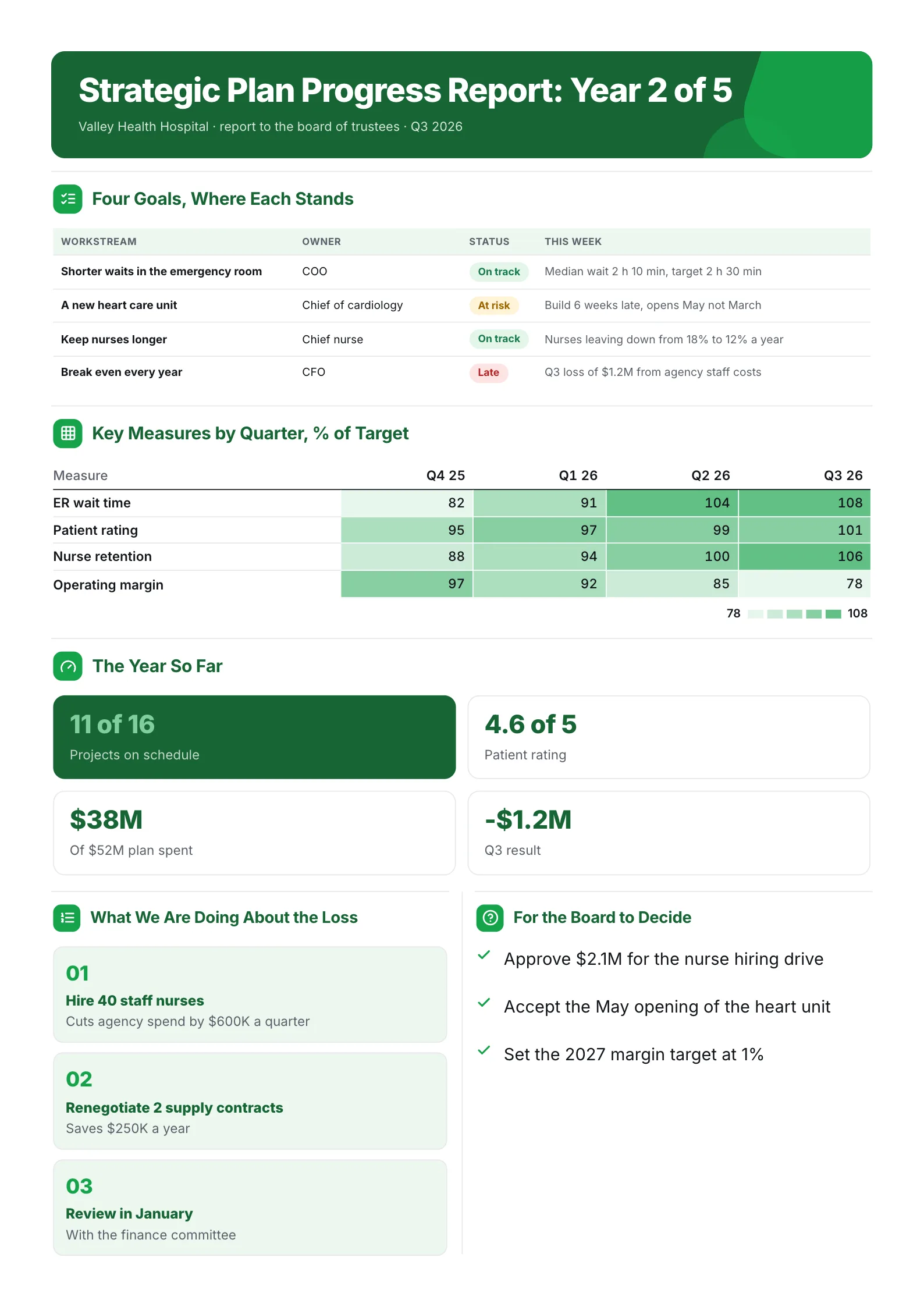
The strategic plan progress report gives each of four goals a color, just like California's dashboard. Shorter ER waits is green, the heart unit is amber at 6 weeks late, and breaking even is red after a $1.2 million Q3 loss. Then a heat map shows 4 quarters of measures, which is the progress part. Your board gets the color and the trend on one page.
A trial report that counts against the plan
 Edit this template
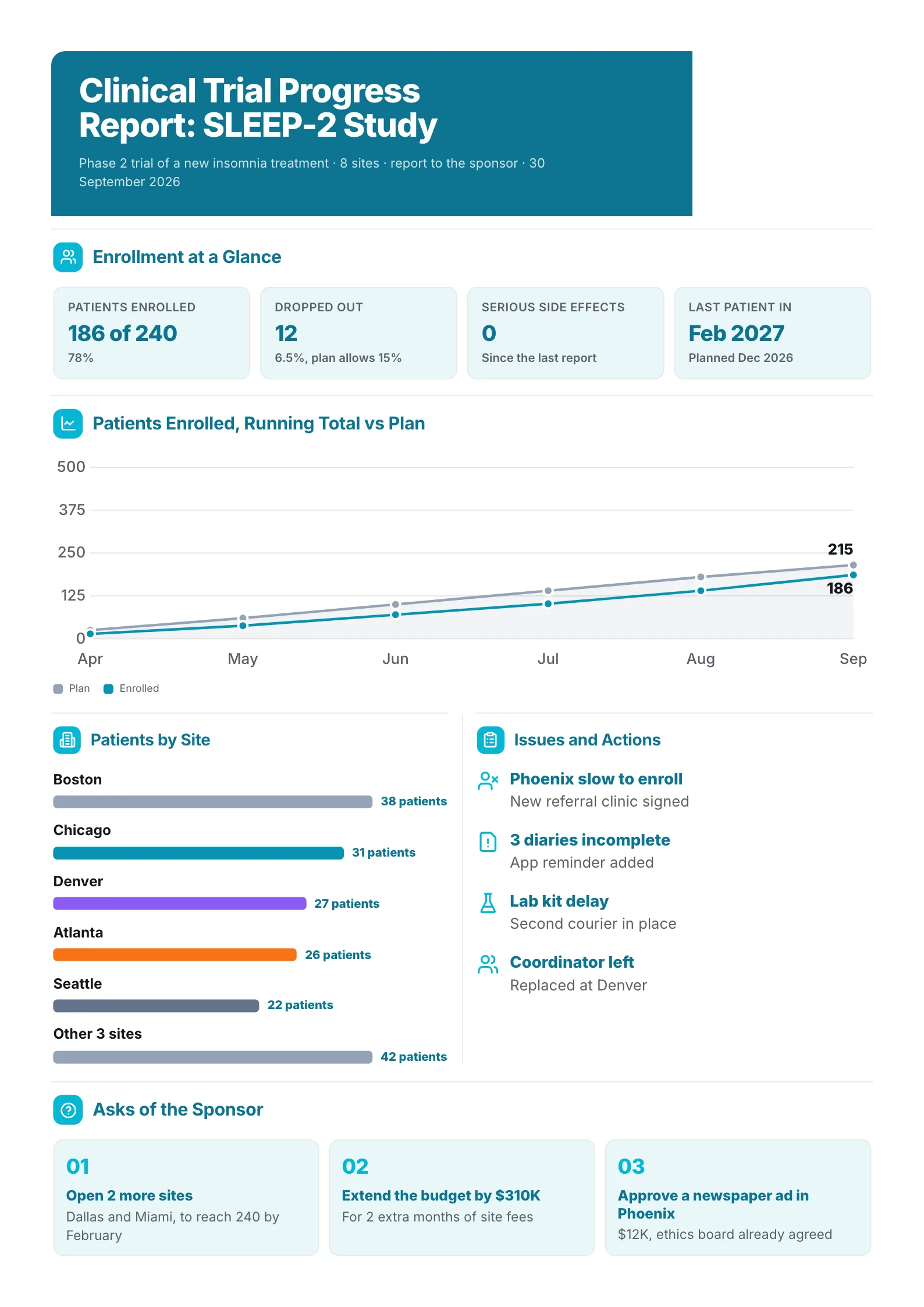
The clinical trial progress report leads with 186 of 240 patients enrolled. It notes 12 dropouts, 6.5% against a 15% limit. Last patient in has moved from December 2026 to February 2027, and that's the status a sponsor needs. The issues table pairs each problem with its fix, like NIH's section F on "challenges or delays and actions or plans to resolve them."
A site report with contract dates
 Edit this template
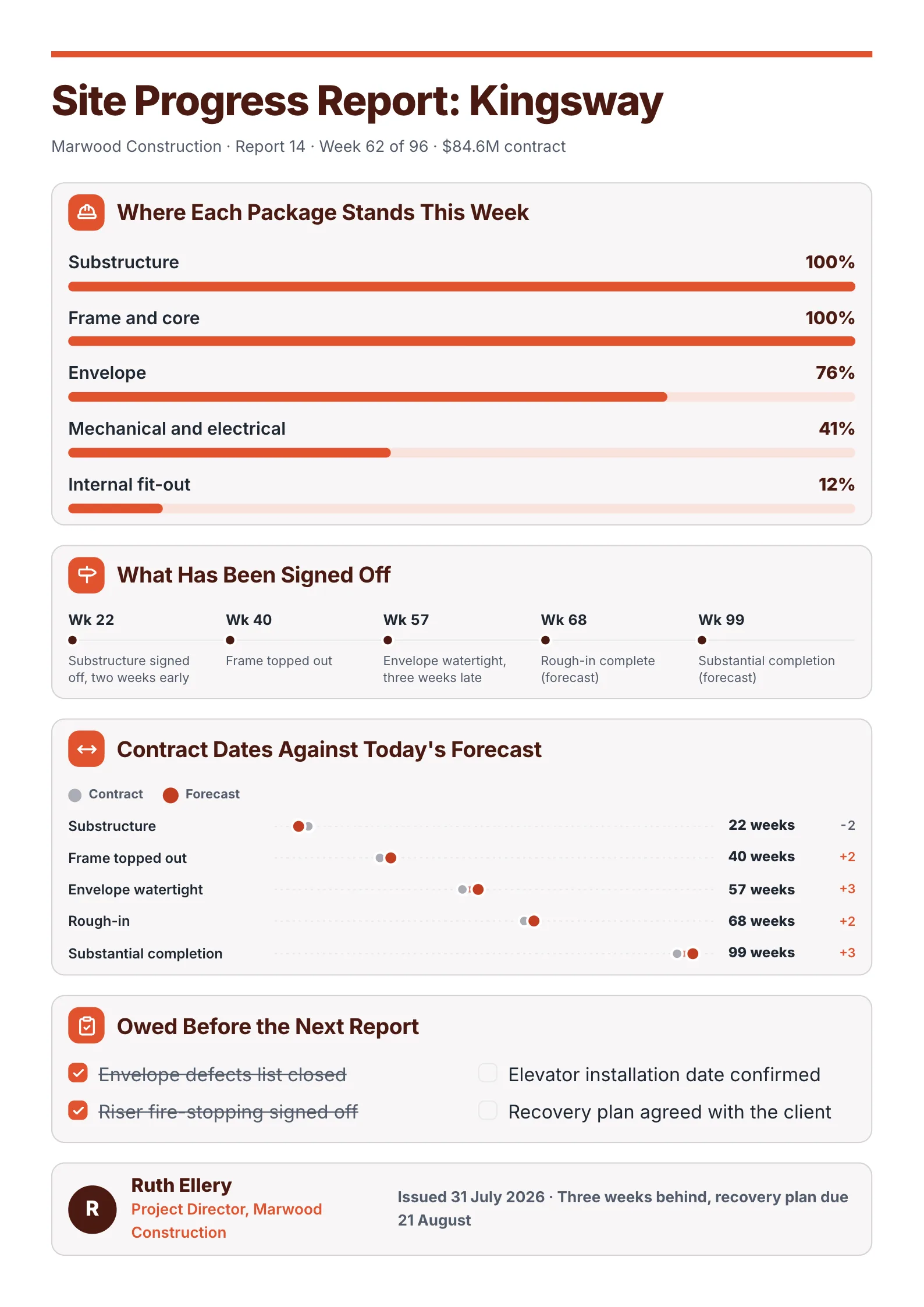
This construction progress report is Report 14, at week 62 of 96. It shows each work package's progress and the sign-offs so far, like the envelope watertight three weeks late. Contract dates sit against today's forecast. A status report for the same site could be one line: amber, three weeks behind on the envelope.
Which report fits your reader?
Ask what your reader will do with it:
- Scan many projects and pick which to look at: a status report with one color each.
- Release the next payment or the next grant year: a progress report against goals.
- Make a decision this week: a status report with the decision at the top.
- Follow one project closely, month to month: a progress report.
- Report to a board: both, with the color at the top and the progress underneath, like the hospital sample.
Make your progress report
Pick a MakeOnepagers progress report that matches your project and your reader, then fill in your own goals, numbers and dates. Put your one-word status at the top so a busy reader gets it in a second. If you've already written a long one, drop its sections into the free AI One-Pager generator and boil each one down to the line that matters. The parts of a full report are covered in how to write a progress report, and the short version for weekly updates is our weekly status report template. Our progress report template page has more layouts for you.
Frequently asked questions
Are a progress report and a status report the same thing?
Often people use the names for the same document. When teams split them, a status report shows where things stand on one date, and a progress report shows what got done over a period against the plan.
What colors does a status report use?
California uses Green, Yellow and Red, plus Blue for "not enough data" and a "No Report Available" state. The hospital sample in this post uses green, amber and red.
How long should a progress report be?
As long as your reader needs. NIH caps its main accomplishments answer at 2 pages for most awards and its public outcomes summary at half a page. For a team or client, one page is usually enough.
What goes in a progress report?
What you planned, what you did, what you missed and why, what you spent and what comes next. NIH also asks for products, like papers or tools, and changes, like delays and how you'll fix them.
How often should you send a status report?
Match it to how fast your project changes. California sets the rhythm for each project by its criticality rating of low, medium or high.




