Newsletter Examples: 2 Food Banks, 1 Difference, and 5 Issues That Fix It
Newsletter examples, starting with two food bank issues of the same length that read very differently, then 5 one-page issues built for 5 kinds of reader.

The most useful newsletter examples we found this fall were two food bank issues. They came out the same season, ran almost the same length and covered the same kind of work. One reads like a letter to you. The other reads like a report about the organization. The gap comes down to one small word. Start from a free one pager template.
One‑Pager examples
Real One-Pagers made with MakeOnepagers. Open any one to edit it as your own.
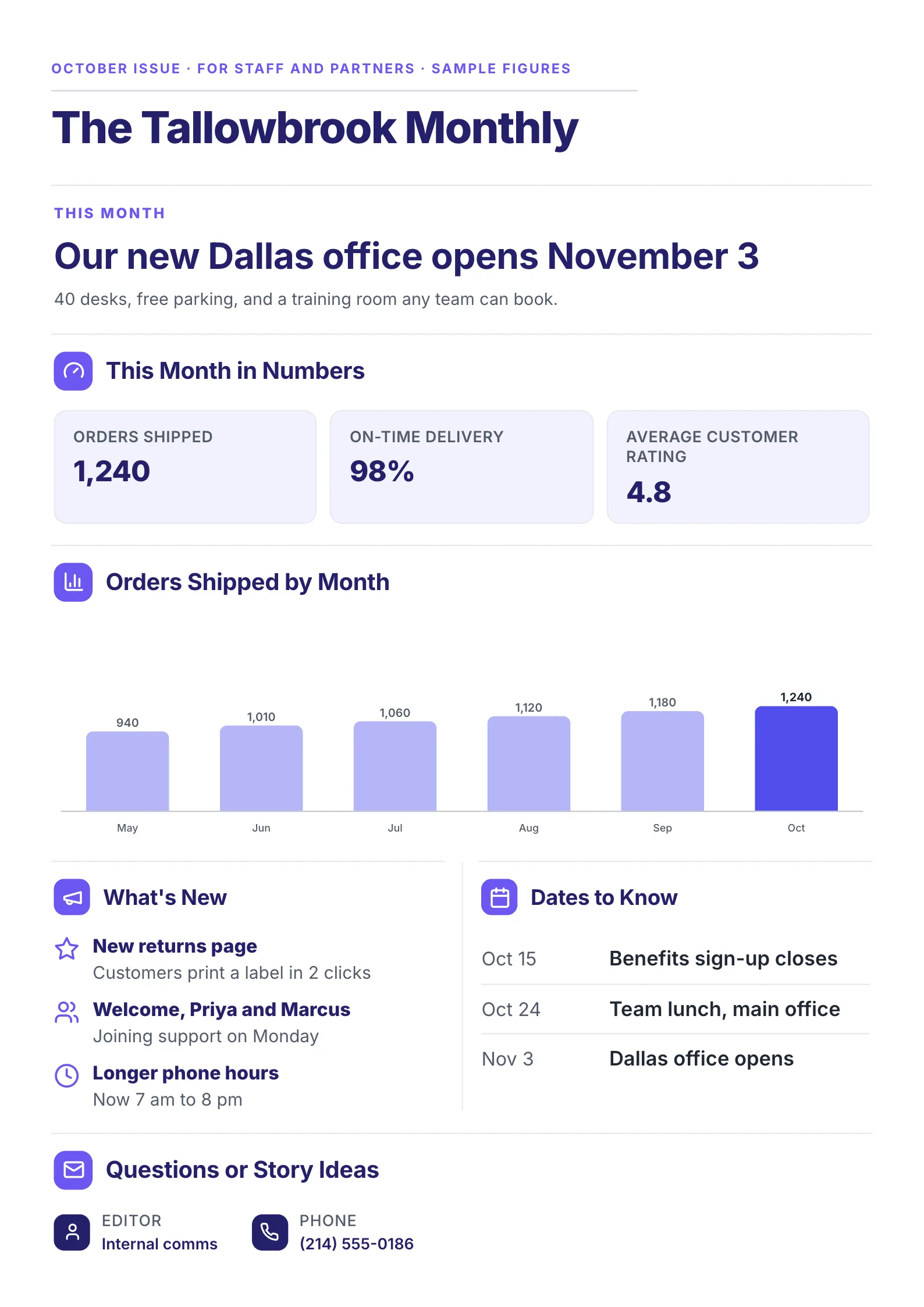 NewsletterEdit for free(opens in a new tab)
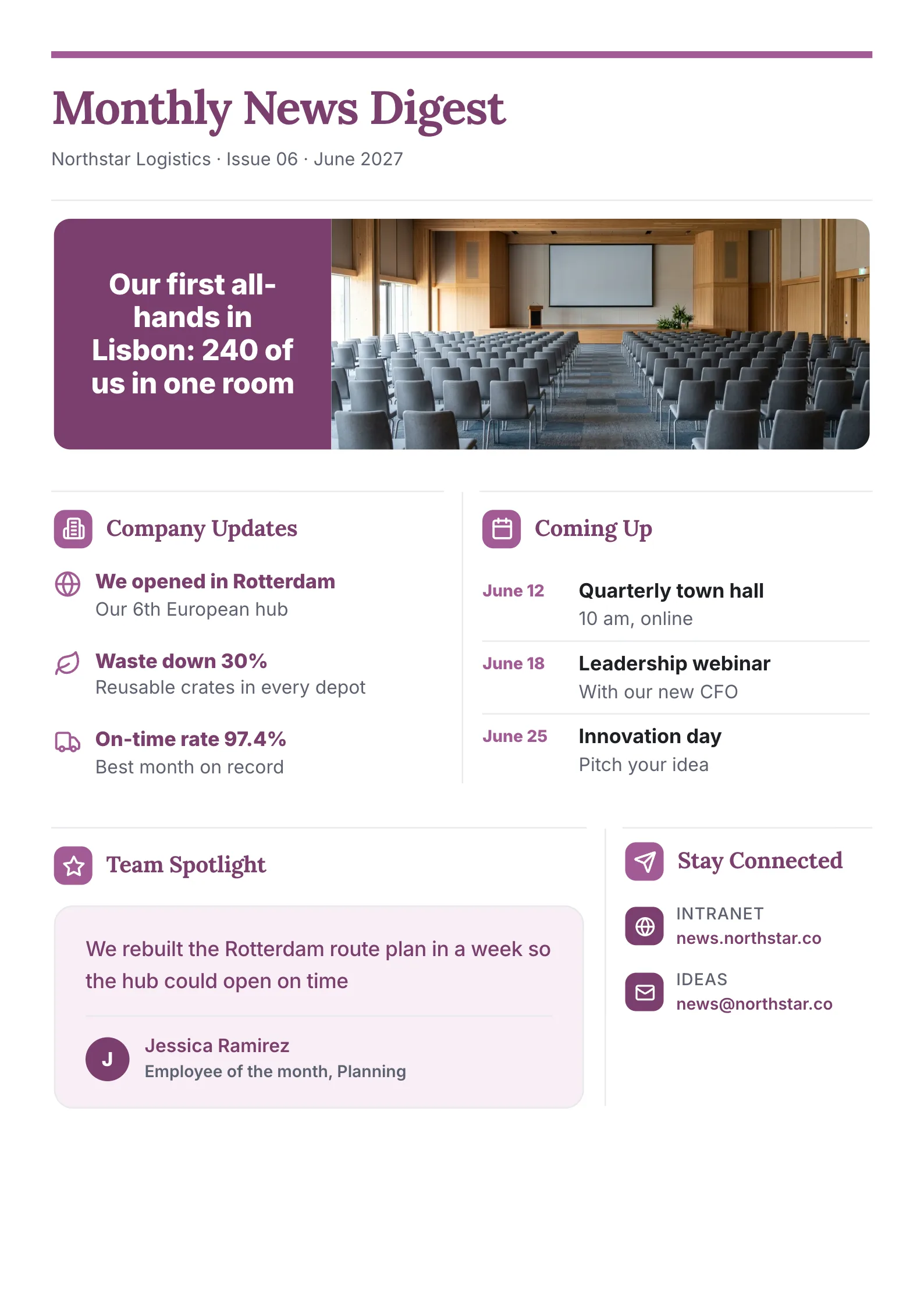 Staff Newsletter One-PagerEdit for free(opens in a new tab)
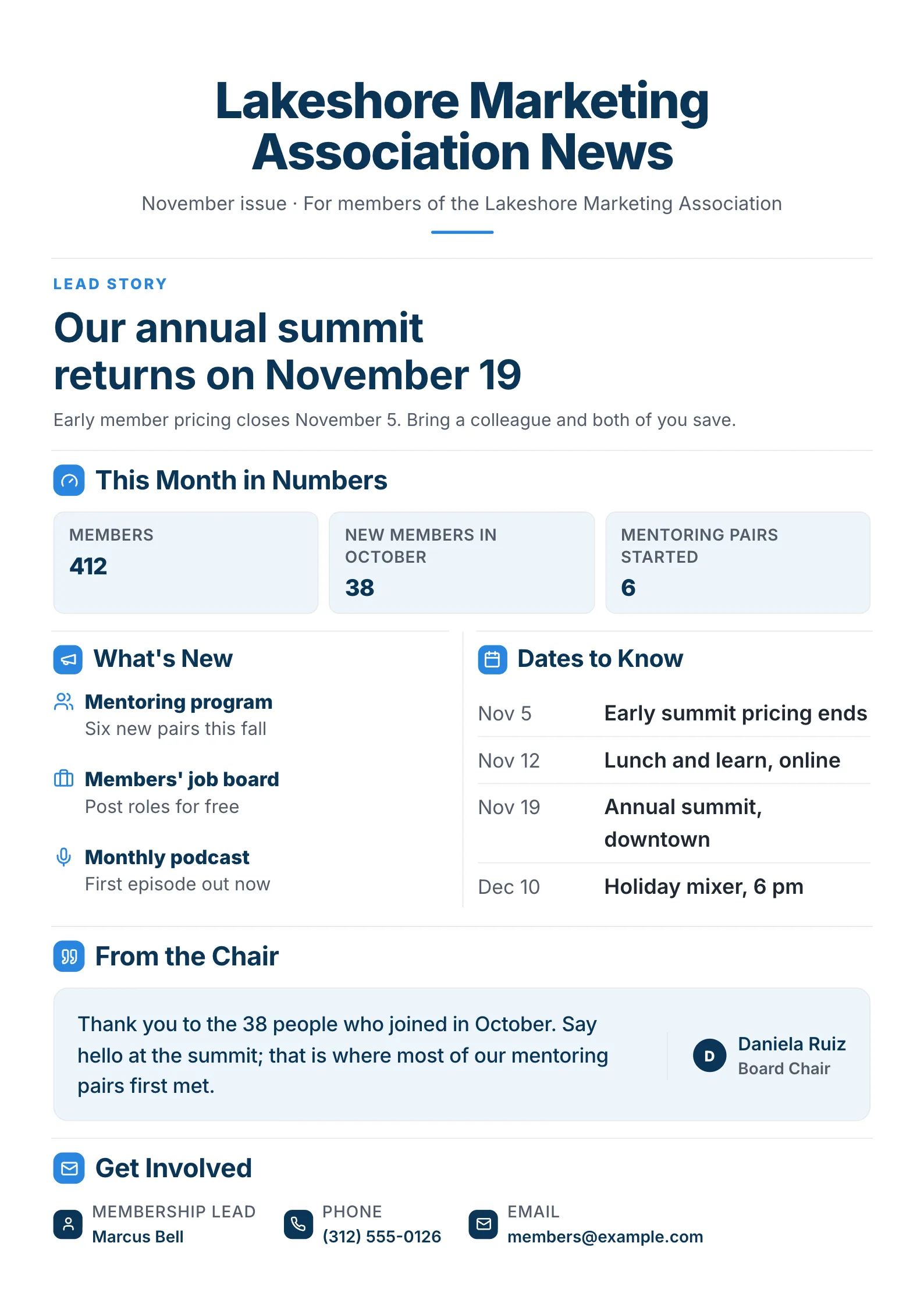 Member NewsletterEdit for free(opens in a new tab)
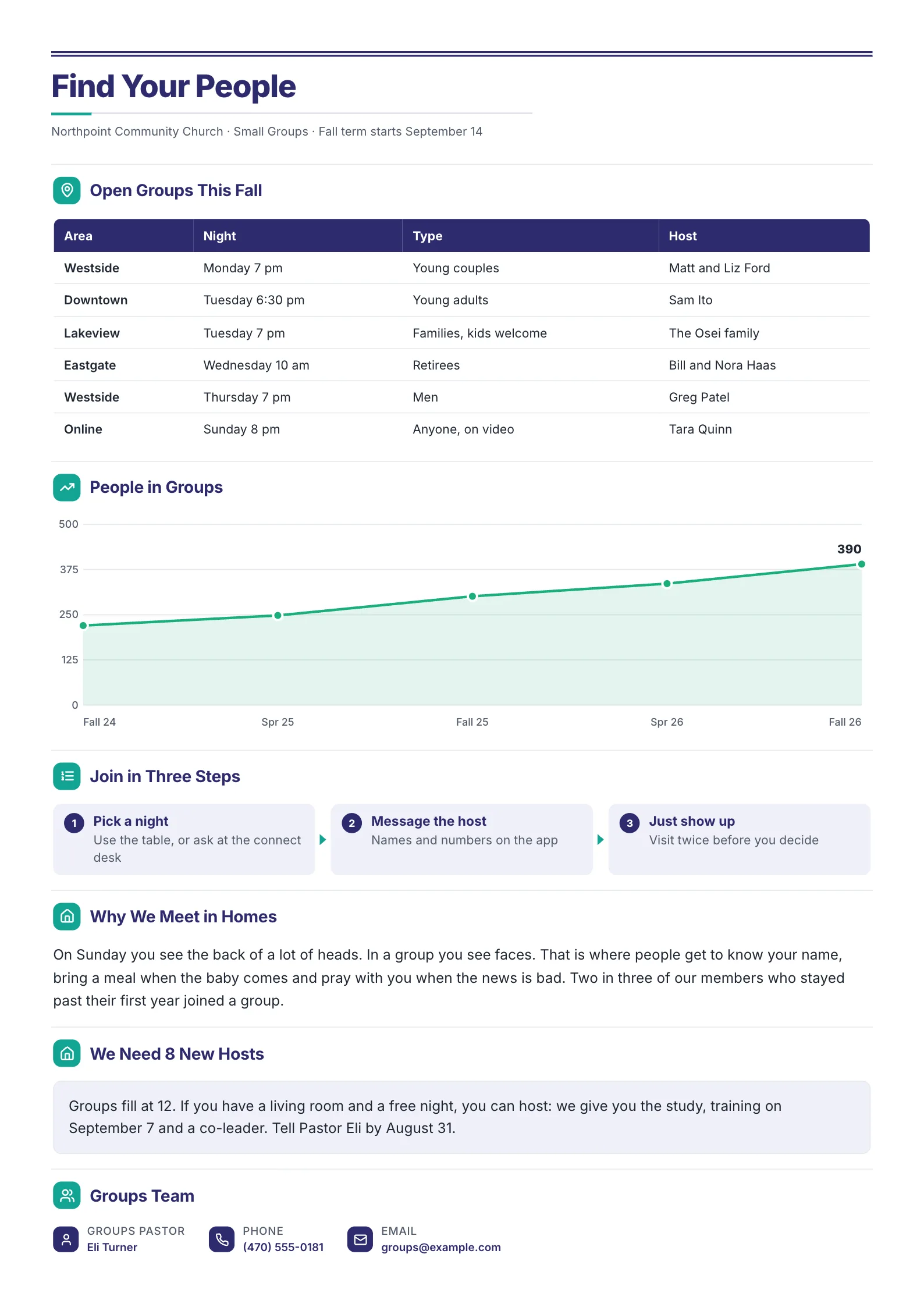 Church Newsletter: Small GroupsEdit for free(opens in a new tab)
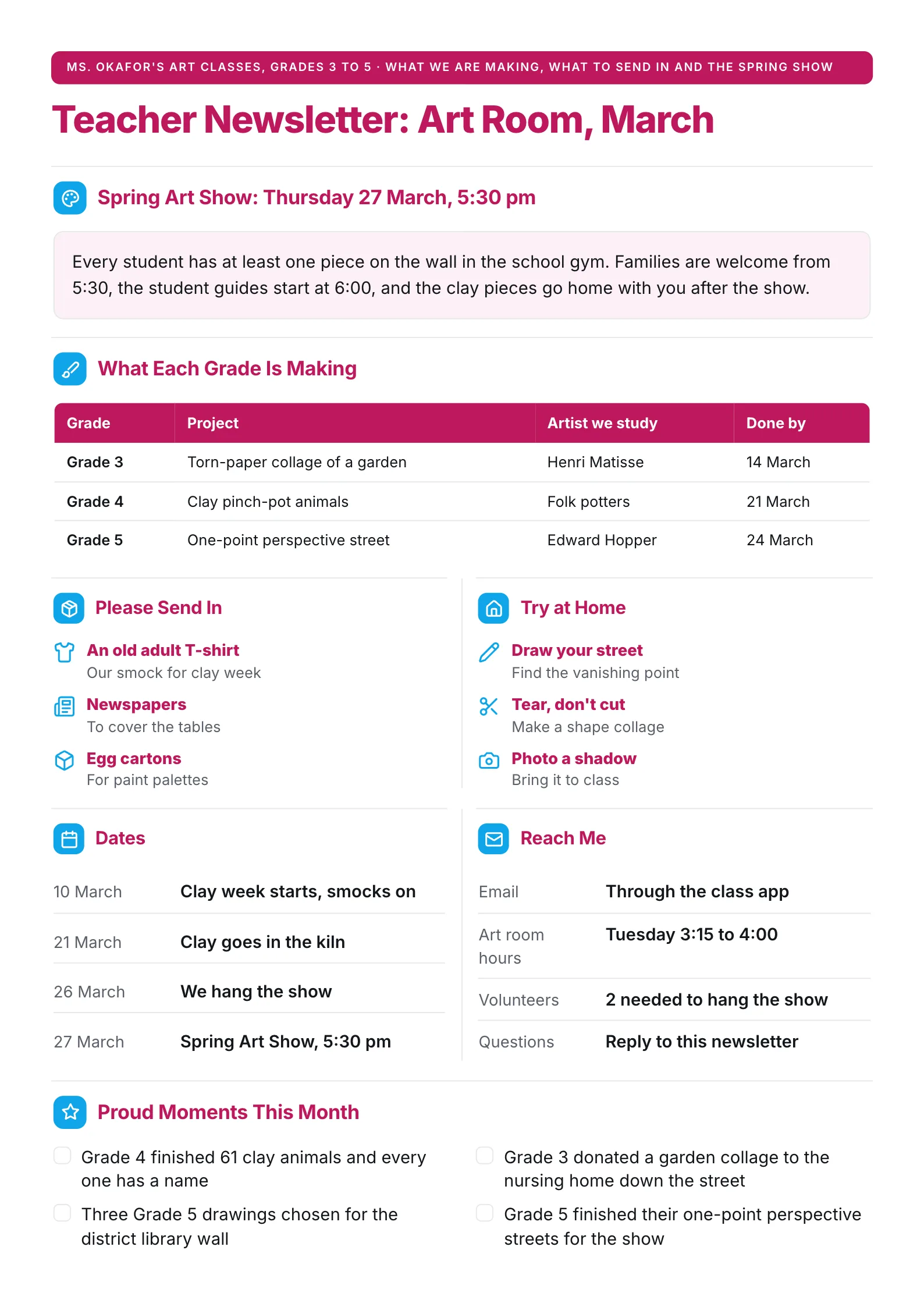 Teacher Newsletter: Art RoomEdit for free(opens in a new tab)
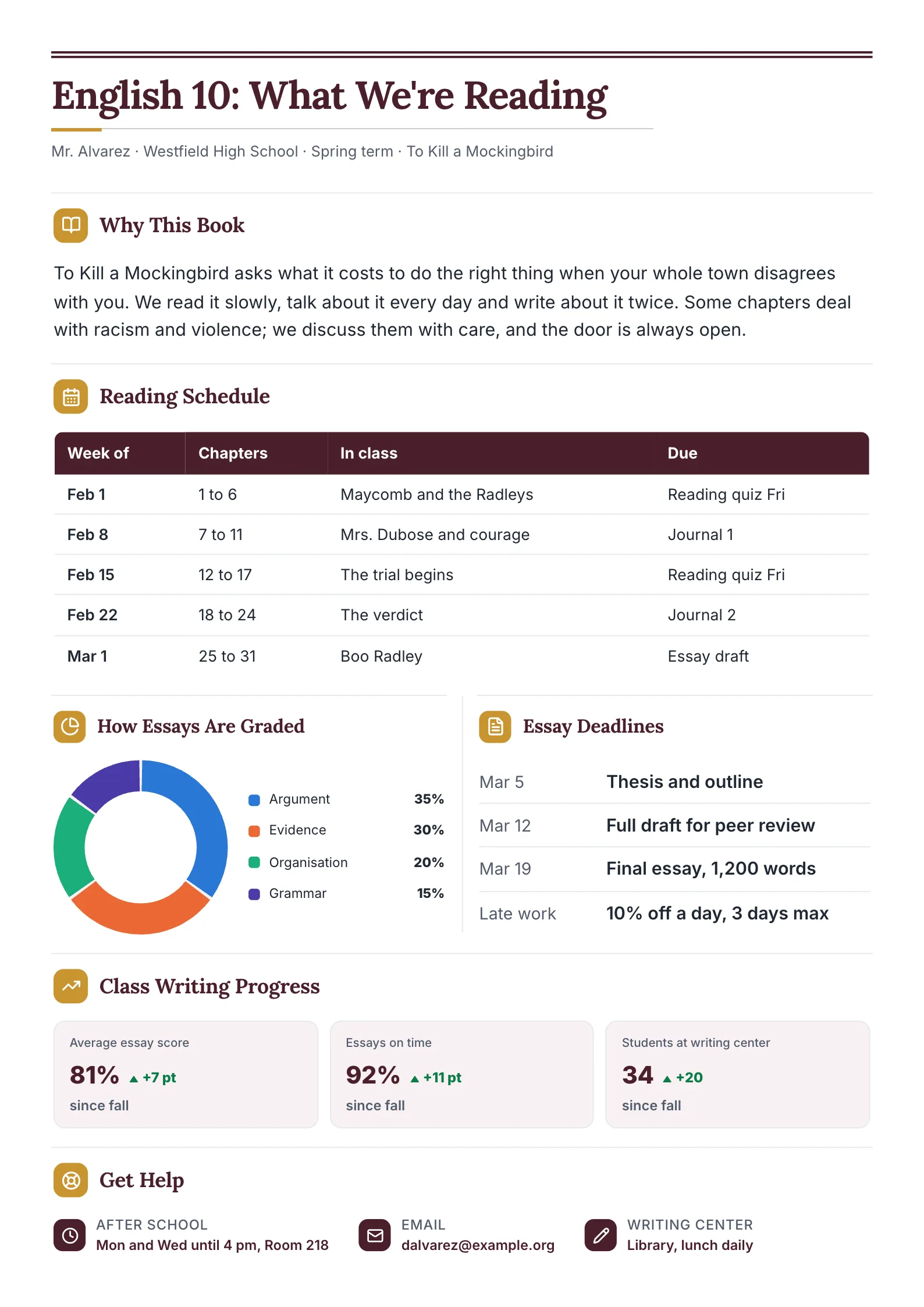 Teacher Newsletter: High School EnglishEdit for free(opens in a new tab)
We start with those two, then give you a quick test you can run on your own draft. After that come five one-page issues, each built for a different reader: donors, parents, a congregation, members and job seekers.
Two food banks, one difference
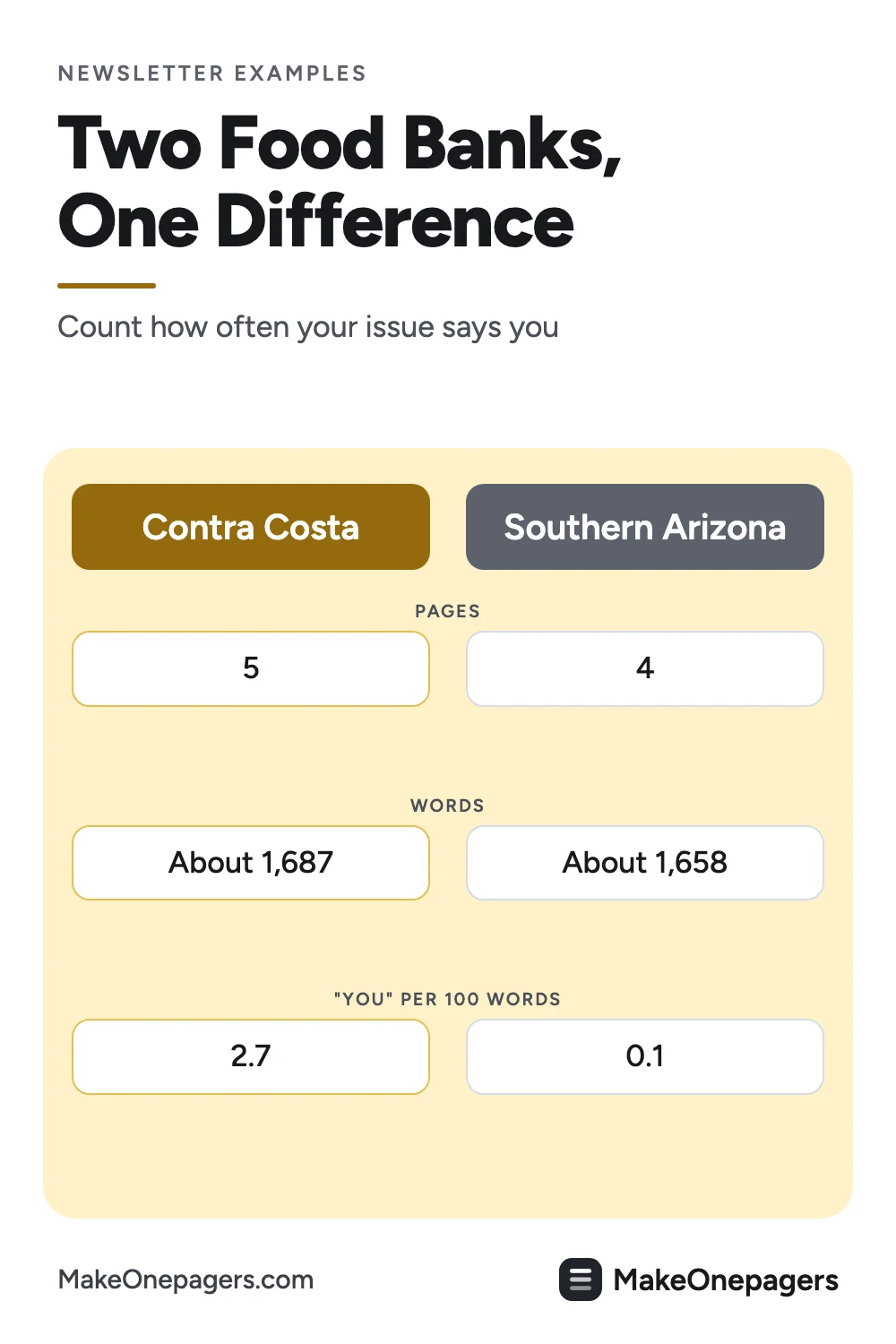
The Food Bank of Contra Costa and Solano's Fall 2026 issue runs 5 pages and about 1,687 words. Its headline reads "Because of you, hunger isn't on the syllabus," over the story of a college student named Nathan.
The Community Food Bank of Southern Arizona's October 2026 issue runs 4 pages and about 1,658 words. Its lead is a merger with Mobile Meals, told as news about the organization, with an In This Issue line up top.
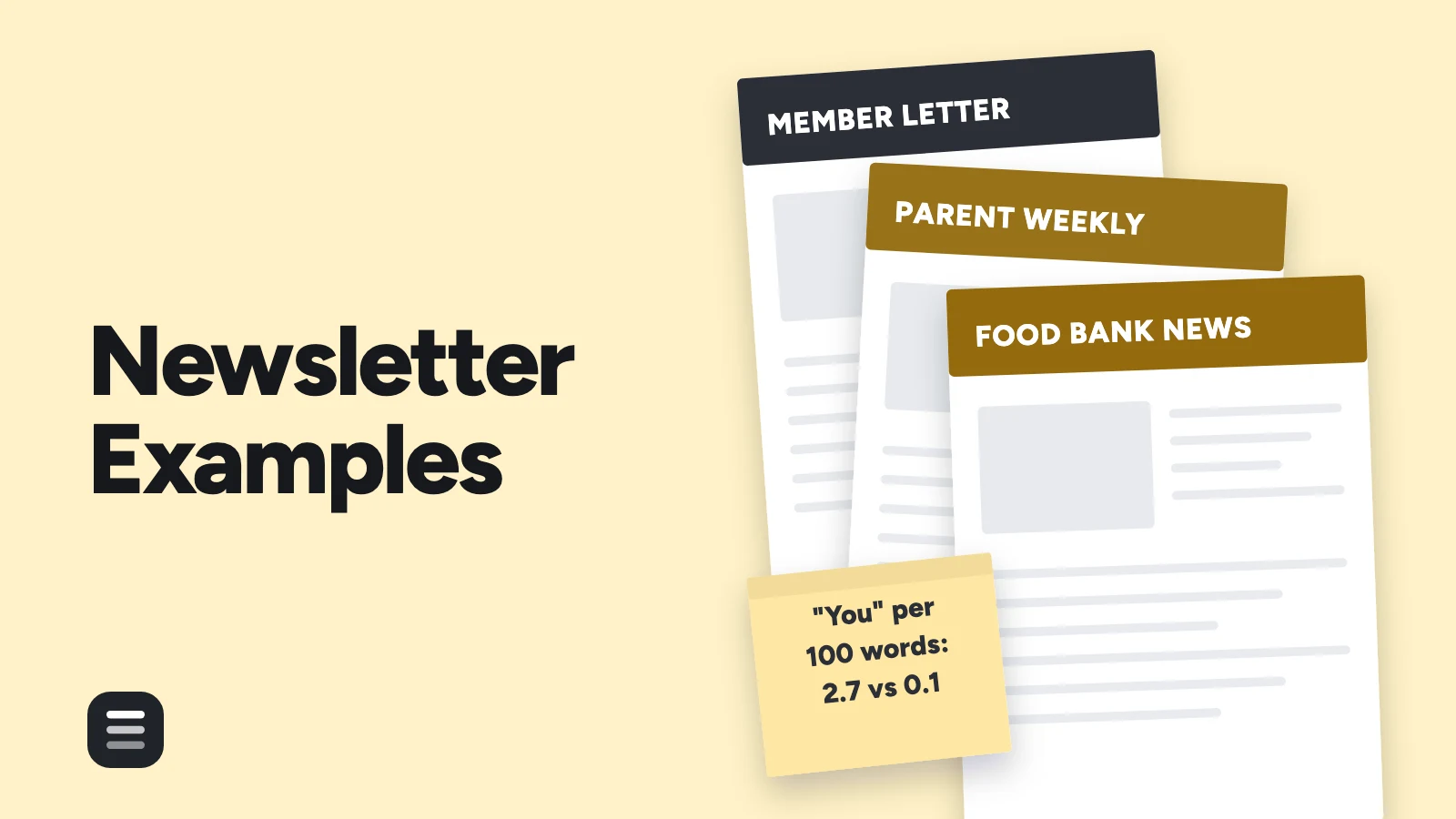
Both are good stories. Only one is told to the donor. We counted every "you" and "your" in each issue. Contra Costa and Solano used them 2.7 times per 100 words. Southern Arizona used them 0.1 times, almost never.
We counted two more issues the same way, read on October 30, 2026, to see where other groups land.
| Newsletter | Pages | Words | "You" or "your" per 100 words |
|---|---|---|---|
| McNair Elementary parent news, October 2026 | 4 | 925 | 2.4 |
| Food Bank of Contra Costa and Solano, Fall 2026 | 5 | About 1,687 | 2.7 |
| Community Food Bank of Southern Arizona, October 2026 | 4 | About 1,658 | 0.1 |
| St. Paul's United Methodist, Kensington, November 2025 | 12 | About 5,505 | 1.4 |
Source: our count of the 4 issues.
The "you" test for your own draft
Take the first page of your next issue. Count the words, then count every "you" and "your." Divide the second number by the first and multiply by 100.
If you land near 2.5, like McNair and Contra Costa and Solano, your reader is in the story. If you land near zero, rewrite your opening so it's about what the reader did, gave or needs to know. Don't stuff the word in. Change who the sentence is about, and the word follows. You'll feel the difference when you read it back.
The five samples below each put the reader in the story in a way that fits them.
The donor update: lead with what their money did
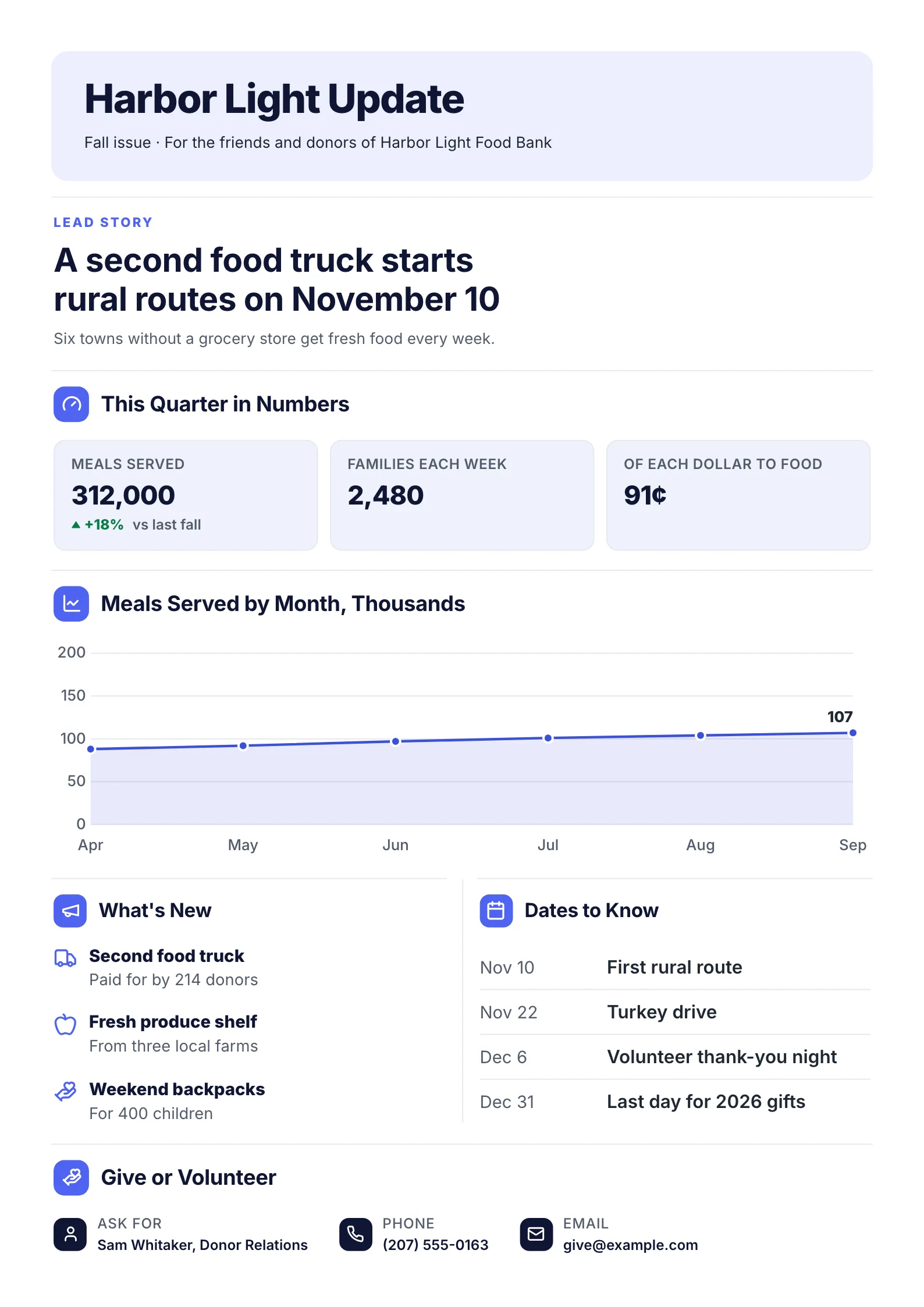
The Harbor Light sample is a fall update for a food bank's donors, and its lead story is one sentence long. A second food truck starts rural routes on November 10, and six towns without a grocery store get fresh food every week. The What's New box credits the truck to the 214 donors who paid for it.
Under that sit three numbers, 312,000 meals served, 2,480 families each week and 91 cents of each dollar going to food. Each one answers a question your donor has. Did my gift matter? How many people did it reach? Where does the money go? A Dates to Know list runs to December 31, the last day for 2026 gifts, and the page ends with a named person to call.
 Edit this template
Groups, names and numbers in the samples are invented. Each number answers a question a donor would ask.
The kindergarten weekly: dates before anything else
McNair Elementary's October issue opens with the principal's letter, then goes straight to Important Dates to Remember. A PTA meeting on October 6, no school on October 16 and no school on November 2 and 3. Parents scan for dates first, so put your dates first.
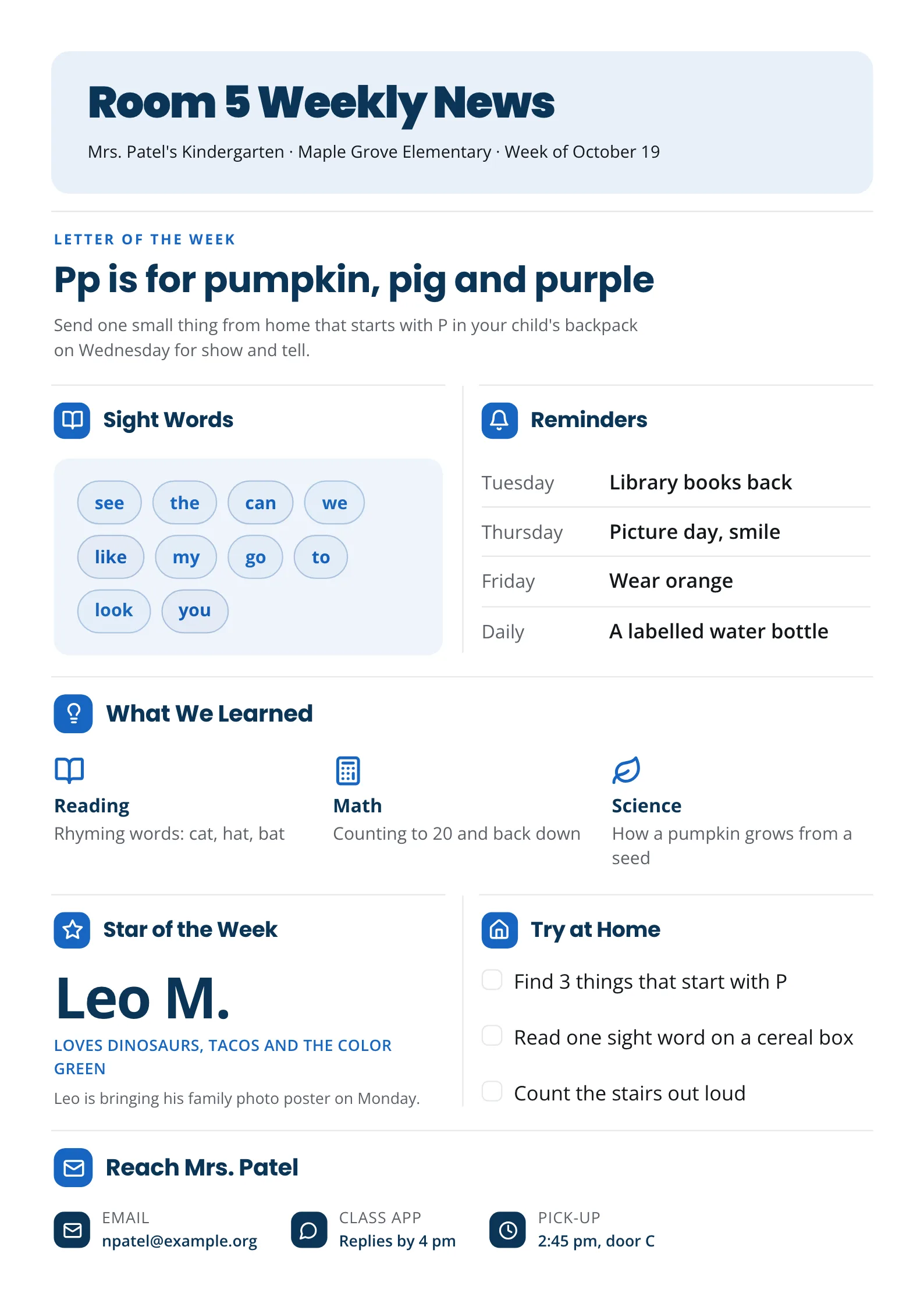
The Room 5 sample does the same for one classroom. The Reminders box gives a day for each item, library books back on Tuesday and picture day on Thursday. Below are this week's sight words, a Star of the Week and three things to try at home, such as counting stairs aloud together. If you're a busy parent, you can read it at the bus stop.
 Edit this template
Reminders come with a day attached, so nothing needs a second read.
The pastor's letter: one letter and one ask
St. Paul's Epistle runs 12 pages. It has a letter from the senior pastor, office hours, notes of sympathy, the worship schedule, a craft fair, Sunday school news and ways to get involved. It said "you" about half as often as the two most direct issues, and the parts most people want are spread across the issue.
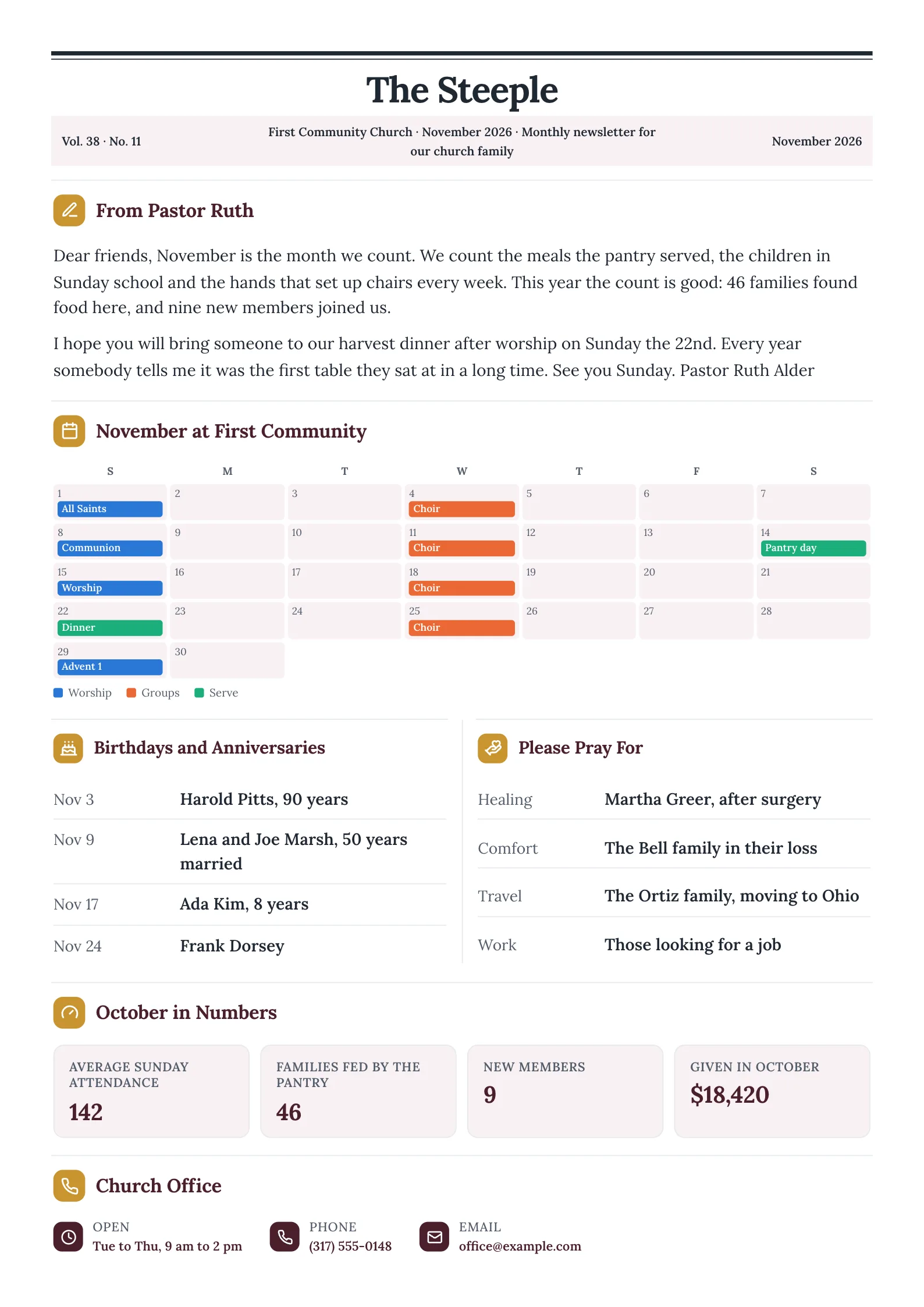
The Steeple sample keeps the pastor's letter and fits the rest on one page. Pastor Ruth's letter is two short paragraphs. She counts what the year meant, 46 families fed and nine new members. Then she asks for one thing, to bring someone to the harvest dinner on the 22nd. A month calendar, birthdays and anniversaries follow.
 Edit this template
One letter, one ask and the month's calendar on a single page.
The member letter: open with one of them
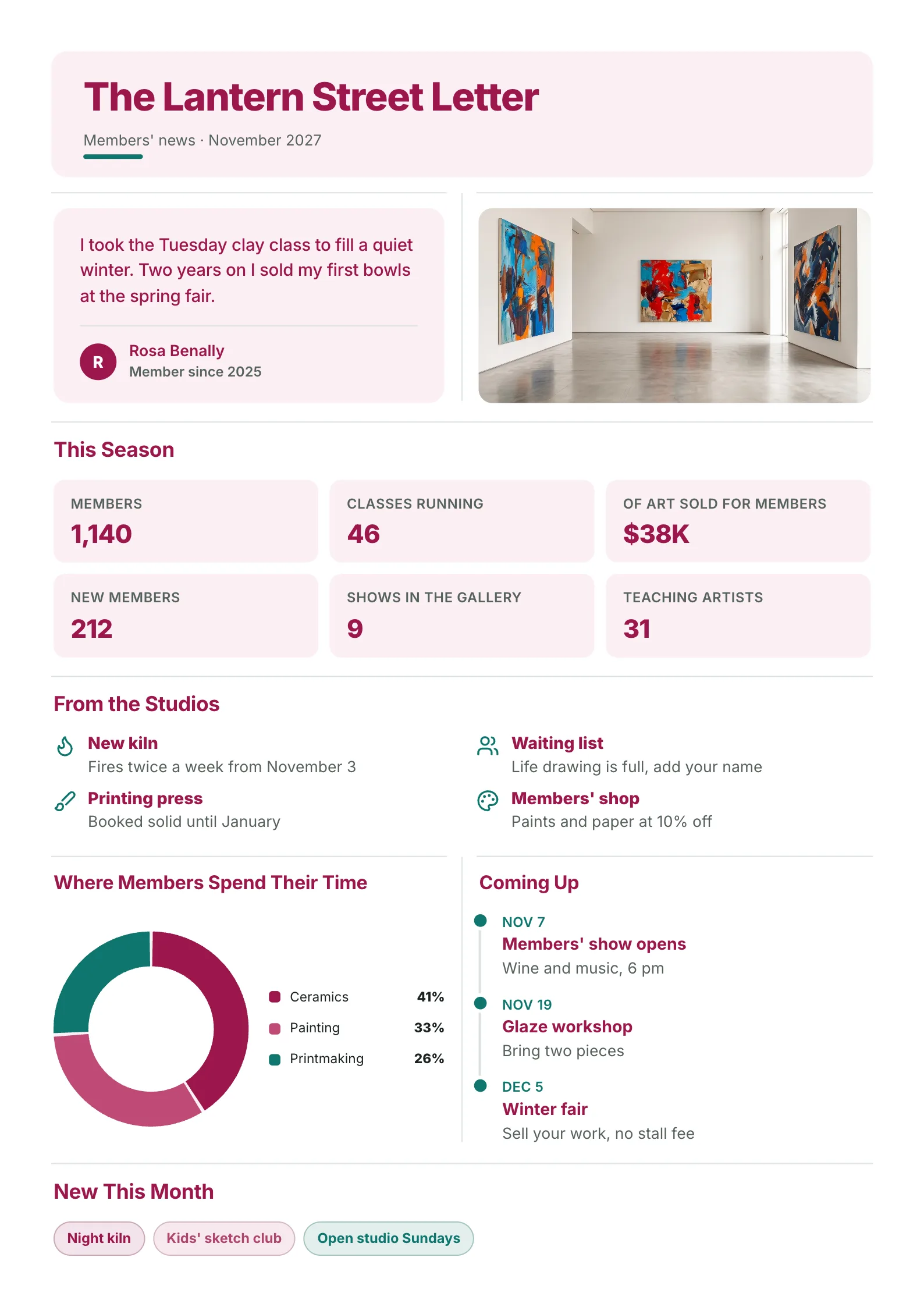
The arts center sample makes the same choice Contra Costa and Solano made with Nathan. It opens with a person. Rosa Benally, a member since 2025, signed up for a Tuesday clay class during a quiet winter. Two years later she sold her first bowls at the spring fair.
A real person's short story pulls your reader in faster than a list of programs. After it come the numbers, 1,140 members and $38,000 of art sold for members. Then studio news, like a new kiln firing twice a week, and the dates coming up.
 Edit this template
A member's story comes before the numbers.
The careers letter: one finding they can use
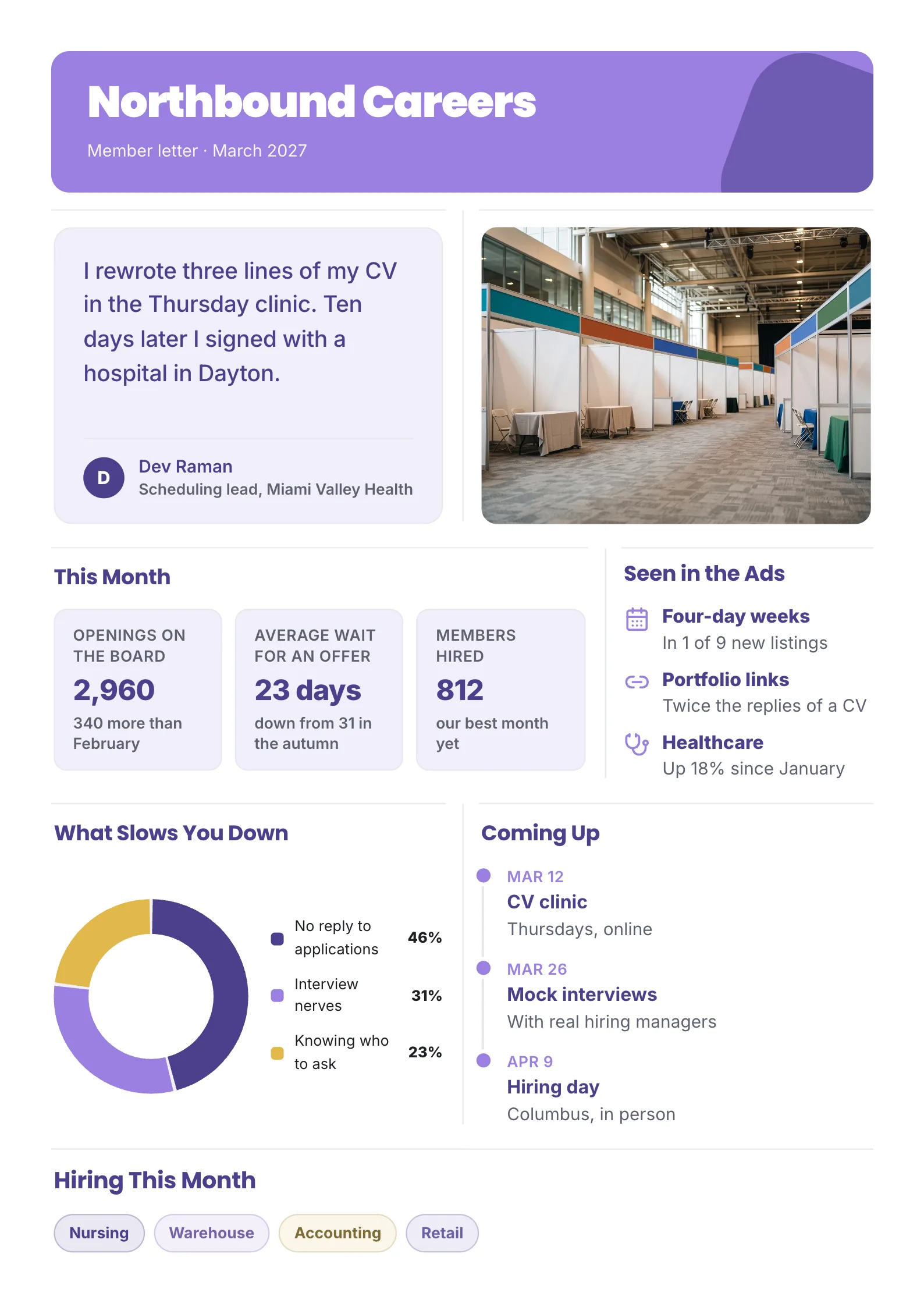
The Northbound Careers sample also opens with a member, Dev Raman, who rewrote three lines of his résumé and signed a job offer ten days later. The Seen in the Ads box is the part to copy. Four-day weeks show up in 1 of 9 new listings. Portfolio links get twice the replies of a résumé. Healthcare listings are up 18% since January.
Those three findings are why a job seeker opens the next issue. If your newsletter teaches your reader one thing each month, you earn a place in a crowded inbox.
 Edit this template
The findings box gives readers a reason to open the next issue.
Our how to write a newsletter guide covers the full writing process. If yours has to fit a single sheet, start with the layouts in the one-page newsletter template post. Teachers and churches have their own collections in the teacher newsletter template and church newsletter template posts.
Start your next issue with one story
Pick the one thing that happened this month that your reader would want to hear about. Write it in three sentences, add your dates and one ask, and send it the same week while the story is still fresh. The five issues above are ready-made layouts in MakeOnepagers if you'd rather not start from blank.
Frequently asked questions
What should a newsletter include?
One lead story, the dates your reader needs, a few short updates and a contact. Add one clear ask, like an event to attend or a deadline to meet. Every example above fits that on one page.
How long should a newsletter be?
As short as your reader's time allows. A parent newsletter can work at under 1,000 words, like McNair's 925. A donor update can run longer if each page has a story. A one-page issue suits most groups that send monthly.
How do I make my newsletter more engaging?
Open with a real person's short story and talk to your reader as "you." The two food banks we read covered the same ground at the same length. The one written to its donors used "you" 2.7 times per 100 words, and the other almost never did.
What are good newsletter sections?
A lead story, dates to know, short news items, a person or member spotlight and a contact block. Schools add reminders by day and things to try at home. Churches add a calendar and birthdays.




