How to Write a Newsletter Your Readers Finish, From Two Real City Newsletters
How to write a newsletter people finish, from 16 issues of two 2026 city newsletters: the headline, the lead story, and why one cut over 40% of its words.

In July 2026, Naperville, Illinois, gave its resident newsletter a makeover. The type got bigger, the boxes got more space, and the words dropped from 1,861 in the May issue to 952 by August. That one change says a lot about how to write a newsletter people actually finish. We also read Ninety North Main from Tooele, Utah, for 16 issues from 2026 between the two cities. Below, each part of an issue gets its own section, with what one or both cities do in it and how to copy it. Start from a free one pager template.
One‑Pager examples
Real One-Pagers made with MakeOnepagers. Open any one to edit it as your own.
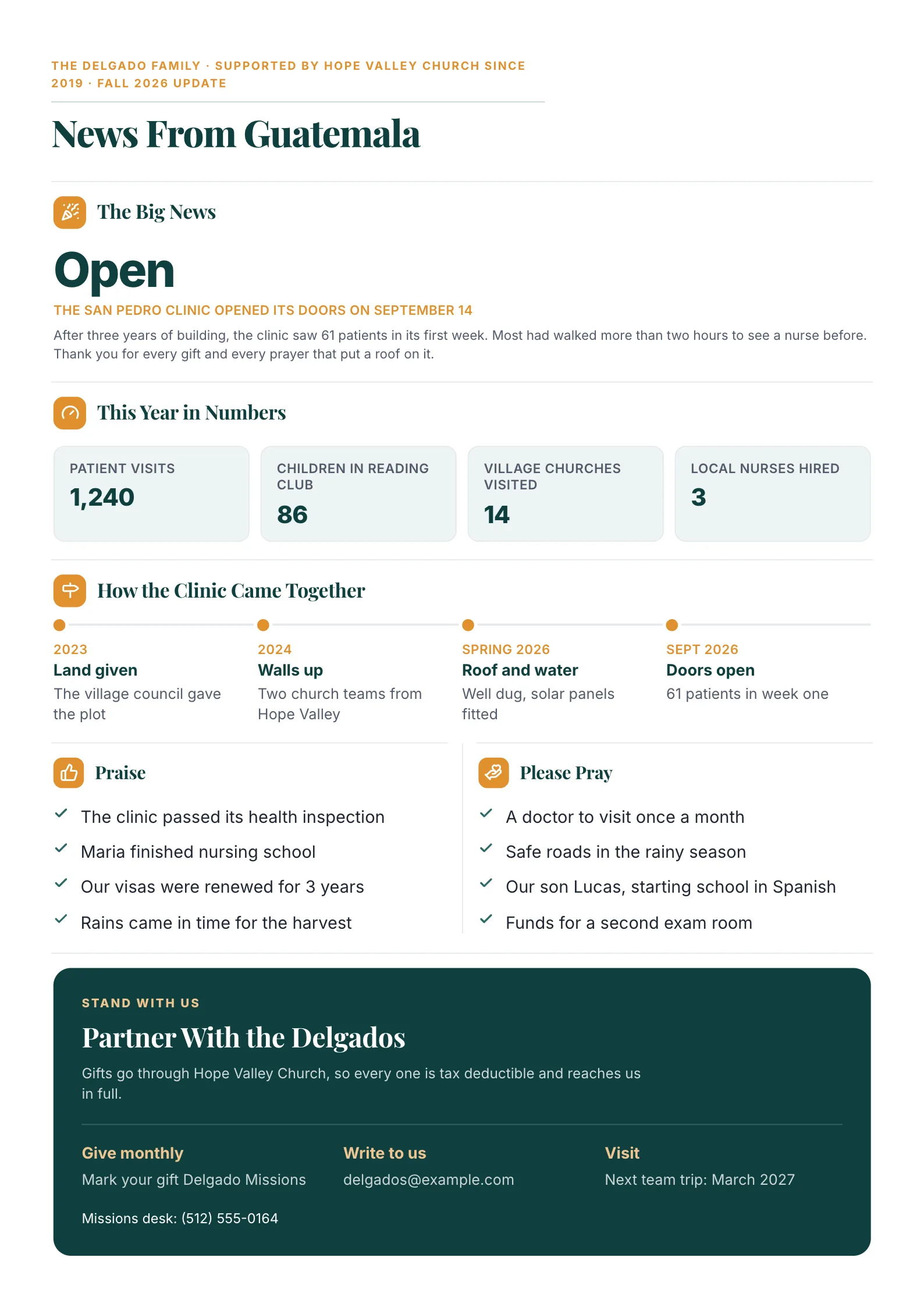 Church Newsletter: Missions UpdateEdit for free(opens in a new tab)
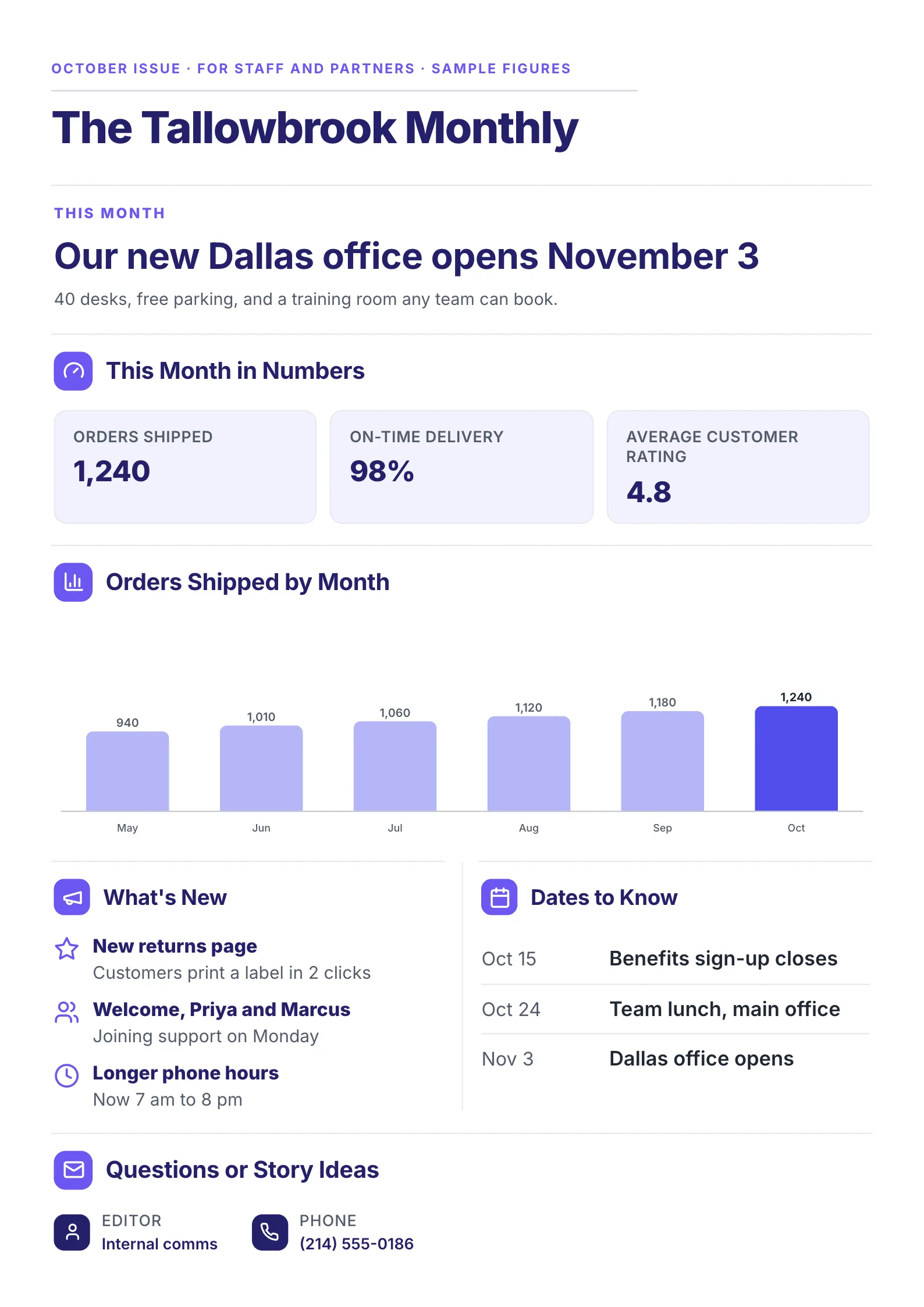 NewsletterEdit for free(opens in a new tab)
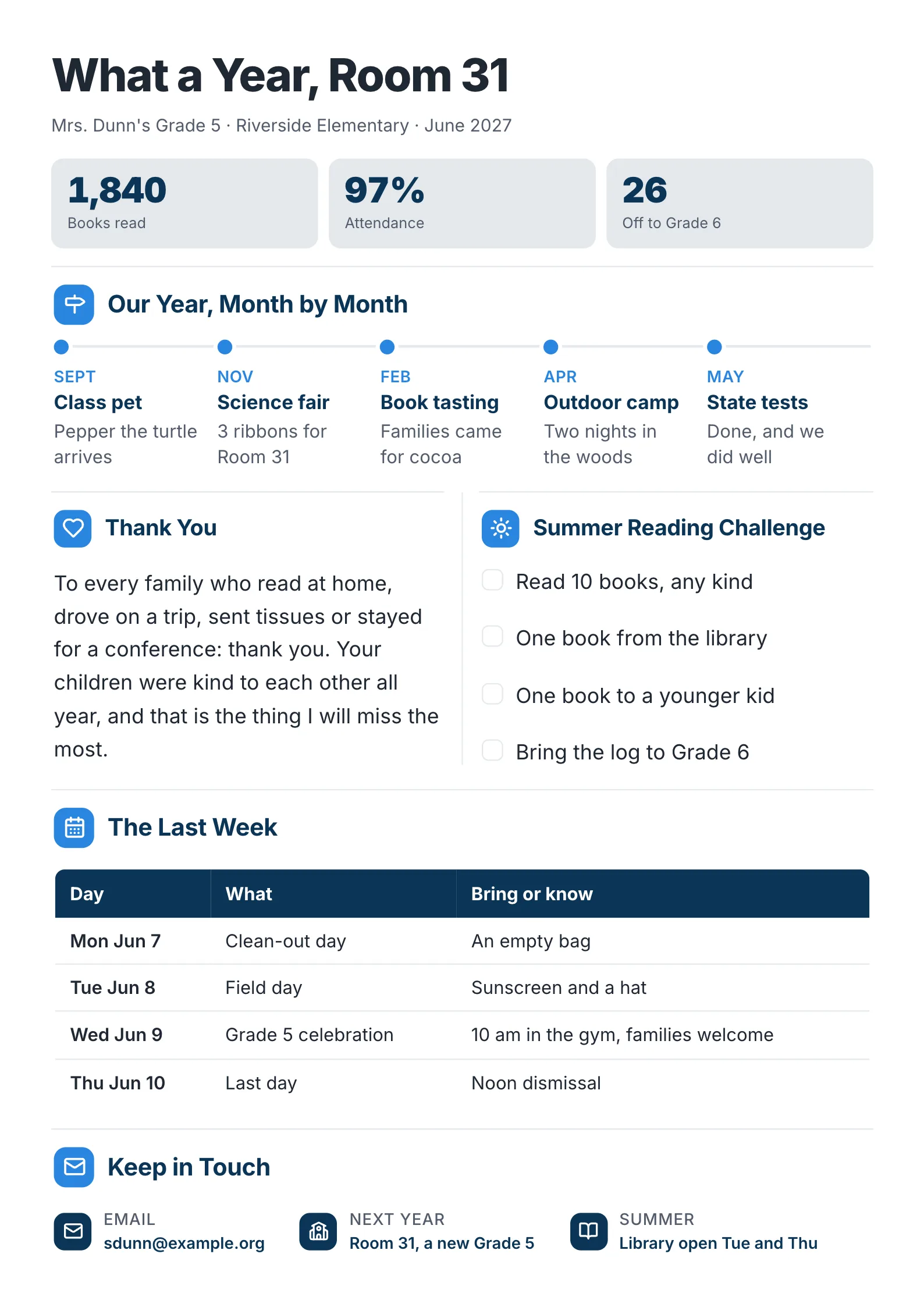 Teacher Newsletter: End of YearEdit for free(opens in a new tab)
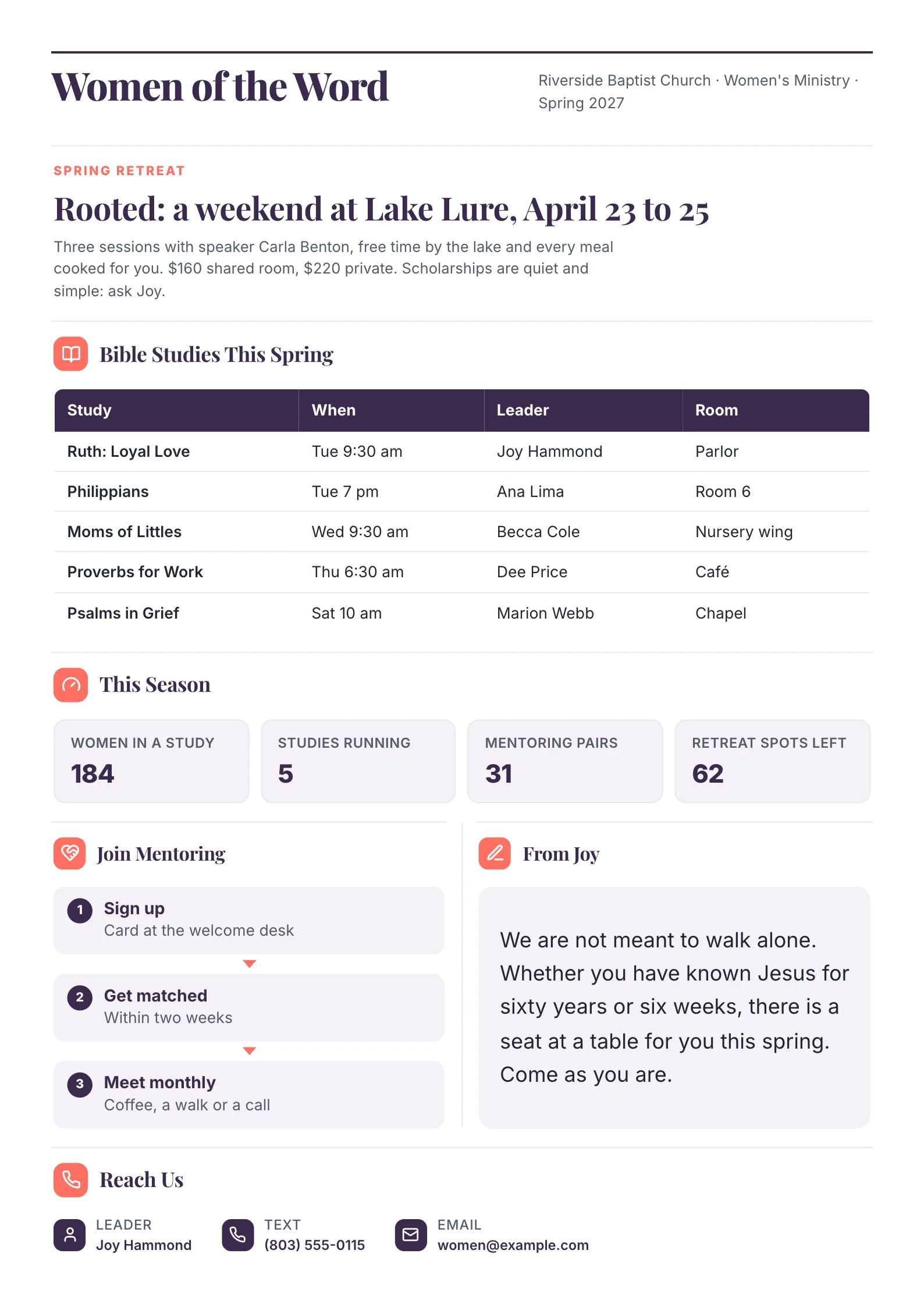 Church Newsletter: Women's MinistryEdit for free(opens in a new tab)
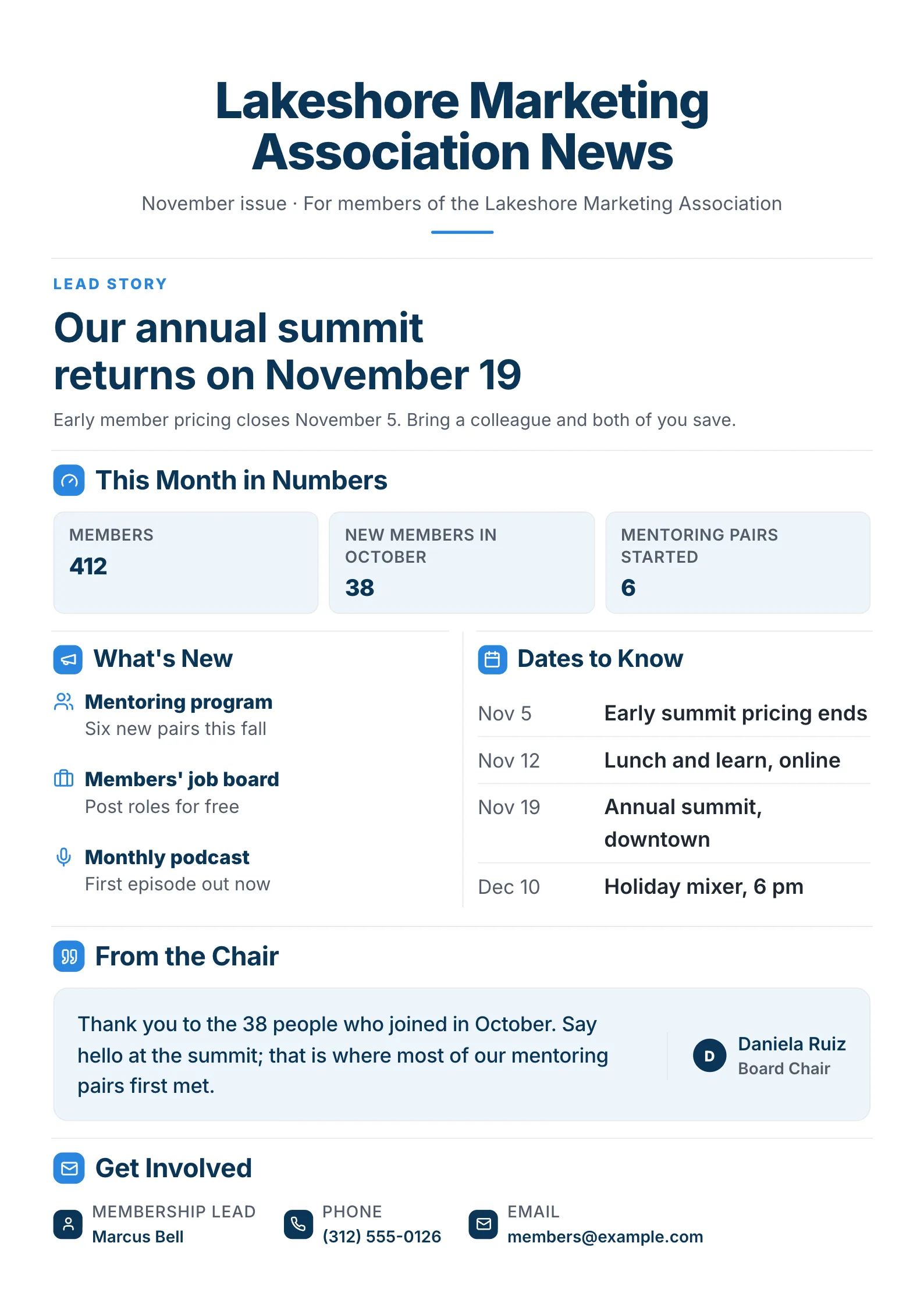 Member NewsletterEdit for free(opens in a new tab)
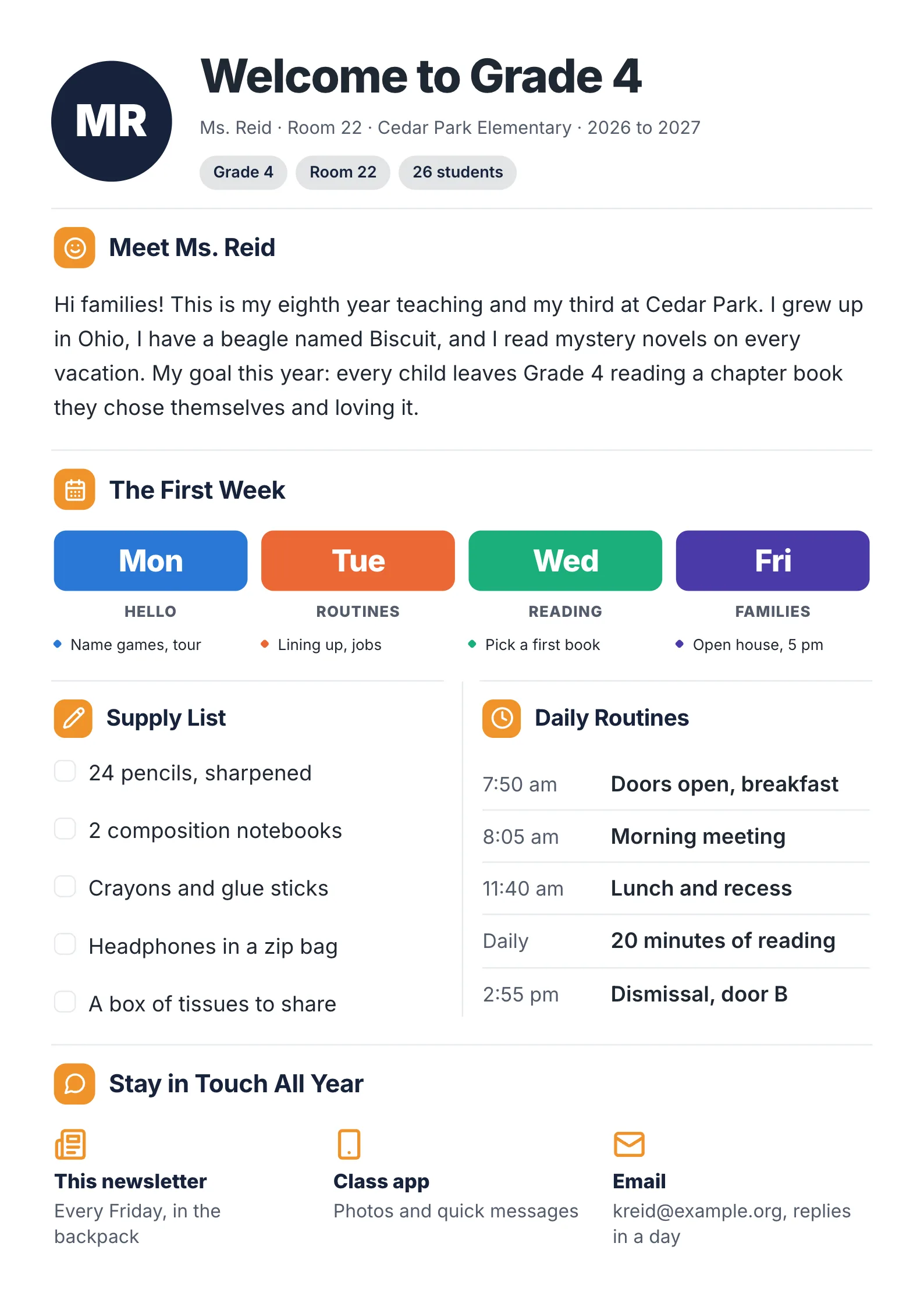 Teacher Newsletter: Back to SchoolEdit for free(opens in a new tab)
The two newsletters, side by side
Both come out once a month with the utility bill. Tooele's page says its newsletter is "mailed to residents with their monthly water utility bill," and Naperville's says its own is "distributed monthly with your utility bill." The same time each month is something you can copy too, because your readers learn when to expect it.
| Part of the issue | Naperville Connected, IL | Ninety North Main, Tooele, UT |
|---|---|---|
| Issues we read | 6, May to October 2026 | 10, January to October 2026 |
| Length | 2 pages, 952 to 1,861 words | 8 pages, 2,475 to 4,999 words |
| Opens with | A lead story, usually with a date | A mayor's message and an "In This Issue" box |
| In every issue | A safety column, a box on city meetings and a contact column | A council column and a calendar of events |
| How it reaches you | Paper with the bill, or email for eBill customers | Paper with the water bill |
Every count in this post comes from the PDFs as posted on October 26, 2026.
The name and the line under it
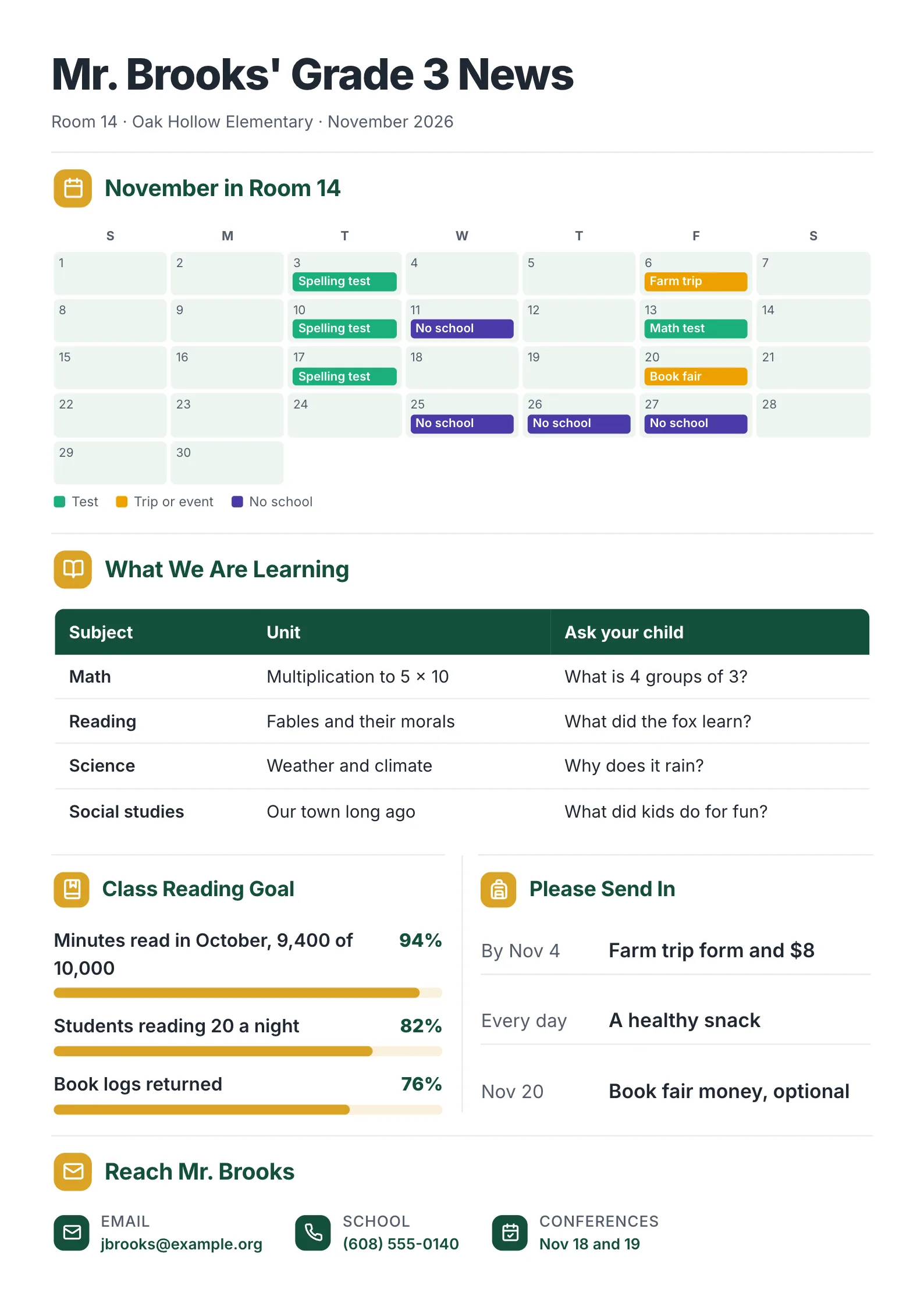
Since July, Naperville puts its purpose right under the name: "The official City of Naperville resident newsletter." In July it also told readers what the newsletter is for: "to share timely and relevant information with residents," about city services, projects and events.
Write one line under your newsletter's name that says who it's for. Your reader should know in a second whether it's meant for them.
 Edit this template
Sample classroom. The line under the name gives the room, the school and the month, so a parent knows in a second it's for their child's class.
The headline, and the subject line if you email it
Naperville's lead headlines are plain. Each one names the thing in a few words: "Labor Day City Closures," "Early Voting at the Municipal Center" and "It's Leaf Collection Season." None of them tries to be clever.
The same rule works for an email subject line. Naperville sends the same newsletter by email to its eBill customers, so the issue has to make sense from the inbox too. Put the most useful thing in the subject line, in a few plain words, such as "Leaf collection starts October 19." Then your reader knows why to open it.
The lead story
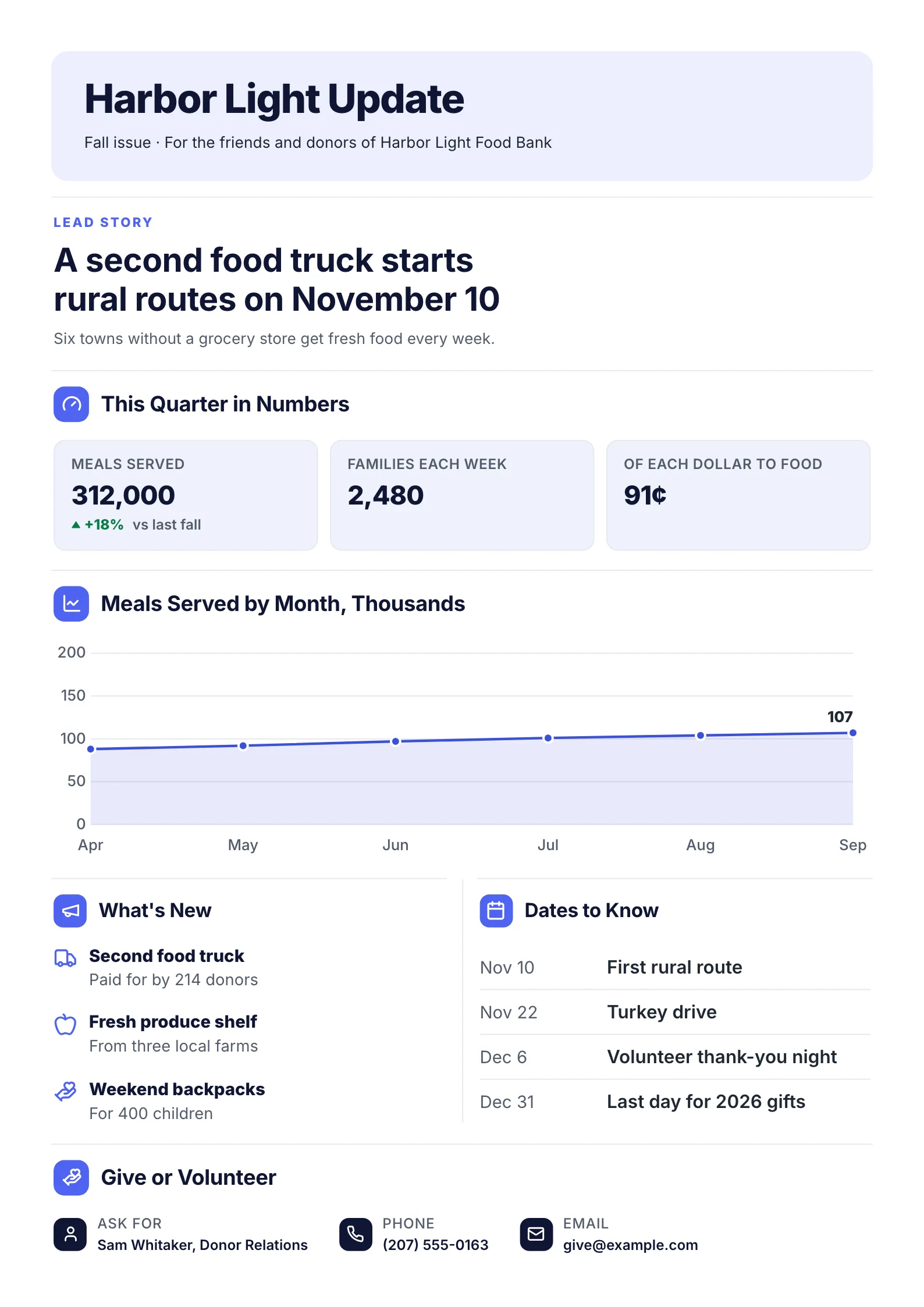
In Naperville, the lead story is almost always something your reader can put on a calendar. October opens with leaf collection, from October 19 to November 25. September opens with early voting. August opens with city closures for Labor Day.
Put the date in your first sentence. Tell your reader what's happening and when, and what they need to do. News about what already happened can go lower.
 Edit this template
Sample food bank. The lead story opens with the date the new truck starts, then says in one line what it means for six towns.
The parts that repeat every issue
Both cities keep the same parts from issue to issue. All 10 Tooele issues open with a mayor's message and an "In This Issue" box on page 1, and all 10 carry a council column and a calendar of events. All 6 Naperville issues carry a safety column called A Safer Naper, a box on city meetings and a contact column.
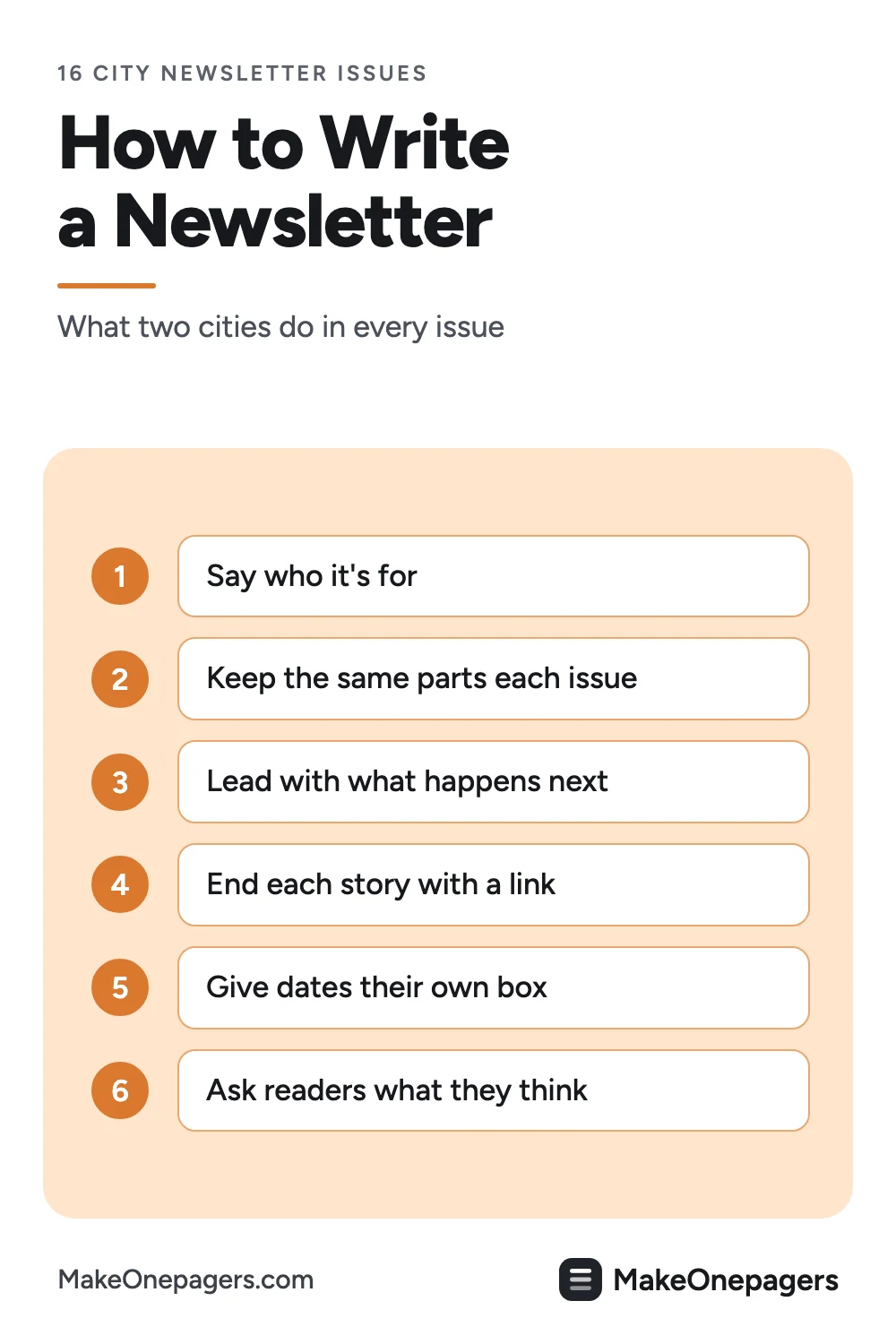
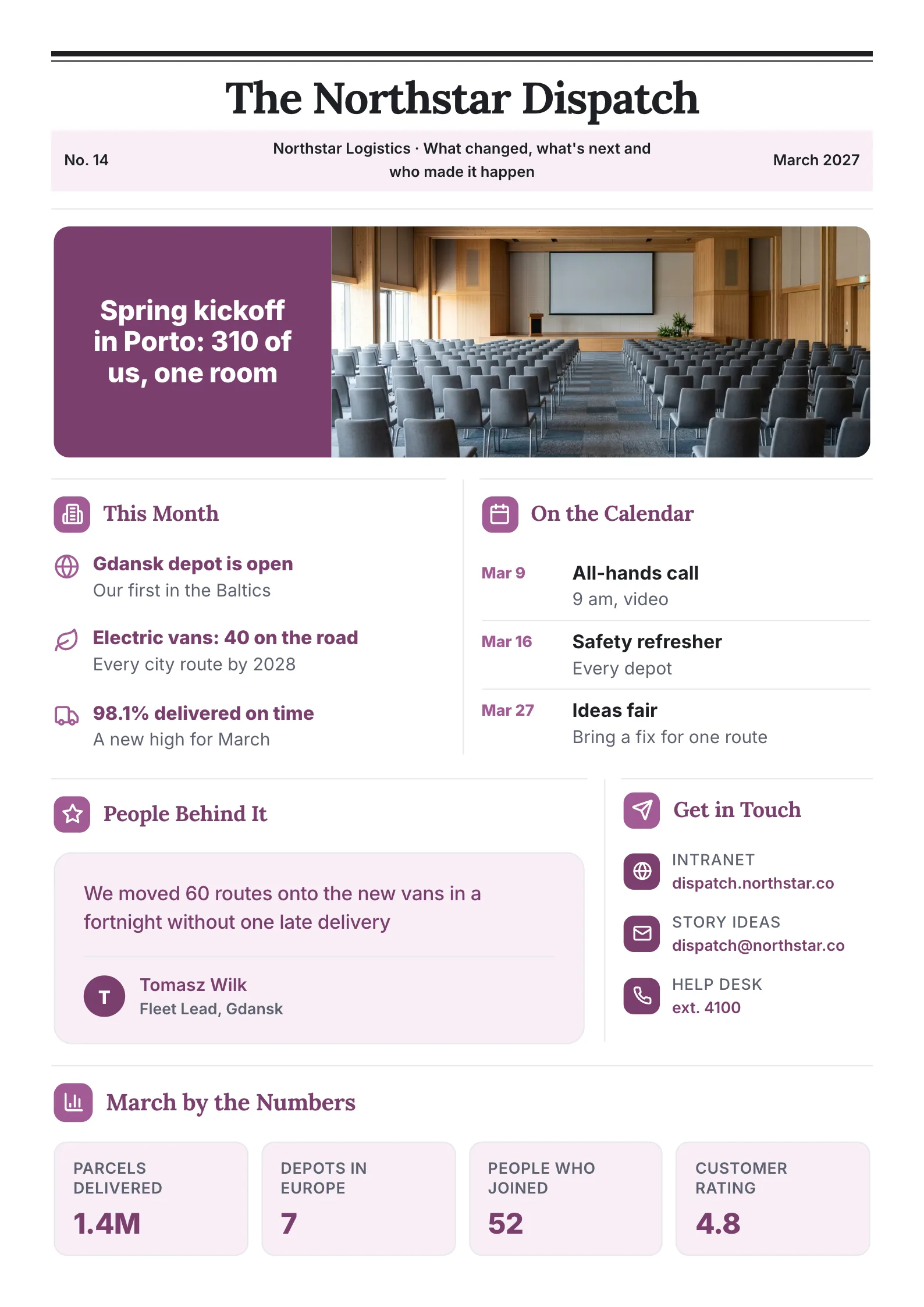
Repeating parts help your readers find things, and they make each issue faster to write. Pick three or four that will show up every time, such as a lead story, what's new, dates and who to contact. Then you only fill them in.
 Edit this template
Sample company. Each box can stay the same month after month: lead story, updates, dates, a spotlight and the numbers.
Short items that point somewhere
Each Naperville issue fits about 16 to 24 different web addresses, email addresses or short links onto two pages. In the October issue, 8 of the 9 items give a link, a phone number or an email. The item gives the short version, and the link has the rest.
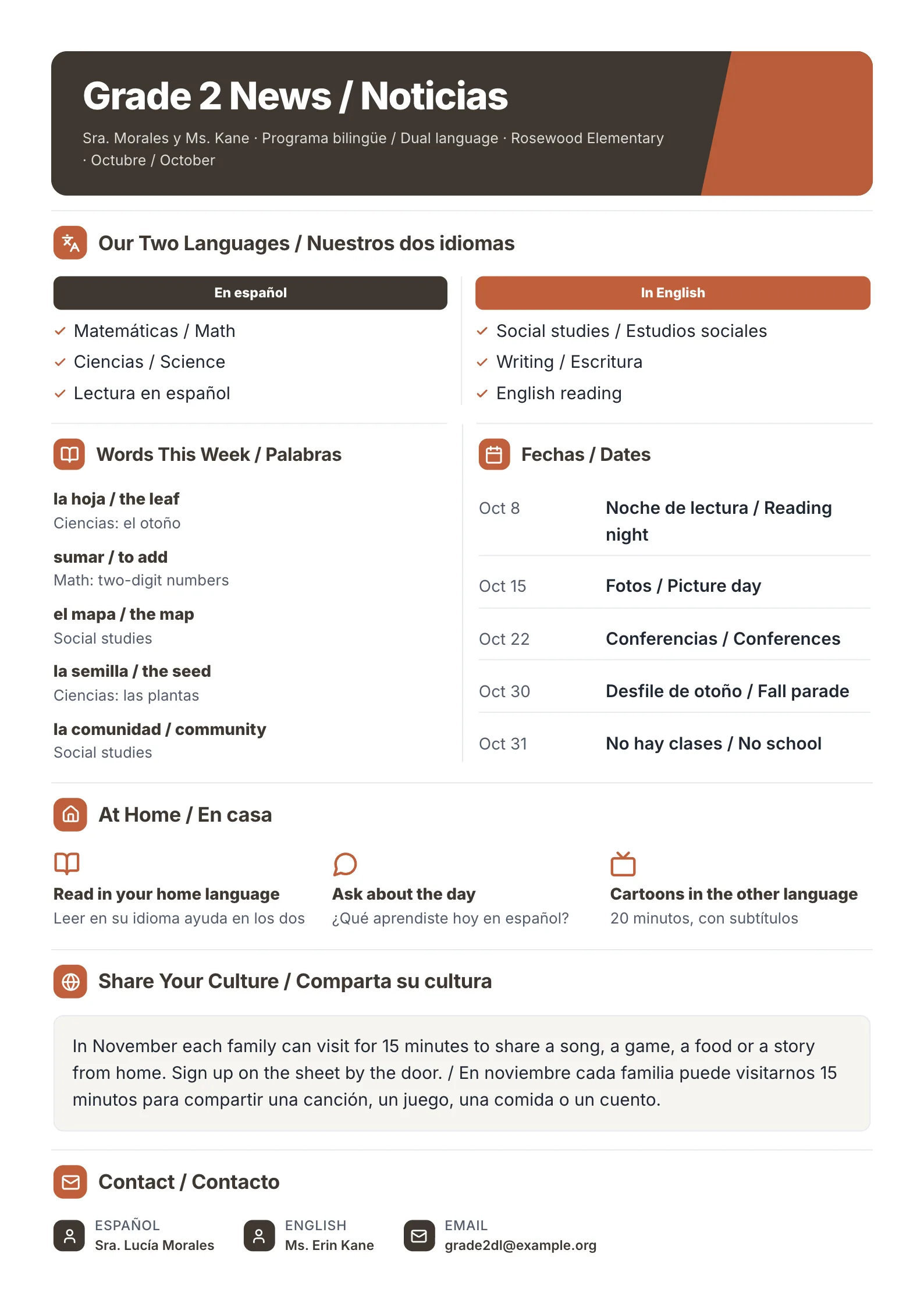
Keep each of your items to a short paragraph, or even one line. If you can't say it that briefly, give it its own page and link to it.
 Edit this template
Sample bilingual classroom. Each date gets one short line, and the last row gives your reader two names and an email.
Space and type
Naperville's July issue opens with a note on its own makeover: "a larger and easier-to-read font, and more space between design elements." Its May and June issues averaged 1,761 words. The four issues after the change averaged 1,006.
Tooele's issues got shorter too. Its January to May issues averaged 4,342 words, and its August to October issues averaged 2,560, on the same eight pages.
Naperville's note says the change was made "to modernize the newsletter and make it more accessible." So cut your words before you shrink your type.
Dates and contacts
Every Tooele issue gives you a calendar of events. Every Naperville issue has a column with the mayor, the city council, the city manager and the phone numbers people need most.
Give your dates a box of their own, in date order, so your reader finds them in seconds. Then end with who to contact, by name, phone and email.
 Edit this template
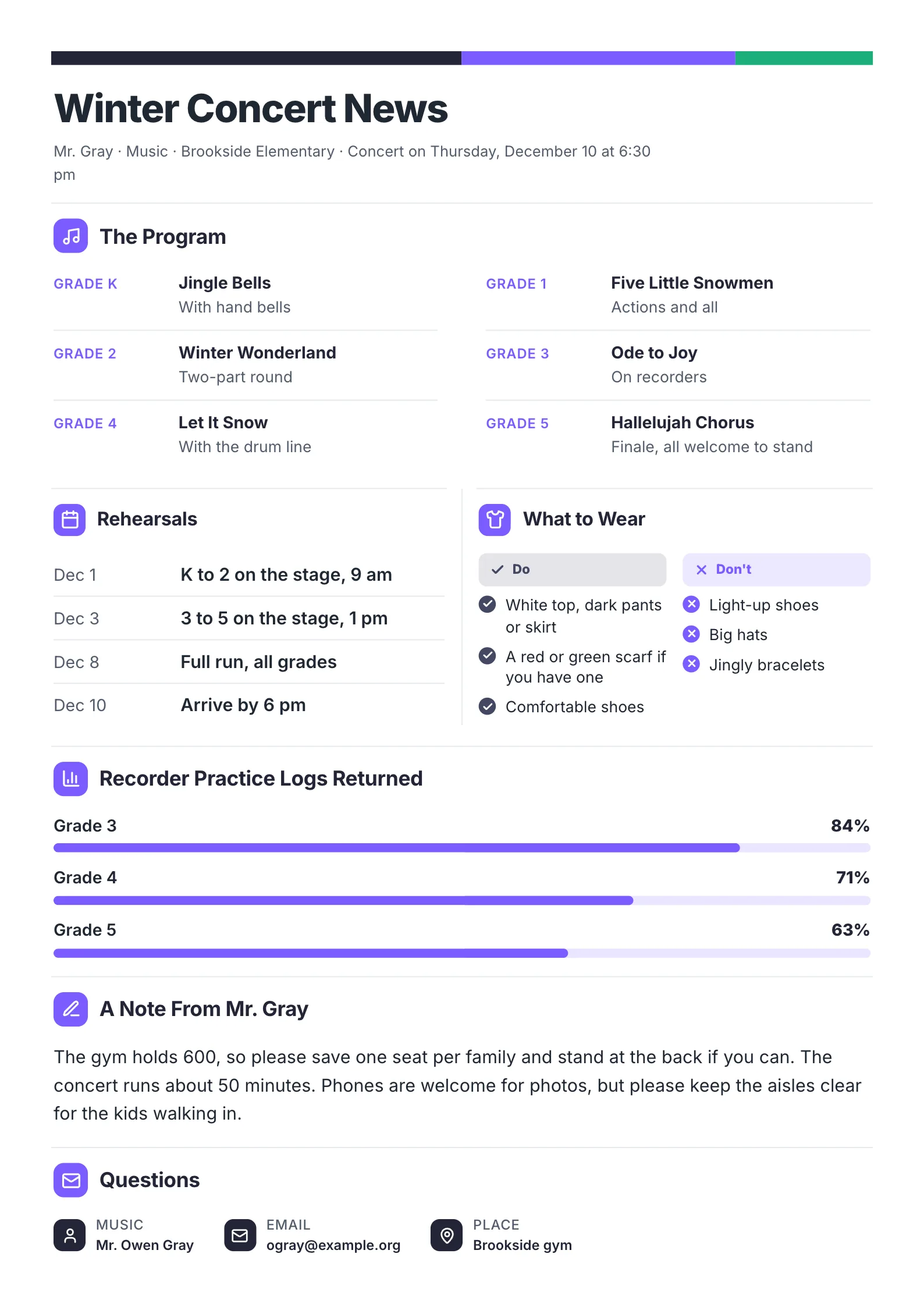
Sample teacher and school. The rehearsal dates have their own box, and the last row says who to ask and where the concert is.
A question for your readers
Tooele's May, July and August issues put a "Quick Newsletter Survey" on page 1, right under the In This Issue box. In May and July it says the survey takes "less than 30 seconds to complete," and readers answer by scanning a code.
Ask one or two questions once or twice a year, such as which part you read first and what you'd like more of. Then change your next issue to match what you hear.
Before you send it
- The line under the name says who it's for.
- The headline and subject line name the thing and the date in a few plain words.
- The lead story has the date in its first sentence.
- The repeating parts are all there, in the same order as last time.
- Every item is short and gives a link, phone or email.
- The type is big enough to read without zooming, with space around each part.
- The dates sit in their own box, in order.
- The last box says who to contact.
Make your newsletter
Pick the one story your readers most need this month and give it the top of the page. Then add what's new, the dates to know and one person to contact. Browse every newsletter design in MakeOnepagers, or turn your notes into a first draft with our One-Pager maker (free for 7 days). You'll find more layouts on our one page newsletter template page. For your congregation, see the church newsletter template page, and for your class, the teacher newsletter template page.




