Newsletter Checklist: 6 Checks We Ran on 8 Real Newsletters
A newsletter checklist tested on 8 real 2026 newsletters. All 8 put a date up top, yet 2 printed a wrong date and 5 of 6 long issues had no contents list.

Your newsletter checklist should catch the mistakes your readers would spot first. A wrong date. No phone number. A long issue with no list of what's inside. To find out which checks matter, we ran 6 of them on 8 printed and PDF newsletters published in 2026, from a city hall, a town senior center, a county office, 3 school groups and 2 nonprofits. Start from a free one pager template.
One‑Pager examples
Real One-Pagers made with MakeOnepagers. Open any one to edit it as your own.
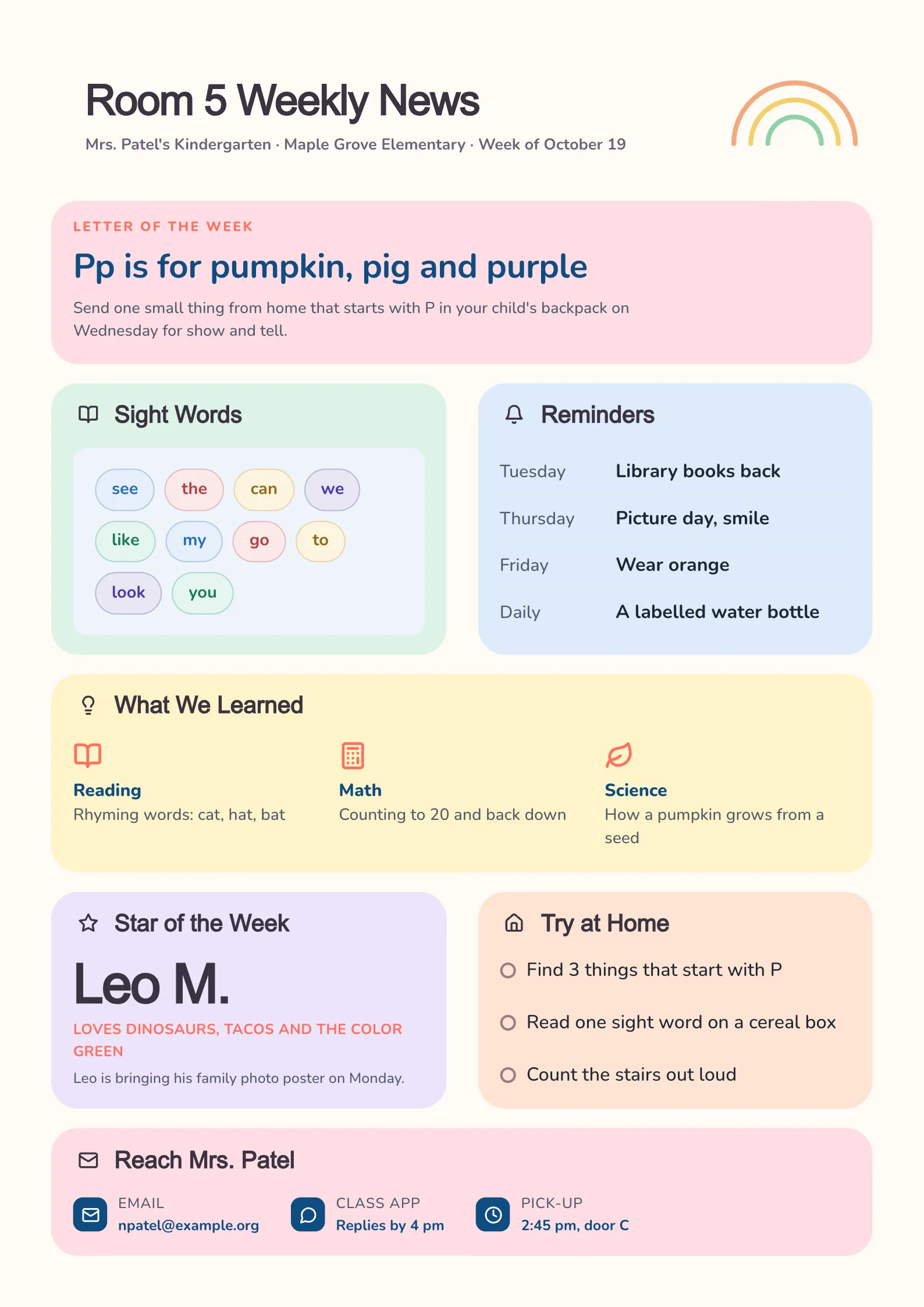 Teacher Newsletter: Kindergarten WeeklyEdit for free(opens in a new tab)
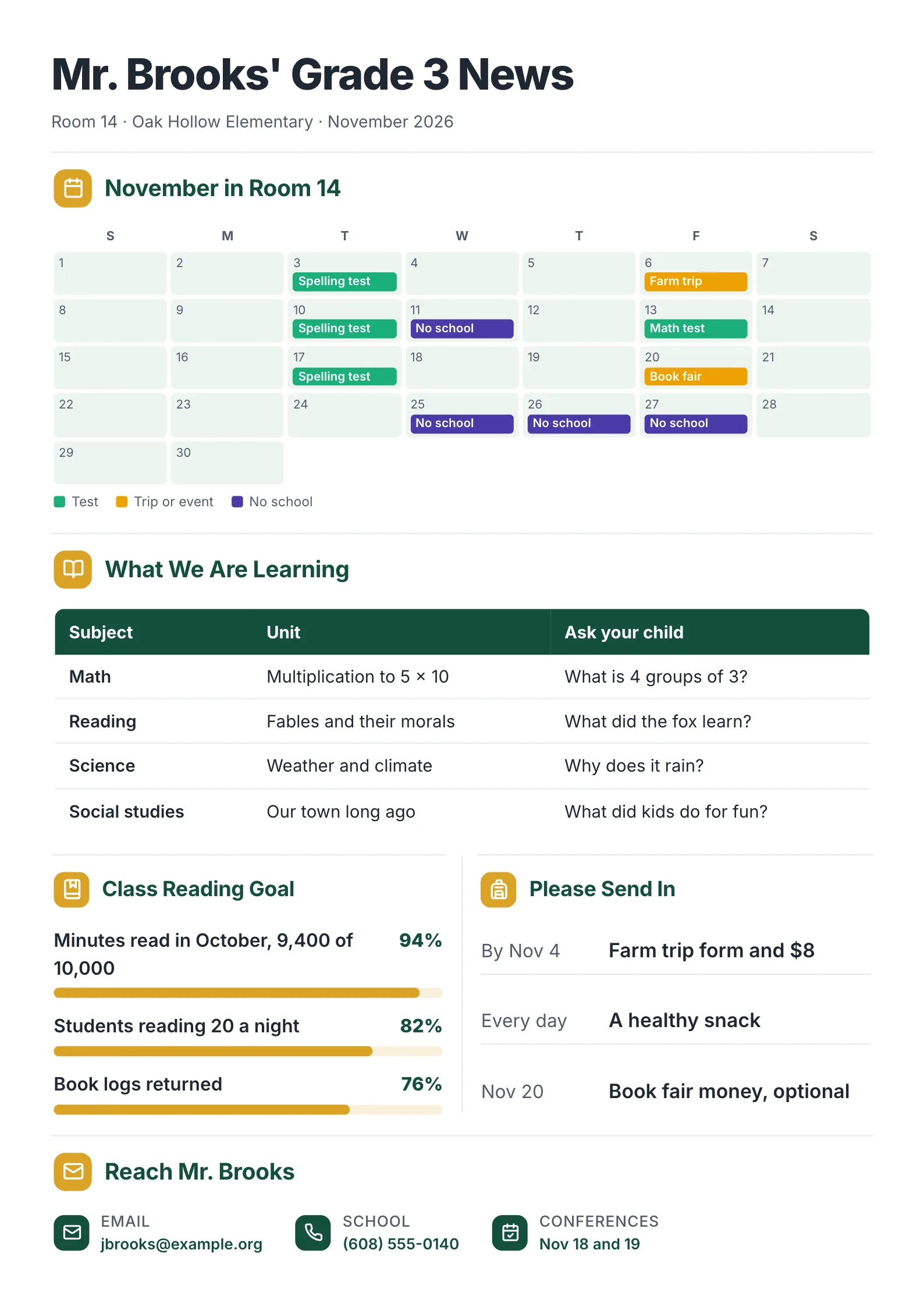 Teacher Newsletter: Grade 3 MonthlyEdit for free(opens in a new tab)
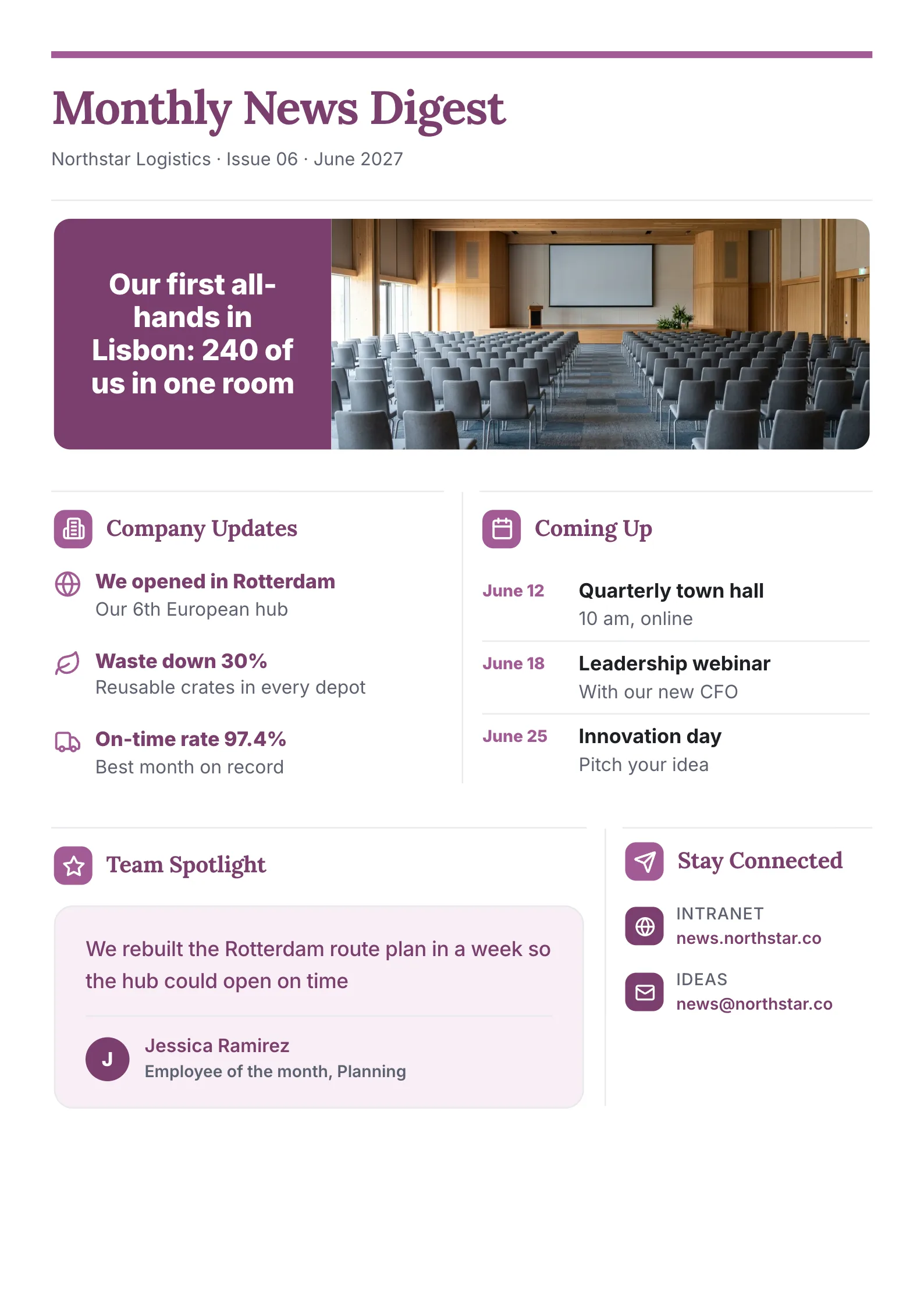 Staff Newsletter One-PagerEdit for free(opens in a new tab)
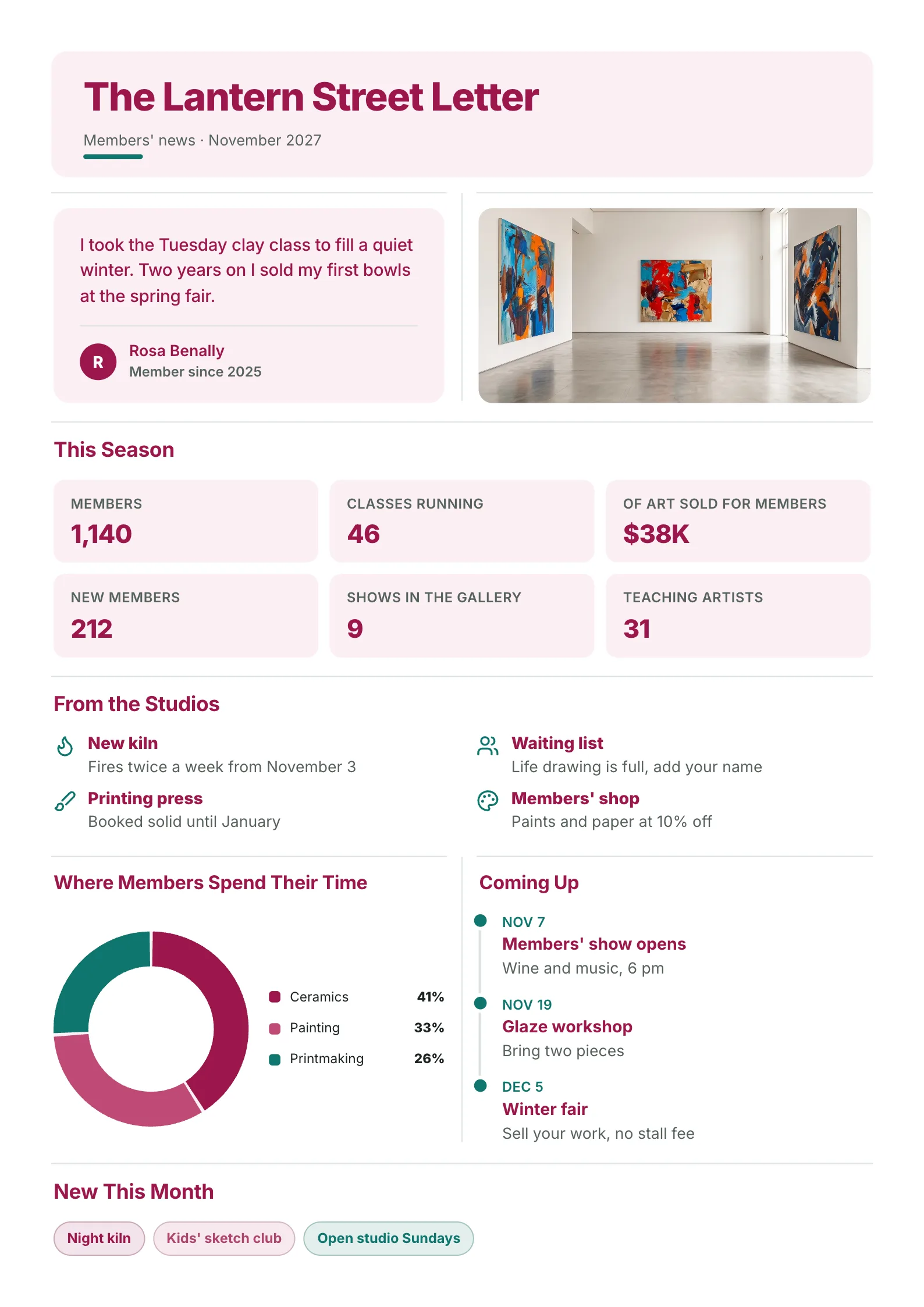 Arts Centre Member NewsletterEdit for free(opens in a new tab)
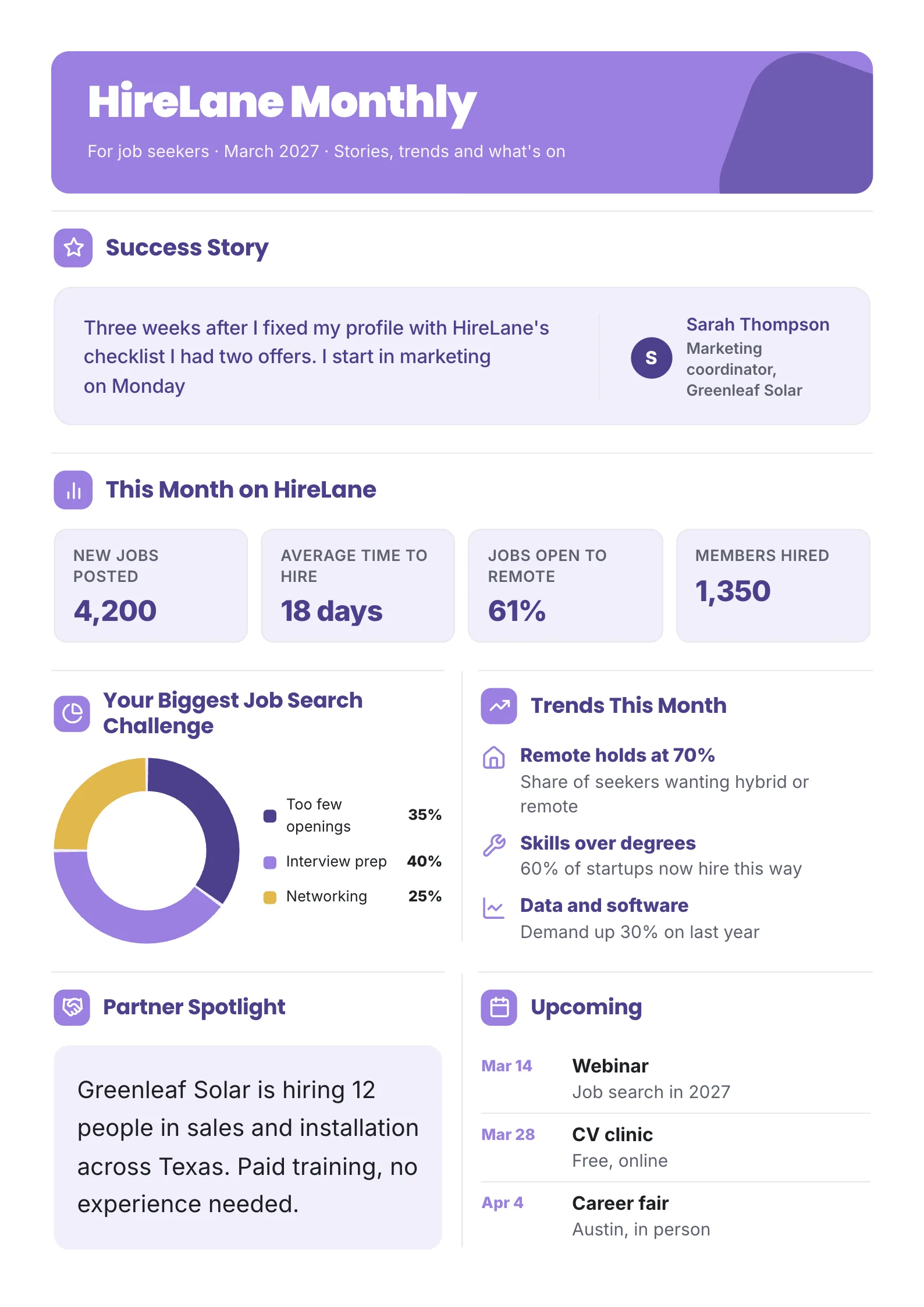 Job Seekers Newsletter One-PagerEdit for free(opens in a new tab)
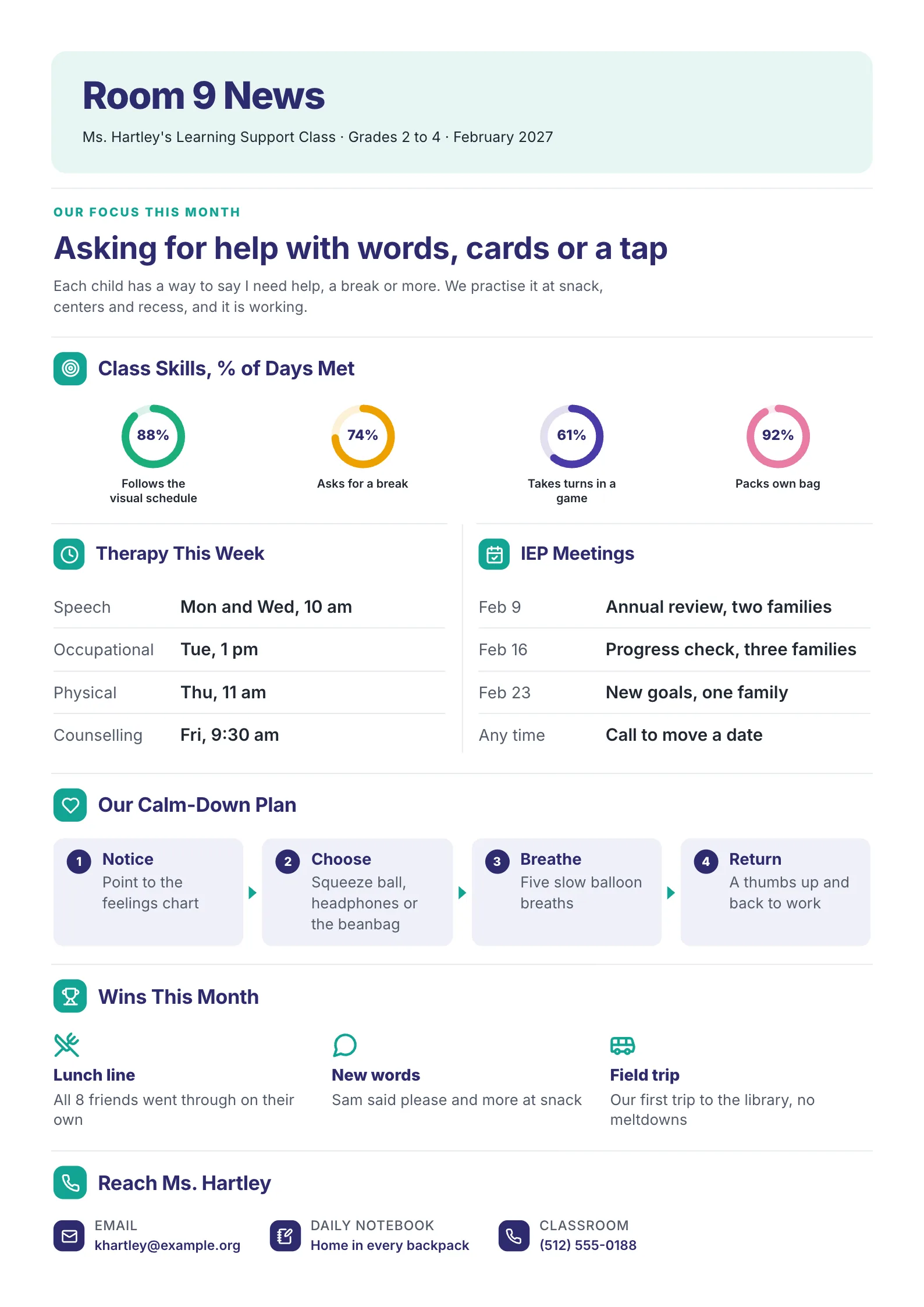 Teacher Newsletter: Special Education ClassroomEdit for free(opens in a new tab)
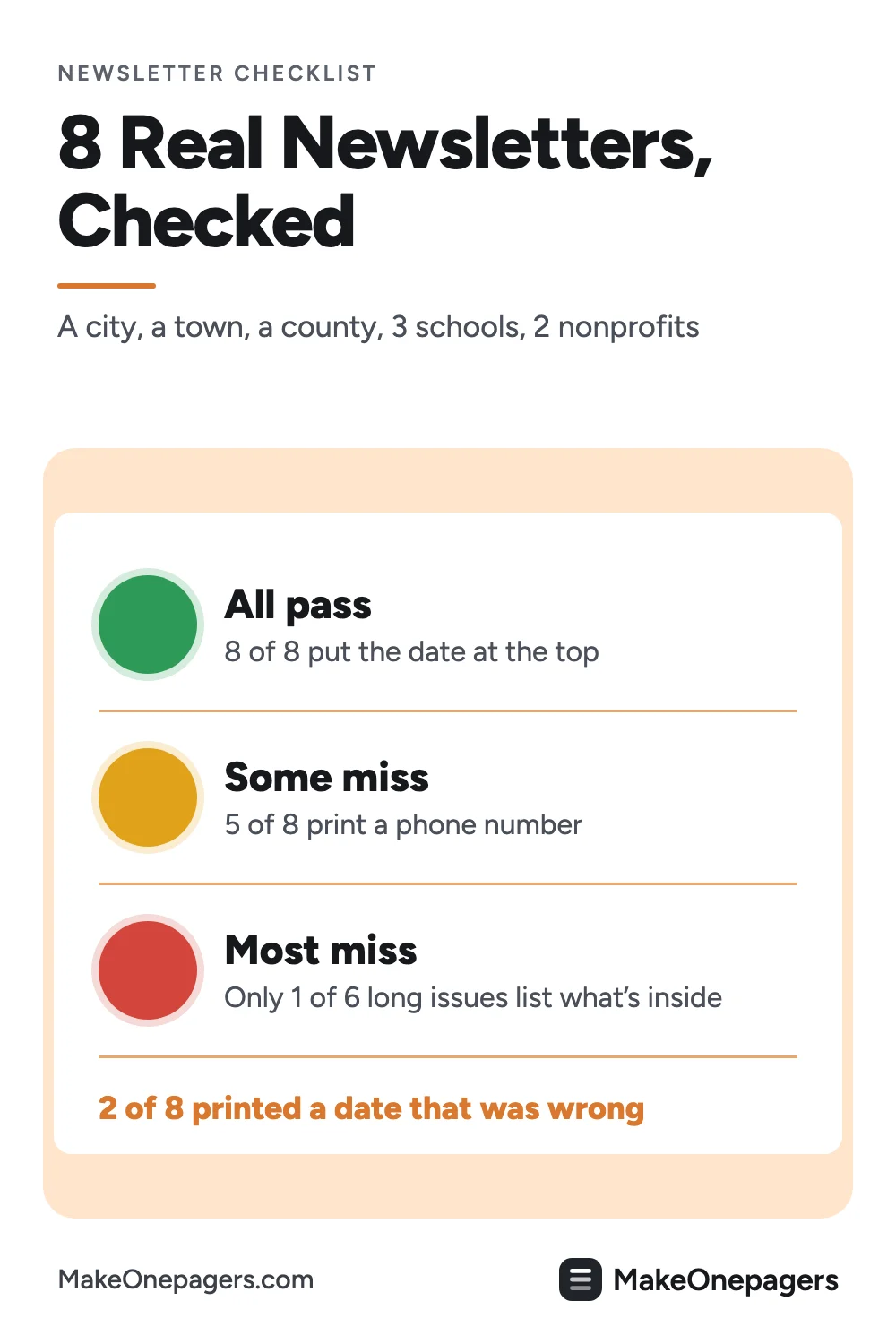
All 8 printed the month and year up top. Only 1 of the 6 long issues listed what's inside. Three printed no phone number. And 2 of the 8 printed a date that was simply wrong. Here's the full checklist, then what each newsletter got right and missed.
The newsletter checklist
Run these before you print, post or send. The first six are the ones we measured.
- The month and year sit at the top. Readers keep printed issues, so "November issue" alone ages badly.
- Every date matches its weekday and year. Check each "Thursday, August 5" against a calendar.
- A phone number is printed. Give readers who'd rather call a number to call.
- An email address is printed. Name a real person or one inbox that someone reads.
- A web address is printed in full. Type it out, so a reader holding paper can find it.
- An issue of 6 pages or more lists what's inside. Put it on page 1, with page numbers.
- The thing readers must act on comes first. A meeting date or a deadline beats a tip.
- Each event has a day, a time and a place. Missing any one sends people to the phone.
- Closures and changes have their own box. People scan for what's different this month.
- The issue says where the next one will be. Give the web page or the mailing list.
How 8 real newsletters scored
We downloaded each newsletter as a PDF on November 5, 2026, and read every page. Each mark below traces to the issue itself. Click any name to open the issue and check it yourself.
| Newsletter | Pages | Date up top | Every date right | Phone | Web address | Contents list (6+ pages) | |
|---|---|---|---|---|---|---|---|
| City of Goodhue, MN, November 2026 | 2 | Yes | Yes | No | No | No | Not needed |
| NYC Public Schools, October 2026 | 2 | Yes | No | No | No | Yes | Not needed (has one) |
| Warren/Hamilton Counties Office for the Aging, NY, Fall 2026 | 6 | Yes | Yes | Yes | Yes | Yes | No |
| Littleton Conservation Trust, MA, Fall 2026 | 6 | Yes | Yes | No | Yes | Yes | No |
| Northfield Senior Center, MA, November 2026 | 8 | Yes | Yes | Yes | Yes | Yes | No |
| Chariho Regional School District, RI, October 2026 | 11 | Yes | Yes | Yes | Yes | Yes | No |
| Arts in Action Community Charter School, CA, November 2026 | 23 | Yes | Yes | Yes | Yes | Yes | No |
| Friends of Kinder Farm Park, MD, Summer 2026 | 24 | Yes | No | Yes | Yes | Yes | Yes |
| Total | 2 to 24 | 8 of 8 | 6 of 8 | 5 of 8 | 6 of 8 | 7 of 8 | 1 of 6 |
Two dates that were wrong
Check 2 caught real mistakes in two issues.
The weekday. The Friends of Kinder Farm Park newsletter invites you twice, on page 1 and again on page 5, to its livestock show at 6:00 PM on "Thursday, August 5, 2026." August 5, 2026 was a Wednesday. A reader who trusts the weekday shows up a day late. August 5 last fell on a Thursday in 2021, so reusing an old flyer and changing only the year gives you exactly this slip.
The year. NYC Public Schools' October update lists "November Parent-Teacher Conferences" in its contents box. The heading on page 2 reads "November 2027 Parent-Teacher Conferences." The text below it gets it right: conferences begin "on Thursday, November 5," which is this year.
To catch both, print your draft and check every date with a calendar open beside it. Read the headings too, since that's where the NYC slip sat.
Contacts: the 2-page issues missed the most
The two shortest issues printed the fewest ways to reach anyone. Goodhue's 2-page city newsletter has council meeting dates, street parking rules and a warning about grease in the sewer lines, but no phone number, email or web address. It only says past issues are "on our website - under Government, Newsletters." NYC's 2-page update prints 16 different web addresses but no phone number or email.
Compare Northfield's senior center. Its phone number, its web address and its email all sit on page 1, next to the names of the director, the assistant and 8 board members. If a reader has one question, they don't have to turn a page. Put your own contact line in the same spot on every issue, so readers learn where to look.
If your newsletter is short, keep the contact line anyway. One line at the bottom covers checks 3, 4 and 5.
Long issues need a list of what's inside
Six of the 8 newsletters run 6 pages or more. Only one of those six, Kinder Farm's 24-page issue, opens with an "Inside This Issue" box, and every entry has a page number. It even adds, "You can select the title in the index and go directly to the article." The 23-page charter school issue and the 11-page district issue have nothing like it.
The 2-page NYC update has a contents box too, with 8 entries. On a short issue that's a nice touch. On a long one it's what keeps readers from giving up on page 3. If your issue runs 6 pages or more, add the list before you add another story.
What goes first on page 1
Goodhue's November issue opens with water-saving tips. The change to its council meetings, one meeting each on November 18 and December 16, comes second. The tips can wait a month. The meeting dates can't. When you plan page 1, ask what a reader has to do this month, and put that on top. Move your tips and stories below it.
Chariho's October issue does this well. Its page 2 bond update puts the date of the community vote, "NOVEMBER 3, 2026," near the top, then tells you where to send a question. The Warren County issue gives meal site closures their own list, starting with Columbus Day, Monday, October 12th.
Five sample newsletters, checked the same way
We ran the same checks on five MakeOnepagers samples. Every person, phone number and figure in them is invented, so swap in yours. Here's what each one passes, and what to fix when you make it yours.
A member newsletter with every contact in one box
 Edit this template
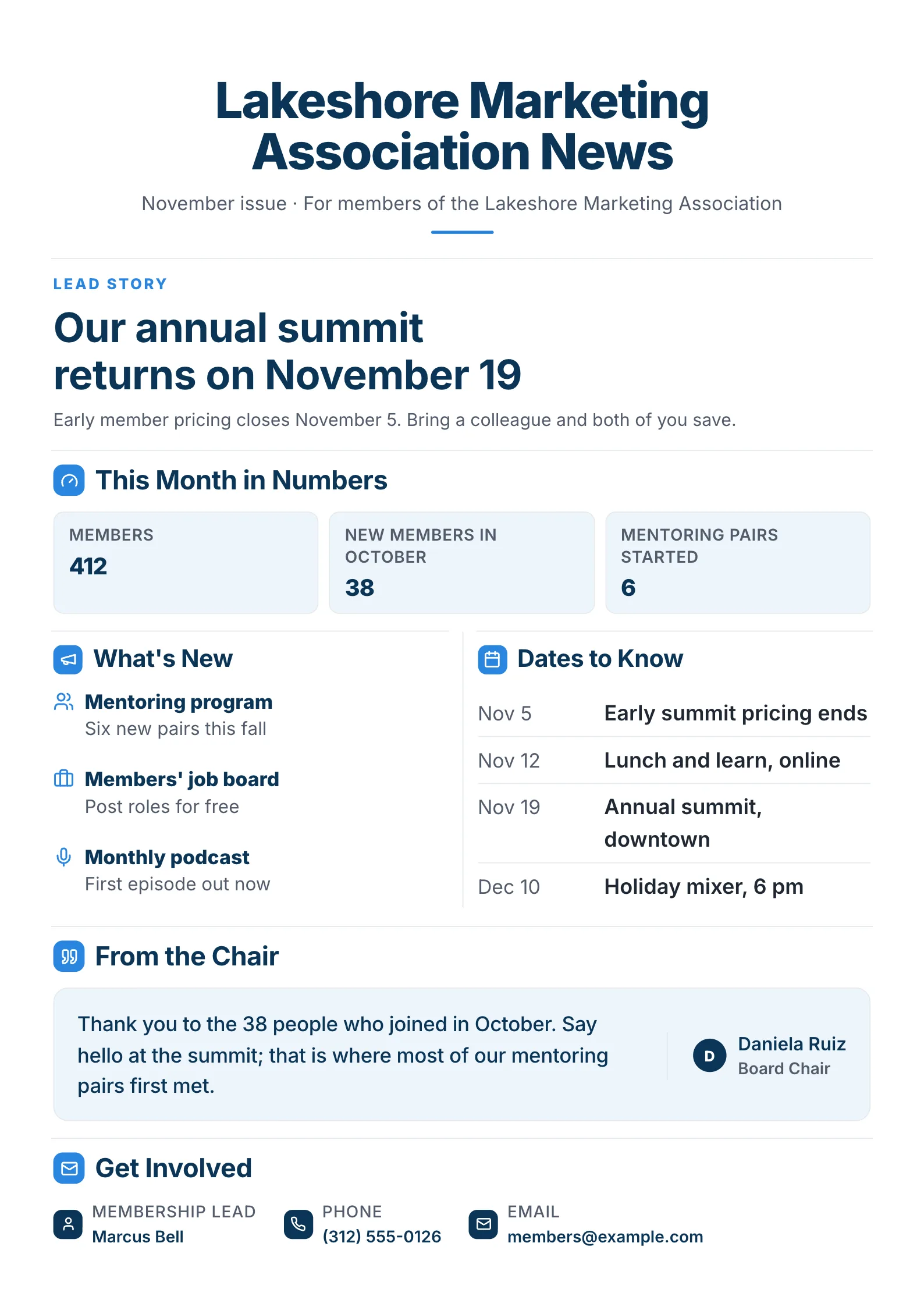
This member newsletter leads with the thing to act on: the summit on November 19, with early pricing closing November 5. Its "Get Involved" box names Marcus Bell with a phone number and an email, so it passes checks 3 and 4 in one spot. Its issue line says "November issue" with no year. When you make yours, add the year, as all 8 real newsletters did.
A donor newsletter with four dates to know
 Edit this template
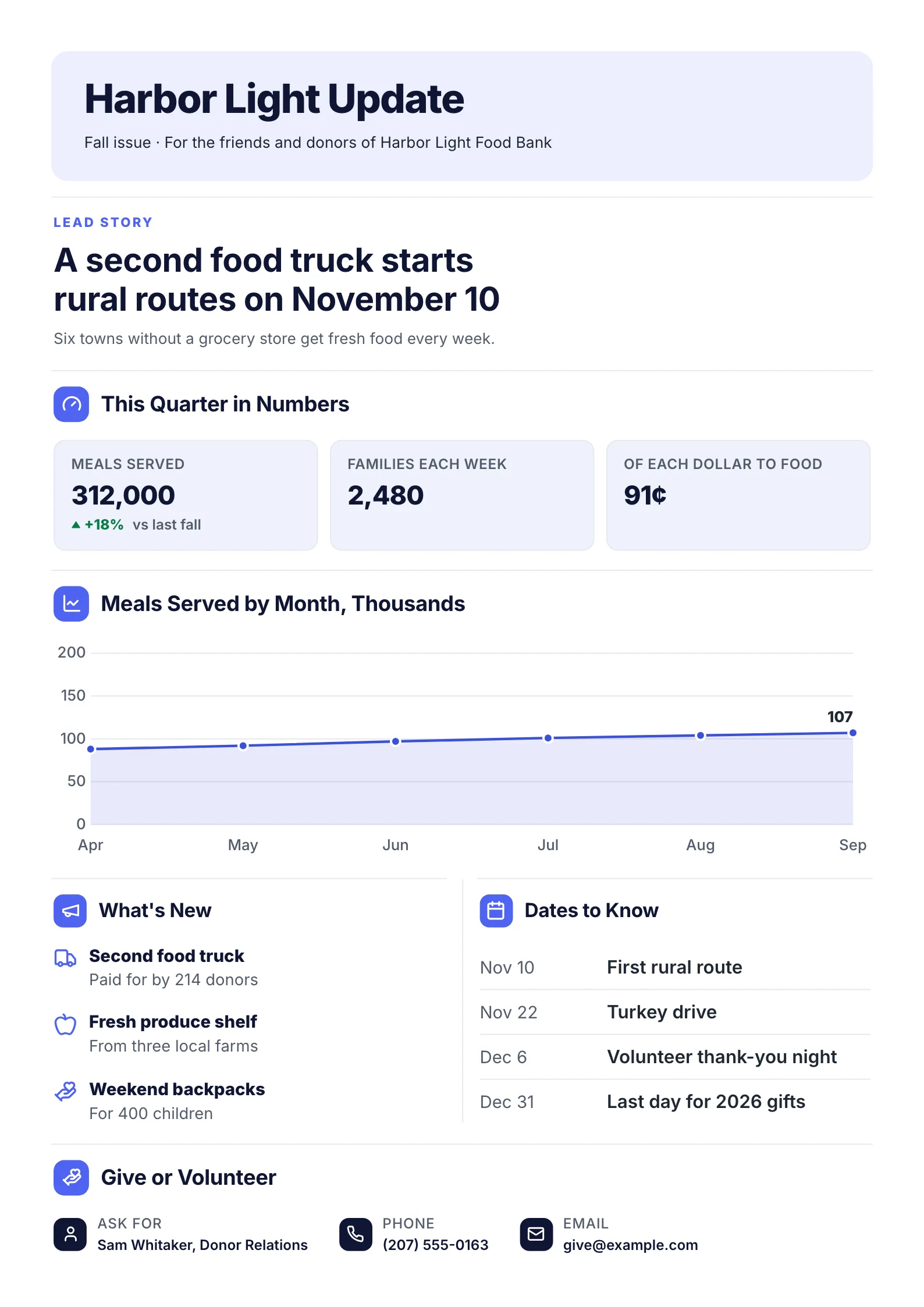
This donor newsletter puts four dates in one list: November 10, November 22, December 6 and December 31. The last one is the "Last day for 2026 gifts," the date a donor most needs. Sam Whitaker's phone number and email close the page. Change "Fall issue" to your season and year before you send it.
A staff newsletter that leads with the news
 Edit this template
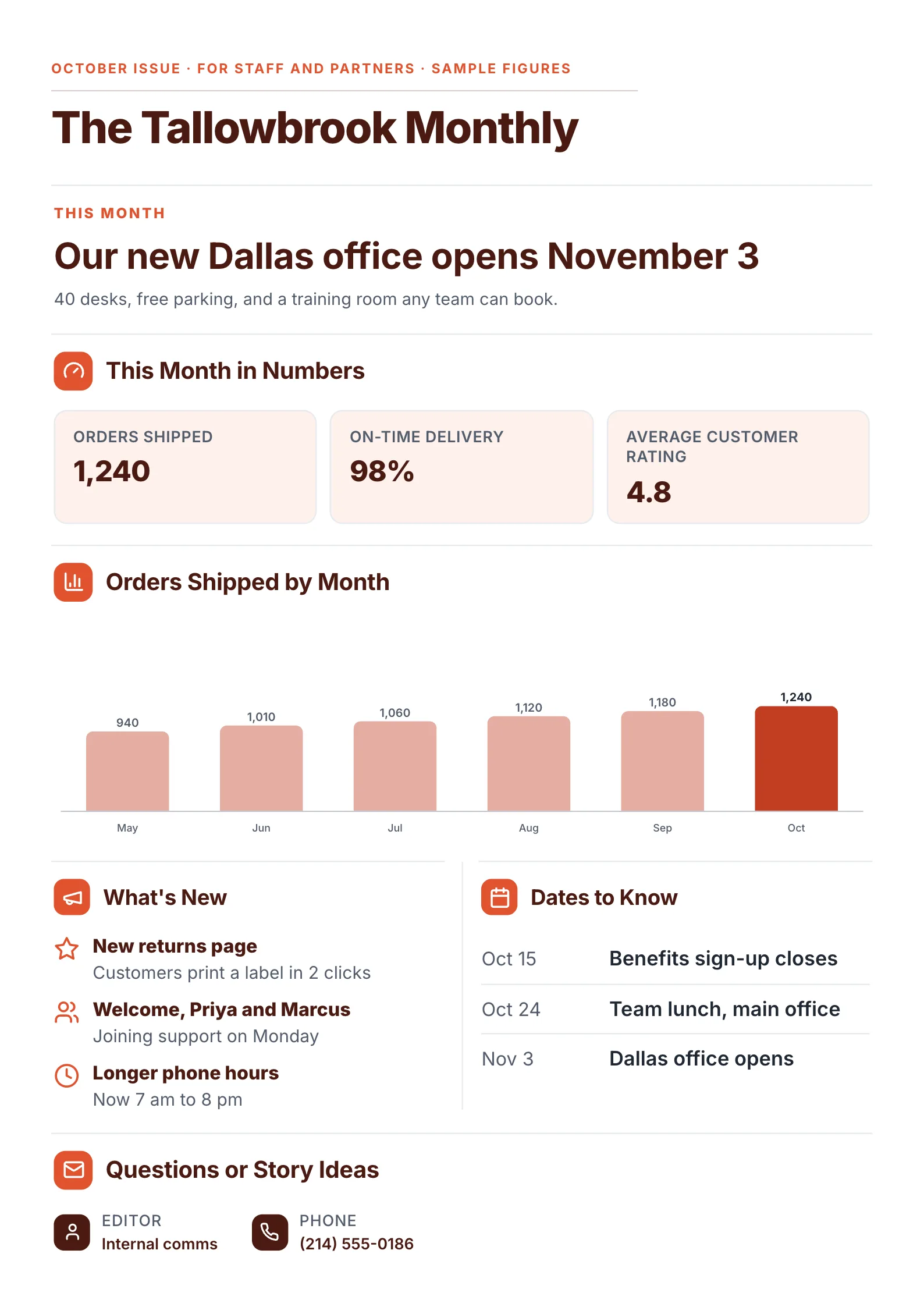
This newsletter opens with "Our new Dallas office opens November 3," then repeats the date under "Dates to Know" with October 15 and October 24. Its last box gives a phone number for questions or story ideas. Add an email and a web address next to it, and put the year after "October issue."
A class letter whose weekdays all check out
 Edit this template
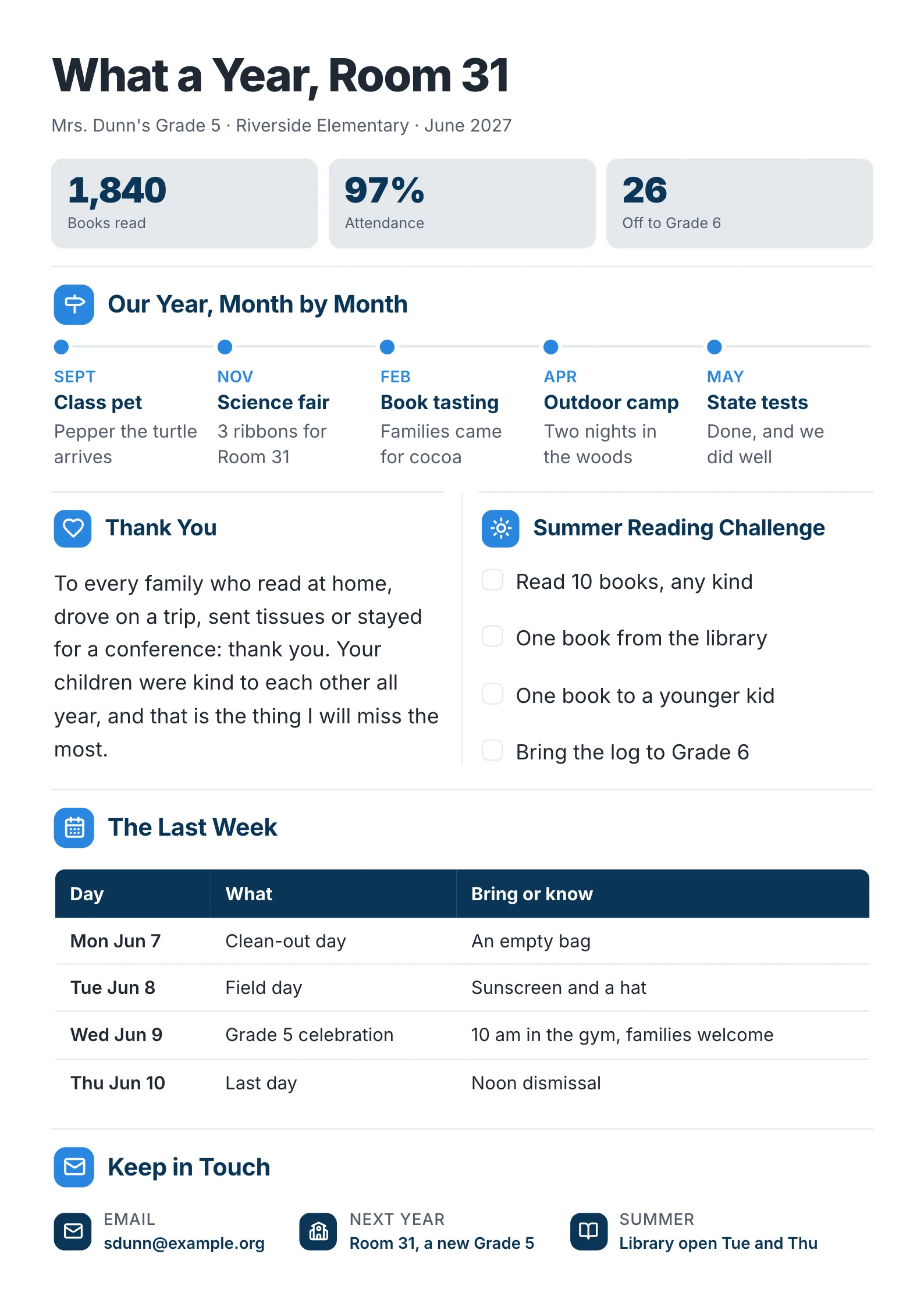
This end of year teacher newsletter is dated June 2027, and its last week runs Mon Jun 7 to Thu Jun 10. We checked all four days against a 2027 calendar, and every weekday matches. It gives an email but no phone. If families can't reach you by email, add the school's number under it.
A PE letter with one clear ask on top
 Edit this template
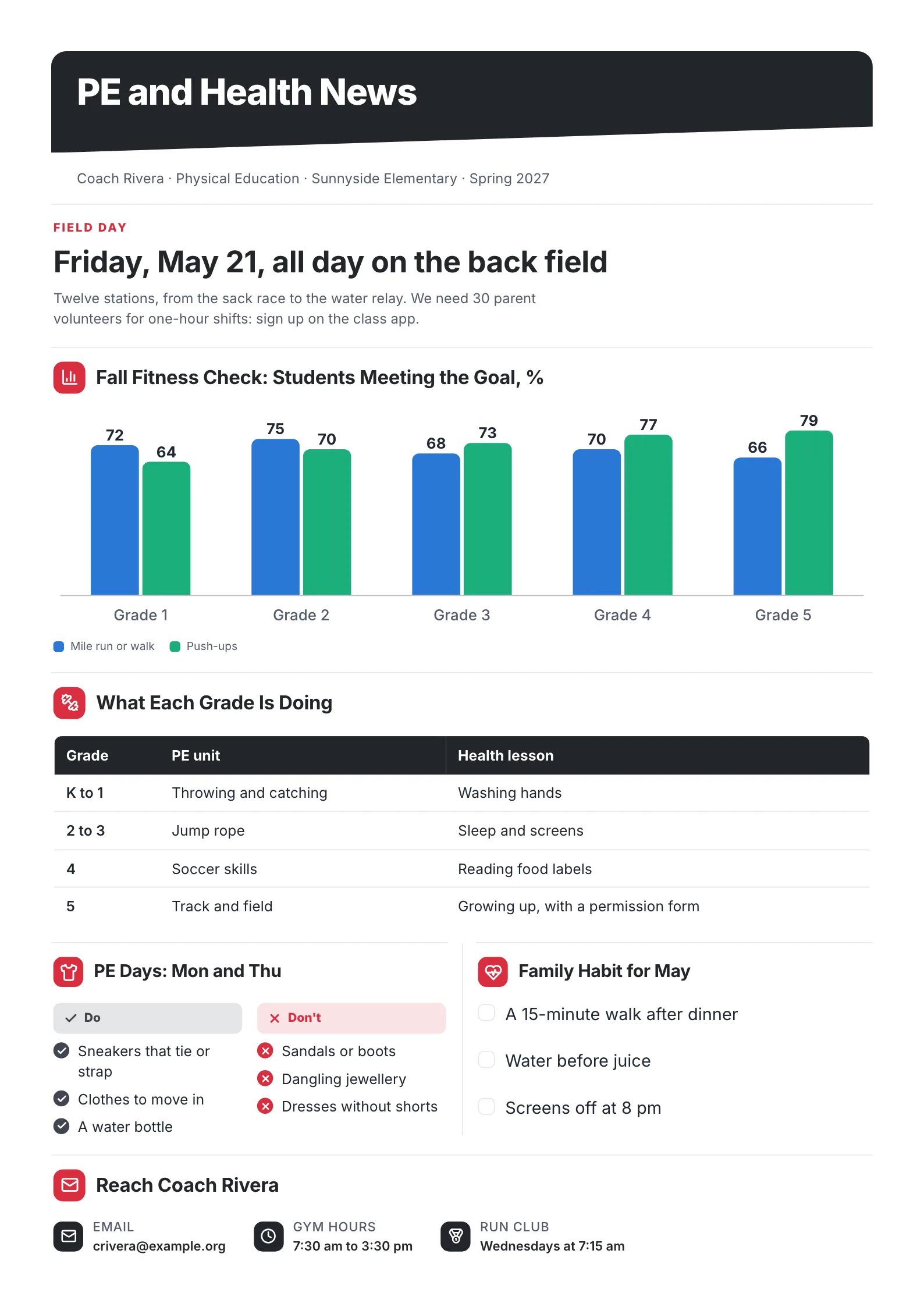
This PE and health teacher newsletter opens with field day on "Friday, May 21," and May 21, 2027 is a Friday. Right under it is the ask: "We need 30 parent volunteers for one-hour shifts." That's check 7 done well. The page closes with an email and gym hours, 7:30 am to 3:30 pm.
Check your next issue
Start from a MakeOnepagers newsletter, then run the ten checks above before it goes out. For layout help, read our guide to newsletter format, and for the writing itself, see how to write a newsletter. Got a long issue that needs to fit on one sheet? The free AI One-Pager generator can lay it out from your own text.
Frequently asked questions
What should be on a newsletter checklist?
Start with the six checks we measured: month and year on top, every date right, a phone number, an email, a full web address, and a contents list on long issues. Then add what goes first, event details, a box for changes and where the next issue will be.
What's the most common newsletter mistake?
In our 8 newsletters, it was a long issue with no list of what's inside. Five of the 6 issues of 6 pages or more had none.
How do I check the dates in my newsletter?
Print it and check every weekday and year against a calendar, headings included. Two of our 8 newsletters had a date wrong, and one of the slips sat in a heading.
Does a short newsletter need contact details?
Yes. The two 2-page issues we read printed the fewest contacts, and one had none at all. A single line with a phone, an email and a web address takes up almost no room.
Is a newsletter checklist different for email?
Partly. For a printed or PDF issue, a reader can't click, so web addresses must be typed out in full. For email, keep the six checks above and add five more. Write a subject line that names the main news, and preview text that adds to it. Send a test to yourself on a phone, click every link in that test, and make sure the unsubscribe link at the bottom works.




