How to Make a Price List: 7 Steps and 5 Real Examples
How to make a price list for your business in 7 steps, with five free examples from a barbershop, a groomer, a massage studio, a photographer and a florist.

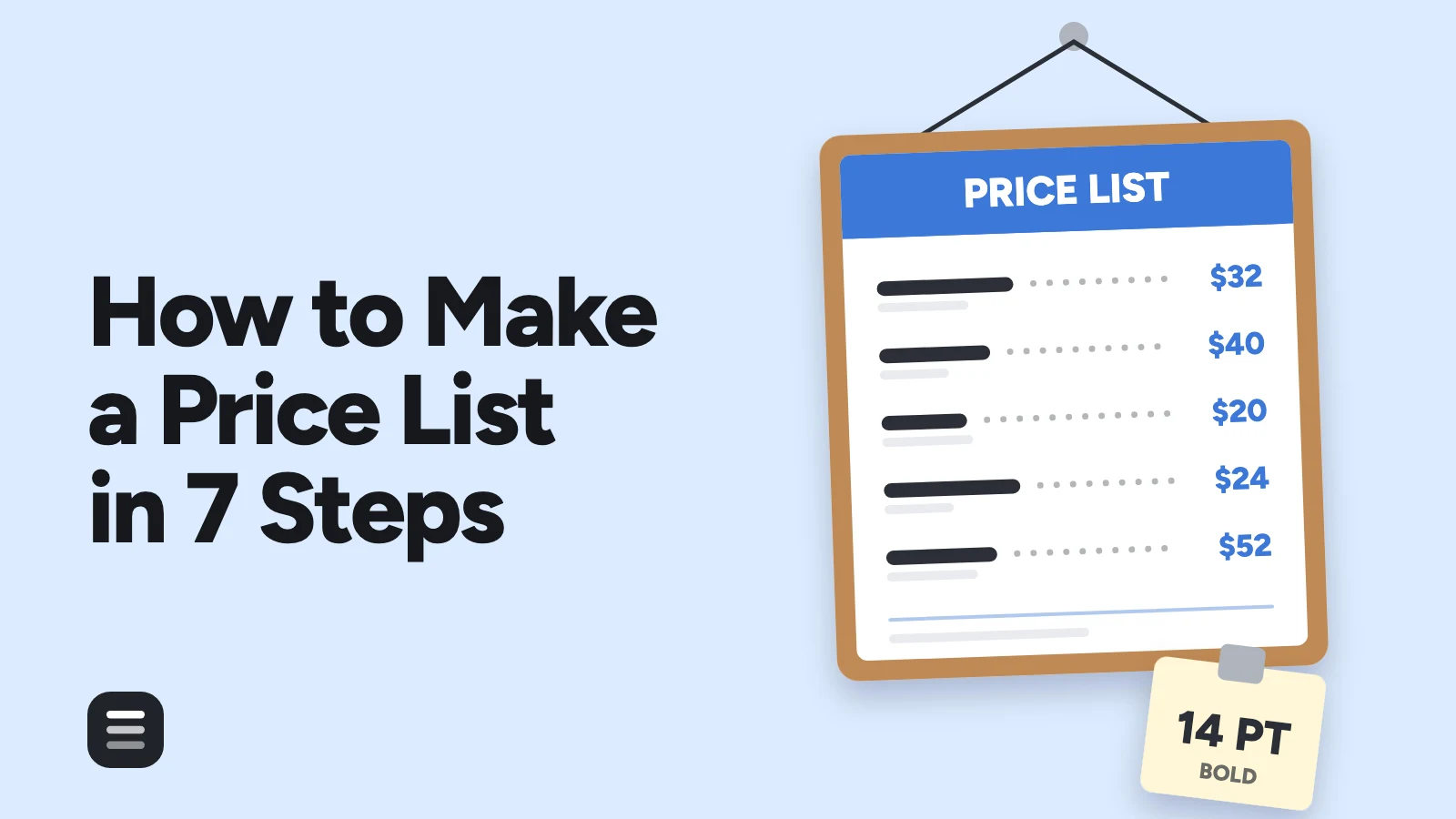
Most price lists show a name and a number, and the customer still has to call to ask what the number buys. Here's how to make a price list that answers that first: seven steps, a California rule on how big and where to post it, and five free examples you can edit on MakeOnepagers.
One‑Pager examples
Real One-Pagers made with MakeOnepagers. Open any one to edit it as your own.
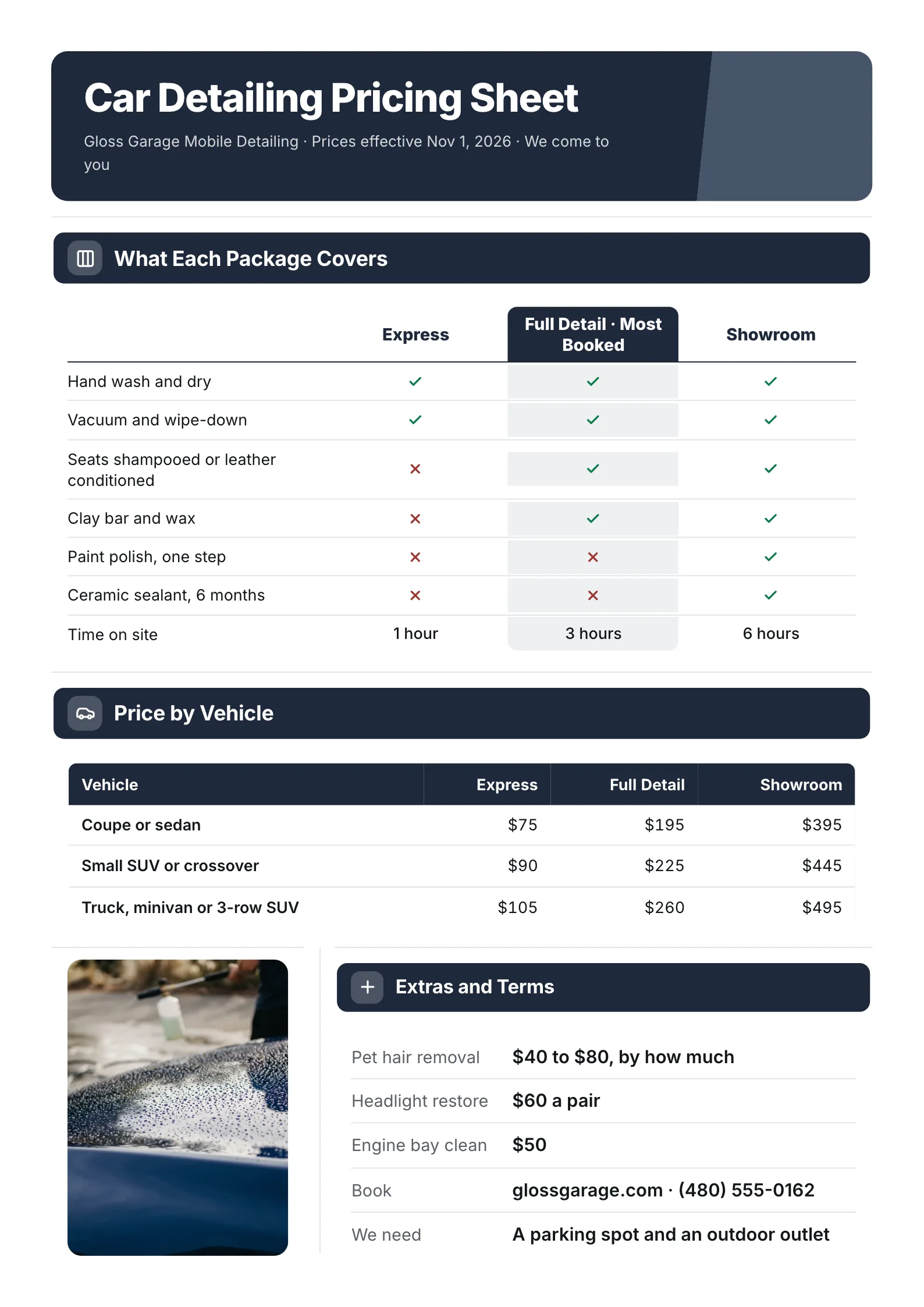 Car Detailing Pricing SheetEdit for free(opens in a new tab)
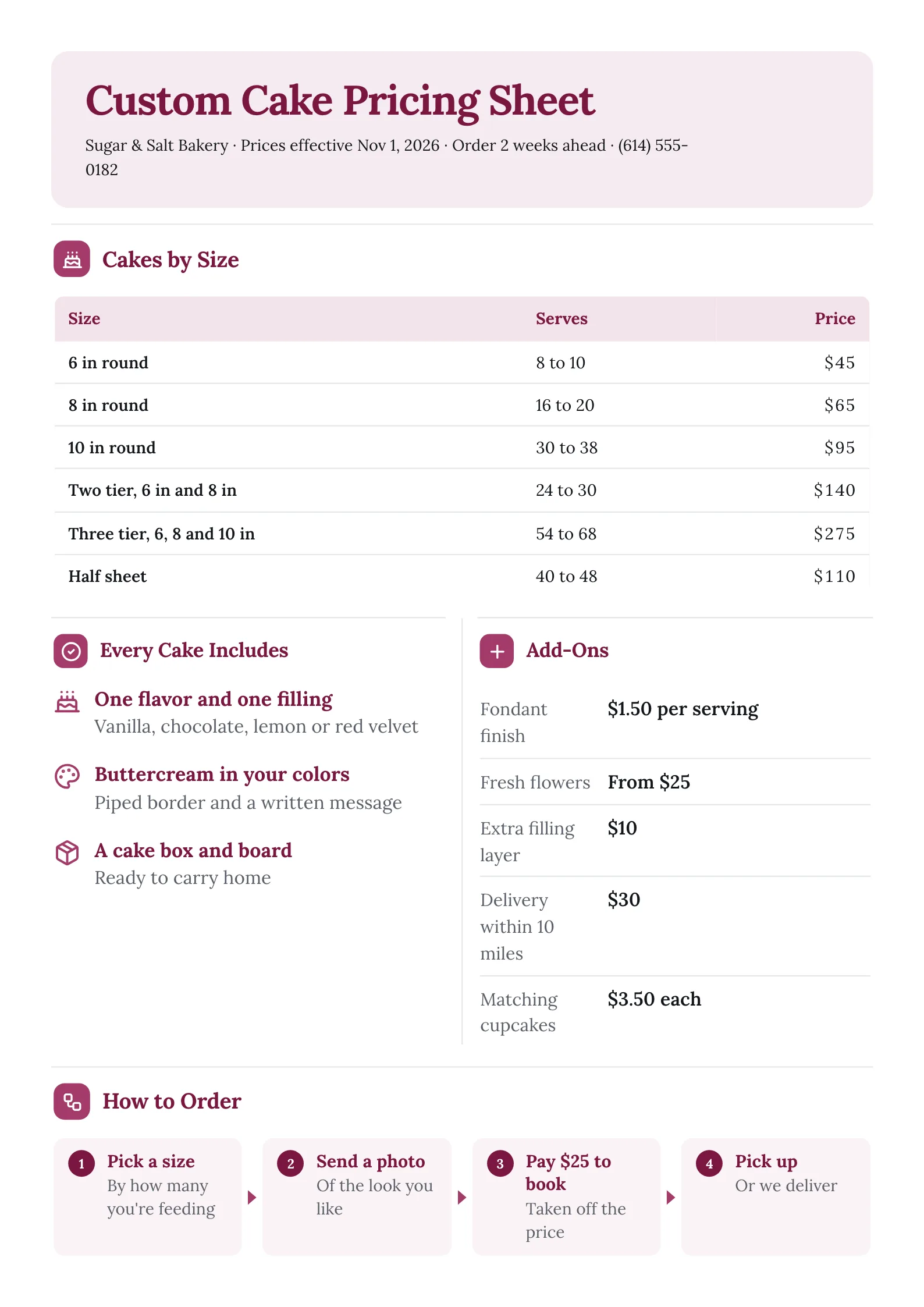 Custom Cake Pricing SheetEdit for free(opens in a new tab)
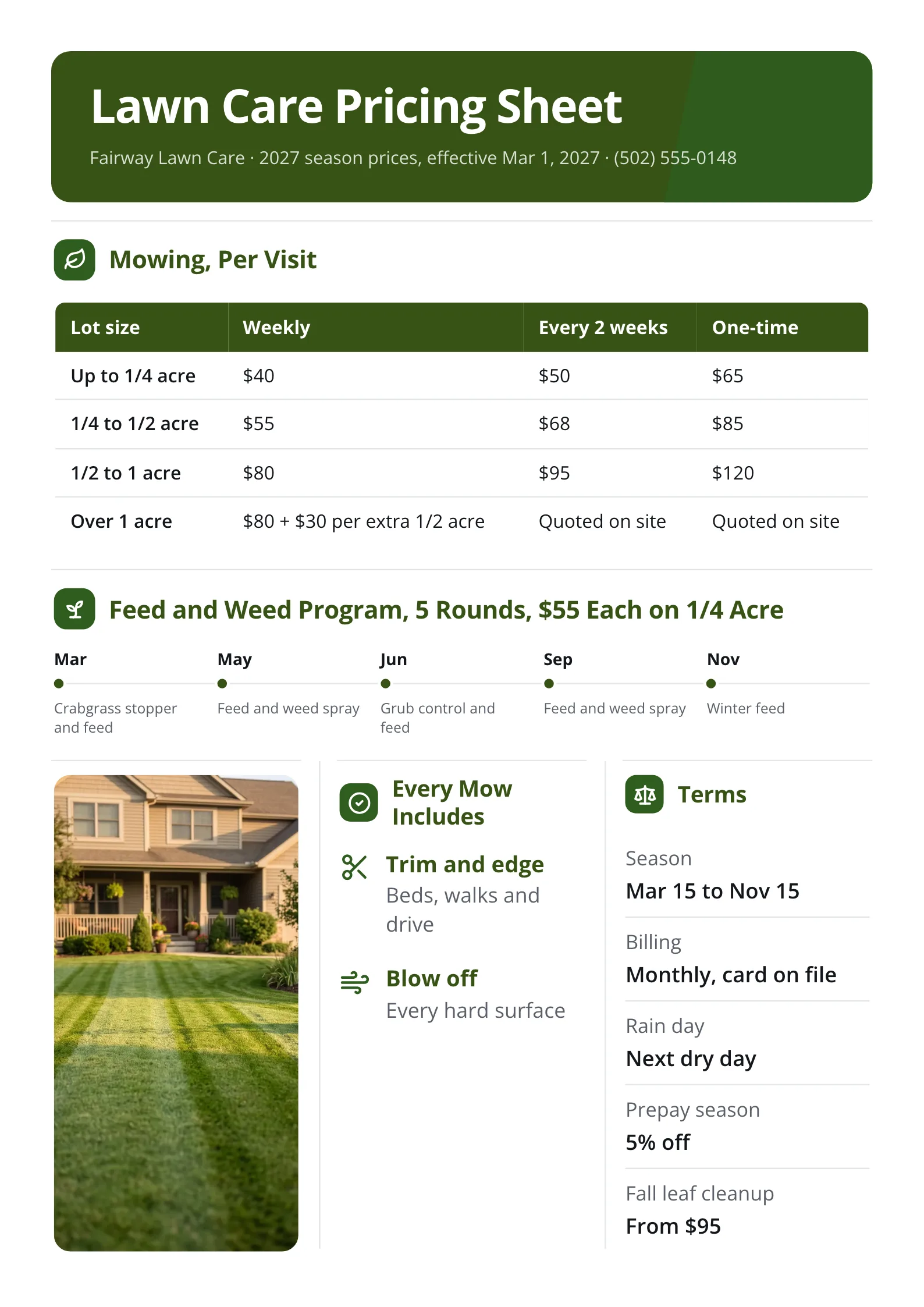 Lawn Care Pricing SheetEdit for free(opens in a new tab)
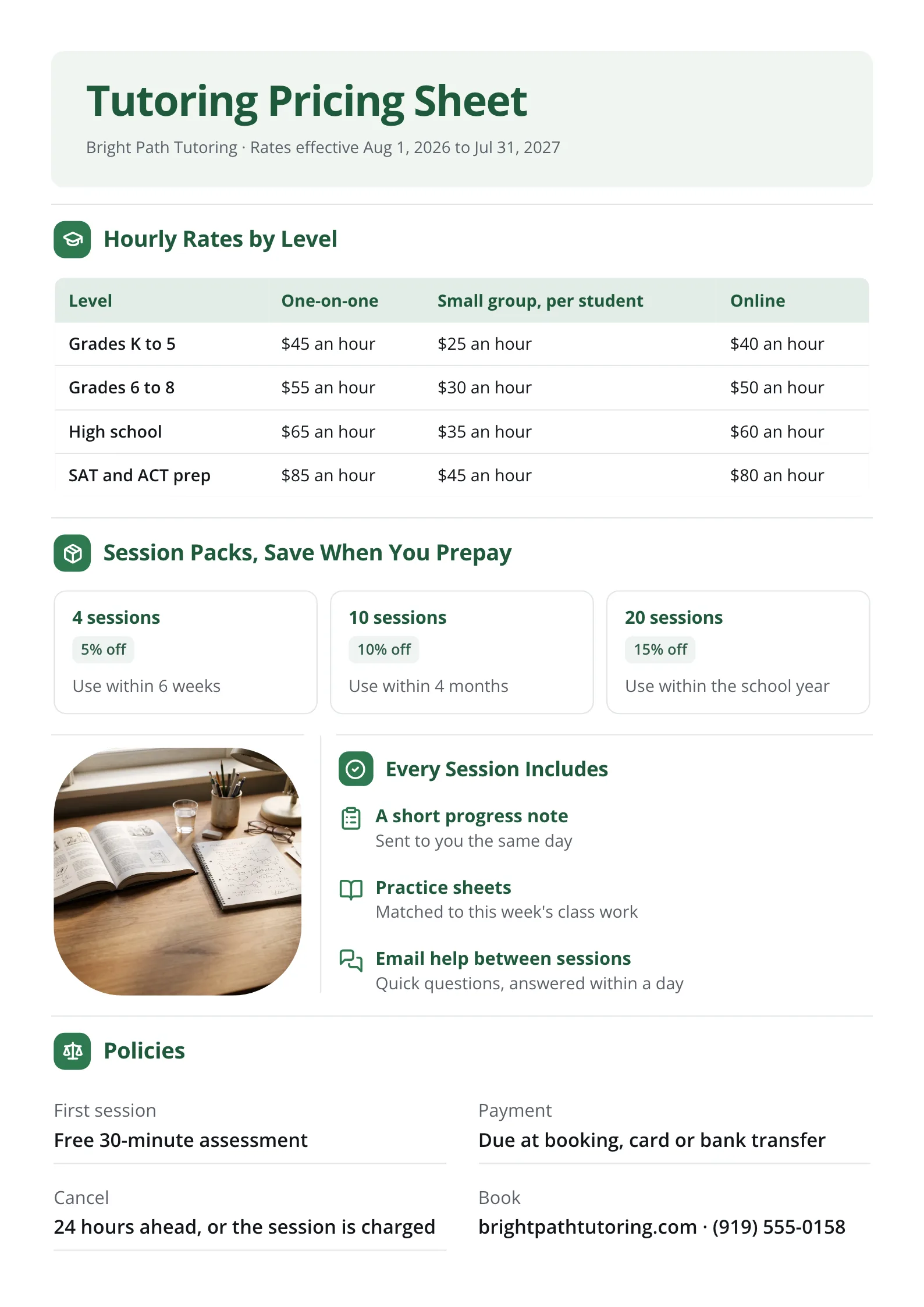 Tutoring Pricing SheetEdit for free(opens in a new tab)
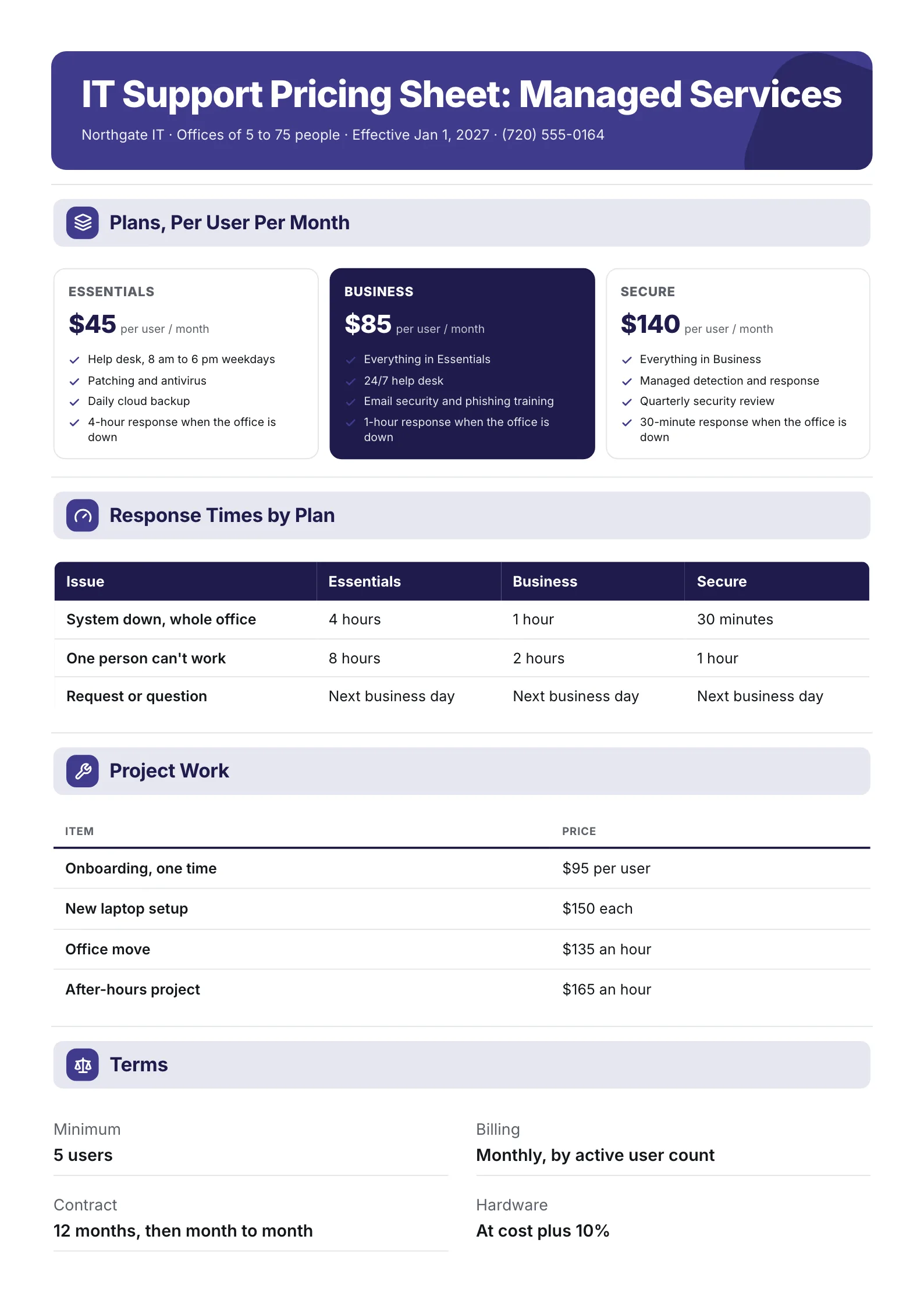 IT Support Pricing Sheet: Managed ServicesEdit for free(opens in a new tab)
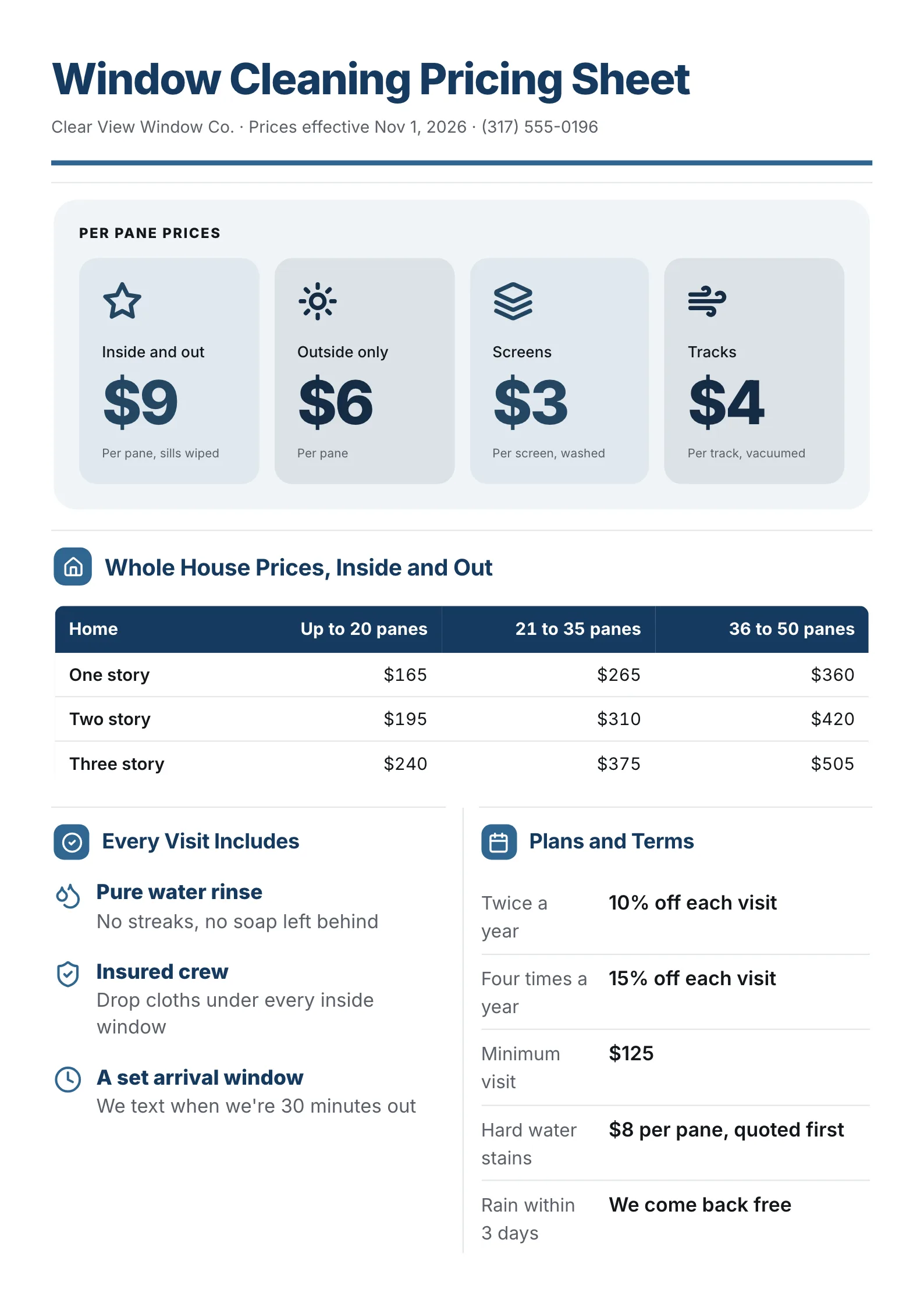 Window Cleaning Pricing SheetEdit for free(opens in a new tab)
The five examples come from a barbershop, a dog groomer, a massage studio, a family photographer and a wedding florist. Every business name and price in them is invented, so swap in your own.
How to make a price list in 7 steps
Most price lists fail the same way. They show a name and a number, and the customer still has to call to find out what the number buys. These seven steps close that gap.
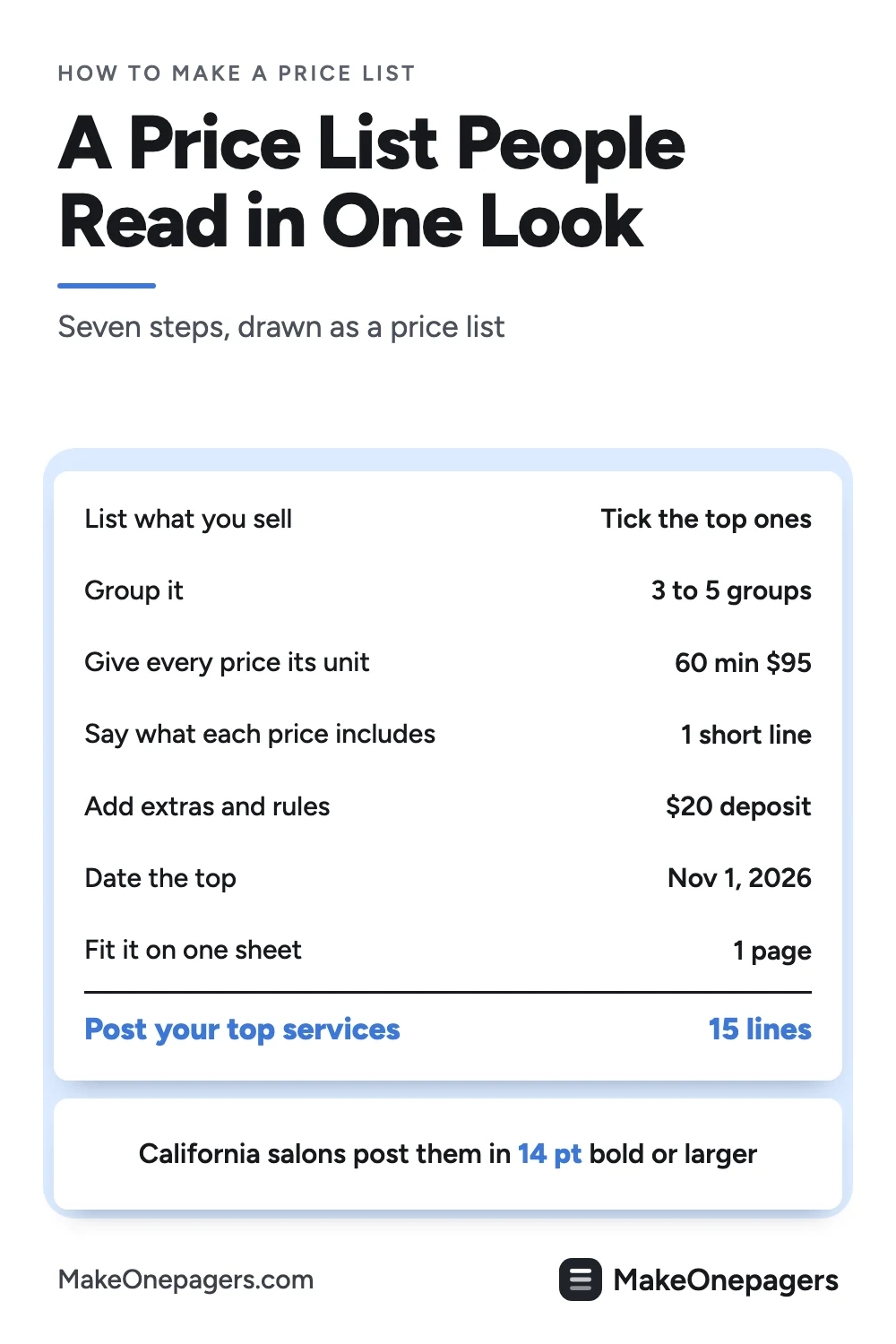
| Step | What to do | Example line |
|---|---|---|
| 1. List everything you sell | Write every service, product and package, then mark the ones people ask for most | Classic cut, skin fade, beard trim |
| 2. Group it | Put the list into 3 to 5 groups a customer would look for | Cuts, Shaves and Beards |
| 3. Give every price a unit | Per visit, per hour, per dog, per person, per mile | 60 minutes, $95 |
| 4. Say what each price includes | One short line, so the price stops raising questions | Shampoo, towel dry and a bandana |
| 5. Add extras and rules | Add-ons, deposits, late cancel fees, payment methods | $20 deposit to book |
| 6. Date it | The date these prices start, at the top | Prices effective Nov 1, 2026 |
| 7. Fit it on one sheet and post it | Big enough to read, where people stand or wait | By the front desk and on your booking page |
Step 1 is the one people skip. Before you design anything, write the whole list in a plain document and put a tick next to the services customers ask for every week. Those go first, in the biggest type. The rare ones can sit in a smaller "also available" line.
Step 3 decides whether your list can be compared. "$95" on its own tells your customer nothing. "$95 for 60 minutes" lets them weigh you against the studio down the street. You want that comparison made on your sheet, not on theirs.
The California rule that says how to post one
Most price lists are up to you. In California, some of them are not. The state's Gender Tax Repeal Act of 1995 (Civil Code section 51.6) bans charging men and women different prices for similar services. It also tells certain businesses how to show their prices. We read the notice the Board of Barbering and Cosmetology publishes for those businesses, revised August 2018, on November 15, 2026.
It covers barbers and hair salons, tailors and alteration shops, and dry cleaners and laundries that serve individuals. Their price list must:
- show the price of every standard service, which the notice defines as the 15 most frequently requested services
- use 14-point bold type or larger
- hang where customers can clearly see it
The business must also hand a customer a complete written price list on request, and post a sign in 24-point bold type saying that California bans gender-based pricing and that a complete price list is available on request. A business that doesn't fix a posting problem within 30 days of a written notice can be fined $1,000.
Even outside California, this is a good recipe for any service business. Fifteen lines is about what fits on one sheet and still reads at a glance. Fourteen-point bold is the smallest size the rule allows, and a wall list read from across a room needs bigger. And posting it where people stand means fewer "how much is a fade?" questions at the counter.
5 price list examples, built step by step
Each example below follows the seven steps, and each one leans on a different step. As you read, notice what each business chose as its unit. When you pick yours, that one choice shapes your whole layout.
A barbershop: priced by the minute in the chair
 Edit this template
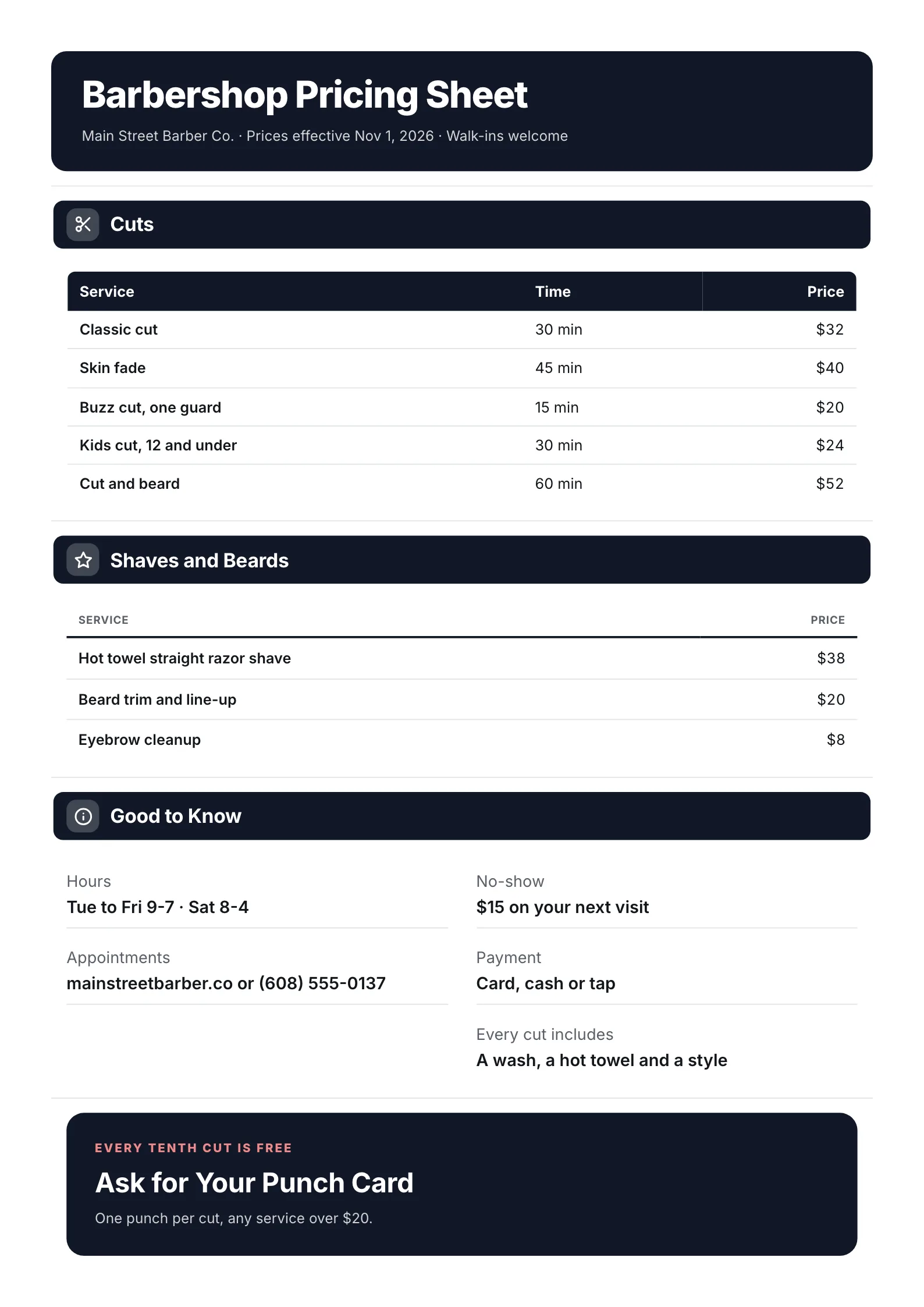
The barbershop price list puts a time beside every cut: 15 minutes for a $20 buzz cut, 60 minutes for a $52 cut and beard. That one column explains the gaps between prices without a word of argument. It has 8 priced services, well under California's 15, so it reads in seconds. Its "Good to Know" box answers the rest: hours, how to book, a $15 no-show fee, and that every cut comes with a wash, a hot towel and a style.
A dog groomer: one table, three sizes
 Edit this template
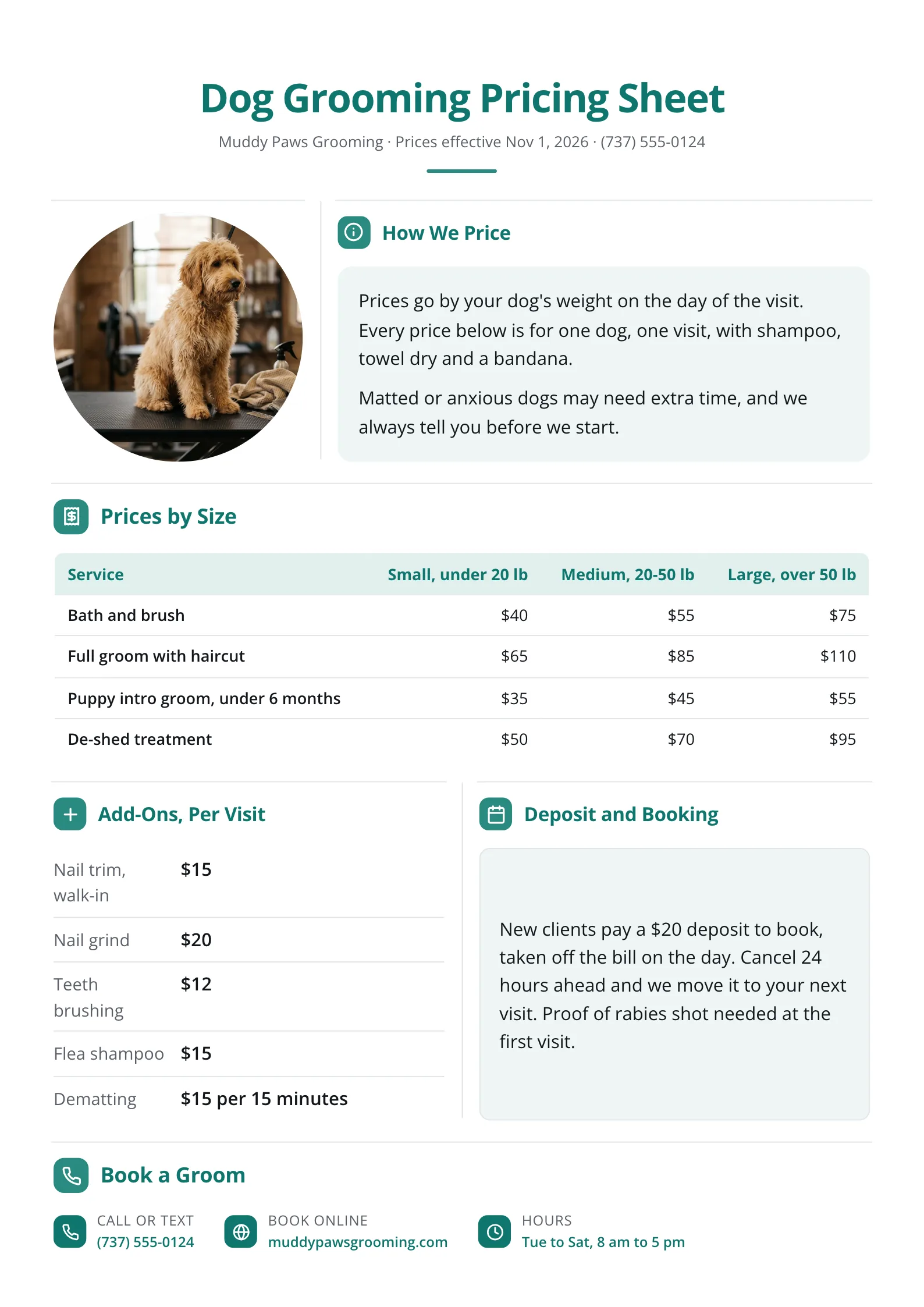
A groomer's price depends on the dog, so the dog grooming price list turns size into columns: under 20 lb, 20 to 50 lb, and over 50 lb. Four services across three sizes make 12 prices in one small table. A short "How We Price" note says the weight is taken on the day, and that matted or anxious dogs may take extra time, which you'll hear about before the work starts. That's step 4 doing its job. If your work can run long, say so on your list before a customer finds out at the till.
A massage studio: four lengths, one price grid
 Edit this template
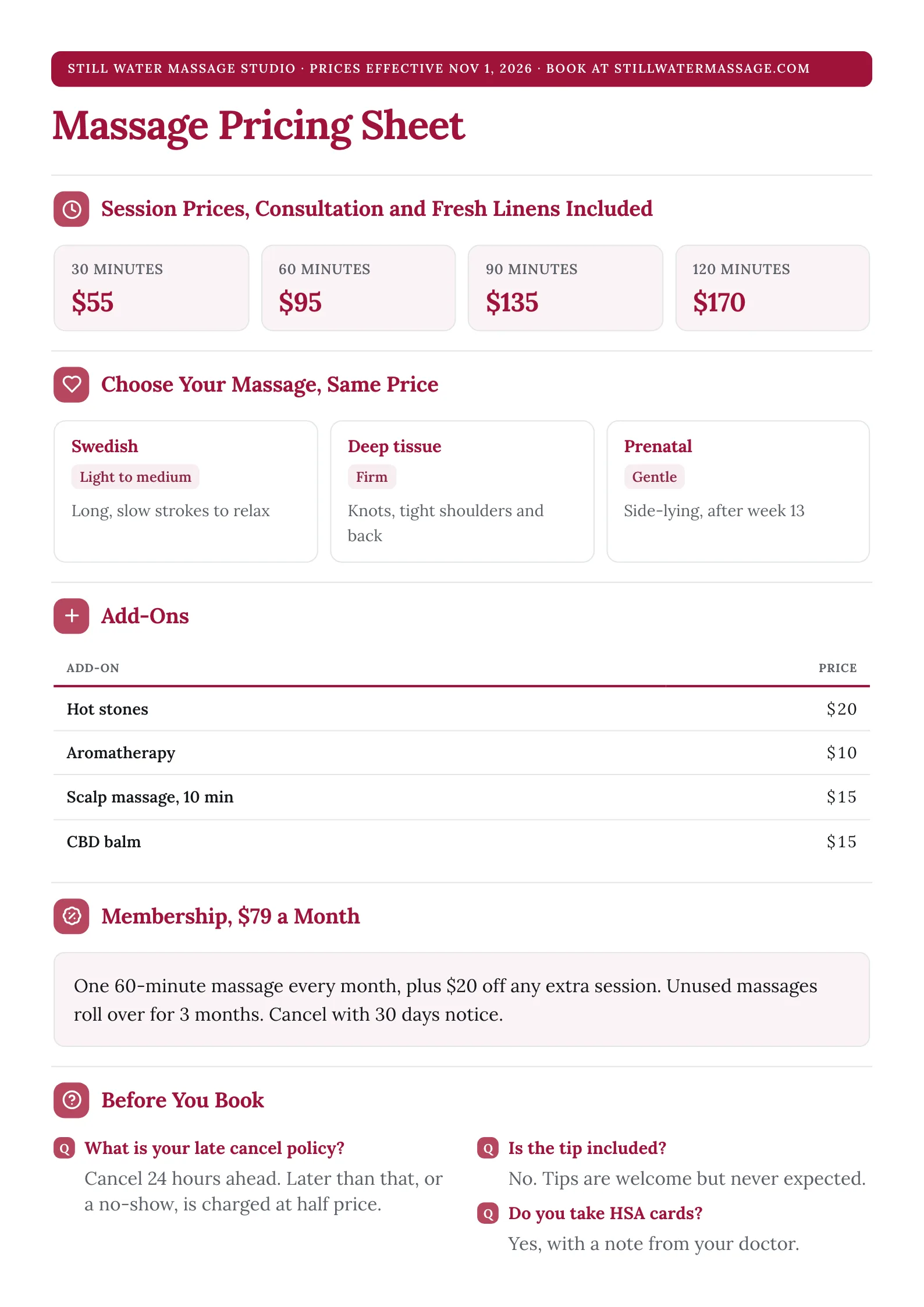
The massage price list makes one smart cut. Swedish, deep tissue and prenatal all cost the same, so the sheet prices the time (30 to 120 minutes, $55 to $170) and lists the massage types once, under "Same Price". That turns what could be a 12-row table into 4 big numbers. The $79 monthly membership sits beside the add-ons, below the session prices, so a customer sees the single price first and the deal second.
A family photographer: three packages side by side
 Edit this template
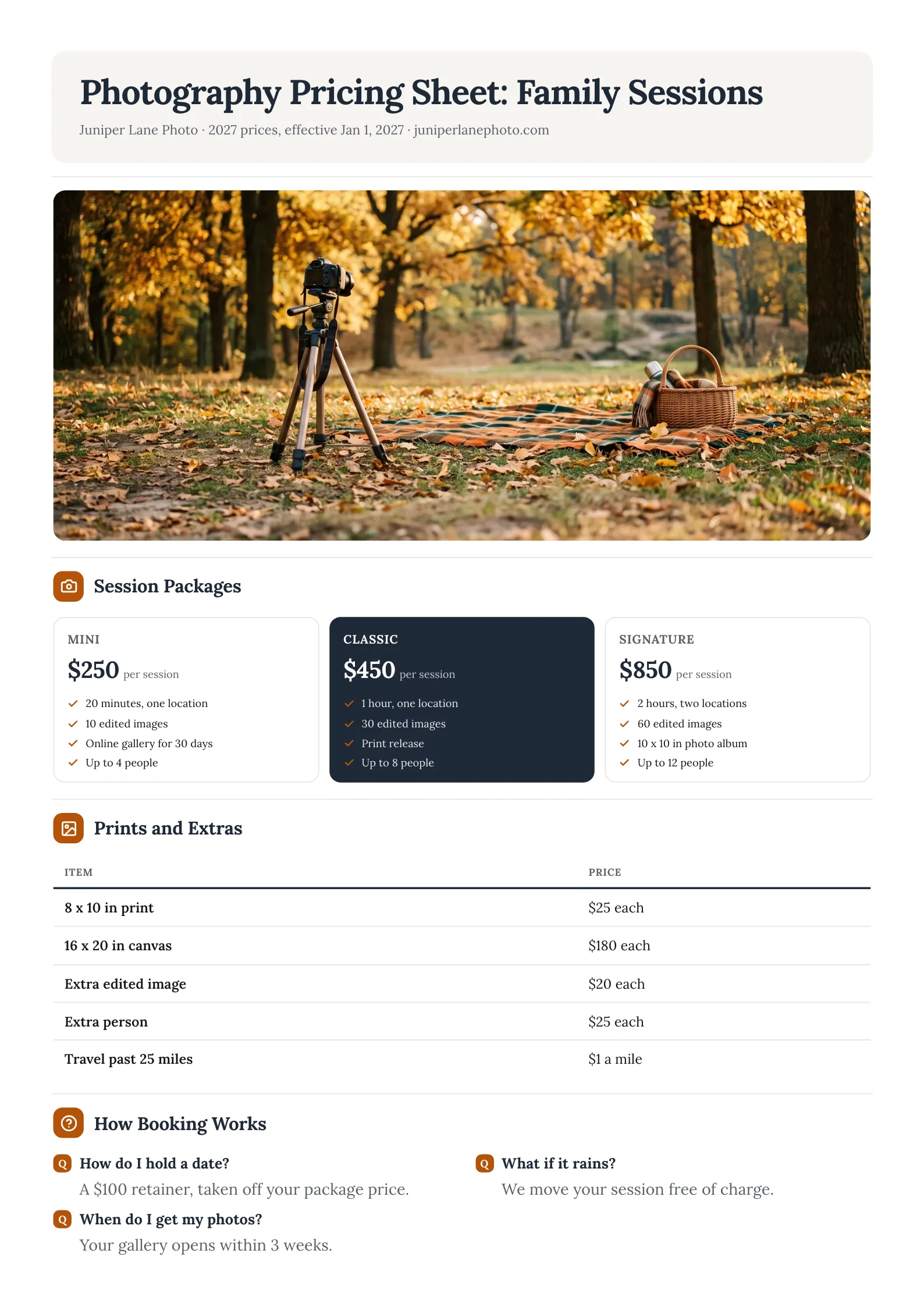
Packages are the unit here, so the photography price list lines up Mini ($250), Classic ($450) and Signature ($850) as columns. Each one lists the same four facts in the same order: time, edited images, what else you get, and how many people. That repeat order is what lets a parent compare them in one look. Extras such as a $25 extra person or $1 a mile past 25 miles go in a plain table underneath.
A wedding florist: prices per piece, plus a typical total
 Edit this template
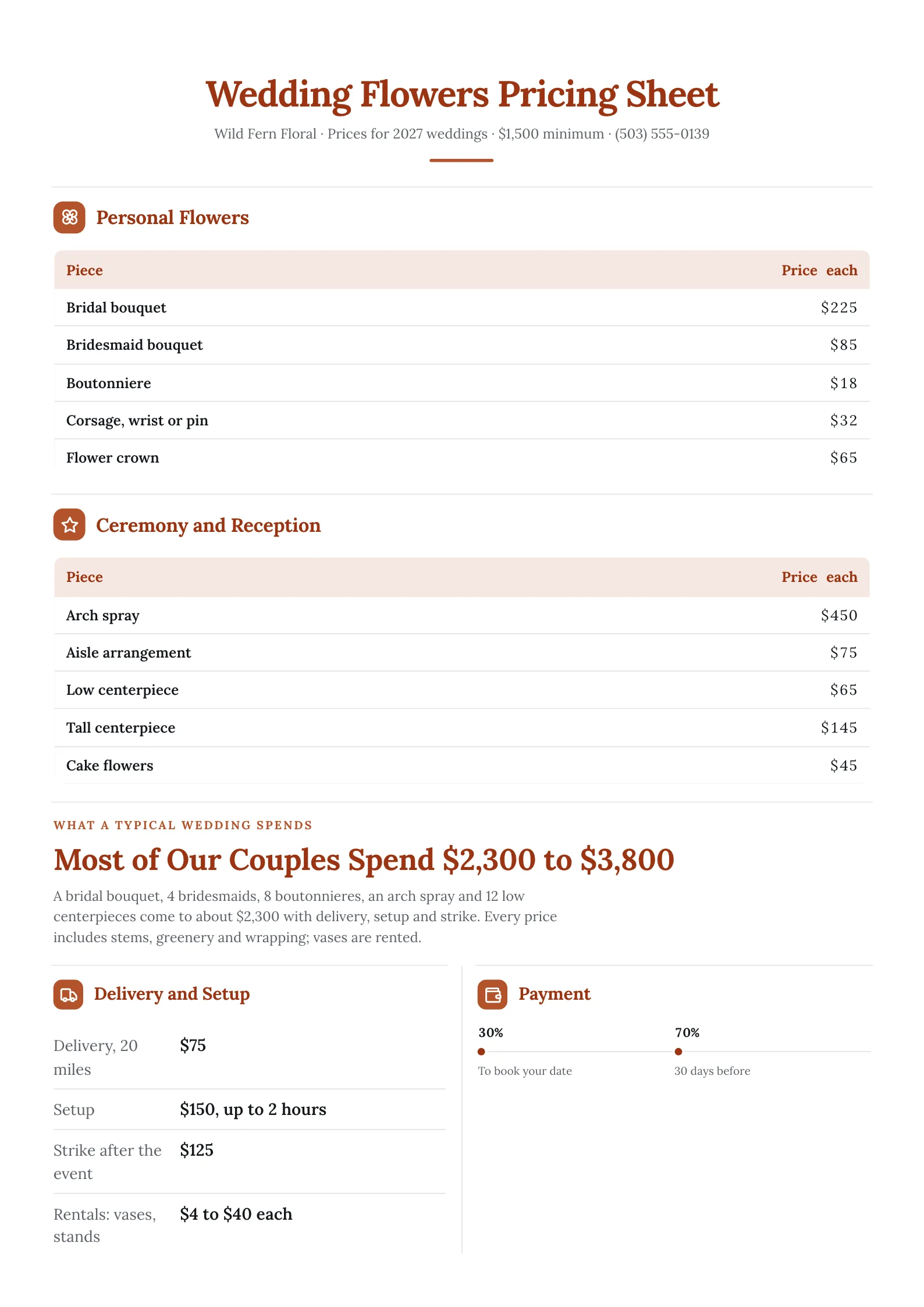
A couple can't add up 10 line items in their head, so the wedding flowers price list does it for them. Under the per-piece prices sits one bold line: most couples spend $2,300 to $3,800, with the exact mix that adds up to about $2,300. The minimum ($1,500) is in the subtitle, where nobody can miss it. Delivery, setup and strike each get their own price, so none of them shows up later as a surprise.
Price list with pictures, or without?
Google's suggestions for this topic include "how to make a price list with pictures", and pictures do help in some cases. Here's a simple test from the five examples above.
| Use a picture when | Skip it when |
|---|---|
| The customer is choosing a look (cakes, flowers, haircuts) | The services look the same and differ by time |
| One photo shows the result better than a line of text | The list is long and space is tight |
| It goes online or on social media | It's printed for a counter or a wall |
One photo at the top is usually enough. The groomer uses one round photo of a freshly groomed dog, and the photographer uses one wide autumn shot. Neither puts a picture beside every price, because that would push the prices off the sheet.
Where to make it: Word, Google Sheets or a template
Any tool works if it follows the seven steps. Pick by where the list is going.
- Word or Google Docs: insert a two-column table, item left and price right, then remove the borders. Good for a plain list you print.
- Excel or Google Sheets: put the effective date in row 1 and Item, Includes, Unit and Price as headings in row 2. Good when prices change often, because you can update one cell and export a new PDF.
- A designed template: start from a finished price list on MakeOnepagers, change the words and prices, and download a PDF. Good when customers will see it, since the layout, fonts and colors are done.
If you sell a few large jobs and not a menu of services, a price list may not be the right sheet at all. You'd write a quote instead, priced for that one job; here's how to write a quote for a job. For the parts of a price sheet line by line, see our pricing sheet template guide, which walks through the price list the FTC asks funeral homes for, and our pricing sheet examples for five filled sheets checked against California's hidden fees law.
Mistakes that make customers call
- A price with no unit. "$45" for what? Per hour, per room and per person are three very different prices.
- No date. Old printed lists live on fridges for years. A date tells people which prices are current.
- Hidden minimums. If there's a minimum order, a deposit or a travel fee, put it near the top.
- Too many lines. If your list runs past about 15 services, move the rare ones to an "also available, ask us" line.
- Small type on a wall list. If it's posted, go for at least 14-point bold, like the California rule asks for.
Make your price list today
Start from the example closest to your business, keep its layout, and change the words and prices to yours. Give every price a unit, date the top, and post it where customers wait. Pick a price list template on MakeOnepagers and you can have it printed before your next customer walks in.
Frequently asked questions
How do I make a price list for my business?
Write down everything you sell and mark the services people ask for most. Group them, give every price a unit and a short note on what it includes, then add extras, rules and the date the prices start. Fit it on one sheet and save it as a PDF.
What should a price list include?
The name of the shop with a phone number or website, the date the prices start, each item or service with its unit and price, what each price includes, add-ons, and your rules for deposits, cancelling and payment. End with how to book or order.
How do I make a price list in Google Sheets?
Put the date in row 1 and the headings Item, Includes, Unit and Price in row 2. Freeze those rows, fill one row per service, and use File, Download, PDF to share it.
How do I make a price list for a hair salon?
List your 15 most requested services first, with the time each takes. Group them into cuts, color and treatments. In California, salons and barbers must post those 15 prices in 14-point bold type or larger where customers can see them.
Can I make a price list for free?
Yes. Word, Google Docs and Google Sheets are free ways to make a plain one. On MakeOnepagers you can edit a designed price list free and download it as a PDF.




