BlogGuide
Content Calendar Template: Free One-Page Monthly Plan
A free one-page content calendar template for social, blog and email, the 6 parts every content calendar needs, a worked November example for a coffee brand and the mistakes that leave gaps.

By MakeOnepagers Team
Updated · 4 min read
A content calendar template lays out a month of content on one page: what goes out on which day, on which channel, under which theme, and who owns it. Social posts, blog articles, emails and launches all compete for the same few people's time. A one-page content calendar shows the whole month at once, so the team can see the gaps, the clashes and the big dates before they arrive. Below are the six parts every content calendar needs, a free template you can copy and a worked example.
One‑Pager examples
Real One-Pagers made with MakeOnepagers. Open any one to edit it as your own.
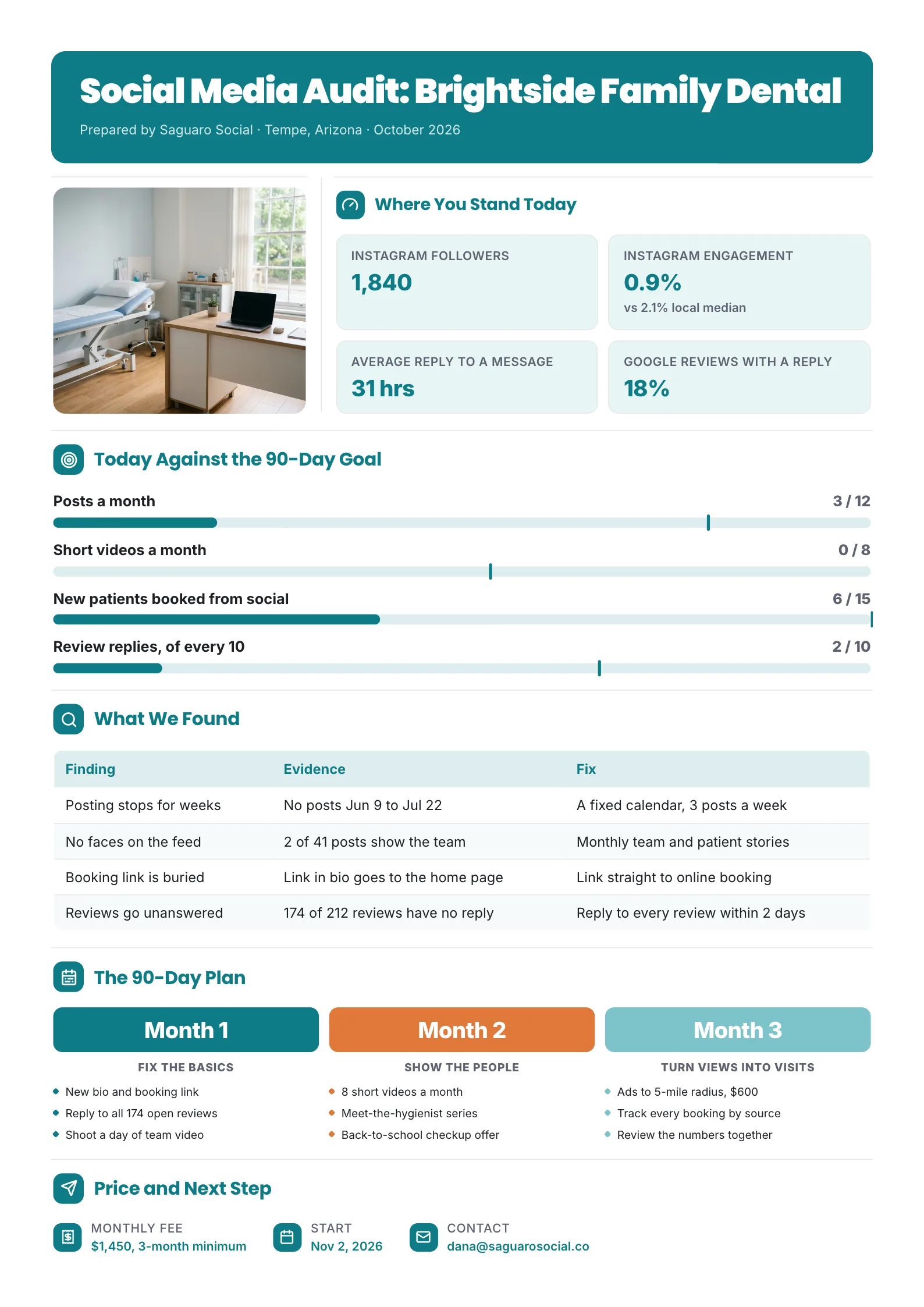 Social Media Audit One-PagerEdit for free(opens in a new tab)
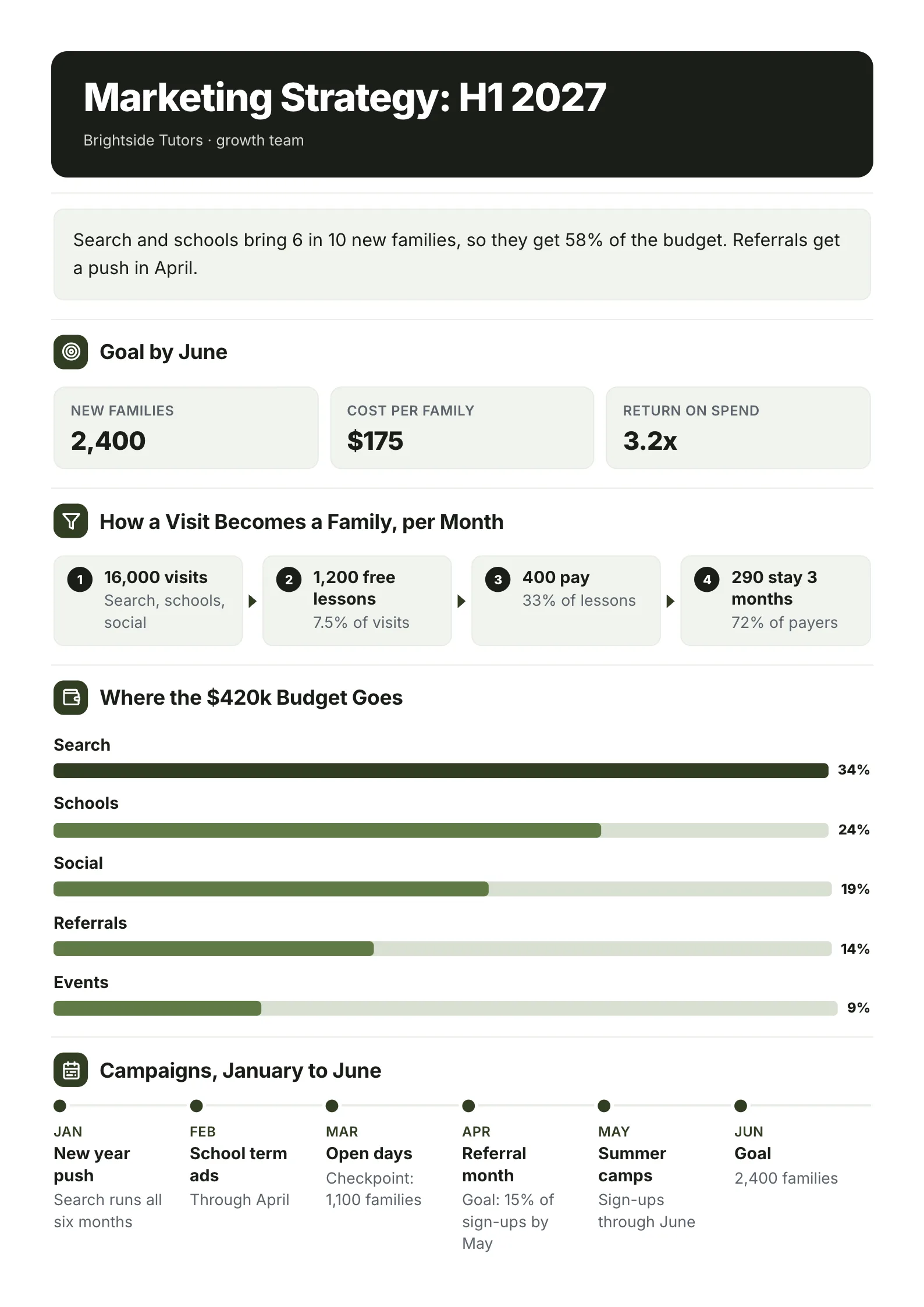 Marketing StrategyEdit for free(opens in a new tab)
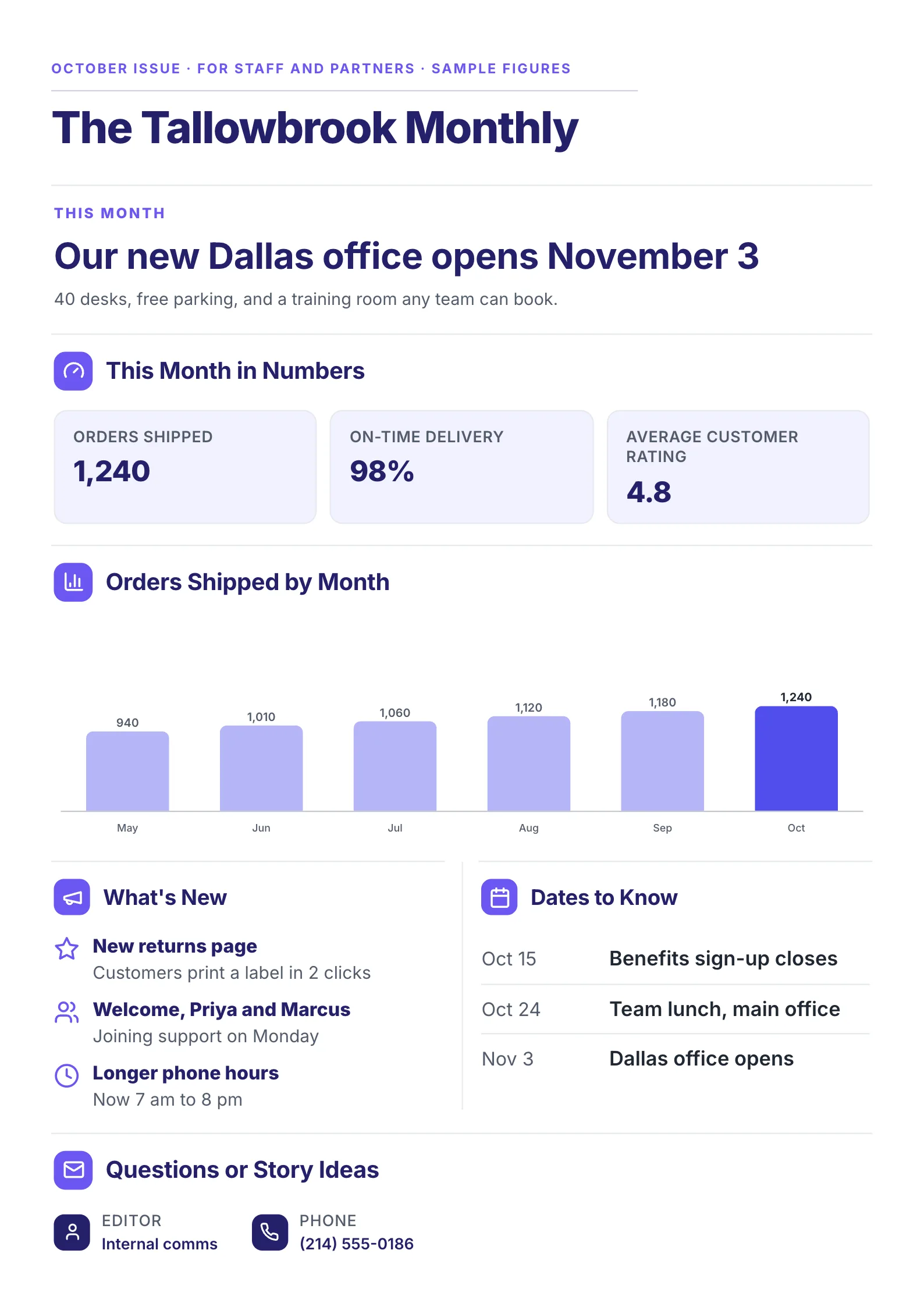 NewsletterEdit for free(opens in a new tab)
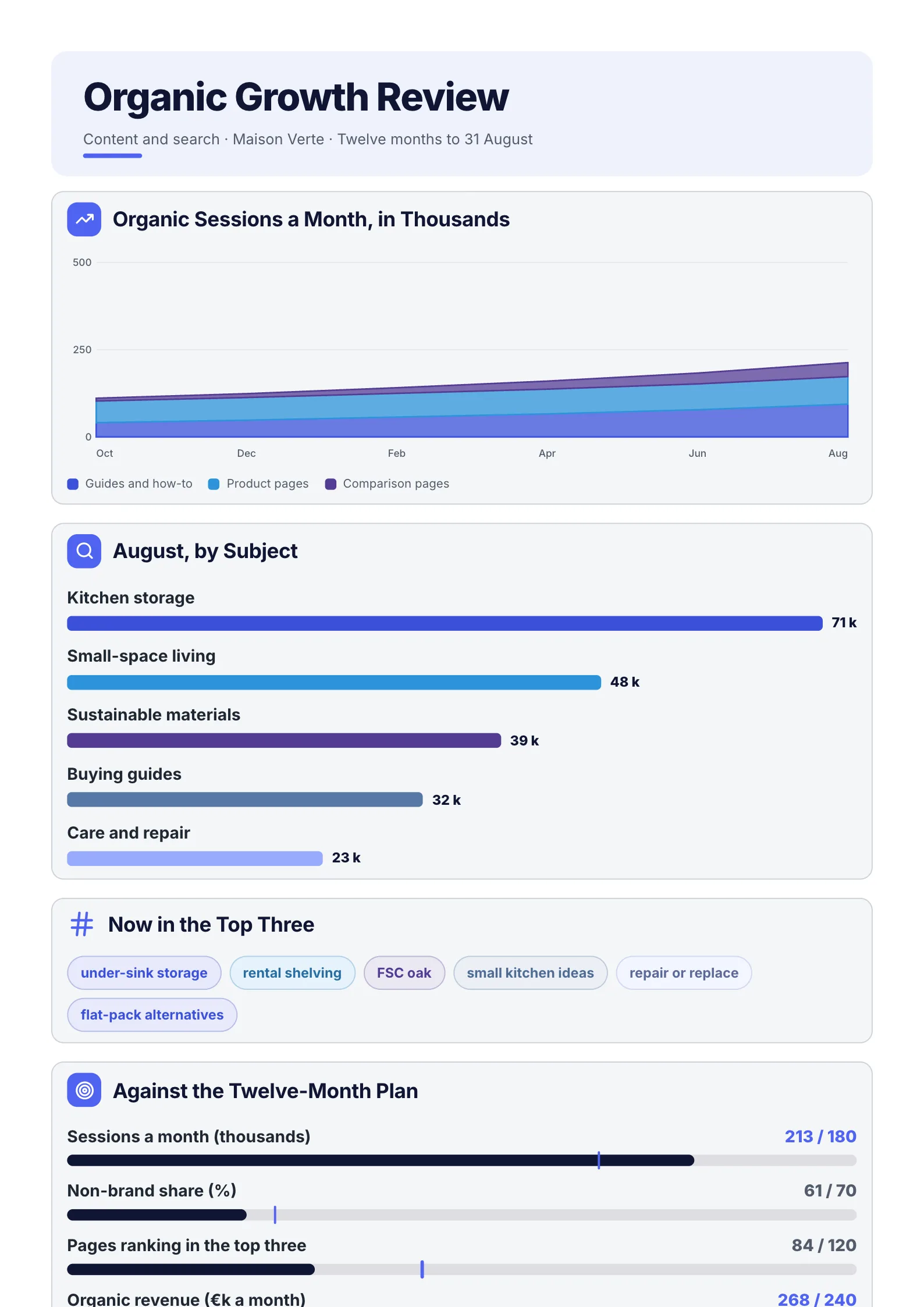 SEO Performance ReportEdit for free(opens in a new tab)
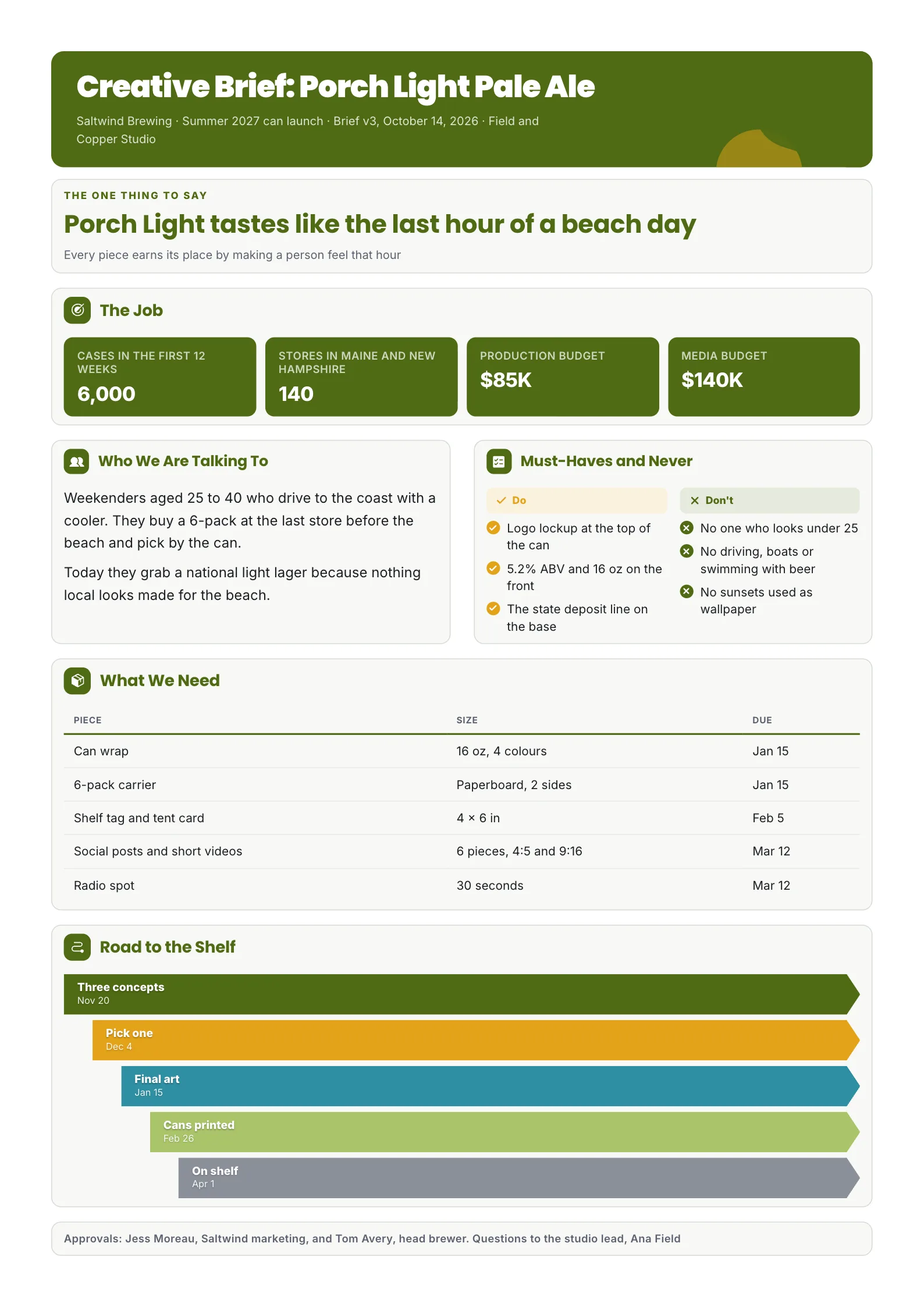 Creative BriefEdit for free(opens in a new tab)
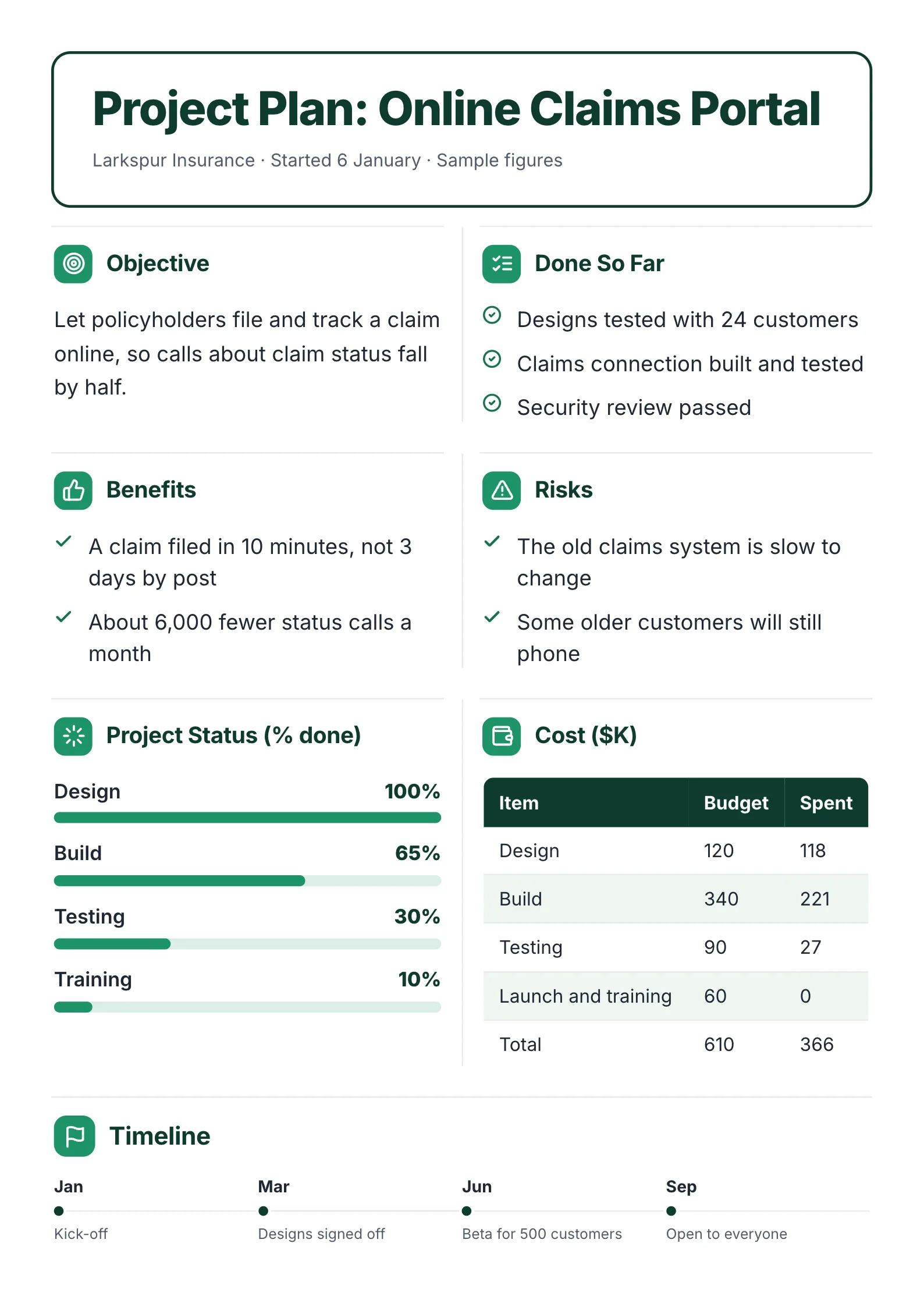 Project Plan with Objectives and CostEdit for free(opens in a new tab)
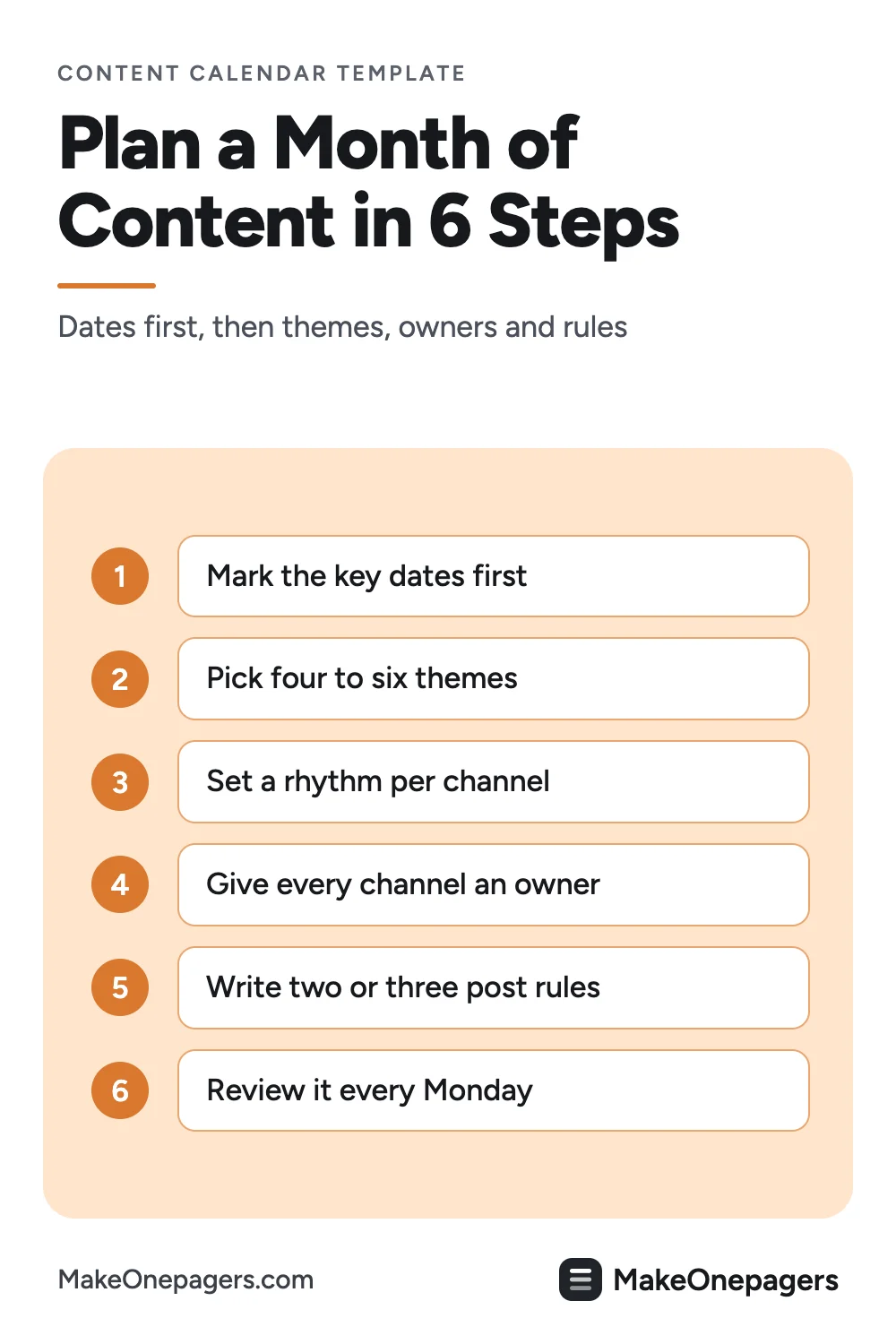
The example was made with MakeOnepagers. It opens as a template you can edit for free: every word, chart and color.
What is a content calendar?
A content calendar (also called an editorial calendar) is a schedule of the content a brand will publish: the date, the channel, the topic and the person responsible. Marketing teams, creators, small businesses and agencies use one to plan ahead instead of posting whatever is ready.
The spreadsheet version holds every caption and link. The one-page version is what the team looks at every Monday.
The 6 parts of a content calendar
- The month and the brand, plus the channels covered.
- The month at a glance: each piece on its day, coloured by channel.
- Themes for the month, so every post has a reason.
- Owners: who writes each channel, how far ahead it is due and who reviews it.
- Key dates: launches, sales and holidays the content builds toward.
- Rules for every post: two or three standards the whole team follows.
A free content calendar template
Copy this into a document, or open the example below and edit it.
| Part | What to write, with an example |
|---|---|
| Title | Month, brand, channels. Content Calendar: November, Wren Studio Coffee, social and email |
| This month | Each piece on its date. Nov 3 reel, Nov 4 blog, Nov 6 email |
| Themes | 4 to 6. Winter blends, behind the roast, gift boxes |
| Owners | Channel, owner, due, review. Social: Mei, 2 days before, Raj reviews |
| Key dates | 3. Nov 11: winter blend launch |
| Rules | 2 or 3. Every post links to the shop |
Content calendar example
 Edit this template
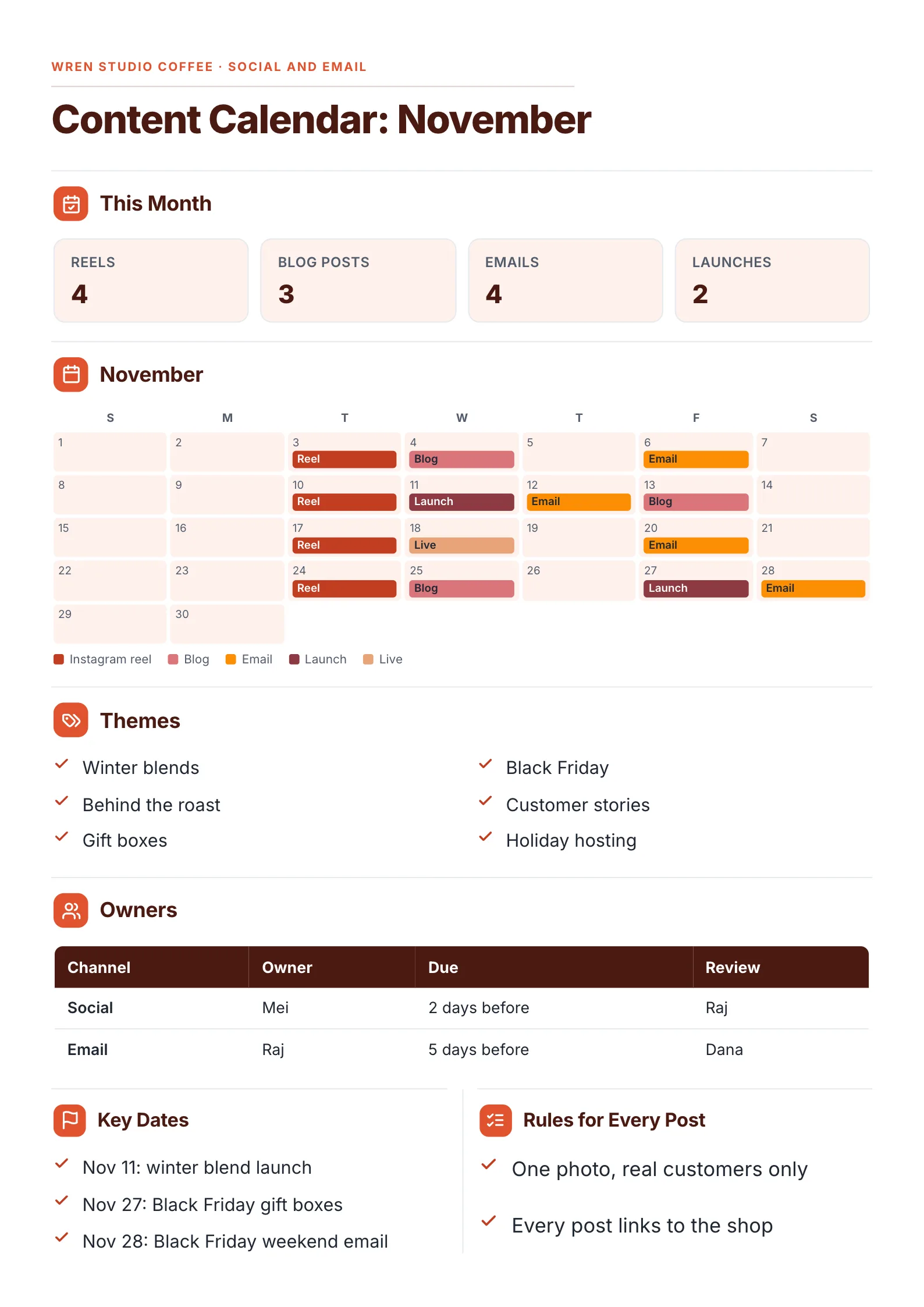
A month of social, blog and email on one page, built around two launches.
What to copy:
- Every piece on a single timeline: reels on the 3rd, 10th, 17th and 24th, blog posts on the 4th, 13th and 25th, emails on the 6th, 12th, 20th and 28th. The rhythm is visible, and so is any empty week.
- Content stacked toward the key dates: a launch on the 11th with an email the next day, and Black Friday gift boxes on the 27th with an email on the 28th.
- Owners with a lead time: social is due two days before and reviewed by Raj, email five days before and reviewed by Dana. Nothing gets written the morning it goes out.
- Two rules everyone follows: one photo, real customers only, and every post links to the shop.
Edit for free: content calendar template.
How often to post, by channel
| Channel | A common rhythm for a small team |
|---|---|
| Short video or reels | 1 to 3 a week |
| Blog | 2 to 4 a month |
| 1 a week | |
| Live session | 1 a month |
Pick a rhythm your team can keep for three months. A steady pace beats a busy first week.
How to make a content calendar in 6 steps
- Mark the key dates for the month: launches, sales, holidays.
- Pick four to six themes that lead toward them.
- Set a rhythm per channel and place each piece on a date.
- Give every channel an owner, a due date and a reviewer.
- Write two or three rules for every post.
- Review it every Monday and move anything that slipped.
Have your plan in a spreadsheet or a long brief? Drop it into the free AI One-Pager generator and get it back as a designed content calendar.
Content calendar mistakes
- Planning content before dates. Launches get one post and quiet weeks get five.
- No owner. A post owned by "marketing" is owned by no one.
- No lead time. Writing on the day means no review and more mistakes.
- Too much detail on the calendar itself. Captions and links belong in the working file. The calendar is the overview.
Make your content calendar
Open the free content calendar template and put in your month, or drop your plan into the free AI One-Pager generator and get a finished calendar back.
Frequently asked questions
What should a content calendar include?
The month, the channels, each piece of content on its date, themes, owners with due and review dates, key dates and a few rules for every post.
How far ahead should I plan content?
One month in detail and the next two months as key dates and themes.
What is the difference between a content calendar and a social media calendar?
A social media calendar covers social posts only. A content calendar covers every channel, including blog, email and live sessions.
Should a content calendar be weekly or monthly?
Monthly for planning, with a weekly check. A month shows the rhythm and the gaps; a week is too short to see either.