Skip to content
Free for 7 days 3 One-Pagers included Start free
MakeOnepagers

Changelog

What's new

What we shipped lately, newest first

  1. New templates in the library, and real summary templates

    New templates are in the public library, each with its own page, picture, description and category.

    One Page Summary Templates now shows real summary templates, with the summary generator underneath.
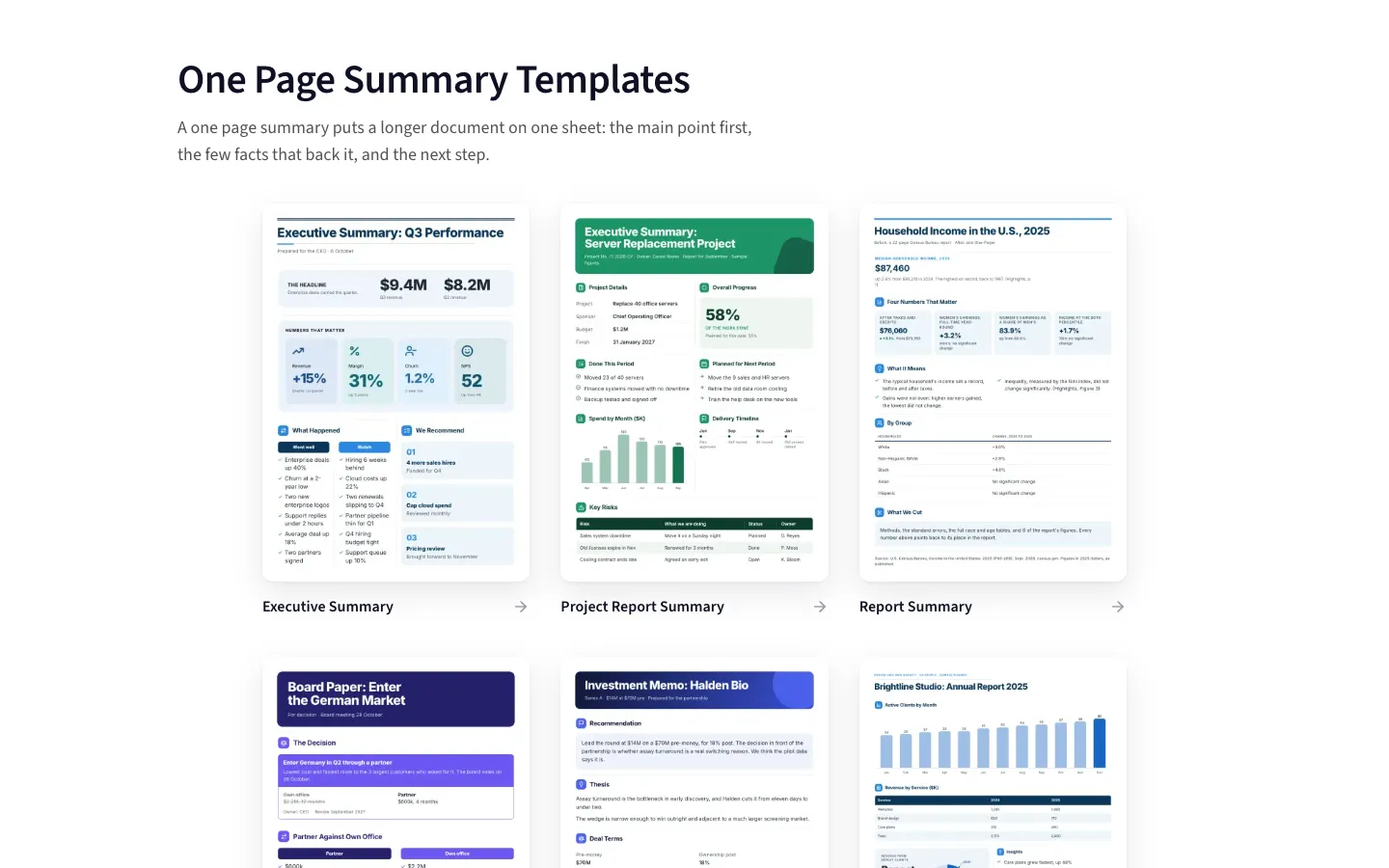
    The One Page Summary Templates section showing real summary One-Pagers in a row
  2. Your brands in the editor, one tap to use one

    The editor's Brand tab shows each saved brand as a card, with Use on this One-Pager. Undo puts it back.

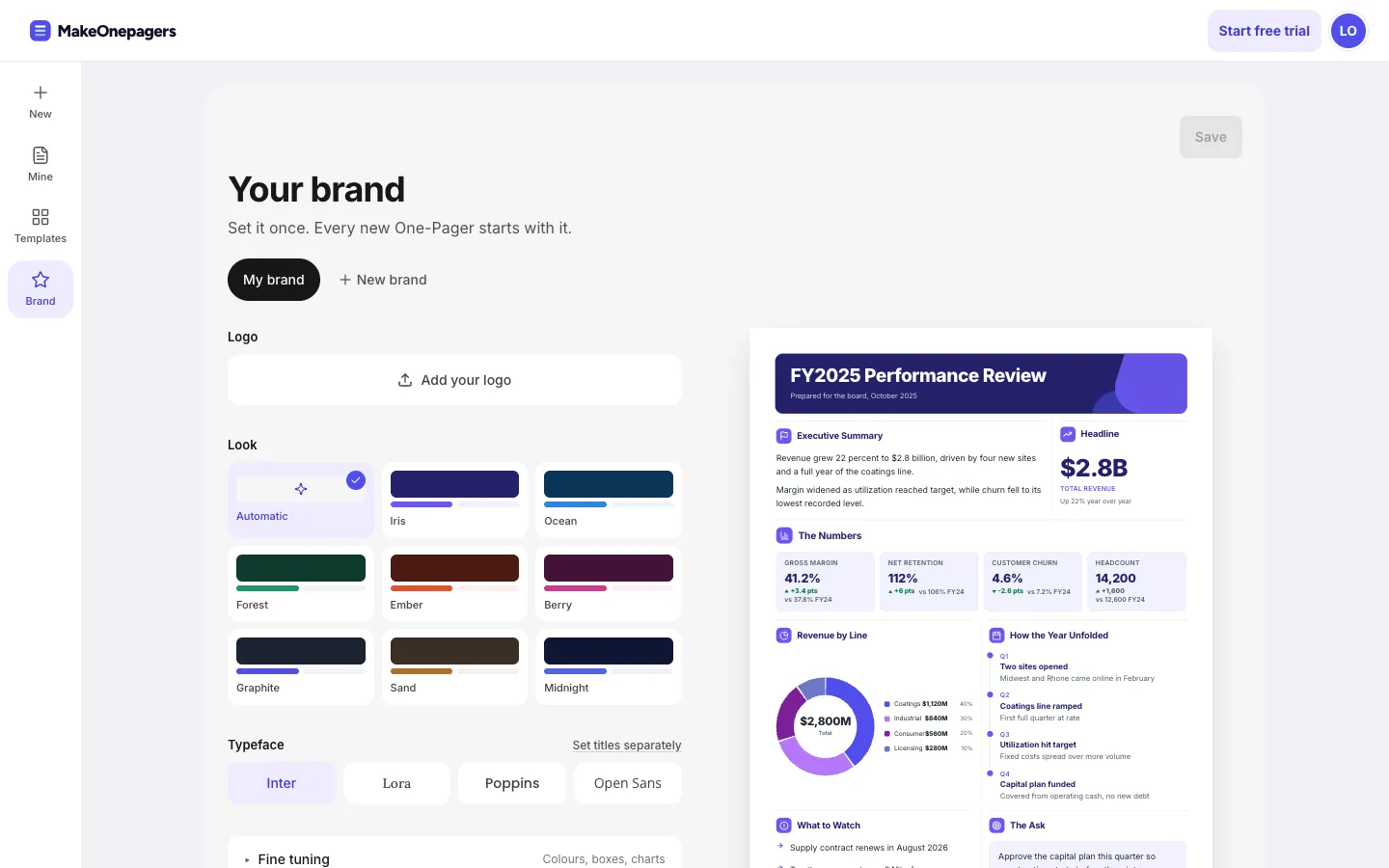
    You can keep several brands. The brand page switches between them and adds new ones, and they follow your account to every device.

    The brand page with My brand, New brand, the looks and the typefaces beside a One-Pager
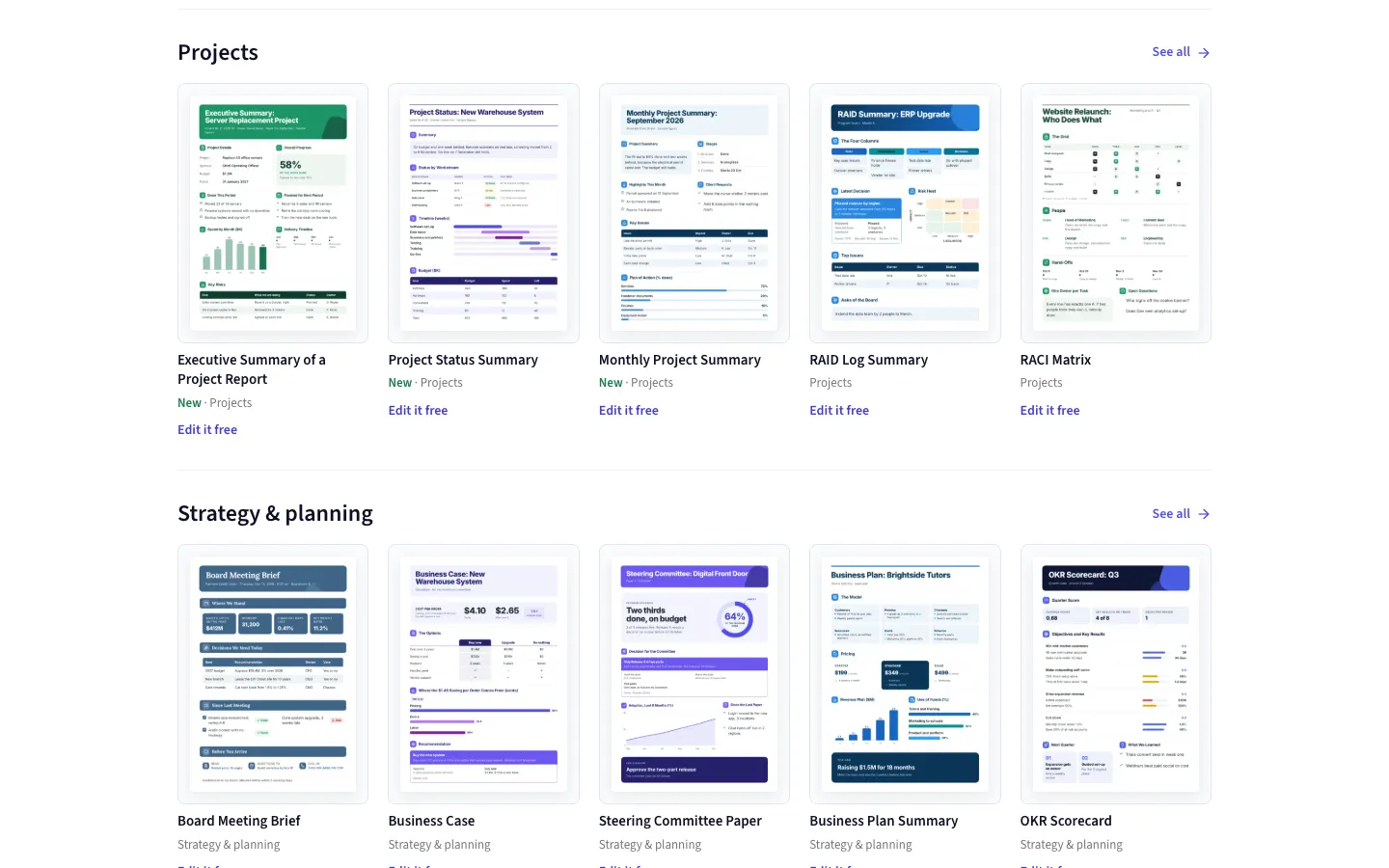
  3. The templates gallery shows every category as its own row

    With no search or filter, each category is a row with See all, so the whole range shows at a glance.

    On a phone each row swipes sideways.

    The templates gallery with each category in its own row and a See all link
  4. No wide gaps beside a taller section, and the editor follows your dark mode

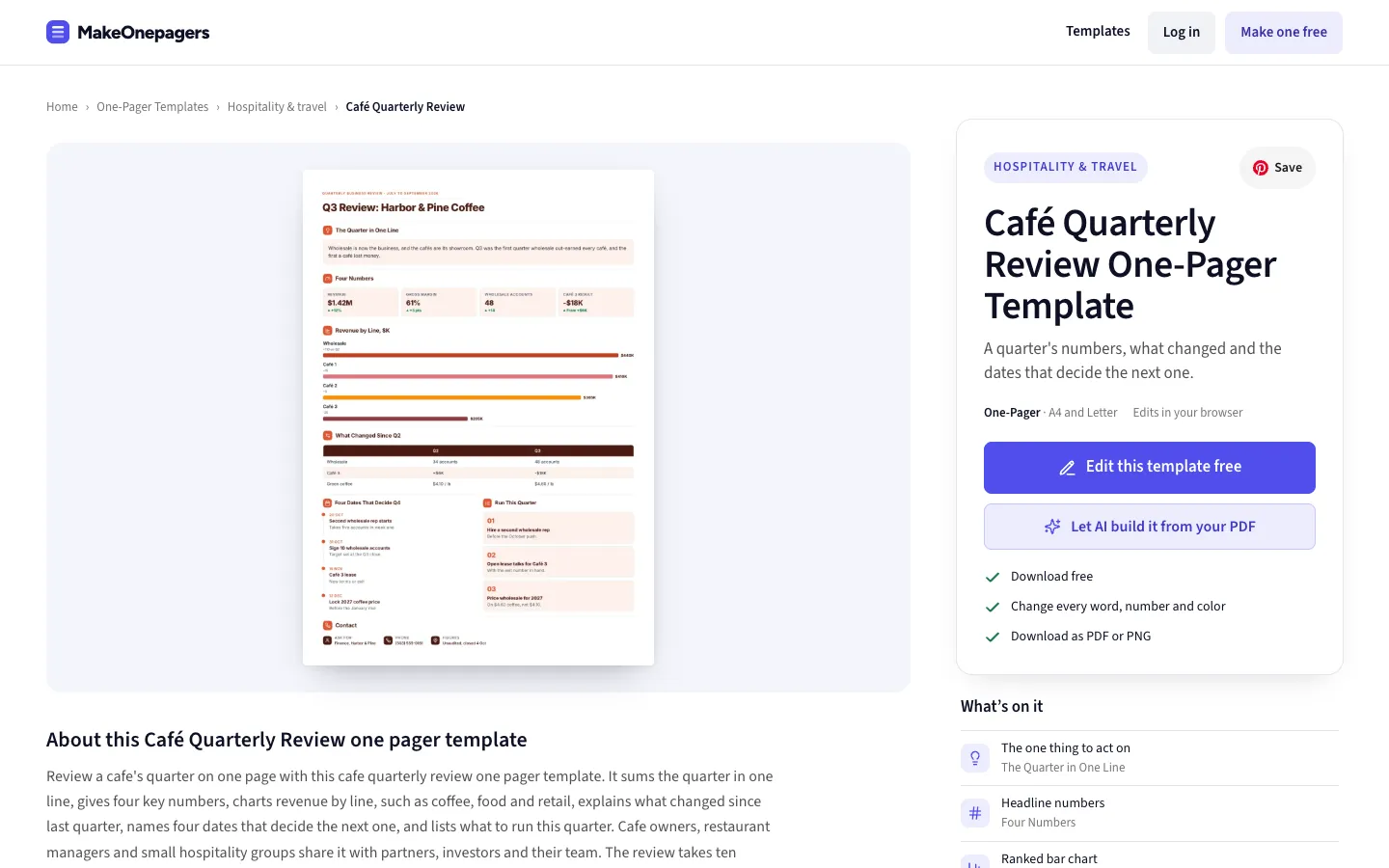
    A list beside a taller section no longer spreads its items far apart. The words grow a little to fill the space instead.

    The editor opens dark when your phone or computer is in dark mode, until you pick a theme yourself.

    The Cafe Quarterly Review One-Pager with every row ending level
  5. Pictograms fill their space, and donut slices never share a colour

    A row of people or icons now sits at the top of its section and its icons grow to fill the height beside a taller section.

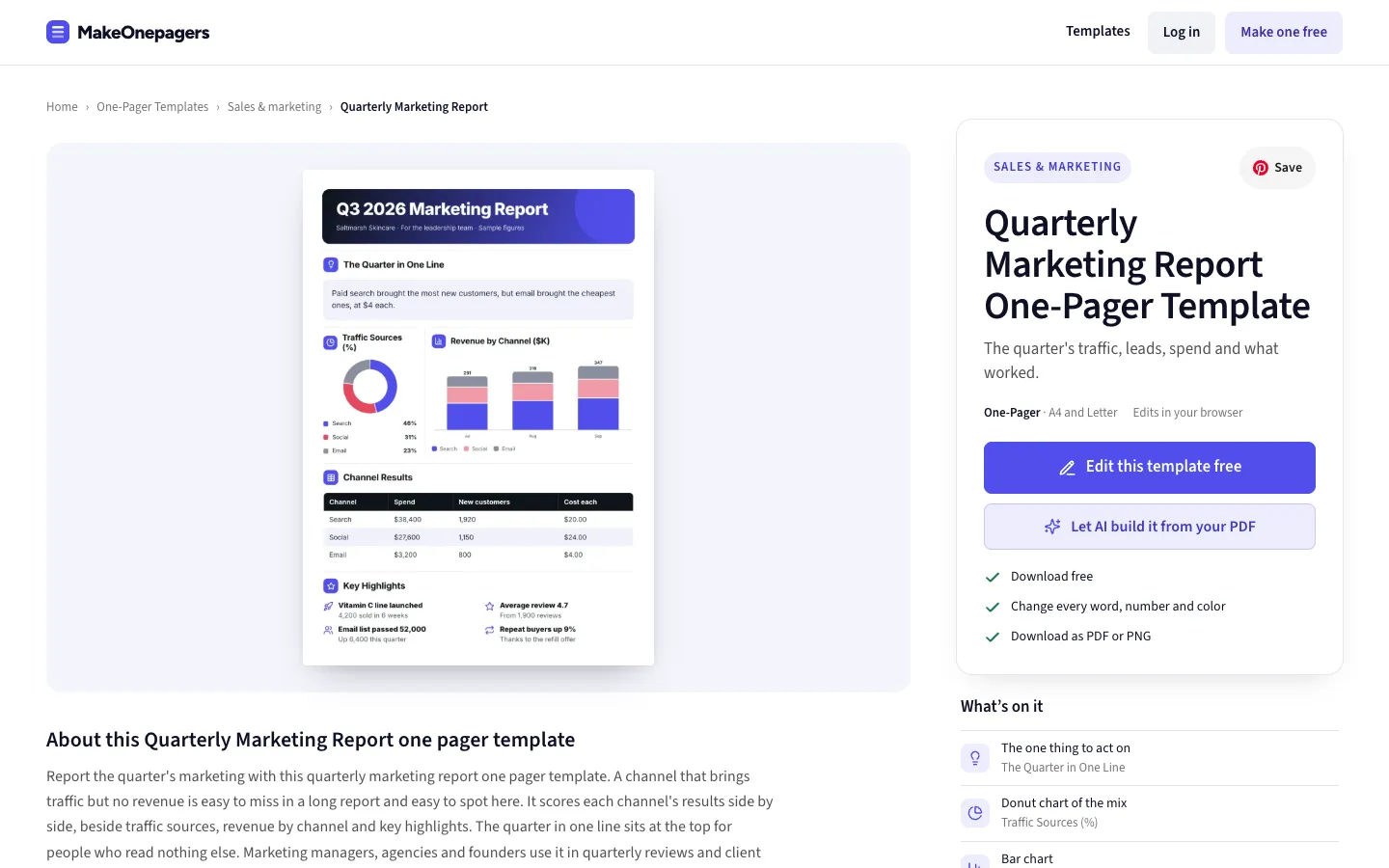
    A donut or pie with more than five slices gives every slice its own colour, so no two look the same.

    The Quarterly Marketing Report One-Pager with a donut chart, each slice in its own colour
  6. Price tables can list a full quote

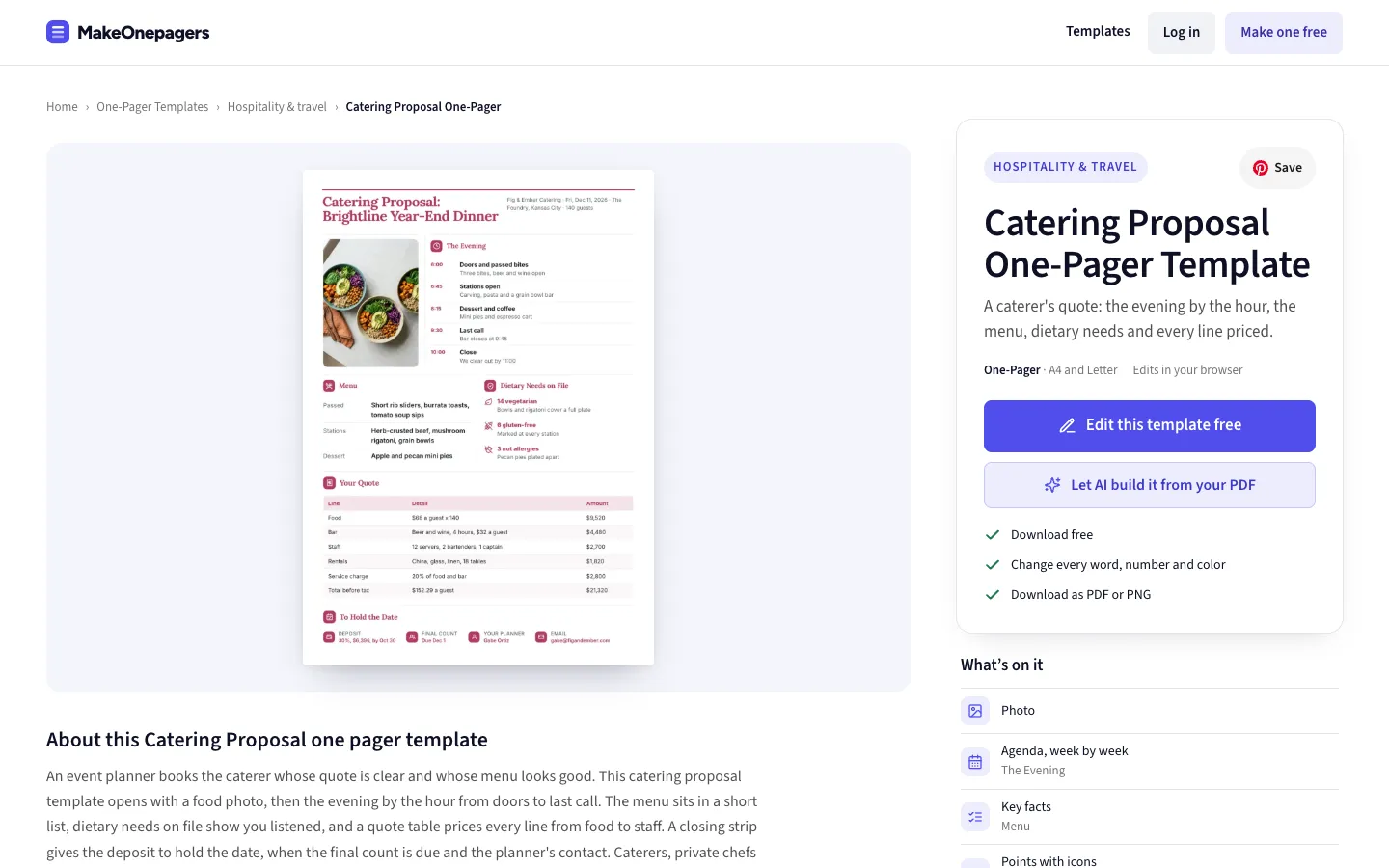
    A proposal's price table can now hold up to 12 lines, so a full quote fits on one One-Pager.

    The Catering Proposal One-Pager with its menu and price quote
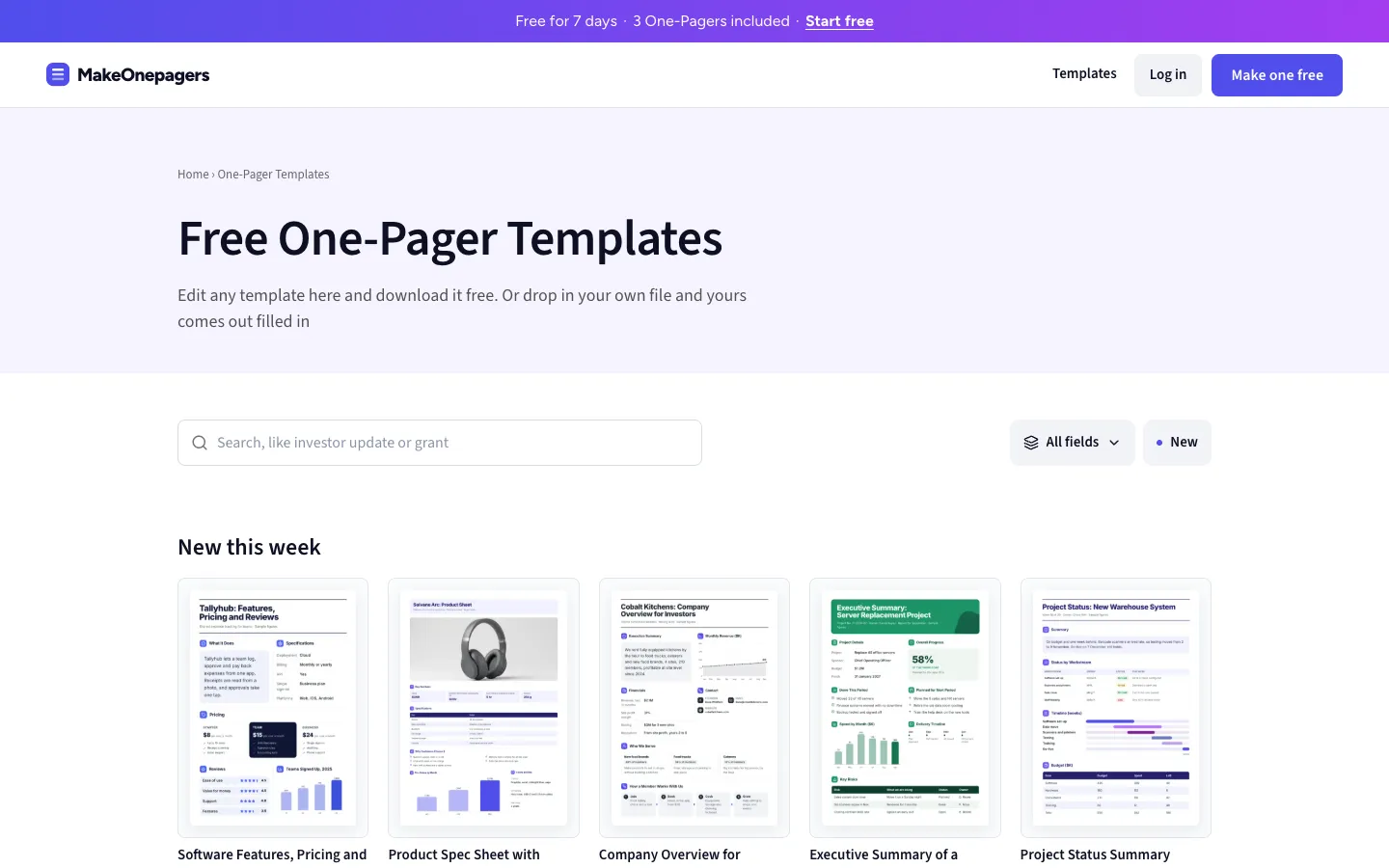
  7. Search the template gallery

    One row over the gallery: search on the left, then a menu of fields and New.

    On a phone the fields open as a sheet from the bottom.

    The top of the templates gallery with the search bar, the fields menu and New
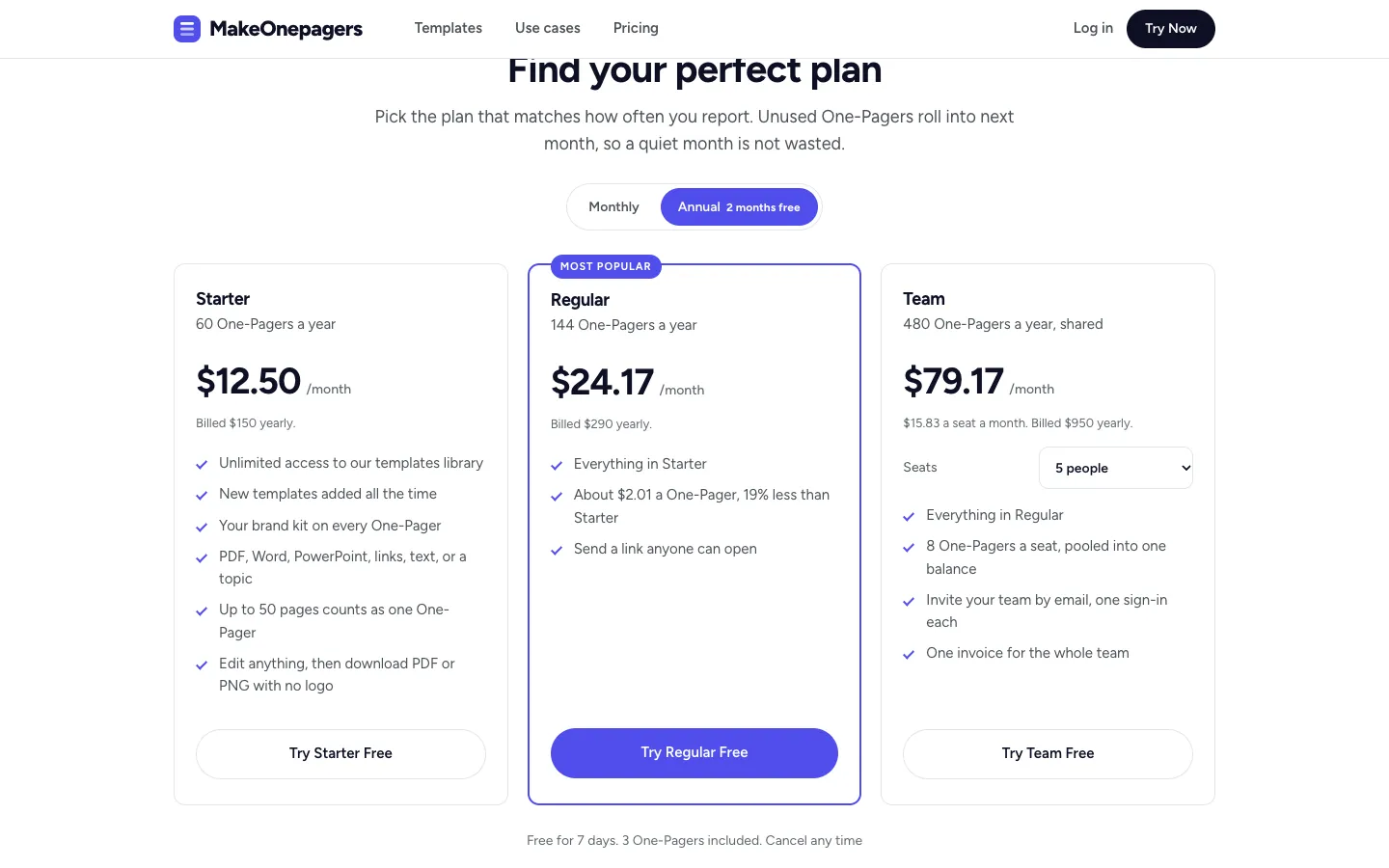
  8. Pricing shows the yearly price per One-Pager

    The price of each One-Pager on a plan now follows the monthly and yearly switch.

    The plans on the homepage with yearly billing picked
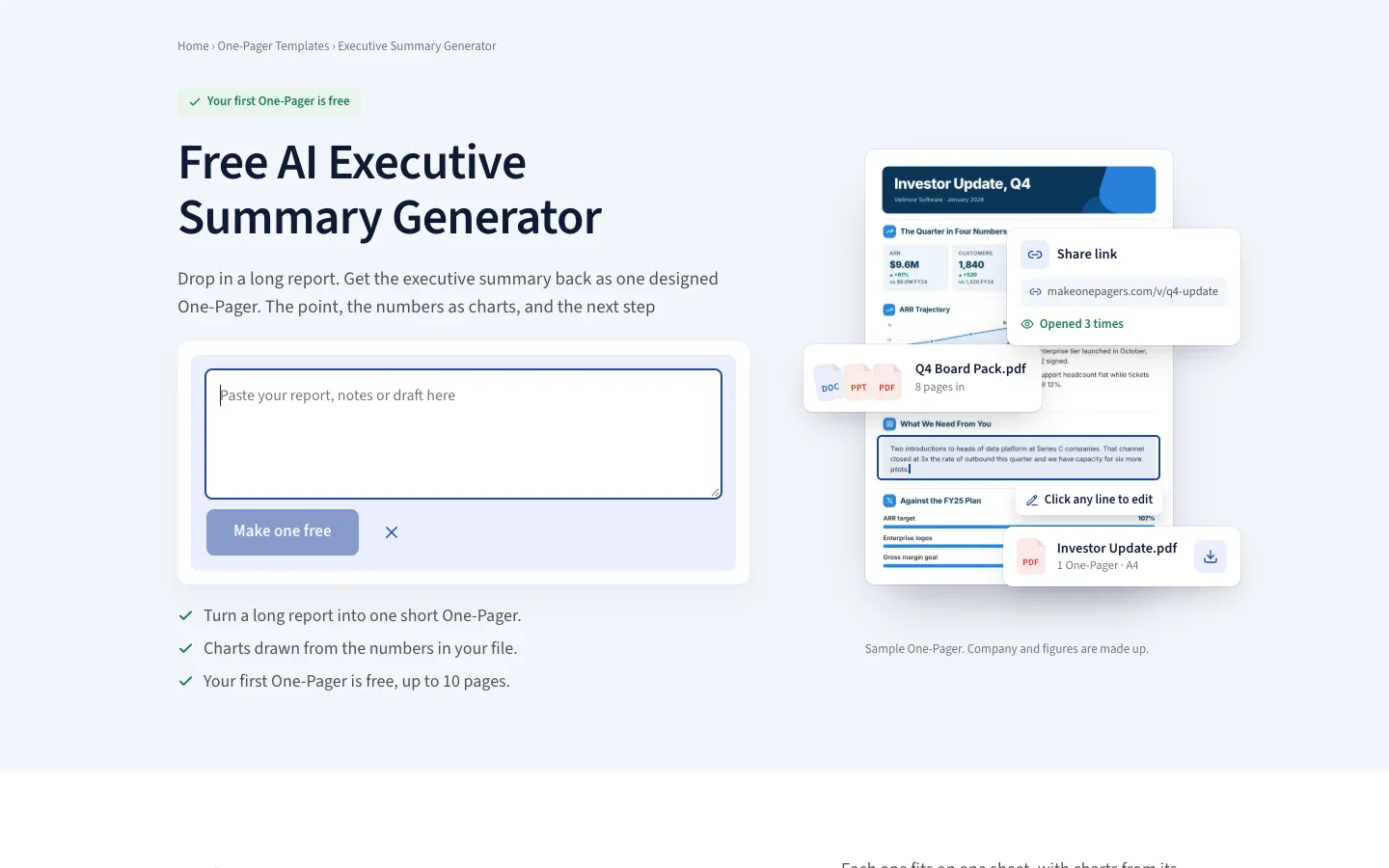
  9. The executive summary generator takes pasted text

    Beside Choose a PDF there is now Paste text: paste a report, notes or a draft and get the same free One-Pager.

    The executive summary generator with the Paste text box open
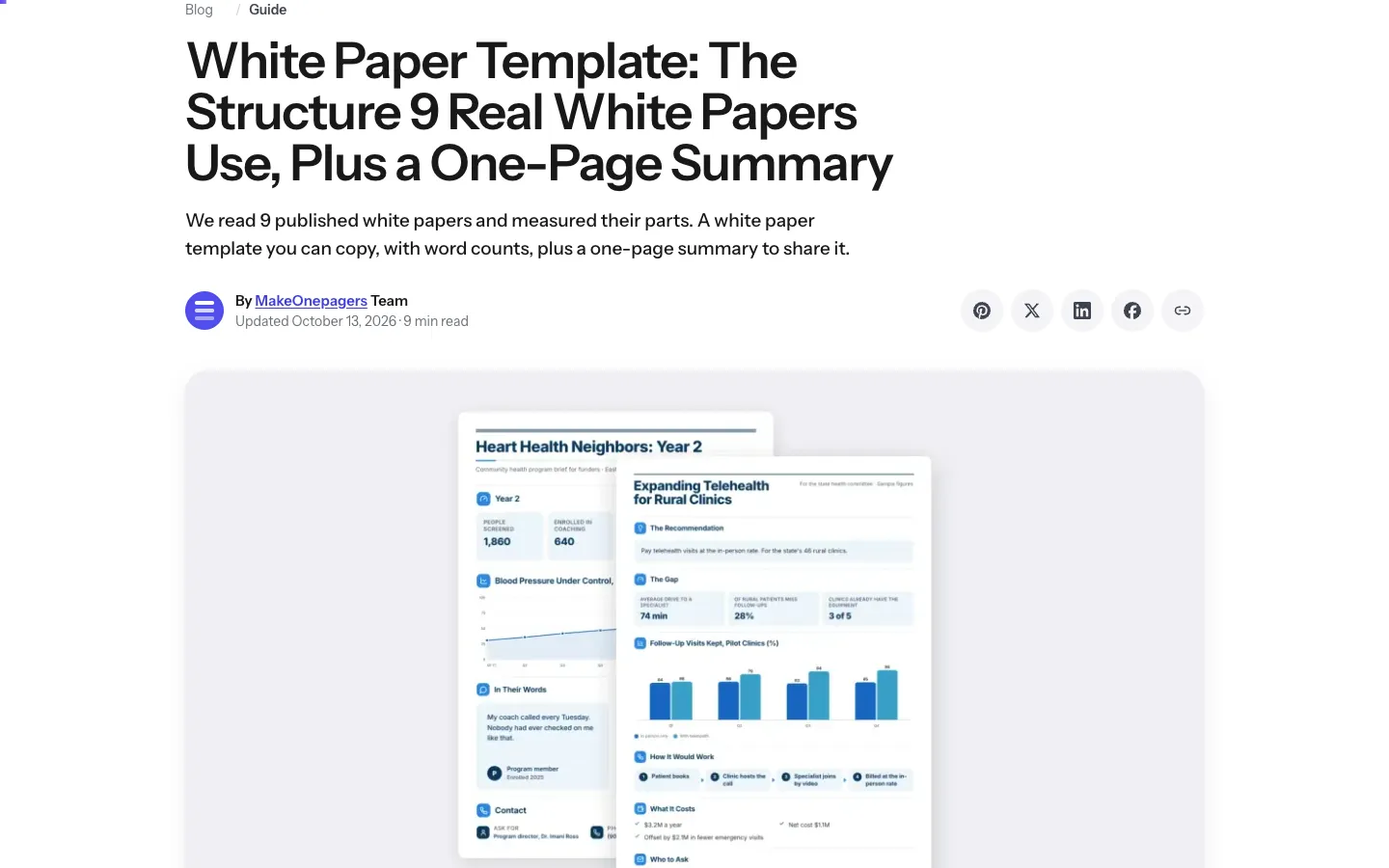
  10. Share buttons on every blog post

    Pinterest, X, LinkedIn, Facebook and copy link sit beside the author line and again after the questions.

    A blog post with the share buttons beside the author line