A Content Calendar Format Built on Set Dates and Repeating Slots
A content calendar format modeled on a real 12-month calendar for cities: repeating series, fixed dates, ready copy, then the owners and results it leaves out.

Your content calendar works when most of next month is decided before the month starts. A good content calendar format gets you there in a fixed order: the goals, the dates you can't move, the series that repeat, and then a name and a due date on every post. Start from a free one pager template.
One‑Pager examples
Real One-Pagers made with MakeOnepagers. Open any one to edit it as your own.
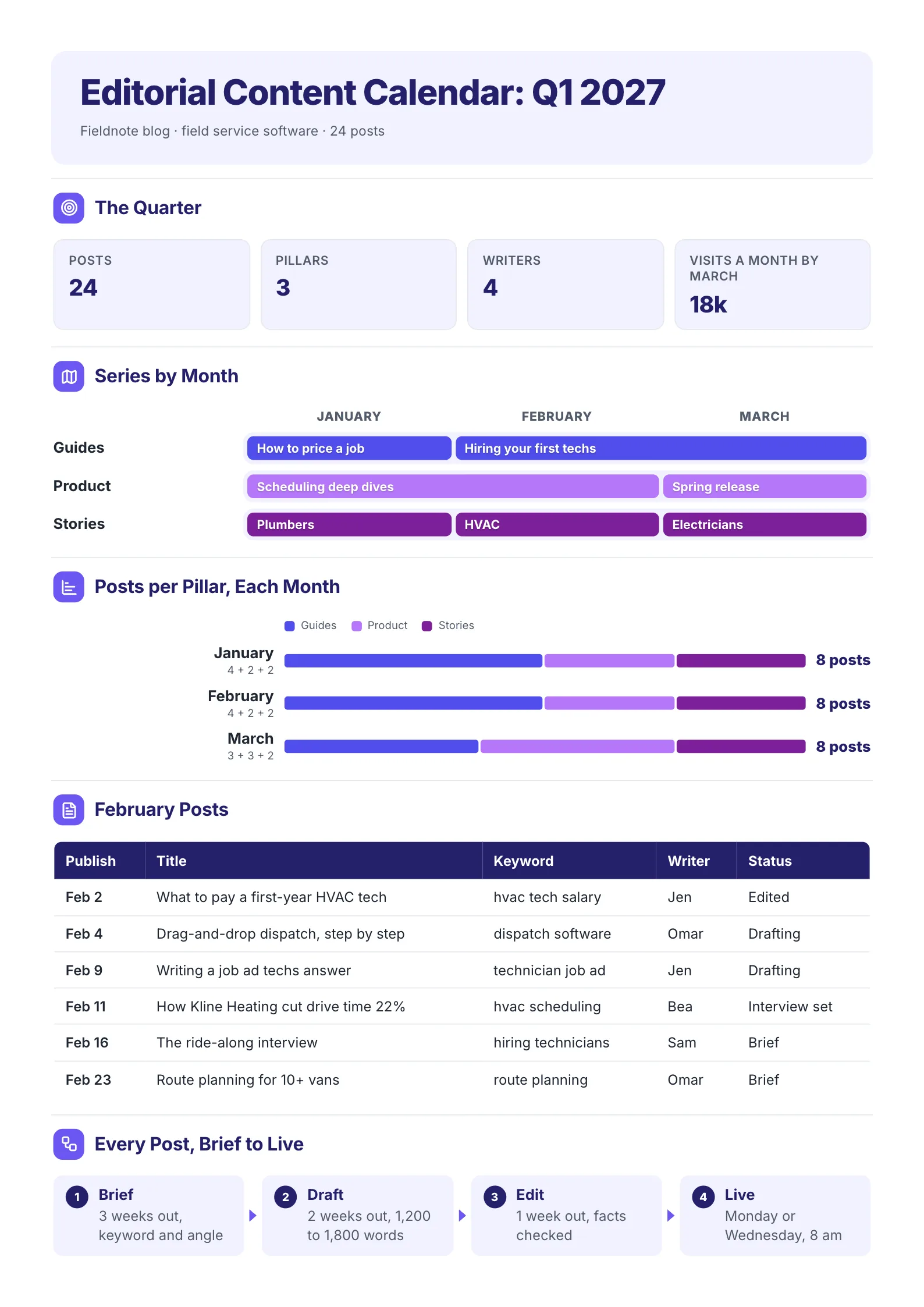 Editorial Content CalendarEdit for free(opens in a new tab)
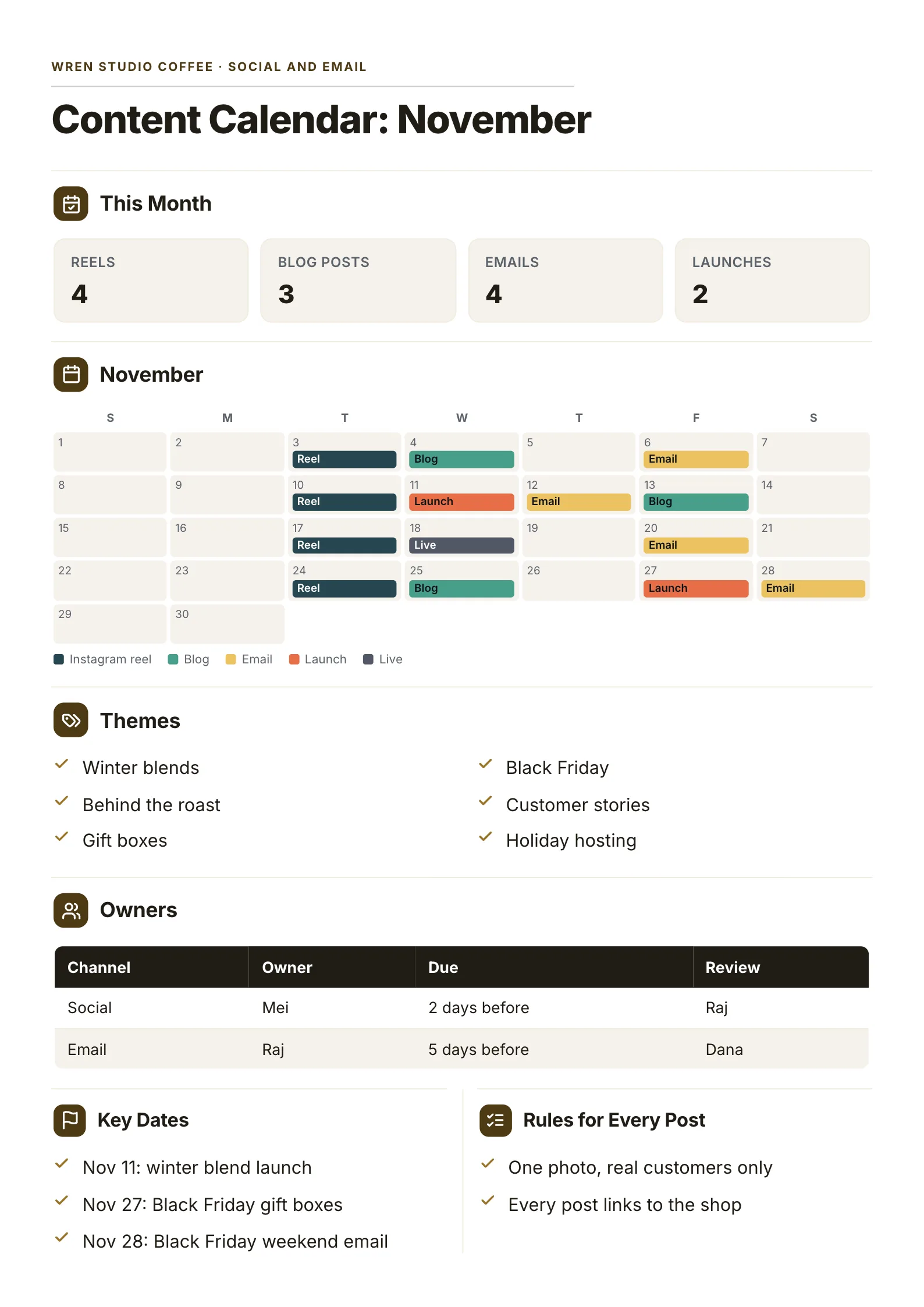 Content CalendarEdit for free(opens in a new tab)
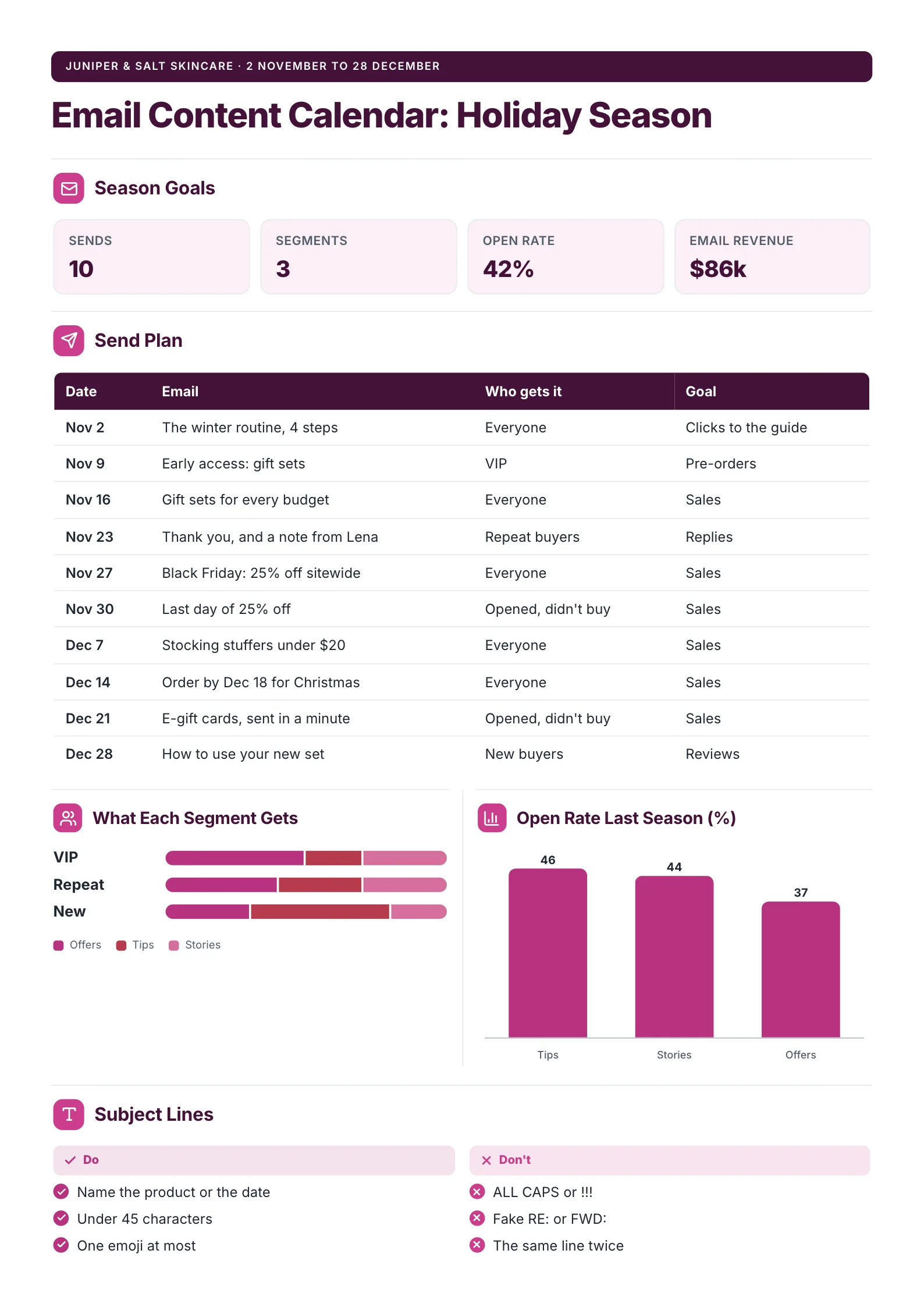 Email Content CalendarEdit for free(opens in a new tab)
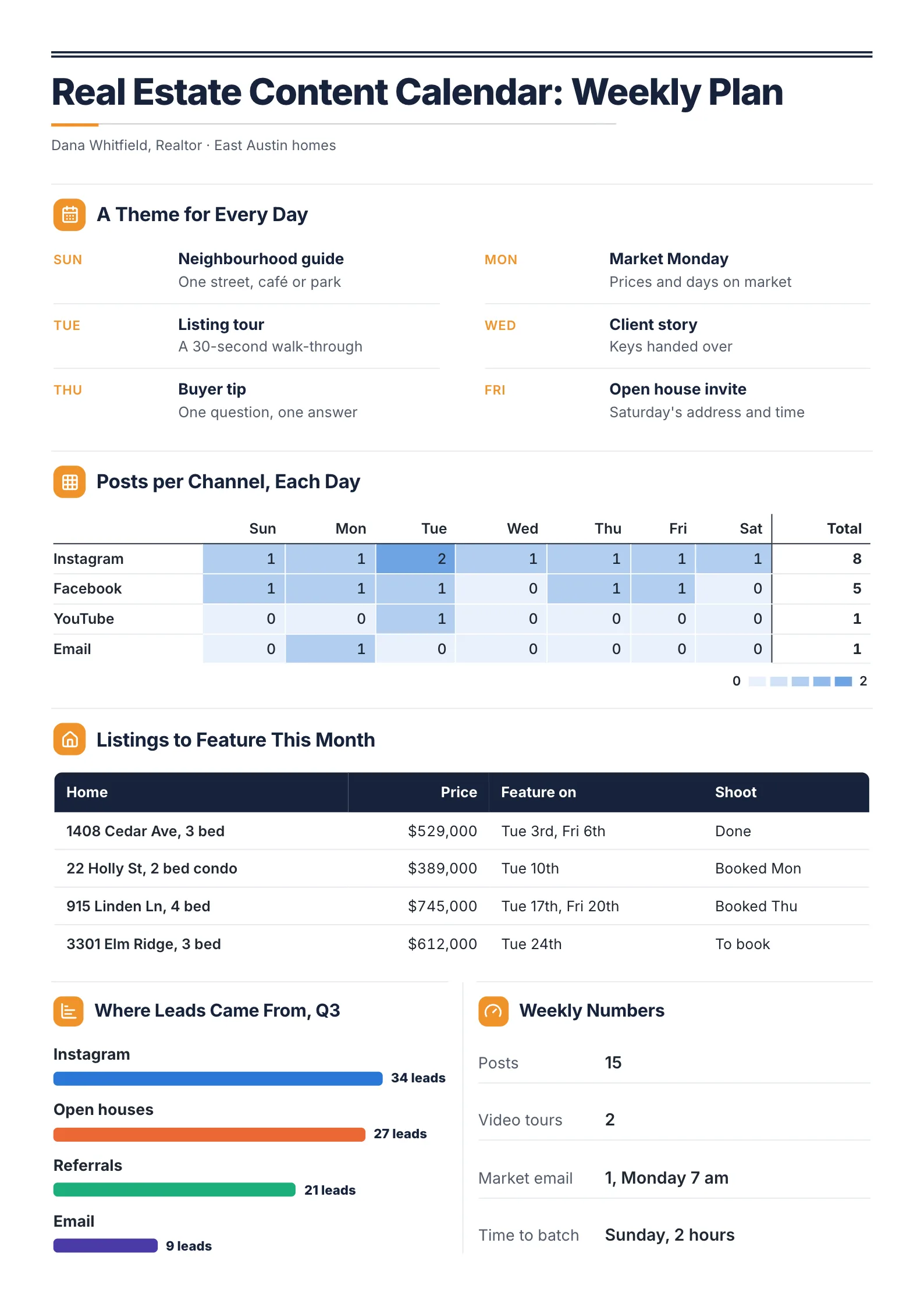 Real Estate Content CalendarEdit for free(opens in a new tab)
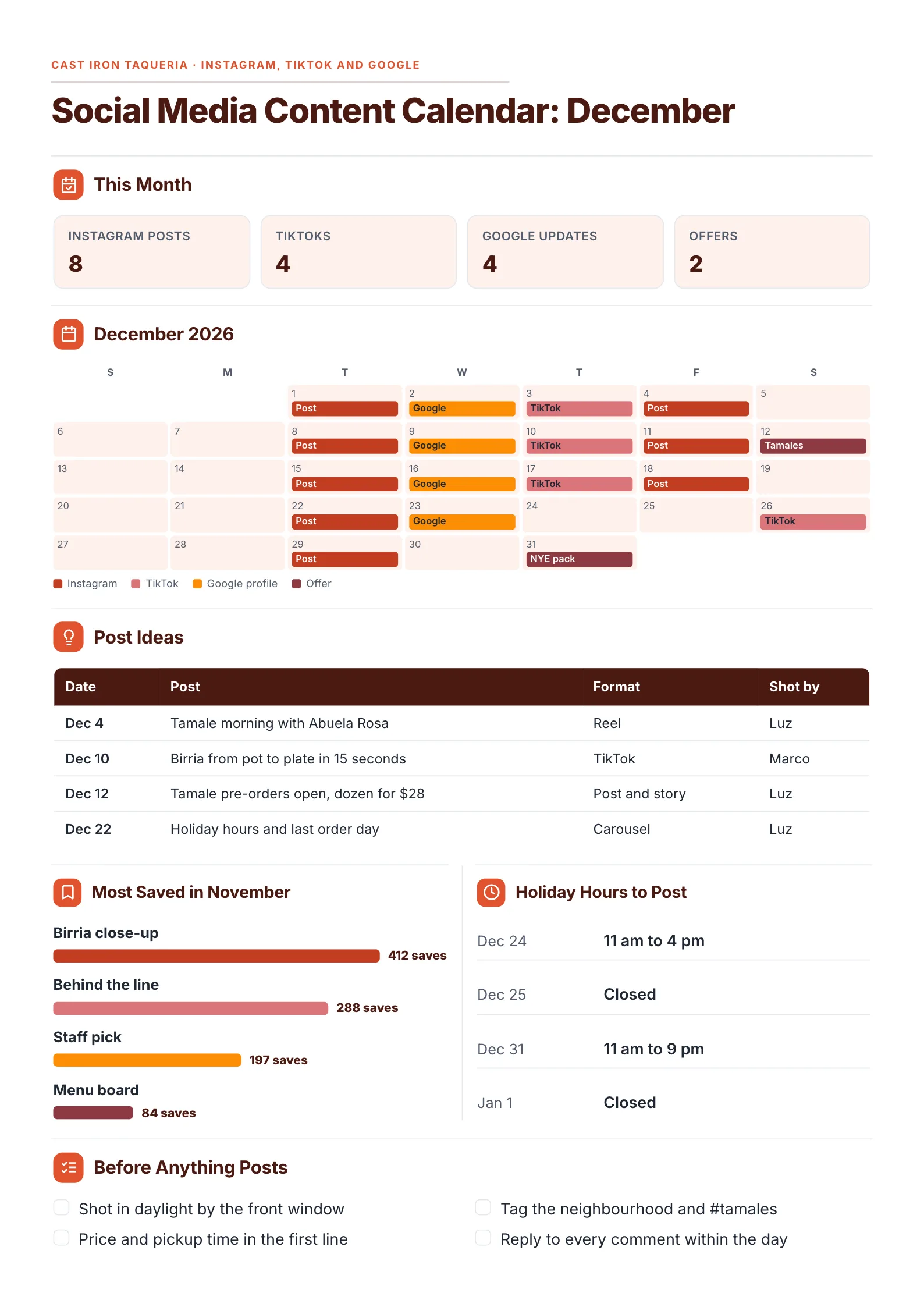 Restaurant Social Media Content CalendarEdit for free(opens in a new tab)
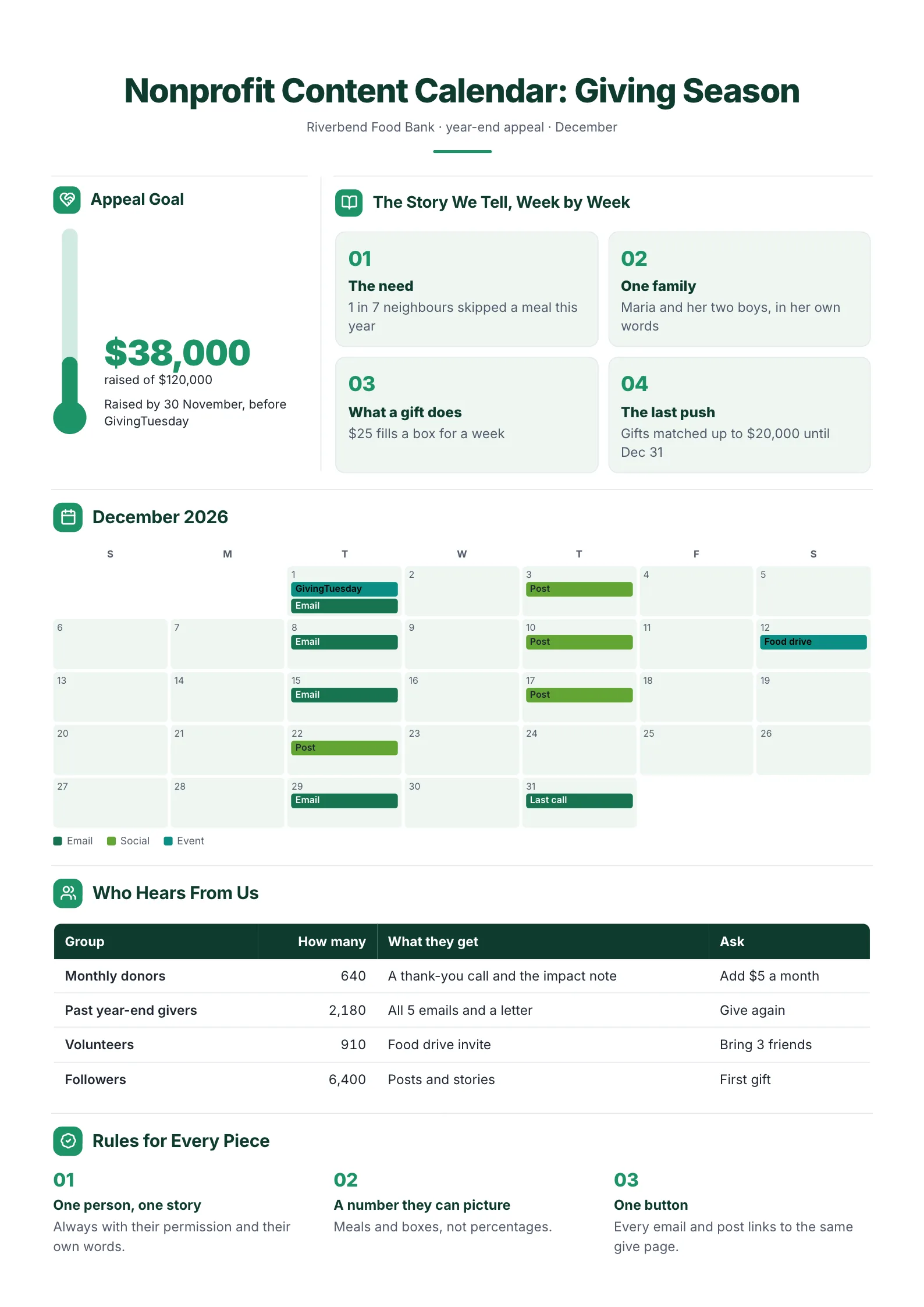 Nonprofit Content CalendarEdit for free(opens in a new tab)
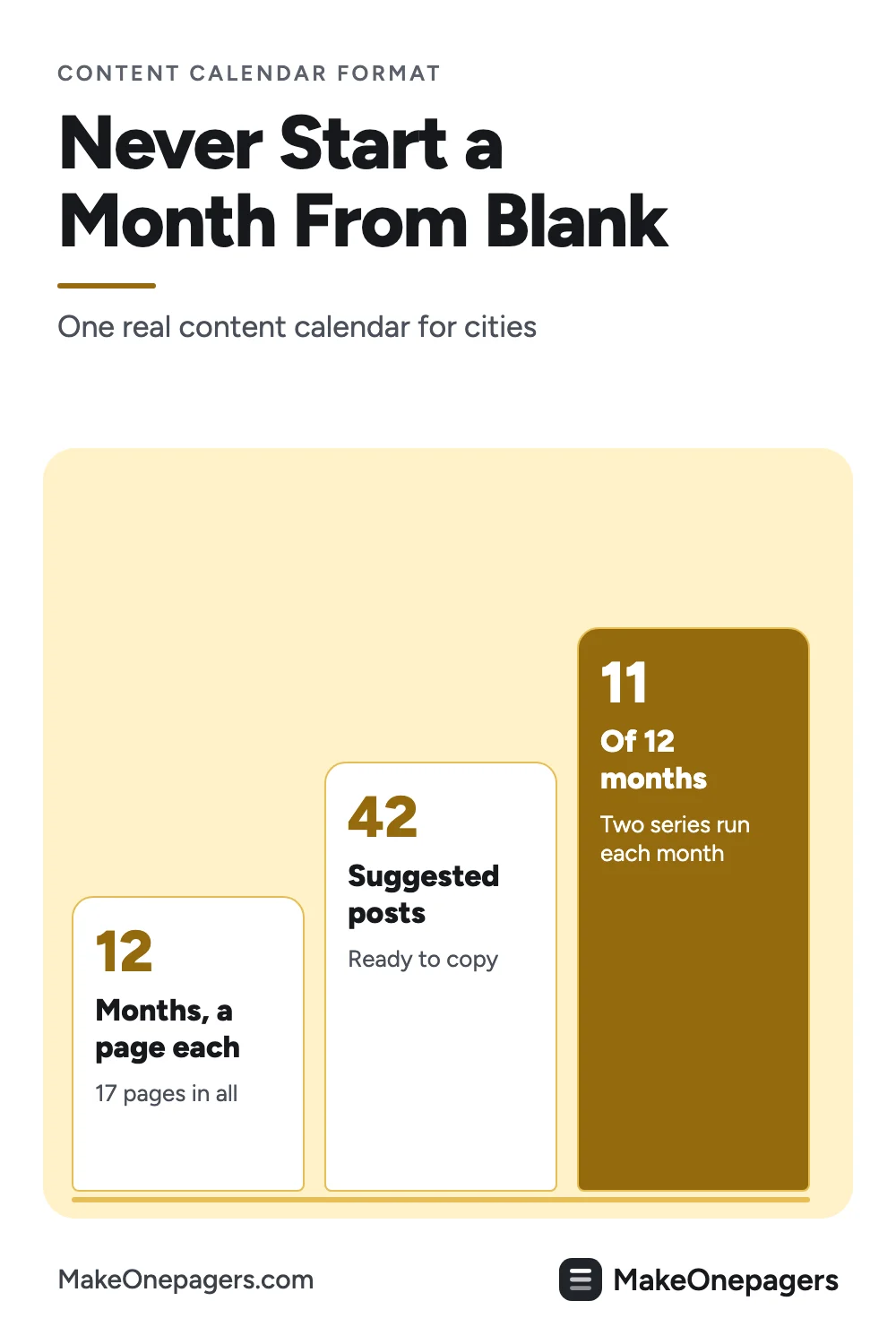
We modeled this format on the 2025 Content Calendar for Cities from the Iowa League of Cities, a toolkit the League made for city halls with small communications teams. Then we fit its lessons onto one page. The samples are MakeOnepagers pages, and their names and figures are made up.
How the League's calendar is built
The file runs 17 pages. After a welcome page, each month gets a page of its own, with three to six ideas on it. Most ideas say why they're worth posting, and many come with a suggested post your city can copy, with blanks for its own name and numbers. The last two pages hold tips for Facebook, video and phone photos.
| Part | In the League's calendar | What to add on your page |
|---|---|---|
| Repeating series | "Did You Know?" and a citizen spotlight, each in 11 of the 12 months | A fixed day for each one |
| Dates you can't move | Local Leaders Day on March 4, the League's conference September 17 to 19, Election Day on November 4 | The day each post goes out, before and after |
| Ready-to-use copy | 42 suggested posts | The final text, or a link to it |
| Seasonal ideas | Leaf removal in October, snow equipment in December | One theme per week |
| Channel rules | At least 2 to 3 Facebook posts a week, post images at 1080 x 1080 or 1080 x 1350 pixels, videos of 15 seconds or less | Your own pace for each channel |
| Owner and status | Not in the file | Who makes it, who approves it and where it stands |
| Results | A December year-in-review list: volunteer hours, miles paved, new business permits, events, lane miles plowed | What each post earned |
The repeating series do most of the work, and yours can too. "Did You Know?" skips only September, and the citizen spotlight skips only December. Pages 3 and 4 hold 12 ready topics for the first series, from potholes to the library. In most months, a city using it starts with two posts it doesn't have to invent, and your own series can give you that head start.
The calendar also tells you to batch. Gather several spotlights at once, it says, so next month's are ready, and use Facebook's scheduling tools to set up a month of posts in one sitting.
What the file leaves to you is the running of it. No post has an owner, a due date or a status, and there's no line for what each one earned. A city can add those itself, and so can you.
What goes on the page, in order
A whole year needs 17 pages. A month, or a season, fits on one, in six blocks.
The period, the channels and the goals
Start with what your calendar covers and what you want it to produce.
 Edit this template
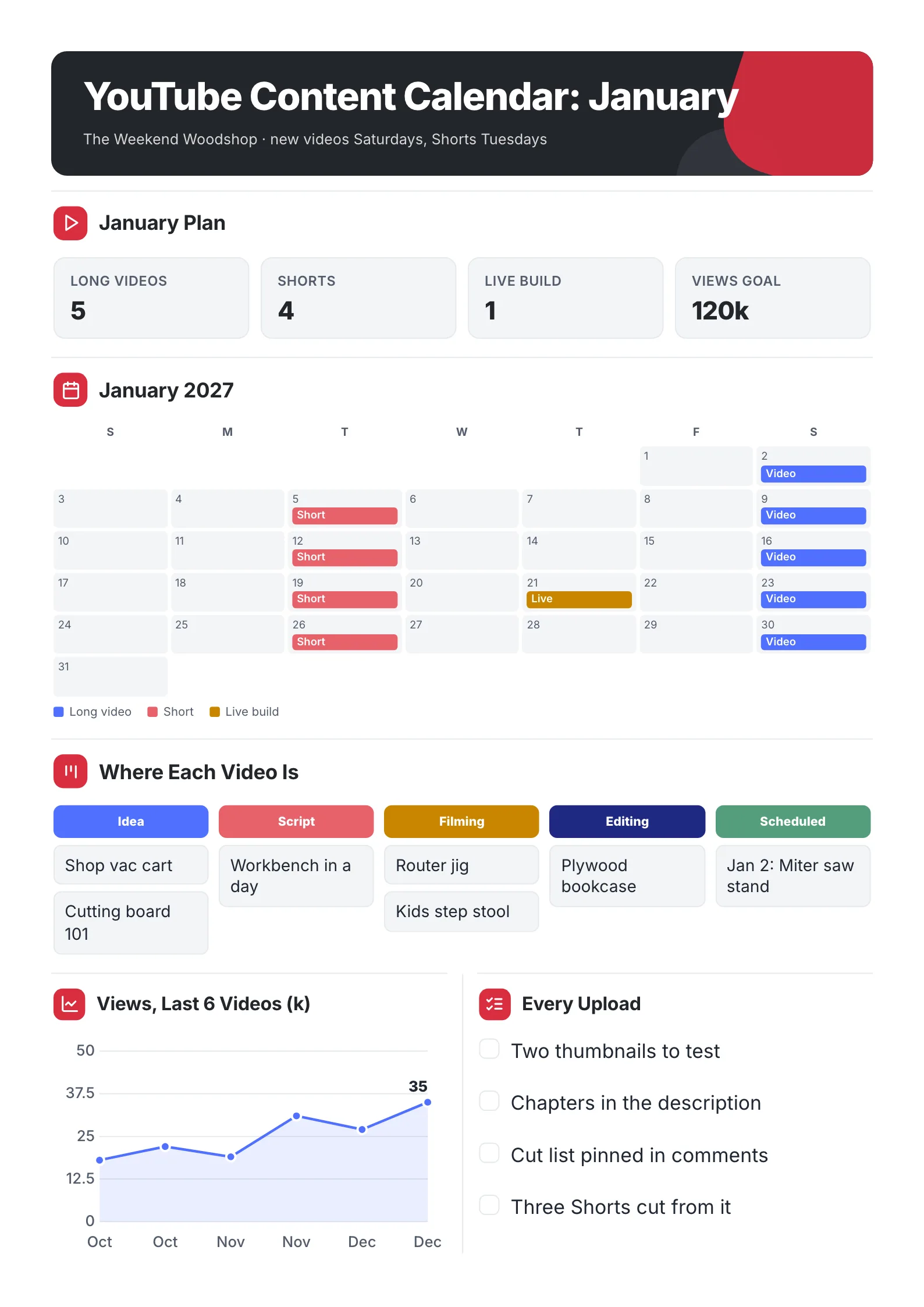
The YouTube content calendar opens with four numbers for January, then puts every upload on the month, long videos on Saturdays and Shorts on Tuesdays. One look tells you whether your month adds up to the goal.
The dates you can't move
Put your fixed dates in before anything else, the way the League pins its conference and Election Day.
 Edit this template
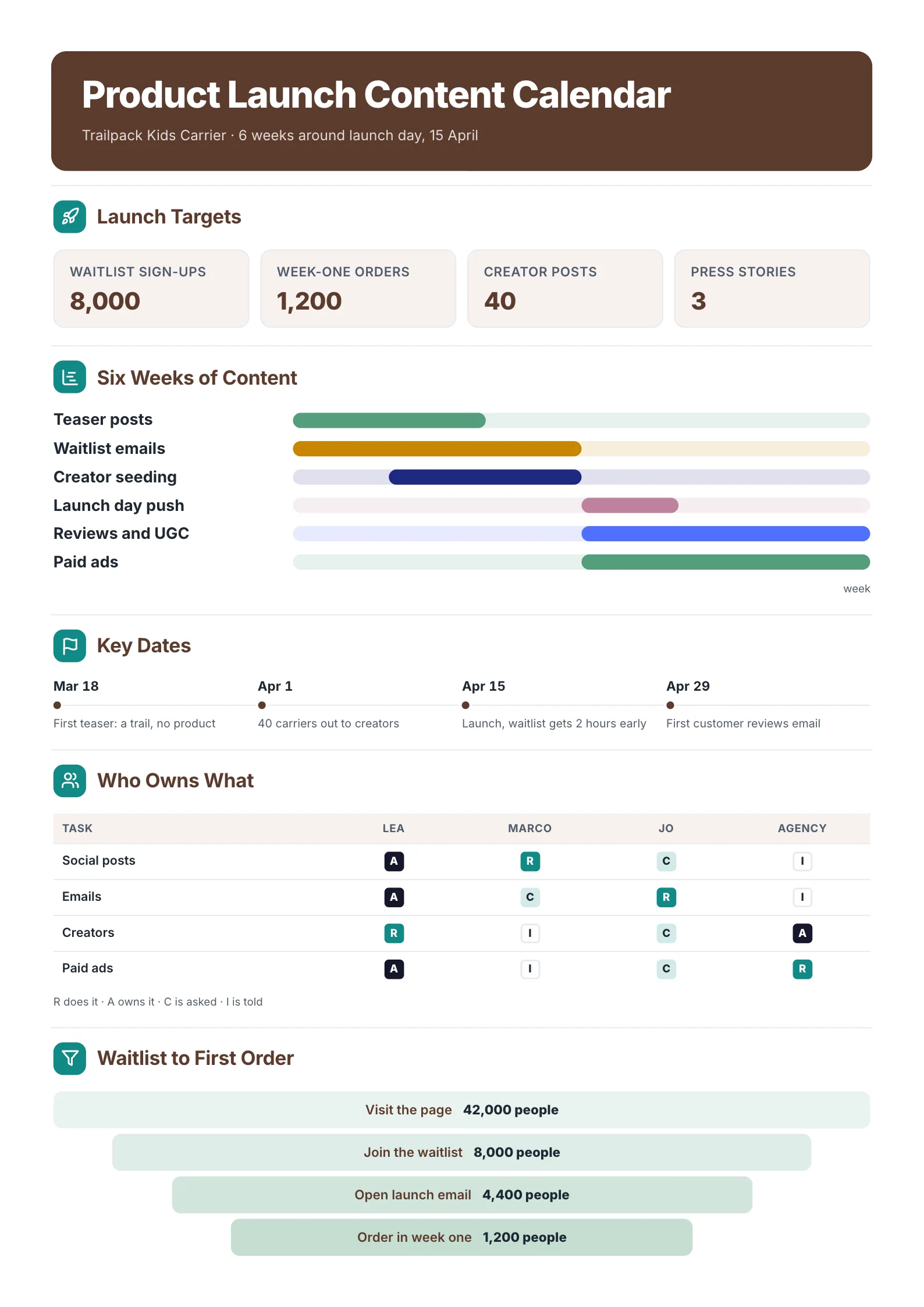
This product launch calendar builds six weeks around one date, April 15. The key dates run from a first teaser on March 18 to a reviews email on April 29, and every other piece fills the weeks between them. Your own anchor might be a sale, an event or a report you publish.
A slot for every repeating series
Give each series a day, so a week starts with its posts already named.
 Edit this template
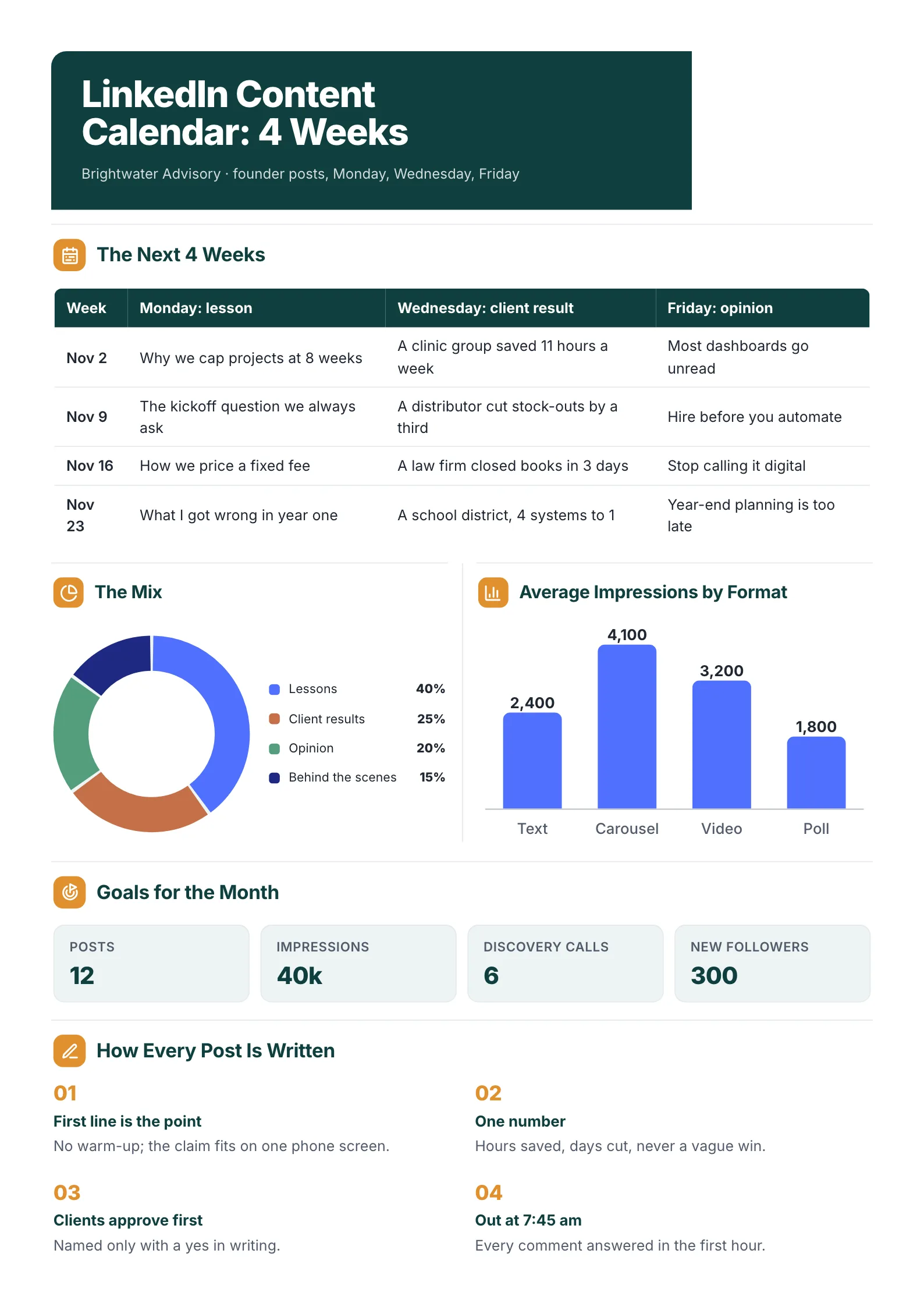
The LinkedIn content calendar runs three series: a lesson on Monday, a client result on Wednesday and an opinion on Friday. Four weeks of titles fill the table, so you can see a gap a month ahead.
An owner and a due date for every piece
This is the column the League's file doesn't have, and the one that keeps your calendar running. When you know who drafts each piece and by when, nothing waits on a guess.
 Edit this template
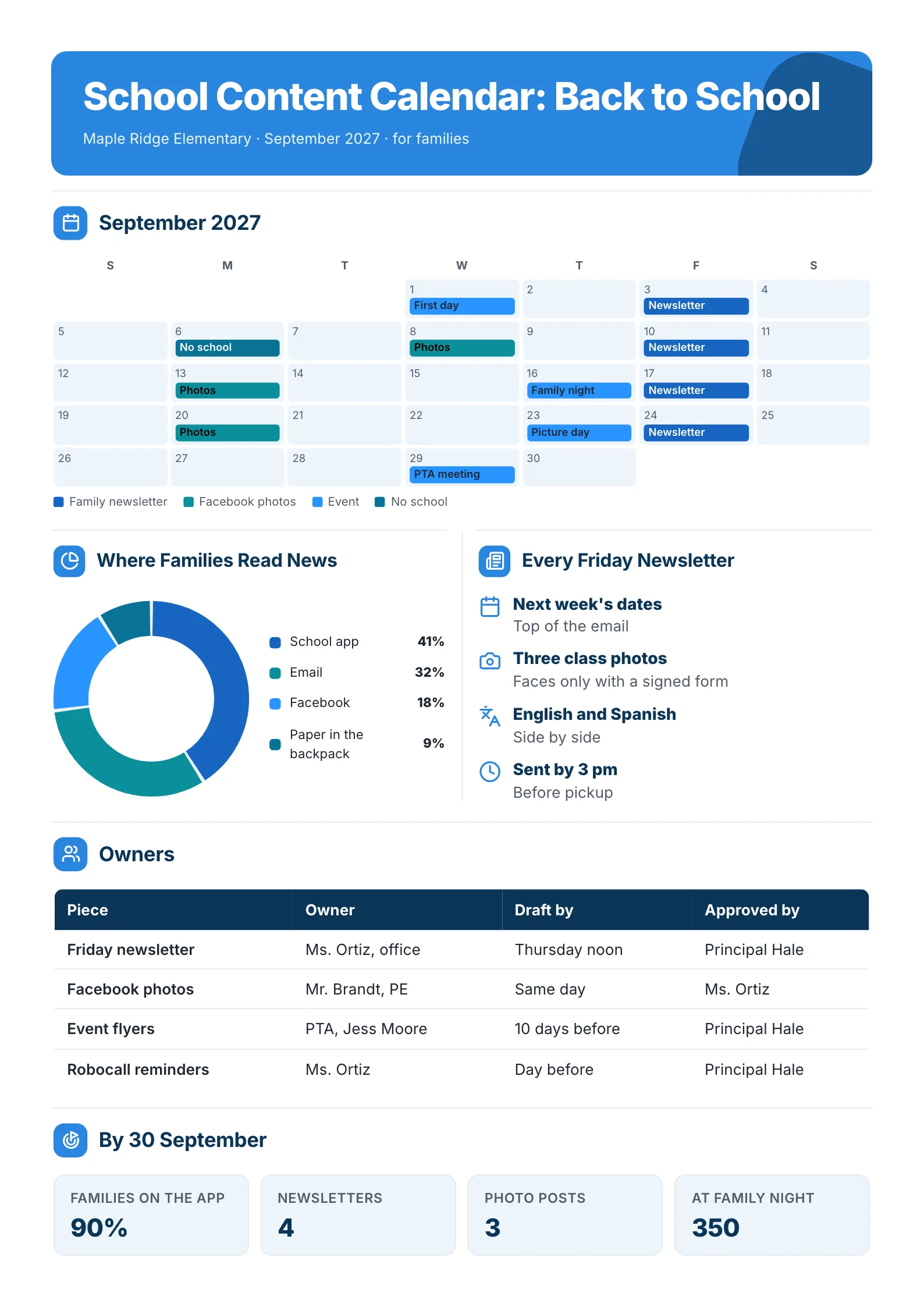
In the school content calendar, every piece has an owner, a draft deadline and an approver. The office drafts the Friday newsletter by Thursday noon, the principal approves it, and it goes out by 3 pm, before pickup.
One piece, from start to publish
If your posts take several steps, show the path once, and every piece you plan follows it.
 Edit this template
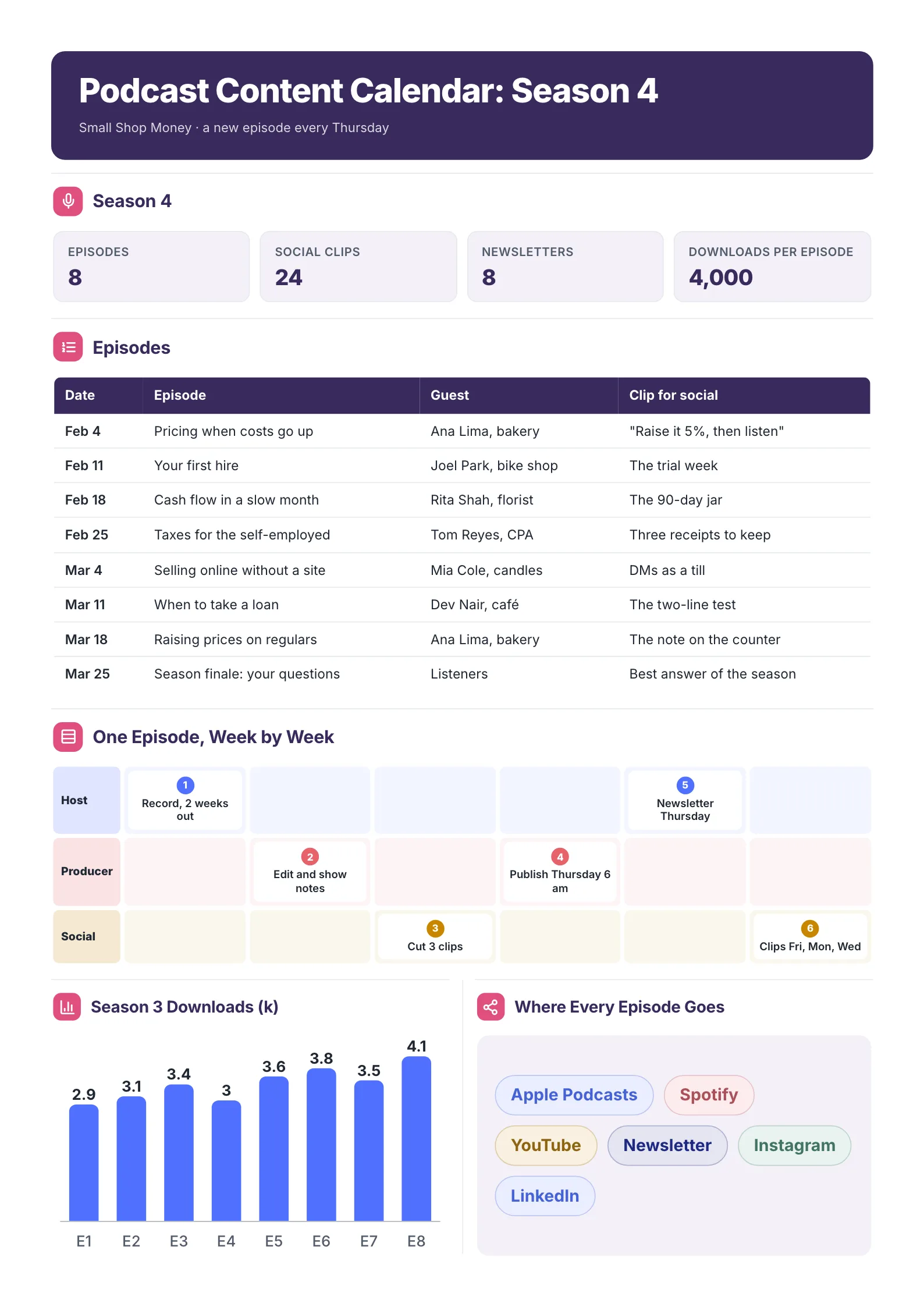
The podcast content calendar shows one episode moving across three people. The host records two weeks out, and the producer edits it and publishes on Thursday at 6 am. Then the clips run on Friday, Monday and Wednesday.
The rules, and what worked last time
The League saves its rules for the back pages, and on one page they can be a short list. The LinkedIn sample puts four writing rules under its posts and a chart of average impressions by format beside them: 4,100 for a carousel against 1,800 for a poll. Your next month's mix can start from a chart like that.
Make your content calendar
Pick the period first, whether it's a month, a season or a launch. Then build it from a content calendar in MakeOnepagers: fixed dates first, then a day for each series. If last month's posts sit in a spreadsheet, the free AI One-Pager generator turns them into a draft you can rearrange. How to write a content calendar shows how to set a pace your team can keep, and a blank content calendar template is ready when you want to start from scratch.
Frequently asked questions
What is the best format for a content calendar?
A table or a month grid, with a fixed order on top: the period and goals, the dates you can't move, a slot for each repeating series, then an owner and a due date on every post. Pick a grid if you want the month at a glance, or a table if you need more detail per post.
Can a content calendar fit on one page?
A month or a season can. The League needed 17 pages for a full year of ideas and sample copy, but one page holds a month's posts, the owners and a few rules. If your post text won't fit, link to it from each row.
Should a content calendar include the post copy?
Yes, if the people who post aren't the ones who plan. Most of the League's ideas come with a suggested post, so a city clerk can publish without writing from scratch. On your one-page calendar, a link to each post's text keeps the page readable.
How do you plan recurring content in a calendar?
Name your series, give each one a fixed day and keep a list of topics for it. The League's "Did You Know?" series comes with 12 topics, enough for a year of one post a month.




