How to Write a Project Timeline That Survives a Delay
How to write a project timeline, from 6 published schedules: none keeps the first date when a date moves. Six steps, with a before and after row.

Every one of the 6 project timelines we found on public agency sites lists milestones with dates, the way yours probably does. None of the 6 keeps the original date next to the current one, so when a date slips, the old promise simply disappears. That matters, because the University of California found that 53% of the building projects it finished in 2016-17 ran more than 90 days past their original schedule. Start from a free one pager template.
One‑Pager examples
Real One-Pagers made with MakeOnepagers. Open any one to edit it as your own.
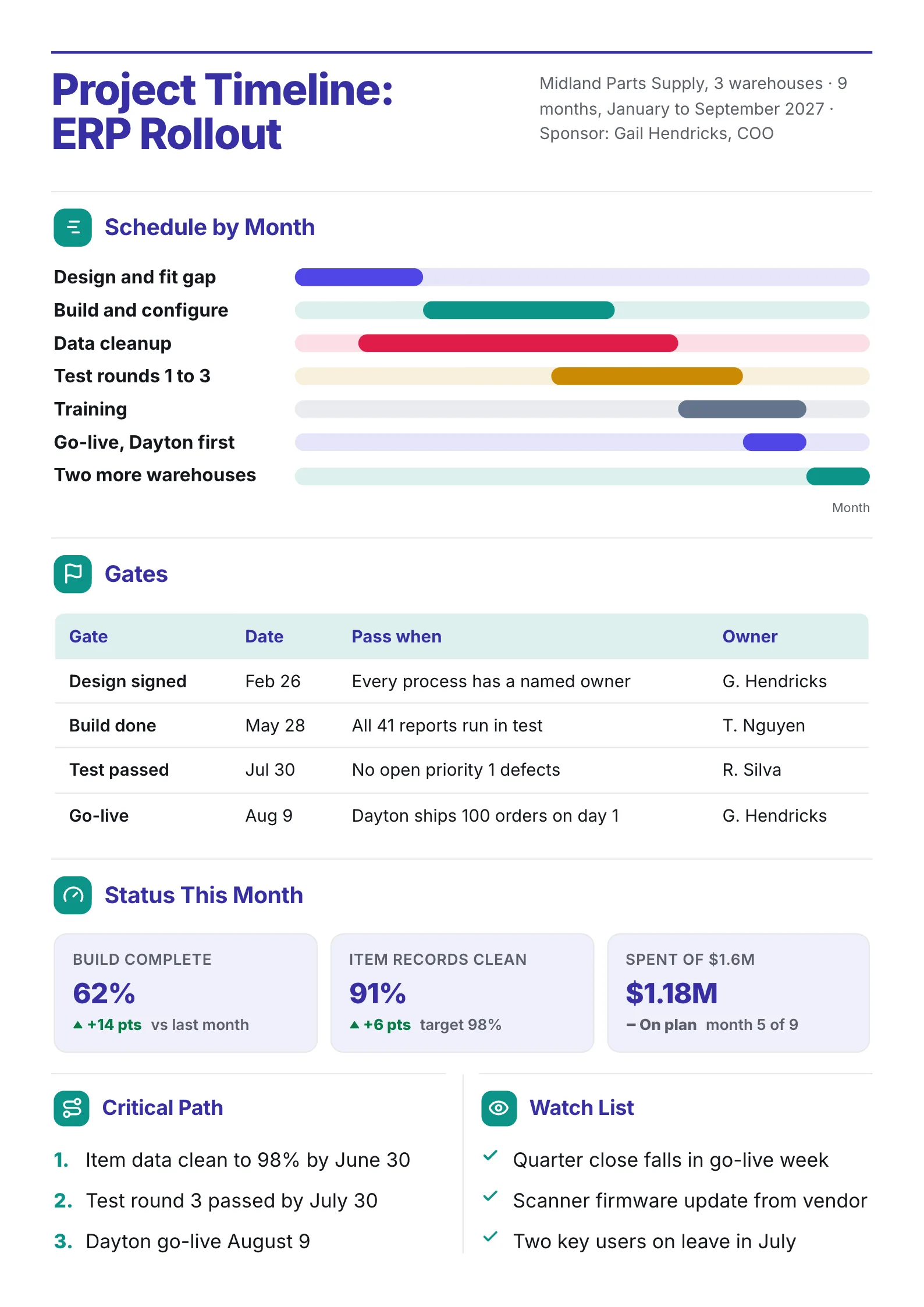 Project Timeline: ERP RolloutEdit for free(opens in a new tab)
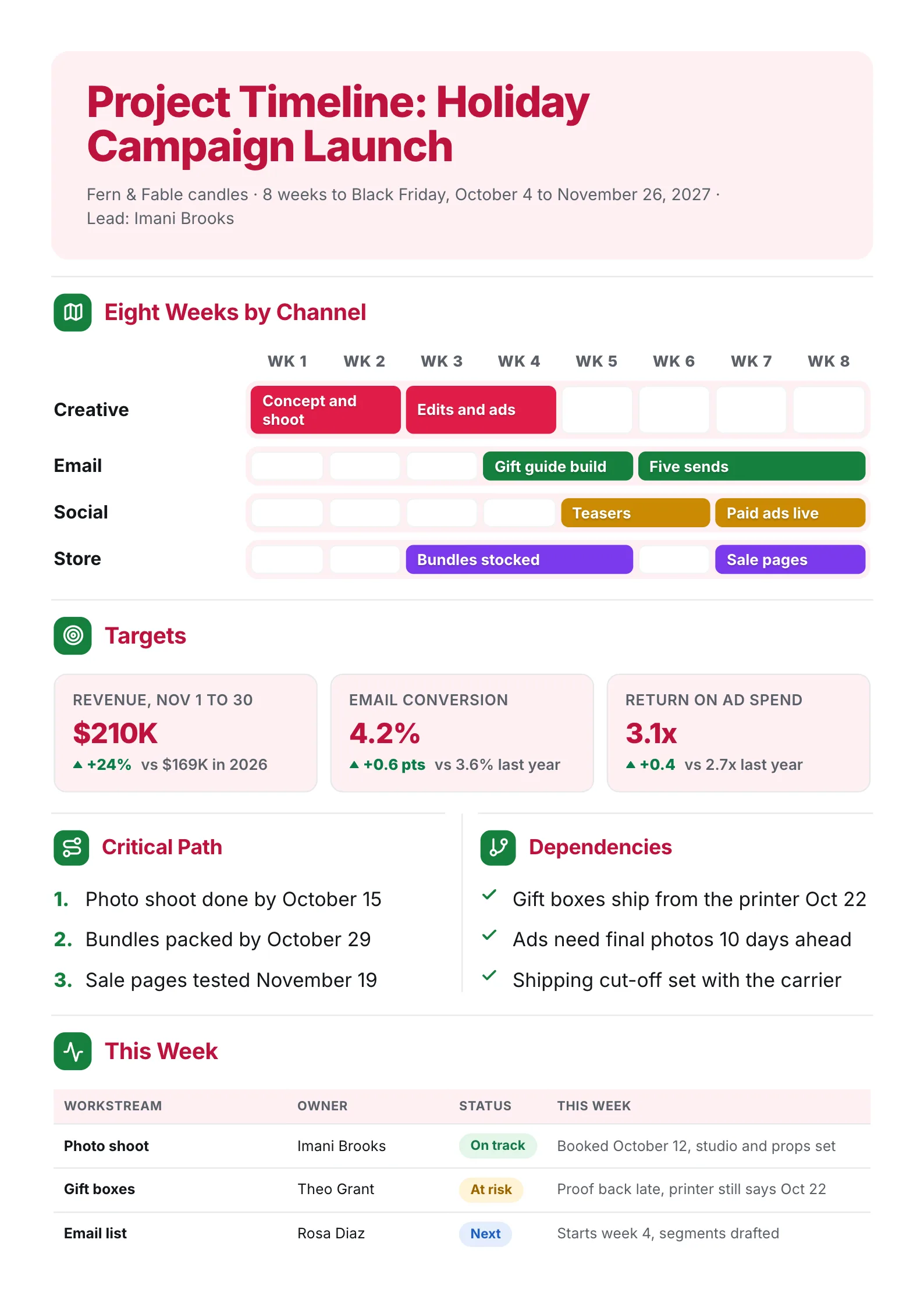 Project Timeline: Holiday Campaign LaunchEdit for free(opens in a new tab)
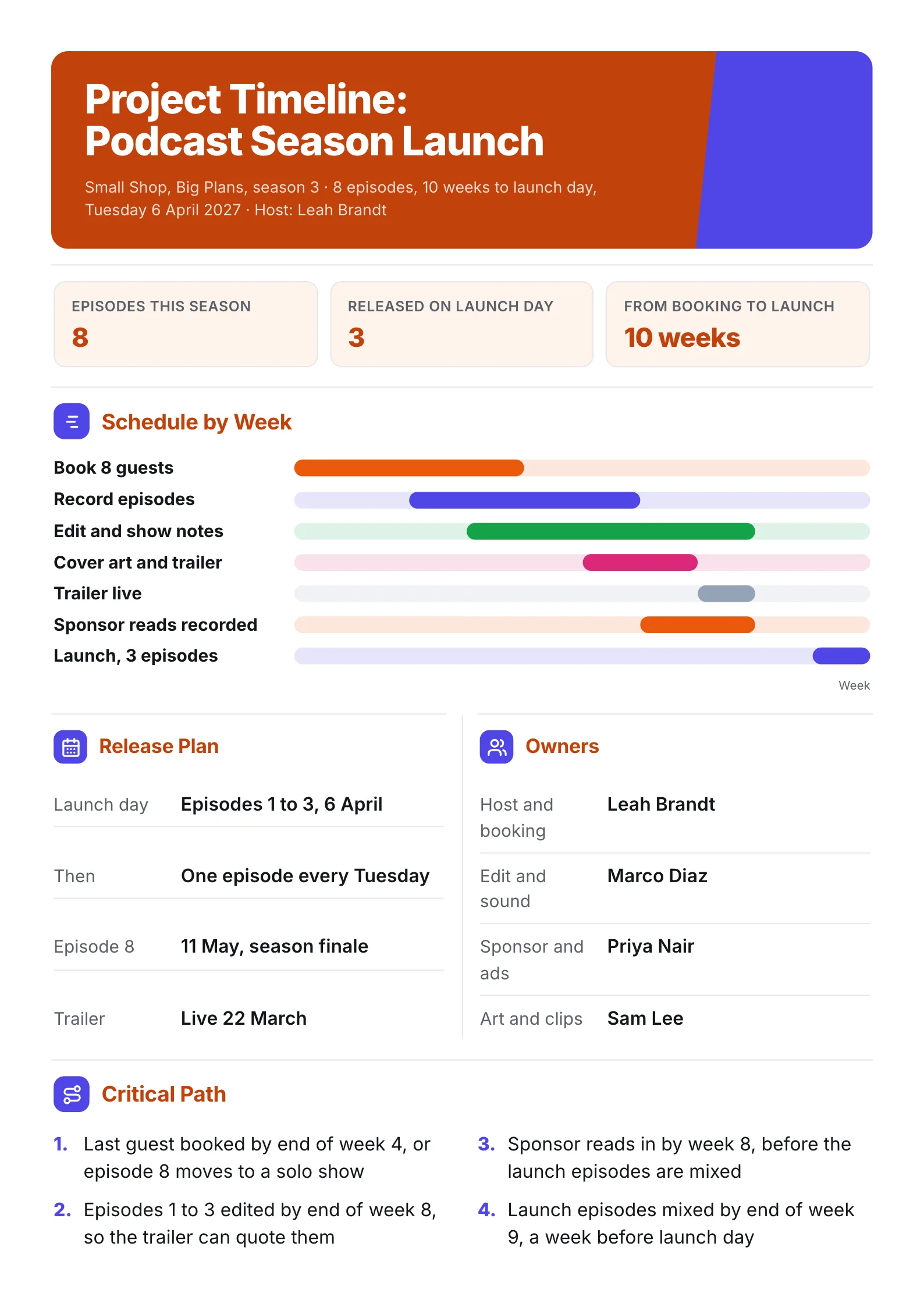 Project Timeline: Podcast Season LaunchEdit for free(opens in a new tab)
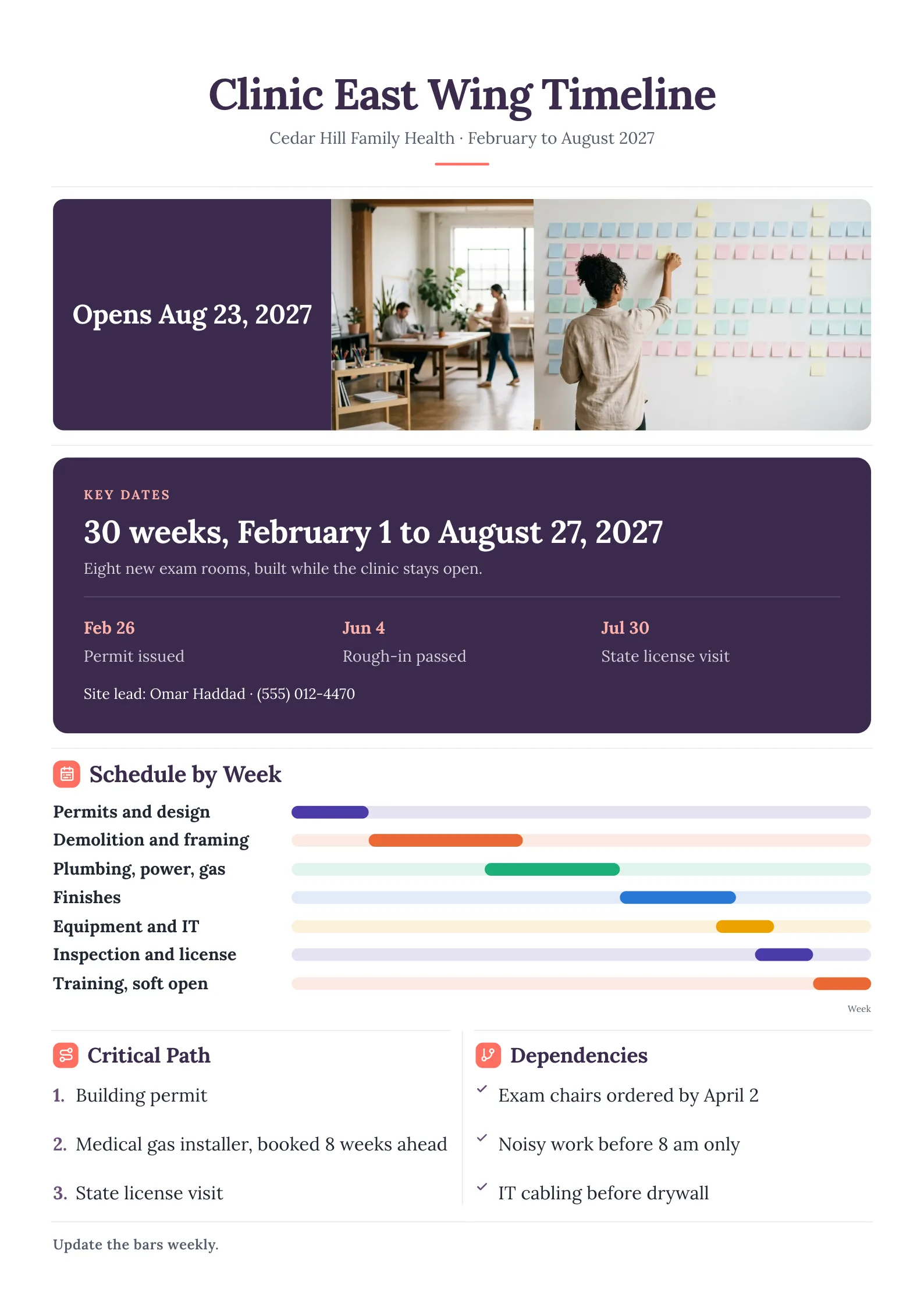 Project TimelineEdit for free(opens in a new tab)
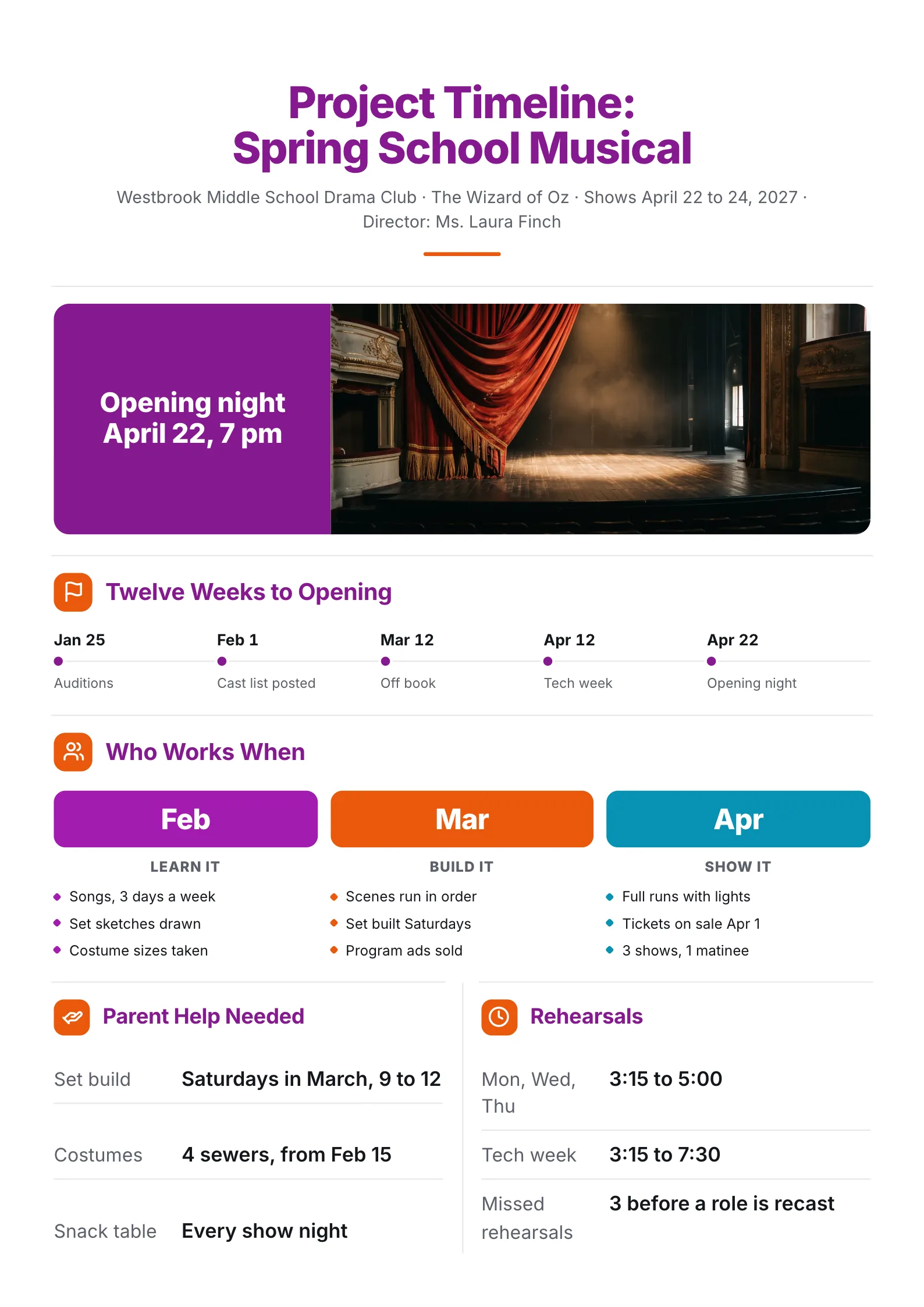 Project Timeline: Spring School MusicalEdit for free(opens in a new tab)
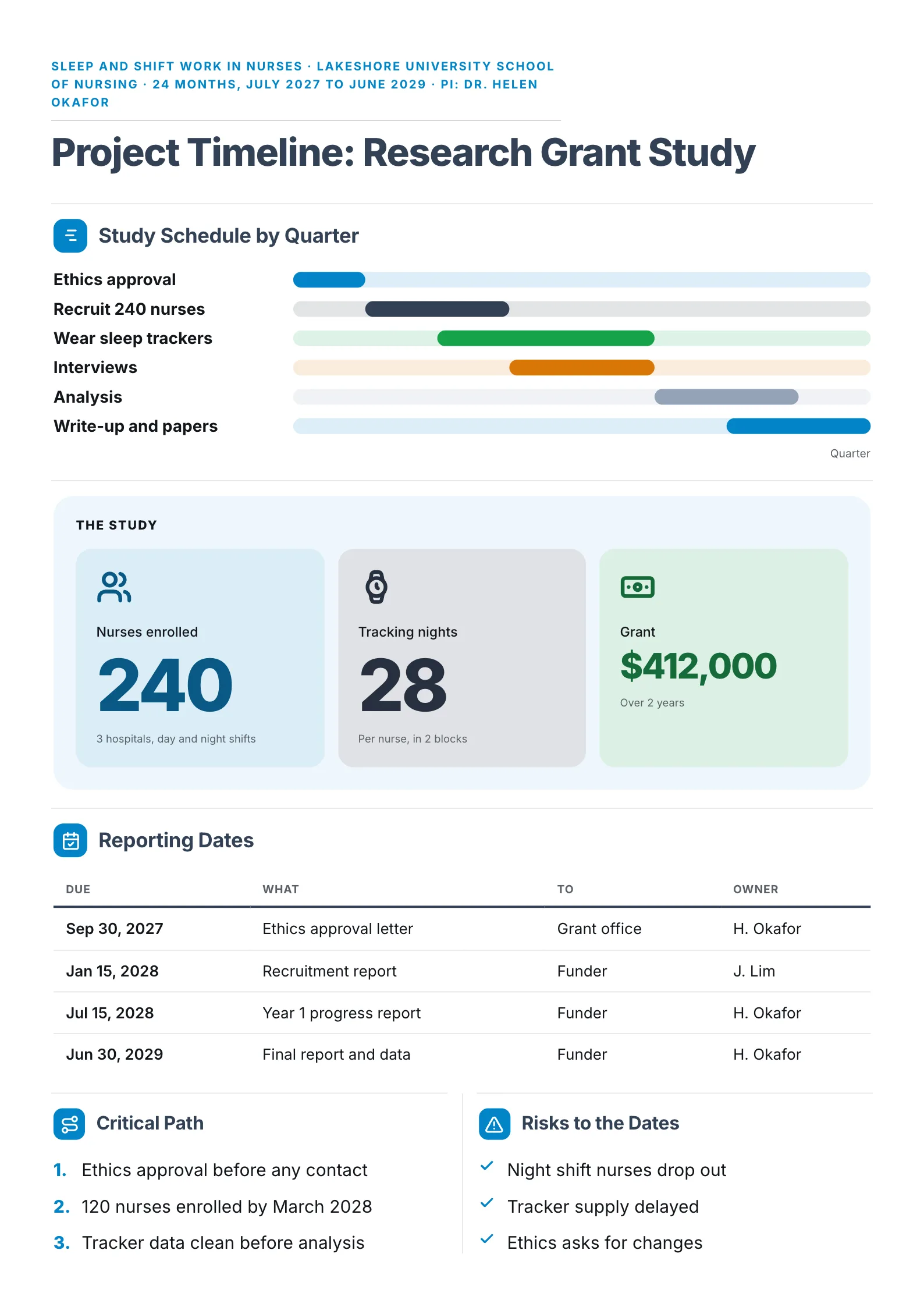 Project Timeline: Research Grant StudyEdit for free(opens in a new tab)
This is how to write a project timeline that still tells the truth after the first delay, in six steps drawn from what these schedules did well or left out.
What we found in 6 published project timelines
We picked schedules from three state transportation departments and three universities, because they post real dates for real work and have to answer to the public. Here's what each one shows.
| What the timeline includes | Timelines that do |
|---|---|
| Milestones with dates | 6 of 6 |
| An owner or a contact for the work | 5 of 6 |
| The cost of the work | 3 of 6 |
| Where the work stands today | 3 of 6 |
| The finish date to the exact day | 2 of 6 |
| A warning that dates may change | 2 of 6 |
| The original date beside the current one | 0 of 6 |
Source: 6 published US project timelines, read by us on October 30, 2026. Every document is linked at the end.
You likely write the first few rows already. The bottom three are what let your reader see a delay coming, and they're the rows almost everyone skips.
Step 1: Start from the date that can't move
Write your one fixed date first, then work backward. For a bridge, it might be the day a contract starts. For your shop, it's often opening night or the day a lease runs out.
Connecticut's transportation department does this well. Its notice for a bridge over I-395 gives a start of October 8, 2026, and a finish of November 19, 2027. Everything else in the notice hangs off those two days.
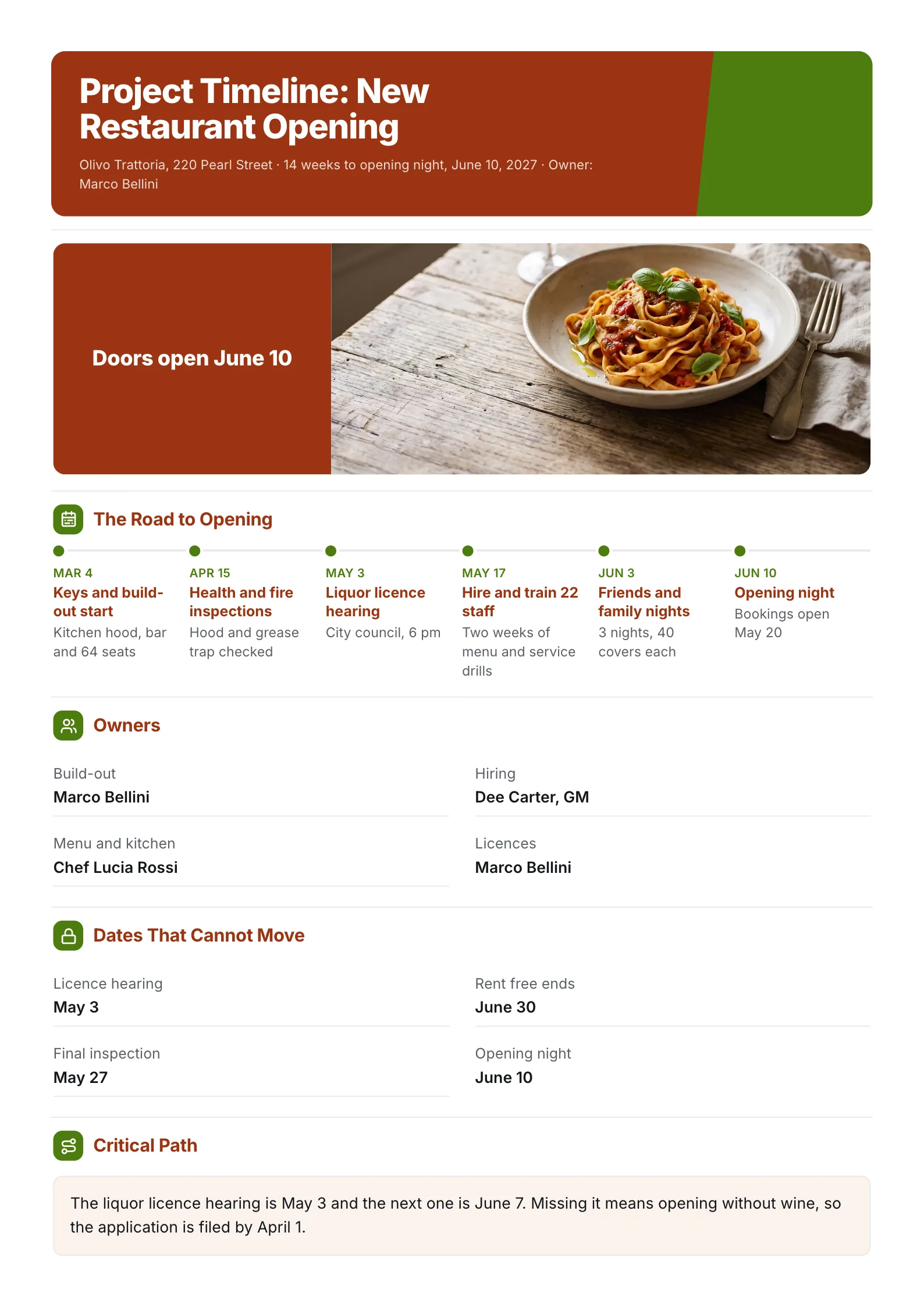
Next, list everything that must already be done by that date, working backward. A restaurant that opens on June 10 needs its staff trained before then. It also needs inspections passed and a license hearing on the calendar. Each of those becomes a milestone with its own date. To set each date, ask the person doing the work how long it takes, then add a few spare days to anything that waits on someone outside your team.
Mark the dates you don't control, like a hearing or a vendor's delivery window. Those are the ones that push everything else on your page.
 Edit this template
Sample names and figures. Dates That Cannot Move lists four fixed days, and the critical path explains what happens if the May 3 hearing is missed.
Step 2: Give every milestone an exact date
A milestone is a point you can check, like "permit issued" or "cabinets delivered." Give each one a calendar date. Two of the 6 timelines give an exact finish day. The other four give a month, a season or a range, with words like "early 2026," "mid-April," "spring 2027" and "fall of 2026-32."
Those words feel safe when you write them. Months later, your reader can't tell if "spring" means March or June, and one page we read lists "mid-April" with no year at all.
If you truly don't know the day yet, write the latest date you could accept, and say so: "by April 30." That still gives your reader something to check.
Keep your list short. Six to ten milestones fit on one page, and anything finer belongs in a task list your team keeps elsewhere.
 Edit this template
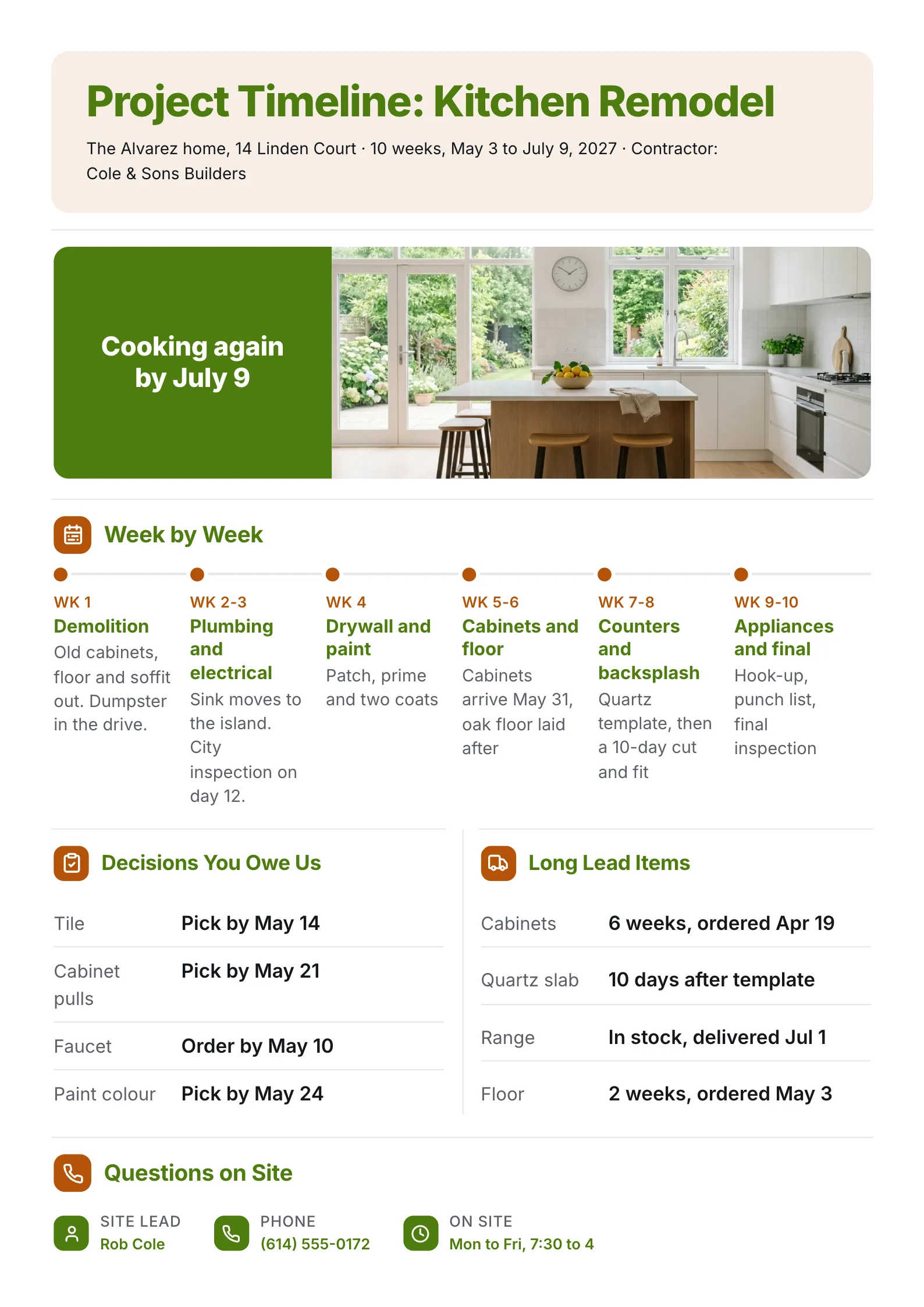
Sample names and figures. Decisions You Owe Us gives the homeowner a date for each choice, like tile picked by May 14.
Step 3: Put one name on every milestone
Five of the 6 timelines give a contact for the work, which is a good start, though Connecticut, UNC Greensboro and JMU list only an office phone number. South Dakota's notice for a highway bridge lists the project engineer with a direct phone number. UC Riverside's campus schedule puts a project manager's initials on every row.
A contact isn't quite the same as an owner, though, and your timeline needs both. A contact answers questions about the project. An owner is the one person who makes sure a milestone happens on its date.
Write one name beside each milestone. If two people share it, nobody owns it. When you hand the timeline around, each person should be able to find their own dates in a few seconds.
 Edit this template
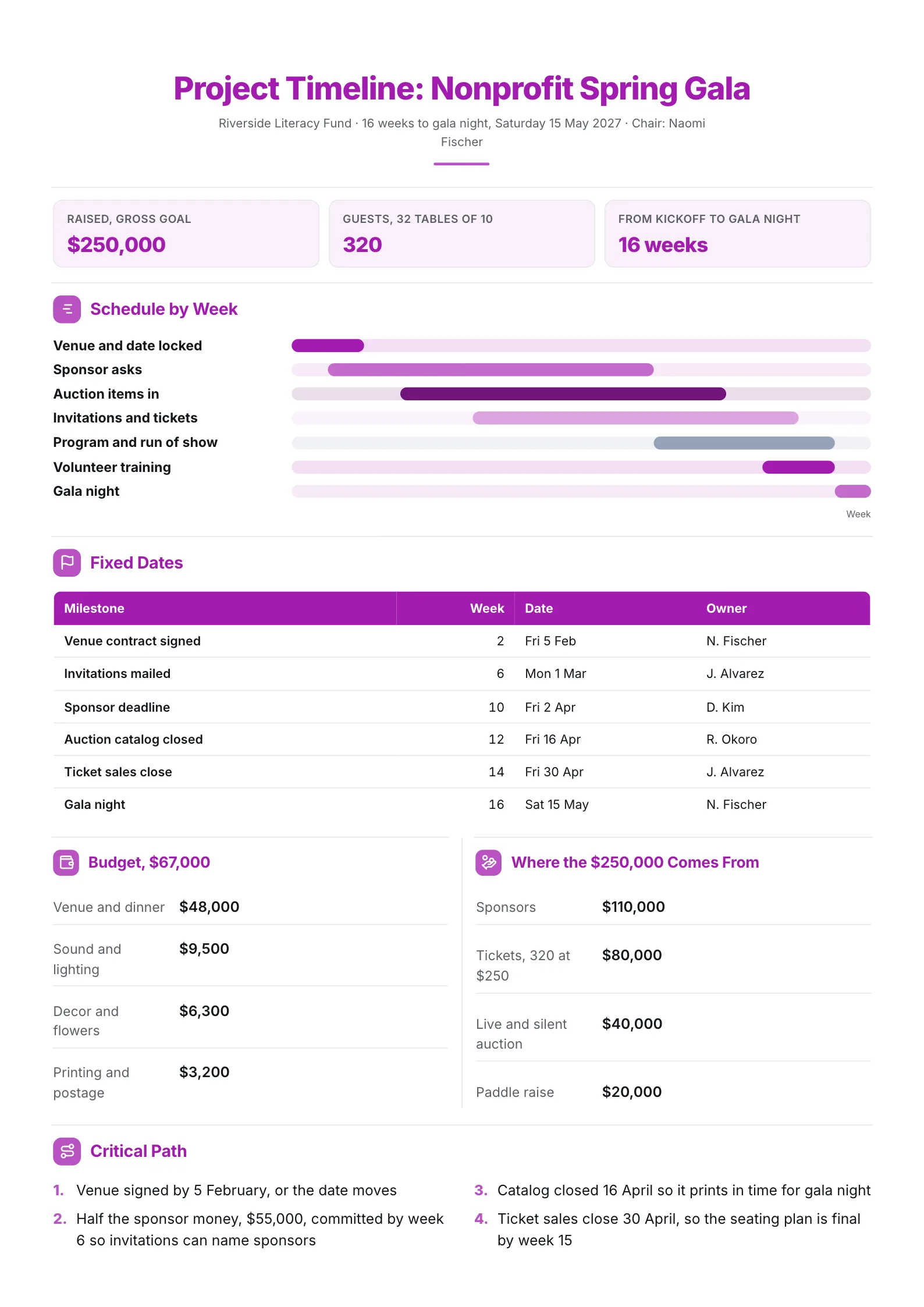
Sample names and figures. Each row of Fixed Dates has one owner, from the venue contract on February 5 to gala night.
Step 4: Keep the first date when a date moves
This is the step none of the 6 timelines takes. When a date changes, they show only the new one. If you checked in March and again in June, you'd see two different dates and no note about why.
Your fix is one extra column. Call it "First date" and fill it in the day you publish. When a milestone moves, change the "Now" column and leave the first one alone. Add a short reason, like "permit came back with changes."
The University of California's report shows why this matters. It measured every project against its original approved schedule. That's how it could say 53% of finished projects ran more than 90 days late, and that 95 projects still underway were already that far behind. It also names the common causes, from scope changes and late funding to hidden site conditions and weather. Without the first date, nobody could have counted any of it.
Your own timeline works the same way. Keep the first date, and you can see which milestones slip and how often.
Step 5: Say what could move the date
Only 2 of the 6 timelines warn readers that dates may shift. Minnesota's page for the Blatnik Bridge says its timeline could change once a contractor is hired. Connecticut says weather may force changes or extensions.
A plain warning is better than nothing, but it doesn't tell you where to look. Name the one or two milestones on your timeline that would push the finish if they slipped. That chain is the critical path, and it's usually short.
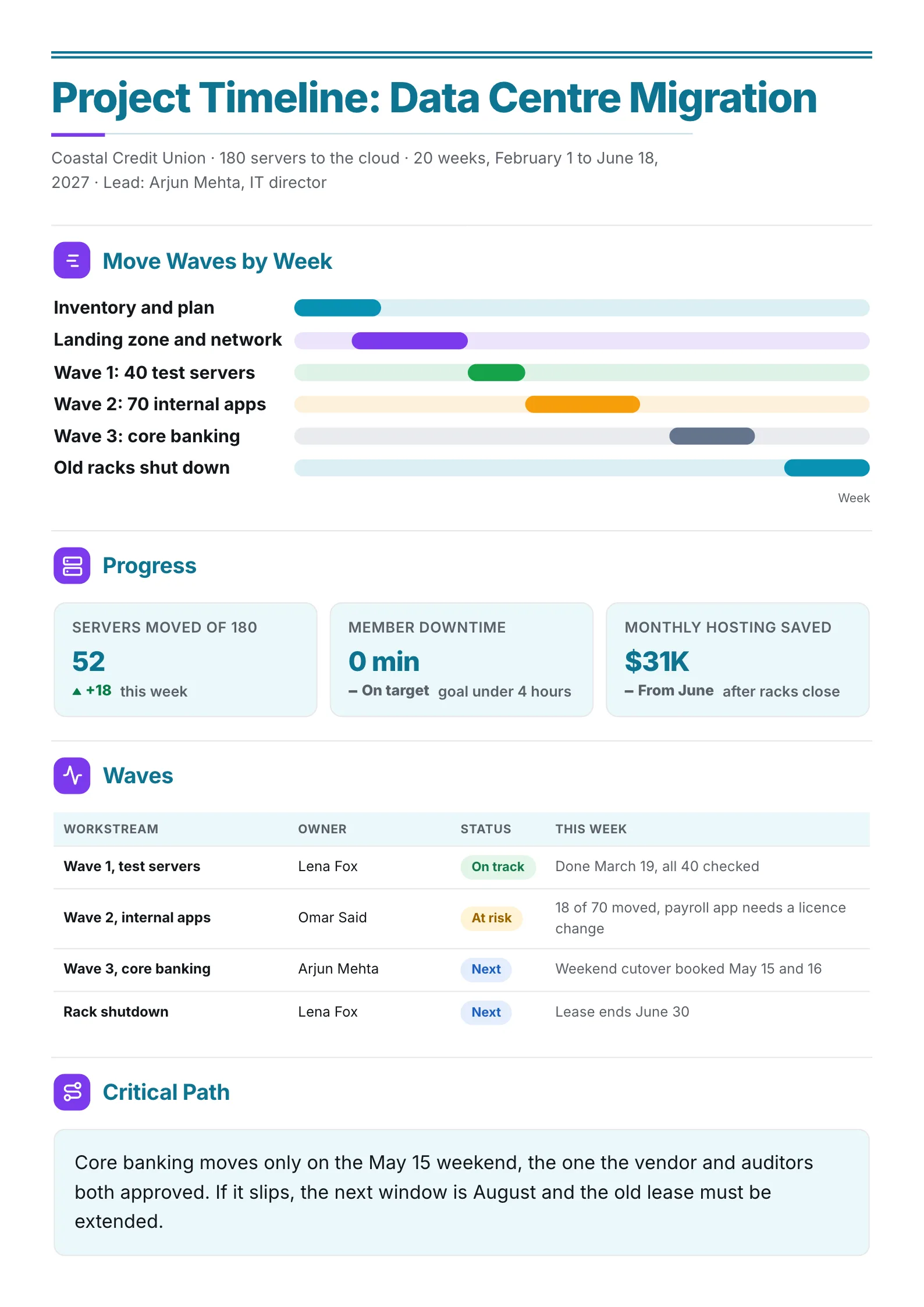
Write it as a sentence with a date in it. "If the May 15 cutover slips, the next window is August and the lease must be extended" tells your reader exactly what's at stake and when.
 Edit this template
Sample names and figures. Wave 2 is marked At risk with the reason beside it, and the critical path names the next window if May 15 slips.
Step 6: Show where things stand today
Half the 6 timelines say where the work stands. UC Riverside's schedule gives each project its current phase and its next major milestone, which is a smart pair. Minnesota says preliminary design is still underway. JMU's library page says the project is on track.
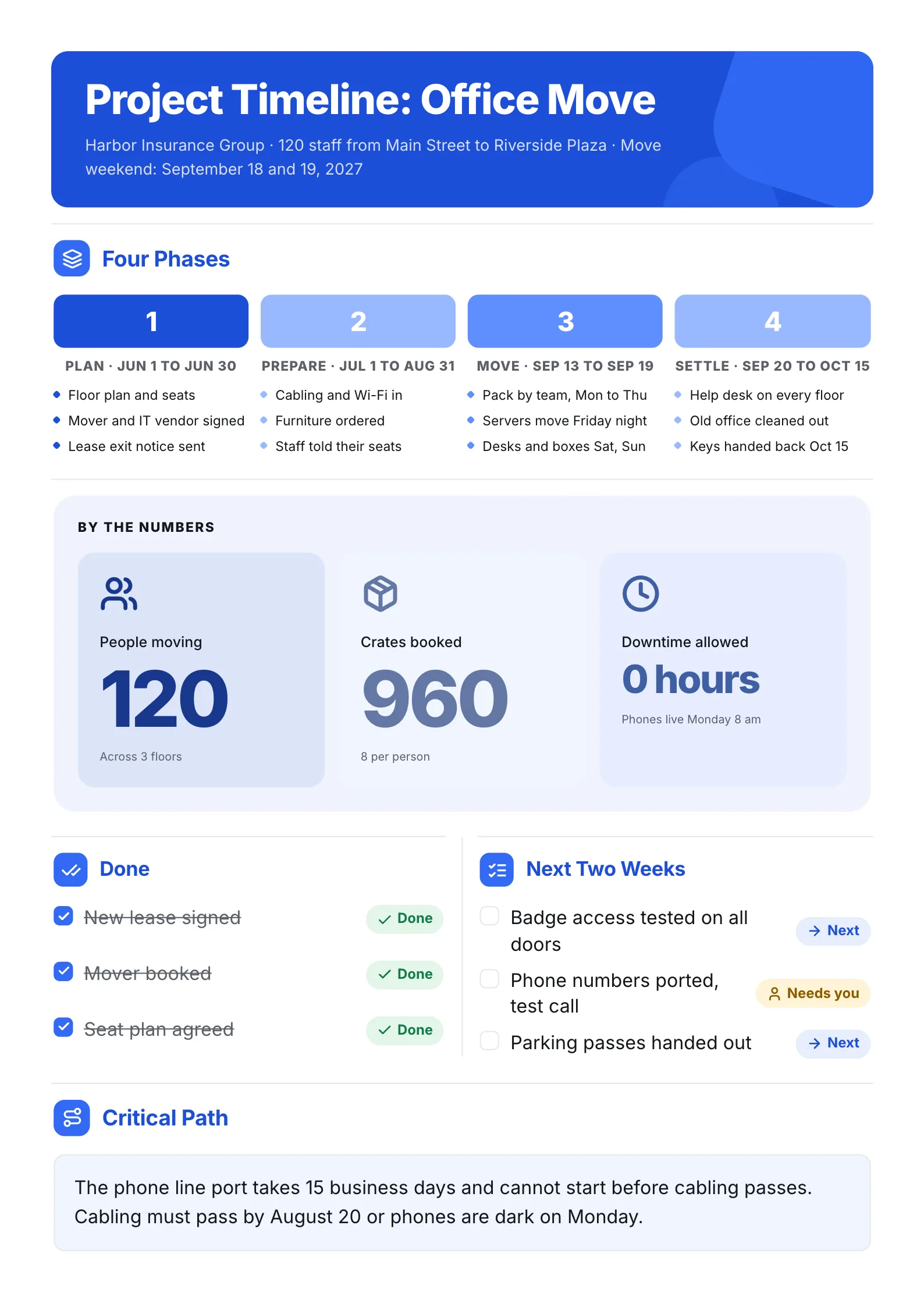
Add one status word to each of your milestones, and keep the list of words short. "Done," "On track," "At risk" and "Next" cover most projects. Then update your page on a set day each week, so your readers know how fresh it is.
 Edit this template
Sample names and figures. Done and Next Two Weeks show where the move stands, and the critical path says phones go dark on Monday if cabling misses August 20.
UC Riverside's schedule also shows what happens when the finish is left open. Of its 105 projects, at least 46 list "to be determined" or a question mark as the projected completion. Some of those are early studies with good reason to wait. Still, if you write the finish as a target, with a note like "set after design is approved," you tell your readers more than a blank does.
 Edit this template
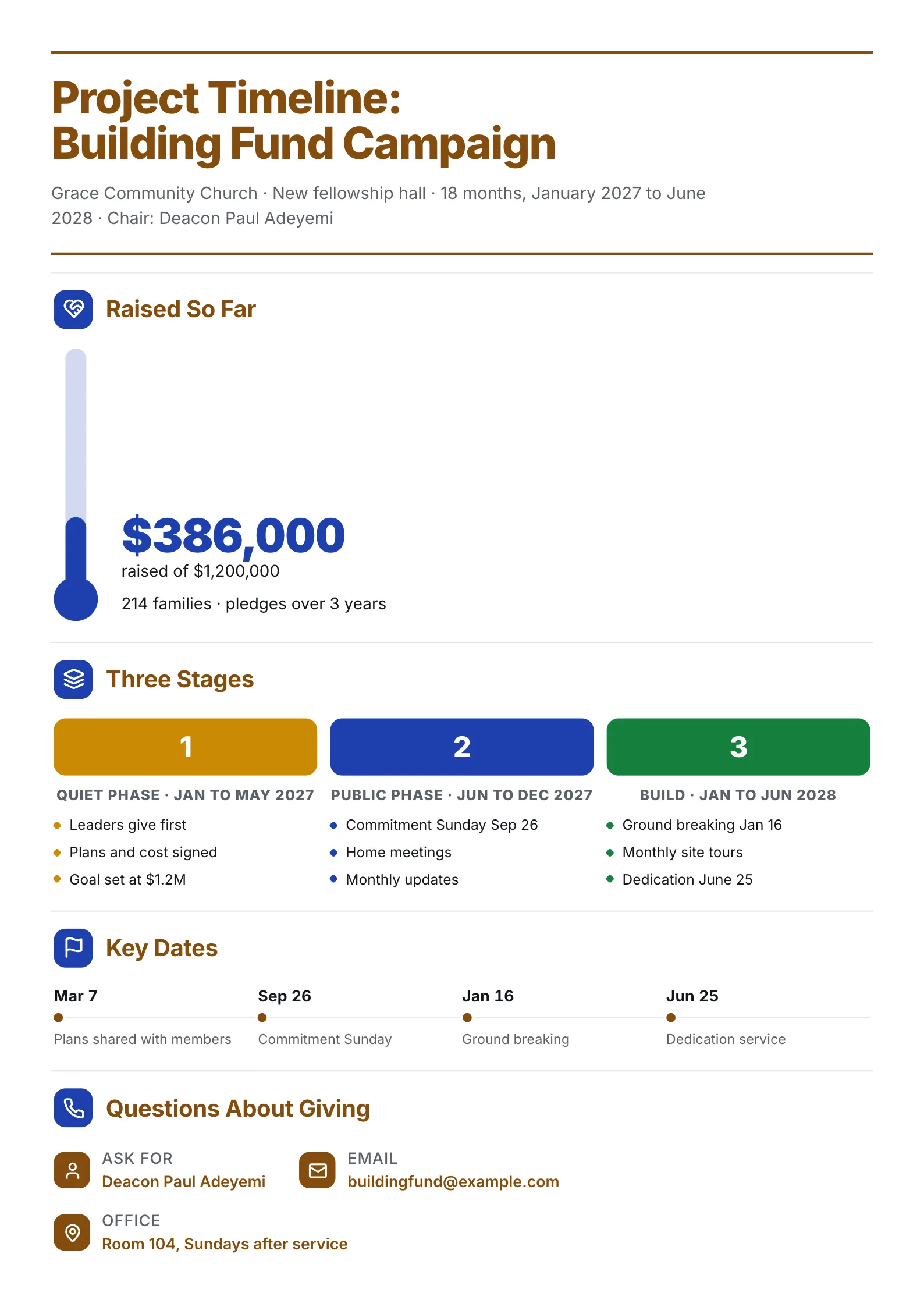
Sample names and figures. Raised So Far shows the current number at the top, so readers see progress before the dates.
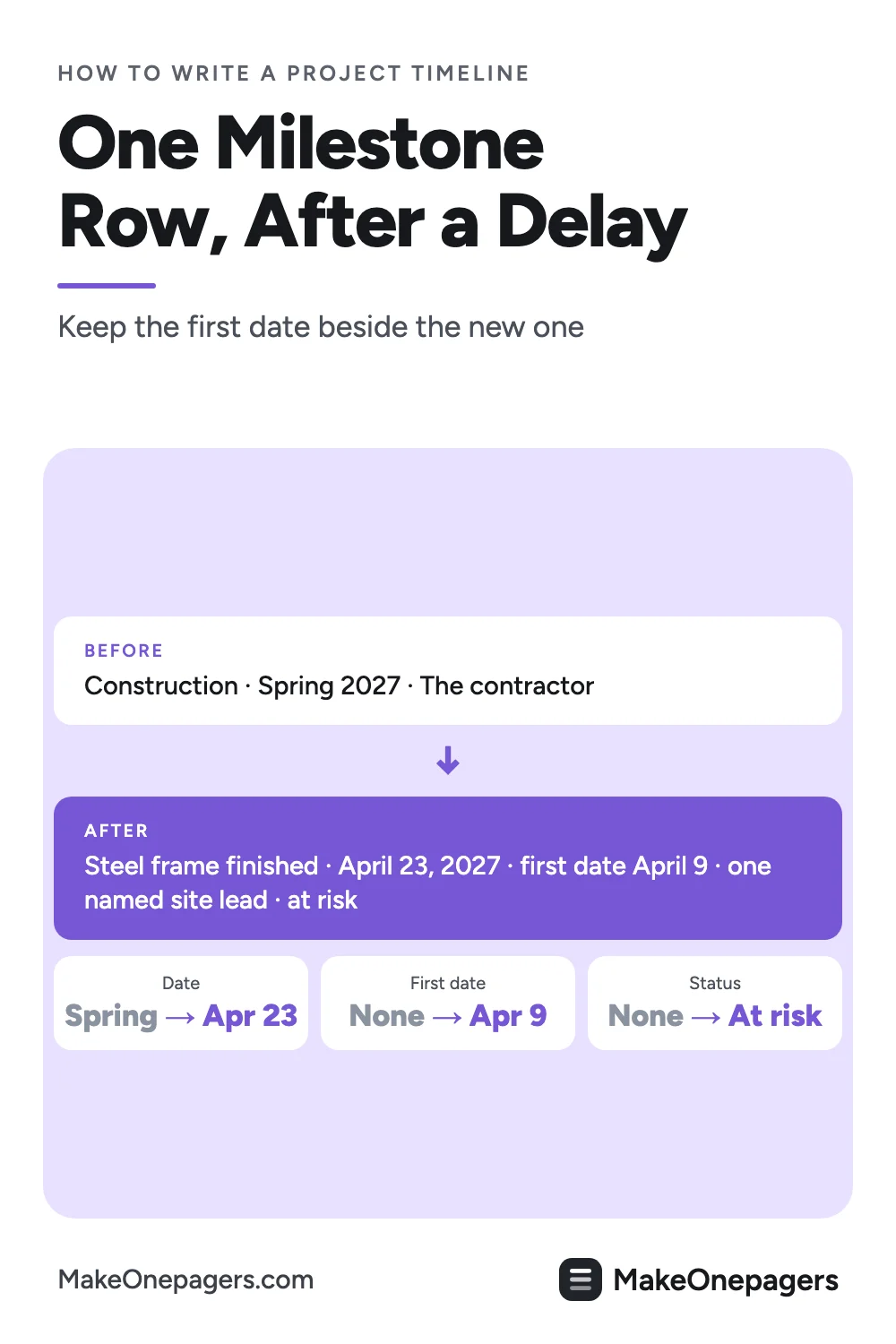
One milestone row, before and after
Here's what the six steps change on a single row of your timeline. The "before" row copies the style most of the published timelines use. The "after" row adds the parts they leave out.
| Field | Before | After |
|---|---|---|
| Milestone | Construction | Steel frame finished |
| Date | Spring 2027 | April 23, 2027 |
| First date | Not kept | April 9, 2027 |
| Owner | The contractor | One named site lead |
| Status | Not shown | At risk |
| Why it moved | Not given | Steel delivery came two weeks late |
| What it pushes | Not given | Roof starts after April 26 |
Your reader can act on the second row. They can see the slip, who to ask, and which date is next to move.
You can build this layout from our project timeline designs, which come with an owner column, a status tag and a critical path box already in place. Our project timeline template post has a blank version, with phases and a sample to copy.
The 6 timelines and 1 report we read
| Document | Who published it | Finish date |
|---|---|---|
| Route 200 over I-395 bridge replacement, Thompson, Connecticut, September 22, 2026 | State DOT | Exact day |
| S.D. Highway 79 bridge replacement, Harding County, South Dakota, March 14, 2025 | State DOT | Exact day |
| I-535 Blatnik Bridge FAQ, Minnesota | State DOT | Year range |
| Capital Projects Schedule, UC Riverside, November 4, 2025 | University | Month |
| Jackson Library renovation, UNC Greensboro, updated October 22, 2026 | University | Season |
| Countdown to Carrier, JMU Libraries, July 18, 2025 | University | Month |
| Annual Report on Major Capital Projects Implementation 2016-17, University of California | University system | Report |
Each one was read in full on October 30, 2026. The UC Riverside schedule is wide, and a few columns are cut off on its later pages, so our count of 46 open finish dates is the lowest it could be.
Add the column nobody else has
Take the timeline you already have and add one column called "First date." Copy today's dates into it and leave them there. The next time a milestone moves, you'll have the record that 6 out of 6 public schedules didn't keep. Start from a project timeline design in MakeOnepagers and that column can sit right beside your owners and status tags.
Frequently asked questions
What should a project timeline include?
Give it six to ten milestones, each with an exact date and one owner. Then add the date each milestone was first set, a status word and a line naming what could push the finish. A start date, an end date and a contact for questions round it out.
How do you write a project timeline in Word or Google Docs?
Make a table with five columns for the milestone, first date, now, owner and status. Sort your rows by date, then add the fixed date at the top and a critical path sentence at the bottom. A timeline that fits one page is easier to share and update.
How far ahead should a project timeline go?
Take yours through the last milestone someone outside your team will care about, like opening day or handover. For long projects, show the next few months by week and the rest by month, and add detail as you get closer.
What's the difference between a project timeline and a project schedule?
A project timeline shows the milestones and dates people outside the team need to see. A project schedule goes further, with every task, its length and what it depends on. Most teams keep the schedule in a planning tool and share the timeline.




