How to Create an Onboarding Checklist That Starts Before Day 1
Six university HR checklists all start before day 1, and only half name a buddy for the new hire. Use what they share to build your own list.

Build your onboarding checklist as a timeline. You list what has to happen before your new hire arrives, on day 1, in week 1 and at 30, 60 and 90 days. Each item gets an owner and a date. The list keeps anything from slipping while your new person is still learning where the coffee is. Here's how to create one that runs from the week before day 1 to day 90. Start from a free one pager template.
One‑Pager examples
Real One-Pagers made with MakeOnepagers. Open any one to edit it as your own.
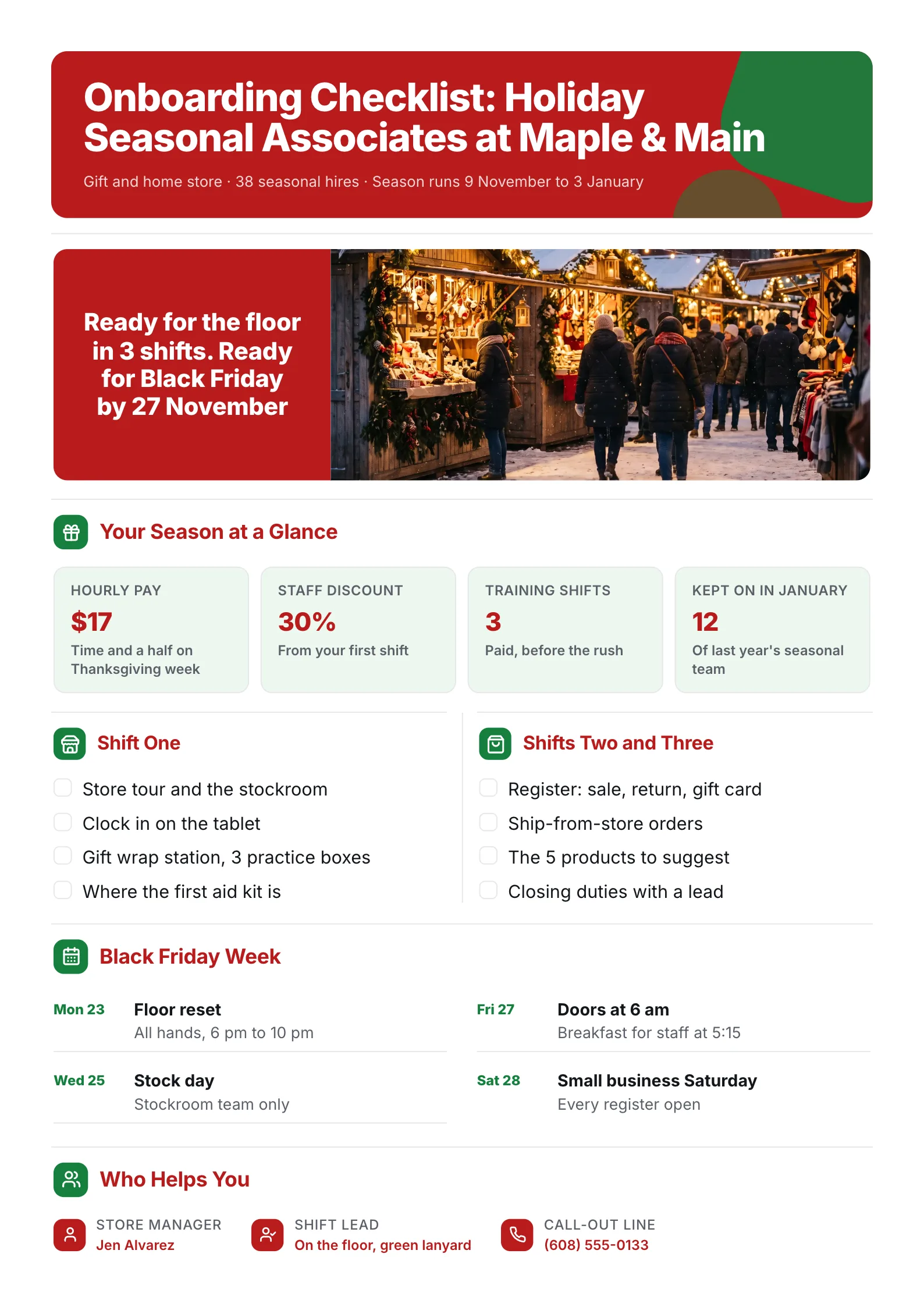 Onboarding Checklist: Seasonal Retail AssociatesEdit for free(opens in a new tab)
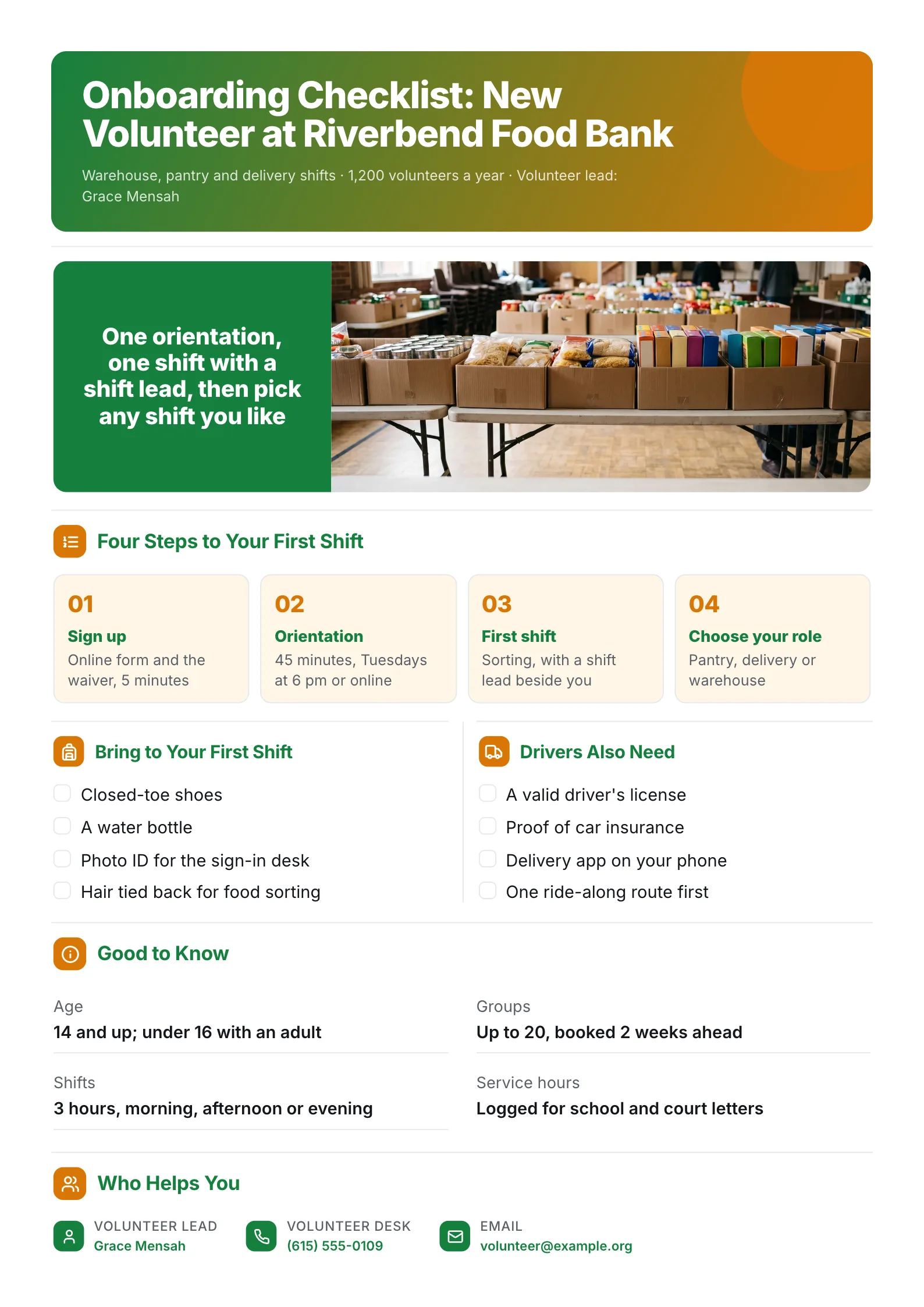 Onboarding Checklist: Food Bank VolunteerEdit for free(opens in a new tab)
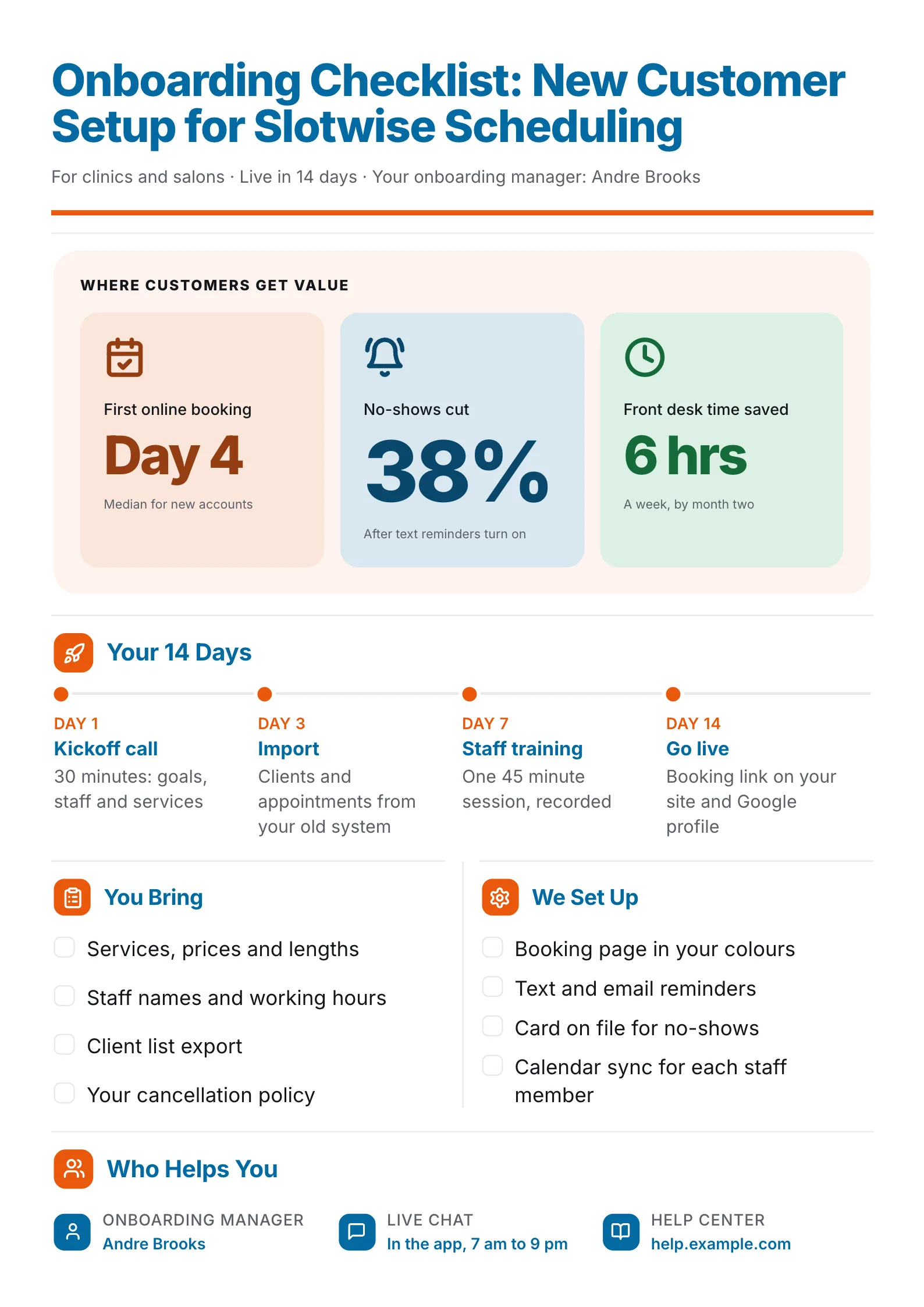 Onboarding Checklist: SaaS Customer SetupEdit for free(opens in a new tab)
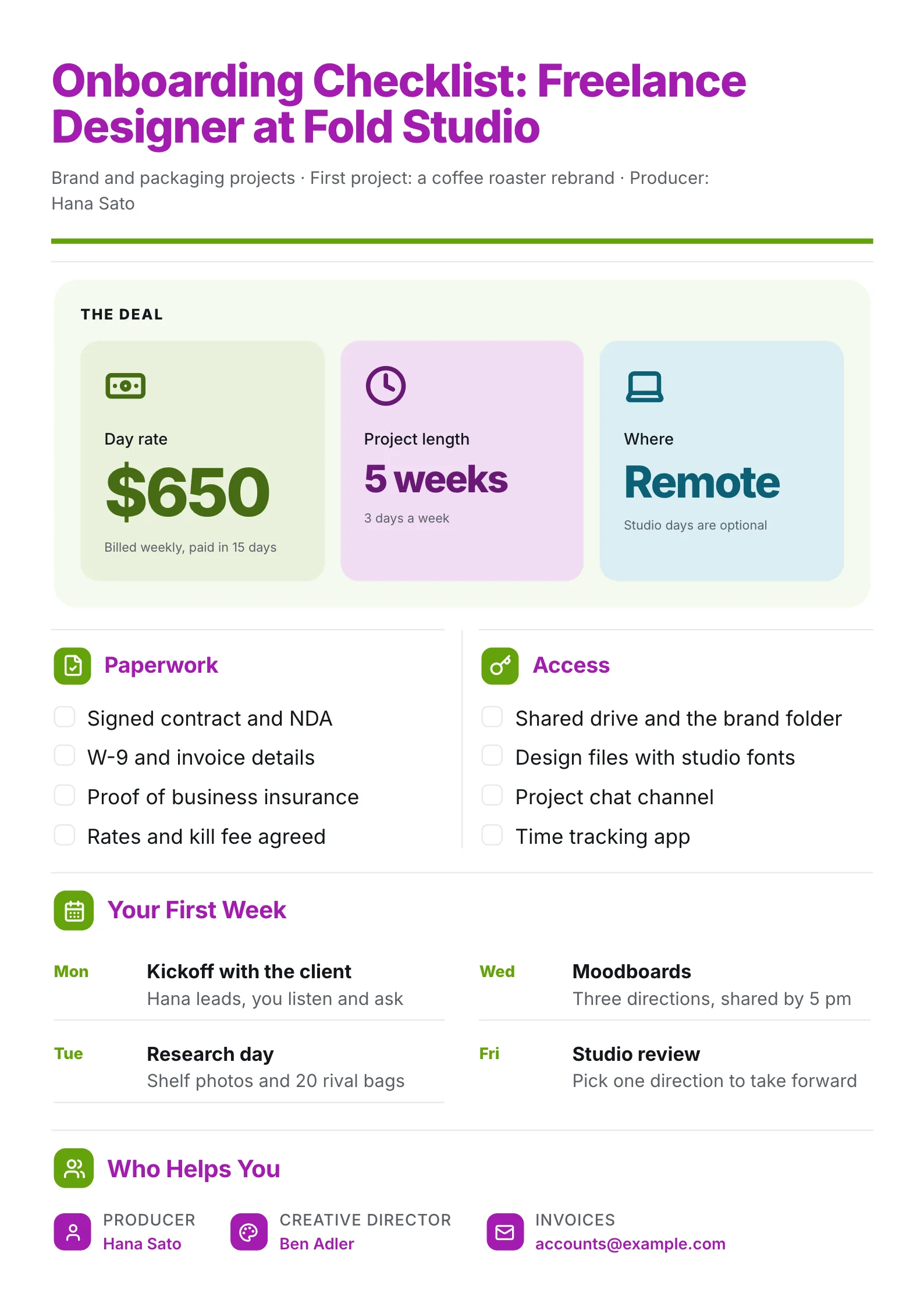 Onboarding Checklist: Freelance DesignerEdit for free(opens in a new tab)
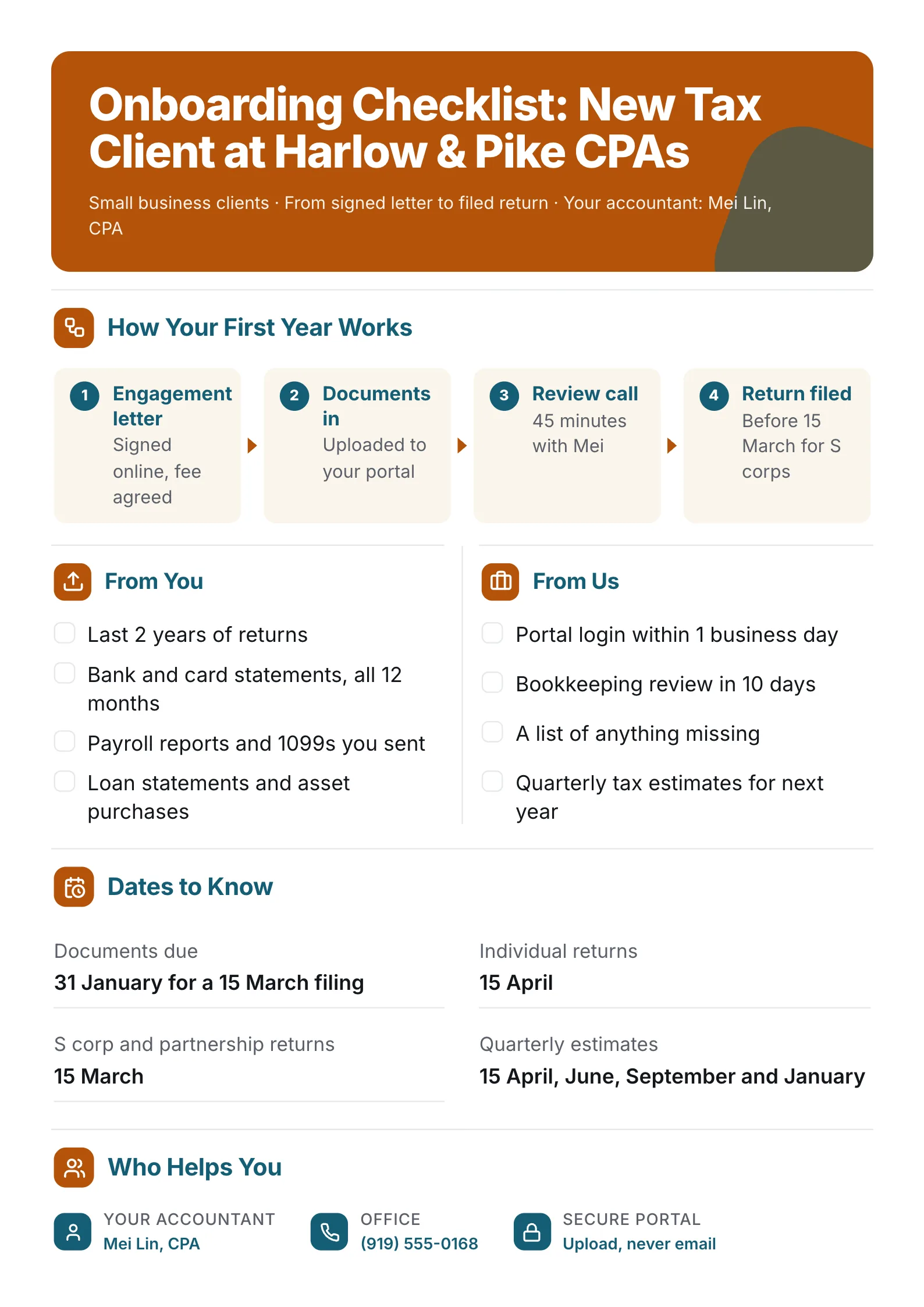 Onboarding Checklist: New Accounting ClientEdit for free(opens in a new tab)
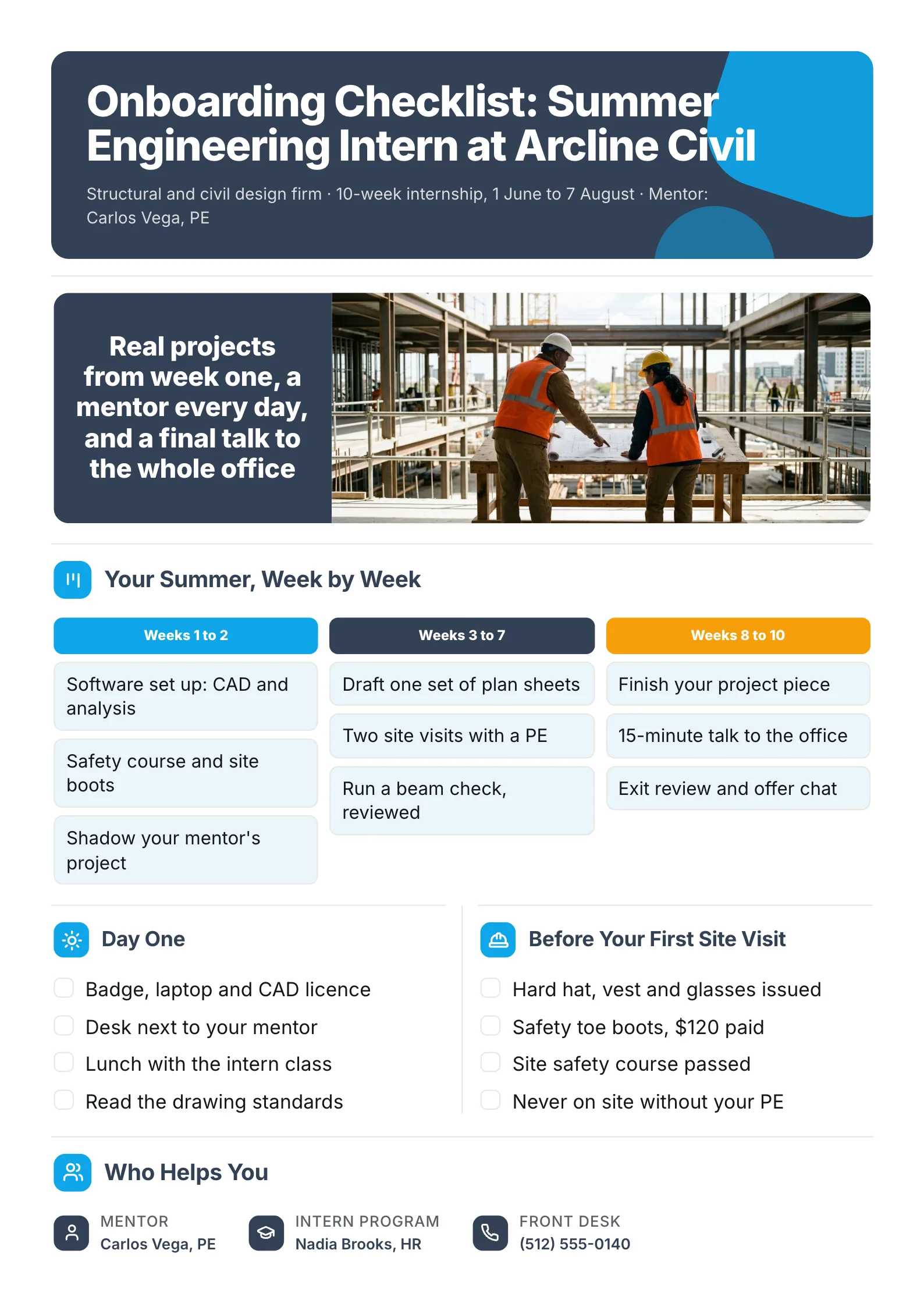 Onboarding Checklist: Summer Engineering InternEdit for free(opens in a new tab)
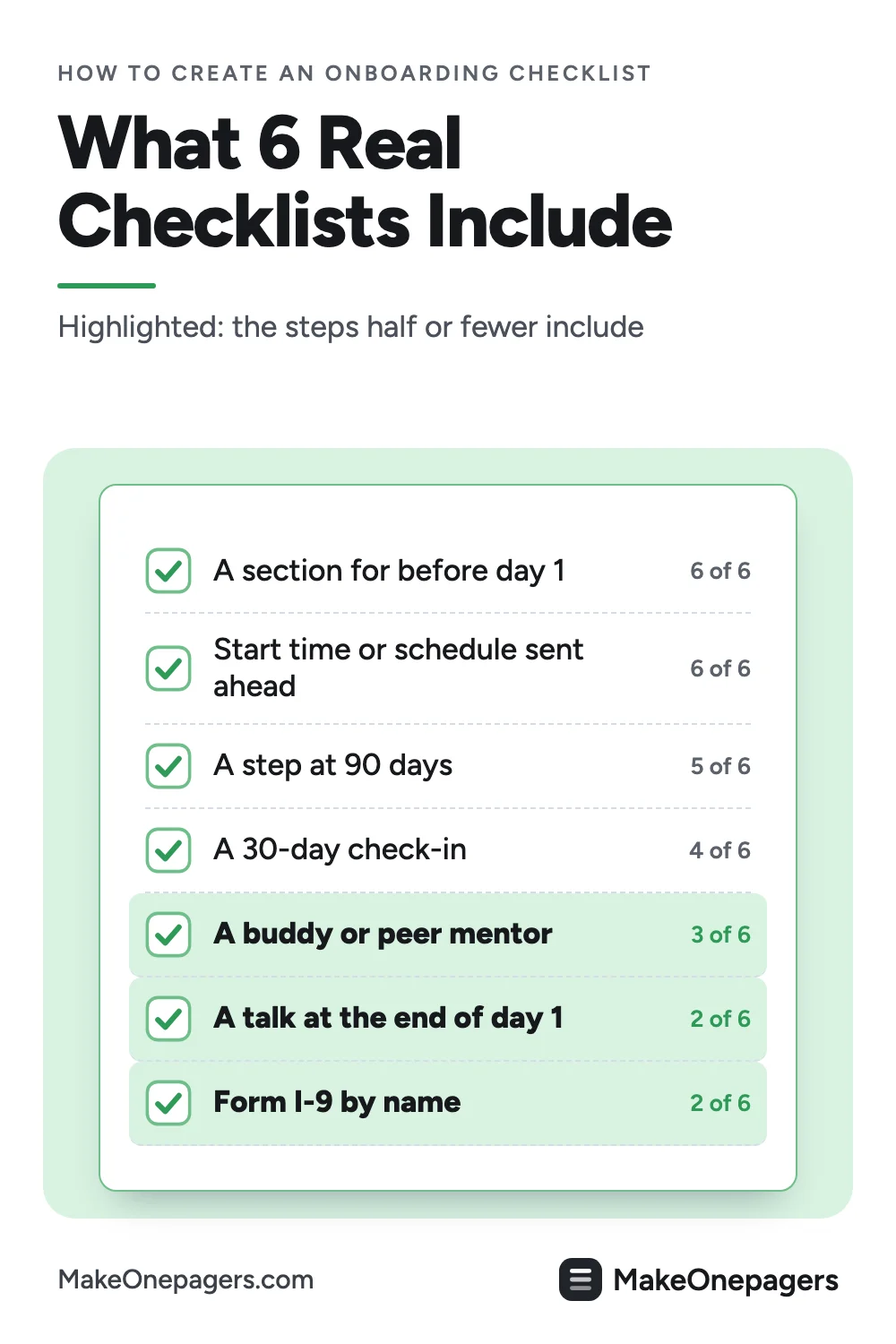
We read 6 onboarding checklists that universities give their supervisors. They come from UT Chattanooga, the University of Richmond, Carnegie Mellon, Morgan State, Salisbury and Northern Kentucky. All 6 have a section for before the first day. Only 3 name a buddy or peer mentor. Only 2 tell you to sit down with your new hire at the end of day 1. The 6 steps below cover what they share and the pieces most of them miss.
Step 1: Start the list a week before day 1
Every checklist we read begins before the person shows up. Morgan State calls it the pre-arrival checklist. It asks you to set up the desk, phone and computer and to send the new hire a point of contact, parking details and a report time. Carnegie Mellon asks you to email the first-week schedule the week before the start date, so your hire knows what to expect.
Put these on your list with a date for each. Order the laptop, create the accounts and book the first-week meetings. Then send one email with the start time, the place, who to ask for and what to bring. Salisbury's checklist even names the building, the suite and where to park.
Step 2: Plan the first day hour by hour
Your new hire will remember day 1. Richmond's checklist asks you to plan the day 1 schedule with a tour, introductions and lunch. UTC asks you to give your hire a start time, where to report and what to bring.
Write the day as a short schedule. Morning goes to setup and a welcome, lunch with the team and the afternoon to one small real task. Then add the step only 2 of the 6 checklists include. Richmond asks you to meet your new employee at the end of the day to talk about how it went. Carnegie Mellon asks for an end-of-day check-in to answer questions. Ten minutes at 4:30 tells your new person they weren't forgotten.
 Edit this template
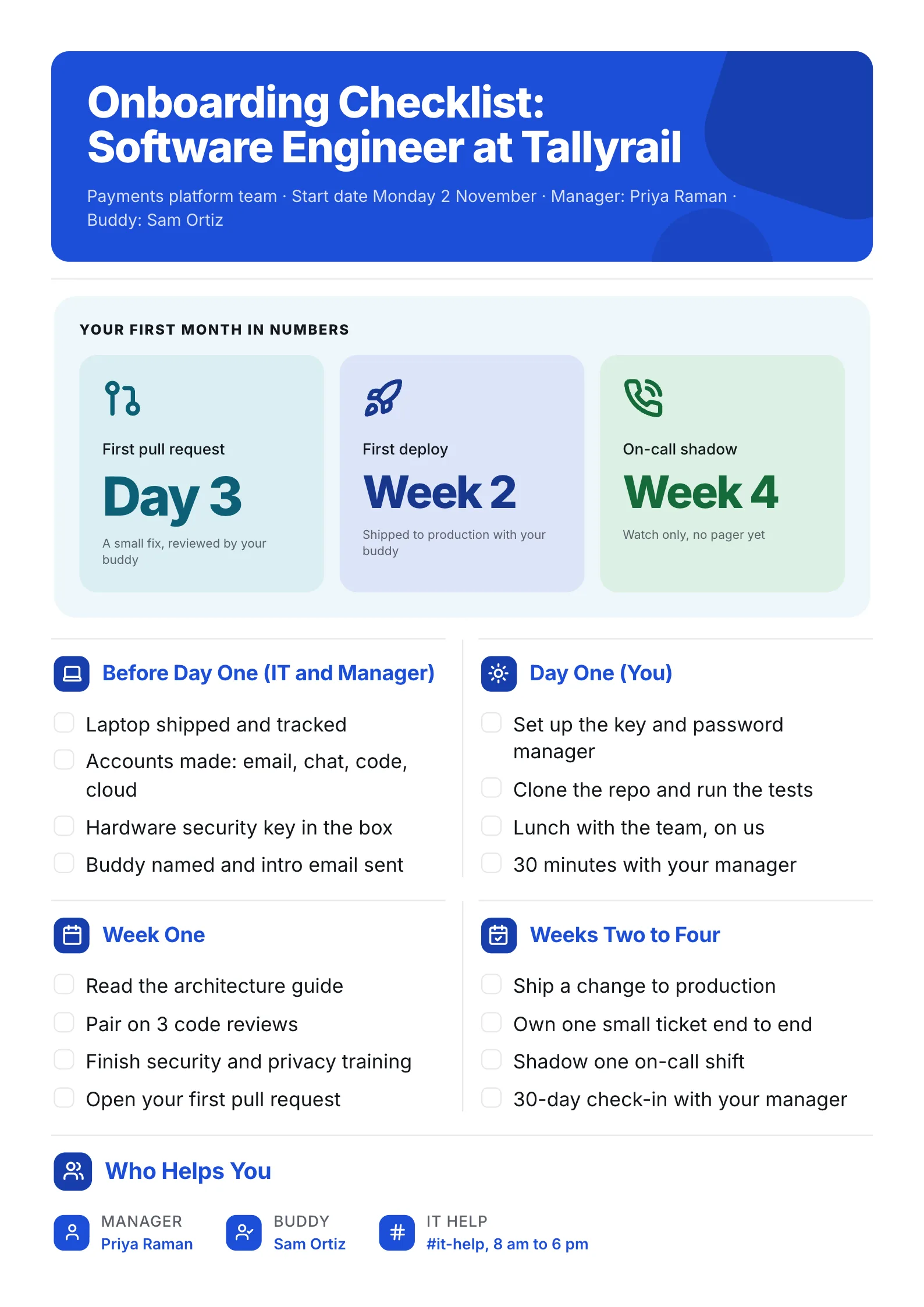
Sample names and figures. Three dated milestones sit at the top, so the new engineer knows what a good first month looks like.
Step 3: Pick a buddy before day 1
Half the checklists we read pair the new hire with a peer. UTC asks you to pick someone on your team to be a peer mentor. Carnegie Mellon asks for a peer team member your new hire can go to when you're not around. Northern Kentucky lists a support buddy or point person among the things to set up before day 1.
Pick your buddy before day 1 and write their name on the checklist. Give them two jobs. They answer the small questions your new hire might not want to ask you, and they meet them for coffee once a week for the first month.
 Edit this template
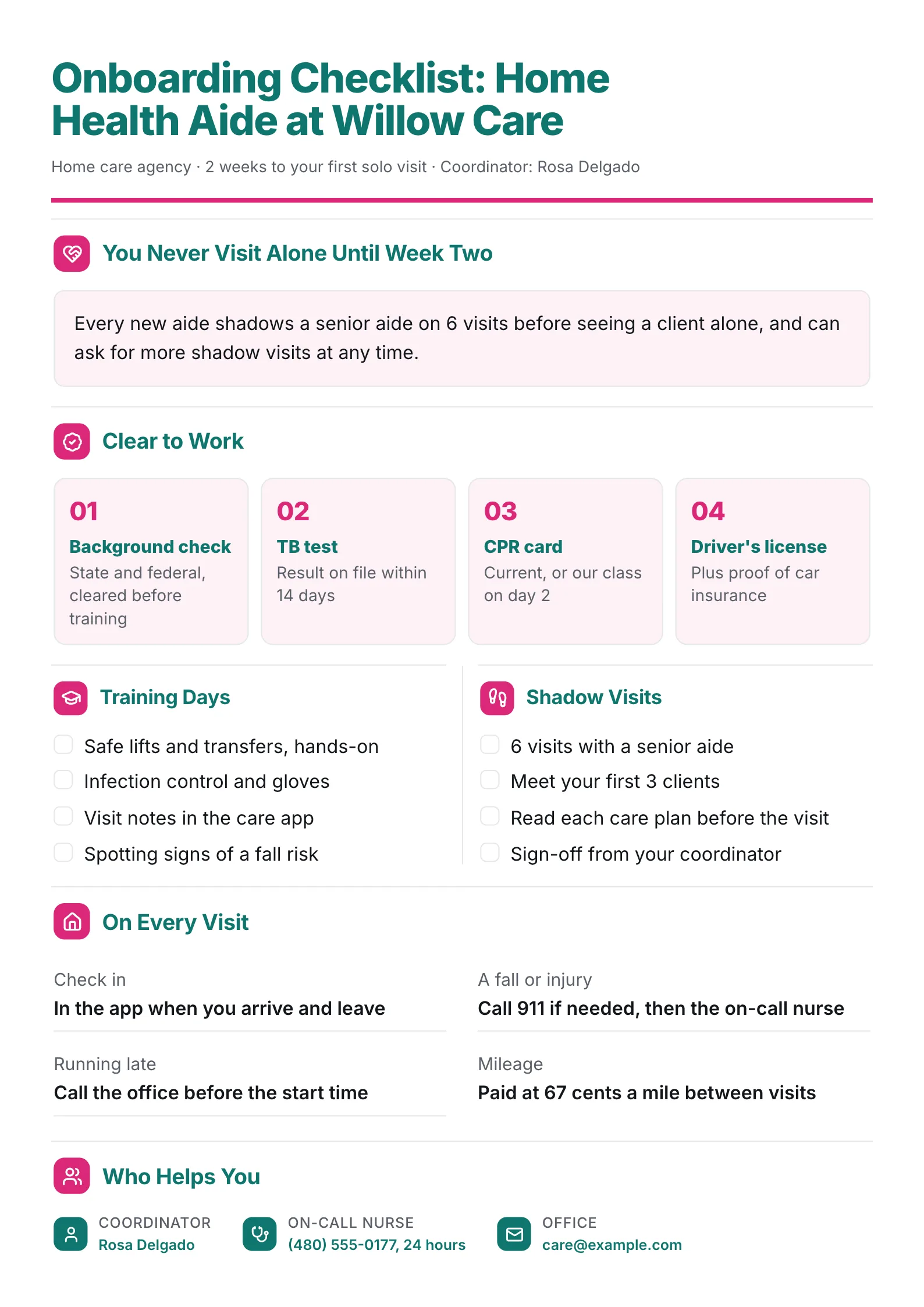
Sample names and figures. The senior aide is the buddy here, and the 6 shadow visits come before any solo work.
Step 4: Add the forms and their deadlines
Two of the checklists name Form I-9, the federal form that confirms a new employee can work in the US. Richmond asks you to check it's done along with the tax forms. Northern Kentucky points the new hire to the office that finishes the I-9.
Put the real deadline beside it. US Citizenship and Immigration Services says the employer must complete Section 2 within 3 business days of the first day of work for pay. If your employee starts on a Monday, that means Thursday. Add your own forms too, such as tax, direct deposit, a policy acknowledgment and any license or health check the job needs.
 Edit this template
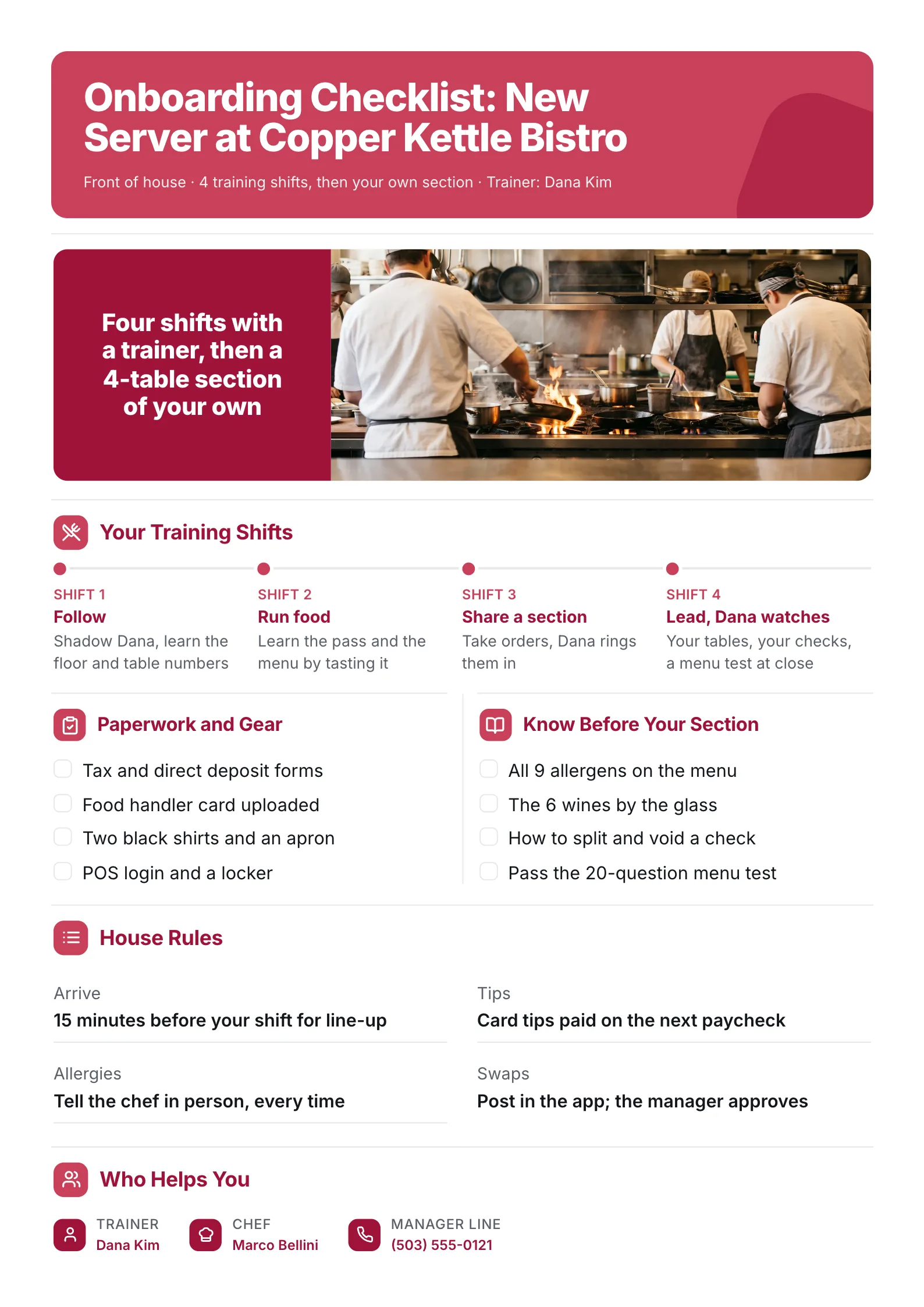
Sample names and figures. The paperwork box sits beside the training shifts, so nothing waits until the server is already on the floor.
Put steps 1 to 4 together and a new hire's first week fills in fast. Here it is for a made-up hire who starts on a Monday, first with setup and forms only, then with every step so far.
| Day | Setup and forms only | With the missing steps |
|---|---|---|
| Before day 1 | Laptop ordered | Laptop ordered, schedule emailed, buddy named |
| Day 1 | Forms and accounts | Forms, accounts, team lunch, end-of-day talk |
| Day 4 | Nothing planned | I-9 Section 2 done by today |
| Day 5 | Nothing planned | Coffee with buddy, first small task shipped |
| Calendar | Not set | 30, 60 and 90-day check-ins booked |
By Friday, the hire in the second column has a buddy, has shipped something small and knows when the next three talks are.
Step 5: Set check-ins at 30, 60 and 90 days
Five of the six checklists have a step at 90 days. Richmond asks for a 90-day check-in talk about what your new hire has learned and any questions. Morgan State has a checklist for each of 30, 60 and 90 days. Salisbury has 30-day and 60-day lists, each with its own check-in meeting.
Put each check-in on the calendar on day 1, so they don't get pushed. Write one question for each. At 30 days, ask what's confusing. At 60, ask what they'd change. At 90, agree on goals for the next quarter.
 Edit this template
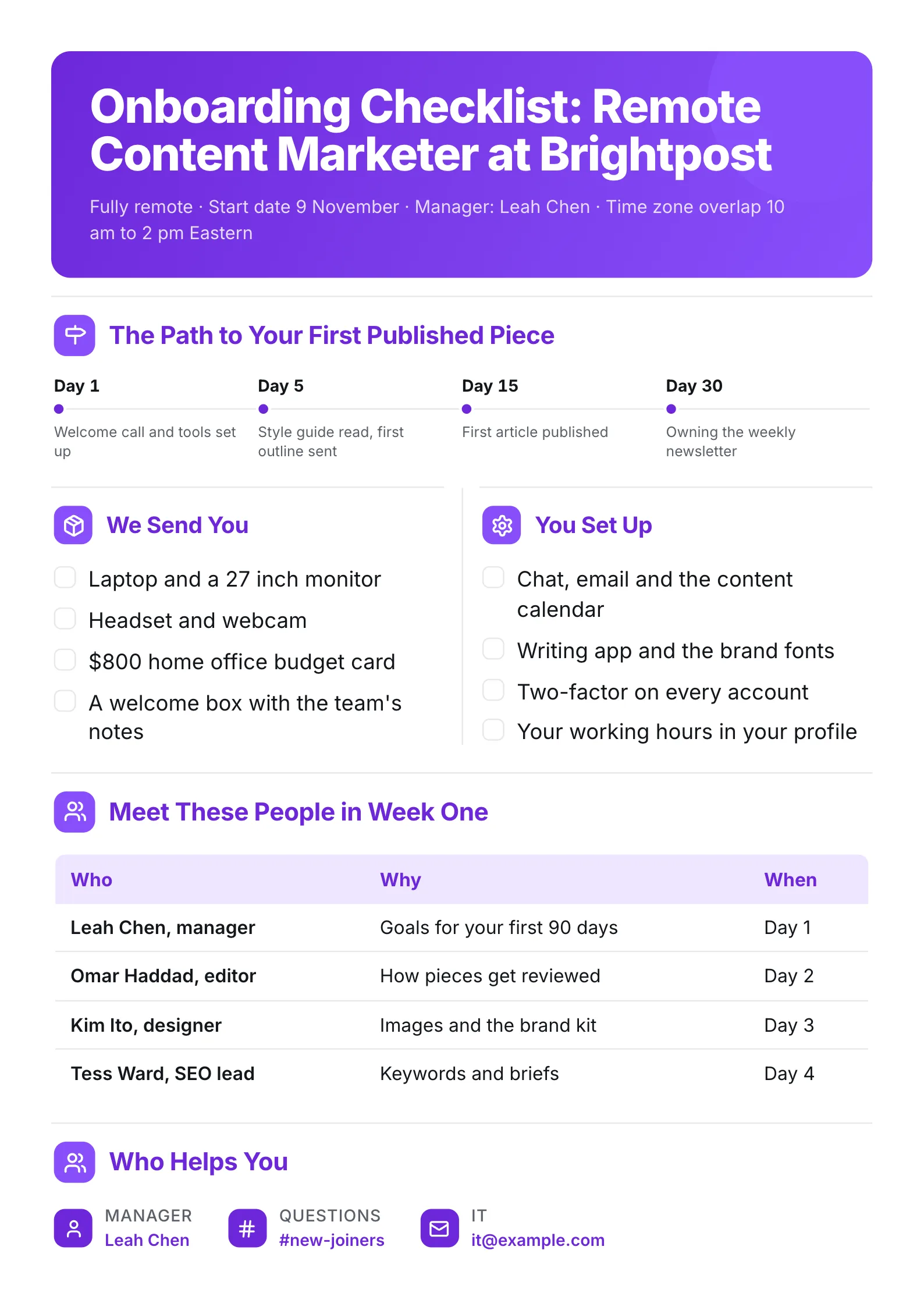
Sample names and figures. For a remote hire the days 1, 5, 15 and 30 carry the whole plan, since nobody sees them at a desk.
Step 6: Decide how long onboarding lasts
The checklists don't agree on when onboarding ends. Salisbury's stops at 60 days and Richmond's at 90. Carnegie Mellon and Morgan State run to six months. UTC's goes to the first year. Northern Kentucky says onboarding lasts at least six months to a year.
Pick an end date and write it at the top of your checklist. For most roles, 90 days covers the basics and six months covers the full job. At the end, ask your new hire what was missing from the list. Then add it before the next person starts.
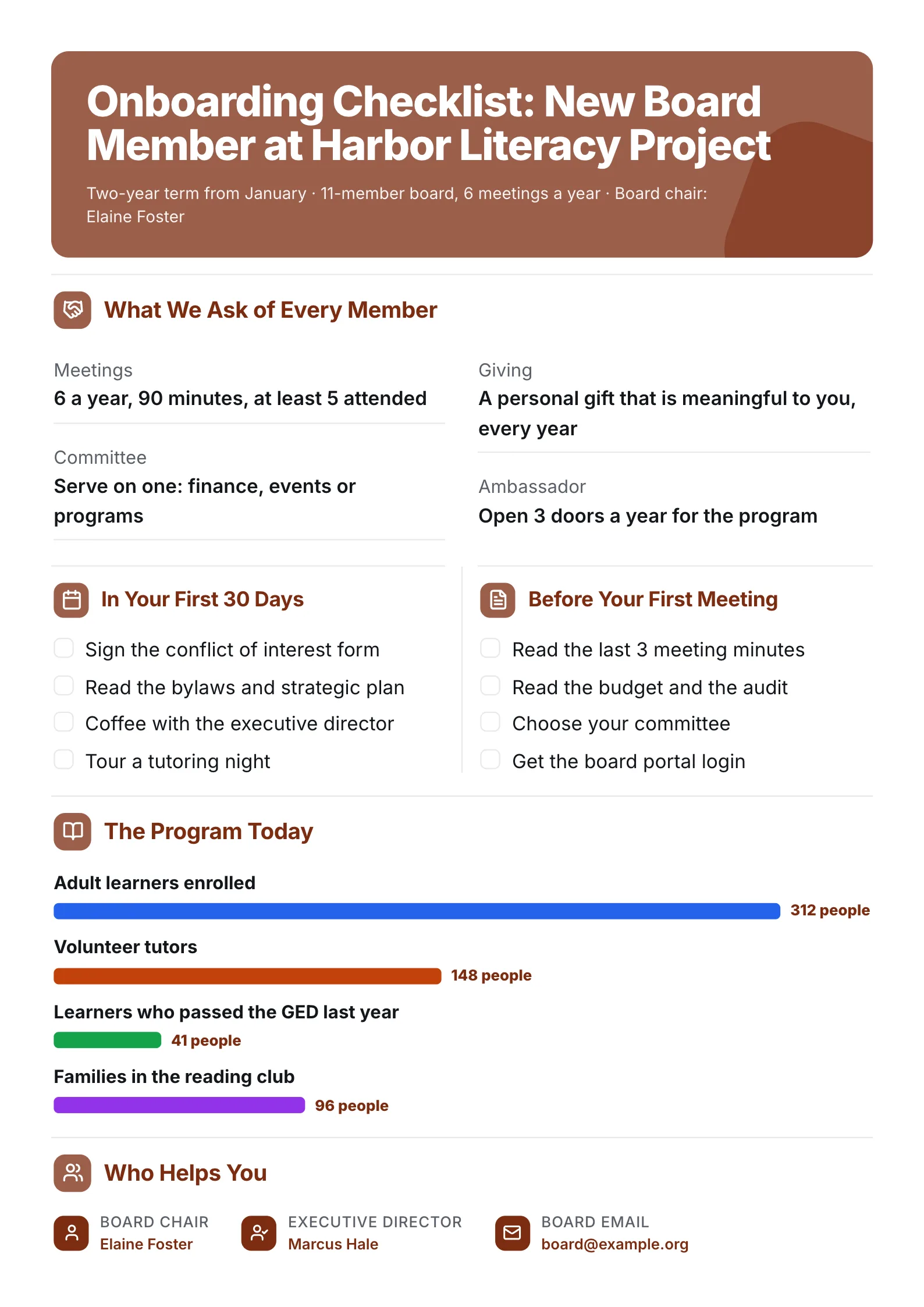 Edit this template
Sample names and figures. Board members join for a two-year term, so the checklist sets the expectations up front.
What the six checklists include, and what most skip
| What the checklist includes | Checklists that do |
|---|---|
| A section for before the first day | 6 of 6 |
| The start time, place or first-week schedule sent ahead | 6 of 6 |
| A step at 90 days | 5 of 6 |
| A 30-day check-in or checklist | 4 of 6 |
| Steps that run six months or longer | 4 of 6 |
| A buddy or peer mentor | 3 of 6 |
| A talk at the end of the first day | 2 of 6 |
| Form I-9 by name | 2 of 6 |
Source: MakeOnepagers read of 6 university supervisor onboarding checklists, October 30, 2026. Each one is linked below.
The top of the table is the paperwork and setup that everyone remembers. The bottom half is the human part, and that's where you can do better than most.
| Checklist | Last date shown | Who made it |
|---|---|---|
| Supervisor Checklist for Onboarding New Employees | September 2021 | University of Tennessee at Chattanooga |
| New Employee Onboarding Supervisor Checklist | Not dated | University of Richmond |
| Onboarding Checklist for Supervisors | January 4, 2024 | Carnegie Mellon University |
| Supervisor Onboarding Checklist | May 2024 | Morgan State University |
| New Employee Onboarding Checklist for Supervisors | Not dated | Salisbury University |
| New Employee Onboarding Checklist | June 30, 2025 | Northern Kentucky University |
Each one was downloaded on October 30, 2026, and the dates above are the latest ones printed on the files. The I-9 deadline comes from USCIS's page on completing Section 2, read the same day.
Start the checklist the day the offer is accepted
The checklists we read run one to a few pages, and a one-page version is easier to keep up. Use columns or rows for each stage, from before day 1 to 90 days. Write an owner and a date beside each item. Put the buddy's name and the check-in dates at the top.
Each onboarding design in MakeOnepagers runs in stages from before day 1 to the first month, with a strip for milestones and a box for the people your hire will meet. Your tasks and dates go straight into those stages. Printable examples are in our onboarding checklist post. If you want to send something warm before day 1, our new hire welcome packet post shows what goes in it.
List what has to happen before day 1 and plan the first day by the hour. Name the buddy, add the forms with their deadlines and book the 30, 60 and 90-day talks. Your new hire's copy can go out from MakeOnepagers the week before they start, with the buddy's name already on it.
Frequently asked questions
What should an onboarding checklist include?
Tasks for before day 1, a first-day schedule, a buddy, the required forms with their deadlines and check-ins at 30, 60 and 90 days. Give every task an owner and a date.
How long should onboarding last?
The six checklists we read range from 60 days to a year. Five of the six have a step at 90 days, and Northern Kentucky's says at least six months to a year.
Who owns the onboarding checklist?
The new hire's manager, in all six we read. They're written for supervisors. HR handles the forms and benefits, but your manager owns the schedule and the check-ins.
Should a new hire get the checklist too?
Yes. Send them the parts that are theirs, like what to bring and who to meet. Carnegie Mellon sends the first-week schedule a week early, so the new hire can plan.
Does the same checklist work for new customers?
The shape does. A new customer also needs something before the first day, a planned first session and check-ins at 30, 60 and 90 days. Swap the forms and the buddy for a setup call and a named account contact.




