BlogGuide
SOP Template: Free One-Page Quick Reference, 2 Examples
A free one-page SOP template staff can keep at their desk, the 6 parts every standard operating procedure needs, and 2 examples: a support procedure and a site safety briefing.

By MakeOnepagers Team
Updated · 5 min read
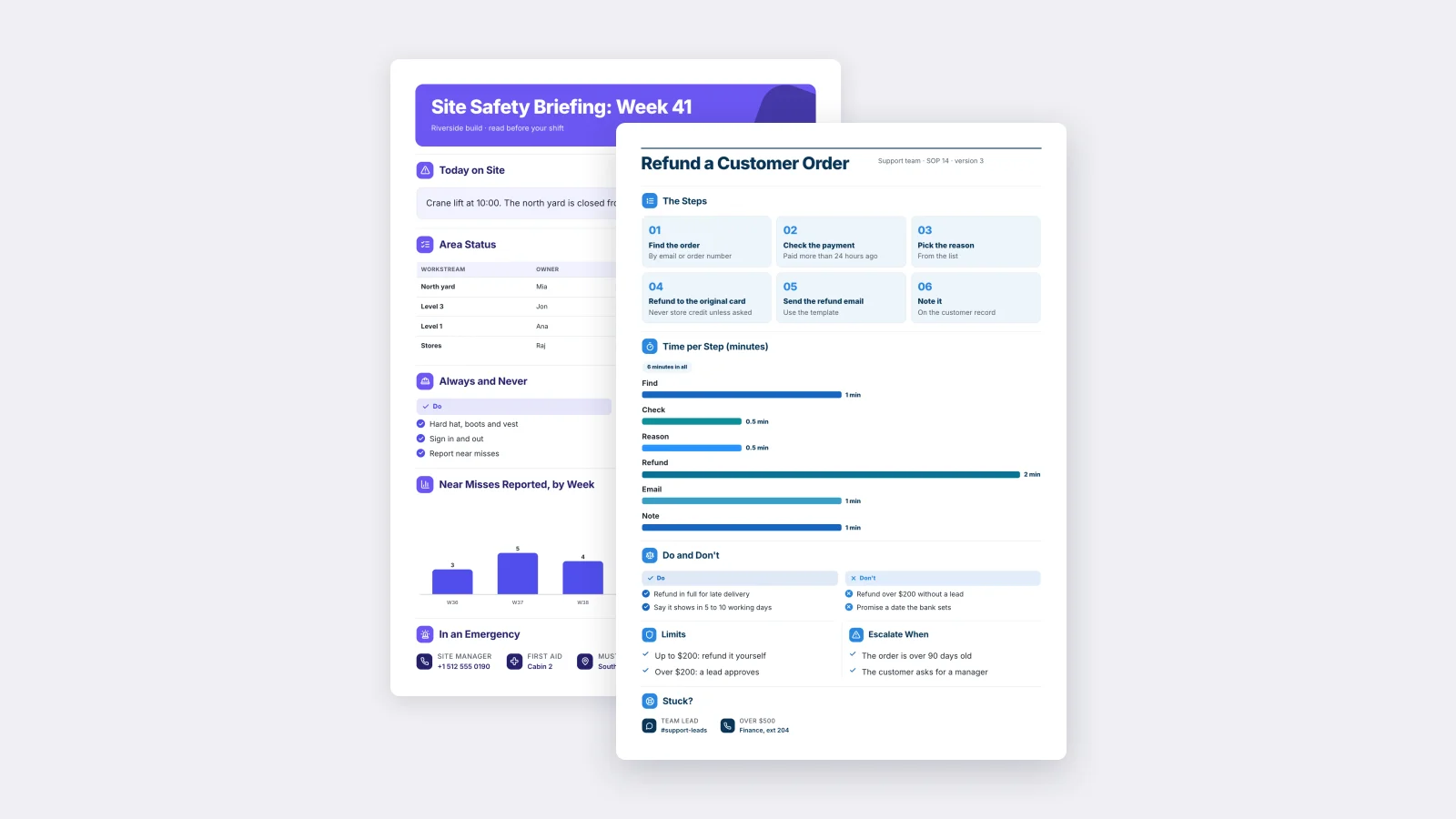
An SOP template turns a task your team does every day into numbered steps anyone can follow the same way, with the limits and the point at which to ask for help. The full procedure can live in a manual. What staff actually use is the one-page quick reference at their desk, on the wall or pinned in the team chat. Below are the six parts every SOP needs, a free template you can copy and two examples.
One‑Pager examples
Real One-Pagers made with MakeOnepagers. Open any one to edit it as your own.
 SOP Quick ReferenceEdit for free(opens in a new tab)
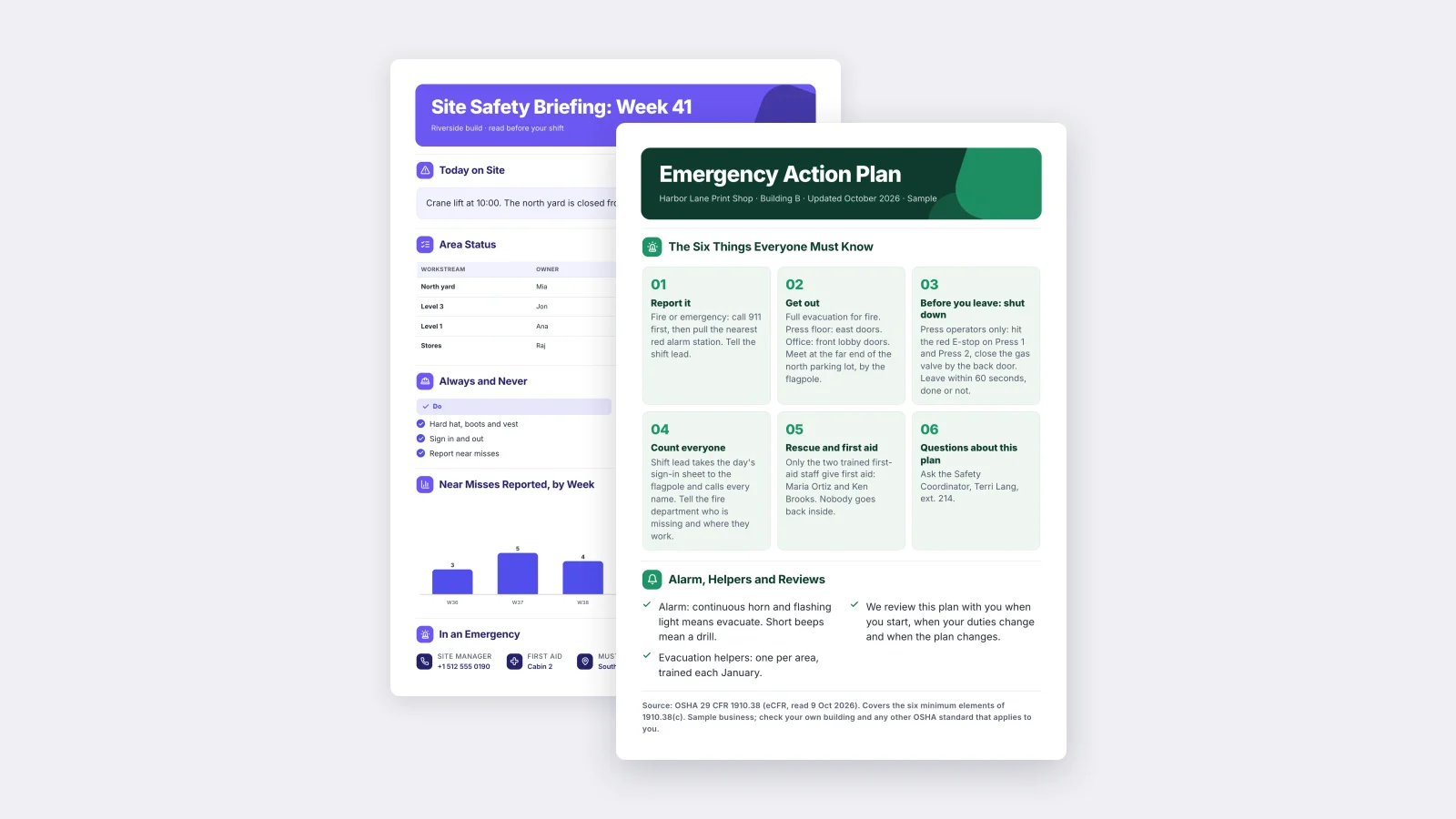
 Safety BriefingEdit for free(opens in a new tab)
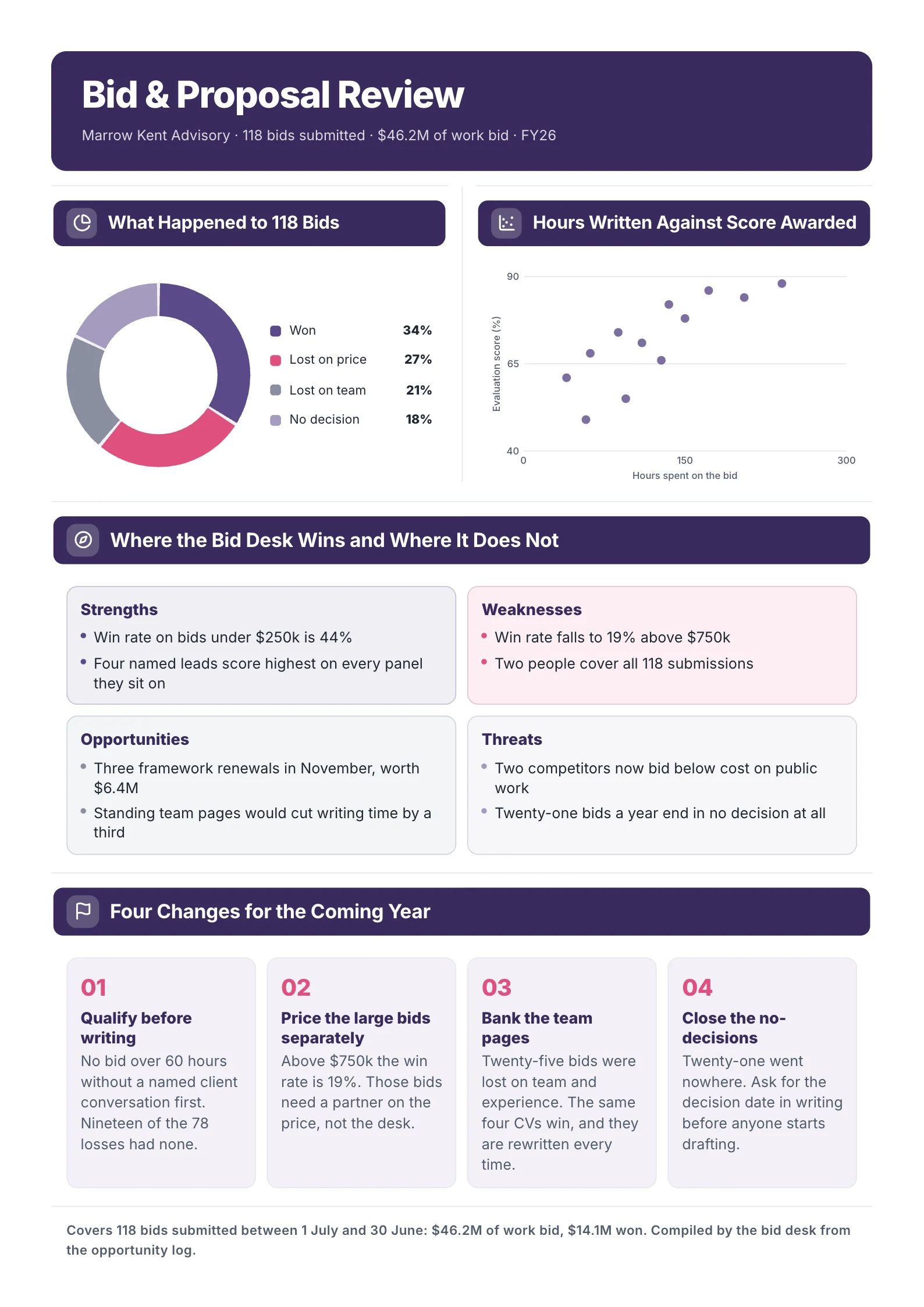
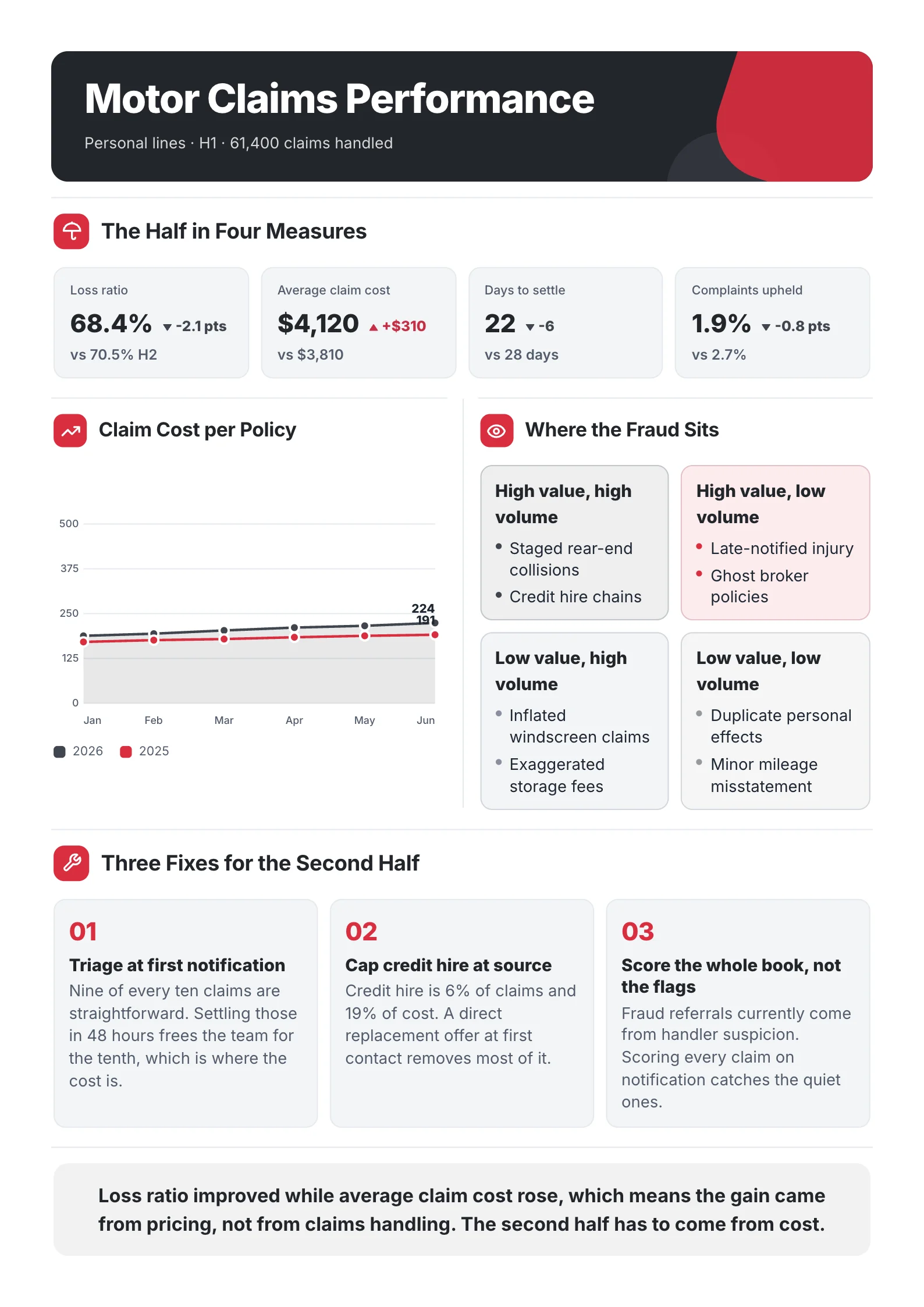
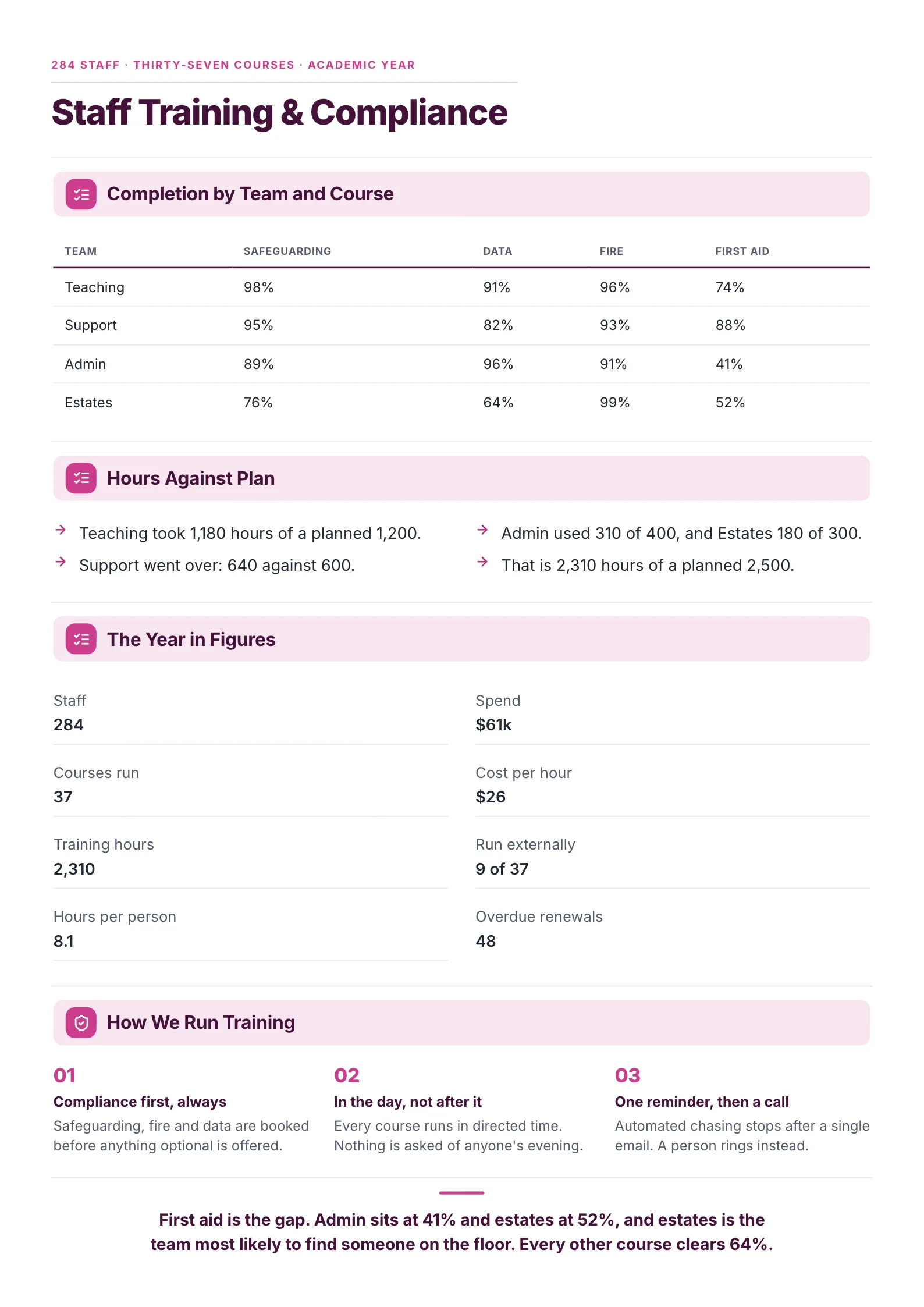 Training Compliance ReportEdit for free(opens in a new tab)
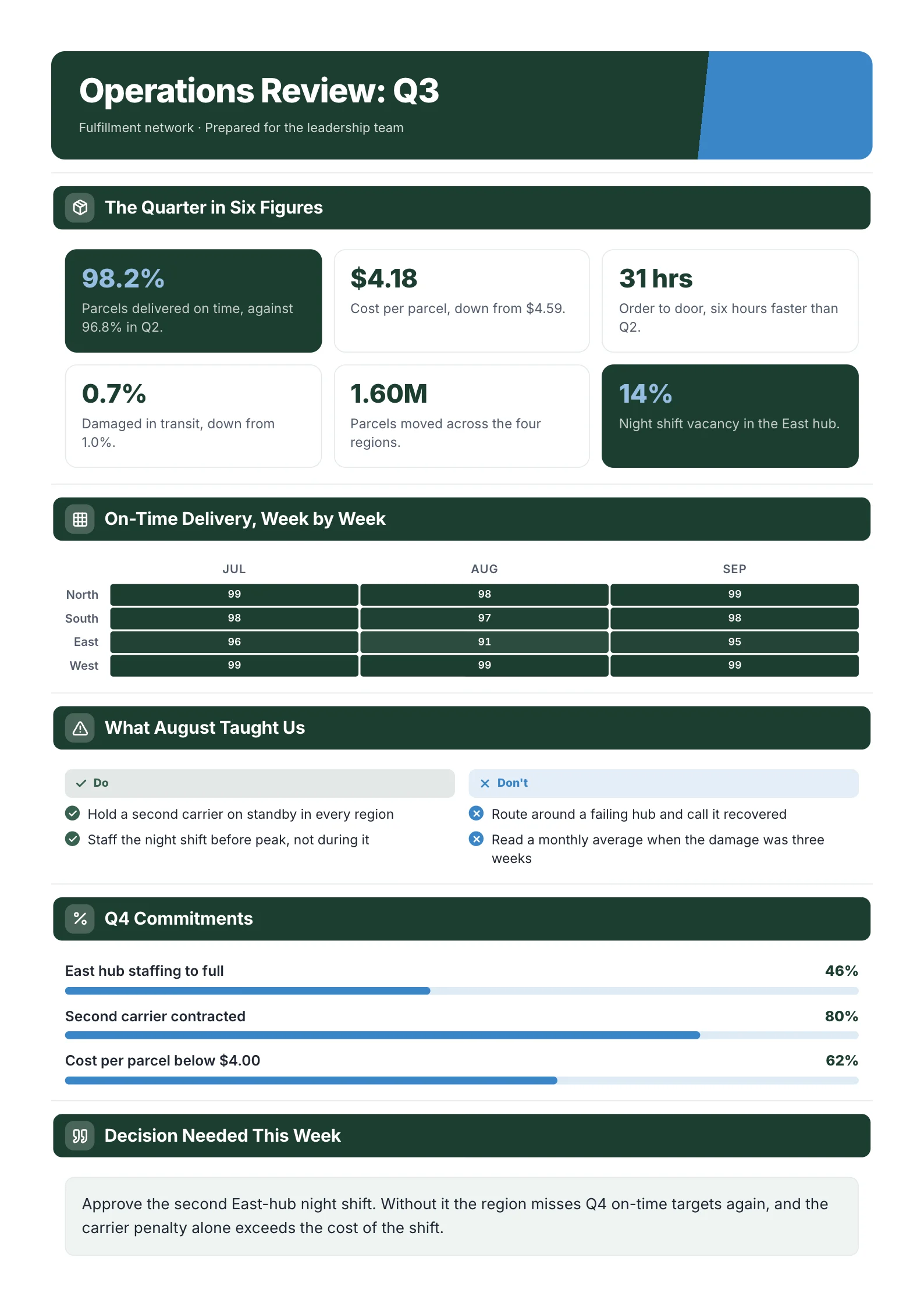 Operations ReviewEdit for free(opens in a new tab)
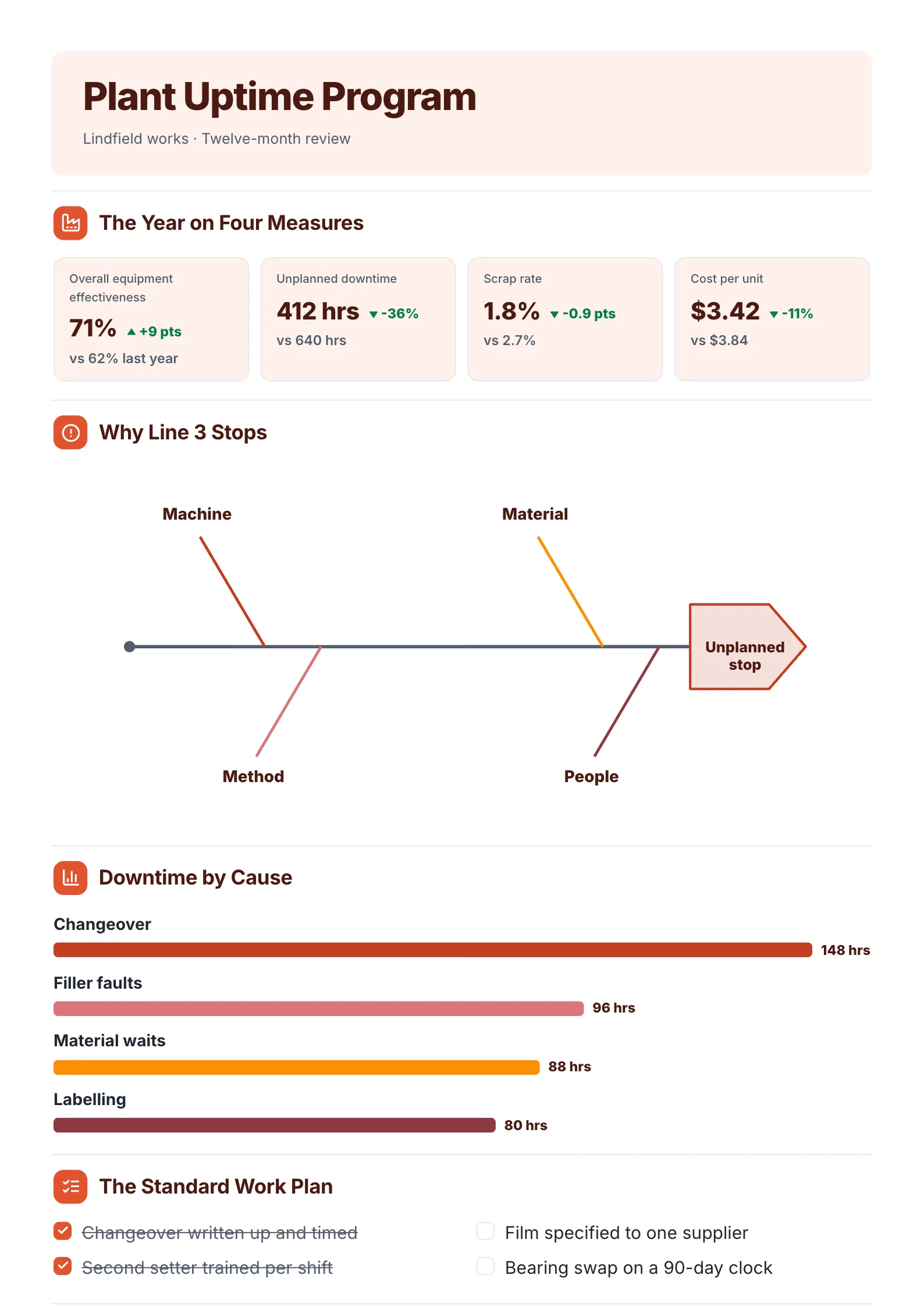 Plant Performance ReviewEdit for free(opens in a new tab)
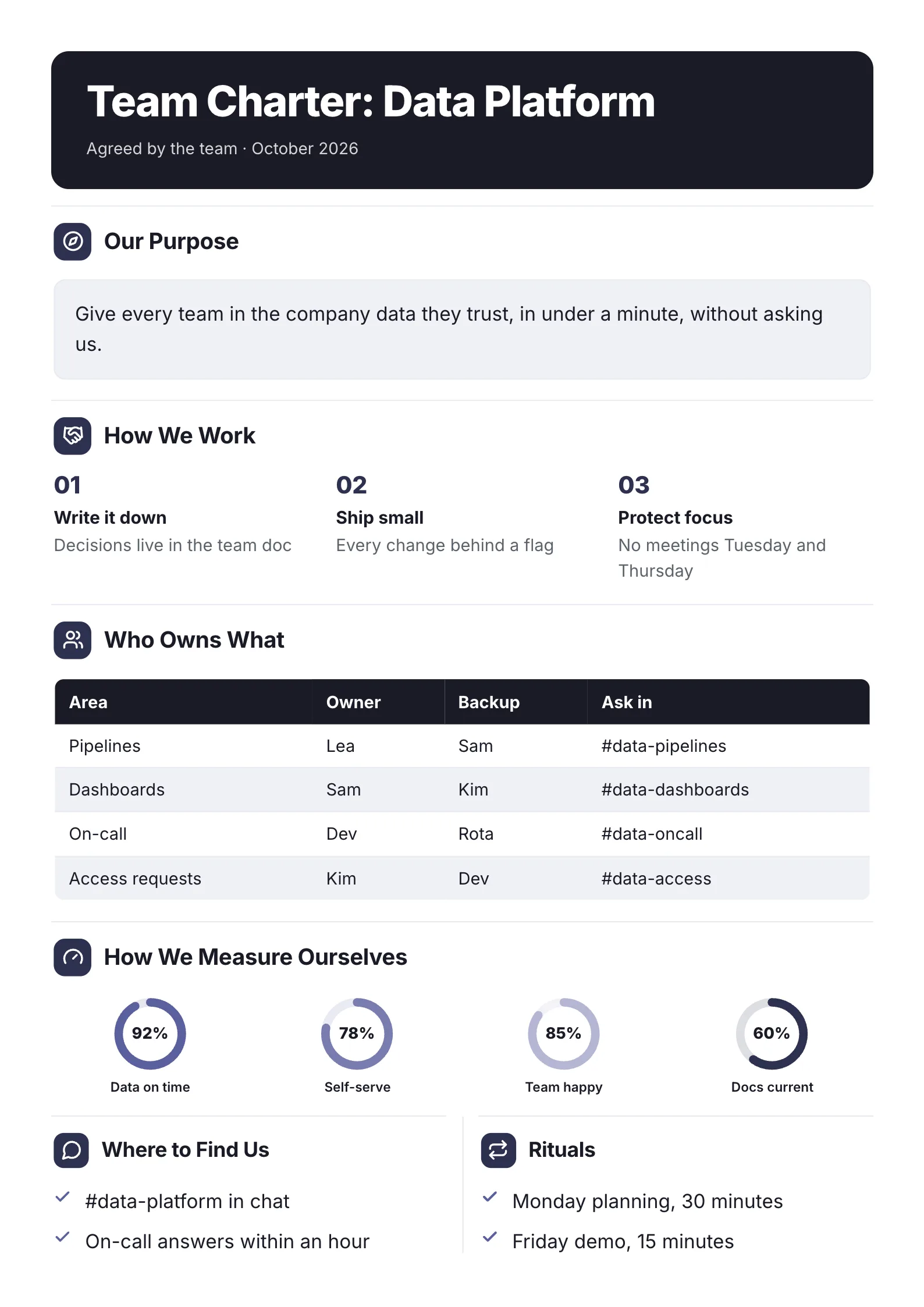 Team CharterEdit for free(opens in a new tab)
Both examples were made with MakeOnepagers. The organisations and figures are samples, and each one opens as a template you can edit for free.
What is an SOP?
SOP stands for standard operating procedure: a written set of steps for doing a routine task correctly and consistently. Support teams use SOPs for handling requests, warehouses for receiving stock, clinics for patient check-in, and building sites for safety.
A good SOP does three jobs. It trains new staff, it keeps experienced staff consistent, and it settles arguments about how something should be done.
The 6 parts of an SOP
- A title that names the task, plus the team, a number and a version. "Refund a Customer Order. Support team, SOP 14, version 3."
- The steps, numbered, each a verb and a short detail. Six steps or fewer.
- Time per step, so new staff know the normal pace.
- Do and don't: the two or three mistakes people actually make.
- Limits: what you can decide yourself, and what needs approval.
- When to escalate and who to ask, with a channel or phone number.
A free SOP template
Copy this into a document, or open one of the examples below and edit it.
| Part | What to write, with an example |
|---|---|
| Title | Task, team, number, version. Refund a Customer Order, support team, SOP 14, version 3 |
| The steps | 4 to 6, each a verb. Find the order by email or order number |
| Time per step | Minutes. 6 minutes in all |
| Do | 2 or 3. Tell customers it shows in 5 to 10 working days |
| Don't | 2 or 3. Promise a date the bank sets |
| Limits | What you decide alone. Up to $200 yourself, over $200 a lead approves |
| Escalate when | 2 triggers. The order is over 90 days old |
| Stuck? | Who to ask. Team lead in the support-leads channel |
2 SOP examples
1. SOP quick reference for a team
 Edit this template
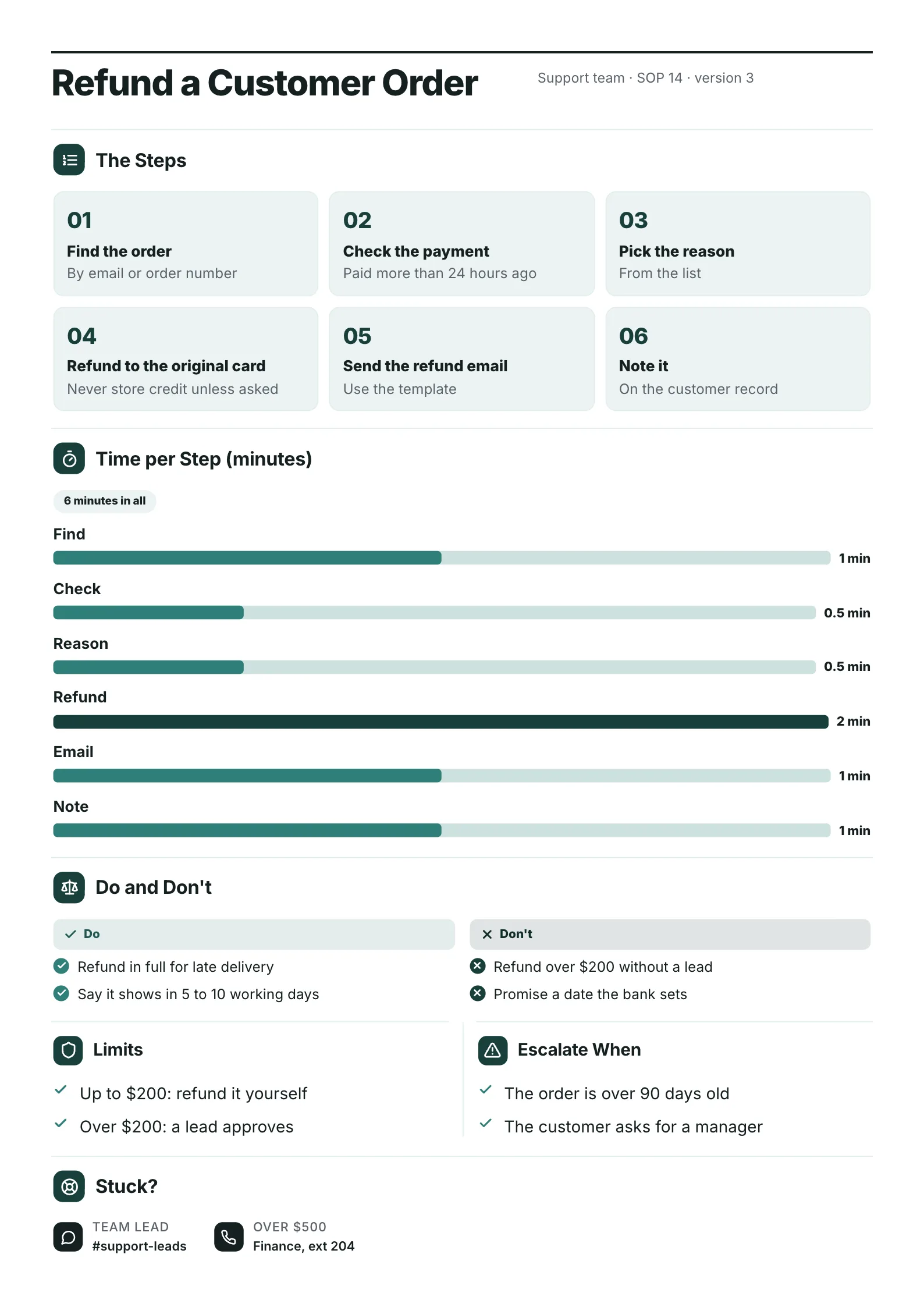
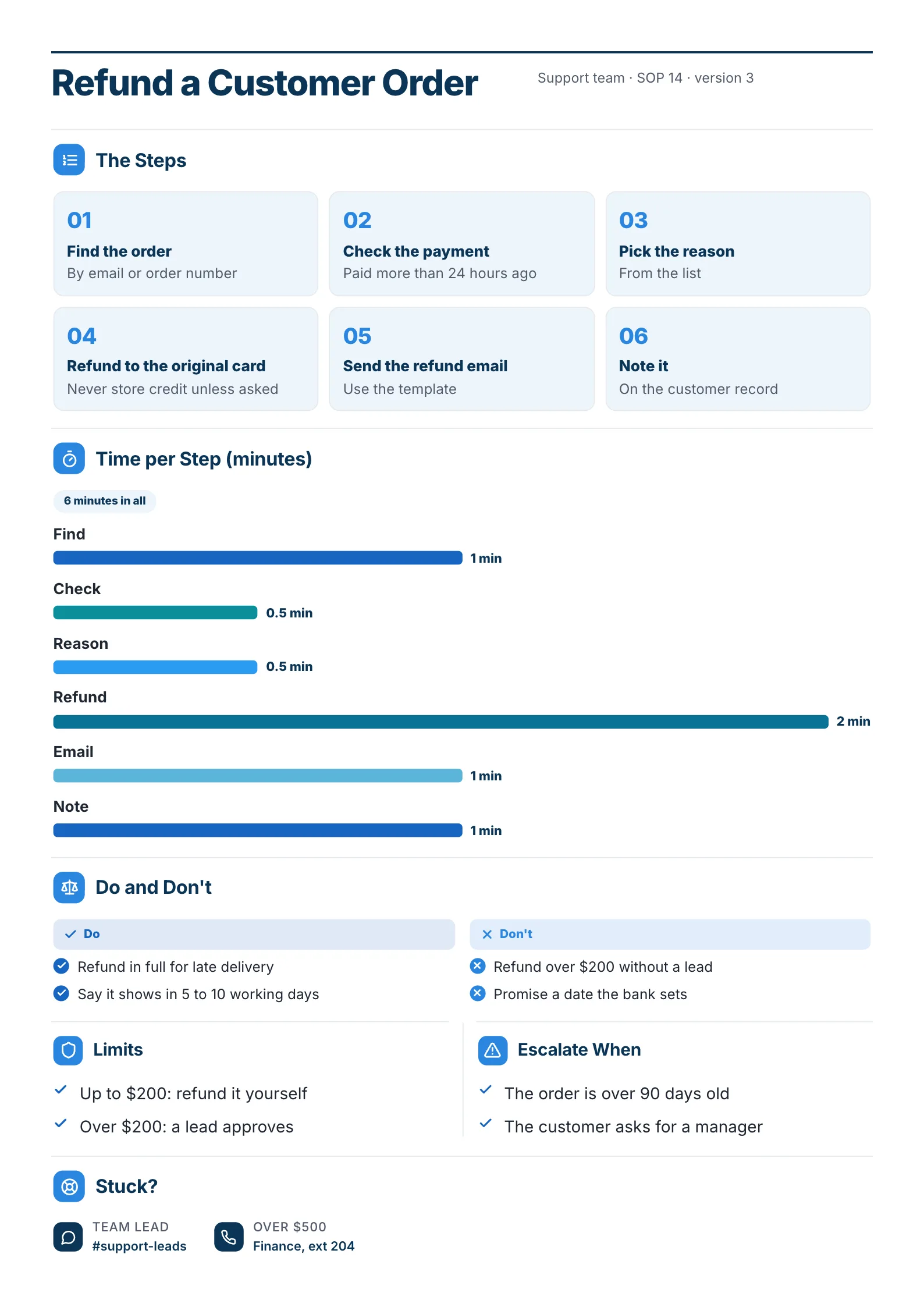
A support team's everyday procedure, on one page an agent keeps open beside the inbox.
What to copy:
- Six steps in six boxes, each with a verb and one detail: find the order, check the payment, pick the reason. Nobody has to read a paragraph.
- Time per step as bars: 6 minutes in all, with the slowest step obvious. New staff know when they are falling behind.
- Limits with a number: up to $200 an agent decides alone, over $200 a lead approves. A limit without a number is a debate.
Edit for free: SOP template.
2. Safety procedure and briefing
 Edit this template
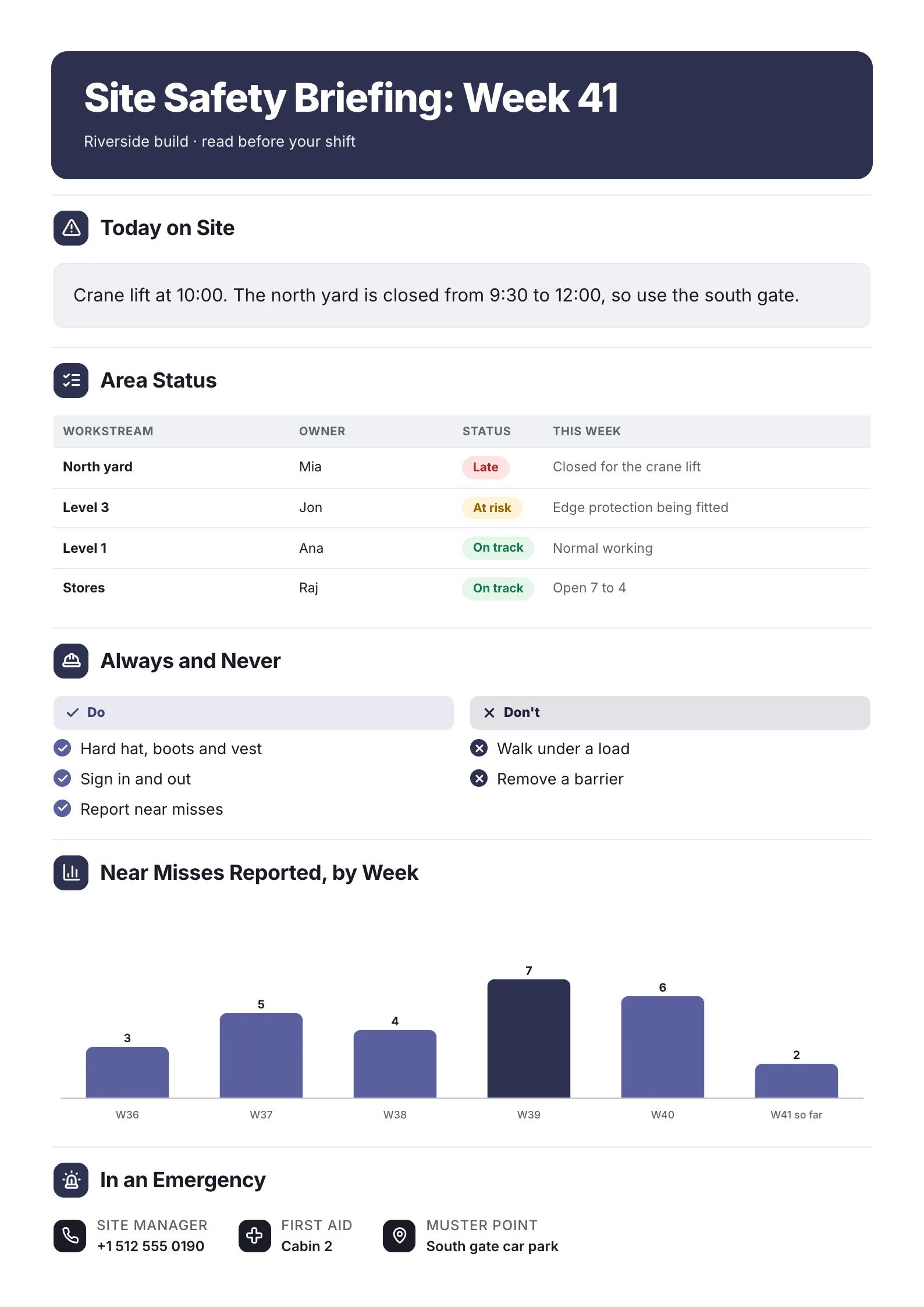
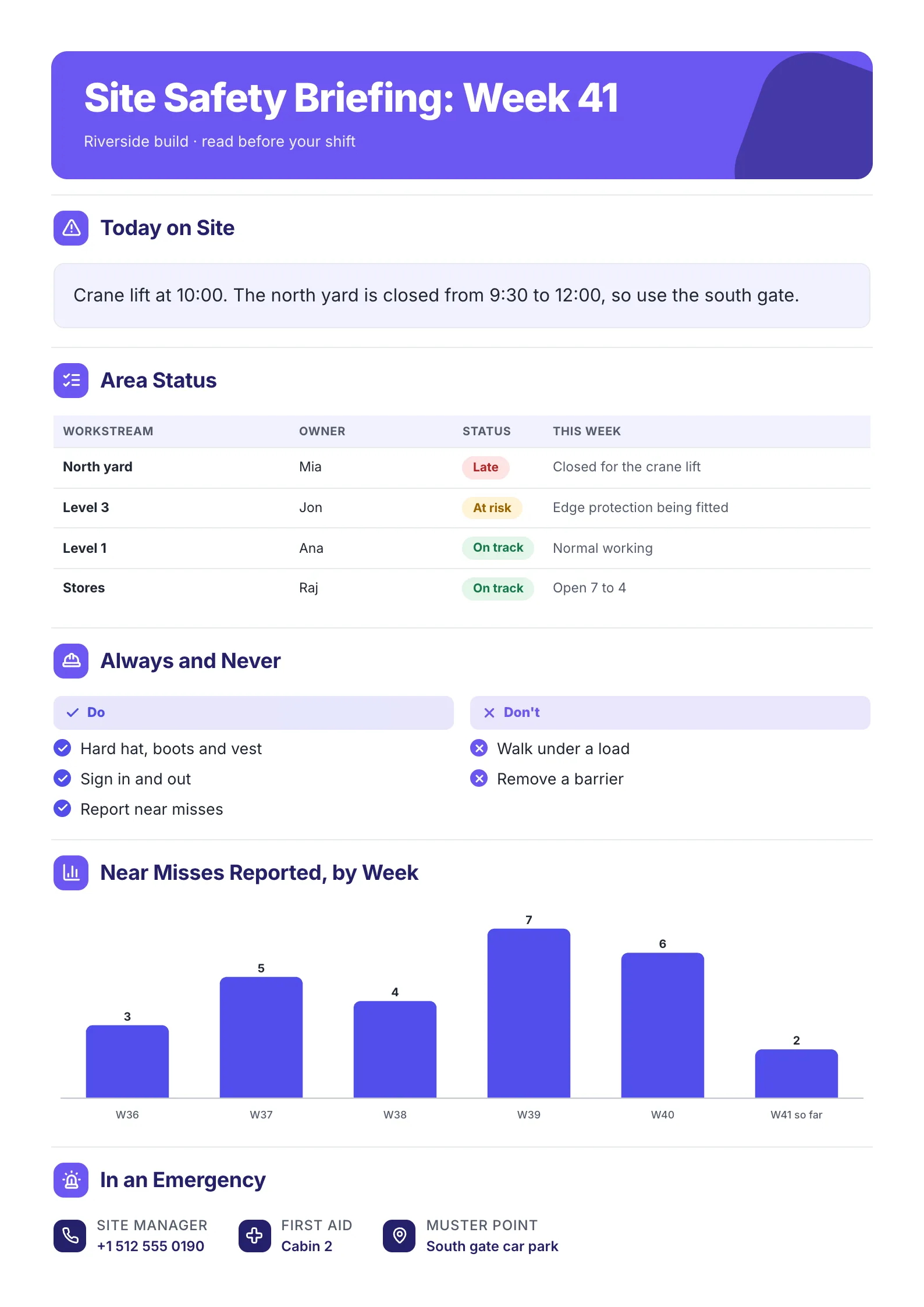
A building site's safety rules and today's changes, read by every worker before their shift.
What to copy:
- "Today on site" first: "Crane lift at 10:00. The north yard is closed from 9:30 to 12:00, so use the south gate." The thing that changed today goes above the rules that never change.
- Always and never lists, three and two items. Short enough to remember on a ladder.
- Emergency contacts at the bottom with the muster point. The last thing on the page is the first thing anyone looks for in trouble.
Edit for free: safety briefing template.
SOP format: one page or a full manual?
| One-page SOP quick reference | Full SOP document | |
|---|---|---|
| Who uses it | Staff doing the task | Trainers, auditors, managers |
| Where it lives | On the desk, wall or chat | In the manual or quality system |
| Contains | Steps, limits, do and don't, who to ask | All of that, plus purpose, scope, definitions, records and change history |
Many teams keep both. The full SOP satisfies an audit; the one-page version is what gets followed. If you already have the long version as a PDF or Word file, the free AI One-Pager generator reads it and gives it back as a designed quick reference, with the steps pulled from your file.
How to write an SOP in 6 steps
- Watch someone do the task and write down each step as it happens.
- Cut it to six steps or fewer, merging the small ones.
- Start each step with a verb and add one line of detail.
- Time each step with a new person, not an expert.
- Write the limits and escalation triggers, with numbers.
- Test it: give it to someone new, watch them follow it, fix what confused them.
SOP mistakes
- Written by the expert for the expert. Test it on the newest person in the team.
- No limits. Without a number, every unusual case ends up with a manager.
- No version number. People follow the copy they printed last year. Put the version on the page.
- Twenty steps. Split it into two SOPs.
Make your SOP
Open the free SOP template and put in your steps and limits, or drop your long procedure into the free AI One-Pager generator and get a finished quick reference back.
Frequently asked questions
What should an SOP include?
A title with the task, team and version, numbered steps, the time each step takes, the common mistakes as do and don't lists, the limits of what staff can decide alone, and when and how to escalate.
How long should an SOP be?
The version staff use should fit on one page. A longer document with scope, definitions and records can sit behind it for training and audits.
What is the difference between an SOP and a work instruction?
An SOP covers a whole process and who does what. A work instruction is a more detailed set of steps for one task inside that process. A one-page SOP quick reference often works as both.
How often should SOPs be reviewed?
At least once a year, and whenever the tool, the rule or the team changes. Update the version number each time.