Resource Plan Template: Free One-Page Team Capacity Plan
Free one-page resource plan template: the 6 parts it needs, and a 14-person team's 2027 plan with backend at 112% load in March and 4 roles to approve.

A resource plan template shows you who is working on what and when, all on one sheet. You see how loaded each team is against what it can actually do. Then you see what has to change, such as people to hire, work to move or a decision to make. Resource plans usually live in large spreadsheets that only their author understands. Put yours on one sheet and your leadership team can see the overload and approve the fix in one meeting. Below you'll find the six parts every resource plan needs, a free template you can copy and a worked example. Start from a free one pager template.
One‑Pager examples
Real One-Pagers made with MakeOnepagers. Open any one to edit it as your own.
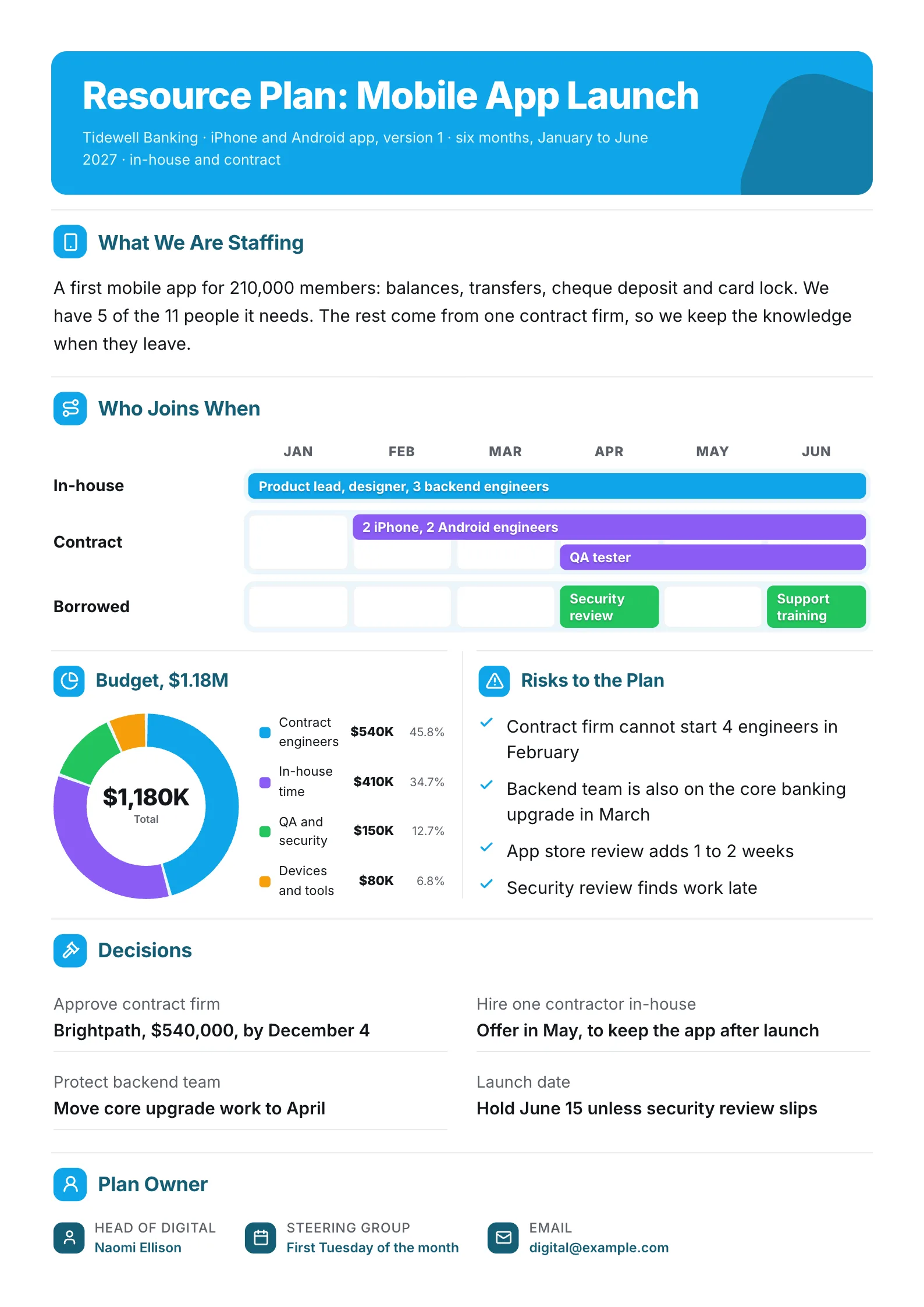 Resource Plan: Software Launch TeamEdit for free(opens in a new tab)
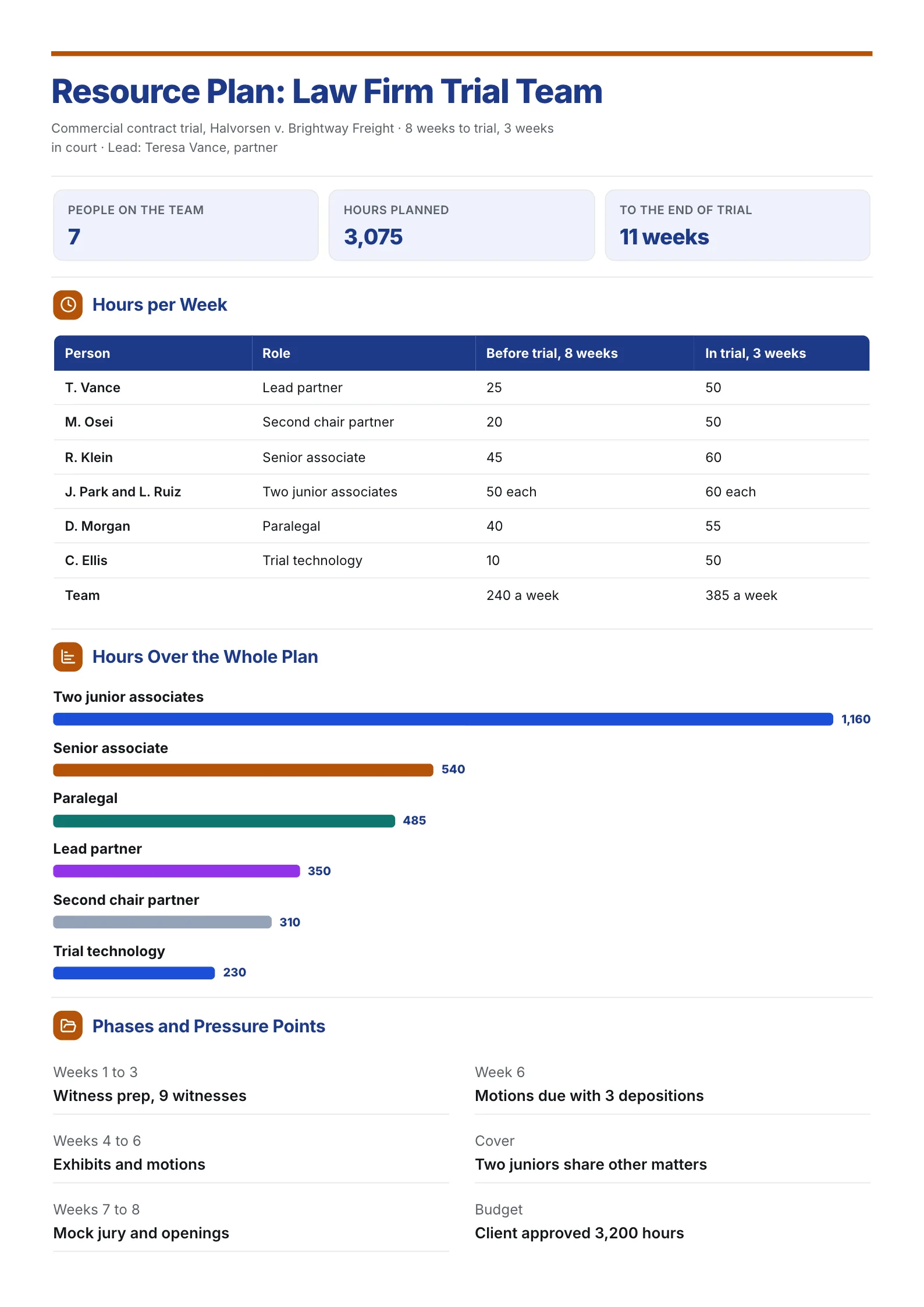 Resource Plan: Law Firm Trial TeamEdit for free(opens in a new tab)
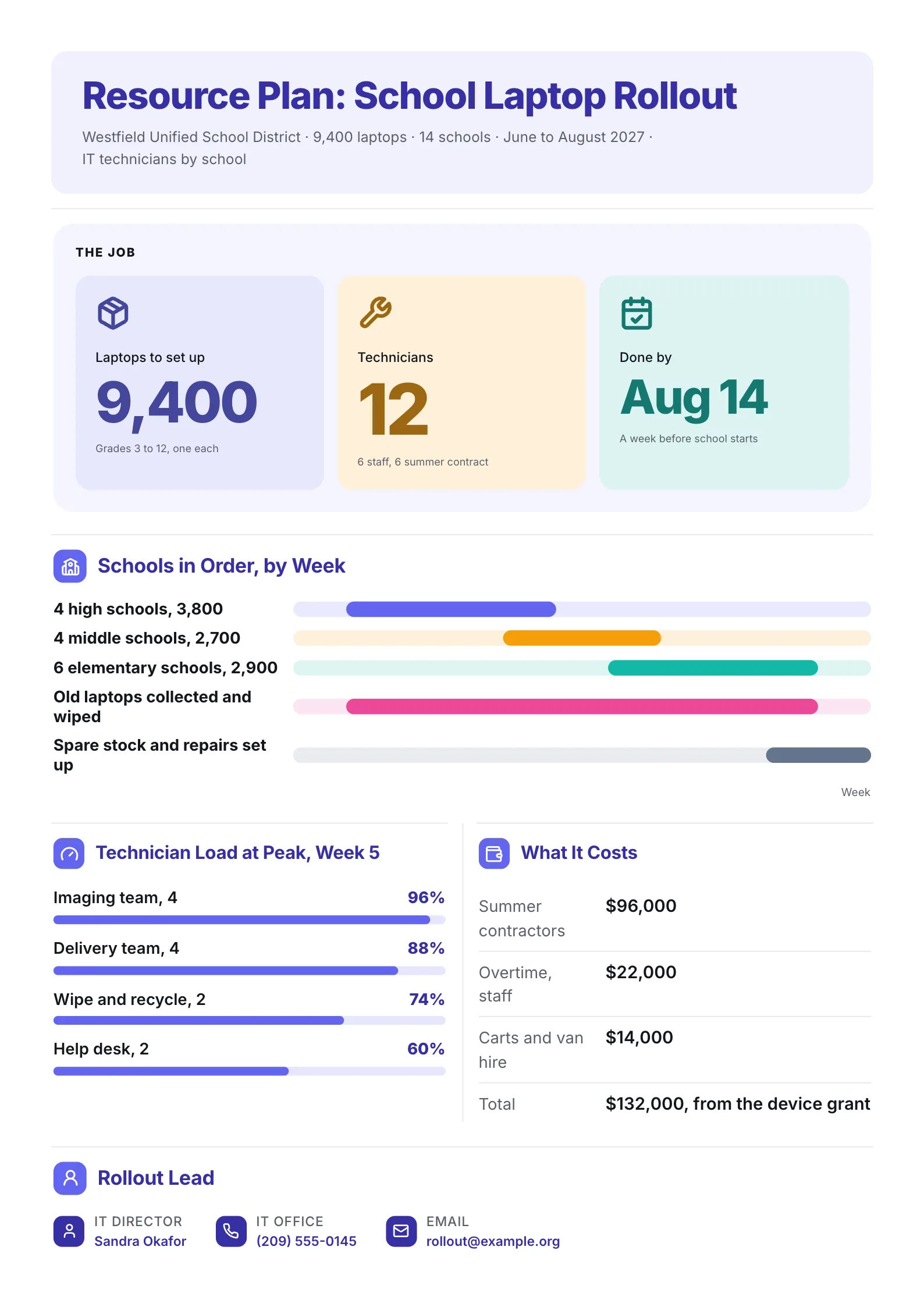 Resource Plan: IT RolloutEdit for free(opens in a new tab)
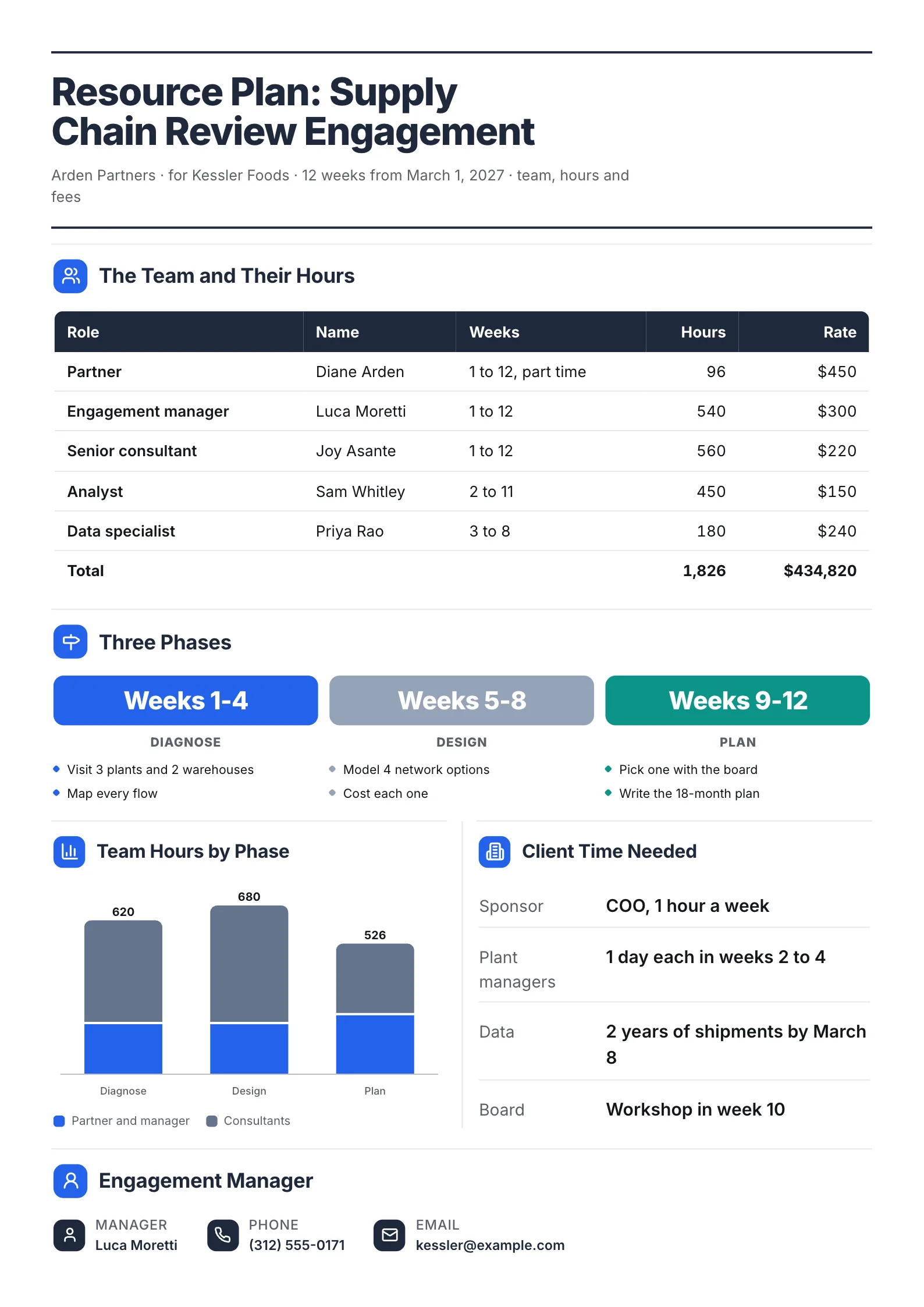 Resource Plan: Consulting EngagementEdit for free(opens in a new tab)
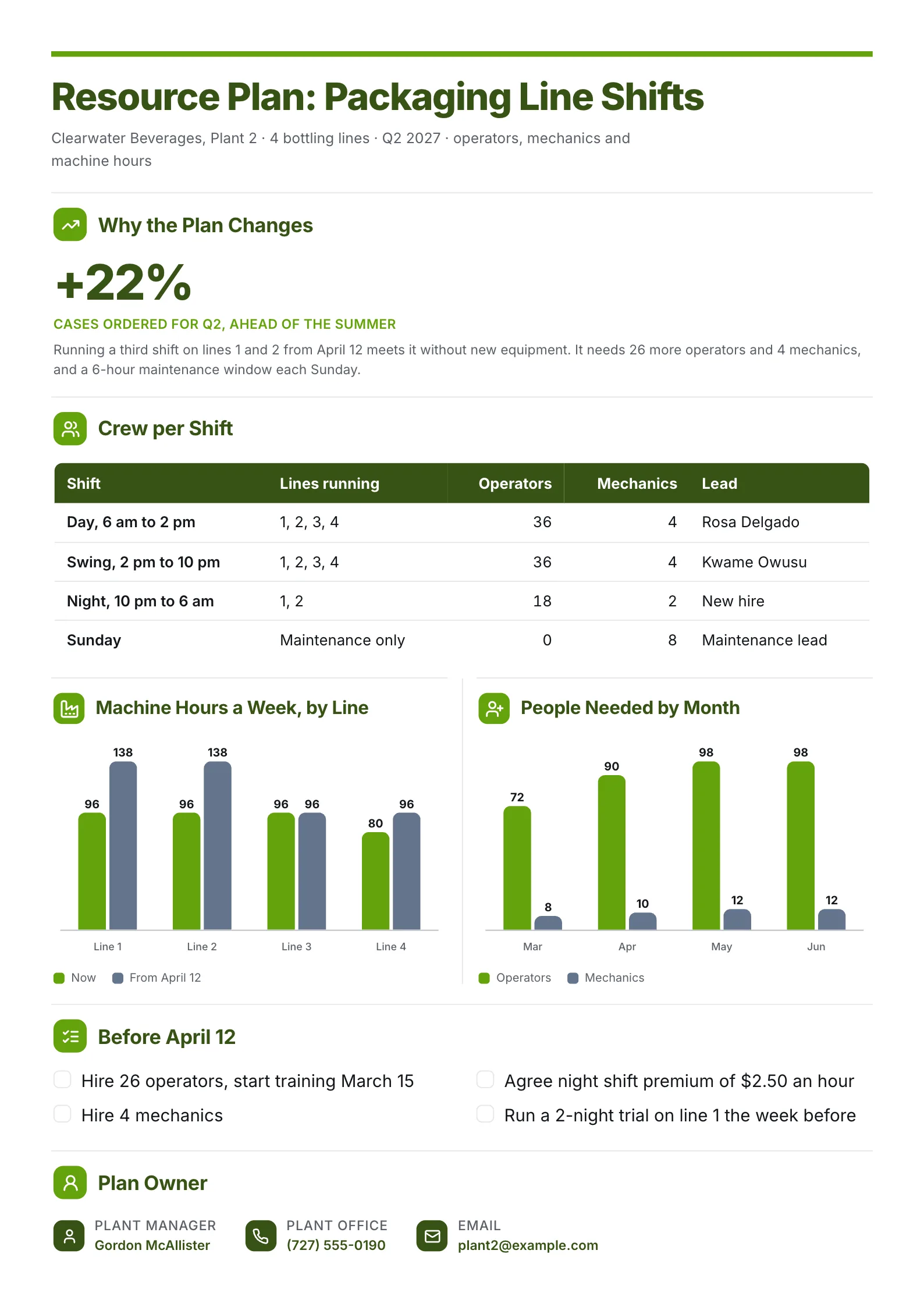 Resource Plan: Manufacturing ShiftsEdit for free(opens in a new tab)
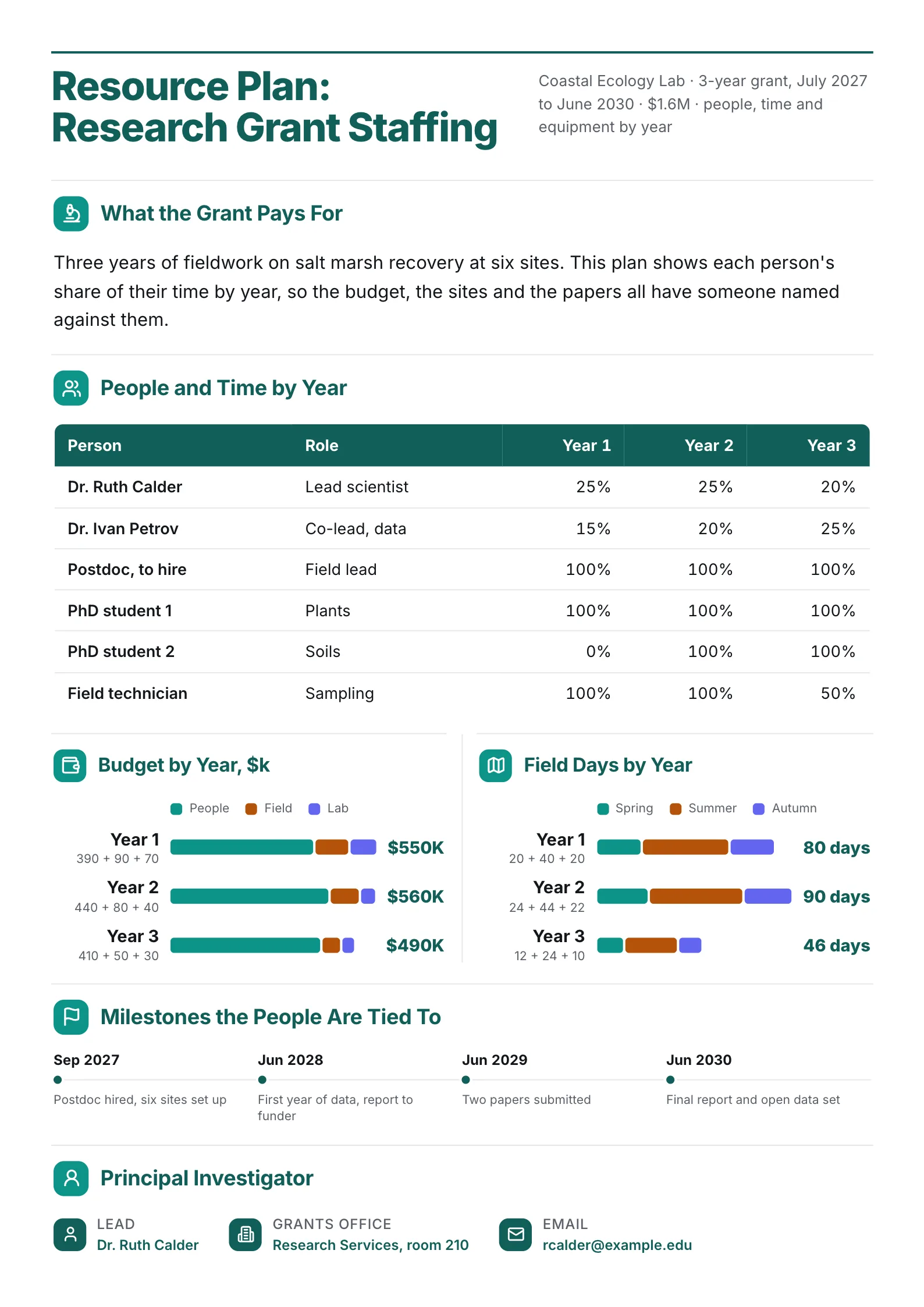 Resource Plan: Research GrantEdit for free(opens in a new tab)
The example was made with MakeOnepagers. It opens as a template, and you can edit every word, chart and color for free.
What is a resource plan?
A resource plan sets out the people (and sometimes budget and equipment) your team or project needs over a period, against the work it has committed to. If you manage projects, engineers or operations, you use one to spot overload early and to justify hiring.
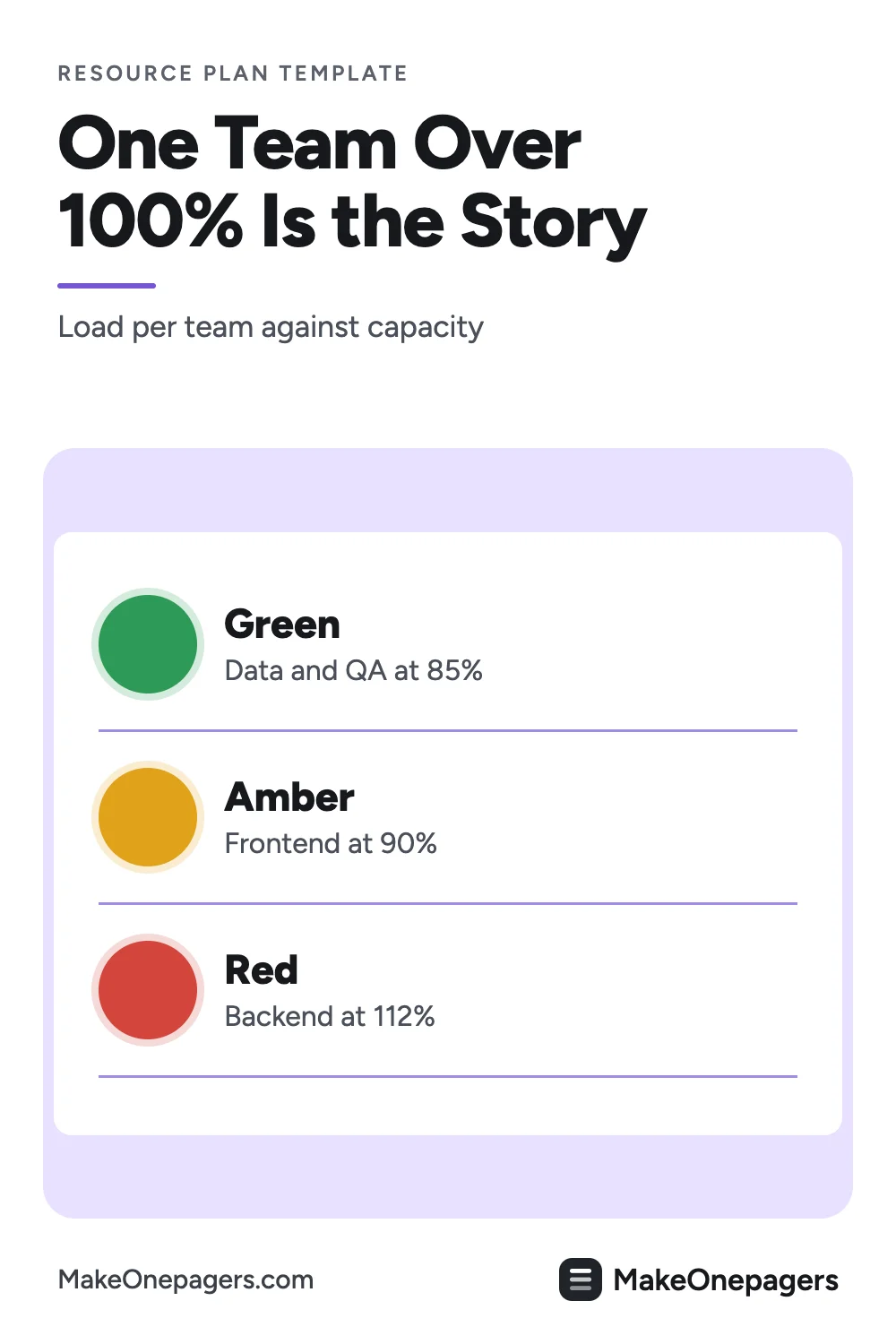
The number to watch is load. That's your planned work as a share of capacity. A team at 85% has room for the unexpected. A team at 112% is already late.
The 6 parts of a resource plan
- The team, period and headcount.
- Headline numbers: people, the highest load and hires needed.
- Who works on what, by month: each project as a bar across the year.
- Load by team against capacity: projects, run work and planned work.
- Hiring plan: roles and dates.
- Risks and the decision: what could go wrong and what you need approved.
A free resource plan template
You can copy this into a document, or open the example below and edit it.
| Part | What to write, with an example |
|---|---|
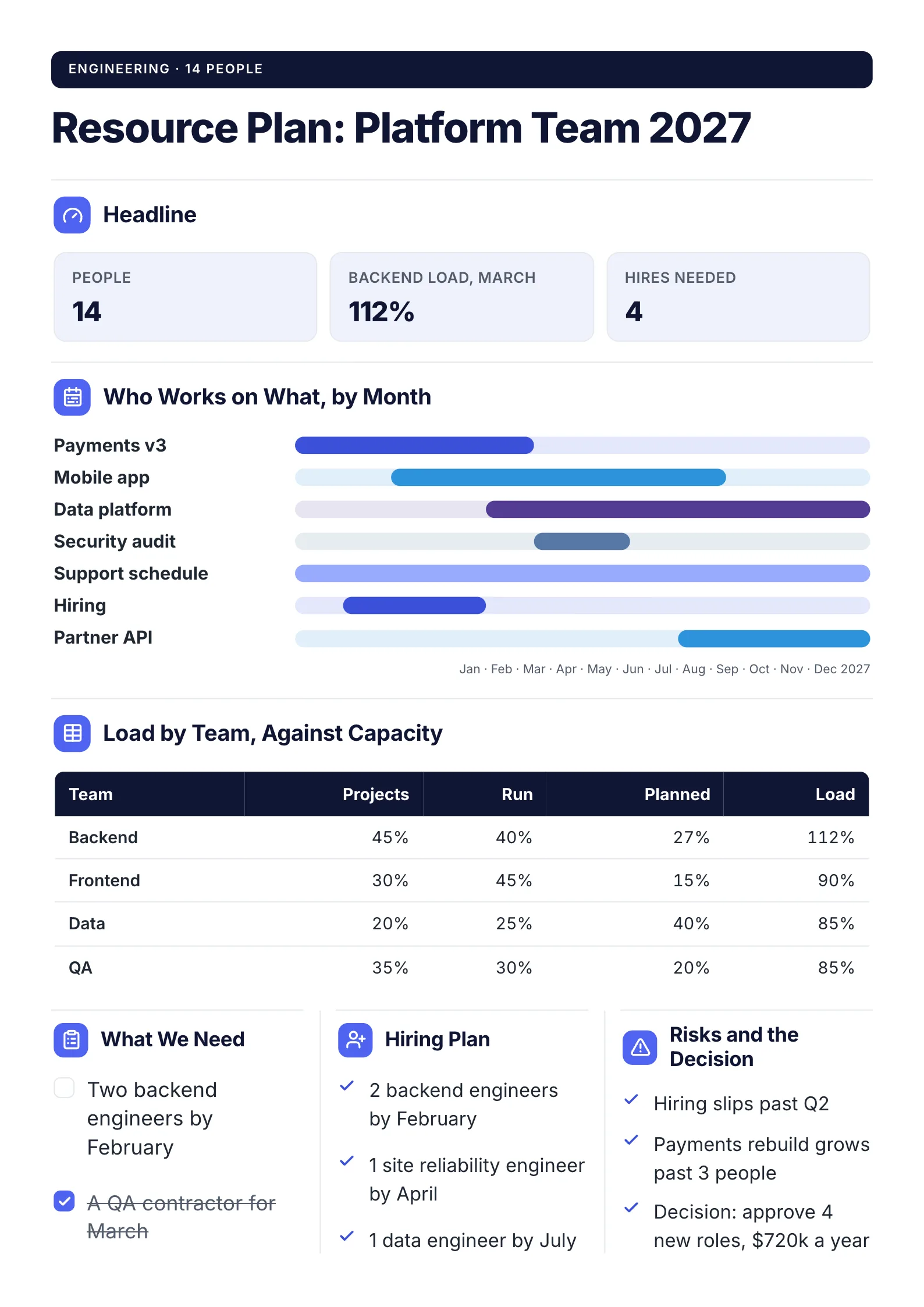
| Title | Team, year, size. Resource Plan: Platform Team 2027, engineering, 14 people |
| Headline | 3 numbers. 14 people, 112% backend load in March |
| By month | Each project's months. Payments v3, January to May |
| Load by team | Projects, run, planned, load. Backend 45%, 40%, 27%: 112% |
| What we need | 2 lines. Two backend engineers by February |
| Hiring plan | Roles and dates. 1 data engineer by July |
| Decision | 1 line with cost. Approve 4 new roles, $720k a year |
Resource plan example
 Edit this template
Here a team's whole year fits on one sheet. You see the work and the overload, and it ends on the decision that fixes it.
What to copy:
- Load as a single percentage per team: backend 112%, frontend 90%, data 85%, QA 85%. The one team over 100% is the whole story.
- Load split into projects, run and planned: backend is 45% projects, 40% keeping things running, 27% planned new work. It shows that run work, not new projects, is eating capacity.
- Projects by month across the year: payments v3 from January, the security audit from May. Clashes are visible before they happen.
- One decision with its cost: "Approve 4 new roles, $720k a year." The sheet ends on what leadership has to say yes to.
You can edit this resource plan template for free.
5 more resource plan examples
A resource plan looks different in a hospital than in a studio. Here are five more, so you can pick the one closest to your kind of team.
1. Nurse staffing resource plan
 Edit this template
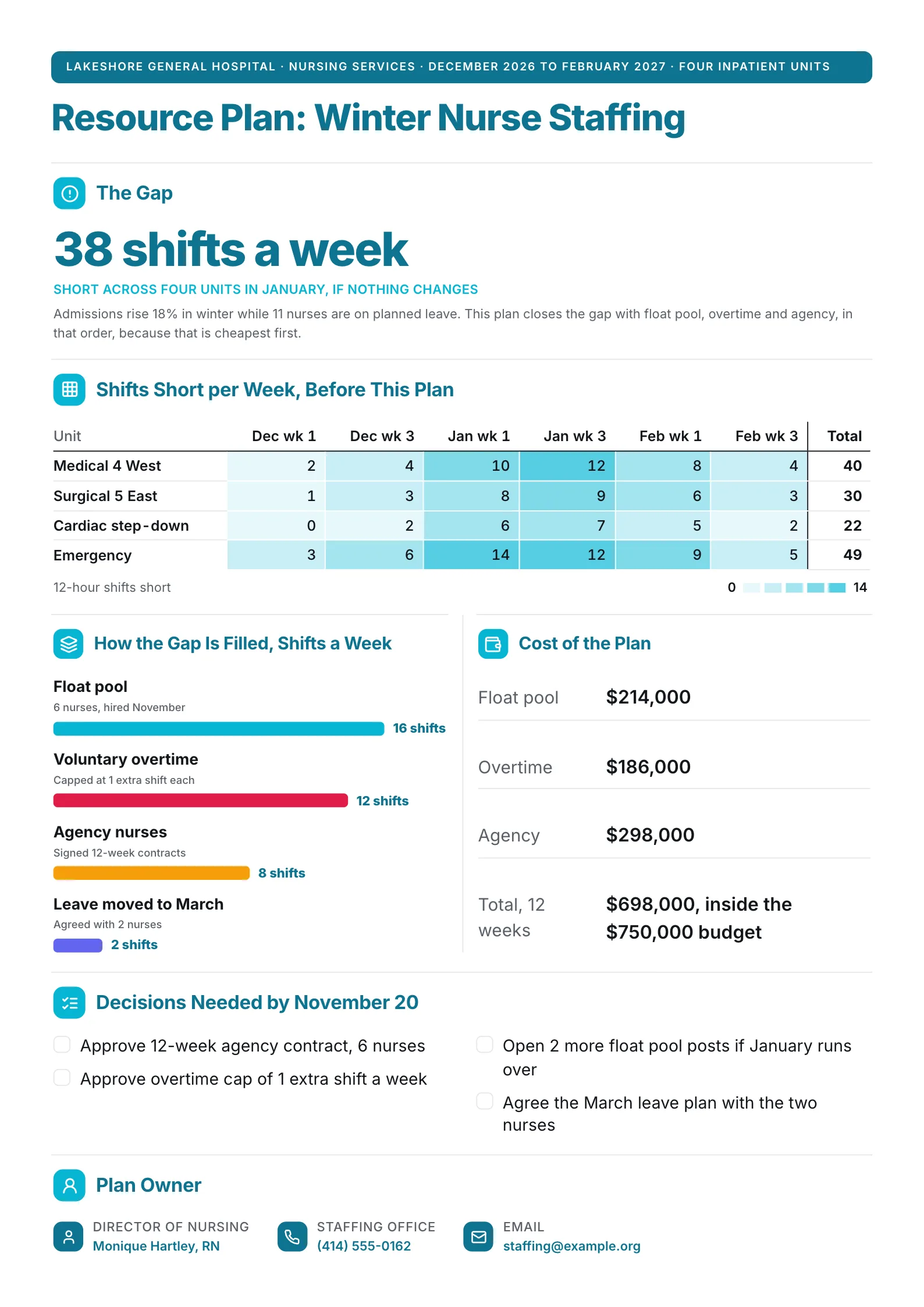
This is a hospital's winter plan for four inpatient units, and it runs from December to February.
What to copy:
- The gap shown by unit and week, so the worst weeks are plain to see.
- Each way of filling it costed: float pool, overtime and agency, against budget.
You can edit this nurse staffing resource plan template for free.
2. Agency capacity resource plan
 Edit this template
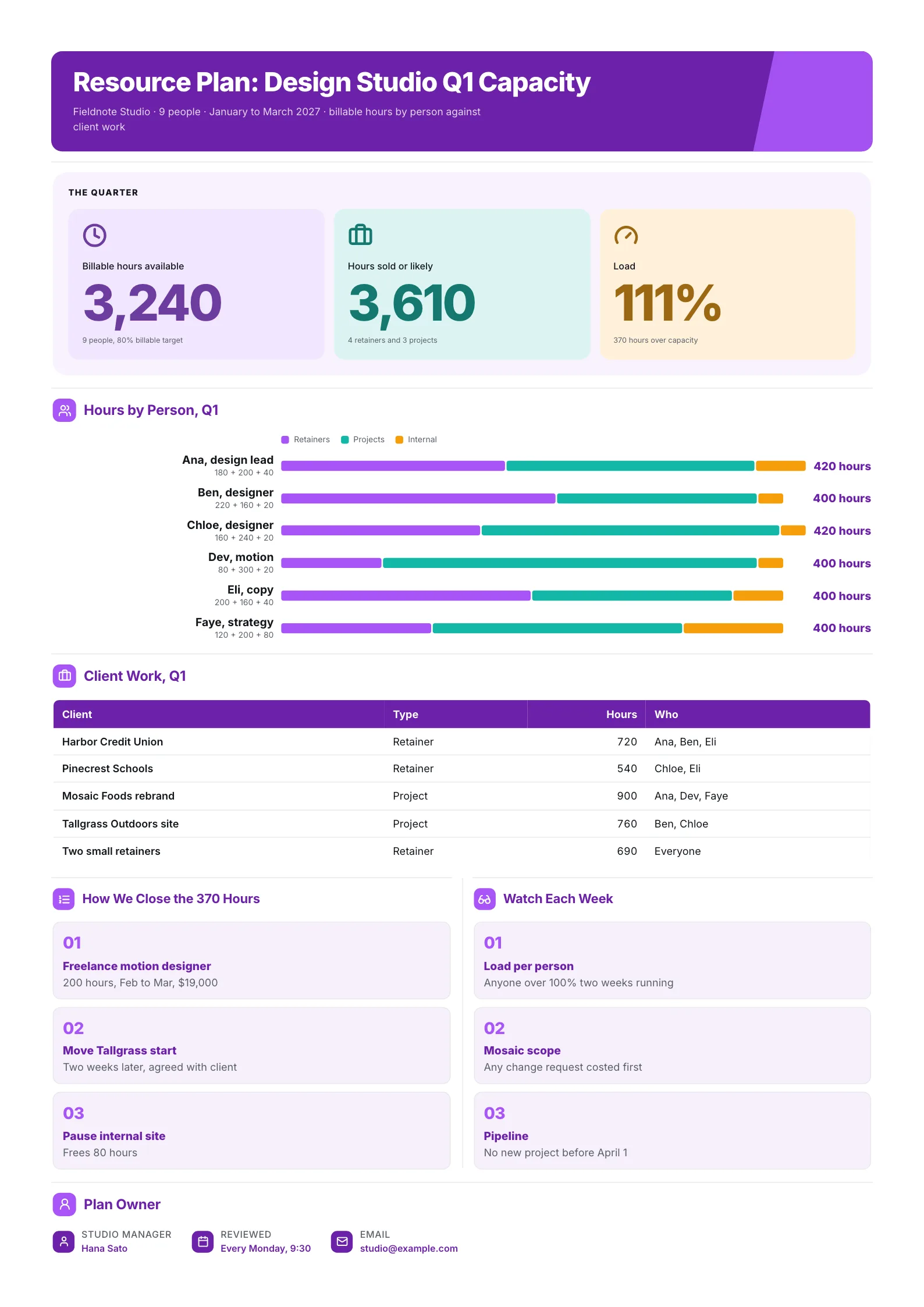
A nine-person design studio sold more hours than it has. This is its first quarter.
What to copy:
- Hours available against hours sold, which shows the overload in one number.
- Each person's hours split by client, and how the overload gets closed.
You can edit this agency capacity resource plan template for free.
3. Film shoot crew resource plan
 Edit this template
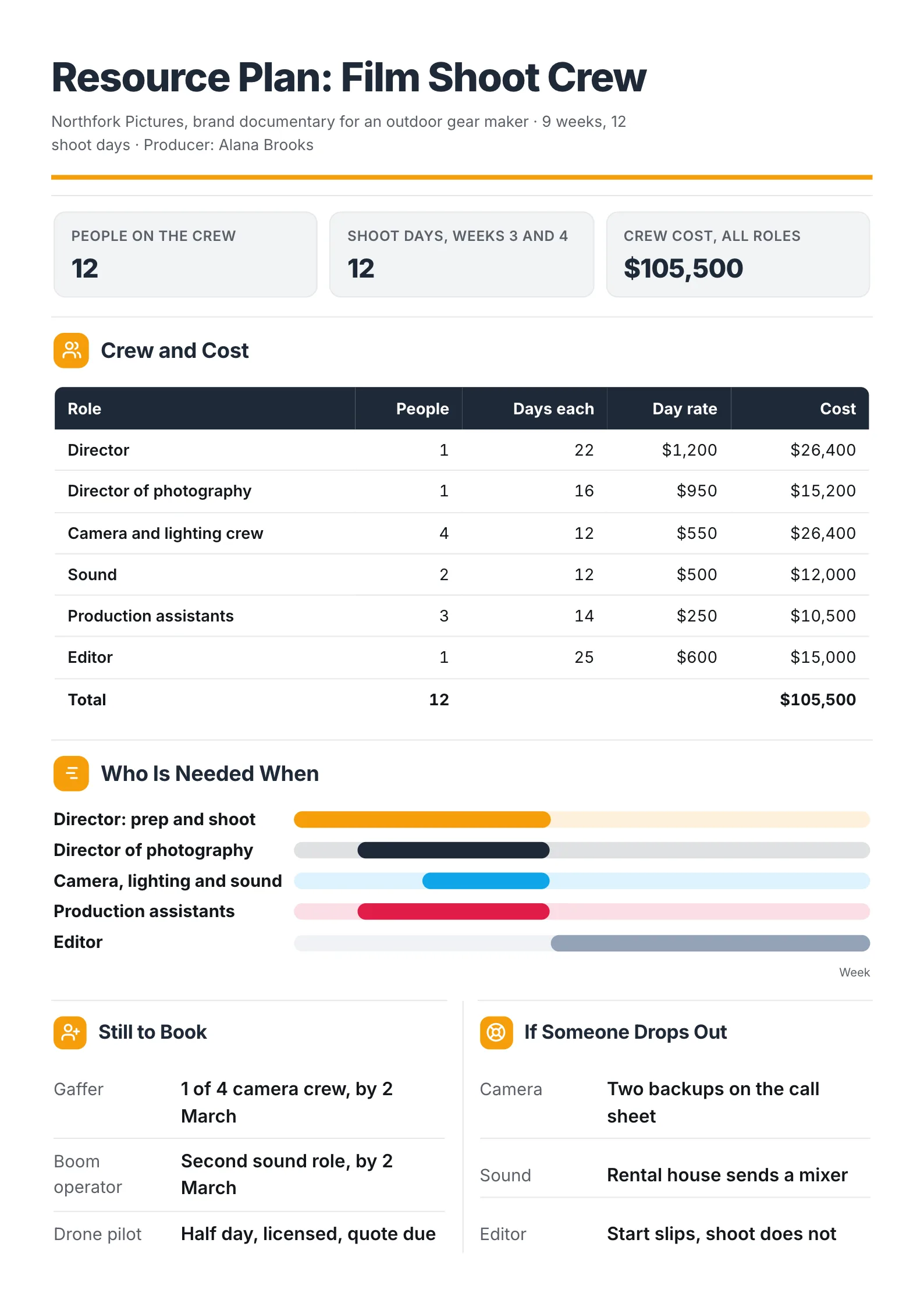
A producer planned the crew for a 12-day documentary shoot and costed it role by role.
What to copy:
- Days times day rate, per role. Six roles add up to the $105,500 crew budget.
- Who is needed in which week. The editor starts in week 5, after the shoot.
- Roles still to book, with a date. Gaffer and boom operator by 2 March.
You can edit this film shoot crew resource plan template for free.
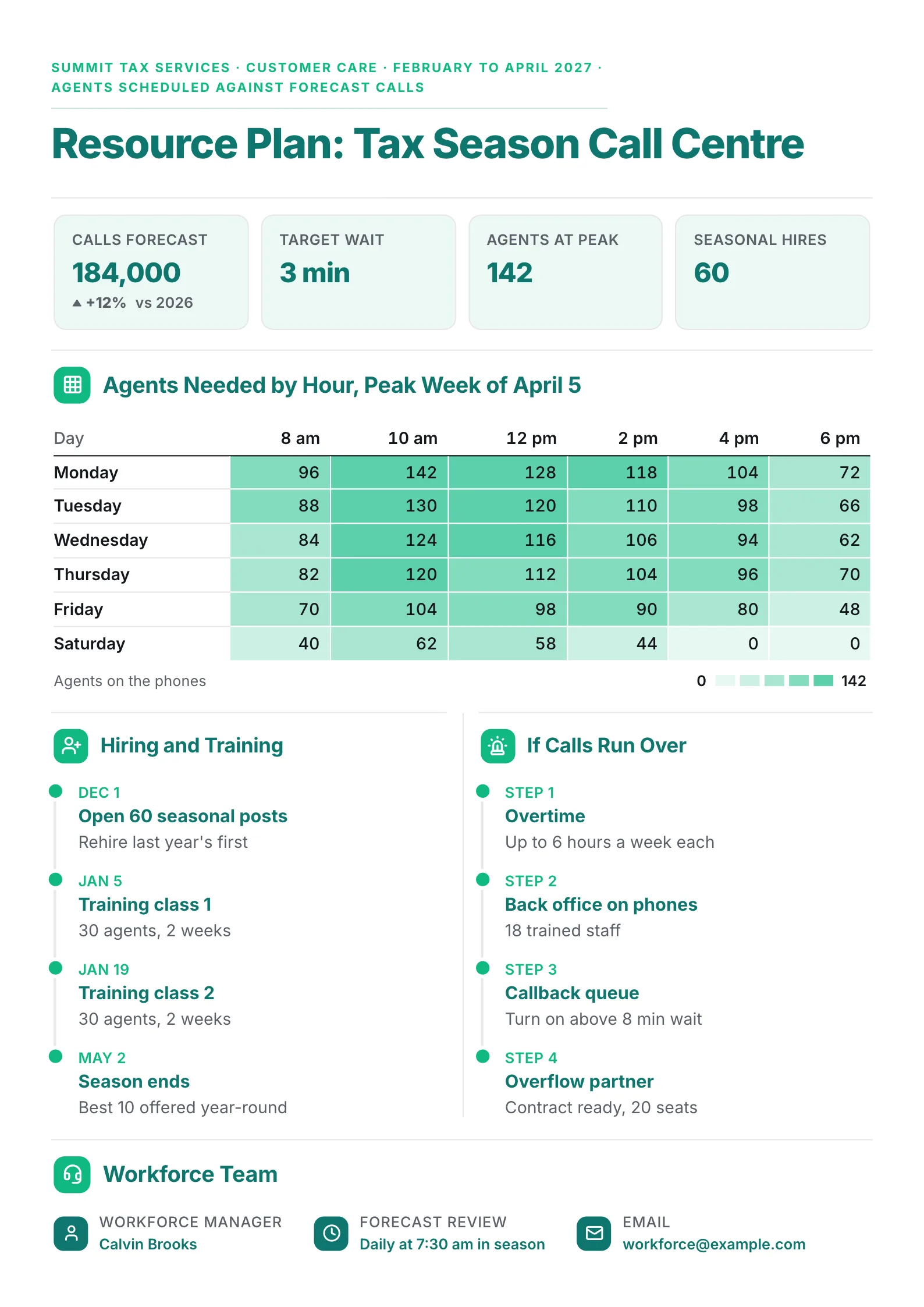
4. Call center resource plan
 Edit this template
A tax firm built this for its customer care team, covering February to April.
What to copy:
- Agents needed by hour and day, set against the calls forecast.
- Steps written down for when calls run over, along with the hiring and training dates.
You can edit this call center resource plan template for free.
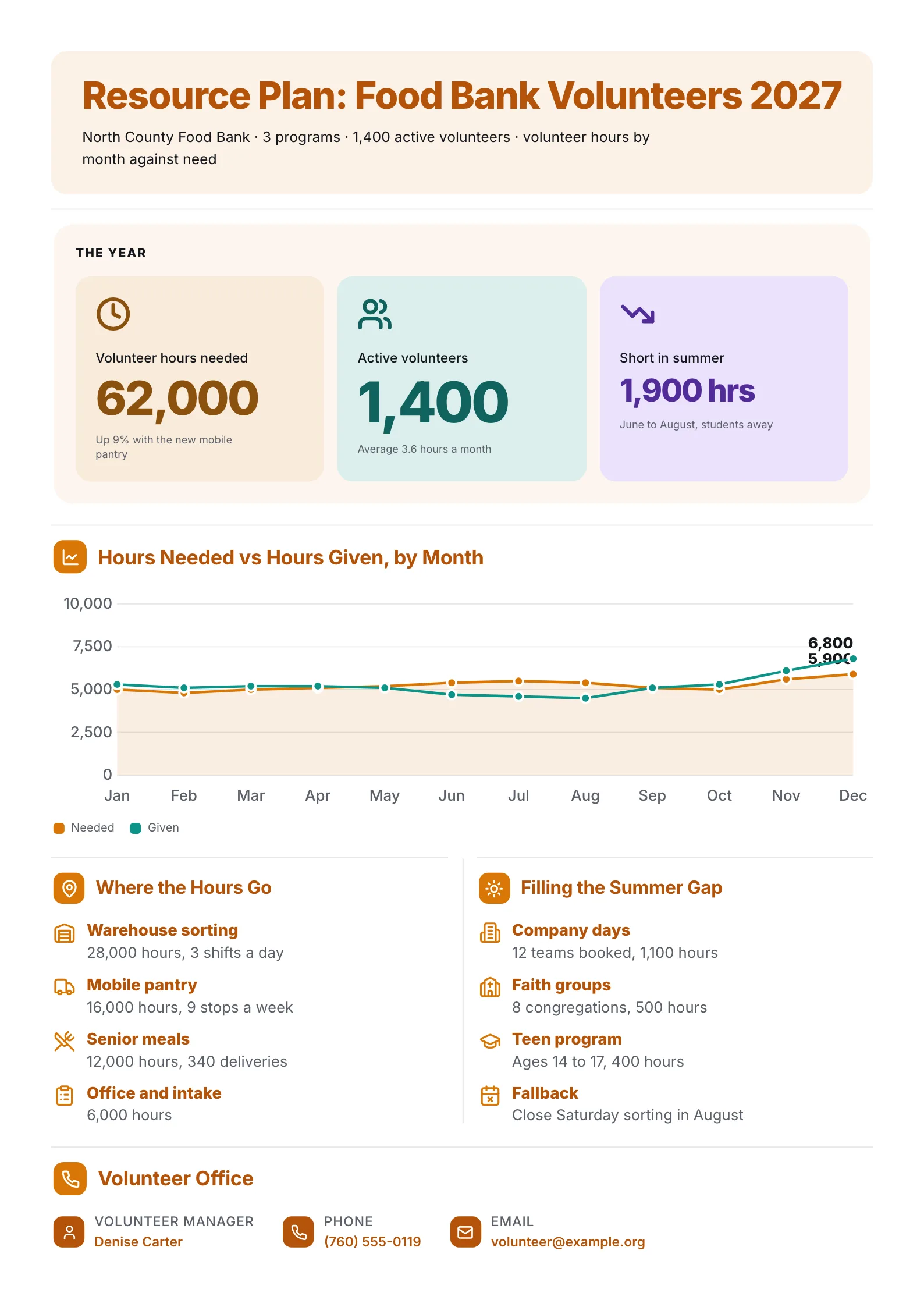
5. Volunteer resource plan
 Edit this template
A food bank used this to plan a year of hours from its 1,400 active volunteers.
What to copy:
- Hours needed against hours given, month by month, which shows the summer gap.
- Where the hours go by program, so each program lead sees their share.
You can edit this volunteer resource plan template for free.
Resource plan or project plan?
| Resource plan | Project plan | |
|---|---|---|
| Question it answers | Do we have the people? | What happens when? |
| Covers | A team across many projects | One project |
| Key number | Load against capacity | Dates and milestones |
How to write a resource plan in 6 steps
- List every project and run task the team will carry this period.
- Estimate each one as a share of a team's time, by month.
- Add it up by team and compare with capacity.
- Mark every team over 100% and decide: hire, move work or drop it.
- Write the hiring plan with roles, dates and cost.
- End with the decision you need approved.
Do you have a resourcing spreadsheet or a long planning doc? Drop it into the free AI One-Pager generator and you get it back as a designed resource plan.
Resource plan mistakes
- Leaving out run work. Support, fixes and on-call take real time. Plans without them show capacity that does not exist.
- Planning to 100%. Nothing ever goes exactly to plan. Aim for 80 to 90%.
- Overload with no decision. A team at 112% needs an answer, not a note.
- People as numbers only. Show which skills are short, not only how many heads.
Make your resource plan
Open the free resource plan template and put in your team. Or drop your spreadsheet into the free AI One-Pager generator, and you'll get a finished resource plan back.
Frequently asked questions
What should a resource plan include?
Start with your team, period and headcount. Then show who works on what by month and the load against capacity for each team, and close with your hiring plan, your risks and the decision you need.
What is resource capacity planning?
It's a simple comparison. You set the work your team has committed to against the time its people actually have, so you find the overload before it causes delays.
What is a healthy team load?
Most teams plan to around 80 to 90% of capacity. That leaves you room for urgent work and sick days, and for estimates that turn out to be wrong.
How often should a resource plan be updated?
Update yours monthly, and whenever a large project is added, canceled or delayed.




