BlogGuide
Rate Card Template: Free for Freelancers, 2 Examples
A free one-page rate card template for freelancers and service businesses, the 6 parts every rate card needs, and 2 examples: a designer and a software plan sheet.

By MakeOnepagers Team
Updated · 5 min read
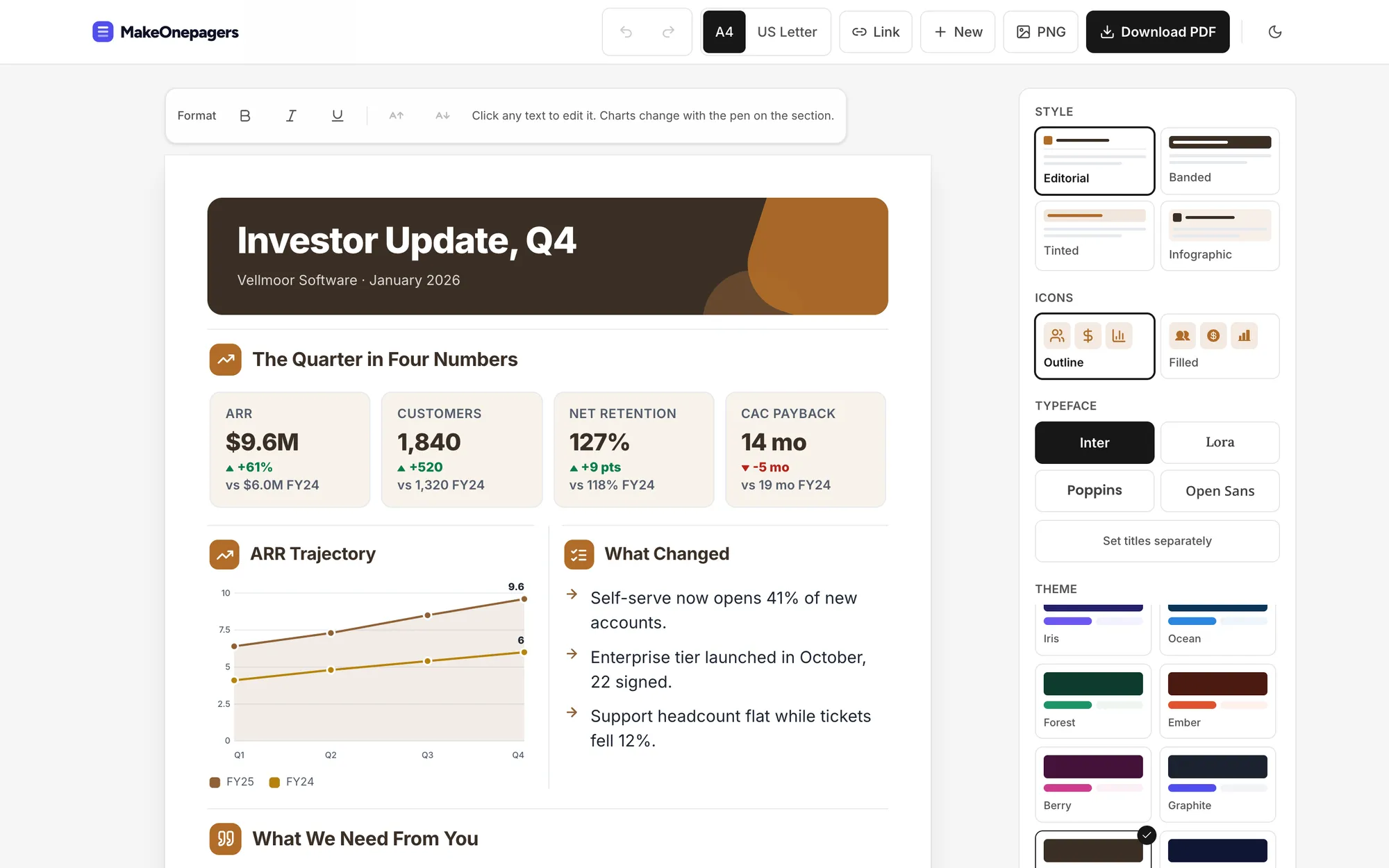
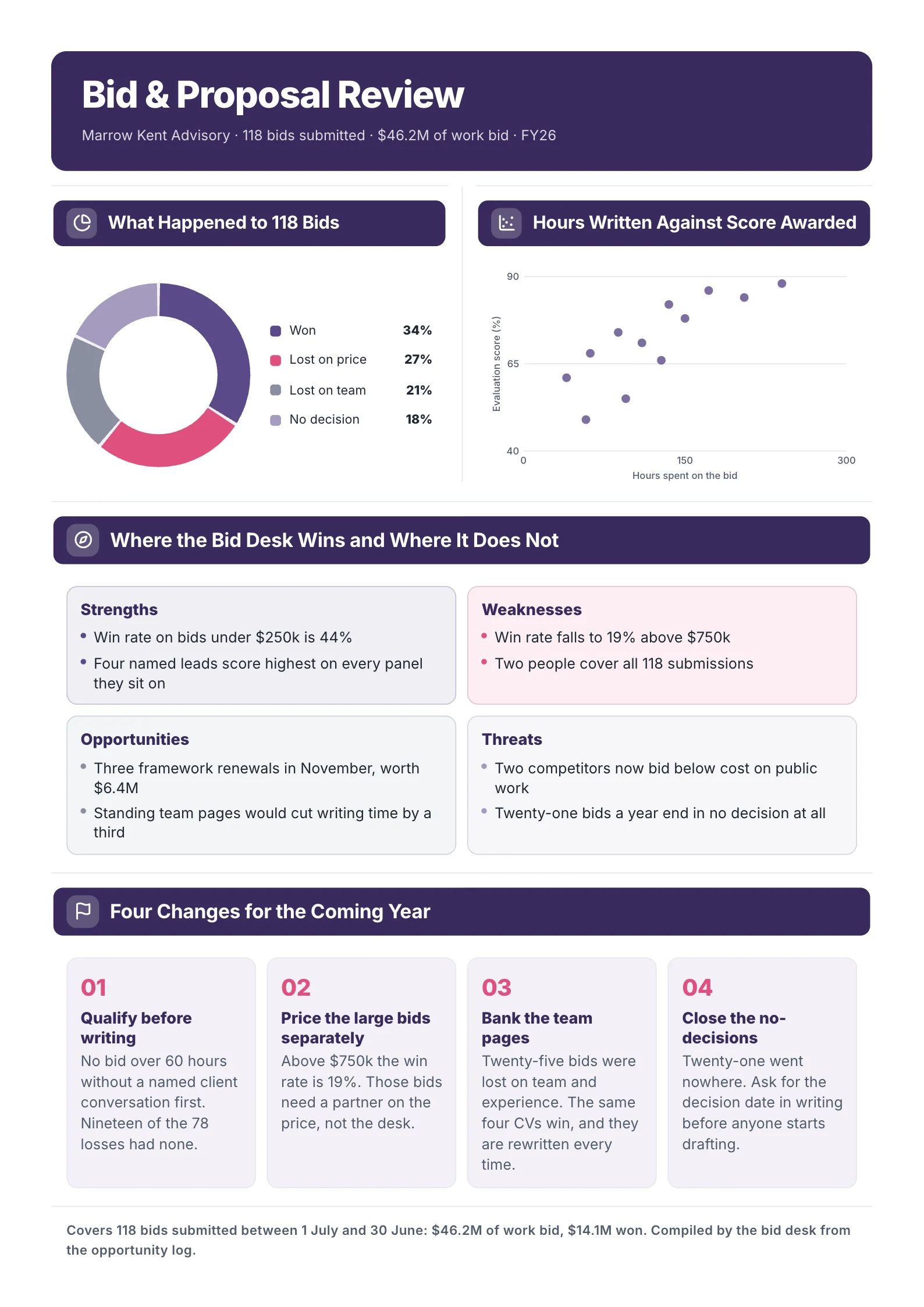
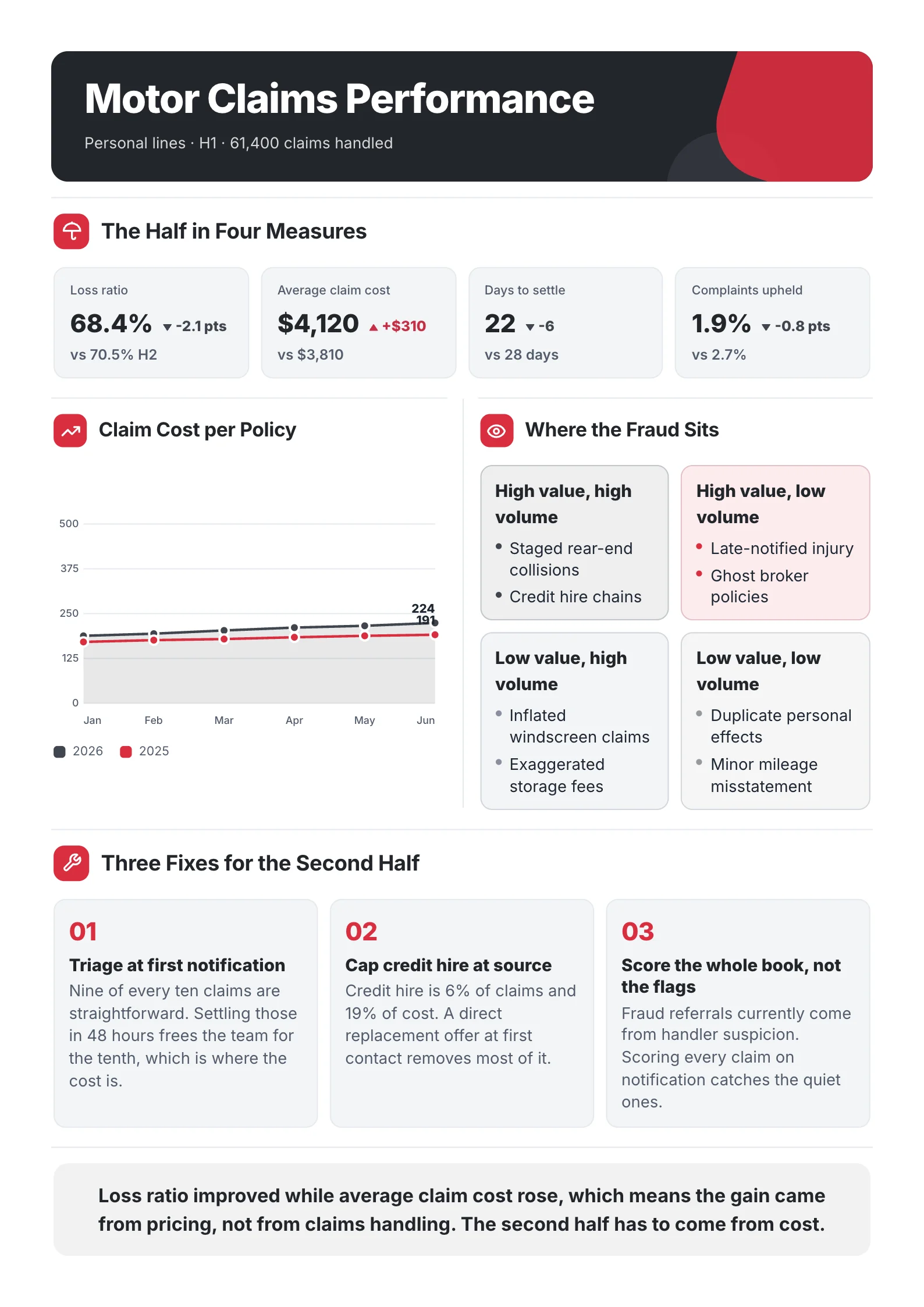
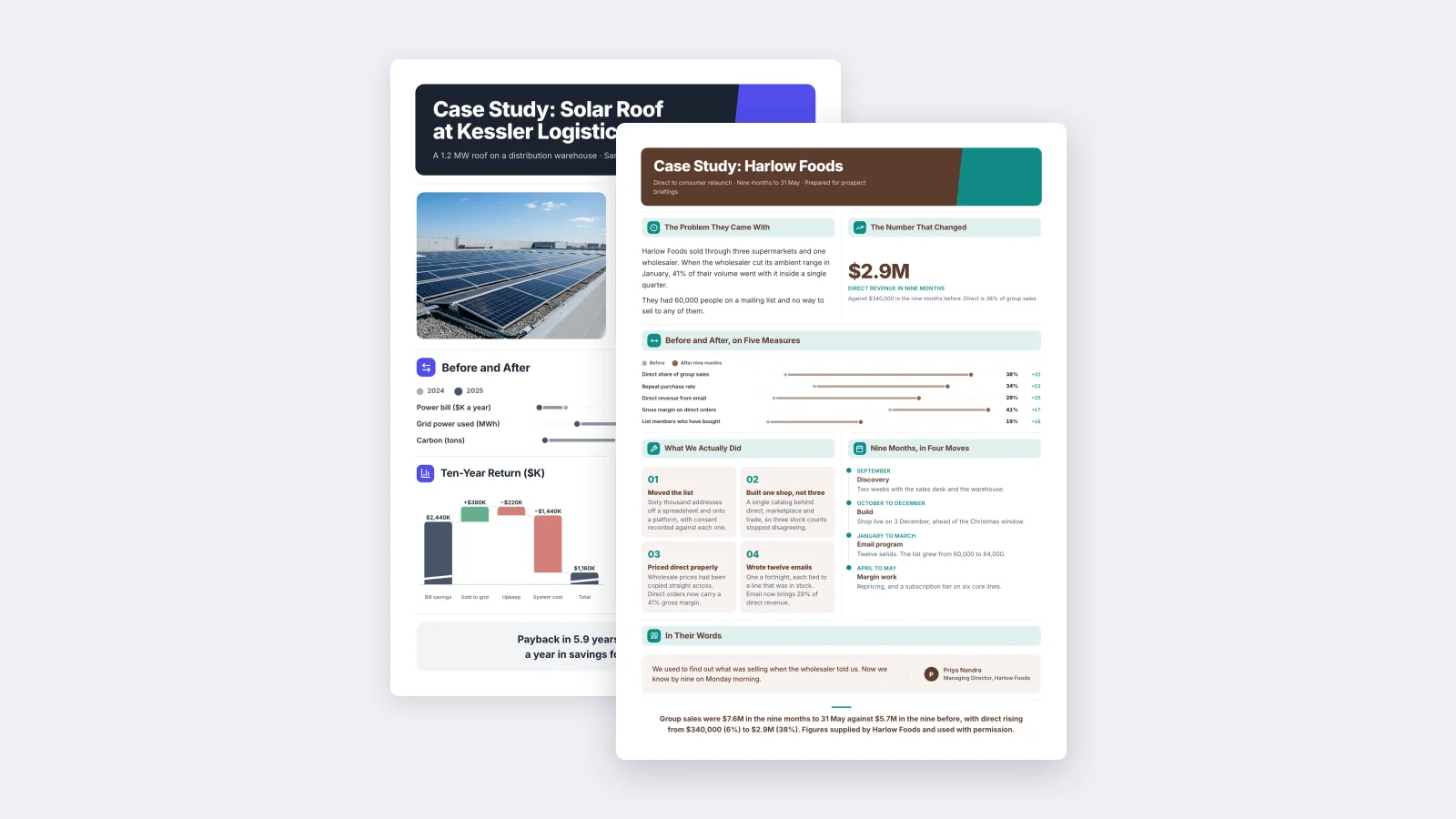
A rate card template puts your services, your prices and your terms on one page, so a client knows what you cost before the first call. Freelancers send it in reply to "what do you charge?", agencies attach it to proposals, and small businesses print it for the counter. A clear rate card saves a call with every client who could never afford you, and it makes the good clients book faster. Below are the six parts every rate card needs, a free template you can copy and two examples.
One‑Pager examples
Six real One-Pagers made with MakeOnepagers. Open any one to edit it as your own.
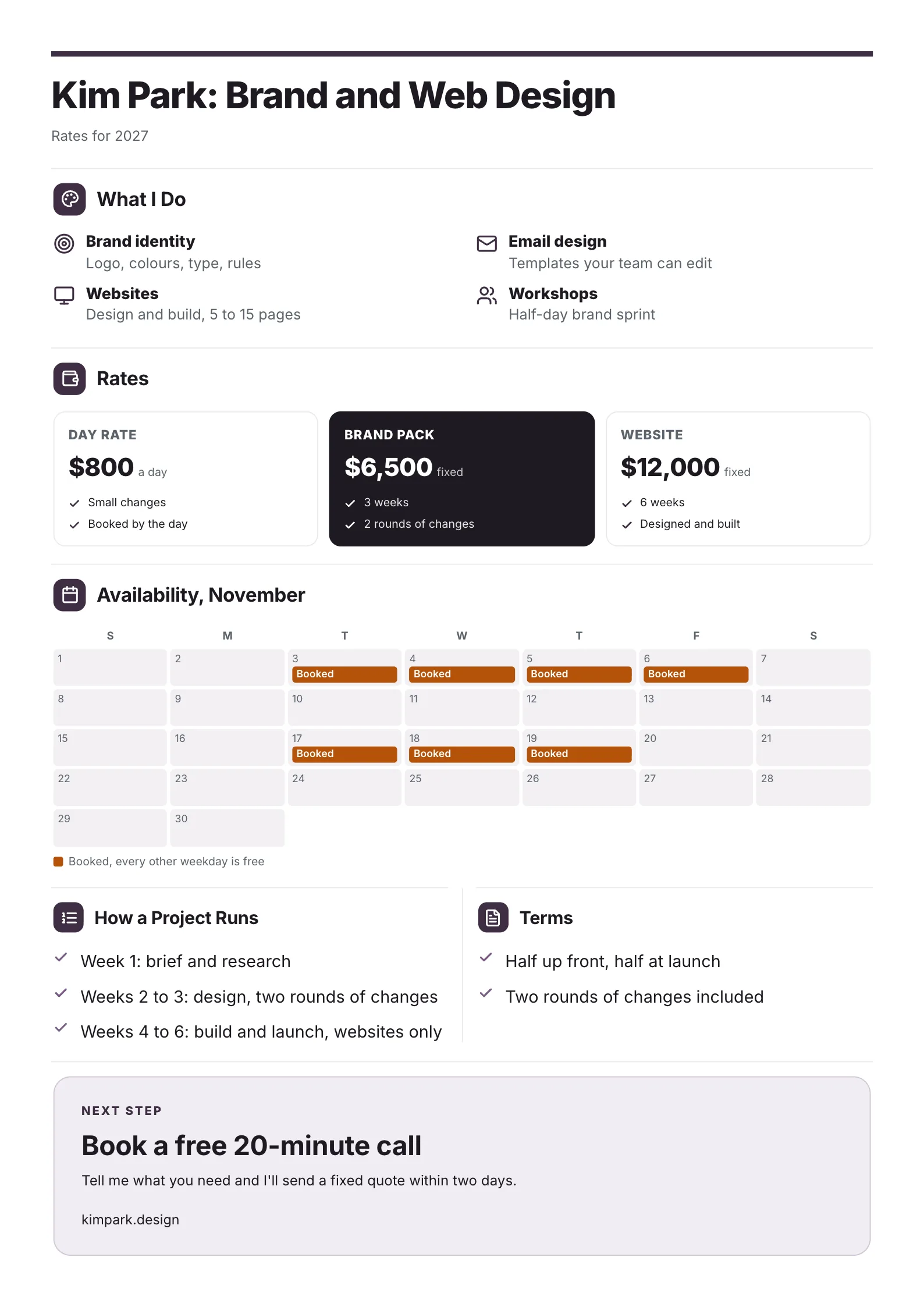
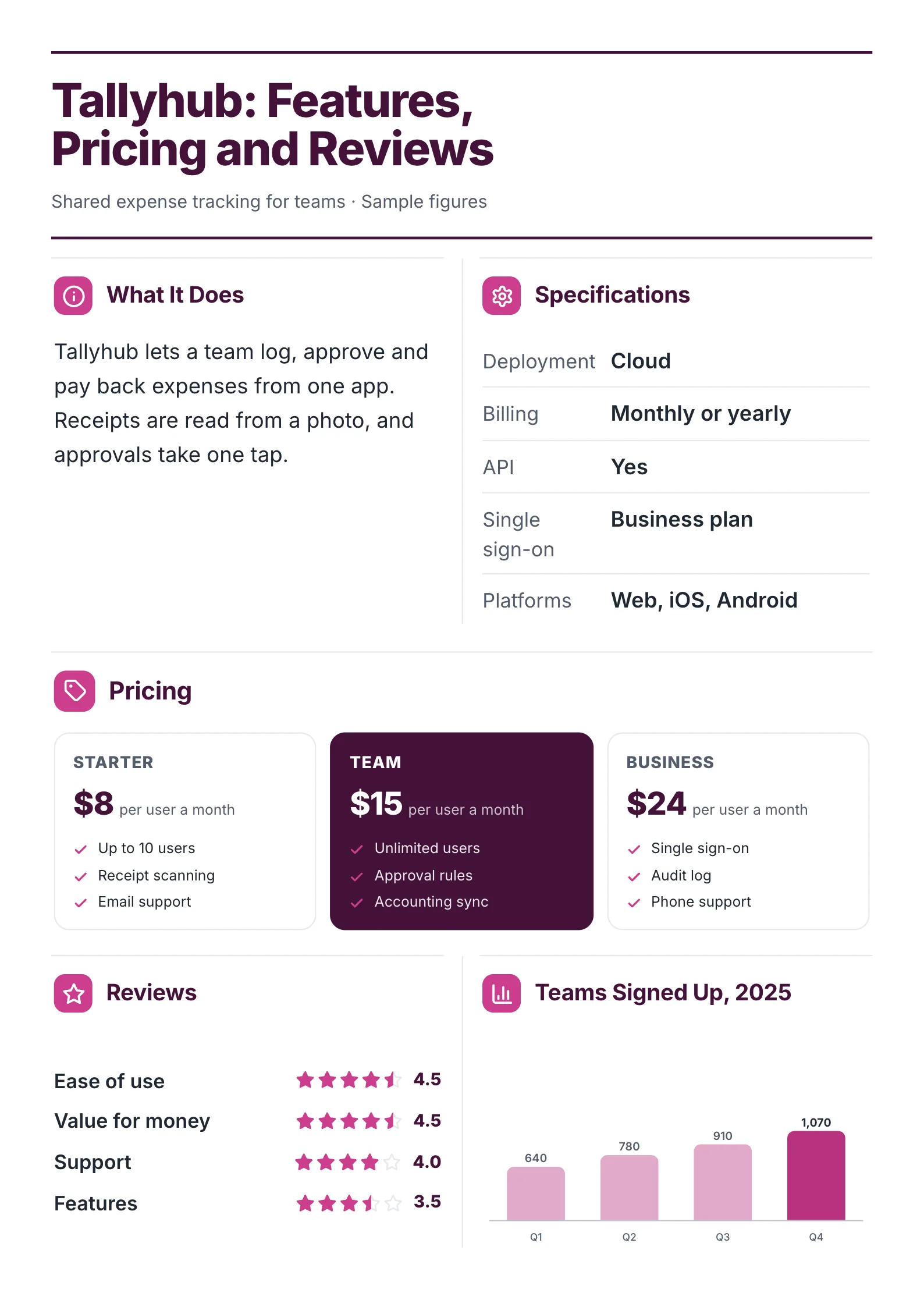
Both examples were made with MakeOnepagers. The names and figures are samples, and each one opens as a template you can edit for free.
What is a rate card?
A rate card is a short price list for services. It names what you do, what each option costs, what is included and how a project runs from first call to delivery. Designers, writers, photographers, consultants, coaches, video makers and agencies all use one.
Publishers and creators also use the term for advertising prices. That version usually sits inside a media kit beside audience numbers.
The 6 parts of a rate card
- Your name and what you do, in one line. "Kim Park: Brand and Web Design. Rates for 2027."
- What you offer, as four services at most, each with one line on what it covers.
- Rates, as two to four options: a day or hourly rate and one or two fixed packages.
- What each price includes: time, rounds of changes, what is delivered.
- How a project runs, in three steps, and your terms: deposit, payment and revisions.
- The next step: book a call, reply for a quote, and how to reach you.
Add availability if your calendar is the thing clients ask about most.
A free rate card template
Copy this into a document, or open one of the examples below and edit it.
| Part | What to write, with an example |
|---|---|
| Title | Name, service, year. Kim Park: Brand and Web Design, rates for 2027 |
| What I do | 4 services. Brand identity: logo, colours, type, rules |
| Rates | 3 options. Day rate $800. Brand pack $6,500 fixed. Website $12,000 fixed |
| Included | Per option. 3 weeks, 2 rounds of changes |
| Availability | This month. Booked 3 to 6 and 17 to 19 November |
| How a project runs | 3 steps. Week 1 brief, weeks 2 to 3 design, weeks 4 to 6 build |
| Terms | 2 lines. Half up front, half at launch |
| Next step | One action. Book a free 20-minute call |
2 rate card examples
1. Freelancer rate card
 Edit this template
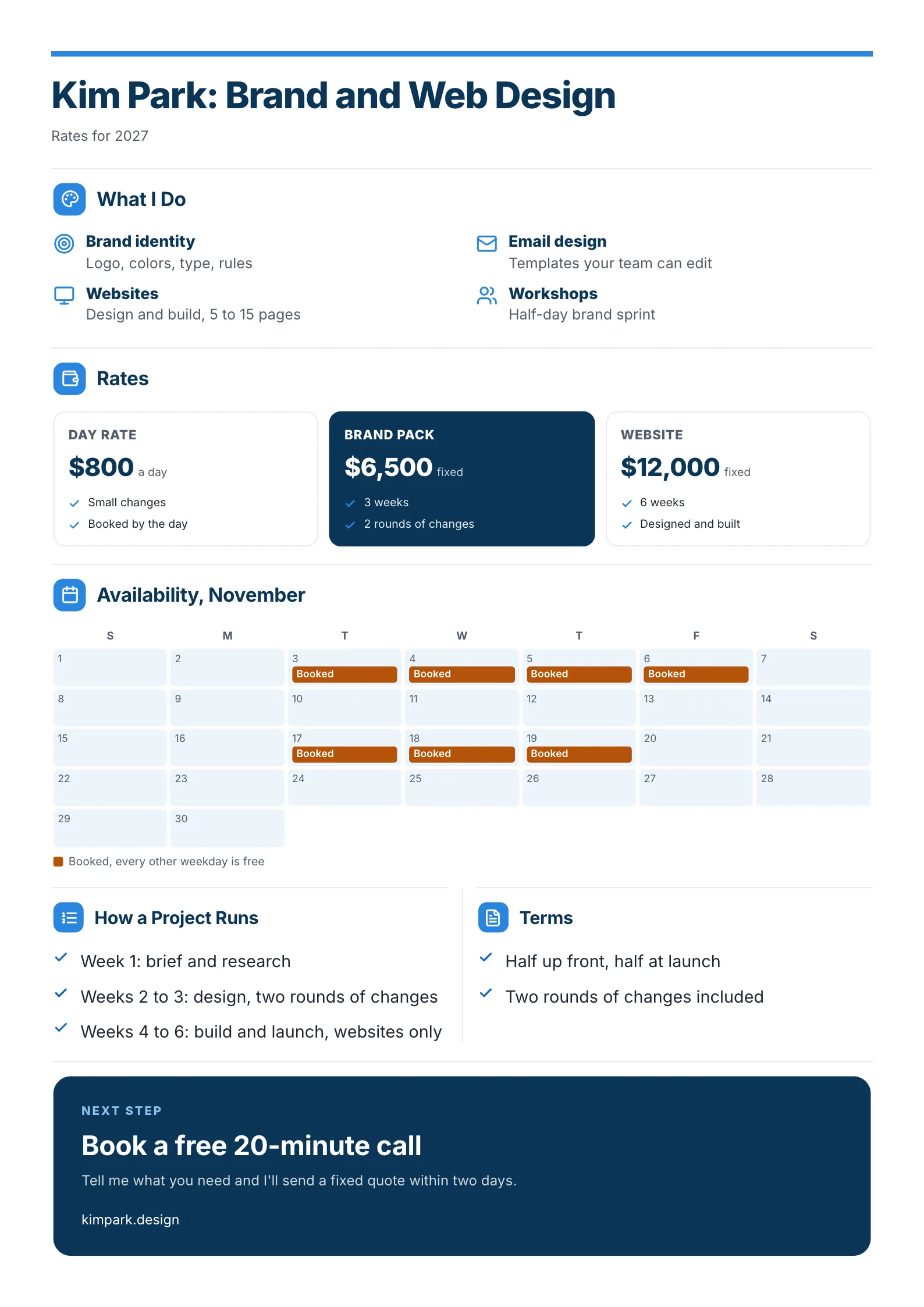
A designer's rates, calendar and terms on one page, sent in reply to "what do you charge?"
What to copy:
- Three prices with the middle one highlighted. The brand pack sits between the day rate and the website, in a dark box. Most clients pick the highlighted option.
- Availability as a calendar. Booked days in orange, "every other weekday is free" underneath. It answers the second question before it is asked.
- Terms in two lines: half up front, half at launch, two rounds of changes. Short terms prevent long arguments.
Open it: freelancer rate card template.
2. Price sheet for a product or software plan
 Edit this template
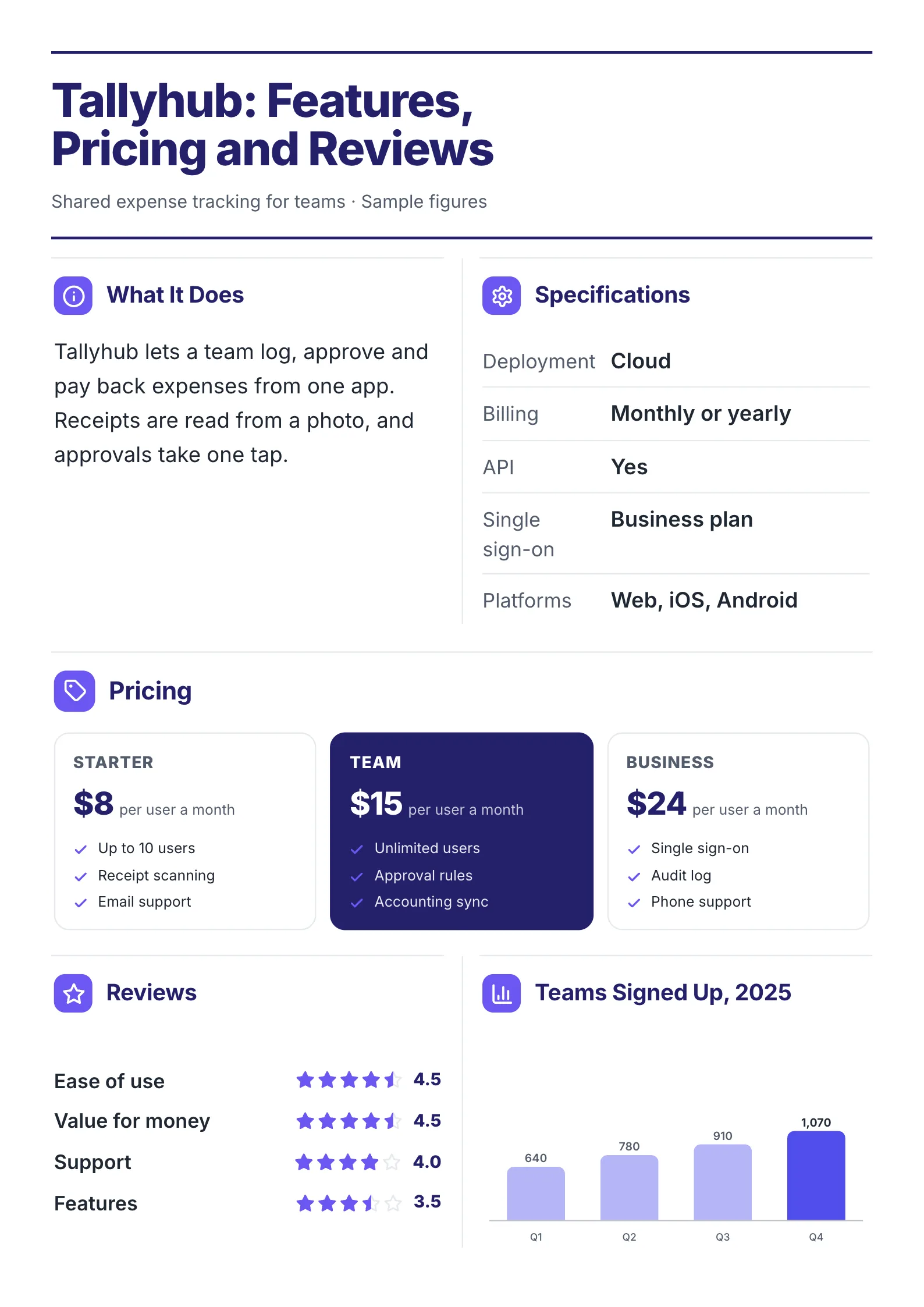
The same idea for a product: three plans, what each includes and proof that others buy it.
What to copy:
- Each plan with three things it includes, so the difference between plans is obvious.
- Reviews scored by topic: ease of use 4.5, support 4.0, features 3.5. Showing a lower score makes the higher ones believable.
- Sign-ups by quarter, rising to 1,070. It answers "is anyone actually using this?"
Open it: software pricing sheet template.
Hourly, day rate or fixed price?
| Pricing | Best for | Watch out for |
|---|---|---|
| Hourly | Small, unclear jobs | Clients watch the clock instead of the result |
| Day rate | Changes, workshops, short support | Keep a minimum, such as half a day |
| Fixed package | Work you have done many times | Say exactly what is included and how many changes |
Most freelancers do best with one day rate for small work and two fixed packages for the work they want more of. A fixed price is easier for a client to approve, because it does not grow.
How to make a rate card in 5 steps
- List the three or four services clients actually buy from you.
- Turn your most common project into a fixed package, with time and rounds of changes included.
- Add a day or hourly rate for everything smaller.
- Write how a project runs in three steps, and your payment terms in two lines.
- End with one next step and how to reach you.
Have your prices in a spreadsheet or an old proposal? Drop it into the free AI One-Pager generator and get it back as a designed rate card.
Rate card mistakes
- "Prices on request." Clients who cannot see a price assume it is high, and many never ask.
- Ten options. Clients freeze. Three is enough.
- No limits on changes. "Unlimited revisions" invites them. Say two rounds.
- No next step. End with a call to book, a reply address or a link.
Make your rate card
Open the free freelancer rate card template and put in your services and prices, or drop your price list into the free AI One-Pager generator and get a finished rate card back.
Frequently asked questions
What should a rate card include?
Your name and service, what you offer, two to four prices, what each price includes, how a project runs, your payment terms and one next step. Add availability if clients often ask when you can start.
Should freelancers publish their rates?
Publishing rates saves time on clients who cannot afford you and speeds up the ones who can. If your work varies a lot, publish "from" prices for your main packages and quote the rest.
What is the difference between a rate card and a price list?
A price list names products and prices. A rate card is usually for services, so it adds what each price includes, how the work runs and the terms.
What is a media rate card?
A rate card for advertising: what a publisher or creator charges for sponsored posts, newsletter placements or ads. It usually sits inside a media kit next to audience numbers.