BlogGuide
Best Case Study Templates of 2026: 5 Sources Compared
The best case study templates of 2026 from 5 sources, compared on length, cost and format, plus how to turn a long case study into one page.

By MakeOnepagers Team
Updated · 5 min read
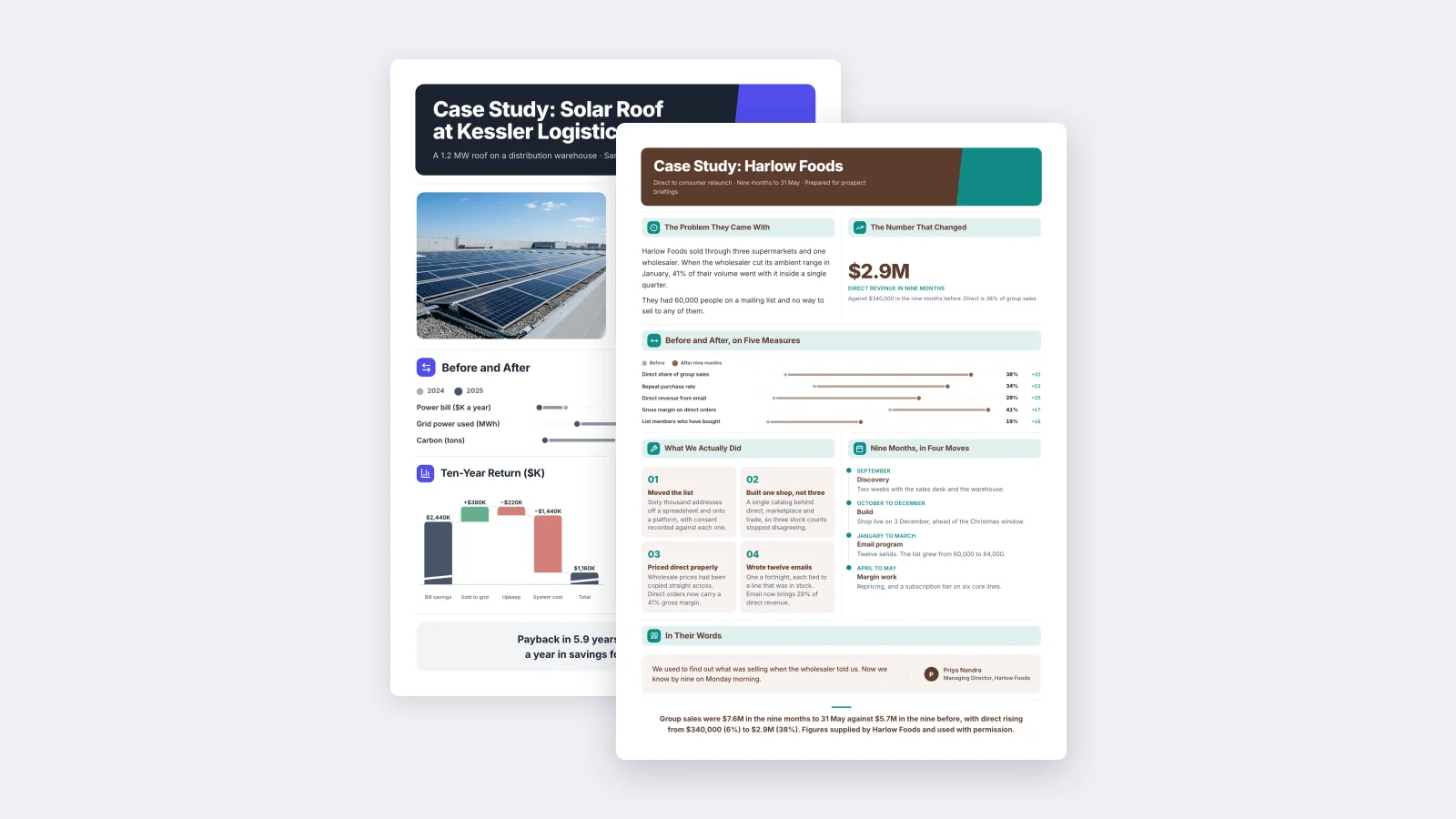
The best case study template depends on where the case study will be read. If a buyer will read it in a sales meeting or attached to an email, use a one-page template that puts the result first, like the free customer case study from MakeOnepagers. If you want to choose from hundreds of designs, Canva has the biggest gallery. If you need a file you can edit in Word or Google Docs, HubSpot offers free templates after a sign-up form.
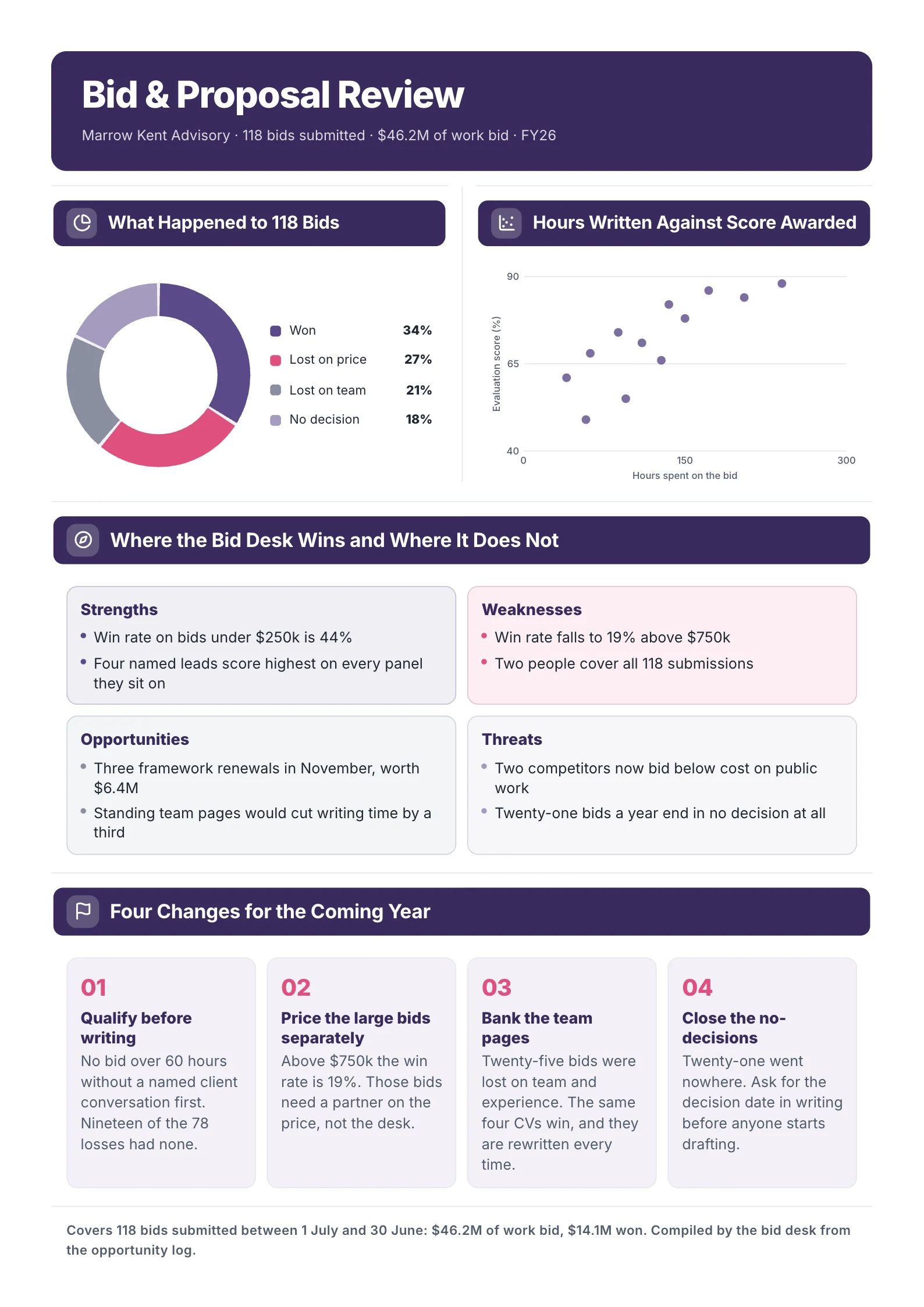
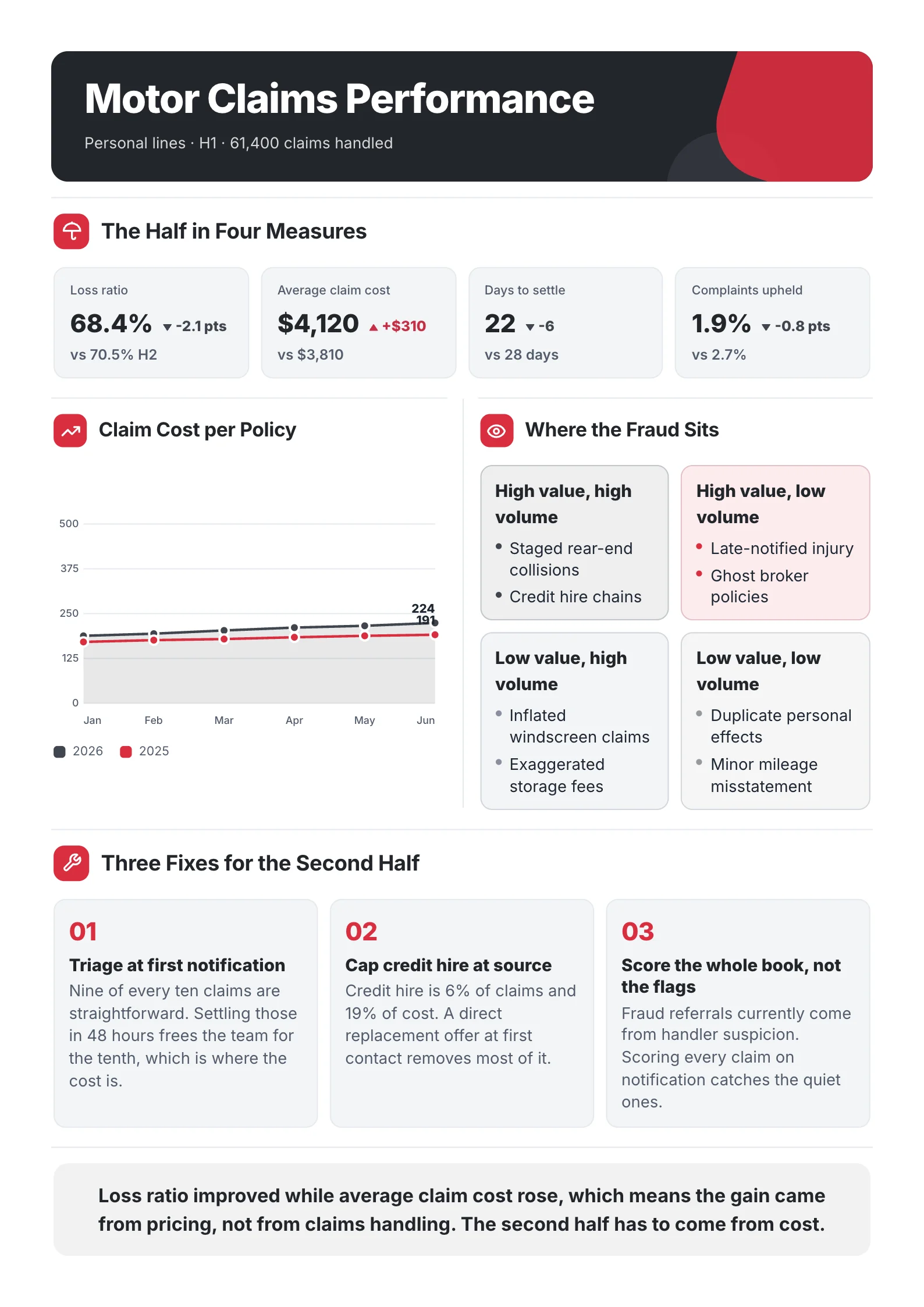
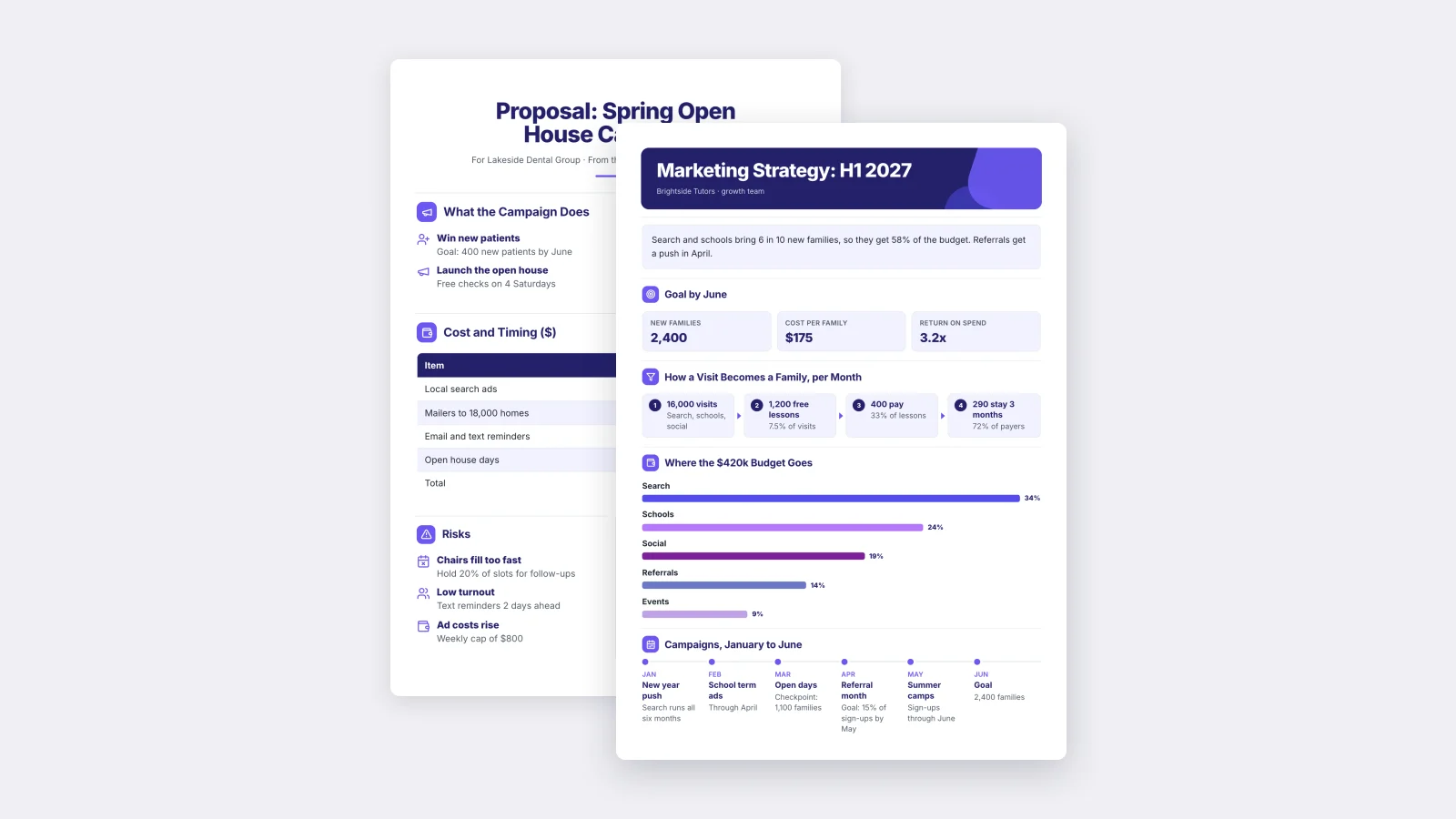
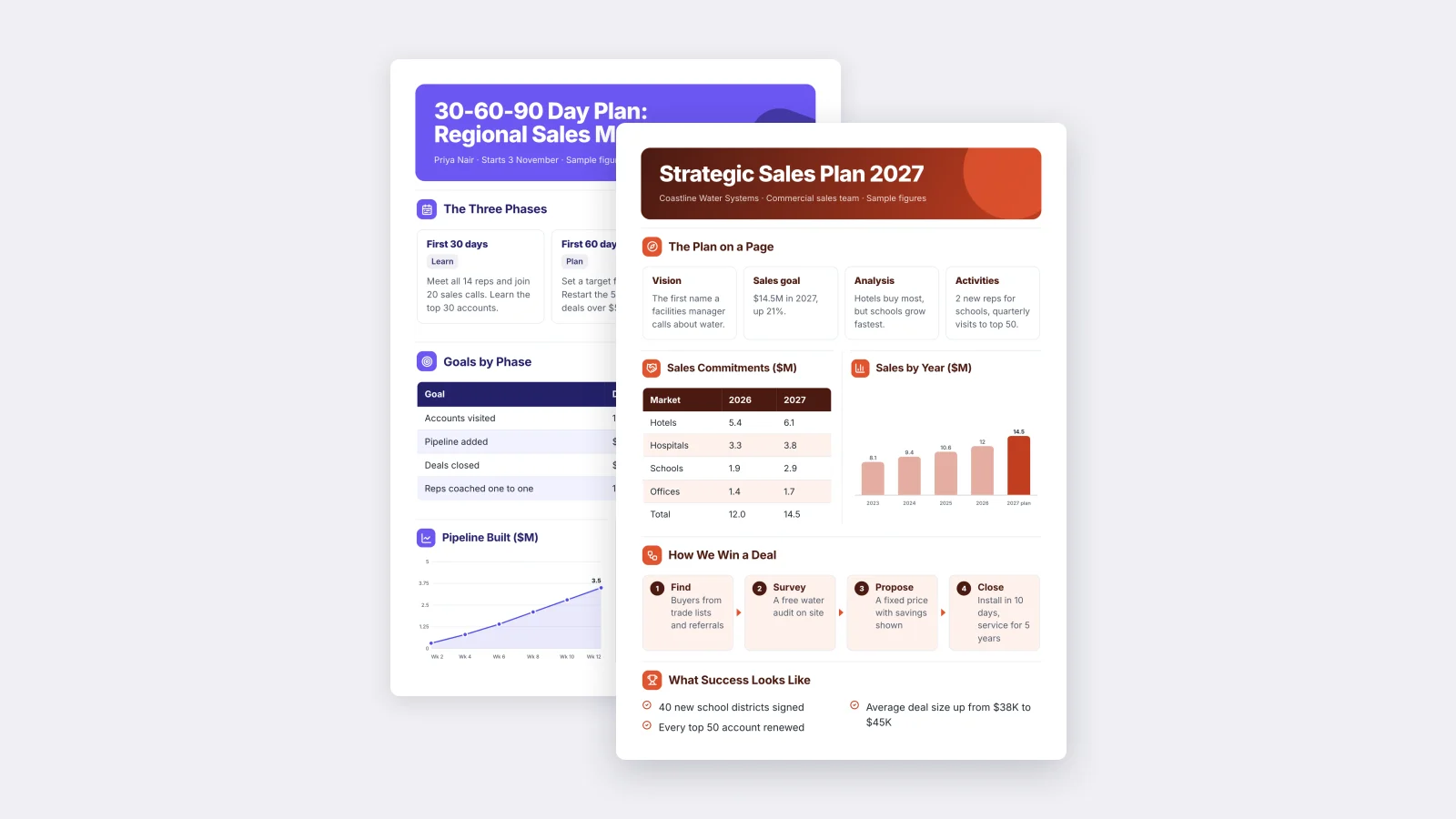
One‑Pager examples
Six real One-Pagers made with MakeOnepagers. Open any one to edit it as your own.
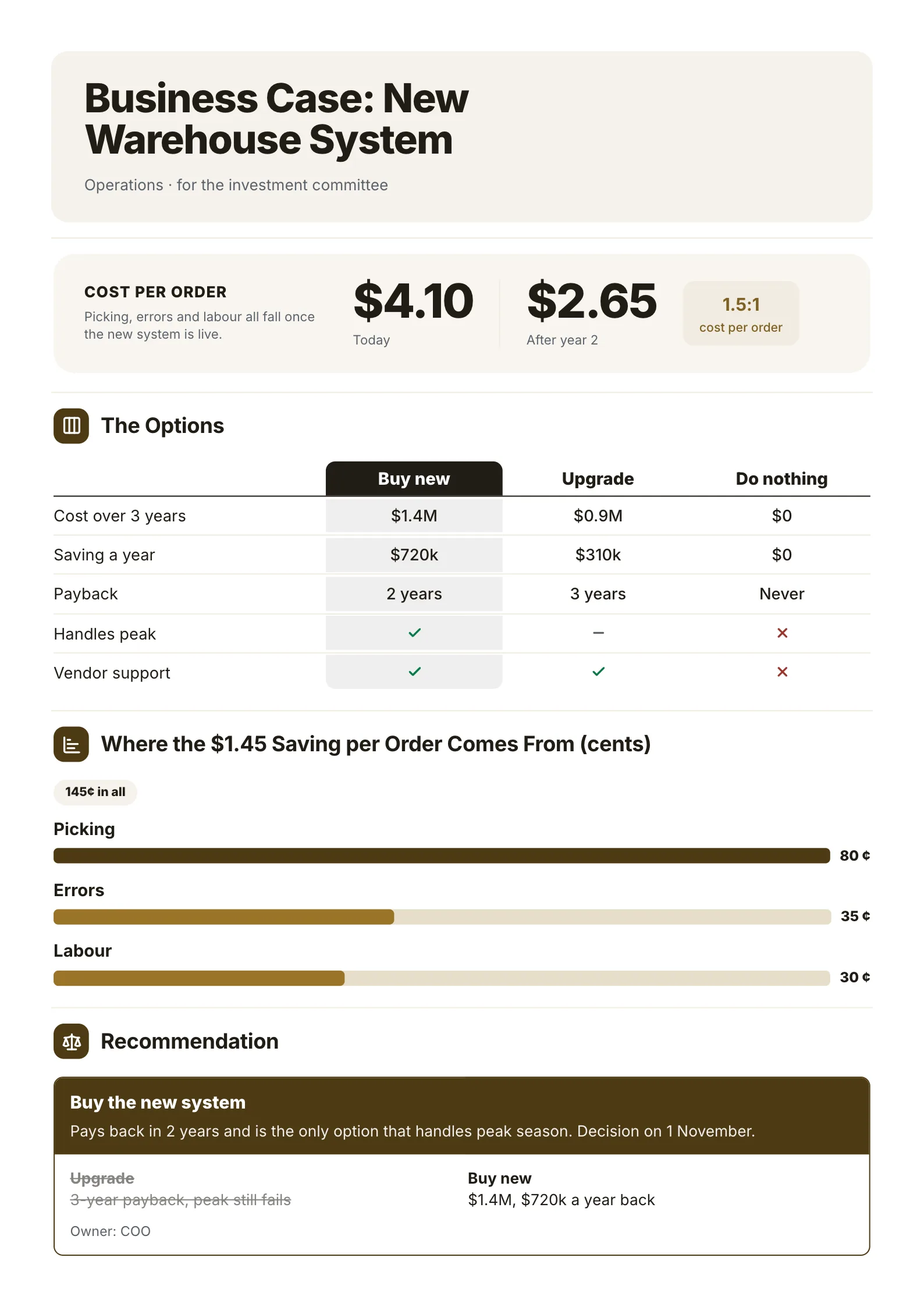
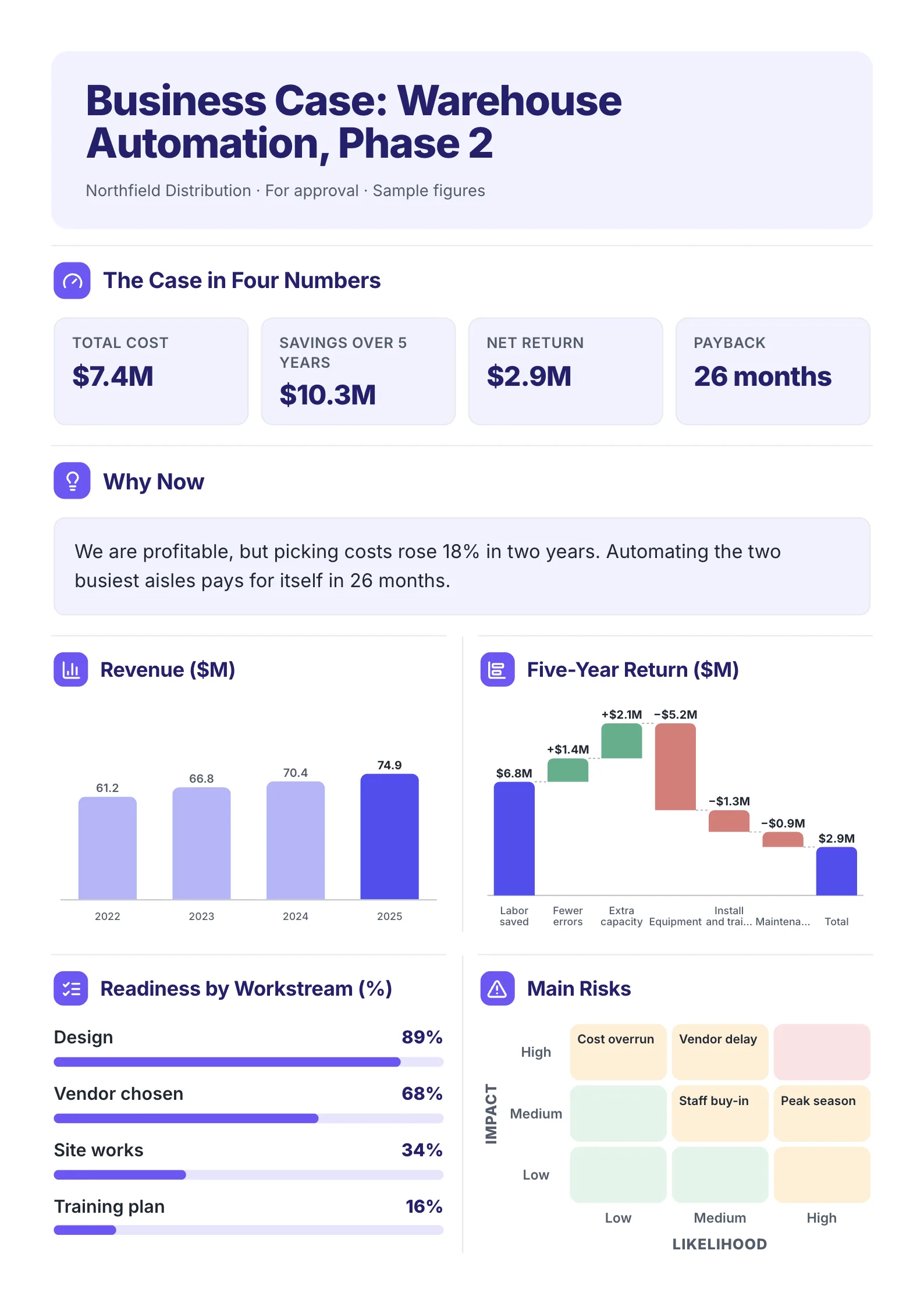
Full disclosure: we make MakeOnepagers, so it is listed first. Every other source below was read on its own website on 8 October 2026. Where another source is the better choice, we say so.
The picks at a glance
| Source | Best for | Length | Free start |
|---|---|---|---|
| MakeOnepagers | A one-page case study, or cutting a long one down to one page | One page | Free templates to edit, 7-day trial with 3 One-Pagers |
| Canva | The biggest choice of designs | Varies | Free plan |
| Visme | Designed One-Pagers with charts | Varies | Free Basic plan |
| Venngage | Infographic-style case studies | Varies | Free plan, 5 designs |
| HubSpot | A Word, Google Docs or PDF file | One page | Free after a sign-up form |
How we judged them
A case study is proof. A buyer reads it to answer one question: did this work for a company like mine? So we looked at:
- Whether the result is the first thing you see, as a number.
- Whether the template has a place for the before, the after and a quote.
- What it costs to edit and download.
- What format you get: an online design, a document or a PDF.
1. MakeOnepagers: best for a one-page case study
MakeOnepagers makes One-Pagers only, so its case studies are built to be read in two minutes: the customer, the problem, what changed, and the result in numbers.
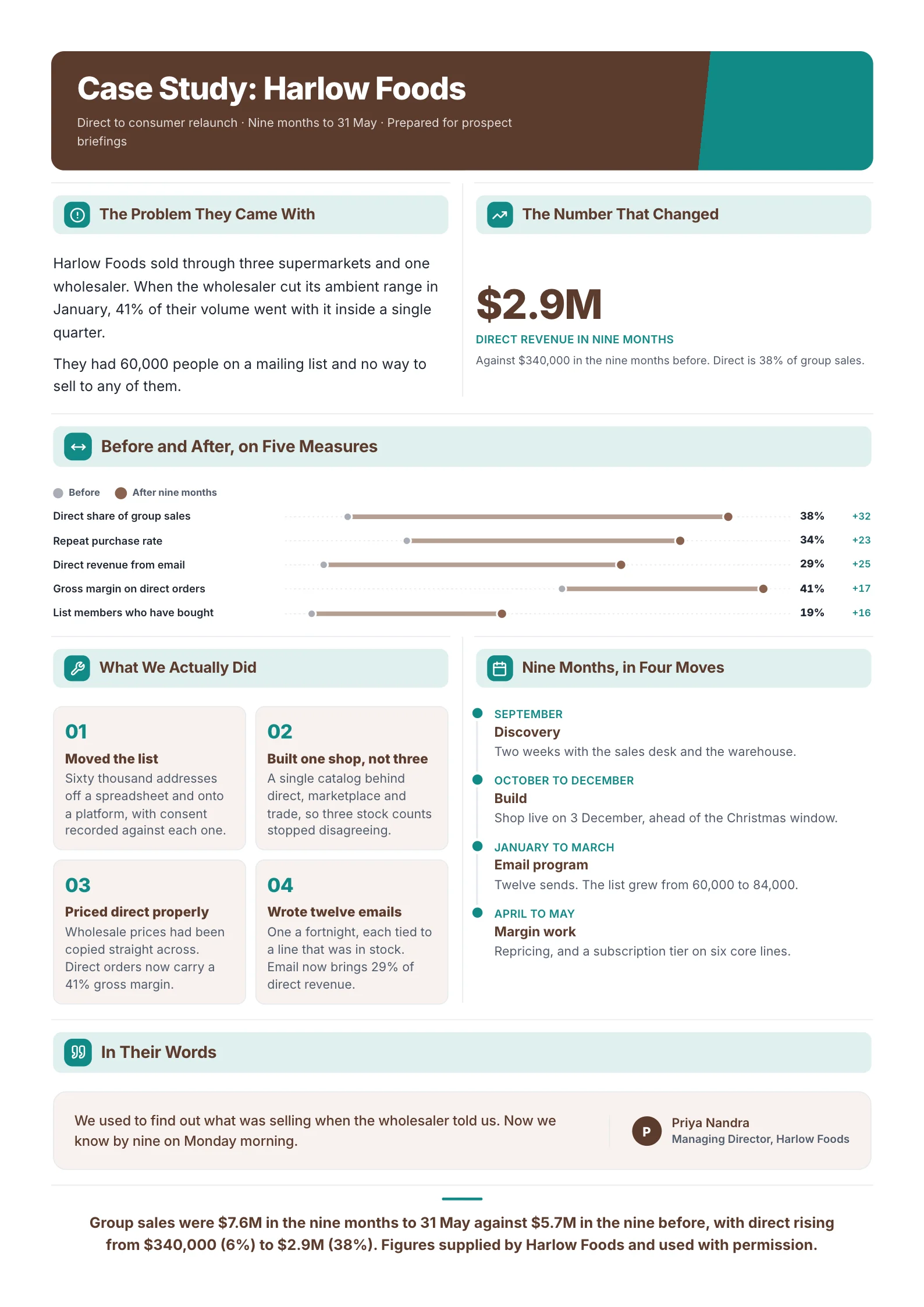
- Case Study: a customer's before and after with real numbers.
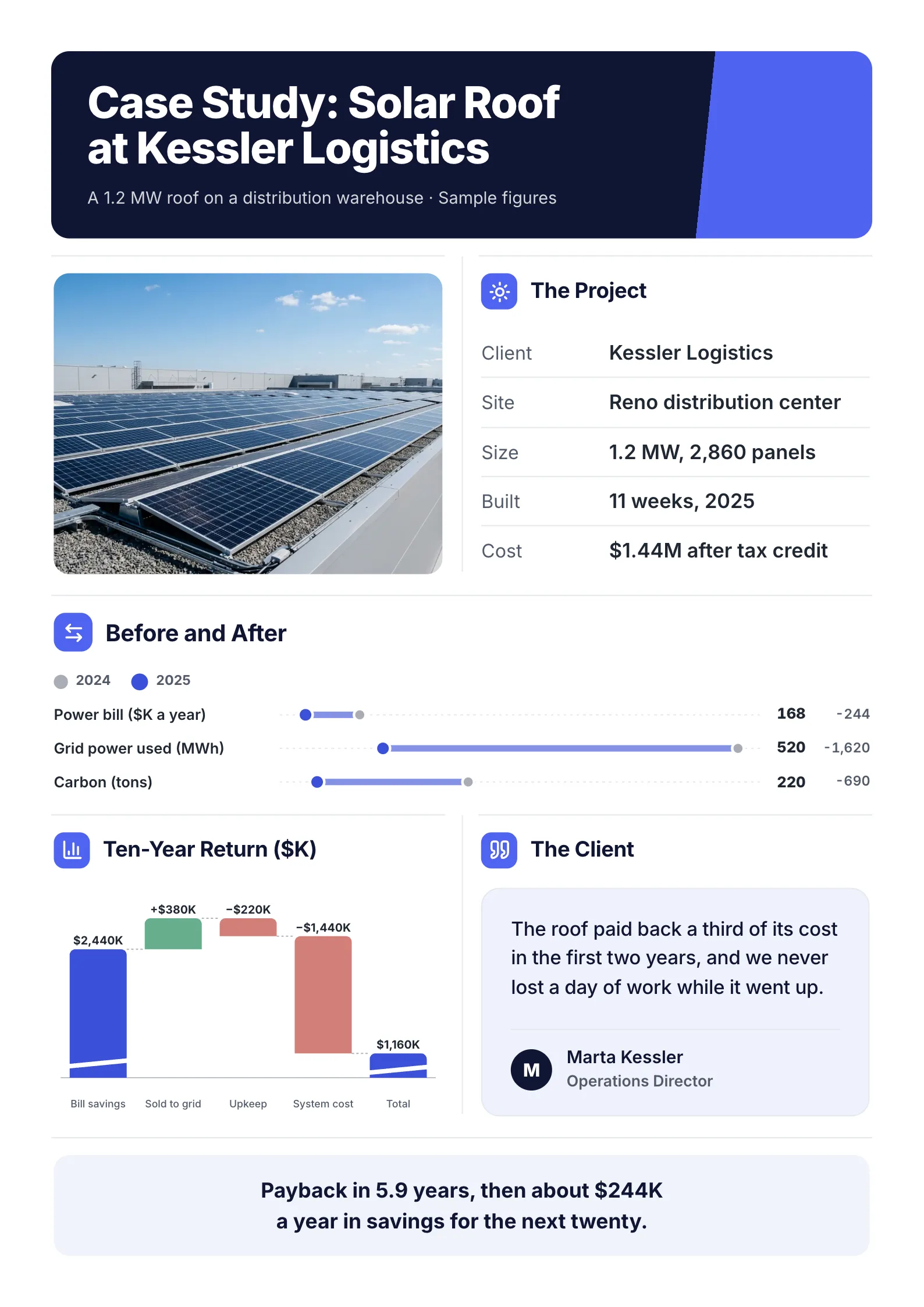
- Solar Project Case Study: a project's cost, savings and payback, with a site photo. The same layout works for any project with a measurable return.
Most companies already have their case studies, written as four-page PDFs or long web pages. The free AI One-Pager generator reads a PDF, Word or PowerPoint file of up to 10 pages, with no account, and gives it back as one designed page, with the figures pulled from your file.
- Free start: both templates open free to edit. Making new One-Pagers from your own files starts with a 7-day trial that includes 3.
- Skip it if: you want a long-form case study for your website with several pages of story. MakeOnepagers gives you the one-page version, not the long one.
2. Canva: best for the biggest choice of designs
Canva's case study templates page describes them as templates to "present methods and highlight insights". If your brand kit already lives in Canva, the case study will match everything else you make there.
- Cost: a free plan. Pro was US$144 a year on 1 October 2026.
- Skip it if: you want help deciding what to write. Canva gives you the design, and the story and numbers are on you.
3. Visme: best for designed One-Pagers with charts
Visme's One-Pager templates page showed 195 templates when we read it, and its editor makes it easy to turn your results into a chart rather than a sentence.
- Cost: a free Basic plan. Paid plans started at $12.25 a month billed yearly on 1 October 2026.
- Skip it if: you need a Word or Google Docs file. Visme designs are edited in Visme.
4. Venngage: best for infographic-style case studies
Venngage's One-Pager templates cover reports, proposals and plans, and the visual layouts suit a case study told with icons and a few big numbers. Each template is labelled Free, Premium or Business on the page.
- Cost: a free plan with 5 designs. Premium was $10 a month billed yearly on 1 October 2026.
- Skip it if: your case study is mostly a written story. These layouts are built around pictures.
5. HubSpot: best if you need Word or Google Docs
HubSpot's business One-Pager template comes in Word, Google Docs and PDF, and its page says you can change the fonts, colors and other parts to match your brand. It is a general business One-Pager rather than a case study, but the layout works for one.
- Cost: free. You enter your contact details first, and that unlocks the rest of the collection too.
- Skip it if: you want a finished design. It is a document to fill in.
What every good case study template includes
- The result in the headline, as a number: "Cut delivery time 38%", not "How Acme improved logistics".
- The customer, named, with their industry and size, so a buyer can see they are alike.
- The problem before, in the customer's words if you have them.
- What changed, in three or four steps.
- The numbers after, with the time it took.
- One short quote from the customer.
- The next step for the reader: a call, a demo, a trial.
One page or a long case study?
Use both. The long version lives on your website, where people searching find it. The one-page version is the one your sales team sends, prints and leaves behind, because a buyer will read one page and forward it to their boss. Write the long one first if you are still gathering the story, then cut it with a One-Pager template or the free generator. If the case is about whether to fund a project rather than about a customer, you want a business case One-Pager instead.
Make your case study One-Pager
Open the free Case Study template, or drop the case study you already have into the free AI One-Pager generator and get it back as one page a buyer will read.
Frequently asked questions
What is the best free case study template?
For a one-page case study a buyer reads in two minutes, the Case Study template on MakeOnepagers is free to edit with no form. For a Word or Google Docs file, HubSpot's template is free after a sign-up form.
Is there a case study template for PowerPoint?
Design tools like Canva and Visme offer case study layouts as slides. One-Pagers made on MakeOnepagers export as a PDF you can print, send or drop into a deck.
How long should a case study be?
As long as it takes to show the problem, the change and the result, and no longer. For the version a buyer reads, that is one page. A web version can run longer, but the result still belongs in the first line.
What is the difference between a case study and a business case?
A case study shows what happened for a past customer, as proof. A business case argues for a decision that has not been made yet: what a project costs, what it returns and why to do it.